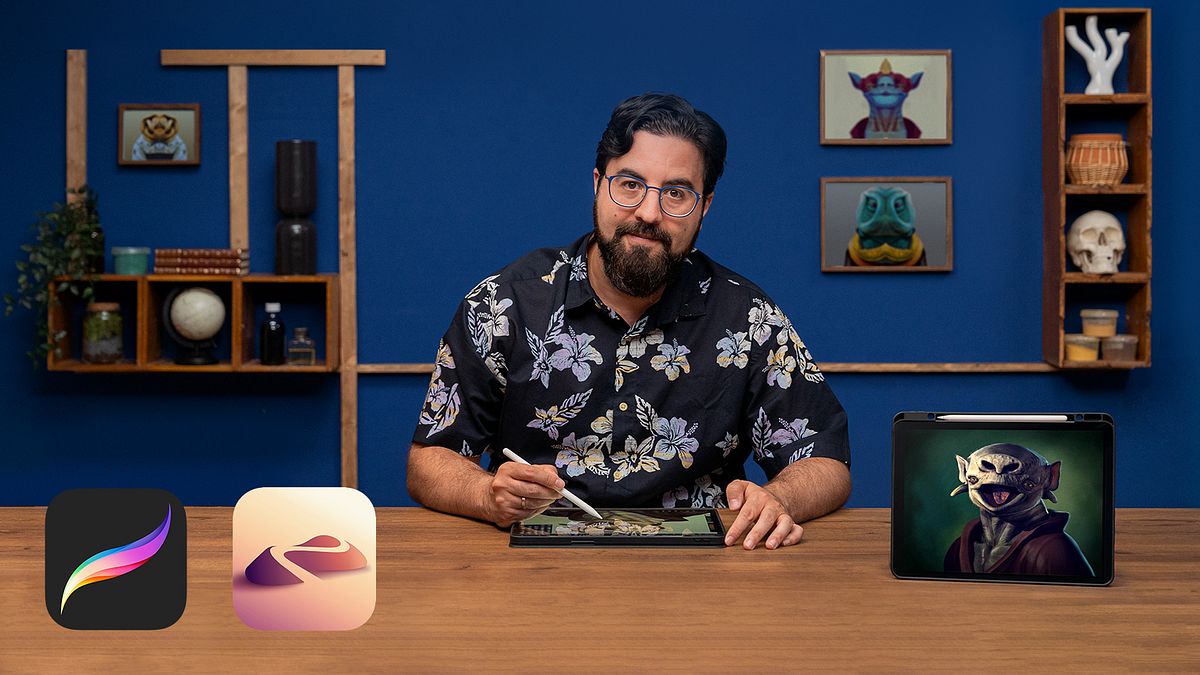
Illustration of 3D Characters on Your iPad
A course by Román García MoraIllustrator and 3D Modeler
A course by Román García Mora, Illustrator and 3D Modeler

Learn how to design and model 3D creatures with Nomad and turn them into realistic illustrations with Procreate
Bringing to life a multitude of creatures that are either extinct or exist only in your imagination can be a rewarding challenge. For illustrator Román García Mora, combining 3D modeling techniques and digital illustration is the fastest and most effective way to breathe life into his fantastic beasts.
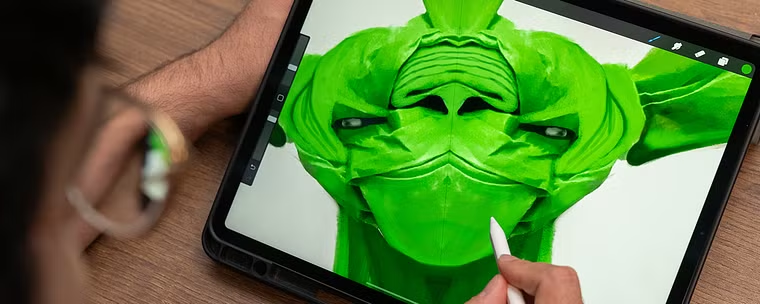
In this course, learn to design and model a 3D creature on the iPad and turn it into a realistic illustration with the help of Nomad and Procreate. Create your project's protagonist from random shapes and add details until you achieve the unique and compelling image you'd imagined.
After guiding you through Introduction to Procreate and Naturalist Animal Illustration with Procreate, Román shows you step by step how to create stunningly convincing illustrations of any creature imaginable.
What will you learn in this online course?
24 lessons & 22 downloads
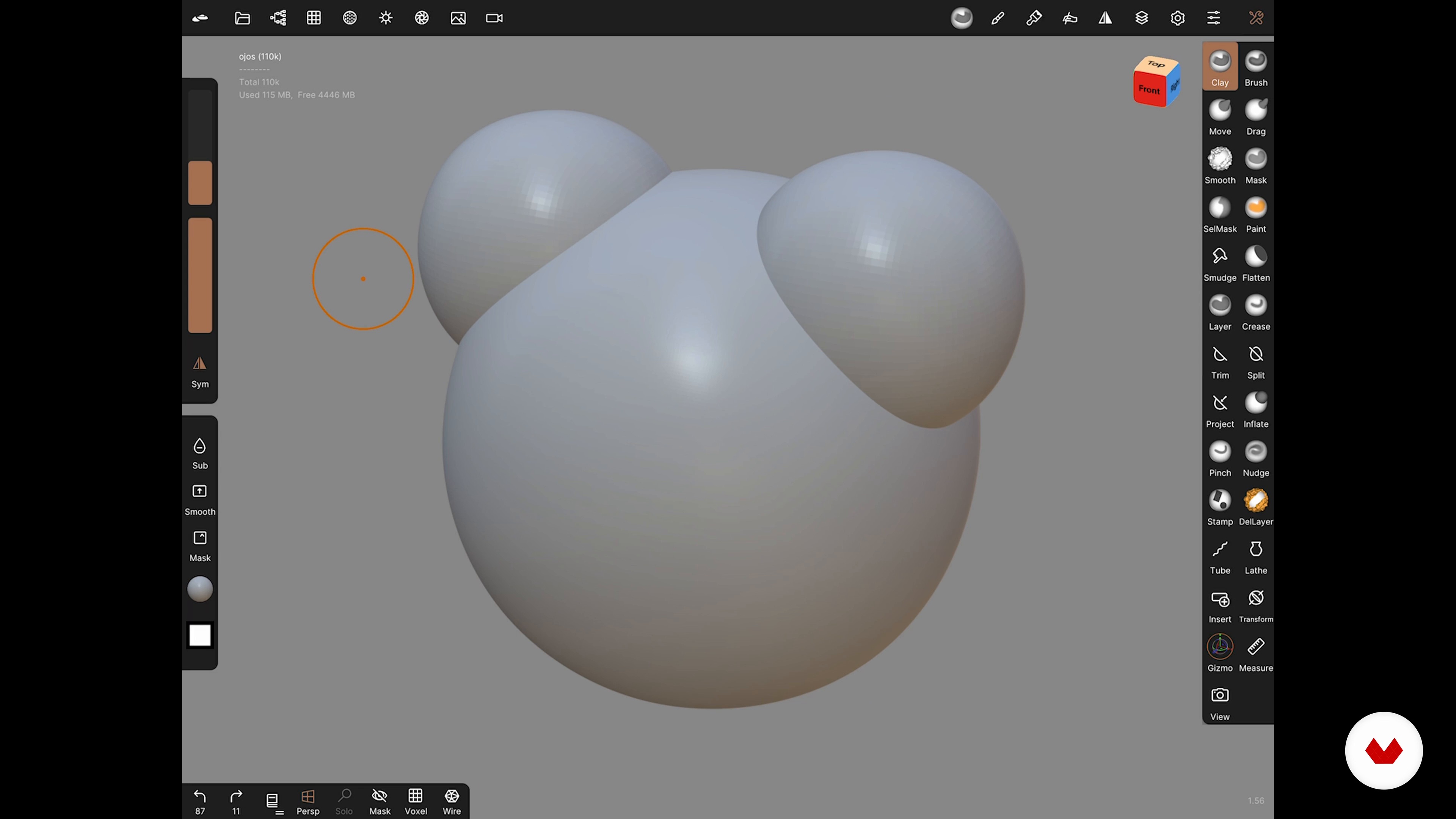
Interface and navigation
15 minutes, 42 seconds
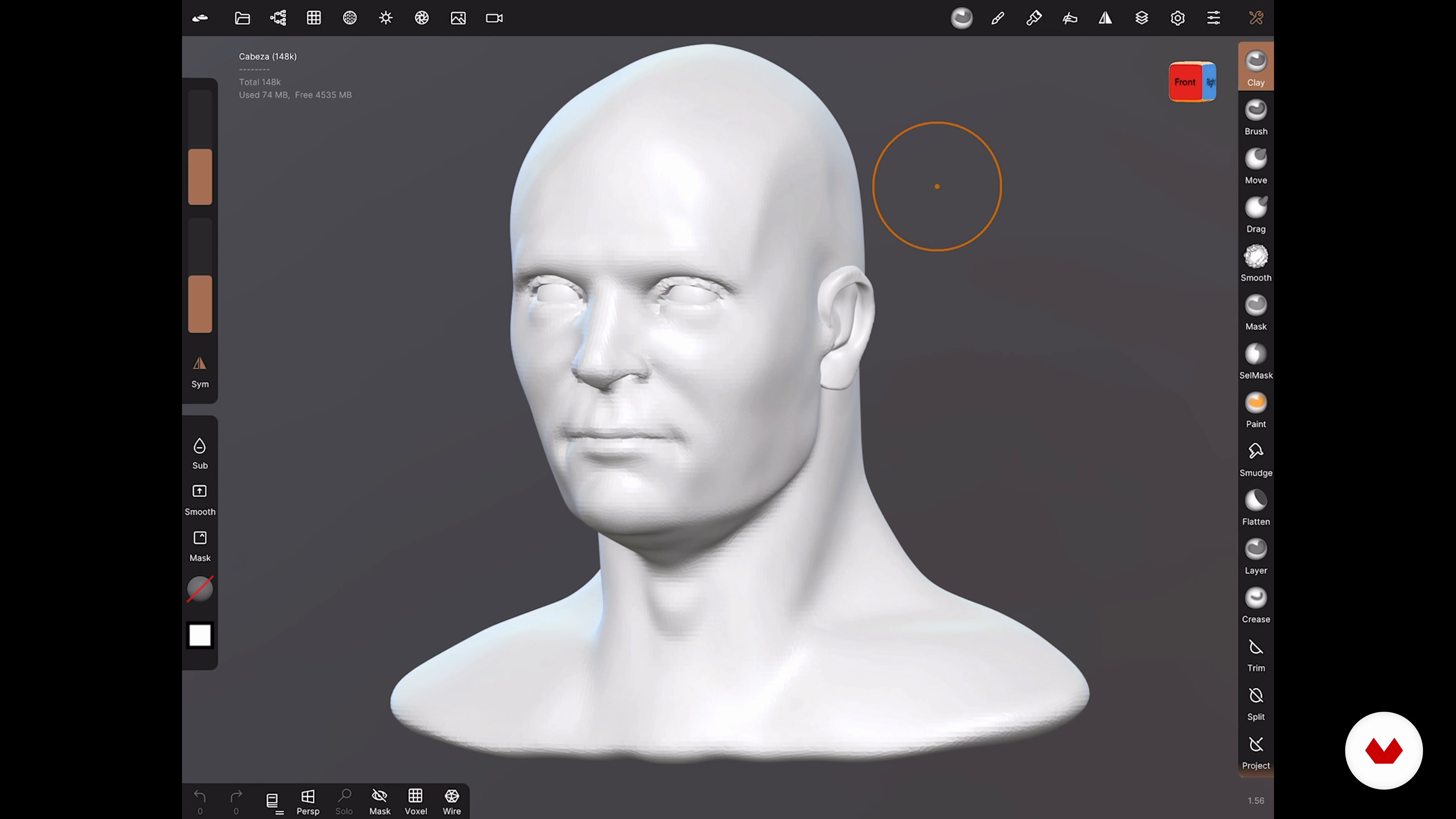
File management
2 minutes, 33 seconds
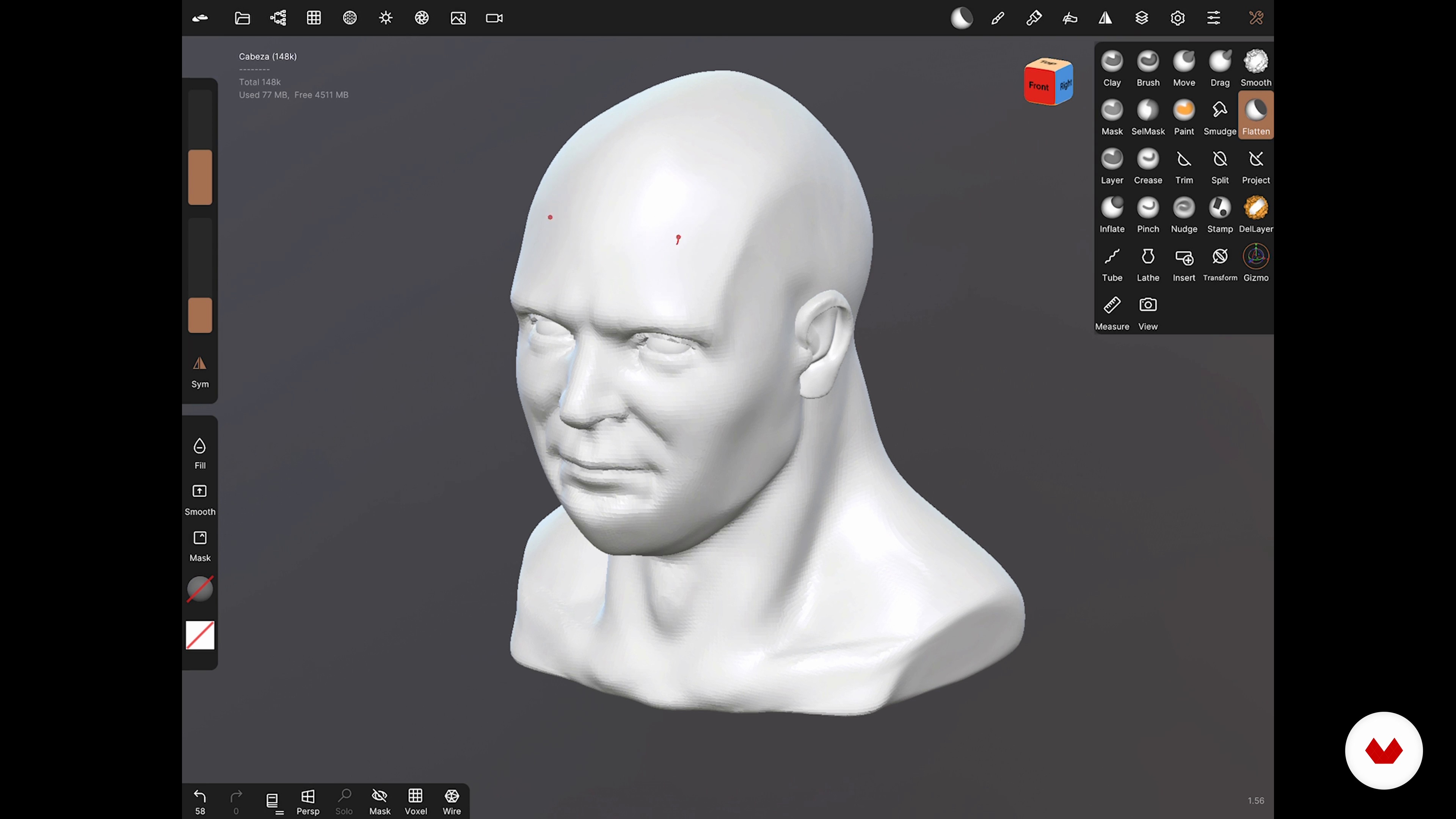
Modeling, Symmetry, and Topology Tools in Nomad 1
14 minutes, 0 seconds
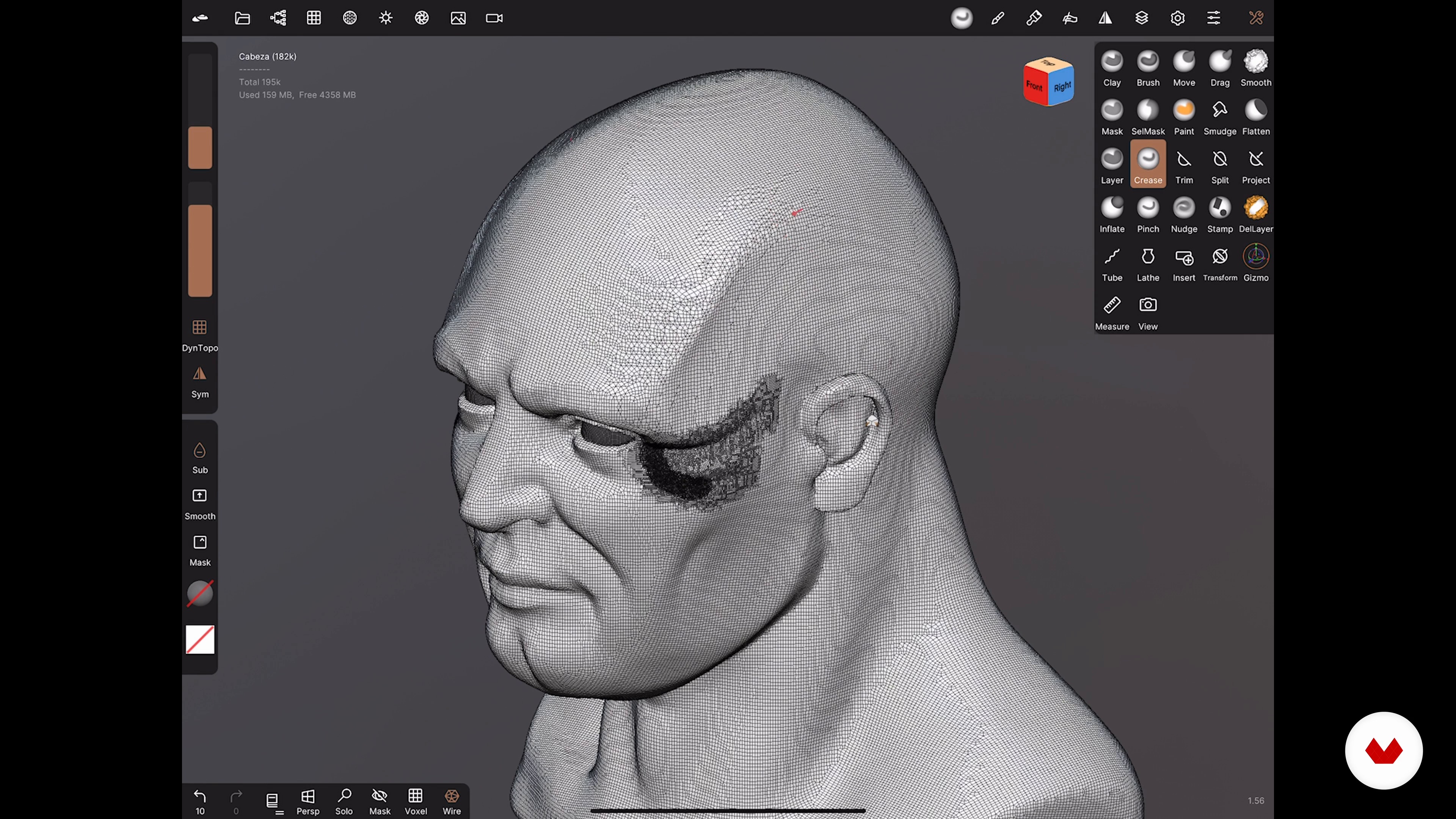
Modeling, Symmetry, and Topology Tools in Nomad 2
12 minutes, 2 seconds
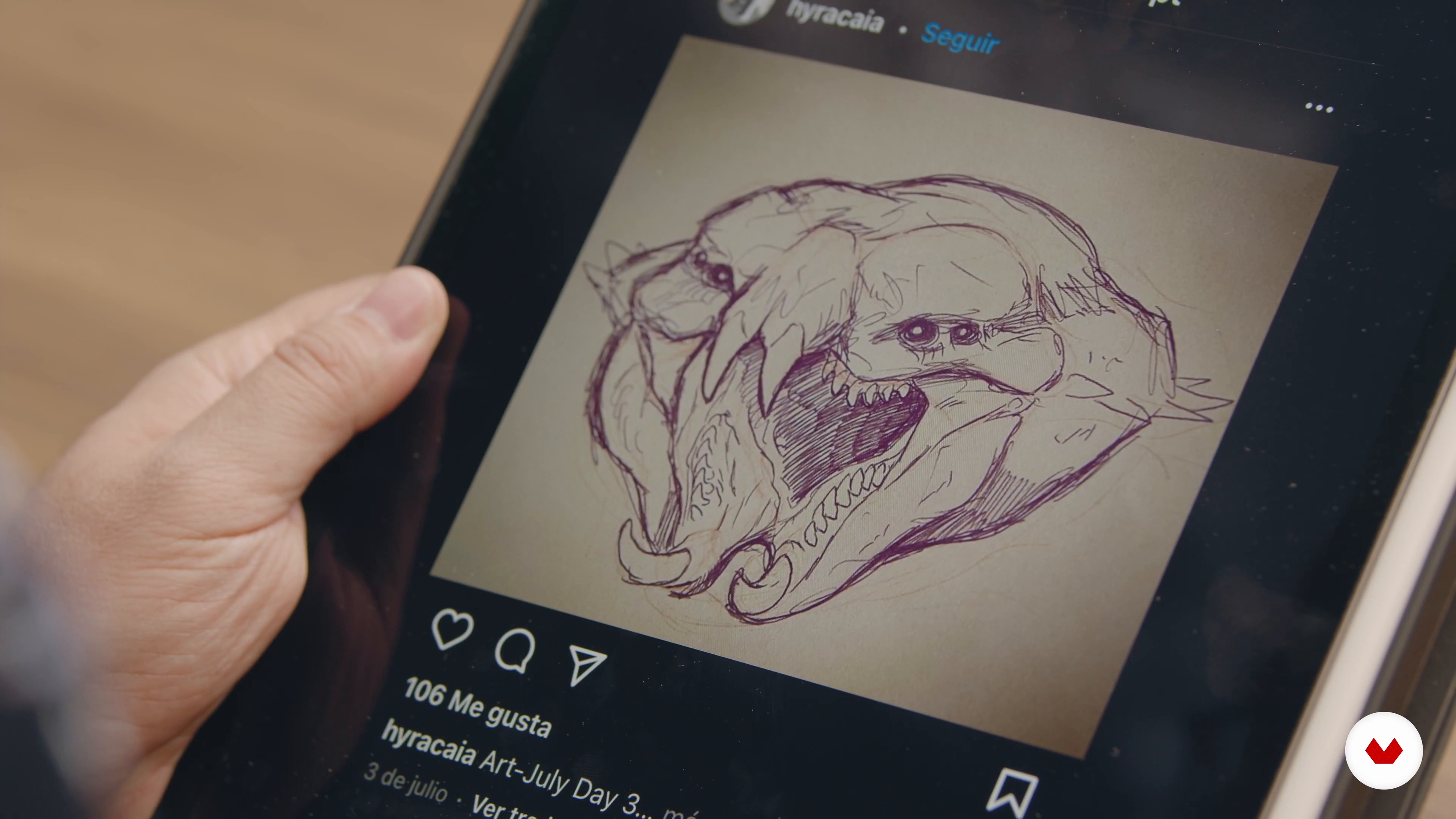
How to come up with new ideas?
1 minute, 31 seconds
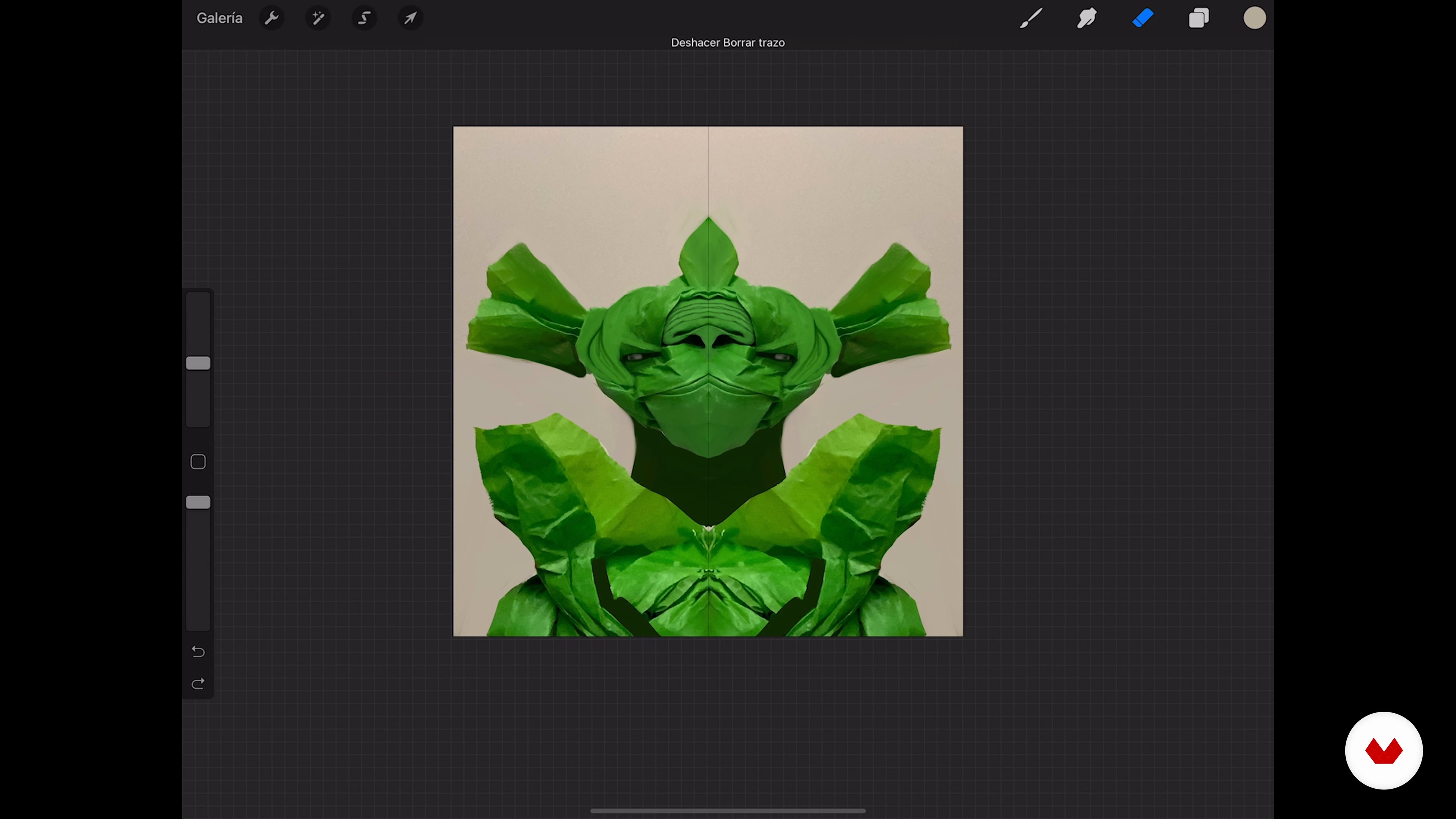
Mirror design 1
19 minutes, 35 seconds
What's included in this course?
Start the course by getting to know Román García Mora a little better. He shares some of his defining pieces and talks about how his biggest influences have allowed him to successfully use entertainment industry techniques in his illustrations.
Discover the digital modeling application Nomad, from its interface to its main features. Román teaches you how to import a 3D model and experiment with its modeling tools.
Now it's time to design a creature for your final project identifying random shapes and using them to achieve unique and beautiful sketches. Román also introduces you to some alternative ways of composing an illustration using a 3D model.
Next, develop the model of your character and add color before setting up a virtual set, including lighting and cameras for taking photos of the final result. Then create a series of renders to move on to the illustration phase in Procreate.
After gradually bringing your composition to life using layer blending modes, paint it and apply 2D textures for a finished piece that's brimming with detail. Finish up by making some final adjustments and exporting your work to share on social media.
Recommended software & tools for this course
What is this course's project?
Do an illustration of a fantastic creature from a 3D model, and then develop the final image using digital editing and 2D illustration techniques.
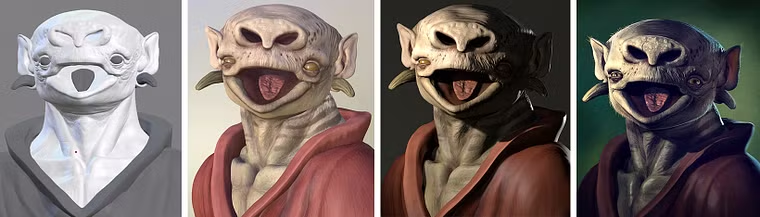
Projects by course students


Who is this online course for?
Illustrators, designers, and 3D modelers who want to get started in the world of organic modeling with the iPad Pro and develop illustrations using 3D models
Requirements and materials
No previous experience with either of the apps nor 3D modeling is necessary, but some basic notions of drawing and image editing are recommended.
For materials, you need an iPad Pro with Nomad and Procreate installed, an Apple Pencil, some basic materials, and bags of imagination.
Reviews
- 1 month ago
Such an amazing course with clear instuctions, i am still half way through but very excited to work on my final project!
- 2 months ago
excelente para quienes vamos iniciando a utilizar nomad sculpt y principiantes en el área de escultura 3d
- 5 months ago
Başarılı anlaşılabilir bir dil ve çok iyi dublaj.Tebrikler
- 6 months ago
Muito bom!! tô super ansiosa pra começar!!
- 6 months ago
Excelente curso

His work consists of creating images of things that we cannot see because they belong to a past time, the world of imagination, or simply because they are not perceptible to the human eye. To achieve this, he uses digital illustration as the foundation for his work and combines it with traditional techniques, 3D modeling, and illustrative retouching.
Content
- U1
Introduction
- Presentation
- Influences
- U2
Introduction to Nomad
- Interface and navigation
- File management
- Modeling, Symmetry, and Topology Tools in Nomad 1
- Modeling, Symmetry, and Topology Tools in Nomad 2
- U3
Design of the creature in Procreate
- How to come up with new ideas?
- Mirror design 1
- Mirror design 2
- Workflow perspective 3D-illustration
- U4
Digital sculpture with Nomad
- Modeling 1
- Modeling 2
- Modeling 3
- Modeling 4
- Modeling 5
- Modeling 6
- Color and texture 1
- Color and texture 2
- Lights and cameras in Nomad
- Render passes
- U5
Development of the final image
- Composition of render passes
- Overpainting and use of 2D textures 1
- Overpainting and use of 2D textures 2
- Final Image Adjustment
- FP
Final project
- Illustration of 3D Characters on Your iPad
What to expect from a Domestika course
Learn at your own pace
Enjoy learning from home without a set schedule and with an easy-to-follow method. You set your own pace.
Learn from the best professionals
Learn valuable methods and techniques explained by top experts in the creative sector.
Meet expert teachers
Each expert teaches what they do best, with clear guidelines, true passion, and professional insight in every lesson.
Certificates
PLUSIf you're a Plus member, get a custom certificate signed by your teacher for every course. Share it on your portfolio, social media, or wherever you like.
Get front-row seats
Videos of the highest quality, so you don't miss a single detail. With unlimited access, you can watch them as many times as you need to perfect your technique.
Share knowledge and ideas
Ask questions, request feedback, or offer solutions. Share your learning experience with other students in the community who are as passionate about creativity as you are.
Connect with a global creative community
The community is home to millions of people from around the world who are curious and passionate about exploring and expressing their creativity.
Watch professionally produced courses
Domestika curates its teacher roster and produces every course in-house to ensure a high-quality online learning experience.
FAQs
You’ll learn how to create both fantastic and scientific creatures by combining 3D modeling in Nomad with digital illustration techniques in Procreate and Photoshop, integrating references, textures, and composition to produce realistic, professional-quality images.
This is an intermediate-level course, perfect for those with basic skills in illustration or digital modeling who want to deepen their knowledge of integrated workflows and advanced iPad techniques.
You’ll need an iPad (ideally an iPad Pro), an Apple Pencil, and the apps Nomad Sculpt, Procreate, and Photoshop. Basic prior experience with digital drawing and modeling will be helpful.
You’ll learn how to create, edit, and texture 3D models using sculpting tools, symmetry, masks, remeshing, cutting, geometry manipulation, and topology optimization in Nomad Sculpt.
The course teaches you how to export 3D models from Nomad and enhance them with color, textures, details, and final composition in Procreate and Photoshop, using layers, blending modes, and overpainting techniques.
You’ll be able to develop fantastic creatures, dinosaur reconstructions, paleontological infographics, and realistic scientific models by applying visual references and accurate anatomy.
You’ll learn how to export models in STL and other compatible formats for 3D printing, and how to create renders at various resolutions for editing in Photoshop or Procreate.