
Designing 3D Chrome Letters in Procreate
A course by Aurelie MaronLettering Artist and Graphic Designer
A course by Aurelie Maron, Lettering Artist and Graphic Designer

Bring energy and dimension to your lettering compositions by exploring colors, shadows, textures, and effects using the Procreate app
Just like illustration, lettering requires a lot of sketching, editing, and refining—a process made much easier by digital tools like Procreate. For lettering artist and graphic designer Aurelie Maron, it’s an essential tool for creating vibrant artwork that has seen her work with clients such as Uber, Cincinnati Magazine, and The Vegilantes.
In this online course, Aurelie teaches you how to draw your own words and give them dimension through special effects in Procreate. Explore her step-by-step process for creating realistic, retro-inspired lettering with a 3D chrome effect and take your lettering practice to the next level!
What will you learn in this online course?
12 lessons & 17 downloads
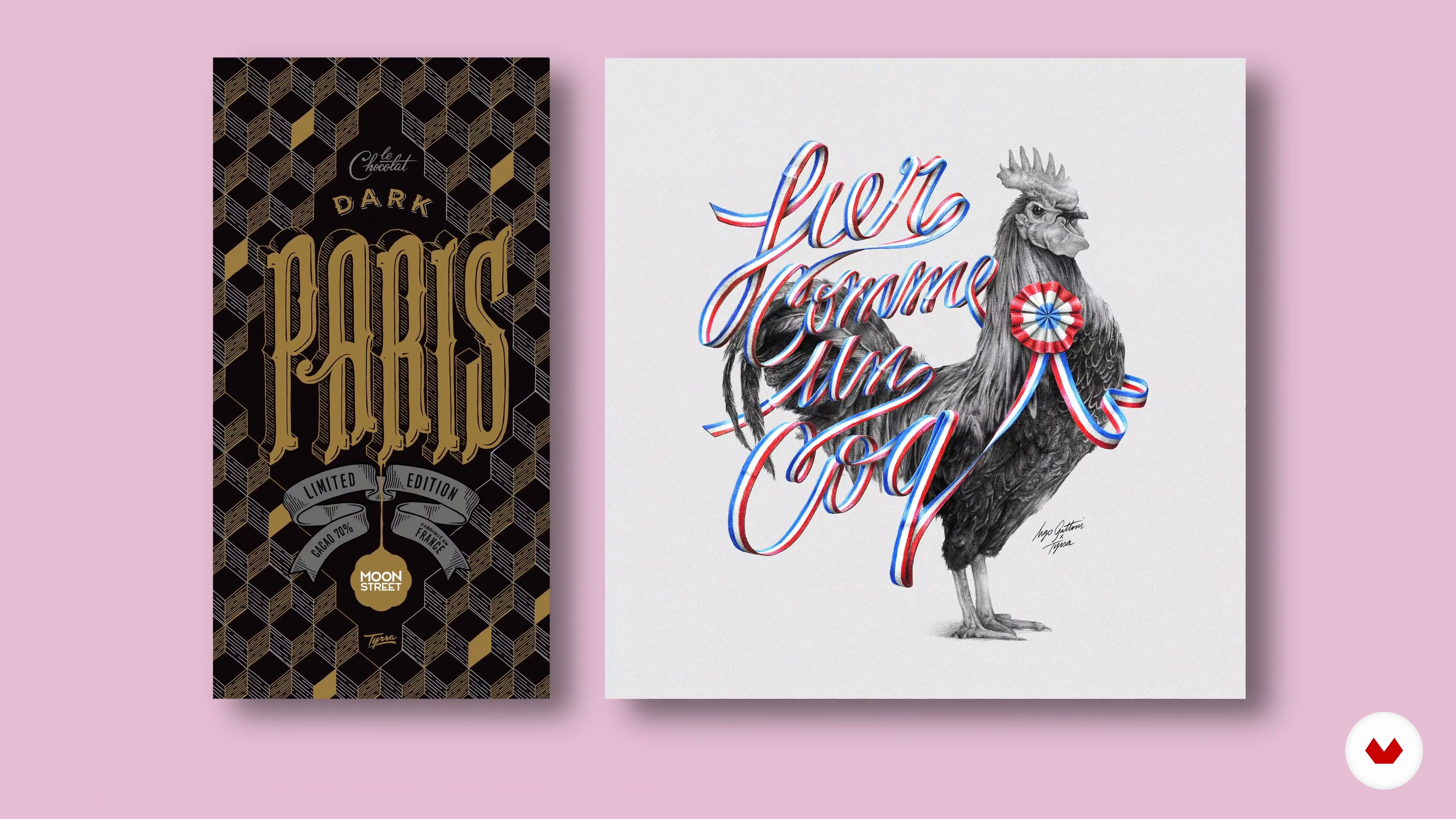
Influences
2 minutes, 55 seconds
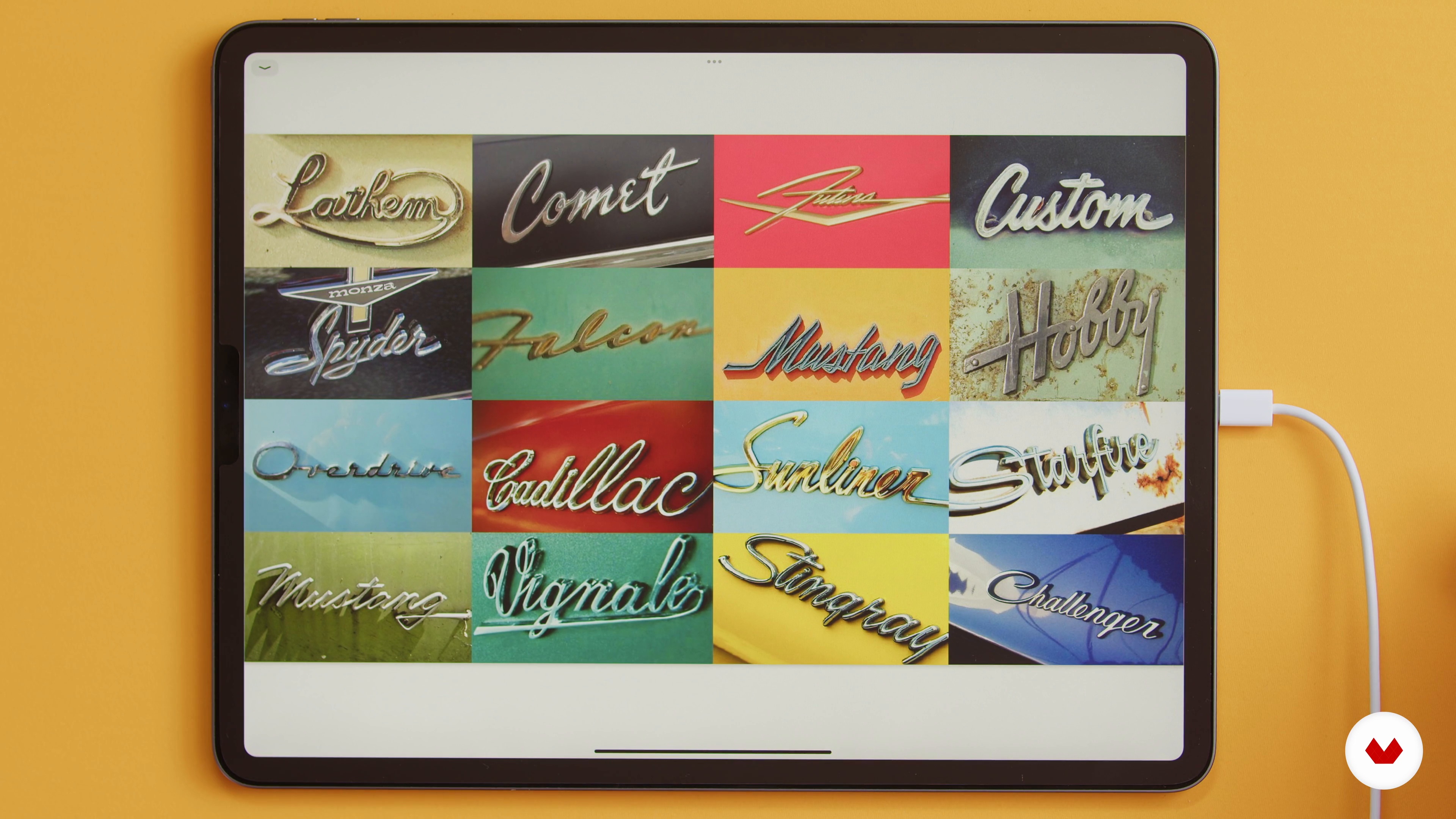
Materials and Hand Lettering Basics
5 minutes, 14 seconds
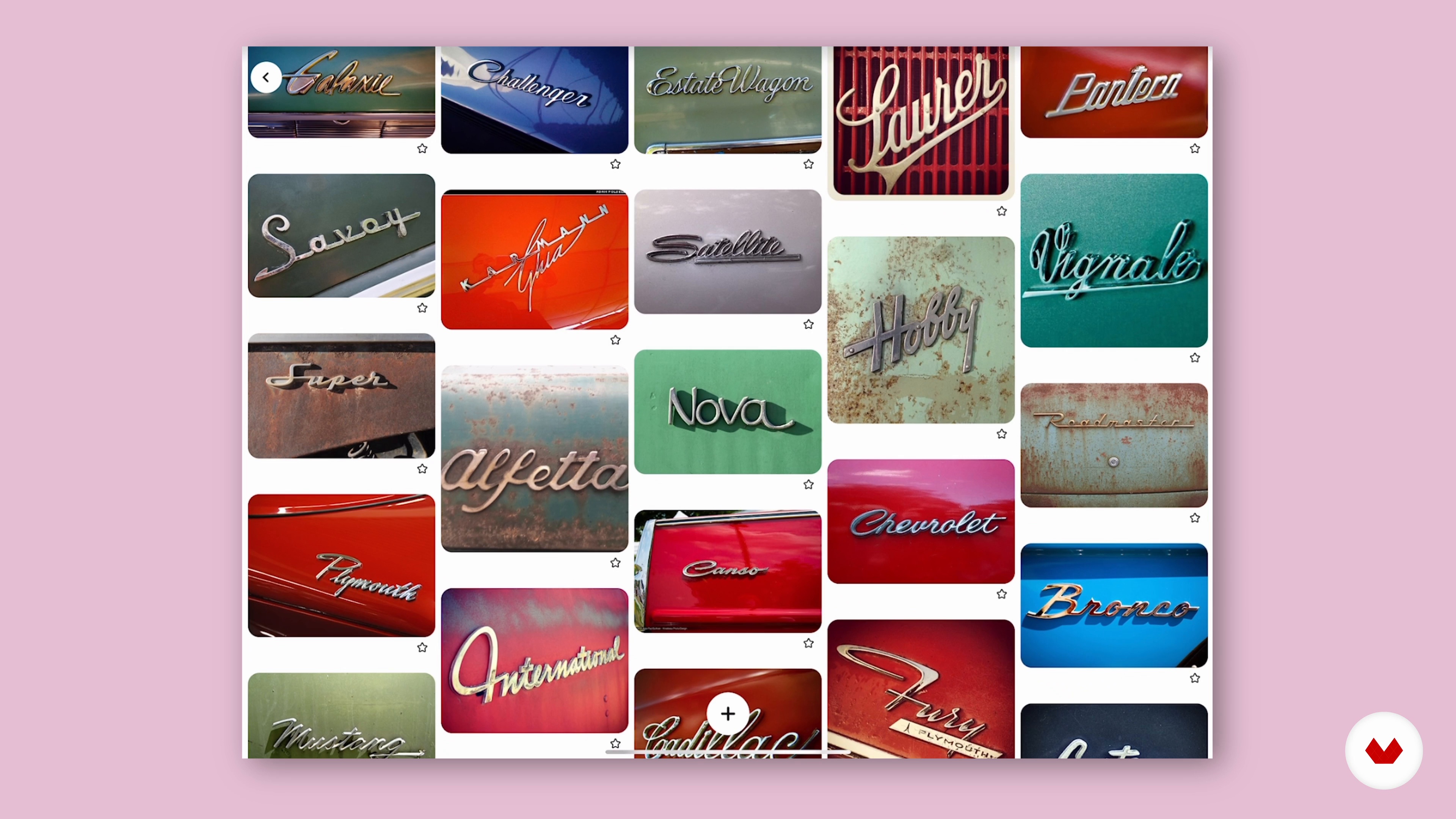
Picking Your Own Word and Style
7 minutes, 38 seconds
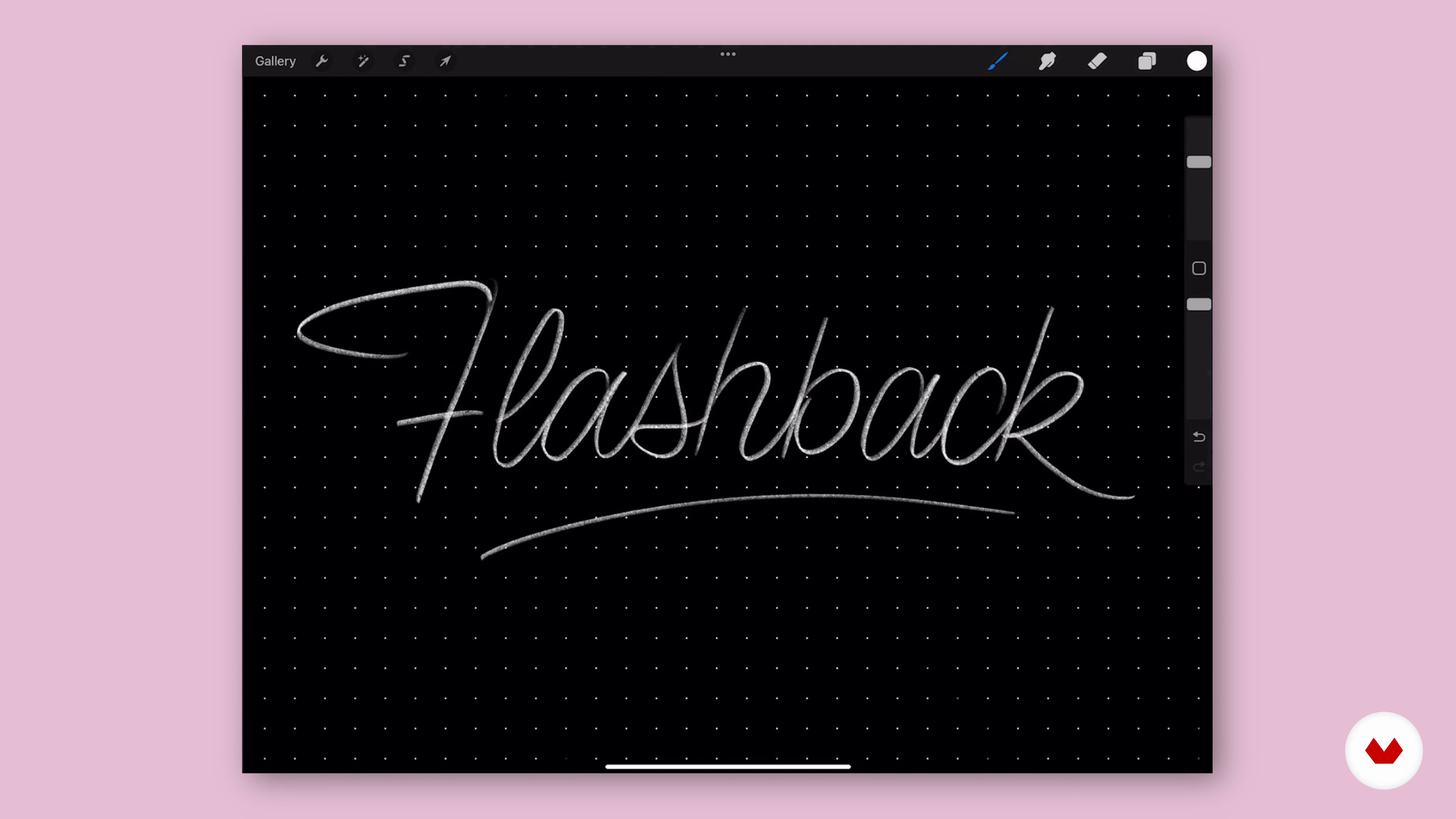
Preparing the Canvas in Procreate
11 minutes, 57 seconds
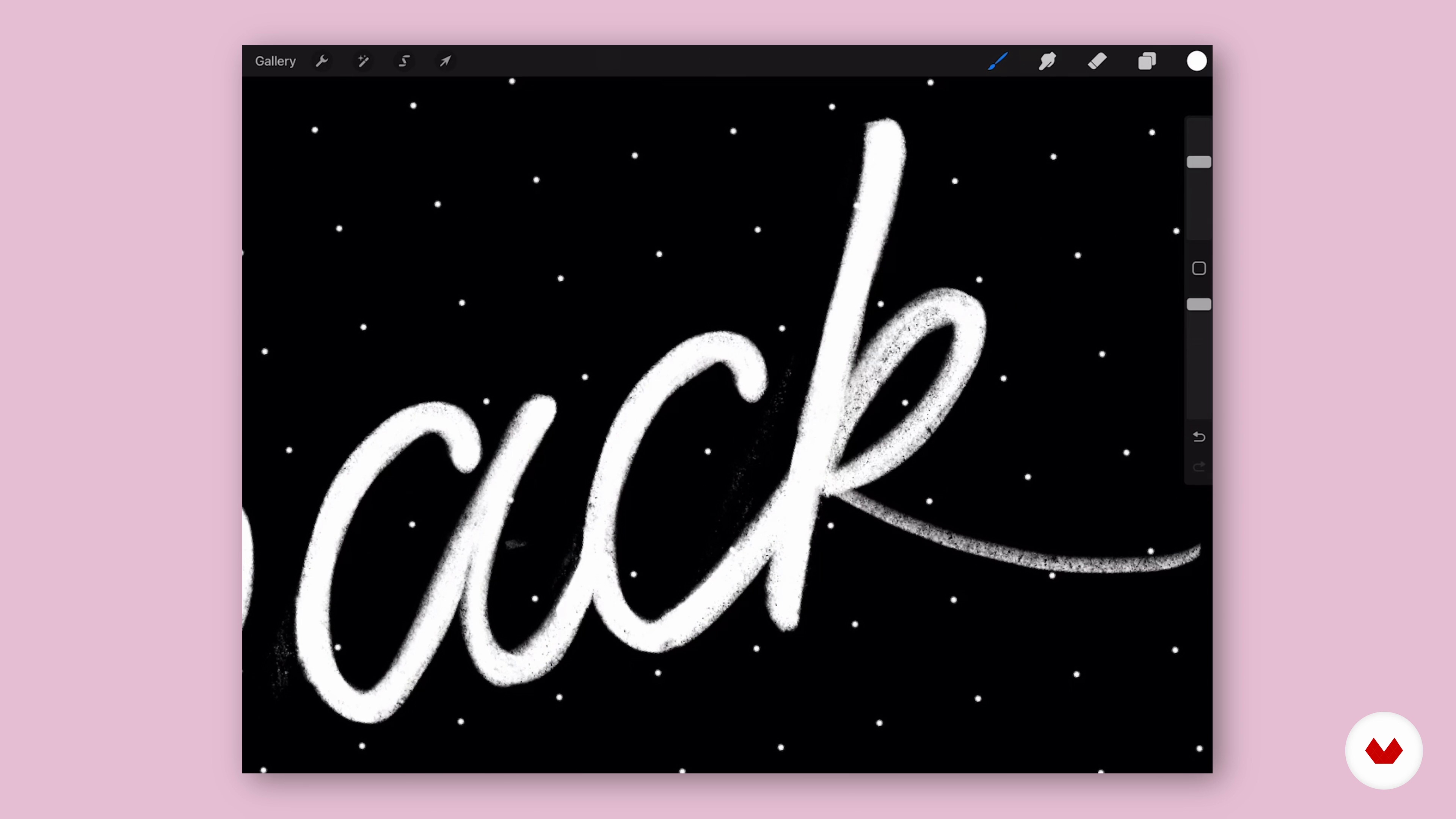
Sketch Refinement
10 minutes, 17 seconds
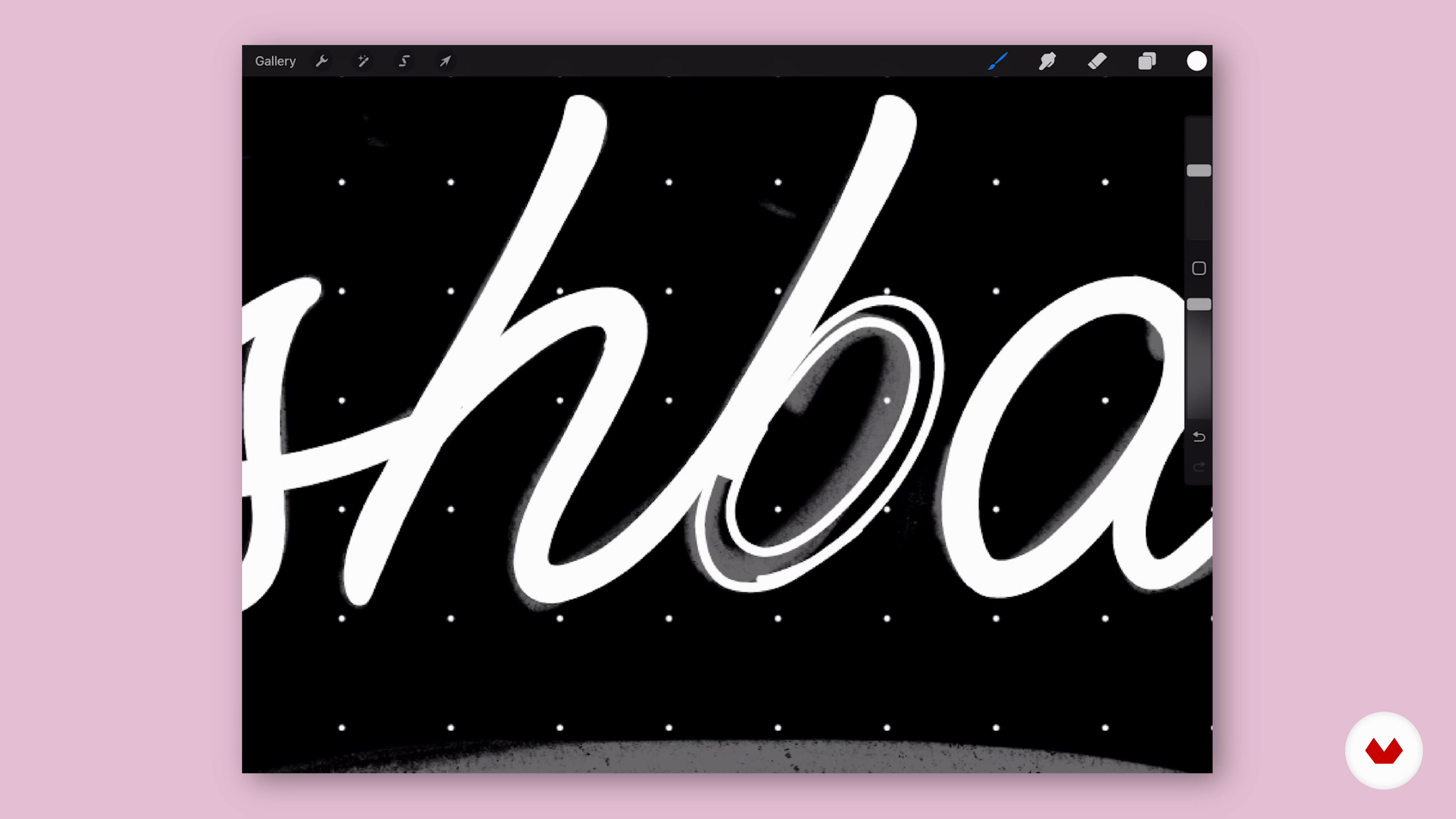
Creating the Final Shape
18 minutes, 35 seconds
What's included in this course?
Begin the course by getting to know lettering artist Aurelie Maron. Discover the creative journey that led her to start her own studio along with the influences that inspire her.
Dive into the materials needed as well as some basic lettering techniques. Then learn how to draw script letterforms. Build a mood board of inspiration and decide on a word for your project before creating an initial sketch.
Prepare your canvas in Procreate, then refine your drawing, following Aurelie’s tips for creating cohesive letterforms. Develop the final shape of your word using the vector brush.
Learn how to add color and volume, as well as apply shadows and highlights to achieve a chrome effect. To wrap up the course, Aurelie shows you how to make the final adjustments to your image so it’s ready to share on social media.
What is this course's project?
Illustrate a word of your choice by exploring colors, shadows, highlights, and textures to achieve a realistic 3D chrome effect in Procreate.

Projects by course students


Who is this online course for?
This course is for anyone who wants to improve their digital lettering skills and explore new styles.
Requirements and materials
No previous experience is required, but a basic understanding of Procreate would be beneficial.
In terms of materials, you need an iPad, a stylus, and the latest version of the Procreate app.

Reviews
- neloner55PLUS1 month ago
Muy bien explicado, sin duda aprendes! Un gusto poder aprender de gran Artista, respeto y admiración.
- 4 months ago
Excellent instruction from a master artist.
- 7 months ago
Excellent instruction from a master artist.
- 7 months ago
Ce cours m'a permit de découvrir l'art du lettrage et une nouvelle manière d'exprimer sa créativité. Contenu très intéressant et bien présenté par l'artiste qui m'a transmit l'envie de me perfectionner d'avantage. Merci pour cette belle découverte.
- 1 year ago
If you want to learn from the best, Aurelie is it. I adore her classes but cant afford them all. Was so happy when Domestika brought her to us. She is meticulous not only in her own portfolio but also in her class delivery. Nothing is rushed. All detailed and polished with care.

Since then, she’s started her own studio and taught hundreds of design students online and at university. Alongside selling lettering toolkits via her online shop and sharing her work with over 100K followers on Instagram, Aurelie has collaborated with brands like Uber, Cincinnati Magazine, and The Vegilantes.
Content
- U1
Introduction
- About Me
- Influences
- U2
Pre-production
- Materials and Hand Lettering Basics
- How to Draw Script Letterforms
- Picking Your Own Word and Style
- U3
Production
- Preparing the Canvas in Procreate
- Sketch Refinement
- Creating the Final Shape
- U4
Refining the Last Details
- Adding Colour and Volume
- Applying Shadows and Highlights 1
- Applying Shadows and Highlights 2
- Final Background Adjustments
- FP
Final project
- Designing 3D Chrome Letters in Procreate
What to expect from a Domestika course
Learn at your own pace
Enjoy learning from home without a set schedule and with an easy-to-follow method. You set your own pace.
Learn from the best professionals
Learn valuable methods and techniques explained by top experts in the creative sector.
Meet expert teachers
Each expert teaches what they do best, with clear guidelines, true passion, and professional insight in every lesson.
Certificates
PLUSIf you're a Plus member, get a custom certificate signed by your teacher for every course. Share it on your portfolio, social media, or wherever you like.
Get front-row seats
Videos of the highest quality, so you don't miss a single detail. With unlimited access, you can watch them as many times as you need to perfect your technique.
Share knowledge and ideas
Ask questions, request feedback, or offer solutions. Share your learning experience with other students in the community who are as passionate about creativity as you are.
Connect with a global creative community
The community is home to millions of people from around the world who are curious and passionate about exploring and expressing their creativity.
Watch professionally produced courses
Domestika curates its teacher roster and produces every course in-house to ensure a high-quality online learning experience.
FAQs
This course is best for intermediate learners with some experience in lettering or digital illustration. Basic familiarity with Procreate and hand lettering will help you get the most from the lessons.
You’ll need an iPad with Procreate installed, an Apple Pencil or compatible stylus, and optionally pen and paper for sketching. Access to Pinterest or reference images for mood boards is also recommended.
You’ll learn to create retro-style and chrome-effect lettering, master script basics, add 3D effects, develop custom typefaces, and use Procreate workflows for professional results. The course also covers composition, color palettes, and digital ornaments.
The course covers both digital and hand lettering, teaching workflows for pen and paper as well as detailed techniques in Procreate for iPad.
Yes, you’ll learn step-by-step how to design retro-inspired logos, including sketching, composition, and adding chrome effects to create authentic vintage looks.
Basic knowledge of Procreate is helpful, but the course includes workflow tips and step-by-step guidance for using Procreate’s key features in lettering projects.
Typography involves arranging typefaces, lettering is drawing custom letterforms, and calligraphy is writing letters with specific strokes. The course focuses mainly on lettering and touches on typography principles.