Photograph Retouching for Fashion and Beauty with Photoshop
A course by Alain PerdomoDigital artist, photographer and retoucher
A course by Alain Perdomo, Digital artist, photographer and retoucher

Learn professional retouching techniques to create perfect portraits
In advertising photography, a model's look is essential to improve the perception of the product and to achieve perfect results. This is where professional retouching techniques come in. In this online course, Alain Perdomo, a digital artist, photographer, and retoucher with extensive experience in advertising and beauty images, shares the secrets of his retouching process to achieve impeccable finishes.
Focusing on skin and hair, he teaches you how to control light and color in post-production, as well as the art of digital makeup—a fundamental technique for beauty photography.
What will you learn in this online course?
15 lessons & 9 downloads
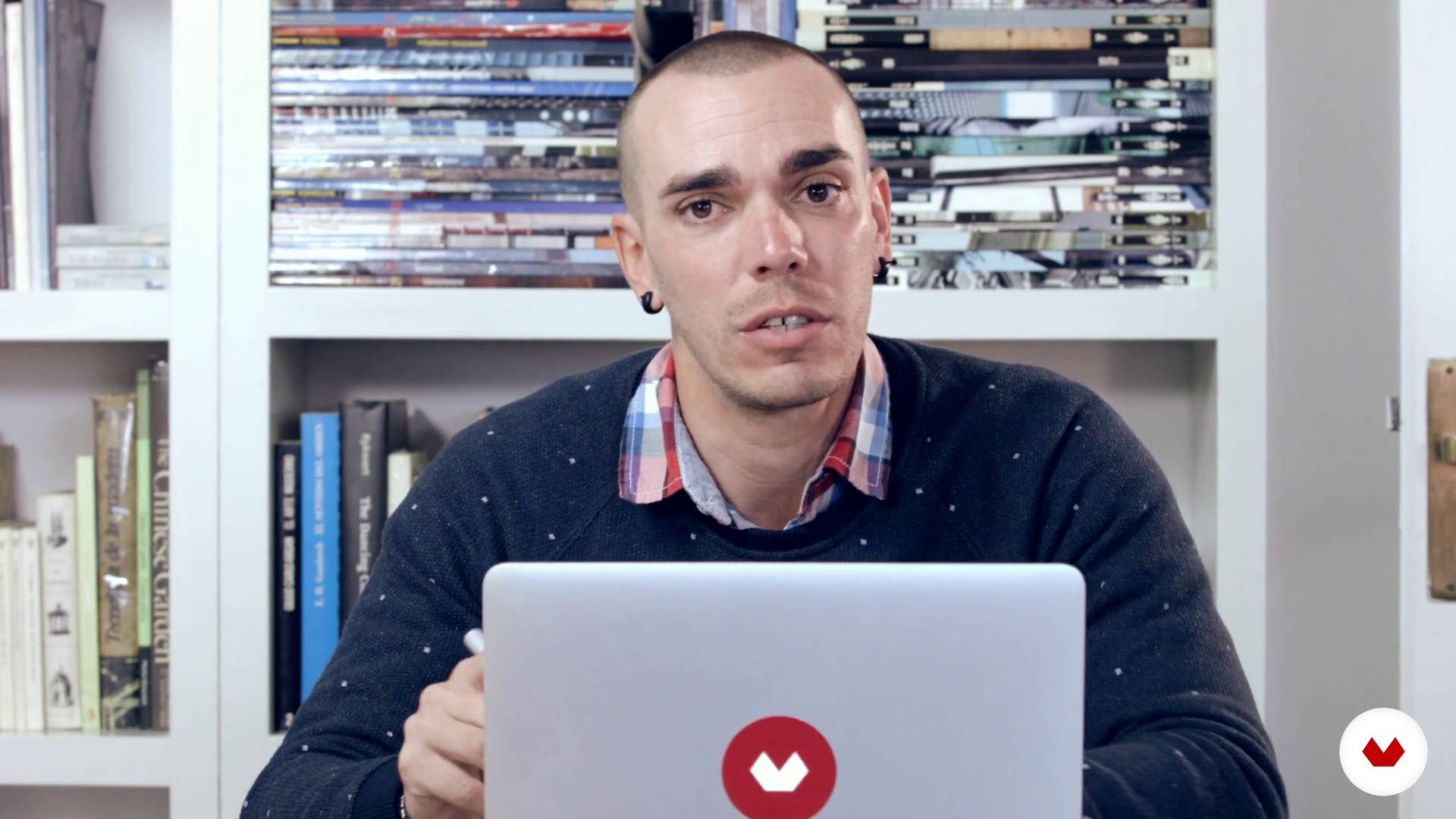
Workflow
4 minutes, 49 seconds
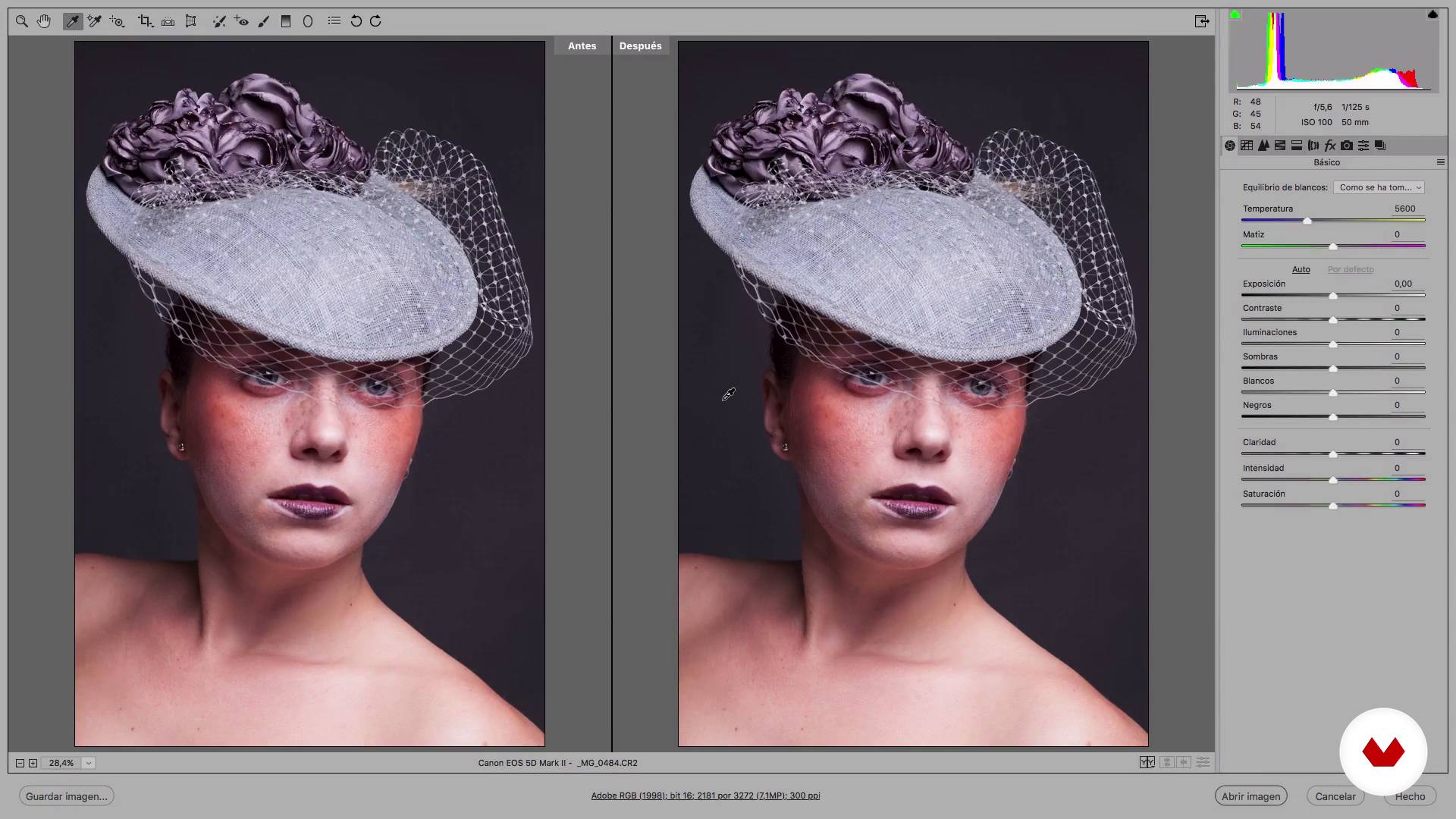
Primary corrections
8 minutes, 34 seconds
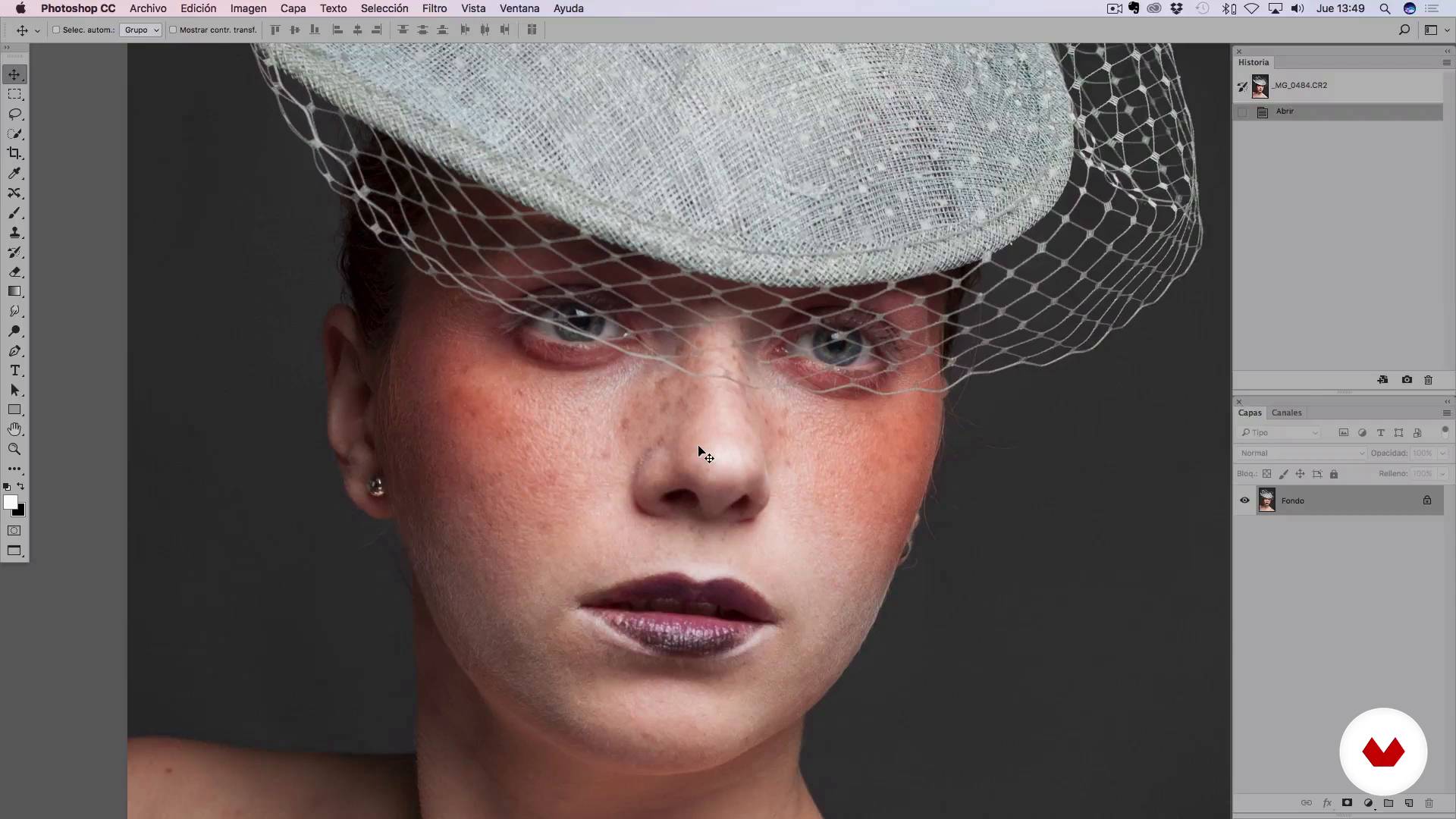
Skin type assessment
4 minutes, 20 seconds
Skin retouching by mixing several methods I
19 minutes, 39 seconds
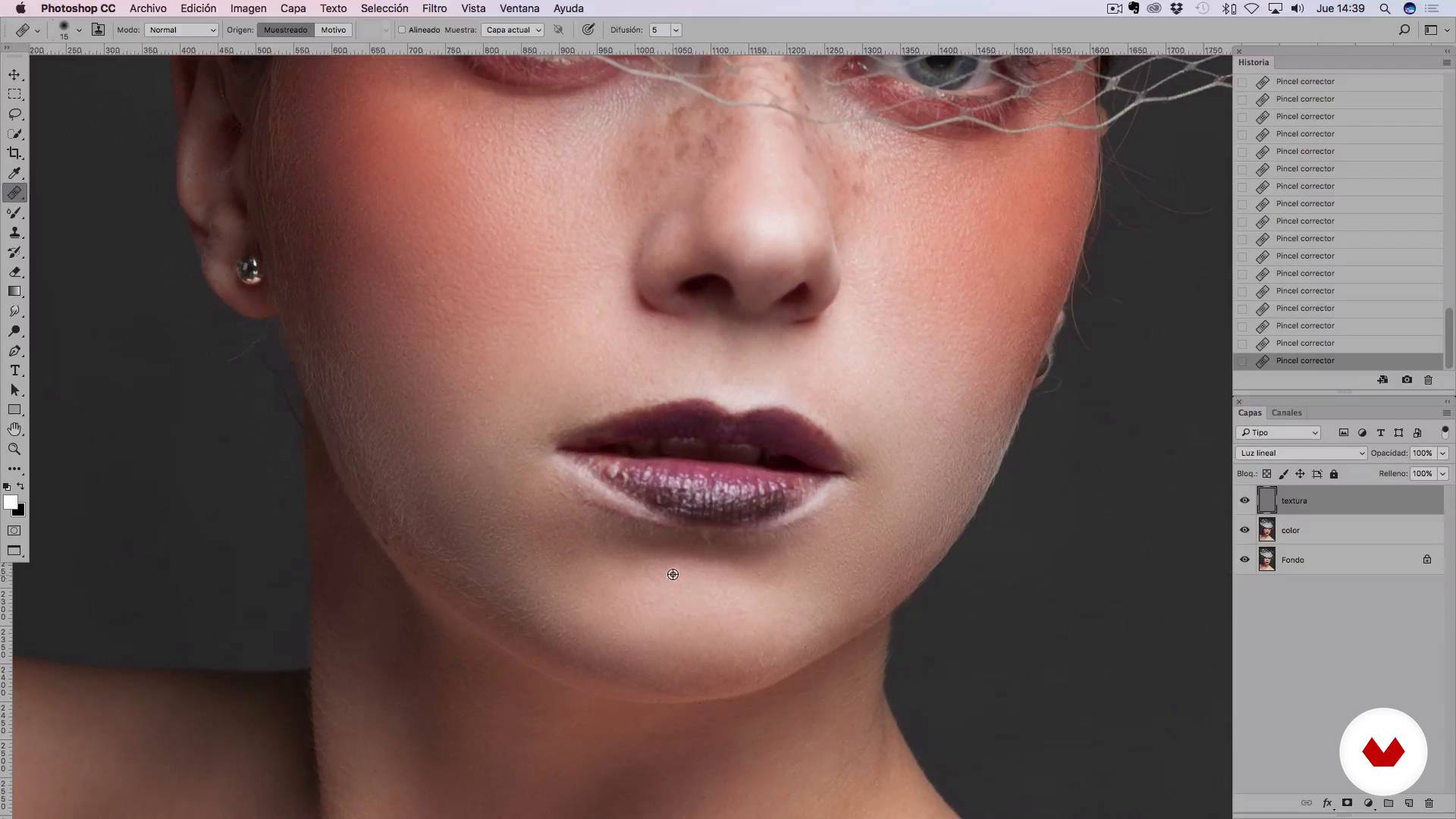
Skin retouching by mixing several methods II
8 minutes, 22 seconds
Perfecting the skin
15 minutes, 45 seconds
What's included in this course?
After meeting your teacher, get an introduction to RAW files and how to work with them. Then, learn how to make the first corrections to your photographic portrait. Focus on color balance and neutralizing the image before retouching the skin and looking at the reframing options, as well as optimal settings.
Next, assess your model's skin type and complete exercises to understand how to work with the different tones.
Using light and exposure, discover techniques to perfect the skin for a striking finish. Alain also shows how to configure and use the Blend tool—essential in beauty photography.
Apply digital makeup techniques to your model, as well as lights and shadows to play with the volume and depth of the elements in the photograph.
Next, Alain shows you how to adjust the colorimetry, add the finishing touches, and find an interesting focus to highlight in the image.
Finally, learn to correctly export your photographs in .jpg or another format for printing.
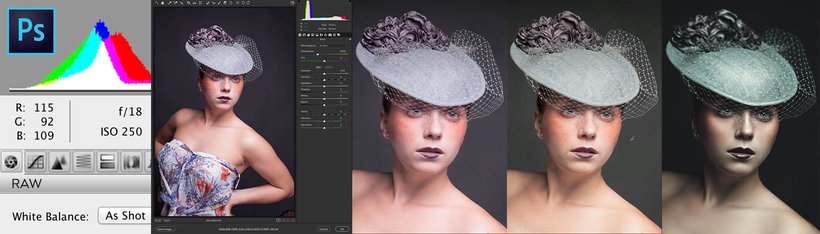
Recommended software & tools for this course
What is this course's project?
Retouch a photographic portrait, paying special attention to skin and hair.
Projects by course students


Who is this online course for?
Amateur or professional photographers and retouchers, as well as anyone interested in the world of fashion and beauty photo retouching.
Requirements and materials
Basic knowledge of Adobe Photoshop is required.
For materials, you need a computer with access to Photoshop or a similar photo editing program. A graphics tablet is also recommended.
Reviews
- 1 month ago
I am very satisfied with this course, what I particularly like is that Alain takes time to explain why things have to be the way they are and he really pays a lot of attention to go through each and every step.
Great job Alain!
- 3 months ago
Muy bueno
- 4 months ago
Very Good!!!! El mejor curso de retoque Profesional de Piel!!!!!
- 5 months ago
Great Course 👏👏
- luisledesmaphotoPLUS5 months ago
Me esta encantando, es un curso muy bueno y con trucos y detalles no han envejecido mal, al contrario siguen vigentes

He trained at the National School of Fine Arts in Havana (Cuba) and during his professional career he has seen his work on numerous occasions. His photographs have been awarded in different international competitions and he has collaborated with publications such as Digital Photo, Fashion & Look, Mac & PC, Eden or FHM, among others.
Content
- U1
Introduction
- Presentation
- Influences
- U2
Workflow and first corrections
- Workflow
- Primary corrections
- Skin type assessment
- U3
Retouching the skin and second corrections
- Skin retouching by mixing several methods I
- Skin retouching by mixing several methods II
- Perfecting the skin
- Smoothie
- Digital makeup
- Reillumination, volume and depth I
- Reillumination, volume and depth II
- U4
Last corrections and final finishing
- Selective adjustments
- Area of interest, method of selective focus
- Export image
- FP
Final project
- Fashion and beauty photo retouch with Photoshop
What to expect from a Domestika course
Learn at your own pace
Enjoy learning from home without a set schedule and with an easy-to-follow method. You set your own pace.
Learn from the best professionals
Learn valuable methods and techniques explained by top experts in the creative sector.
Meet expert teachers
Each expert teaches what they do best, with clear guidelines, true passion, and professional insight in every lesson.
Certificates
PLUSIf you're a Plus member, get a custom certificate signed by your teacher for every course. Share it on your portfolio, social media, or wherever you like.
Get front-row seats
Videos of the highest quality, so you don't miss a single detail. With unlimited access, you can watch them as many times as you need to perfect your technique.
Share knowledge and ideas
Ask questions, request feedback, or offer solutions. Share your learning experience with other students in the community who are as passionate about creativity as you are.
Connect with a global creative community
The community is home to millions of people from around the world who are curious and passionate about exploring and expressing their creativity.
Watch professionally produced courses
Domestika curates its teacher roster and produces every course in-house to ensure a high-quality online learning experience.
FAQs
You’ll learn professional techniques for skin retouching, photomontage, studio lighting, color management, editing in Camera Raw and Photoshop, and how to apply these skills to beauty and fashion photography.
Yes, the course is designed for people with basic photography and editing knowledge and aims to deepen advanced retouching, lighting, and color management techniques.
Basic Photoshop skills are recommended since the course covers intermediate to advanced digital editing and retouching methods.
You’ll need a digital camera (preferably with RAW capability), access to Photoshop and Camera Raw, and a computer powerful enough for image editing.
Yes, the course teaches techniques like frequency separation, mixer brush, and healing brush to achieve natural skin retouching while preserving authentic details like freckles and texture.
Frequency separation is an advanced technique that lets you treat skin texture and color separately, enabling more precise and natural retouching.
You’ll learn how to plan and control studio lighting for both advertising and beauty photography, focusing on light direction, contrast, and cinematic ambiance.