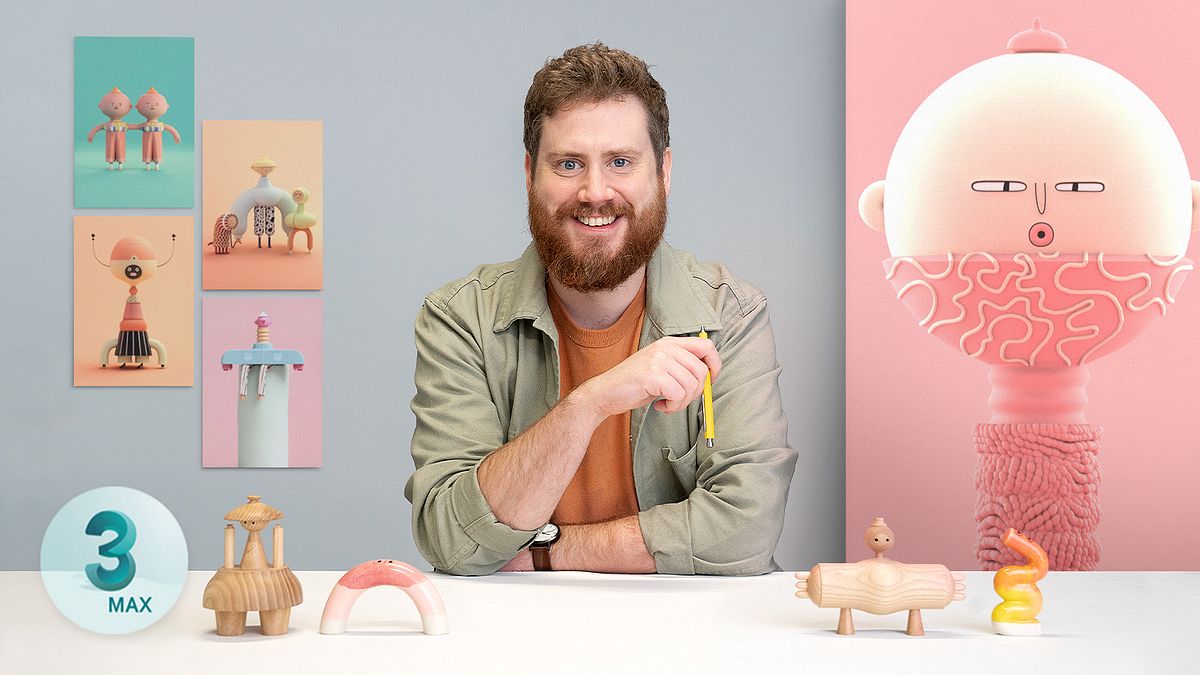
Creative 3D Characters with 3ds Max
A course by Laurie RowanAnimator, Illustrator, and Director
A course by Laurie Rowan, Animator, Illustrator, and Director

Convert hand-drawn sketches into playful 3D characters and discover your own unique style
“I try to create joyful universal experiences with a sense of celebration,” says Laurie Rowan, an animator, illustrator, and director with a passion for creating surreal and playful 3D characters. The UK-based creator focuses on tactility, color, and fun in his work, blending inspiration from animals, folk costumes, ceramics, and dance to produce characters that are refreshingly original.
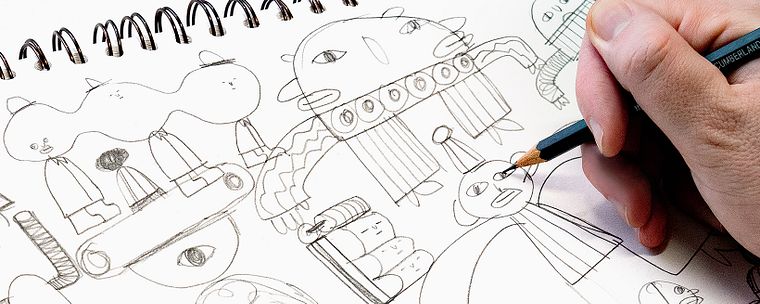
In this course, join Laurie and learn how to turn hand-drawn sketches into a 3D rendered illustration. Discover new sources of inspiration, how to explore your imagination through sketching, and the best way to showcase your unique style throughout the processes of modeling, texturing, and lighting in 3ds Max. Then, learn how to incorporate features of Adobe Illustrator and Photoshop to speed up your workflow as you continue to build your character set.
What will you learn in this online course?
29 lessons & 20 downloads
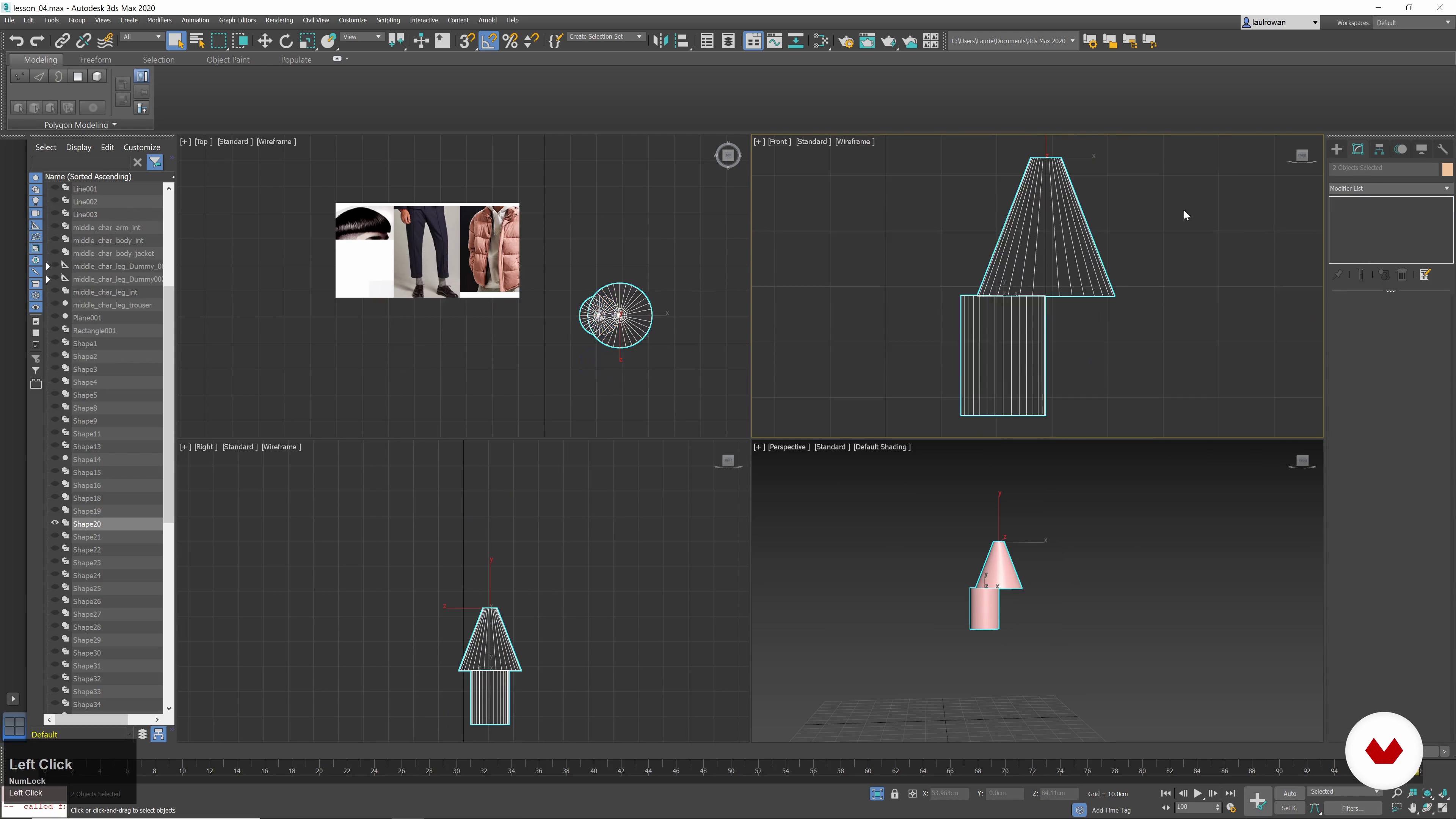
What Will We Do in This Course?
2 minutes, 14 seconds
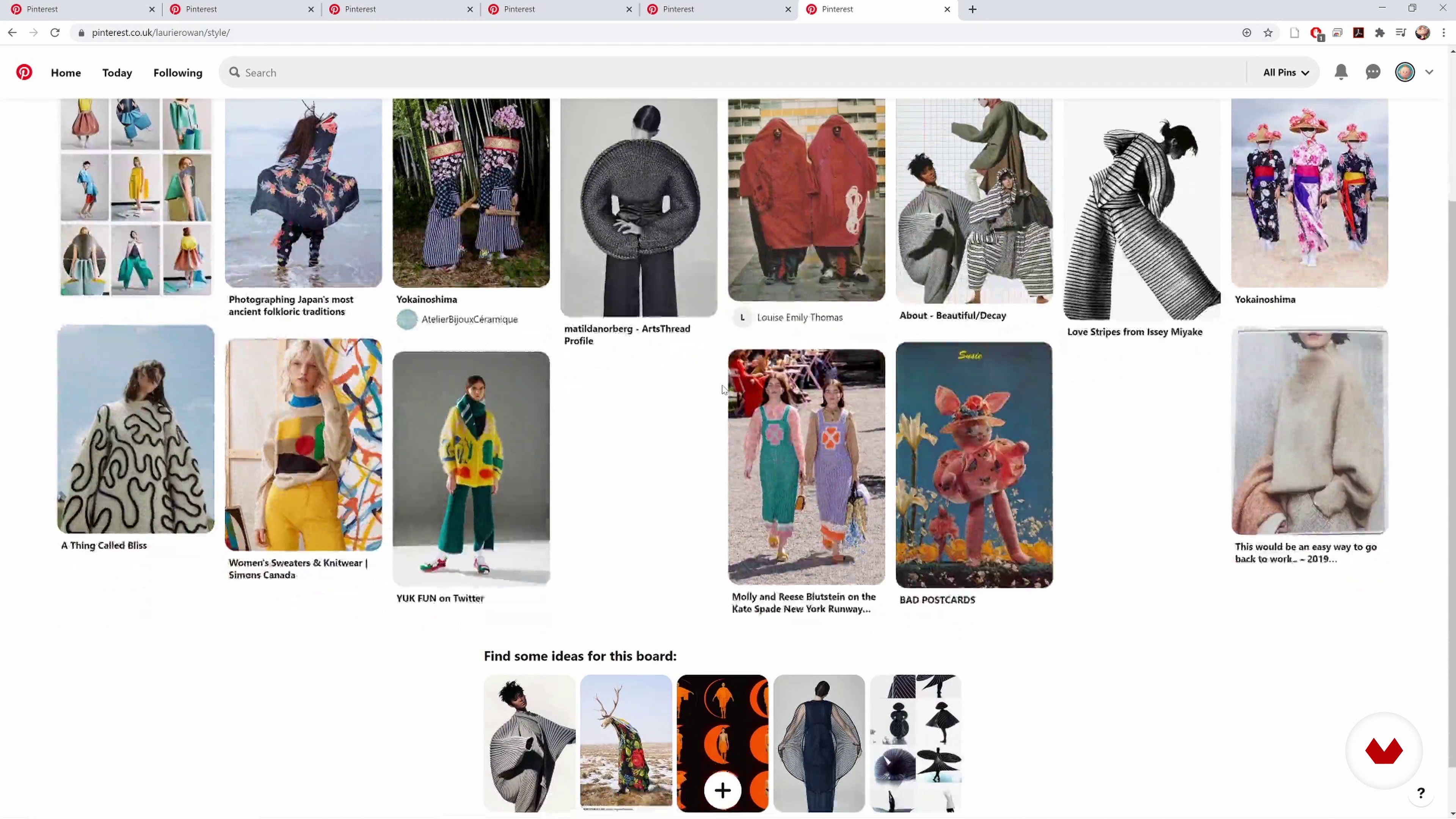
Gathering References and Inspiration
6 minutes, 48 seconds
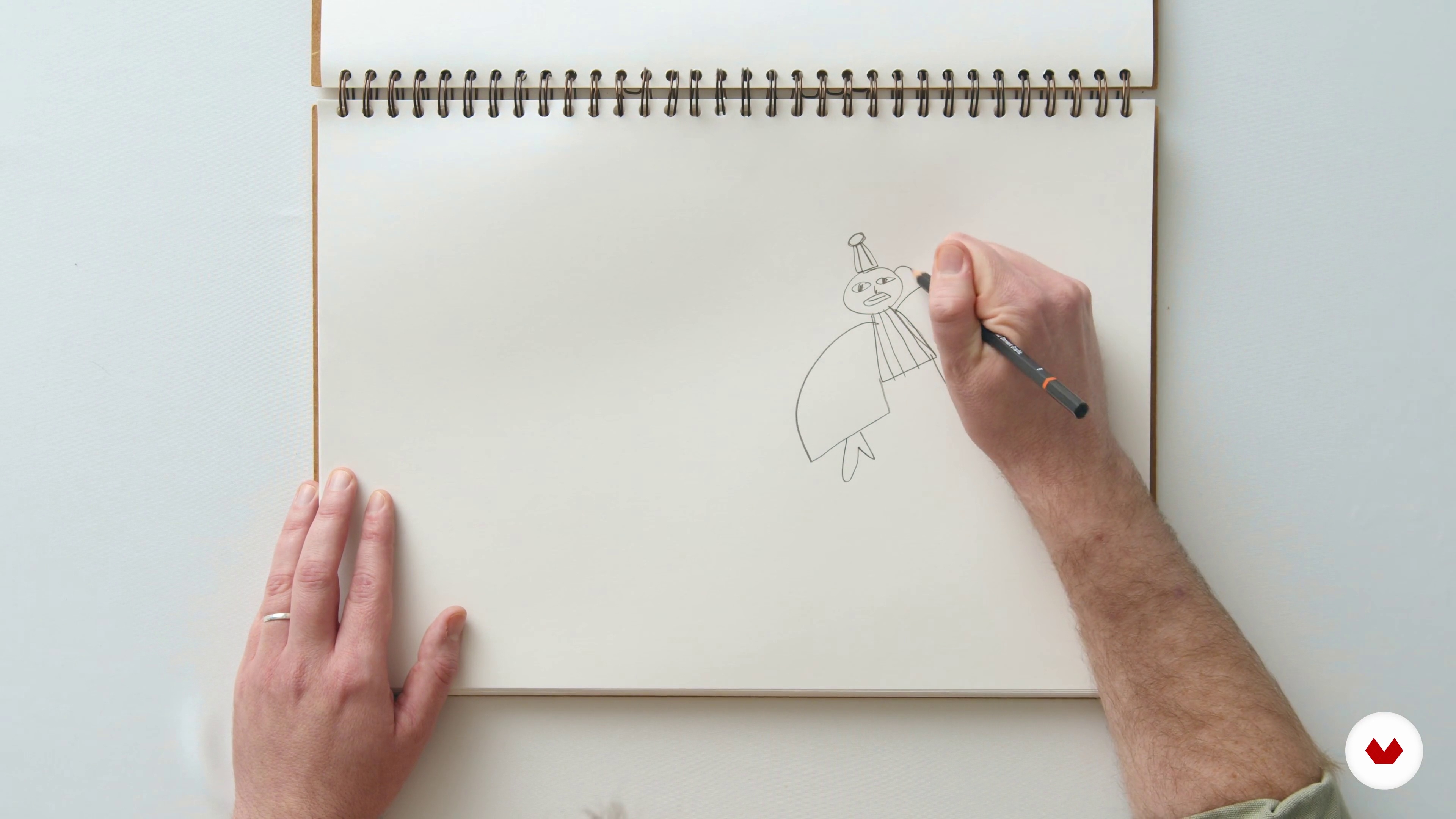
Free Drawing and Creative Play 1
9 minutes, 15 seconds
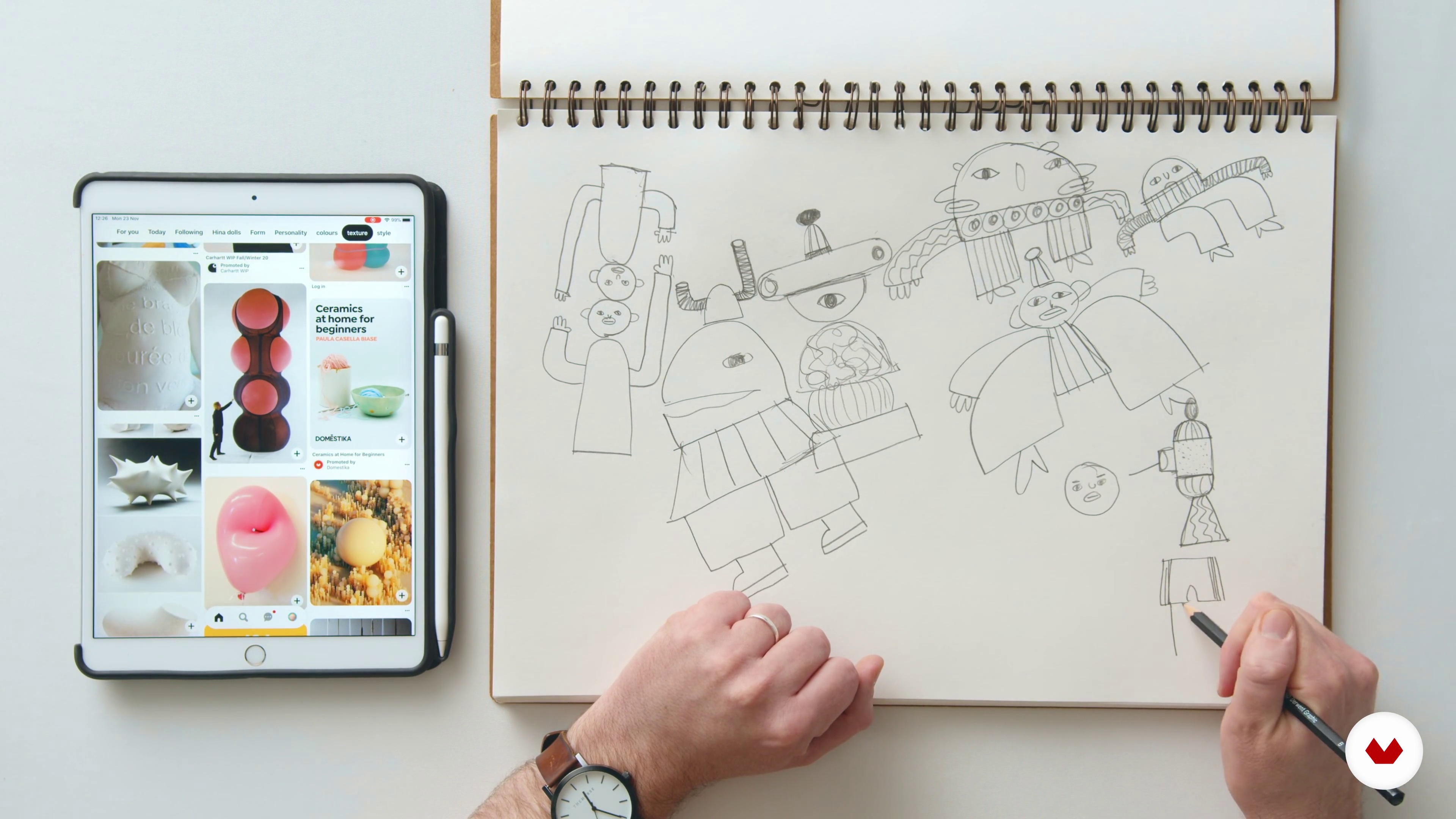
Free Drawing and Creative Play 2
15 minutes, 57 seconds
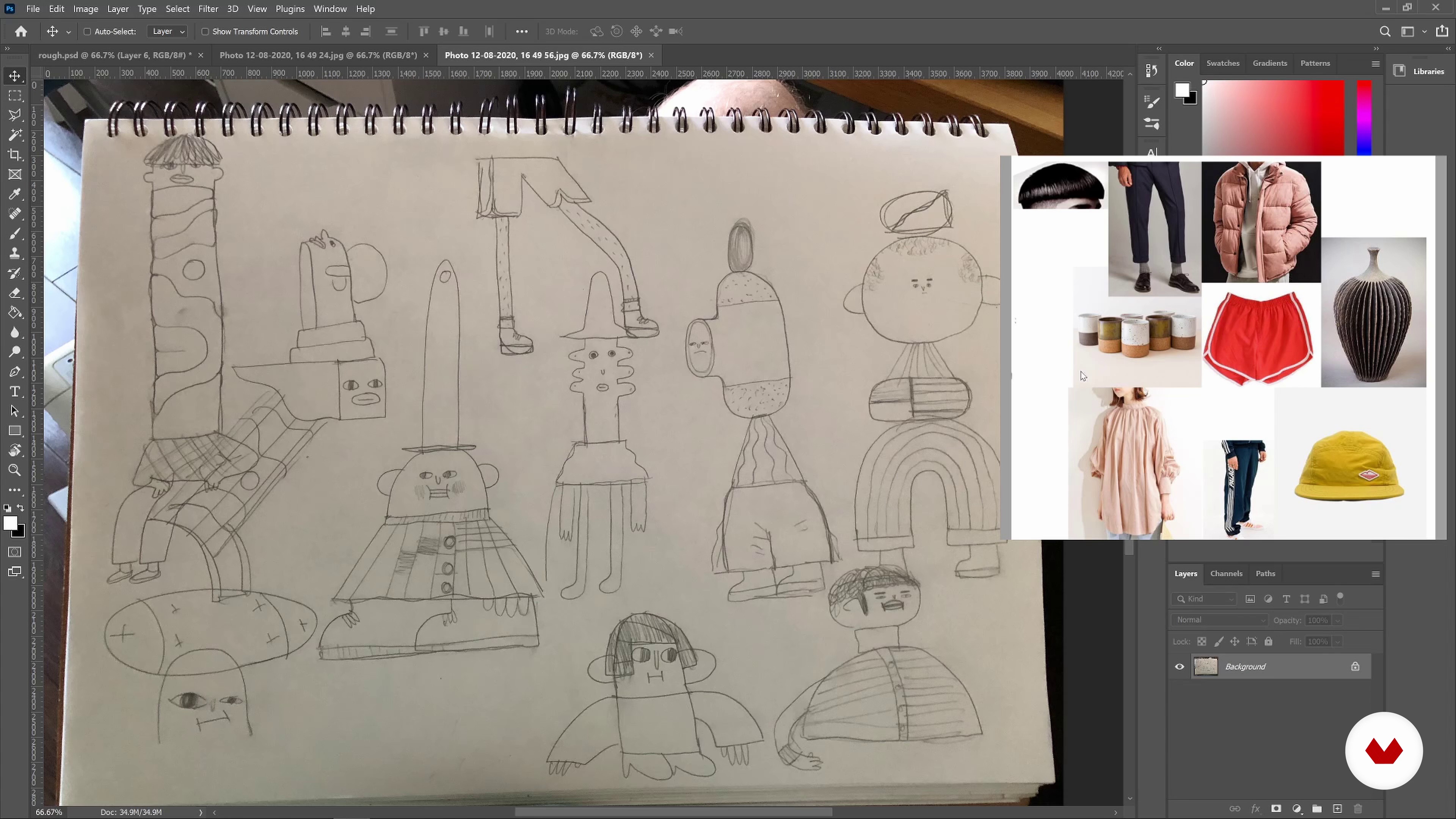
Finalising Reference Image
8 minutes, 6 seconds
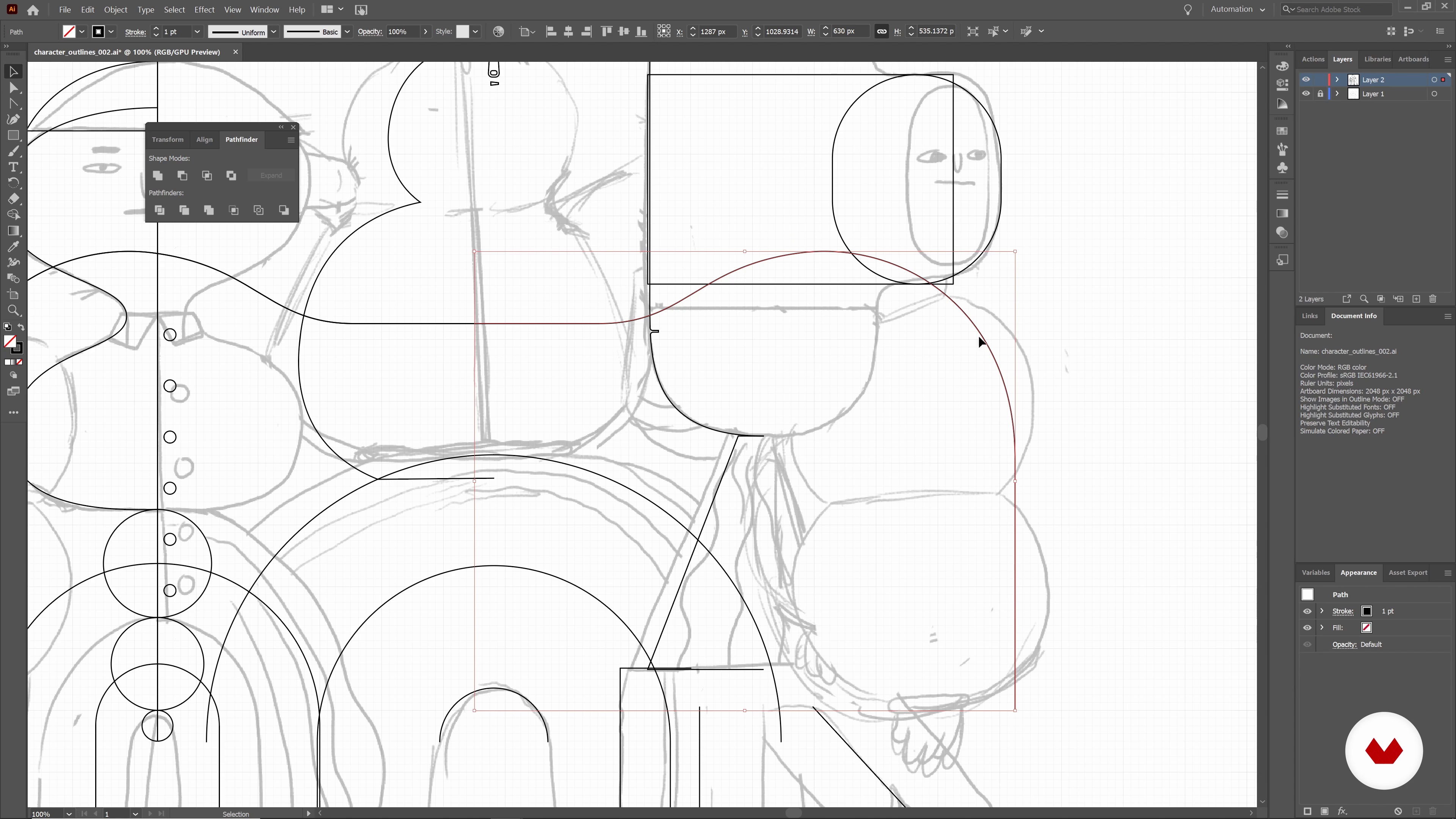
Vectorising Your Characters
13 minutes, 2 seconds
What's included in this course?
Get started by meeting Laurie and hearing a bit about his background as an animator and illustrator, including what he does and why he’s passionate about it. Go through some of his creative influences, see why it’s important to absorb a broad spectrum of inspiration, and delve into the specifics of what’s expected in this course.
Starting with a blank slate, begin gathering some inspiration and ideas, defining and focusing on what you’d like to achieve with your project. Then, grab your sketchpad and start creating by exploring your imagination until you have a final image to help guide the design process.
With the general shapes of your characters defined, it’s time to produce your character composition. Learn a quick and easy way of forming structures and see how to build characters in vector form using Adobe Illustrator. Then, step-by-step, Laurie teaches you how to design the basic shapes of your first character with 3ds Max.
With the foundational elements of your characters already created, you’re ready to get started with finishing touches like clothes, hair, faces, and other personality-adding details. Then, cover some of Laurie’s favorite tricks for working with texture and preparing your project for rendering.
Your characters are ready for the world to see! Laurie shows how he shares his work with his followers, as well as his tips for producing content that is refreshing and engaging. Finally, take a look at what can be saved and re-used for streamlining new characters and other future design projects.
Recommended software & tools for this course
What is this course's project?
Build a set of characters using a variety of techniques taught throughout the course, from sketching initial ideas to building and texturing in 3D.
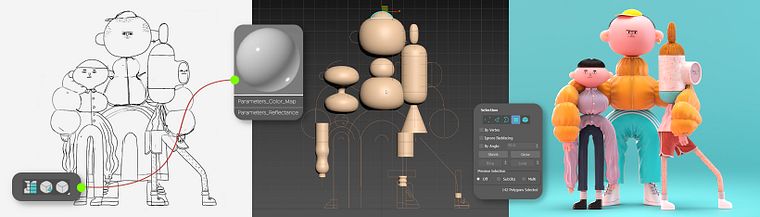
Projects by course students

Who is this online course for?
This course is for anyone with basic 3D experience who would like to discover new ways of designing and creating characters. It’s also ideal for animators and illustrators interested in making the jump from 2D to 3D.
Requirements and materials
To take this course, you should enjoy drawing and have some basic knowledge of the following software: Adobe Illustrator, Adobe Photoshop, and 3ds Max.
Your material list includes a pencil, a sketchpad, and a computer with Illustrator, Photoshop, and 3Ds Max installed.
Reviews
- 1 year ago
Muy bueno
- 1 year ago
This course is one that I greatly value! It was really enjoyable and very detailed to follow, for the instructor explained everything thoroughly. I gained a significant a lot of new techniques from this course, thank you so much.
- 2 years ago
love it
- 3 years ago
awesome!
- 3 years ago
Excellent course!

His client list includes Oppo, MTV, Pictoplasma, and Microsoft, as well as direction work on behalf of Nexus Studios. His projects have been screened and exhibited internationally and he is a frequent speaker at universities and creative design events.
Content
- U1
Introduction
- Introduction
- Influences
- What Will We Do in This Course?
- U2
Ideation and Preparation
- Gathering References and Inspiration
- Free Drawing and Creative Play 1
- Free Drawing and Creative Play 2
- Finalising Reference Image
- U3
3D Scene Construction
- Vectorising Your Characters
- Prep 3DS Scene
- Basic Modelling 1
- Basic Modelling 2
- Clothes: Simulation Prep and Modelling 1
- Clothes: Simulation Prep and Modelling 2
- Clothes: Simulation Prep and Modelling 3
- U4
Adding Details
- Detailed Clothes 1
- Detailed Clothes 2
- Detailed Clothes 3
- Hair
- Faces and Small Details 1
- Faces and Small Details 2
- Faces and Small Details 3
- Faces and Small Details 4
- Texture 1
- Texture 2
- Texture 3
- U5
Finishing Up and Next Steps
- Final Touches and Render 1
- Final Touches and Render 2
- Post Tweaks
- Getting Your Work Out There
- FP
Final project
- Creative 3D Characters with 3ds Max
What to expect from a Domestika course
Learn at your own pace
Enjoy learning from home without a set schedule and with an easy-to-follow method. You set your own pace.
Learn from the best professionals
Learn valuable methods and techniques explained by top experts in the creative sector.
Meet expert teachers
Each expert teaches what they do best, with clear guidelines, true passion, and professional insight in every lesson.
Certificates
PLUSIf you're a Plus member, get a custom certificate signed by your teacher for every course. Share it on your portfolio, social media, or wherever you like.
Get front-row seats
Videos of the highest quality, so you don't miss a single detail. With unlimited access, you can watch them as many times as you need to perfect your technique.
Share knowledge and ideas
Ask questions, request feedback, or offer solutions. Share your learning experience with other students in the community who are as passionate about creativity as you are.
Connect with a global creative community
The community is home to millions of people from around the world who are curious and passionate about exploring and expressing their creativity.
Watch professionally produced courses
Domestika curates its teacher roster and produces every course in-house to ensure a high-quality online learning experience.
FAQs
This course is designed for intermediate learners familiar with basic 2D or 3D art concepts, not complete beginners. Some prior experience with illustration or 3D software is recommended.
You’ll need access to 3ds Max, Adobe Photoshop, and Adobe Illustrator for the modeling, texturing, and concept sketching sections of the course.
You’ll learn the full workflow: sketching concepts, modeling characters and clothing in 3ds Max, texturing, digital rendering, and presenting your animation work on a portfolio website or social media.
Hybrid character design combines traditional drawing and digital modeling, blending influences from illustration, folk costume, animal rituals, and ceramic textures for unique 3D characters.
The course covers UV mapping, applying materials and hand-drawn textures, and using Arnold for realistic lighting and rendering of finished 3D characters.
Basic drawing skills are helpful, as the course includes freestyle sketching, ideation, and creating reference images that are developed further in Photoshop and Illustrator.
Yes, the course teaches building and simulating 3D clothing, modeling stylized hair, and integrating these elements into your character models.