Illustration with Rhythm and Soul on Procreate
A course by @ataulilustracionIllustrator
A course by @ataulilustracion, Illustrator

Learn basic concepts in drawing, lighting, and color to create vibrant illustrations in your own style
Music is often used as a means to express how we feel without the use of words. Illustrator Ataul takes this idea a step even further by capturing the essence of a song and representing it visually. Discover how to pay tribute to your idols by creating illustrations as harmonic as your favorite tune and filling them with color, texture, and shape in Procreate.
In this course, learn how to illustrate with Procreate using basic drawing concepts like geometry, anatomy, lighting, and color. Using your favorite artist or band as inspiration, see how to create a truly eye-catching composition. By the end of the course, you’ll be able to use Procreate like a pro and use it for your next big project.
What will you learn in this online course?
14 lessons & 20 downloads
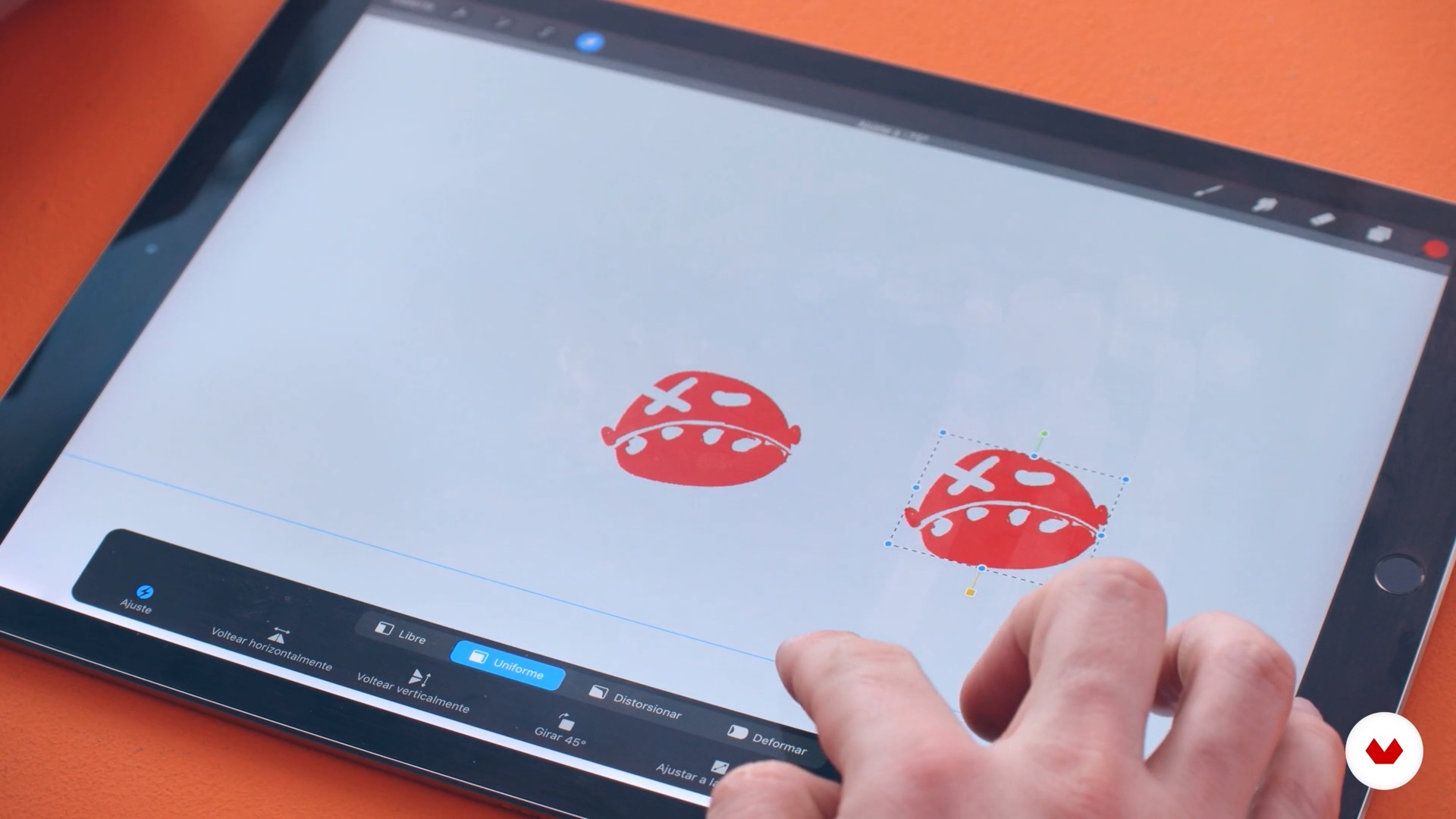
The interface
9 minutes, 52 seconds
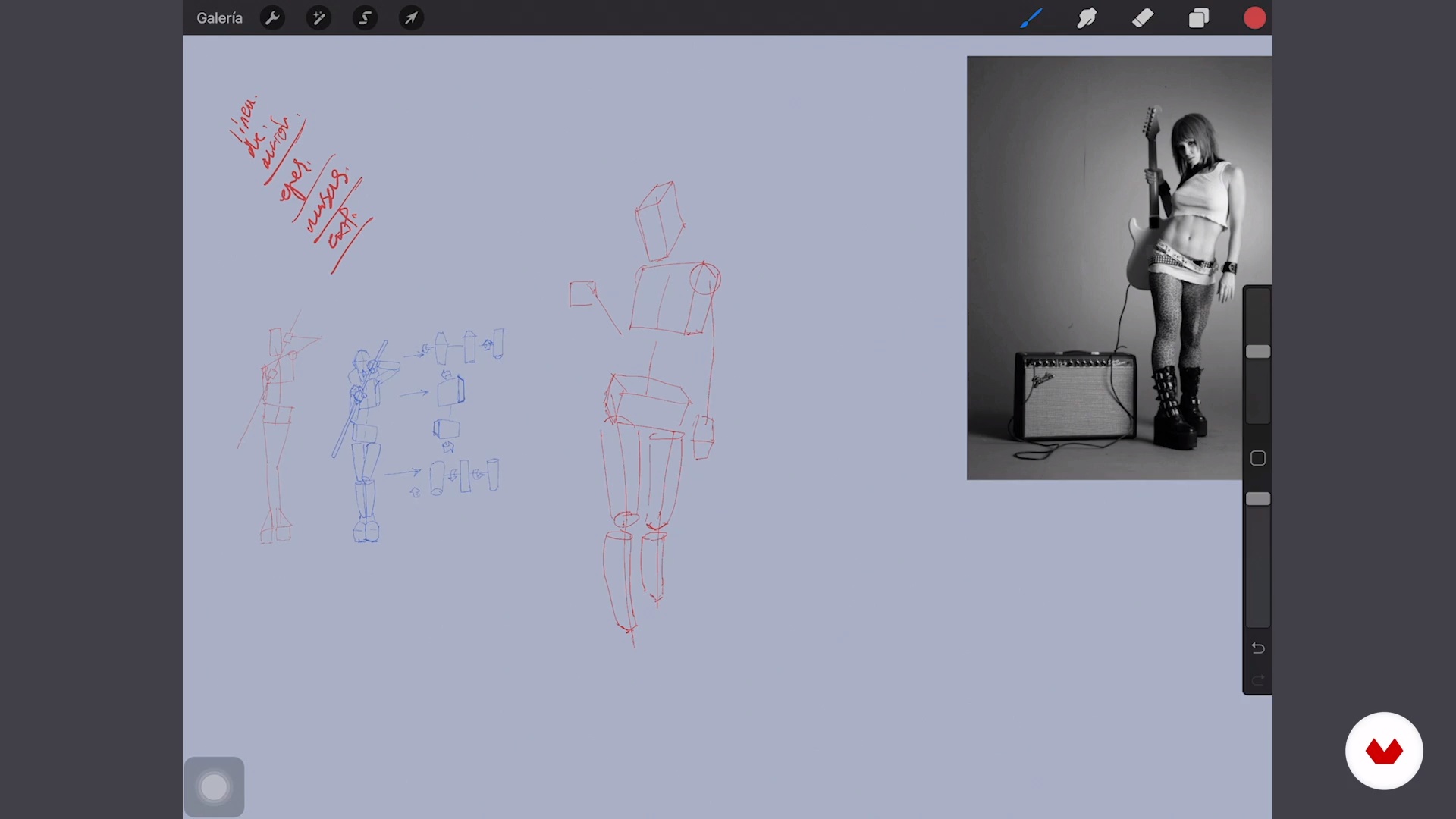
Geometric anatomical construction
20 minutes, 51 seconds
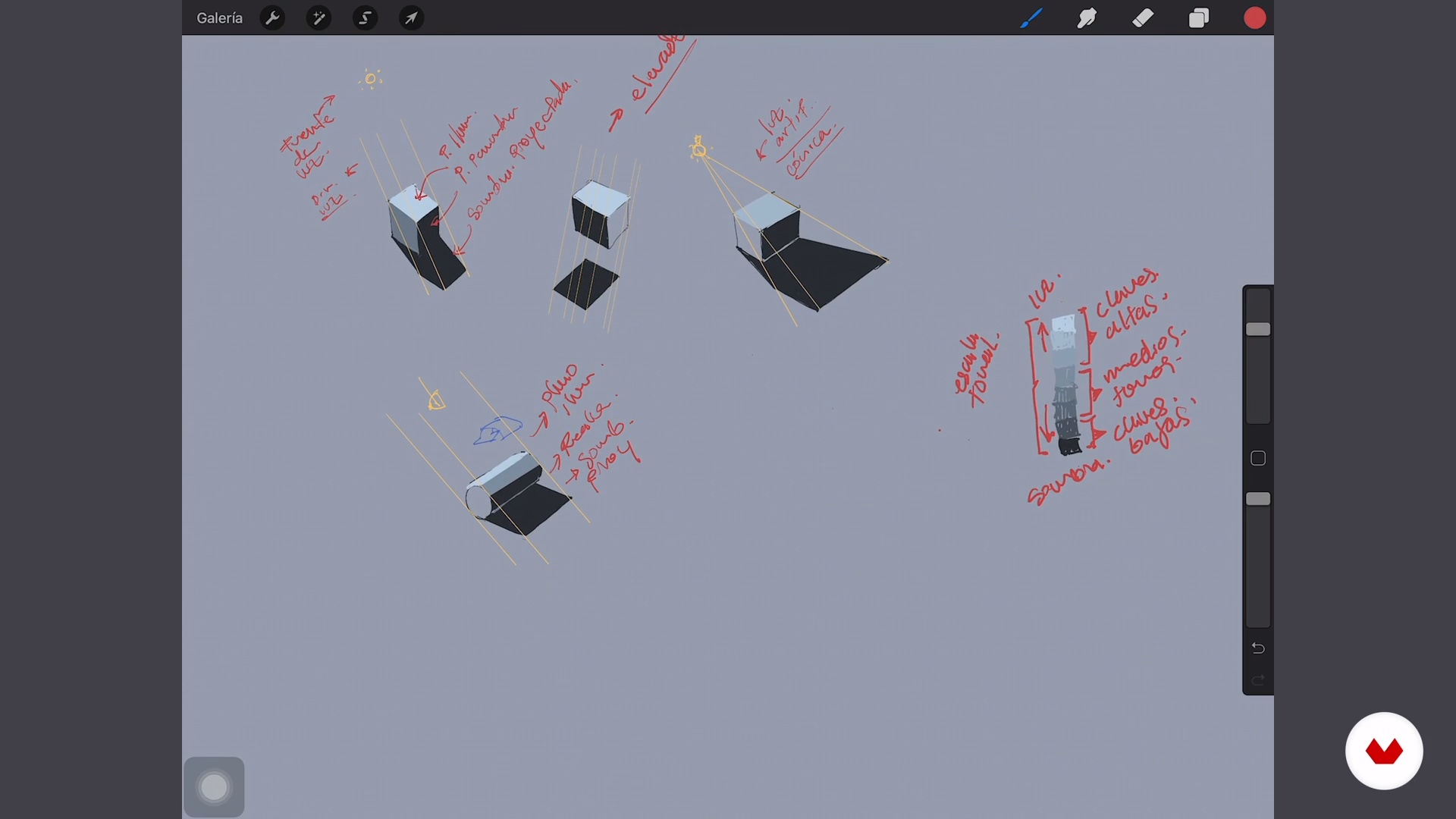
Light and shadow 1
17 minutes, 9 seconds
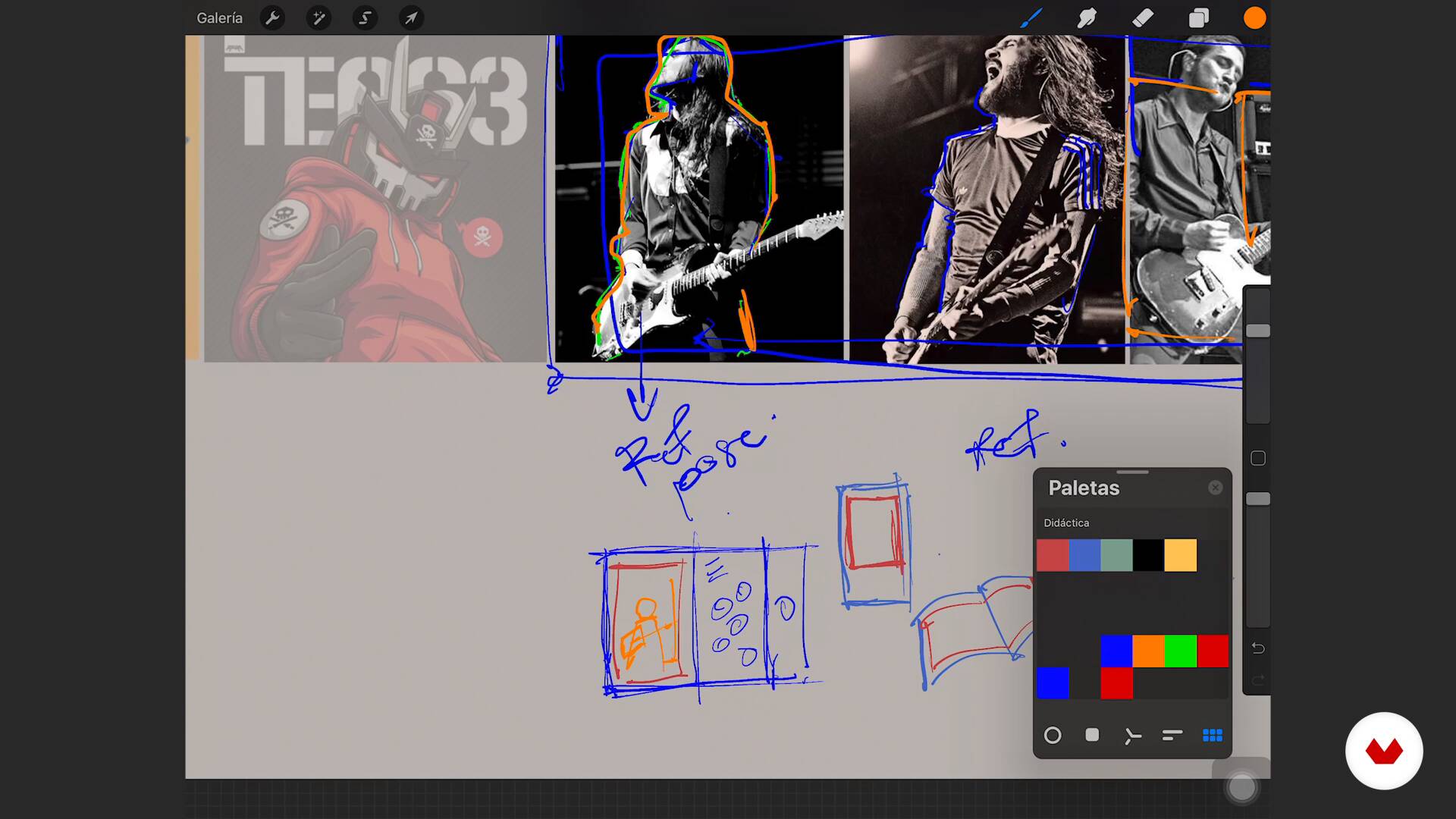
Plan before scratching
11 minutes, 40 seconds
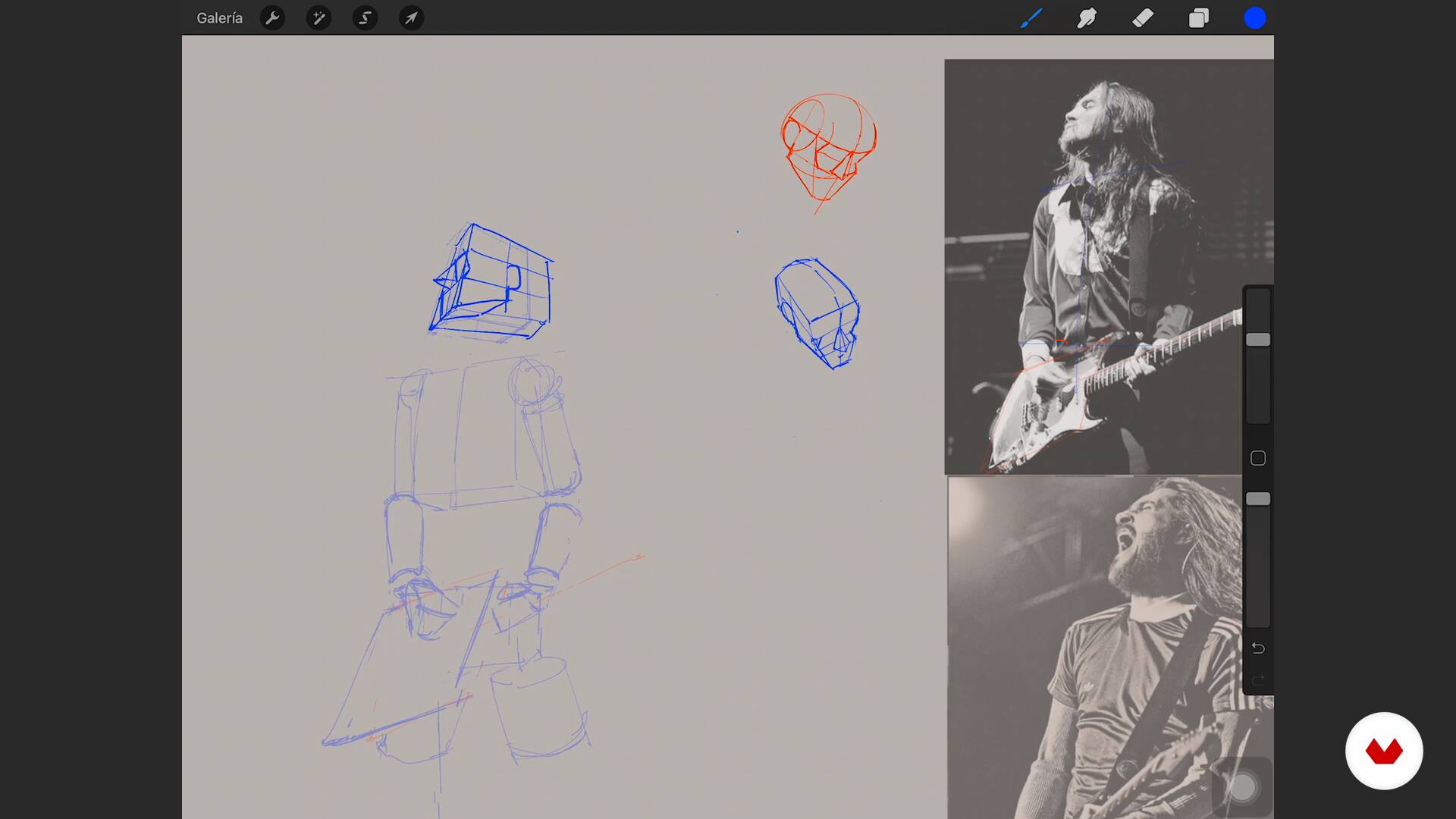
Sketch 1
16 minutes, 56 seconds
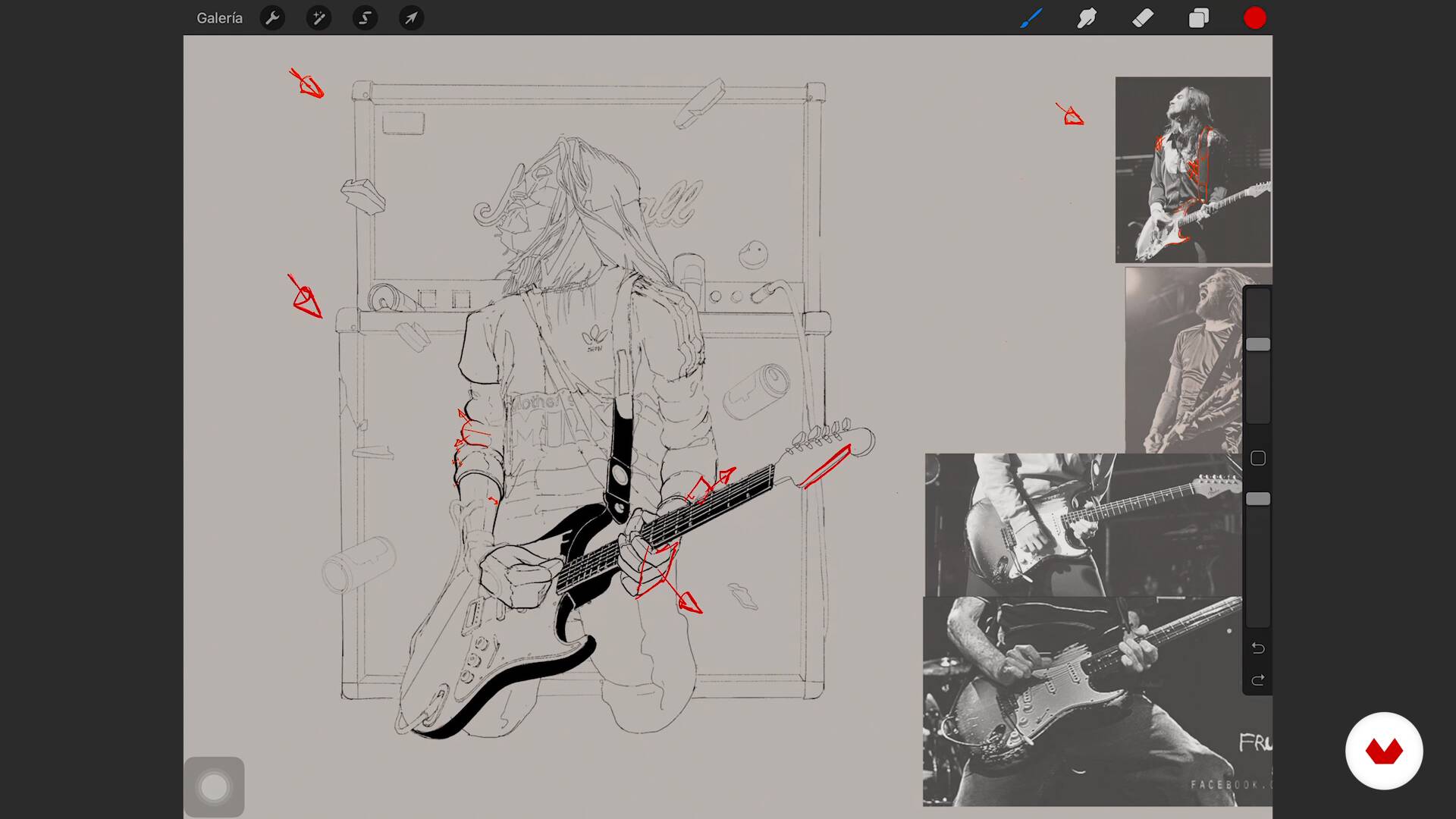
Inking and cast shadows
12 minutes, 7 seconds
What's included in this course?
Get to know Ataul’s work and experience, his connection to illustration, and his favorite interests and influences. Then, learn a bit more about what is taught in this course and see how to get started creating your final project.
Discover Procreate’s interface, focusing on Ataul’s favorite tools and actions. Learn the geometric construction method for building a human body and discover how to represent volume by understanding light, tonal values, and color.
Apply what you’ve learned to get started on your final project. Follow Ataul’s steps for getting your illustration off the ground and understanding the general ideas behind outline, shape, and color.
In the final unit, learn how to highlight different aspects of your illustrated composition by adding visual noise and color transitions for extra realism. Lastly, add the finishing touches to your project and export it to create a silkscreen print that can be applied to textiles, or used on paper to make a poster or sticker.
Recommended software & tools for this course
What is this course's project?
Create an illustration inspired by your favorite music artist or band with Ataul’s step-by-step method.
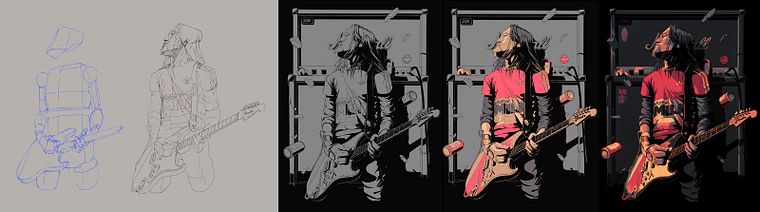
Projects by course students


Who is this online course for?
For those who love to draw, illustration enthusiasts, and music fans.
Requirements and materials
To take this course, no previous drawing experience is needed.
As for materials, you’ll need an iPad Pro with Procreate and an Apple Pencil.
Reviews
- 7 hours ago
Ótimo!
- 4 months ago
"I haven't finished the course yet, but I'm already highly satisfied. It's not just a technical Procreate tutorial; it's an inspiring process that teaches how to bring rhythm and soul to your lines. Highly recommended! 🎨✨
- 8 months ago
Llevo solo 2 unidades pero me está pareciendo las lecciones de procreate muy útiles para ganar soltura y manejo.
- 1 year ago
recien lo empiezo, pero tiene buena pinta, ademas mezcla mis dos Grandes pasiones, el arte y la musica! asi que estoy muy entusiasmado
- 1 year ago
En lo personal me agradado bastante puesto que he aprendido varias técnicas que desconocia, y sobre todo a bocetar la figura humana una tarea la cual me costaba una barbaridad y gracias a este curso ya tengo una buena base para afrontarla, sin duda lo recomiendo muchisimo y el profesor Ataul es buenisimo

His connection with the music industry is showcased in his work for posters and silkscreen printing, He has worked with several major brands, including Rolling Stone, Renault, El Tiempo publishing house, and festivals like Hip Hop al Parque.
Content
- U1
Introduction
- Who I am
- Influences
- What will we do in the course?
- U2
Drawing in Procreate
- The interface
- Geometric anatomical construction
- Light and shadow 1
- Light and shadow 2
- Plan before scratching
- U3
Let's do it
- Sketch 1
- Sketch 2
- Inking and cast shadows
- Flat color and volume
- U4
Definition
- Noises and color transitions
- Debug the file
- FP
Final project
- Illustration with Rhythm and Soul on Procreate
What to expect from a Domestika course
Learn at your own pace
Enjoy learning from home without a set schedule and with an easy-to-follow method. You set your own pace.
Learn from the best professionals
Learn valuable methods and techniques explained by top experts in the creative sector.
Meet expert teachers
Each expert teaches what they do best, with clear guidelines, true passion, and professional insight in every lesson.
Certificates
PLUSIf you're a Plus member, get a custom certificate signed by your teacher for every course. Share it on your portfolio, social media, or wherever you like.
Get front-row seats
Videos of the highest quality, so you don't miss a single detail. With unlimited access, you can watch them as many times as you need to perfect your technique.
Share knowledge and ideas
Ask questions, request feedback, or offer solutions. Share your learning experience with other students in the community who are as passionate about creativity as you are.
Connect with a global creative community
The community is home to millions of people from around the world who are curious and passionate about exploring and expressing their creativity.
Watch professionally produced courses
Domestika curates its teacher roster and produces every course in-house to ensure a high-quality online learning experience.
FAQs
Procreate is an iPad app designed for creating professional digital illustrations. It offers advanced drawing tools, layer management, customizable brushes, and export options—perfect for artists and illustrators looking for an efficient, creative workflow.
The course is aimed at people with intermediate knowledge of digital drawing or Procreate, though key concepts are explained step-by-step. Basic familiarity with graphic tablets and illustration is recommended.
You’ll need a compatible iPad, an Apple Pencil, and the Procreate app installed. Having internet access is also helpful for downloading resources and joining collaborative activities during the course.
You’ll learn how to plan compositions, draw human figures, apply lighting and shading, manage color and textures, create posters and covers, and optimize illustrations for print and social media—all using Procreate’s advanced tools.
The course guides you through designing posters and covers from sketch to final layout, incorporating typography, characters, and graphic elements, along with color and texture techniques to achieve striking, professional results.
Yes, you’ll learn anatomical and geometric basics to build human figures, adjust proportions, poses, and details, using references and methods that make 3D representation in Procreate easier to grasp.
You’ll explore how to set light direction, cast shadows, create volume with two-tone shading, blend colors smoothly, and manage color contrast to add realism and depth to your digital illustrations.