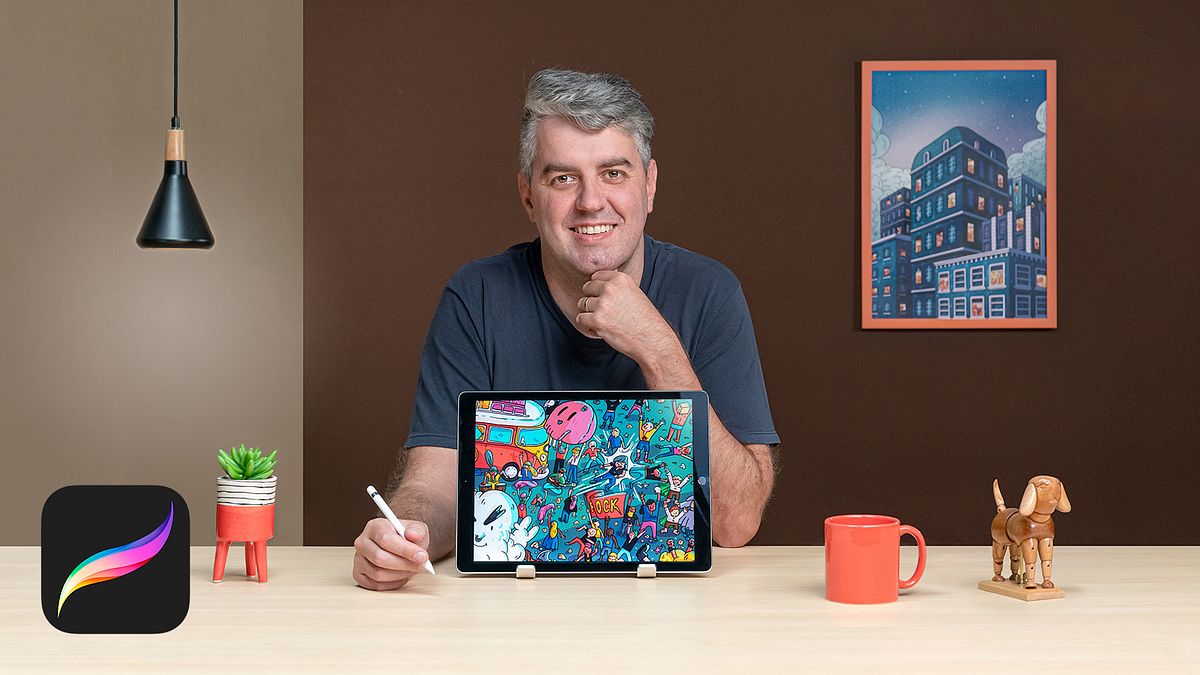
Search-and-Find Illustration in Procreate
A course by Victor BeurenIllustrator
A course by Victor Beuren, Illustrator

Master the application's main tools and learn to illustrate a universe rich in detail
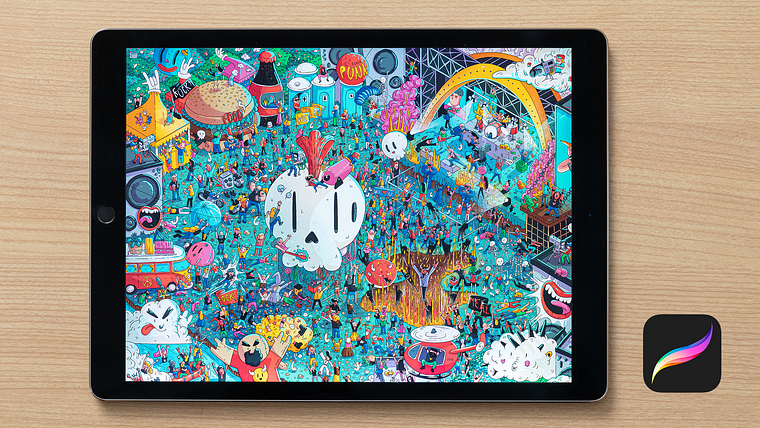
The main aim of search-and-find illustration is to tell stories that intertwine to create a piece overflowing with details. Victor Beuren specializes in this illustration style and has collaborated with big names like Volkswagen, Forbes, Smirnoff, Hershey’s, and many more, creating striking designs containing nods to different references that spark curiosity and awaken the viewer's senses.
In this course, learn techniques for curating a search-and-find illustration in Procreate. With the help of Victor, learn to master this program and illustrate complex scenes capable of captivating the viewer.
What will you learn in this online course?
16 lessons & 14 downloads
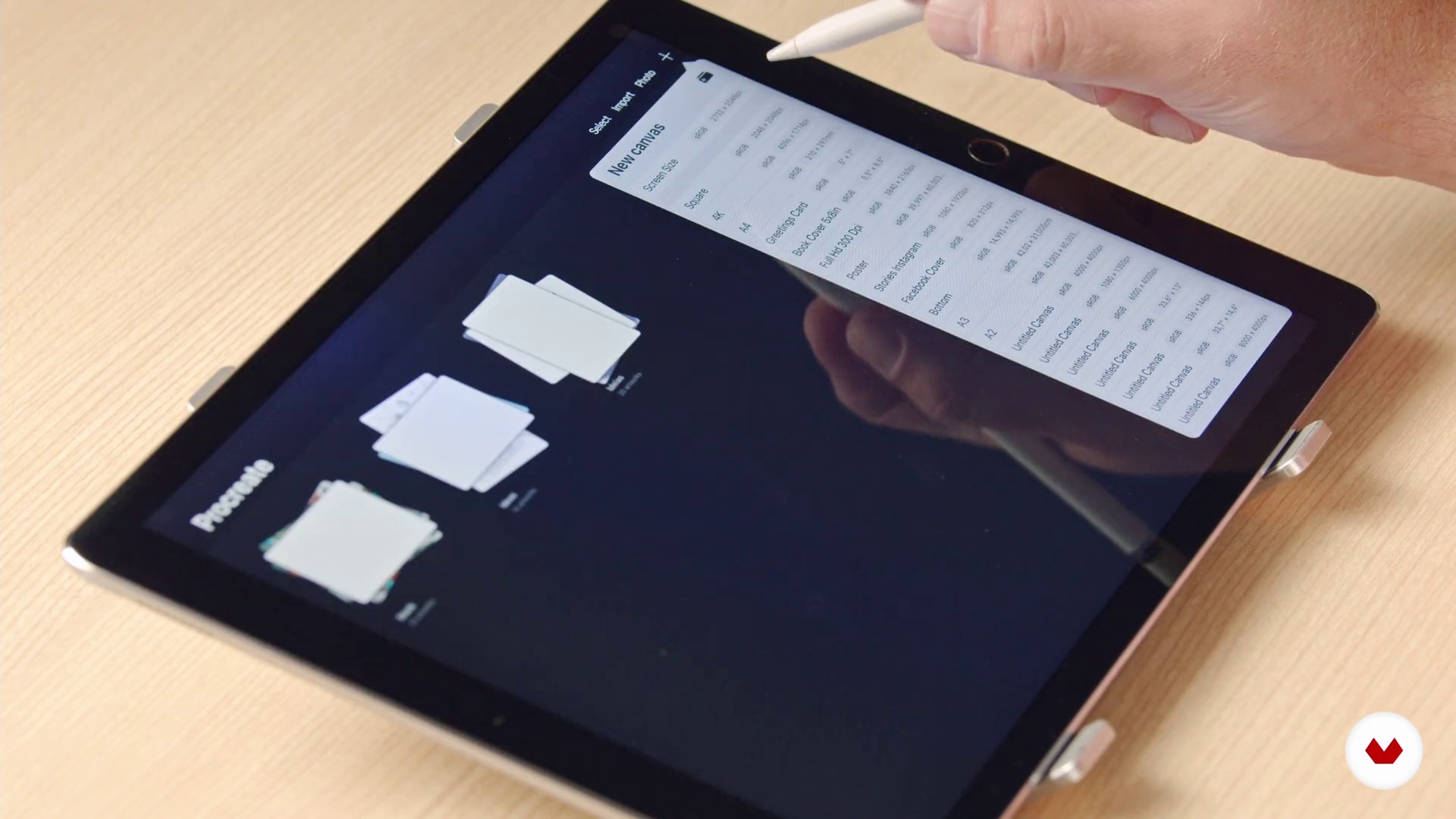
Preparing the file in Procreate
4 minutes, 43 seconds
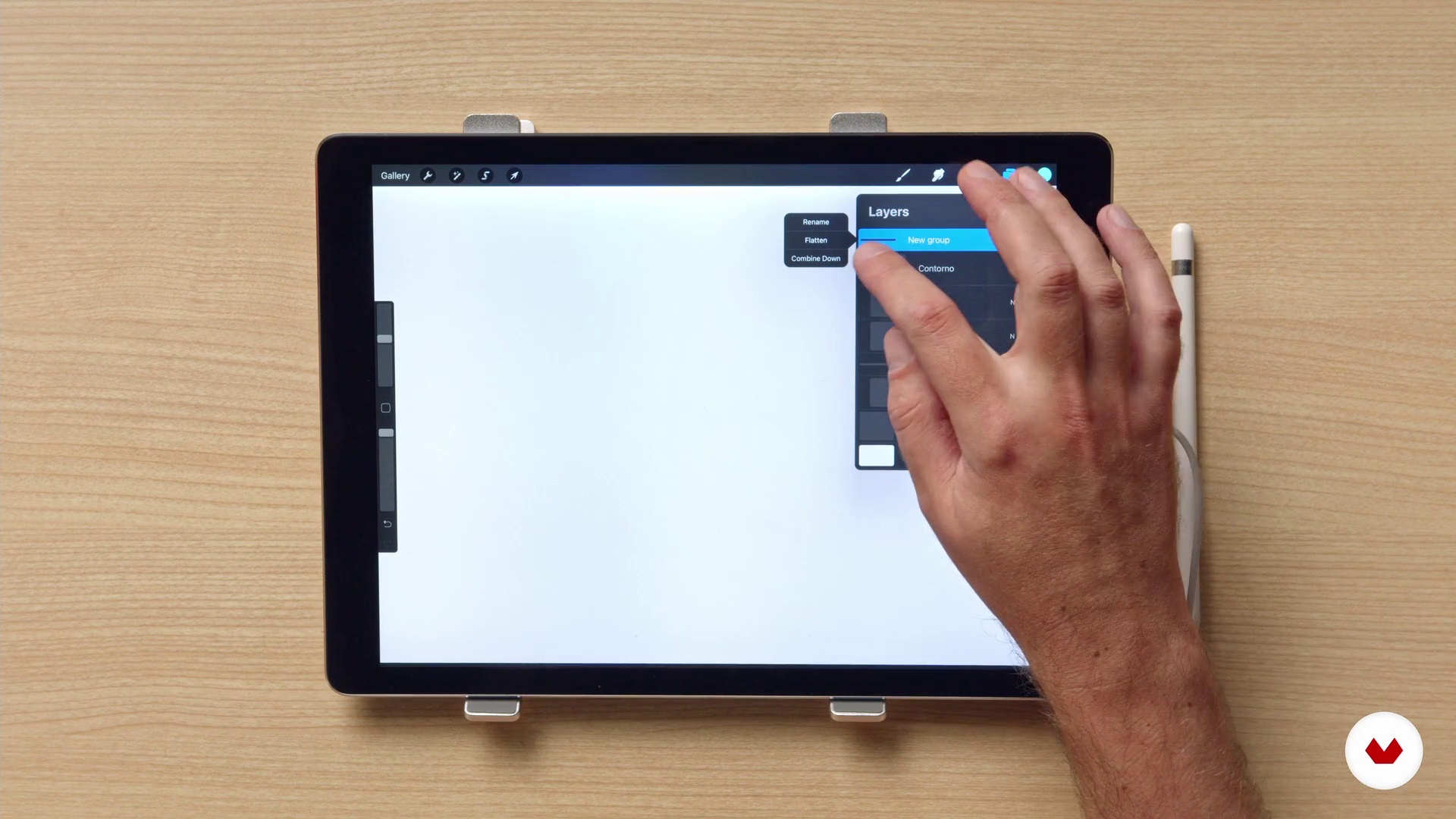
Optimizing the use of layers
5 minutes, 50 seconds
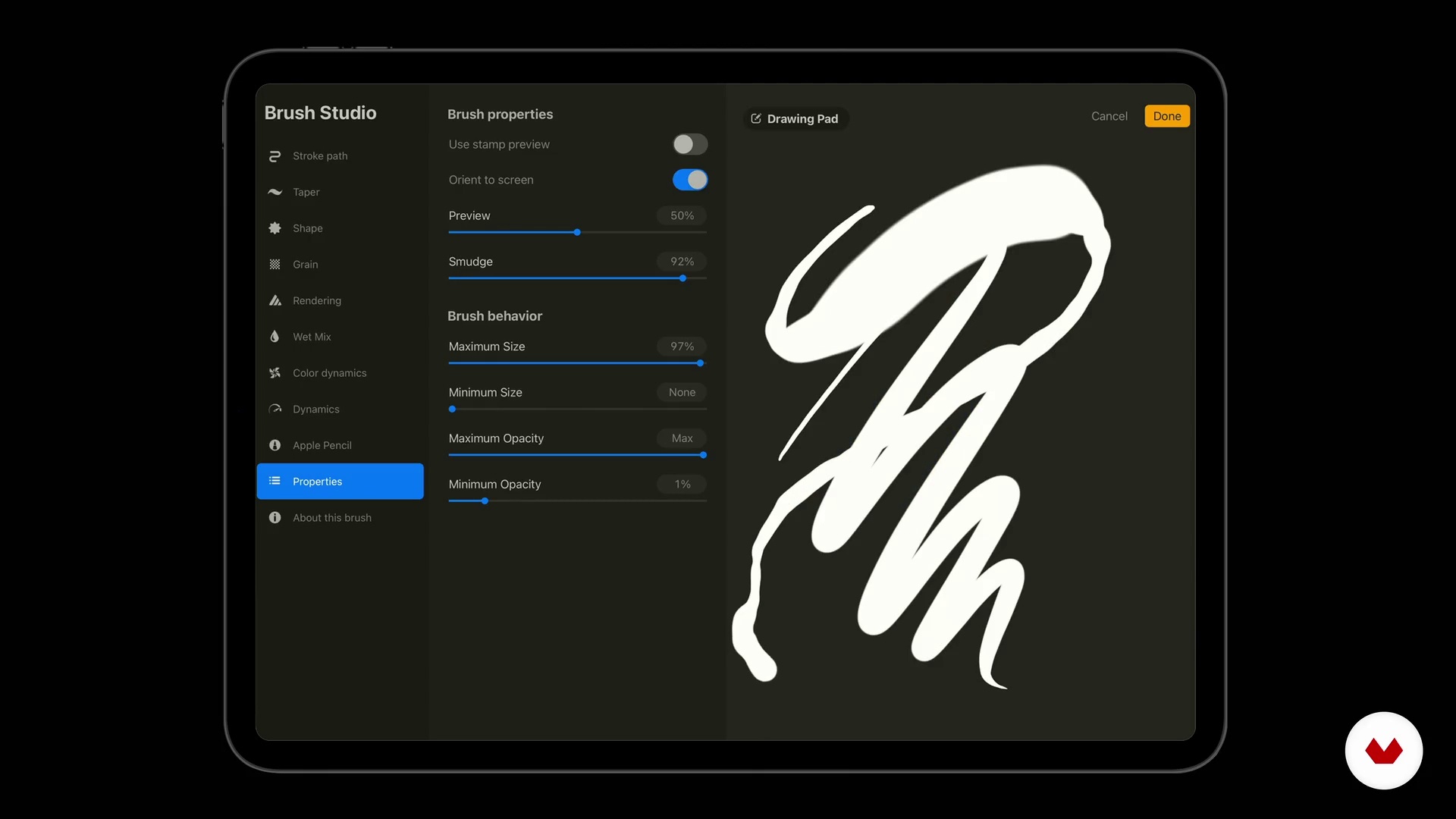
Brushes we will use
8 minutes, 39 seconds
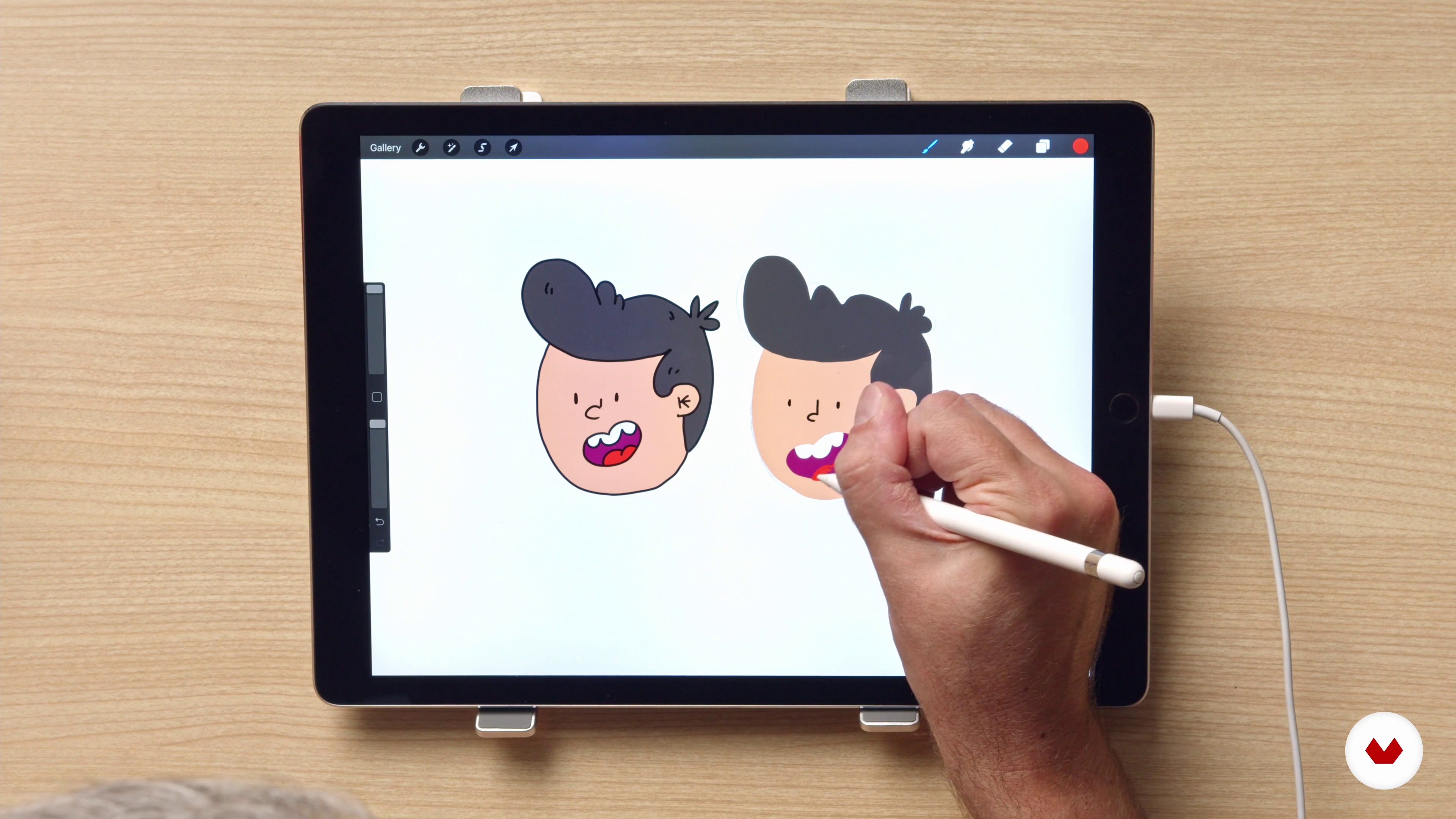
Defining the illustration style
10 minutes, 39 seconds
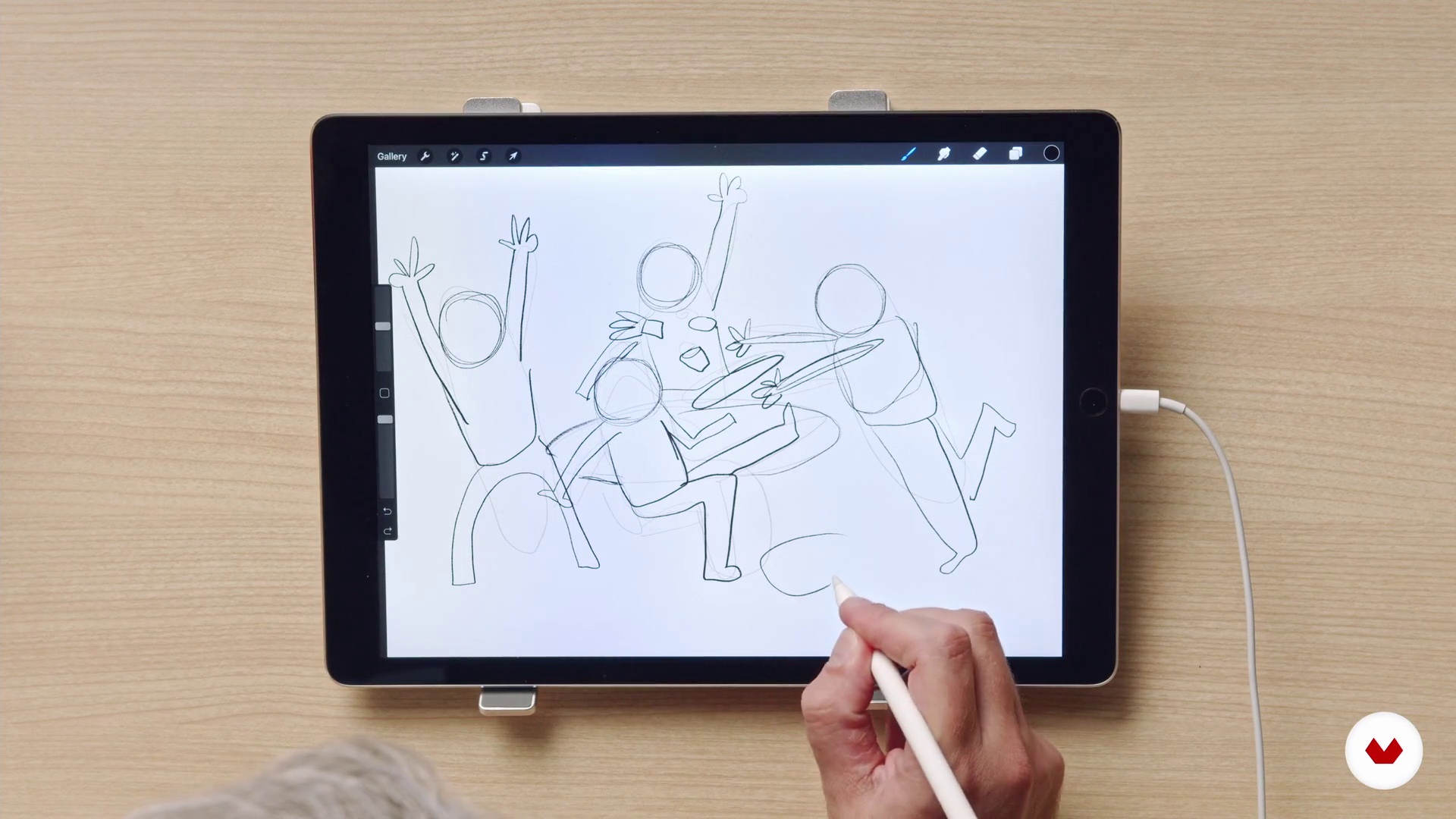
The Sausage Technique: Creating Your Characters
7 minutes, 30 seconds
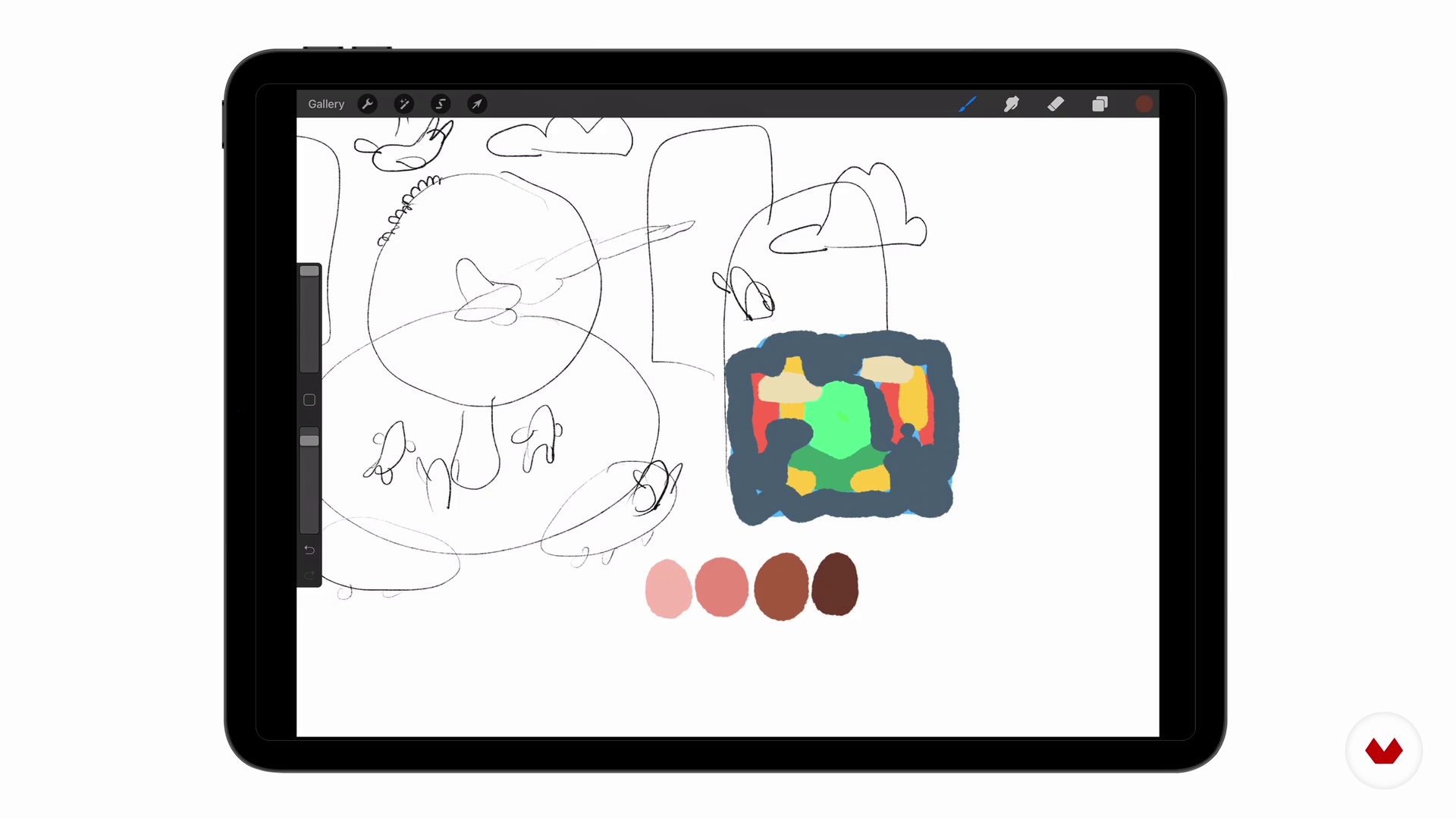
Coloring the illustration
4 minutes, 50 seconds
What's included in this course?
Start by getting to know your teacher Victor Beuren. He talks a little bit about his career so far and his experiences with digital illustration, as well as sharing his main artistic influences.
Now it's time to get going in Procreate! Learn to configure your file and use tools like Layers, Brushes, and Colors. Victor introduces you to three search-and-find illustration styles and shares his technique for bringing his characters to life in the form of "sausage" people.
Begin to define your illustration project by making a list of elements you want to include and see how to organize your ideas in Procreate. Then, work on the scenery, characters, and secondary elements. He even shows you how to manipulate outlines, apply color, and play with light and shadow.
Finish up by creating customized textures to make your pieces as eye-catching as possible. Victor also gives you some tips for honing your personal style and sharing your final piece. Now you have all the tools for working in Procreate, get illustrating and create intricate new universes of your very own!
Recommended software & tools for this course
What is this course's project?
Create a search-and-find illustration from the initial concept and sketch to the finishing touches in Procreate.
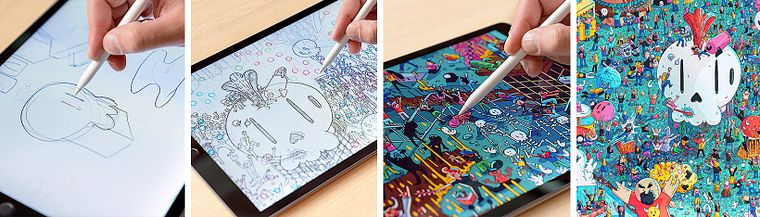
Projects by course students


Who is this online course for?
Anyone, beginners and professionals, interested in exploring the world of search-and-find illustration.
Requirements and materials
Basic knowledge of design is essential for this course.
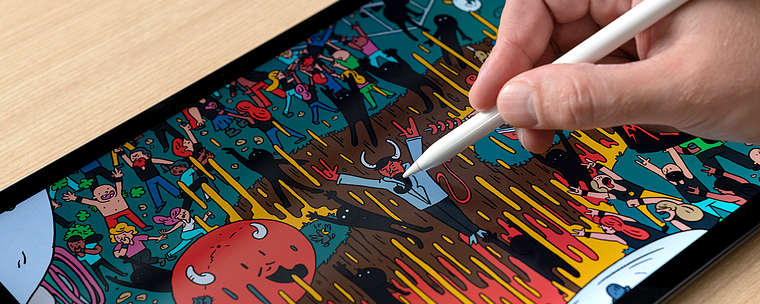
In terms of materials, you need an iPad with access to Procreate and an Apple Pencil.
Reviews
- 2 months ago
Awesome course. Very detailed for the process. Thank you Victor!
- 9 months ago
¡Excelente curso! Siempre es un gusto ver los procesos creativos de grandes artistas como Don Victor, se aprende mucho así, no solo cuestiones de técnica, sino también de mentalidad y actitud.
- 9 months ago
Muy buen tutorial!
- 11 months ago
Excelente
- 1 year ago
Ótimo curso! Não fiz apenas pelo search and find, mas para aprender mais sobre o Procreate. O professor é ótimo, explica com muita calma e de forma prática!

He specializes in digital illustration in Procreate and has collaborated with renowned names like Volkswagen, Forbes, Smirnoff, Hershey’s, and many more.
Specializing in digital illustration at Procreate, he has collaborated with large companies such as Volkswagen, Forbes, Smirnoff, Hershey's, among others.
Content
- U1
Introduction
- Presentation
- Influences
- U2
preparing the ground
- Preparing the file in Procreate
- Optimizing the use of layers
- Brushes we will use
- Defining the illustration style
- The Sausage Technique: Creating Your Characters
- Coloring the illustration
- U3
Think and plan before drawing
- Starting point
- Pre-sketch
- detailed sketch
- contours
- Color application
- Light and shadow
- U4
Finishing your illustration
- Enrich the final result with custom textures
- Publicizing your work
- FP
Final project
- X Illustration techniques in procreate
What to expect from a Domestika course
Learn at your own pace
Enjoy learning from home without a set schedule and with an easy-to-follow method. You set your own pace.
Learn from the best professionals
Learn valuable methods and techniques explained by top experts in the creative sector.
Meet expert teachers
Each expert teaches what they do best, with clear guidelines, true passion, and professional insight in every lesson.
Certificates
PLUSIf you're a Plus member, get a custom certificate signed by your teacher for every course. Share it on your portfolio, social media, or wherever you like.
Get front-row seats
Videos of the highest quality, so you don't miss a single detail. With unlimited access, you can watch them as many times as you need to perfect your technique.
Share knowledge and ideas
Ask questions, request feedback, or offer solutions. Share your learning experience with other students in the community who are as passionate about creativity as you are.
Connect with a global creative community
The community is home to millions of people from around the world who are curious and passionate about exploring and expressing their creativity.
Watch professionally produced courses
Domestika curates its teacher roster and produces every course in-house to ensure a high-quality online learning experience.
FAQs
This is an intermediate-level course, perfect for those with basic knowledge of traditional or digital illustration who want to improve detailing, composition, and Procreate skills.
You’ll need an iPad with Procreate installed, an Apple Pencil or similar stylus, plus paper, a sketchbook, and basic drawing supplies for traditional exercises.
You’ll learn how to plan complex scenes, create characters, add details, work with layers, adjust color and lighting, apply both traditional and digital techniques, and organize and export projects for print or online portfolios.
The Search and Find technique involves creating richly detailed illustrations filled with elements and characters for viewers to explore and find hidden items, similar to the style of Where’s Waldo.
It’s not required, as the course covers setting up files, layers, and brushes in Procreate from scratch, but having some prior knowledge can make it easier to follow along.
Yes, you’ll learn how to develop detailed scenes for books, events like shows, and personal projects by adapting composition and detailing techniques.
Yes, the course covers isometric perspective, traditional perspective, and methods for composing balanced scenes that make placing elements and characters easier.