Animated Lettering
A course by MEMOMA EstudioSpecialized study in design, illustration and animation
A course by MEMOMA Estudio, Specialized study in design, illustration and animation

Learn to design and animate your own letters
MEMOMA, a specialized study in digital animation, will teach you three different processes to design and animate your own lettering creations, achieving that through the concept and the technique the message to be communicated is reinforced.
What will you learn in this online course?
34 lessons & 20 downloads
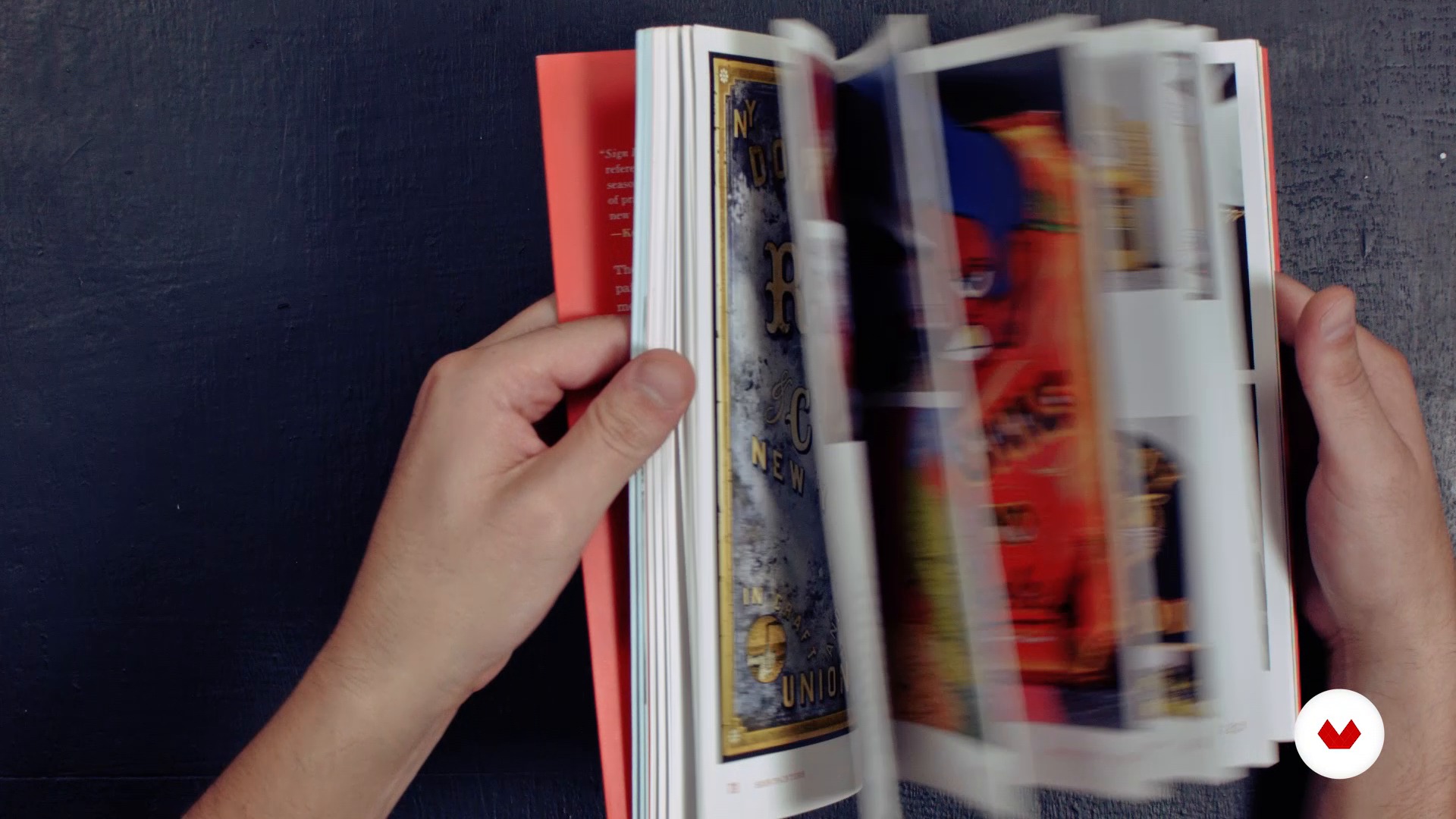
Definition of Lettering. Differences between typography and calligraphy
6 minutes, 33 seconds
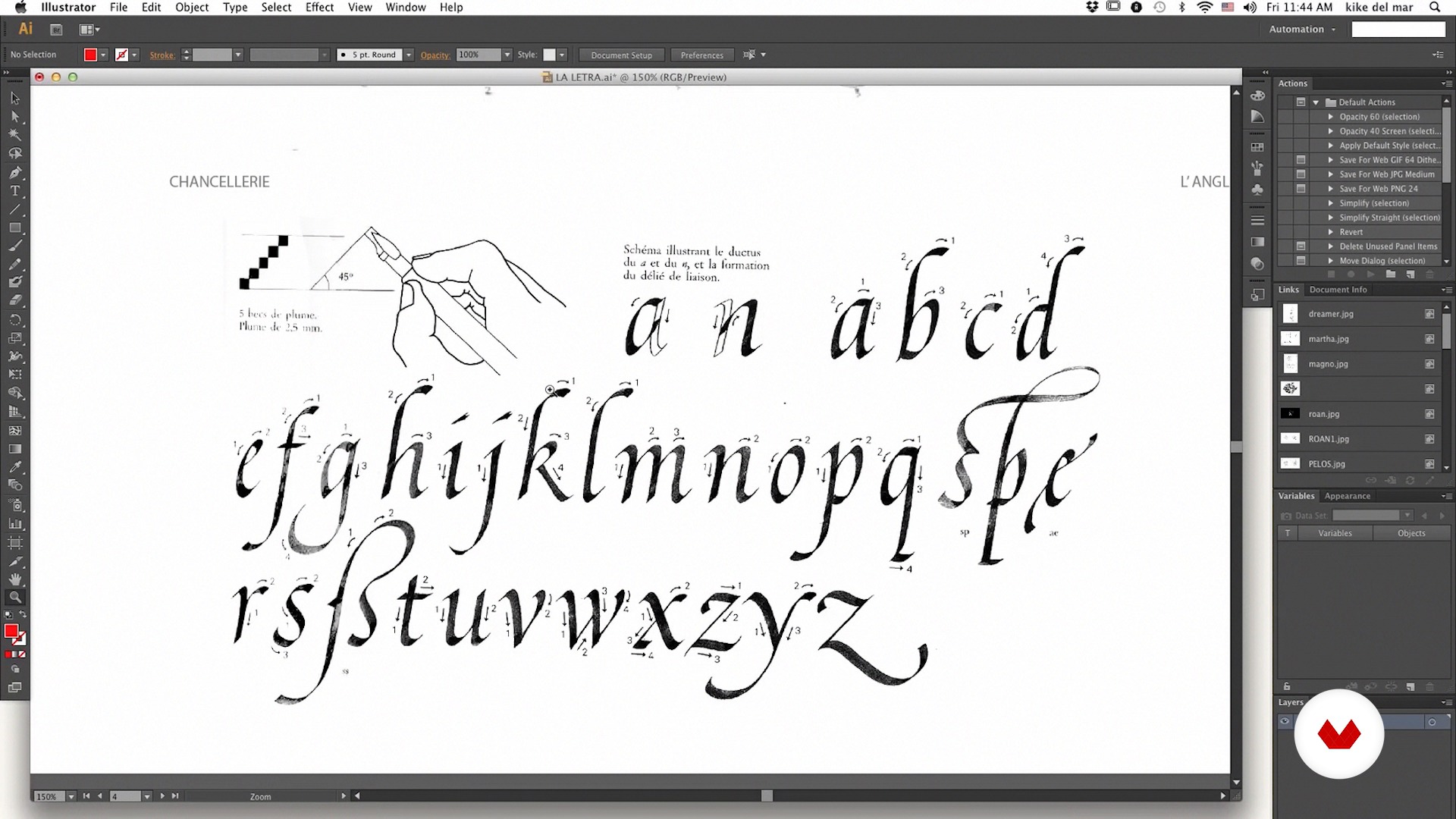
Basic structure of the letter: tricks to perform a good lettering
17 minutes, 59 seconds
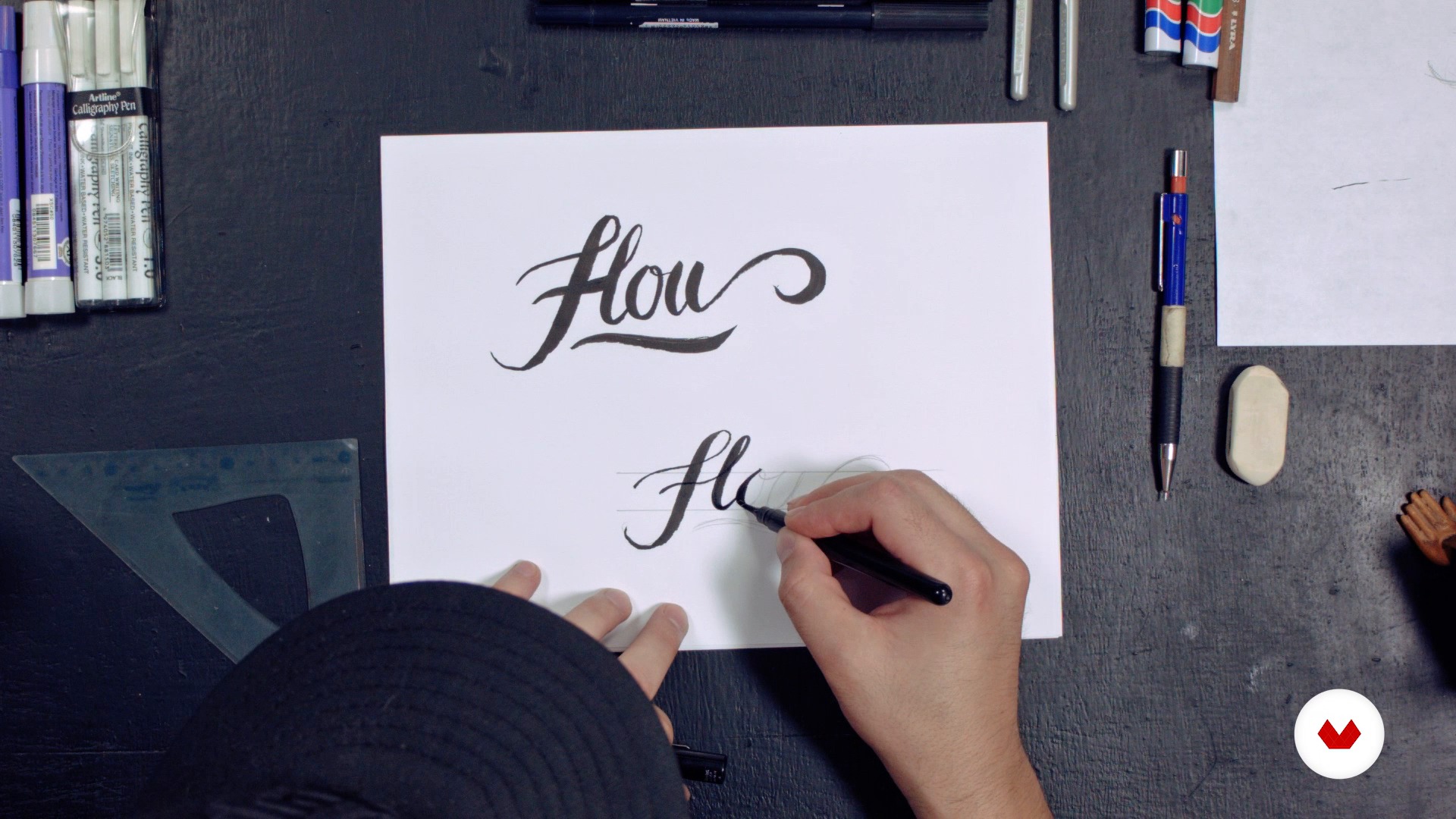
Development Lettering 1 Part 1
13 minutes, 22 seconds
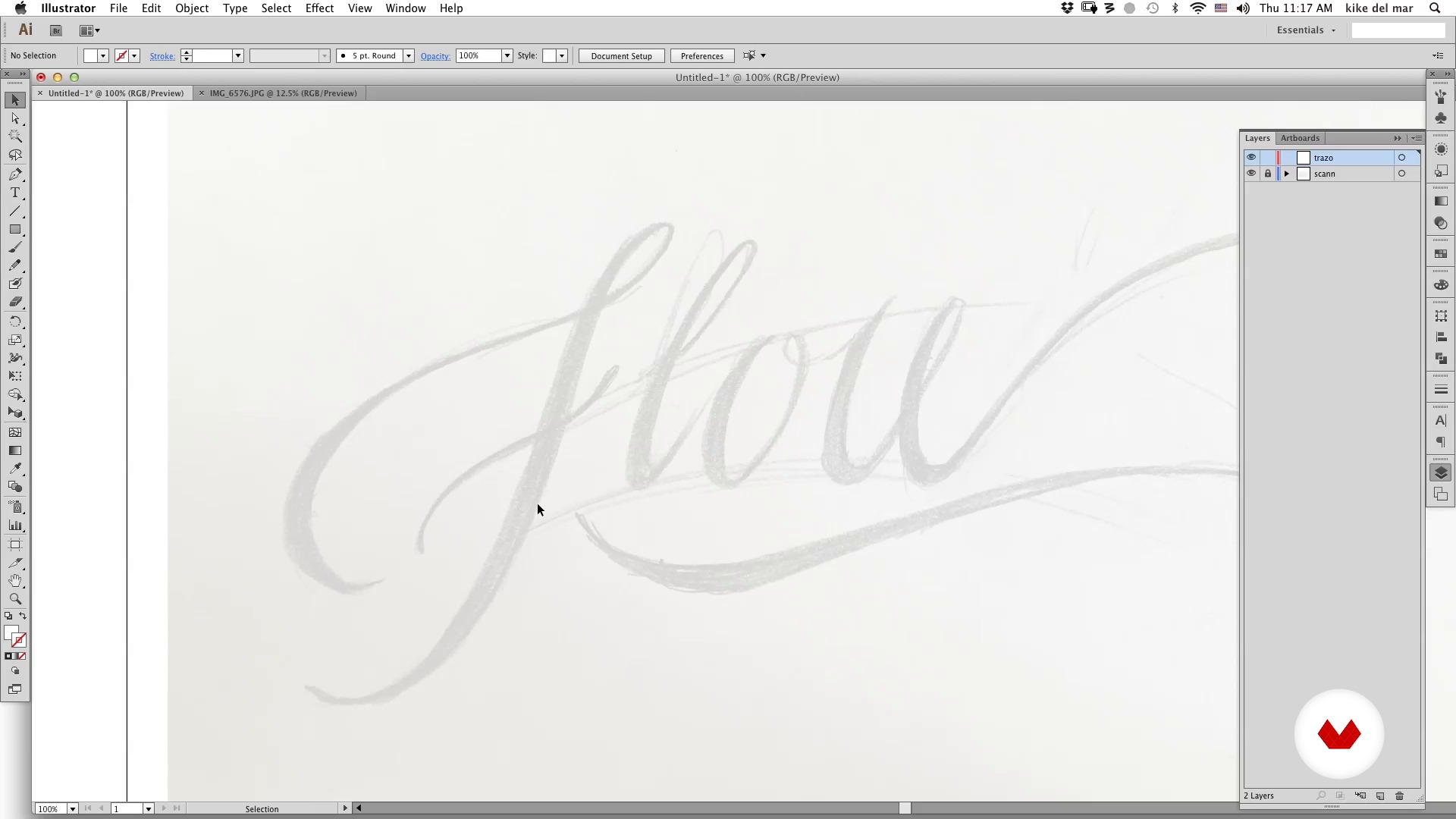
Development of Lettering 1 Part 2
19 minutes, 52 seconds
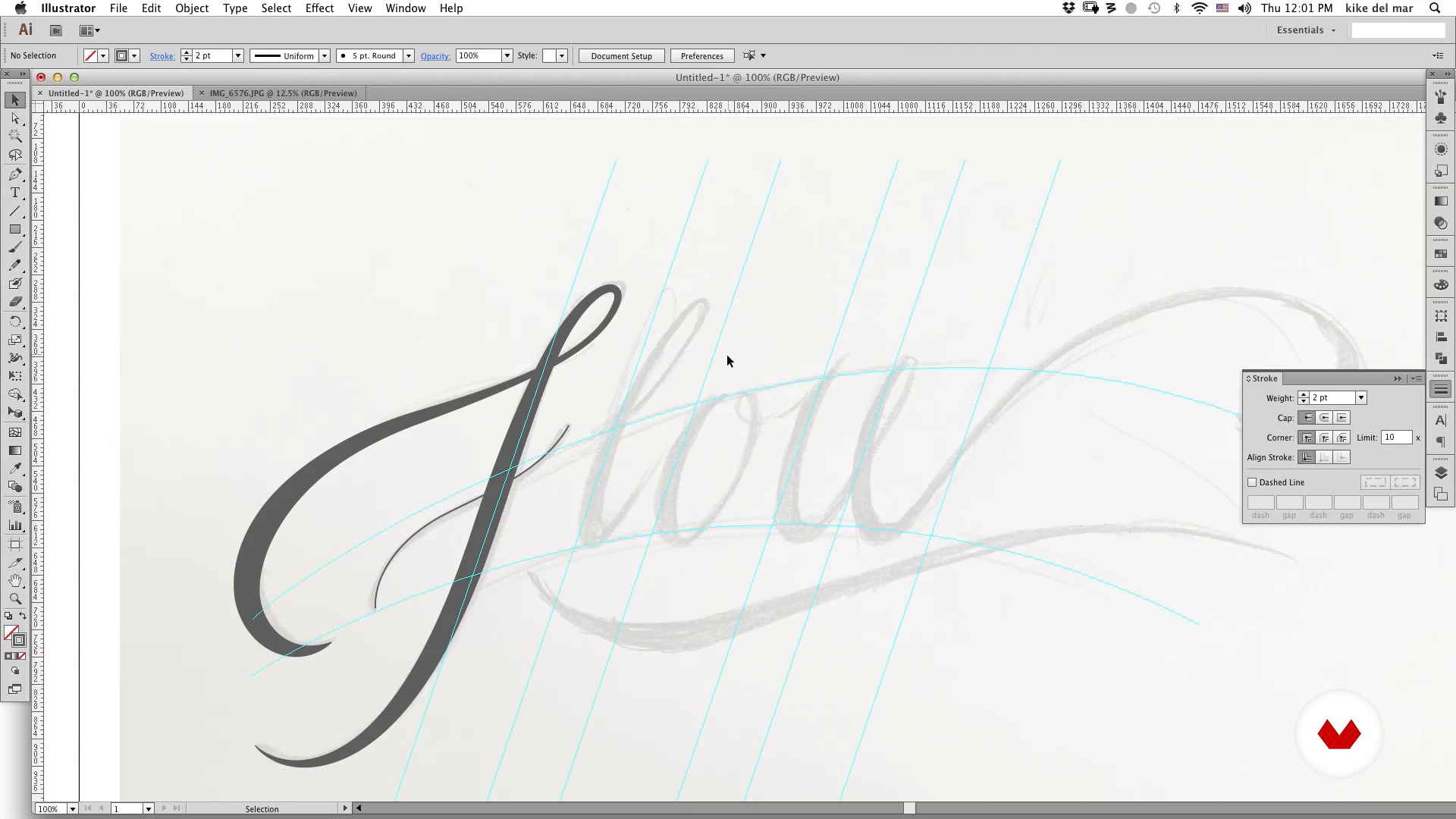
Development of Lettering 1 Part 3
19 minutes, 25 seconds
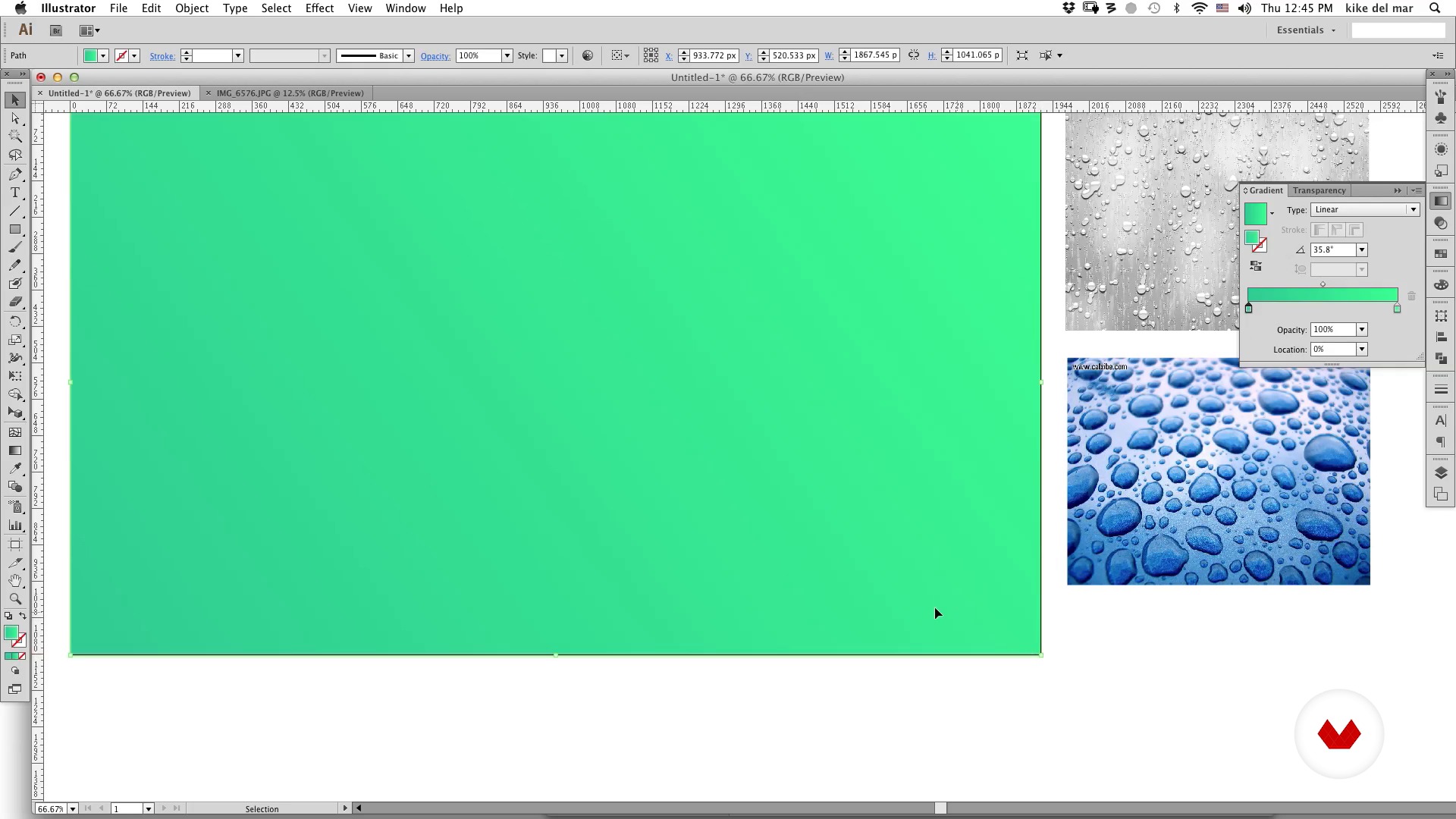
Development of Lettering 1 Part 4
5 minutes, 55 seconds
What's included in this course?
You will begin to learn more about the work and influences of MEMOMA Estudio.
Then you will know the differences and similarities between lettering, calligraphy and typography as well as some tricks to do a good job of lettering.
Then, MEMOMA will show you how to make the first sketches using three different processes. In the first one, you will learn to apply some basic concepts such as the basic structure of letters, composition, intention or graphic style. In the second, you will delve into the use of geometric shapes, modules and color, while the third will be focused on creating a lettering based on different typographical sources.
Finally you will discover three ways to animate a step-by-step lettering: cel animation or traditional animation frame by frame, with After Effects and in 3D with the help of Cinema 4D.

Recommended software & tools for this course
What is this course's project?
You will animate a slogan and / or a personal phrase to include it in your Demo Reel or portfolio.
Projects by course students


Who is this online course for?
To designers, illustrators, typographers, calligraphers and animators who want to expand their experience in the world of animated lettering and learn about the creative process of MEMOMA Estudio.
Requirements and materials
To complete this course, you will need to have very basic knowledge of Photoshop, Illustrator, After Effects and Cinema 4D.
Regarding the materials, you will need pencil and paper, a camera or scanner and a computer with the installed programs.

Reviews
- 4 months ago
Exelente
- 11 months ago
recién comienzo pero estoy tomando tips muy valiosos.
- 2 years ago
Excelente curso me ayudó mucho a mis habilidades de composición tipográfica.
- 2 years ago
This course is really interesting and I do think that it qualifies as an "intermediate course". Even though I do not use Cinema 4D, there is a lot of great info to be taken from the After Effects and Frame-by-Frame sections. Really good stuff! However, the English translation subtitles could really be improved — that would be great. There are also some downloadable linked files missing for the Unit 4 AE file. Those issues aside, the info contained in the course is still worth a recommendation.
- 3 years ago
The course was fantastic. I gained valuable knowledge by creating designs on paper and then animating them traditionally with software like Photoshop/Toon Boom Harmony. Additionally, I learned how to animate them using After Effects.

They like animation, graphic design and lettering, urban culture, music, comics, cartoons and movies; elements that always in your work to enrich your projects and have fun in the process.
In his words: "we love what we do and always try to experiment and learn with each project. Trying never to repeat ourselves, this philosophy means that each project is approached in different ways and thus obtain new results ".
Among his clients are Cartoon Networks, Discovery Kids, Nike, BBVA Bancomer, Nissan, Diageo, Cut Out Fest, Traveling Festival, NatGeo Channel, Viacom, Unilever, Mountain Dew, Televisa Networks, Once Tv Mexico and Philip Morris, among others.
Content
- U1
Introduction
- We
- Influences
- U2
Lettering
- Definition of Lettering. Differences between typography and calligraphy
- Basic structure of the letter: tricks to perform a good lettering
- Development Lettering 1 Part 1
- Development of Lettering 1 Part 2
- Development of Lettering 1 Part 3
- Development of Lettering 1 Part 4
- Development of Lettering 2 Part 1
- Development of Lettering 2 Part 2
- Development of Lettering 2 Part 3
- Development of Lettering 3 part 1
- Development of Lettering 3 Part 2
- U3
Lettering Animated frame by frame
- Introduction
- Photoshop for animation
- Plan the animation 1
- Plan animation 2
- To give atoms
- Details in Photoshop
- U4
Animated Lettering in After Effects
- Display the animation
- Preparation of files
- Import AE
- Animate Lettering Part 1
- Animate Lettering Part 2
- Animate Lettering Part 3
- U5
Animating in 3D in Cinema 4D
- Plan scene (storyboard)
- Introduction to C4D
- Generate model Part 1
- Generate model Part 2
- Animate Lettering Part 1
- Animate Lettering Part 2
- Animate Lettering Part 3
- Assign materials and render Part 1
- Assign materials and render Part 2
- FP
Final project
- Animated Lettering
What to expect from a Domestika course
Learn at your own pace
Enjoy learning from home without a set schedule and with an easy-to-follow method. You set your own pace.
Learn from the best professionals
Learn valuable methods and techniques explained by top experts in the creative sector.
Meet expert teachers
Each expert teaches what they do best, with clear guidelines, true passion, and professional insight in every lesson.
Certificates
PLUSIf you're a Plus member, get a custom certificate signed by your teacher for every course. Share it on your portfolio, social media, or wherever you like.
Get front-row seats
Videos of the highest quality, so you don't miss a single detail. With unlimited access, you can watch them as many times as you need to perfect your technique.
Share knowledge and ideas
Ask questions, request feedback, or offer solutions. Share your learning experience with other students in the community who are as passionate about creativity as you are.
Connect with a global creative community
The community is home to millions of people from around the world who are curious and passionate about exploring and expressing their creativity.
Watch professionally produced courses
Domestika curates its teacher roster and produces every course in-house to ensure a high-quality online learning experience.
FAQs
You’ll learn how to create typographic animations by blending calligraphy, lettering, and graphic design techniques, using tools like Illustrator, Photoshop, and After Effects to develop both personal and commercial projects with unique styles.
This course is designed for people with basic design and typography knowledge, perfect for intermediate learners looking to refine their digital animation and lettering skills.
You should have a basic understanding of graphic design, digital tools, and typography. It’s recommended to know the essentials of Illustrator and Photoshop.
You’ll need access to Adobe Illustrator, Photoshop, and After Effects, plus a graphics tablet or mouse and paper for sketching. Having digital fonts and brushes for advanced practice is also recommended.
Yes, the course is geared toward helping you create professional visual proposals for commercial projects, TV, or brand identities by combining animation and lettering.
You’ll learn frame-by-frame animation, basic 3D animation, After Effects techniques for lettering, color composition, keyframe management, masks, shadow and gradient effects, and stroke animation.
Yes, you’ll do exercises in hand calligraphy, letter sketching, creating guides, digitizing, and vectorizing sketches to perfect your strokes and typographic structure.