Custom Tattoo Design with Procreate
A course by Diana FelixGraphic Designer and Tattoo Artist
A course by Diana Felix, Graphic Designer and Tattoo Artist

Learn how to digitally create a tattoo and enrich your portfolio with designs full of personality
Designing a custom tattoo is about creating unique and exclusive designs that are now considered valuable artistic pieces. Tattoo designer Diana Félix is known for creating tattoos full of character and strength, focusing on female portraits, human duality, and a variety of Japanese-inspired graphic elements.
In this course, Diana guides you through defining your own style. She teaches you her creative process for designing a tattoo from start to finish, including important aspects like anatomy and what questions to ask your client before getting started. Finish the course by designing templates and illustrations that will serve as work for your creative portfolio. This course does not focus on tattooing the skin, but rather the creative design process using Procreate.
What will you learn in this online course?
14 lessons & 18 downloads
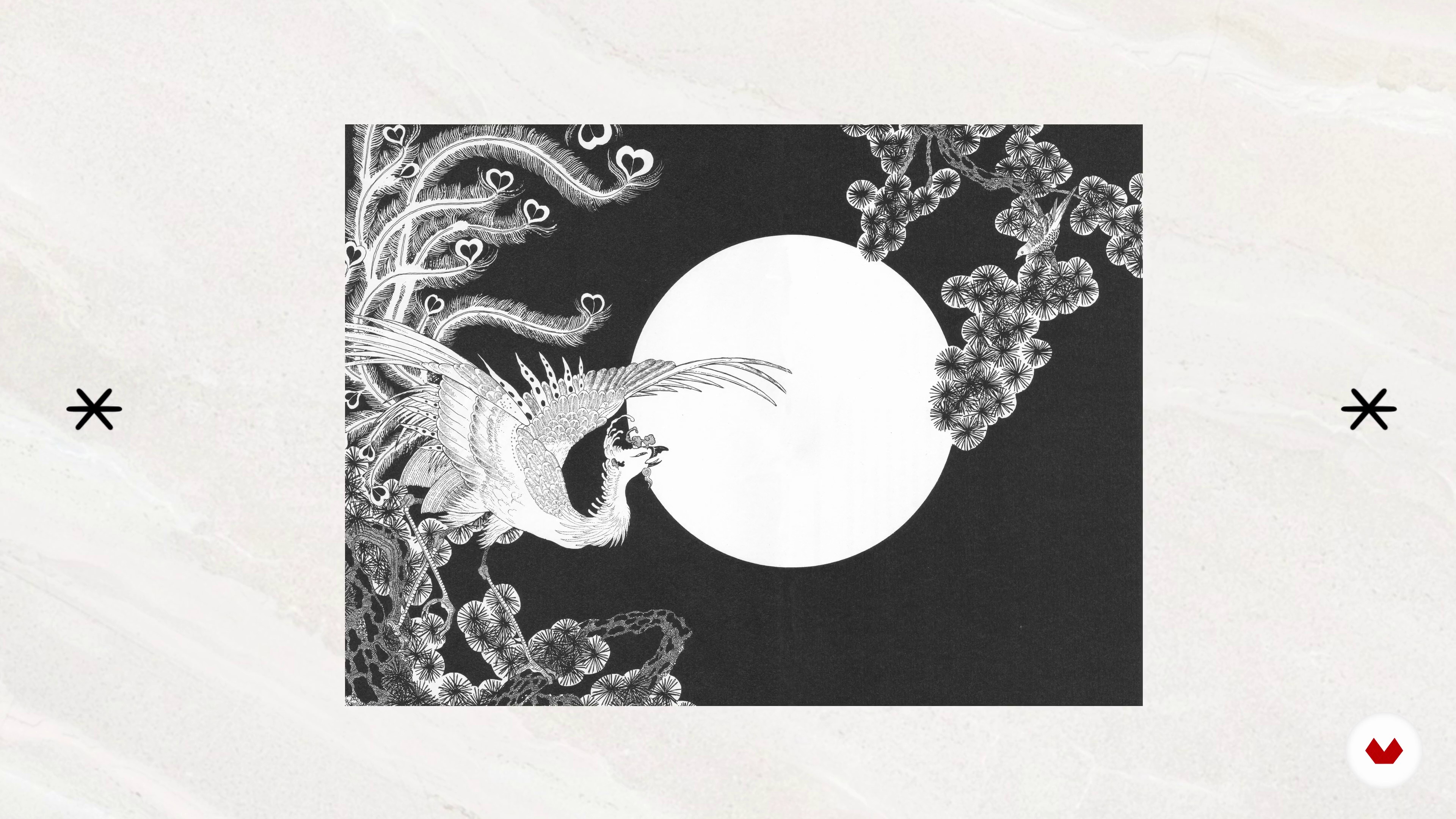
Influences
4 minutes, 8 seconds
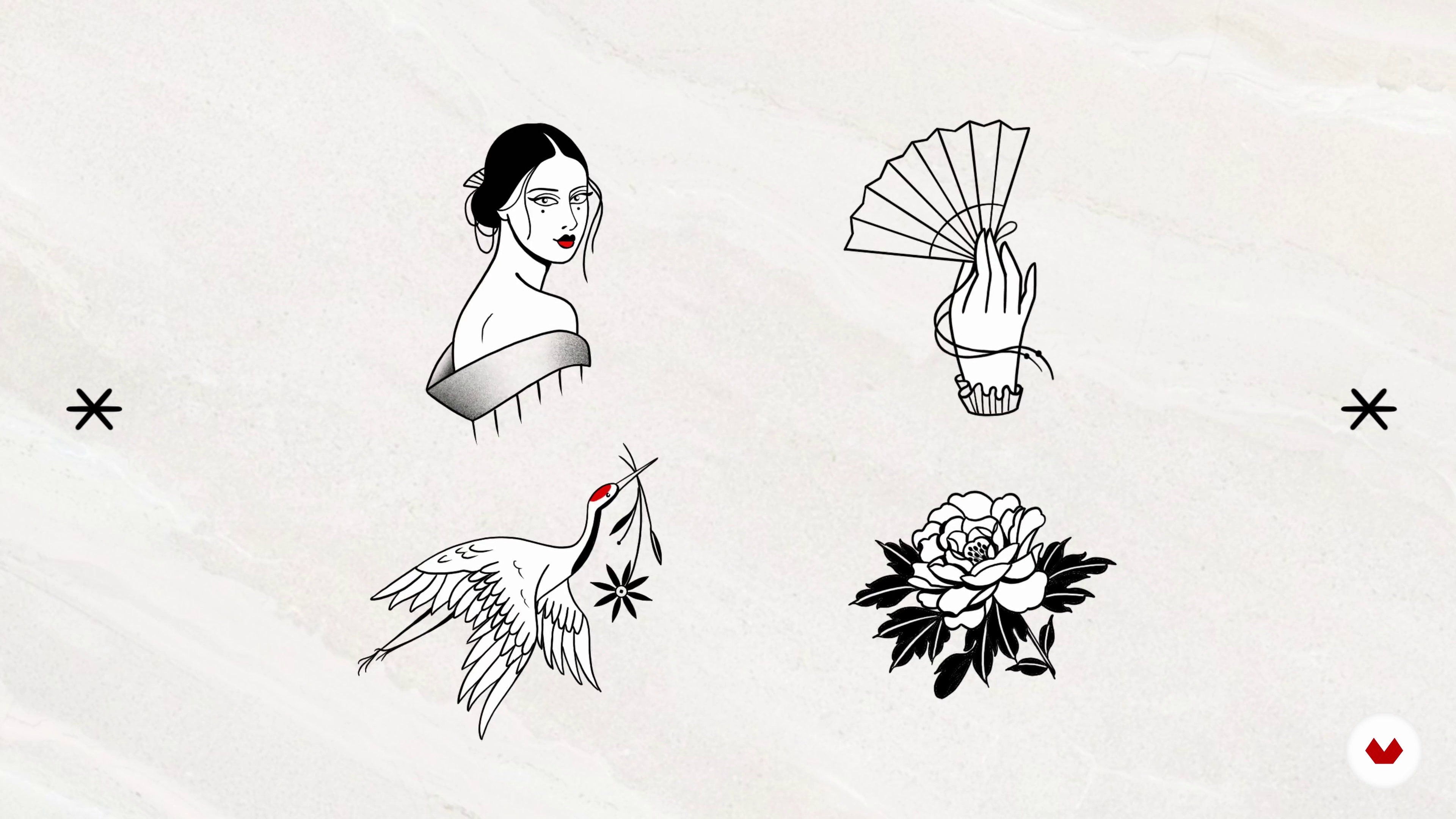
What will we do in the course?
1 minute, 33 seconds
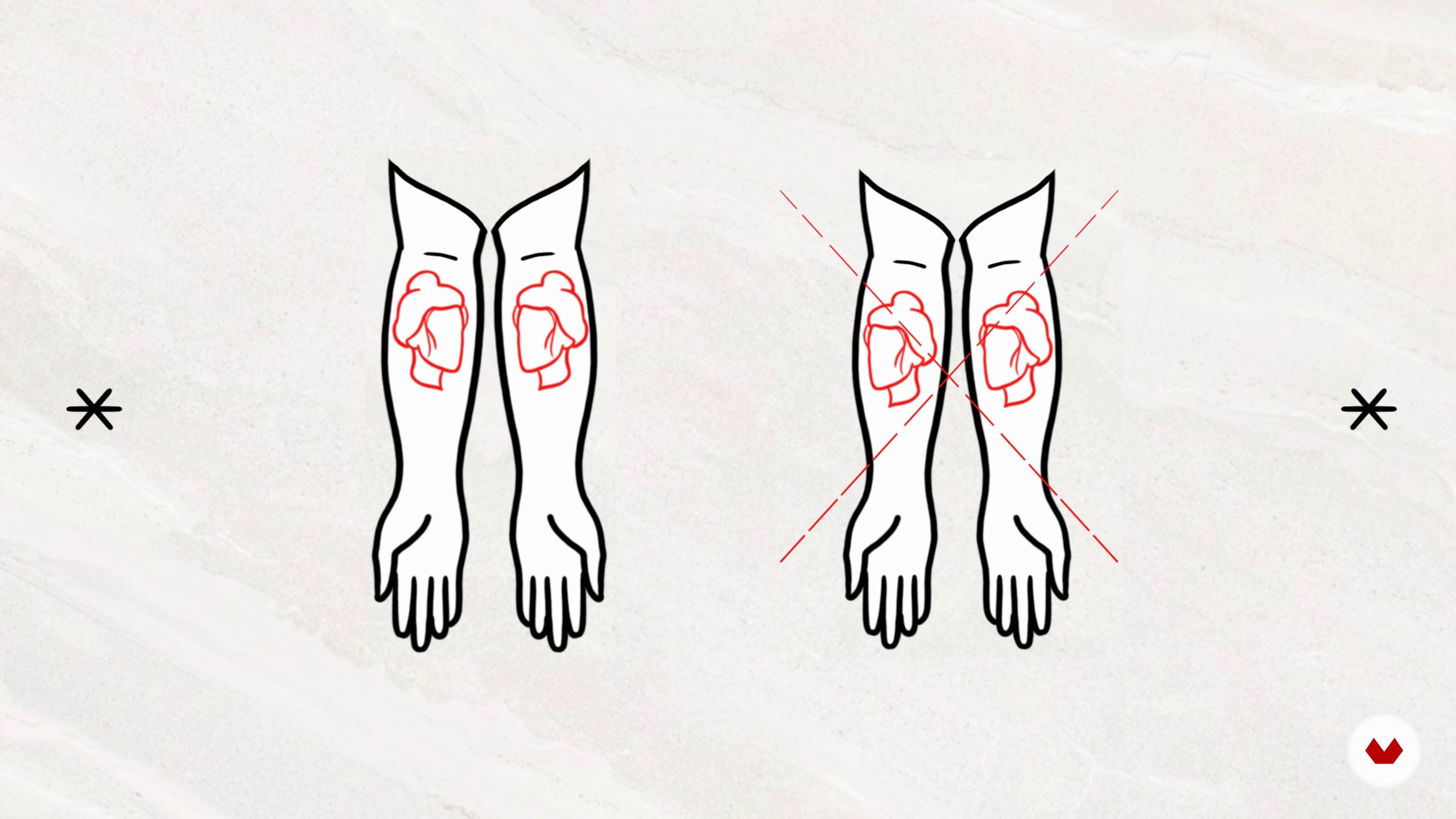
Let's talk about the body and its composition
7 minutes, 5 seconds
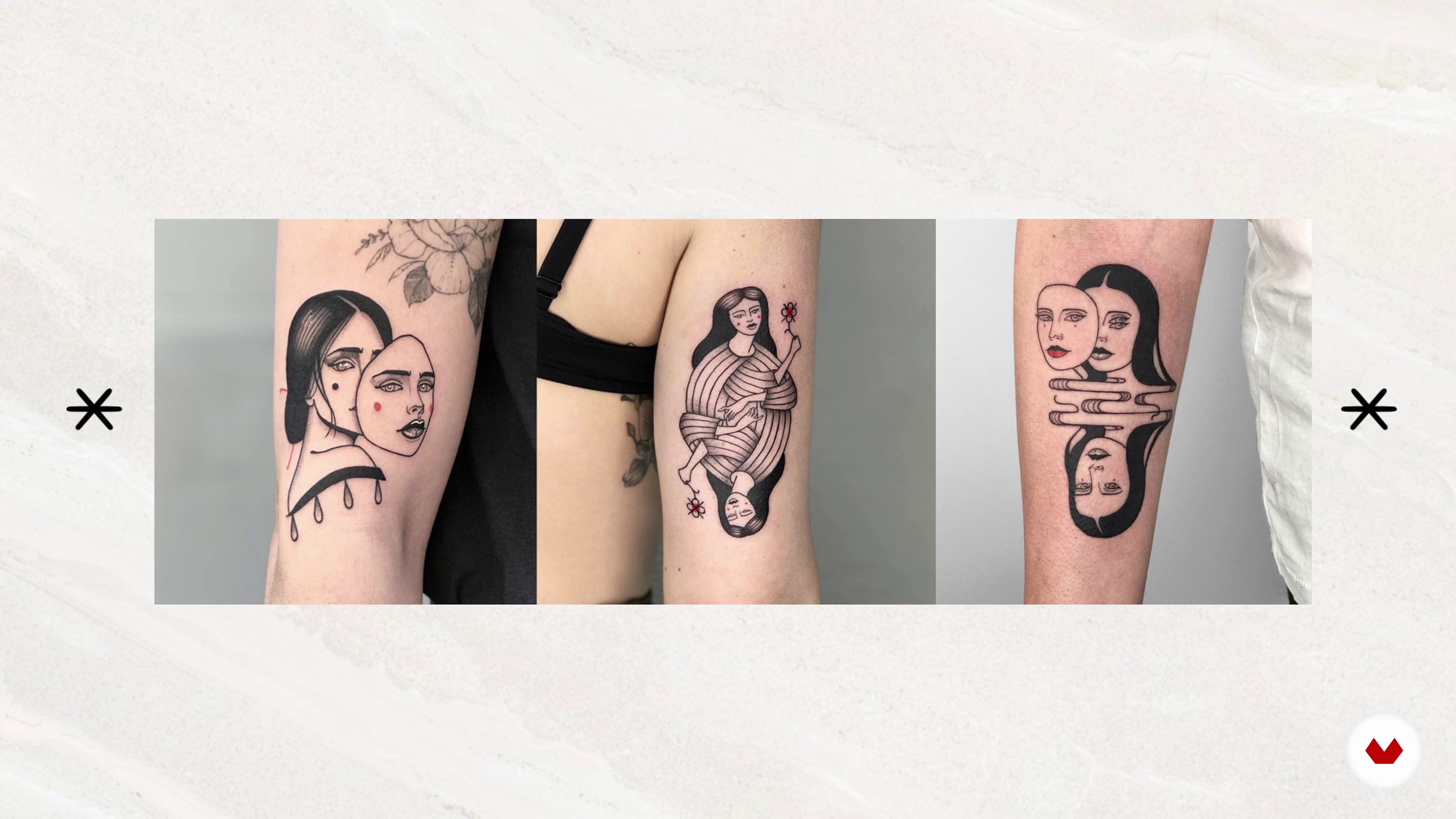
How do I define my style?
3 minutes, 16 seconds
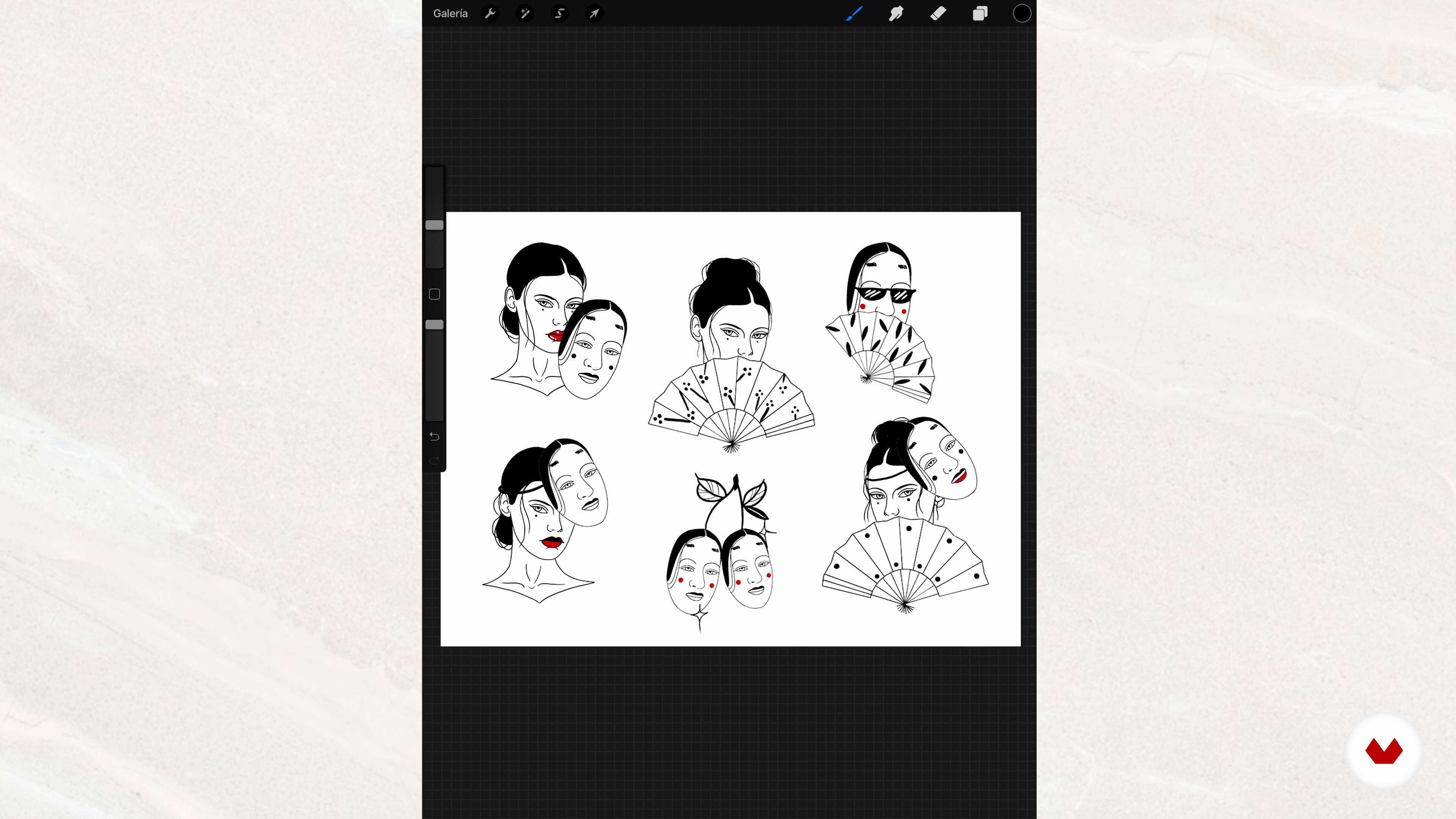
How do I land my ideas? From the mood board to my first design
11 minutes, 19 seconds
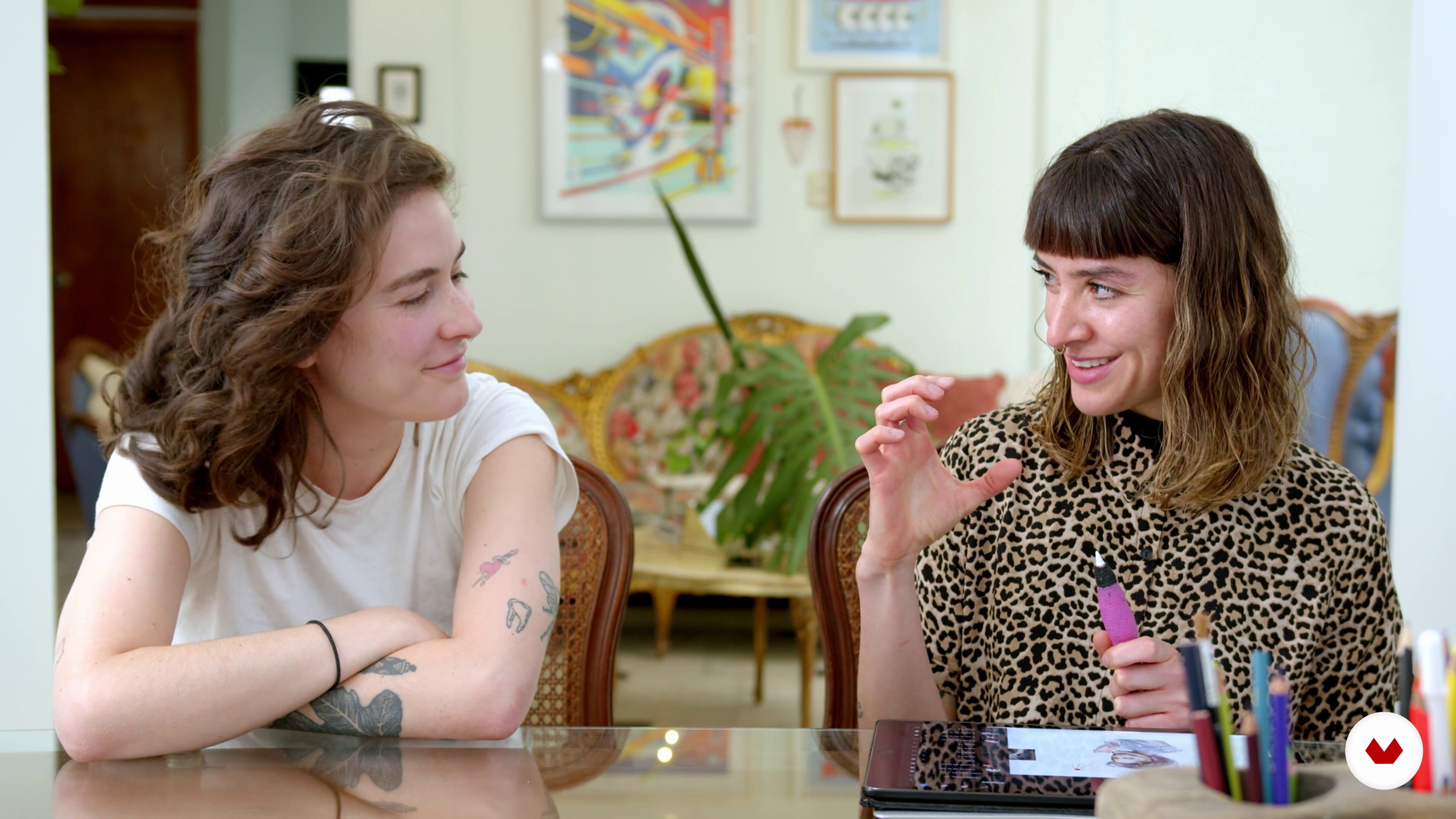
Know your client
3 minutes, 38 seconds
What's included in this course?
First, Diana tells you about herself and her transition from graphic designer to tattoo artist. Get to know some of the artists and designers that inspire her creative style.
Learn the basics of a signature tattoo and go through some practical exercises to refine your technique and develop your aesthetic. Together with Diana, analyze the best tattoo compositions for different parts of the body.
Later, follow along as she goes through her creative process. Learn to design a tattoo based on the ideas and inspirations of a real client. Start creating a mood board in the form of a collage on Procreate and see how to represent your ideas inside your sketches.
Polish your illustrations with advice from Diana, who shows you her techniques for modifying designs in Procreate. Discover how to envision your tattoo design as if it were applied to skin.
Finally, see how to design a list of ready-to-sell tattoos on social media. Learn how to take great photos of your work and listen to some important tips for showing off your work in a creative portfolio, a resource and platform for reaching new potential clients.
Recommended software & tools for this course
What is this course's project?
Design the template for a custom tattoo using the ideas and inspirations of a real client.

Projects by course students


Who is this online course for?
Tattoo artists who would like to learn the process for creating custom tattoo designs with their own personal style.
Requirements and materials
To take this course, you will need some basic knowledge of Procreate, an iPad Pro with the application installed, and an Apple Pencil. If you don’t have an iPad Pro, you can also use the Sketchbook app on other devices.

Reviews
- 3 months ago
No es muy claro a la hora de como trabajar en Procreate, para mi gusto me hubiera gustado que brindara más herramientas para poder usarla.
- 3 months ago
Gostando bastante
- elartesano_2535PLUS4 months ago
Excelente curso, super recomendable. Claro y muy practico. Muchas gracias!
- 10 months ago
A professora foi muito atenciosa aos detalhes e ensinou perfeitamente bem. Estou impressionada com o meu rendimento quanto aos meus designs autorais, já que sempre tive dificuldade para realizar trabalhos próprios. O curso tem uma proposta interessante, principalmente por conta de ensinar o uso de referências visuais; isso é útil para pessoas como eu que possuem dificuldades com realização de desenhos autorais.
- 11 months ago
Good guidelines on how to use the tools of Procreate to be creative with our tattoo designs. Also some nice information regarding anatomy and tattoo composition.

Diana admires female strength and energy, which is why she specializes in creating female portraits and designs that reflect the duality of people. Her work is also strongly influenced by Japanese-inspired graphic elements.
Content
- U1
Introduction
- Presentation
- Influences
- What will we do in the course?
- U2
Basic aspects for an author tattoo
- History of the tattoo and its different denominations
- Let's talk about the body and its composition
- How do I define my style?
- How do I land my ideas? From the mood board to my first design
- U3
Design for a client
- Know your client
- Documentation
- Collage
- Sketch and final stroke
- Our design on the skin
- U4
Design for your signature tattoo portfolio
- Make a spreadsheet
- Keep drawing and create your portfolio
- FP
Final project
- Signature Tattoo Design with Procreate
What to expect from a Domestika course
Learn at your own pace
Enjoy learning from home without a set schedule and with an easy-to-follow method. You set your own pace.
Learn from the best professionals
Learn valuable methods and techniques explained by top experts in the creative sector.
Meet expert teachers
Each expert teaches what they do best, with clear guidelines, true passion, and professional insight in every lesson.
Certificates
PLUSIf you're a Plus member, get a custom certificate signed by your teacher for every course. Share it on your portfolio, social media, or wherever you like.
Get front-row seats
Videos of the highest quality, so you don't miss a single detail. With unlimited access, you can watch them as many times as you need to perfect your technique.
Share knowledge and ideas
Ask questions, request feedback, or offer solutions. Share your learning experience with other students in the community who are as passionate about creativity as you are.
Connect with a global creative community
The community is home to millions of people from around the world who are curious and passionate about exploring and expressing their creativity.
Watch professionally produced courses
Domestika curates its teacher roster and produces every course in-house to ensure a high-quality online learning experience.
FAQs
Yes, the course guides you step-by-step through the creative and technical process of designing custom tattoos, even if you have only intermediate illustration or design skills.
No prior tattooing experience is required, but having basic knowledge of digital illustration or drawing is recommended to get the most out of the course.
You’ll need a tablet or computer with digital illustration software (like Procreate or Photoshop), basic drawing supplies, and if you want to practice tattooing, a machine, needles, and synthetic skin.
You’ll learn how to develop your own style, design custom tattoos, create flash sheets and portfolios, apply both digital and traditional techniques, and adapt illustrations to clothing, jewelry, or murals.
You’ll explore techniques like introspection, mood boards, visual references, and practical exercises to identify and solidify a unique, recognizable graphic style.
Yes, the course covers creative and technical processes for printing illustrations on garments, custom jewelry, and other creative surfaces.
You’ll learn the basics of using a tattoo machine, applying stencils, practicing on synthetic skin, and adapting designs to the client’s body.