
Composition and Color for Creative Illustration
A course by Marcos ChinIllustrator
A course by Marcos Chin, Illustrator

Learn how to visually interpret a written piece and turn it into a meaningful illustration
Sometimes, words are not enough to express an idea, especially if writing isn't particularly your thing. Through an illustration, you can tell stories that are filled with color and textures, to fully reflect the way that you see the world.
In this course, you will create an illustration from start to finish, using both digital and analog techniques, using a short text such as an article, poem, or music lyrics, as inspiration, and learn how to interpret this text visually, with the help of renowned illustrator Marcos Chin. You will acquire knowledge in color and composition to create an illustration that is visually compelling; one that has movement and conveys a specific feeling or atmosphere.
What will you learn in this online course?
18 lessons & 17 downloads
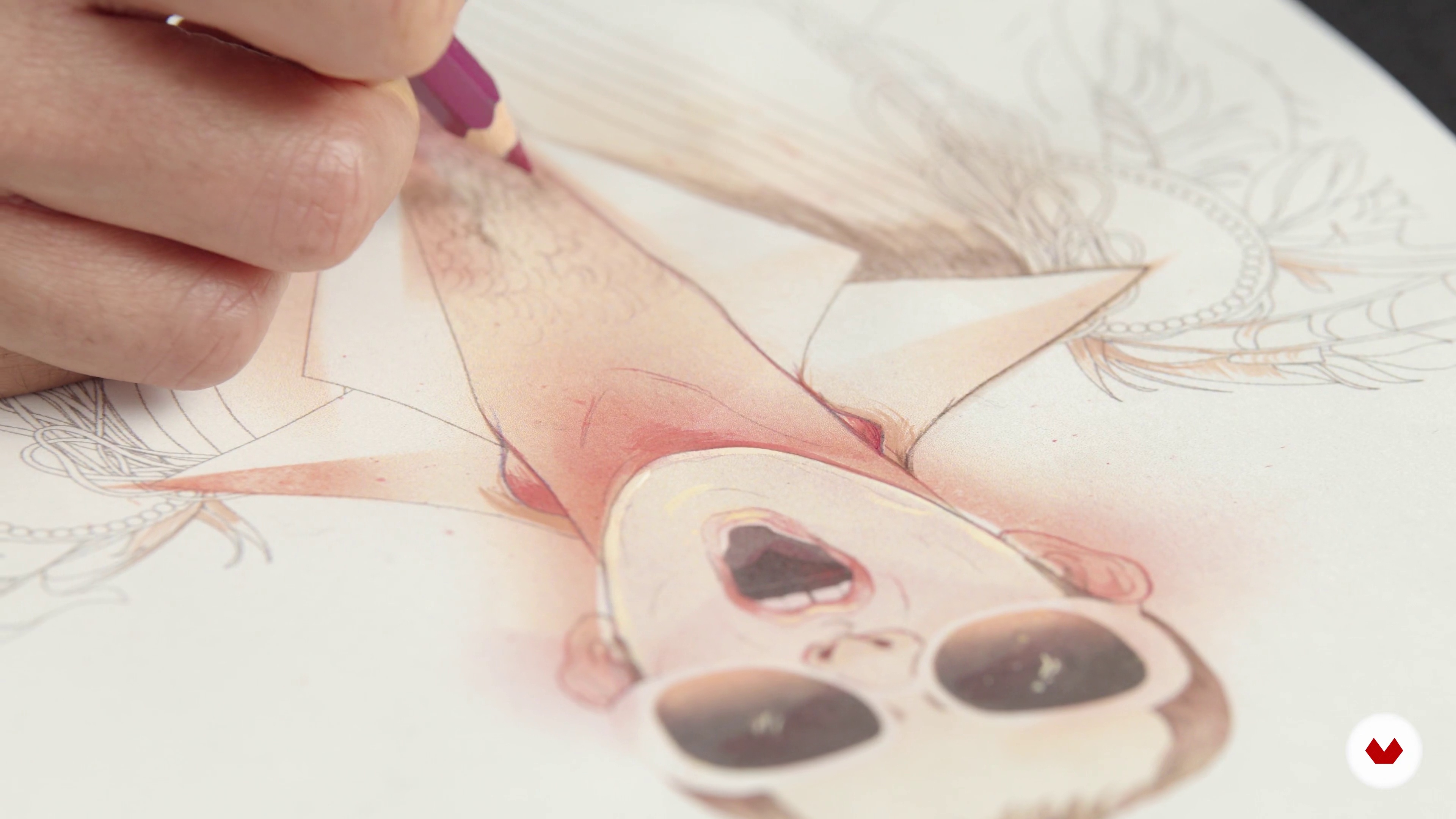
What We Will Do in the Course
3 minutes, 8 seconds
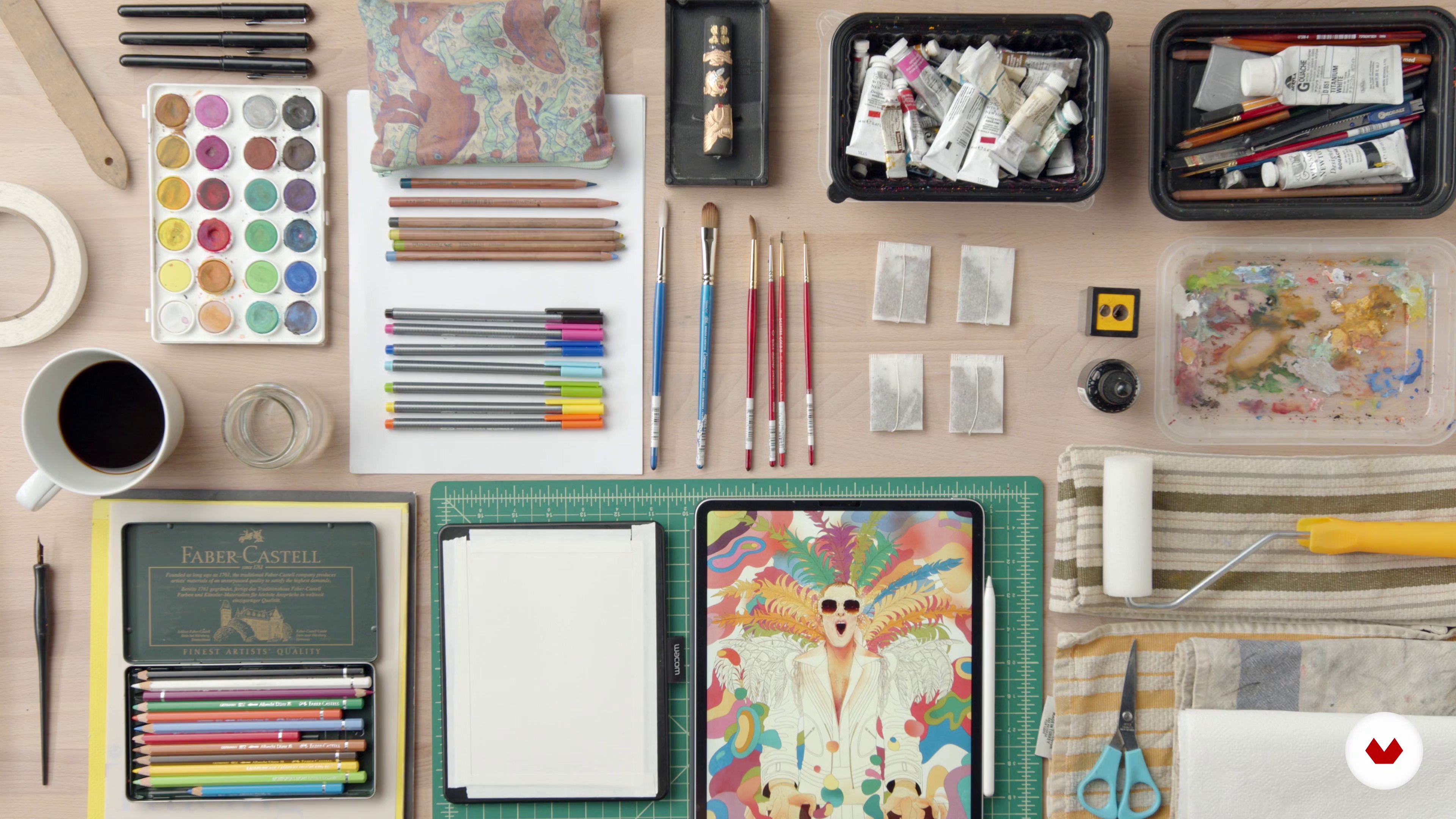
Materials You Need - On Multidisciplinarity
8 minutes, 34 seconds
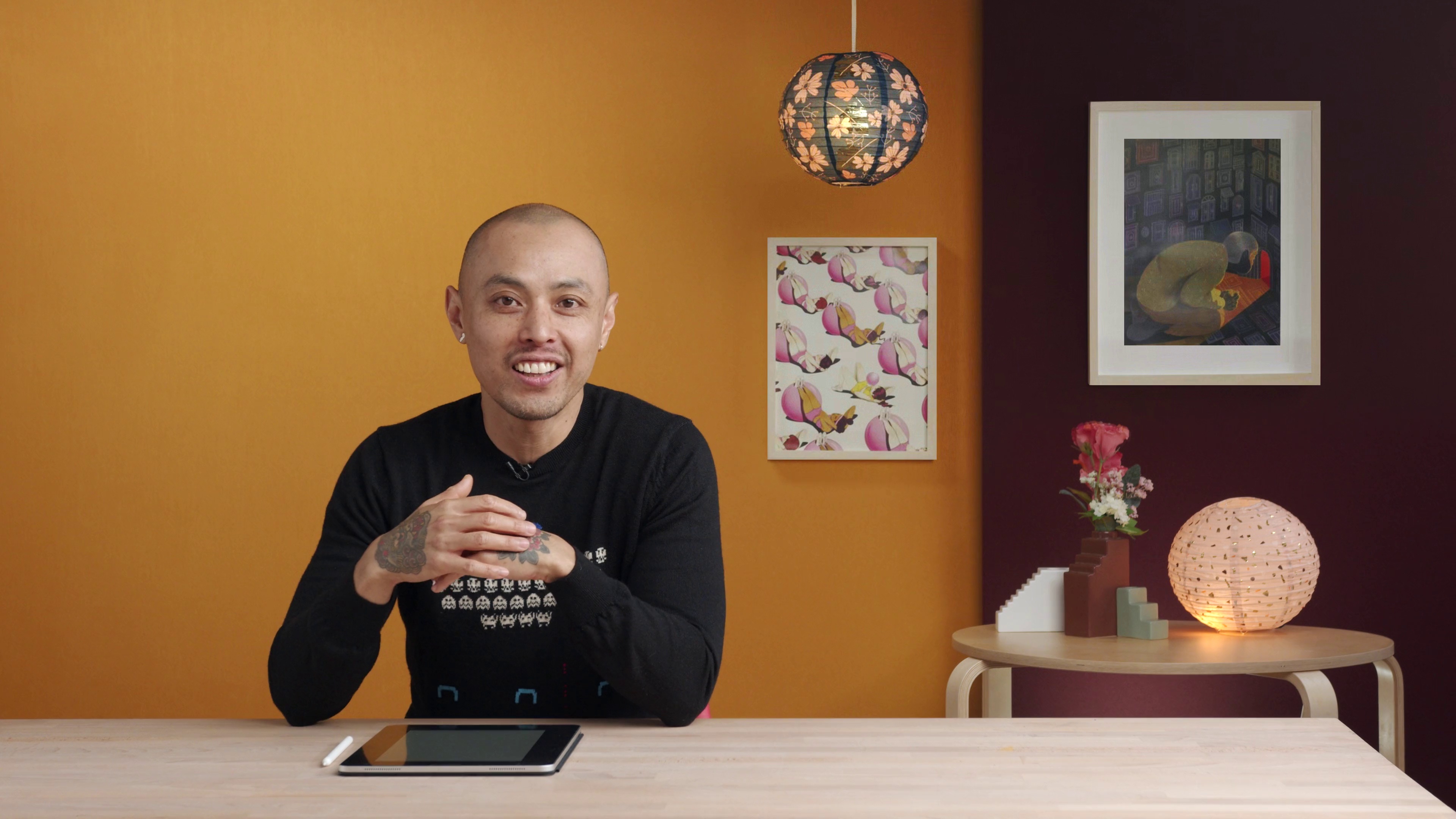
The Basics of Composition
11 minutes, 55 seconds
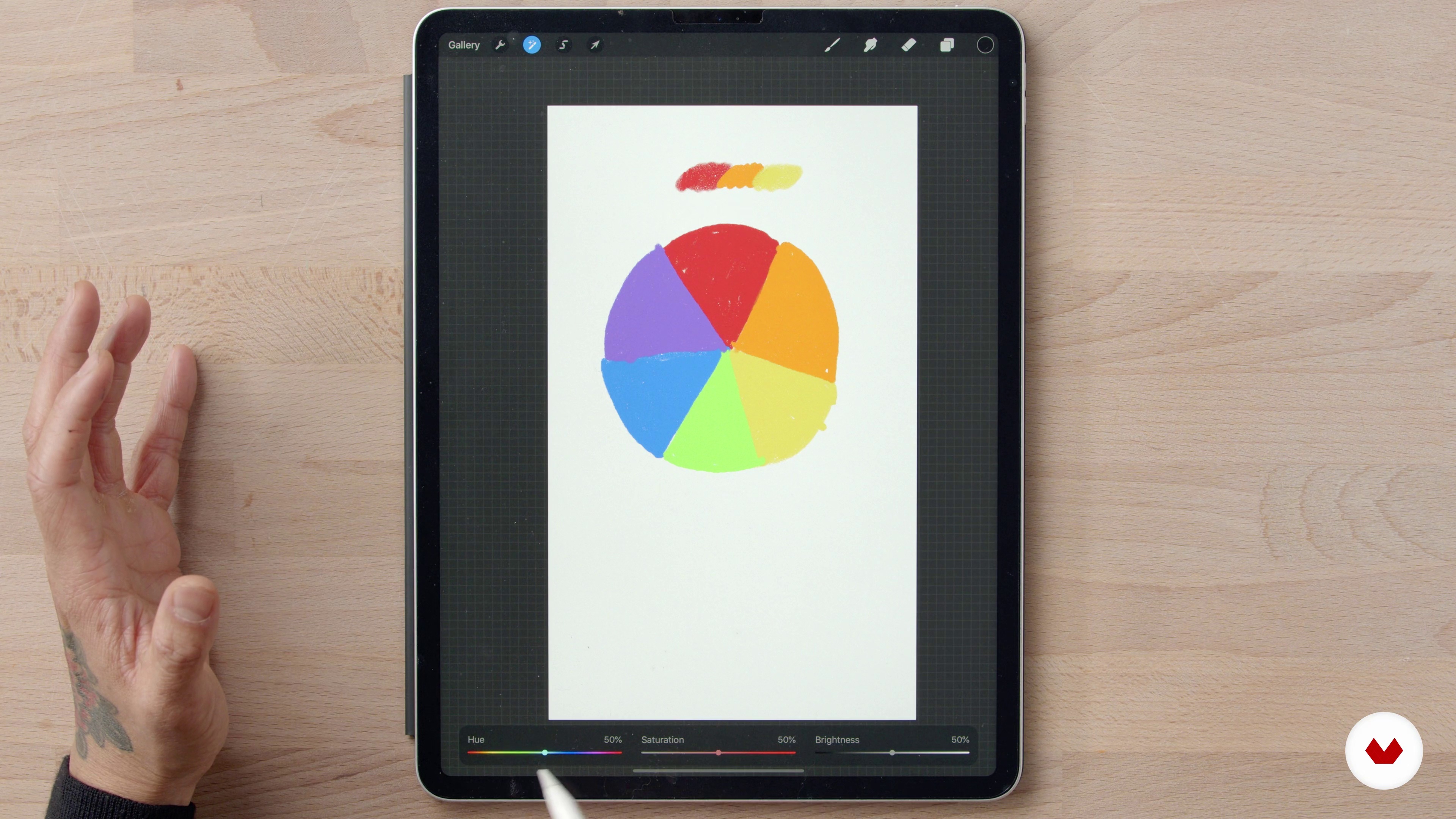
The Basics of Color
4 minutes, 38 seconds
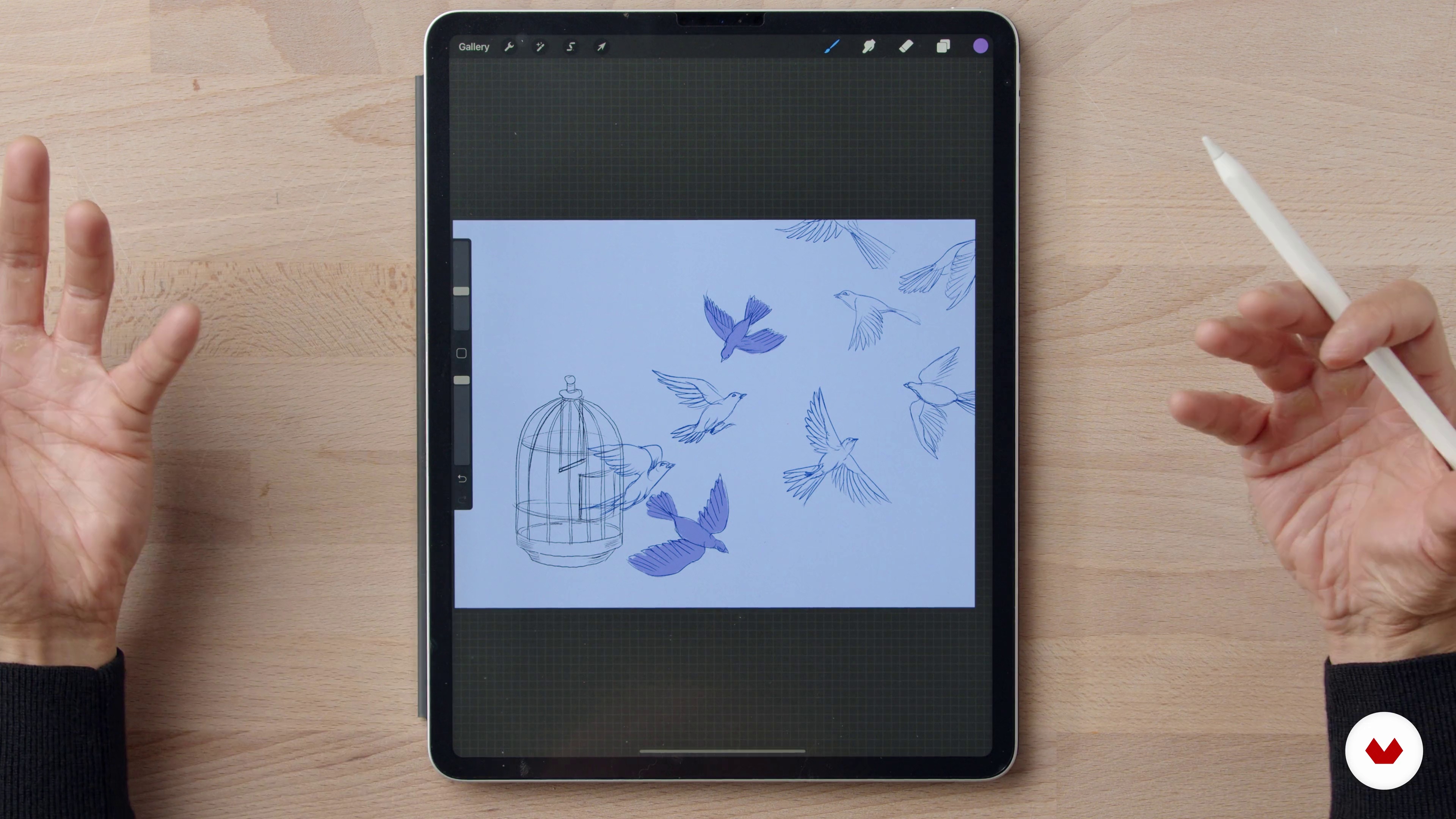
Working with Composition and Color Together
12 minutes, 50 seconds
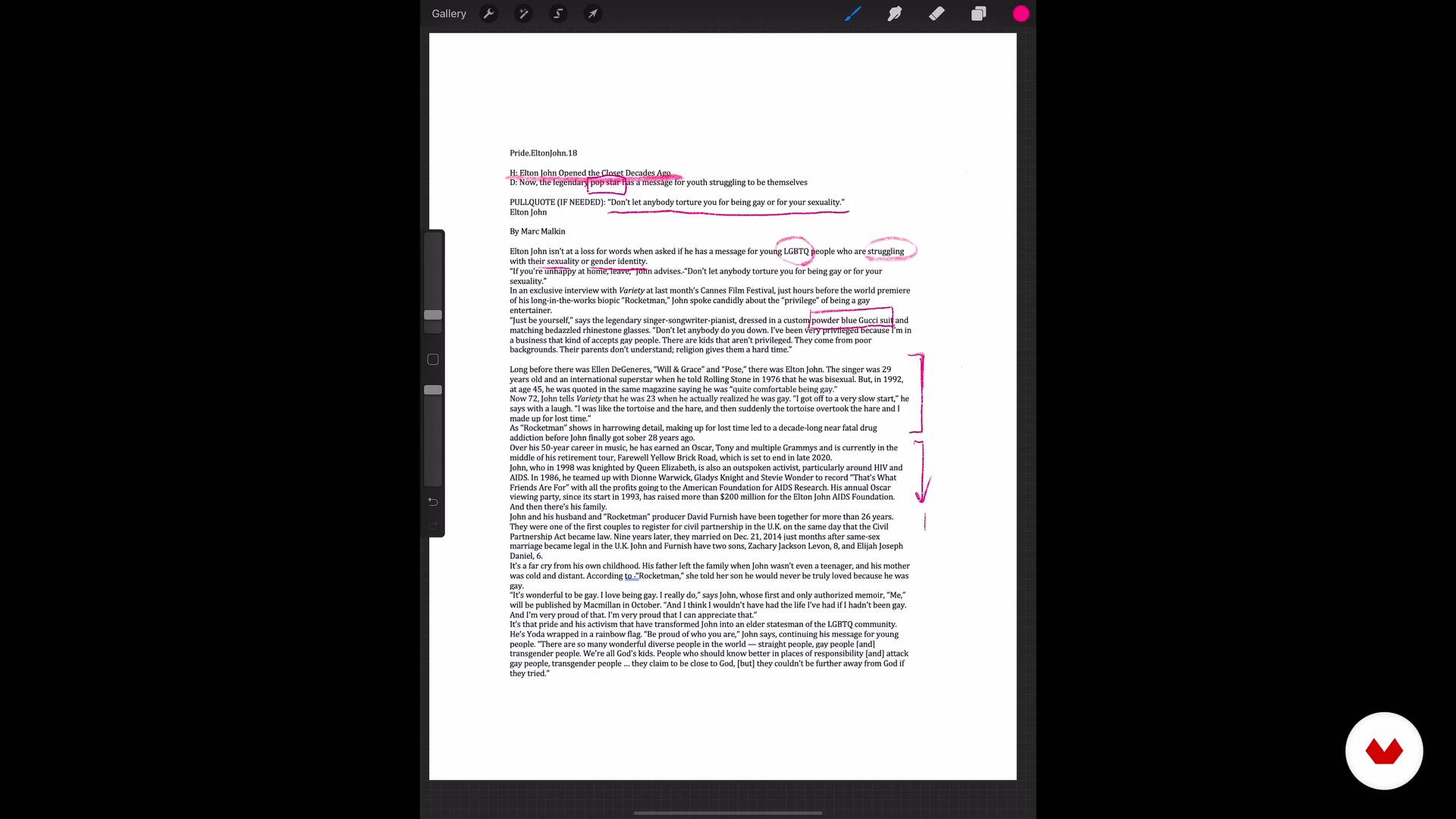
Interpreting and Depicting Your Text
8 minutes, 58 seconds
What's included in this course?
The course starts with Marcos talking a bit about himself, how he got started as an illustrator, where he draws inspiration from, and what you’ll be learning in this course. He will also go through the materials you'll need for the course.
Everything needs a strong foundation, so the next unit is devoted to that. Art and design theory can be loaded with so much information; however, knowing the basics will provide the foundation you need to build your illustration. Marcos covers the basics of composition and color, as well as the combination of both.
Like people, animals, and things, an illustration has an interior and an exterior. The outside is what the viewer sees, whereas the inside is the concept, idea, message or story. You will start by focusing on the inside of your illustration, reading the text, brainstorming ideas, and looking at references for support.
After this, you'll draw and add color to your illustration, using the medium of your choice. Marcos will share his digital illustration process with you.
Once you finalize your drawing, you'll add your own touch of personality to it. In this step, Marcos uses a combination of manual techniques to add textures and marks using paint, charcoal, and pencils, which he then digitizes again to manipulate on his computer and give the final touches to his illustration. He'll give you some final tips to make this process a straightforward one.
Recommended software & tools for this course
What is this course's project?
You will visually interpret a short text of your choosing, such as an article, poem, or music lyrics, and create an illustration that highlights the composition and color.

Projects by course students


Who is this online course for?
Art and illustration students, or anyone who would like to learn more about illustration and improve their style.
Requirements and materials
You'll need basic drawing and Adobe Photoshop skills. Adobe Illustrator knowledge might come in handy as well, but it's not mandatory.
As for materials, you'll need a scanner with corresponding software; different types of white paper, with and without tooth such as Bristol, vellum, and hot or cold press paper; watercolor; charcoal or conté; charcoal powder; graphite; ink; and brushes of various sizes.
Although this is mainly a digital illustration course, using a laptop, computer or other digital drawing device is not mandatory. The information you learn from this course can be applied to any kind of medium, digital or analog.

Reviews
- 2 months ago
Cours très bien présenté qui me fait voir autrement les images que je crée et la composition en général. Je n'ai pas fini de projet spécifique pour ce cours mais j'applique ses conseils. Après un premier brouillon, je repense aux explications de Marcos et j'ajuste mon image qui gagne en caractère et en attrait.
- 10 months ago
Curso simples e objetivo. Ótimas dicas.
- 10 months ago
Exelente curso, el contenido es muy claro y Marcos es fantástico. Recomiendo totalmente.
- 11 months ago
Marcos is a very generous and engaging teacher with great empathy. It would be wonderful to have him as a friend <3. I really loved his composition and brainstorming course! I had fun and was thrilled! Thank you so much! I will rewatch this course over time because it's truly worth it!
- 1 year ago
Marcos is a great teacher! Thank you for sharing your process--very inspiring!

Marcos has given lectures and workshops throughout the US and abroad. He currently lives in New York, where he teaches Illustration at the School of Visual Arts.
Content
- U1
Introduction
- Introduction
- Influences
- What We Will Do in the Course
- U2
The Basics of Composition and Color
- Materials You Need - On Multidisciplinarity
- The Basics of Composition
- The Basics of Color
- Working with Composition and Color Together
- U3
Let's Make Your Illustration
- Interpreting and Depicting Your Text
- Brainstorm: The Thumbnail Stage
- Refining Your Sketch
- Creating the Final Drawing
- Creating the Final Drawing - Part 2
- Evaluating and Refining Your Final Drawing
- U4
Put In Your Personality
- Where Digital Meets Analog: Painting on Your Prints
- Creating Your Own Textures: Show Your Personality
- Putting It All Together
- Applying Your Textures Using Photoshop
- On Creativity
- FP
Final project
- Composition and Color for Creative Illustration
What to expect from a Domestika course
Learn at your own pace
Enjoy learning from home without a set schedule and with an easy-to-follow method. You set your own pace.
Learn from the best professionals
Learn valuable methods and techniques explained by top experts in the creative sector.
Meet expert teachers
Each expert teaches what they do best, with clear guidelines, true passion, and professional insight in every lesson.
Certificates
PLUSIf you're a Plus member, get a custom certificate signed by your teacher for every course. Share it on your portfolio, social media, or wherever you like.
Get front-row seats
Videos of the highest quality, so you don't miss a single detail. With unlimited access, you can watch them as many times as you need to perfect your technique.
Share knowledge and ideas
Ask questions, request feedback, or offer solutions. Share your learning experience with other students in the community who are as passionate about creativity as you are.
Connect with a global creative community
The community is home to millions of people from around the world who are curious and passionate about exploring and expressing their creativity.
Watch professionally produced courses
Domestika curates its teacher roster and produces every course in-house to ensure a high-quality online learning experience.
FAQs
This course is designed for intermediate illustrators who already have basic drawing and digital art skills. Beginners may find some concepts advanced, but artists with some experience will benefit most.
You will need drawing materials like pens, brushes, and paper, plus digital tools such as an iPad with Procreate or Adobe Photoshop. Analog textures and scanning capabilities are also recommended.
You’ll learn advanced illustration techniques, portfolio building, pitching artwork to magazines, editorial workflows, blending analog and digital methods, and strategies for networking and finding freelance opportunities.
Yes, the course includes guidance on assembling a professional illustration portfolio to showcase your style and attract freelance clients or editorial opportunities.
You’ll explore narrative illustration, visual storytelling techniques, and methods for extracting visual ideas from written text to create compelling artwork that communicates ideas.
Yes, the course covers blending analog textures with digital illustration, using tools like brush pens, watercolor, Procreate, and Photoshop to create expressive, layered artworks.
Basic familiarity with Procreate or Photoshop is helpful, as the course includes digital workflows, layer management, and texture integration in these programs.