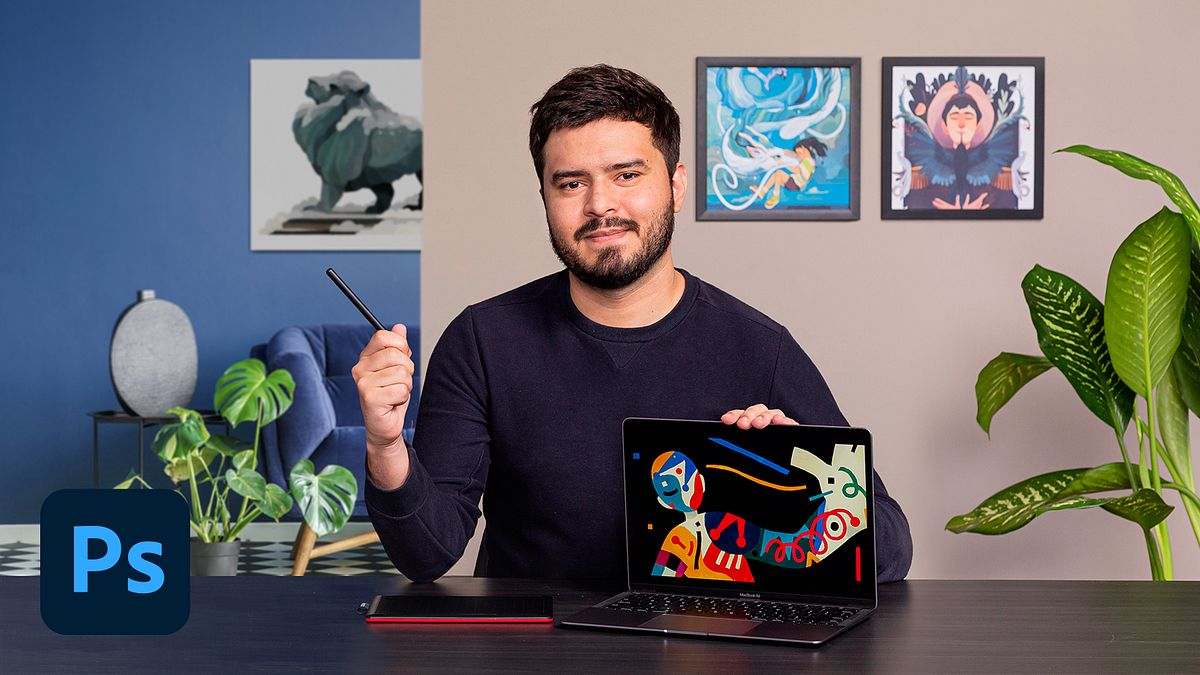

Learn how to develop your own drawing style with illustration techniques in Adobe Photoshop
If you want to express yourself through illustration, your ability to draw is only part of the equation—you also need to be willing to explore the unknown and look for inspiration in unexpected places. Illustrator Helder Oliveira creates fan art with a signature style that's inspired by pop culture, children and young adults like the TV show Castelo Rá-Tim-Bum, Pokémon, and The Chronicles of Narnia.
In this course, learn how to create fan art in Adobe Photoshop using digital techniques. Join Helder and create illustrations with your own distinct style and share them on social media.
What will you learn in this online course?
13 lessons & 19 downloads
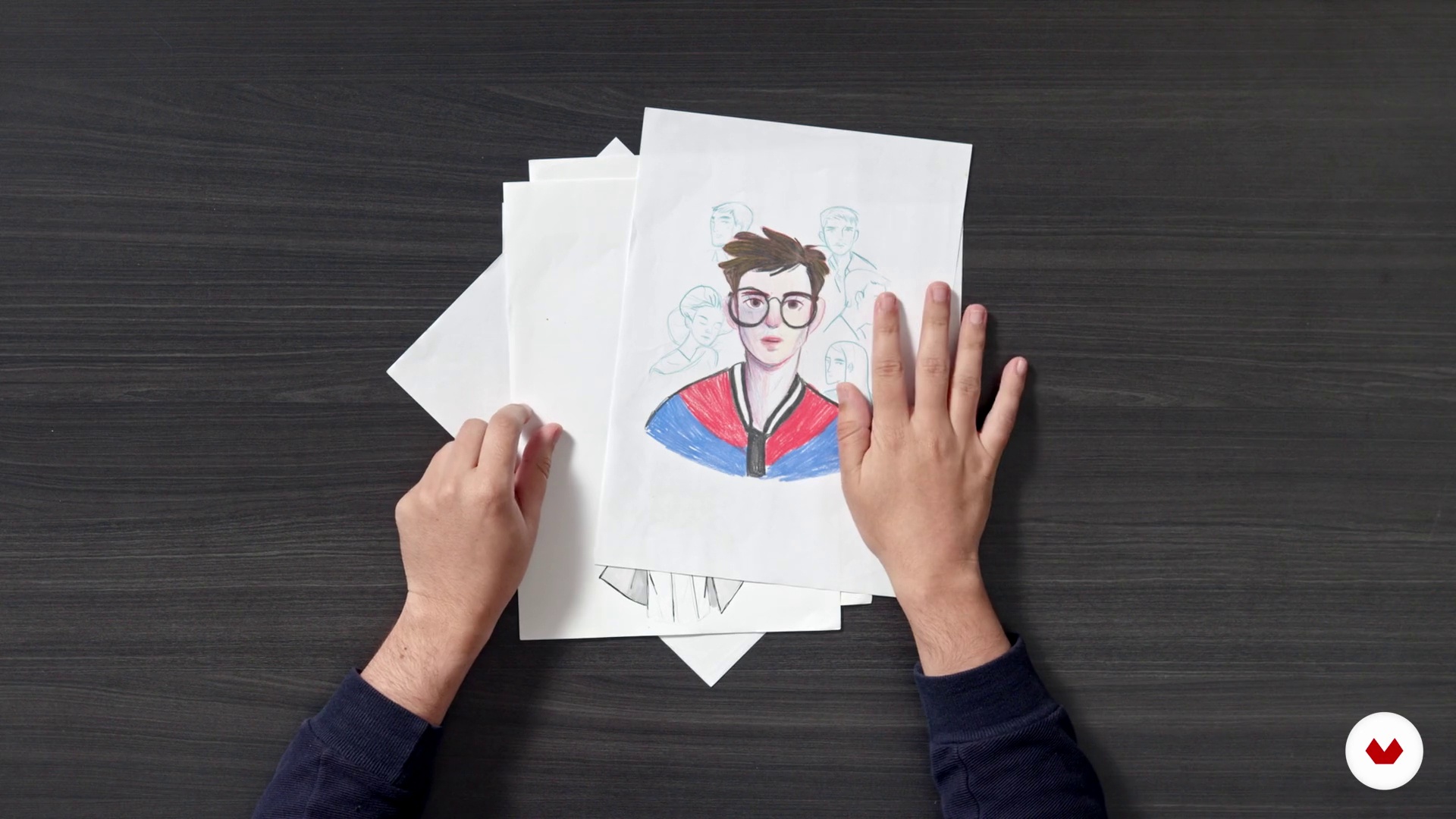
What will we do in the course?
2 minutes, 28 seconds
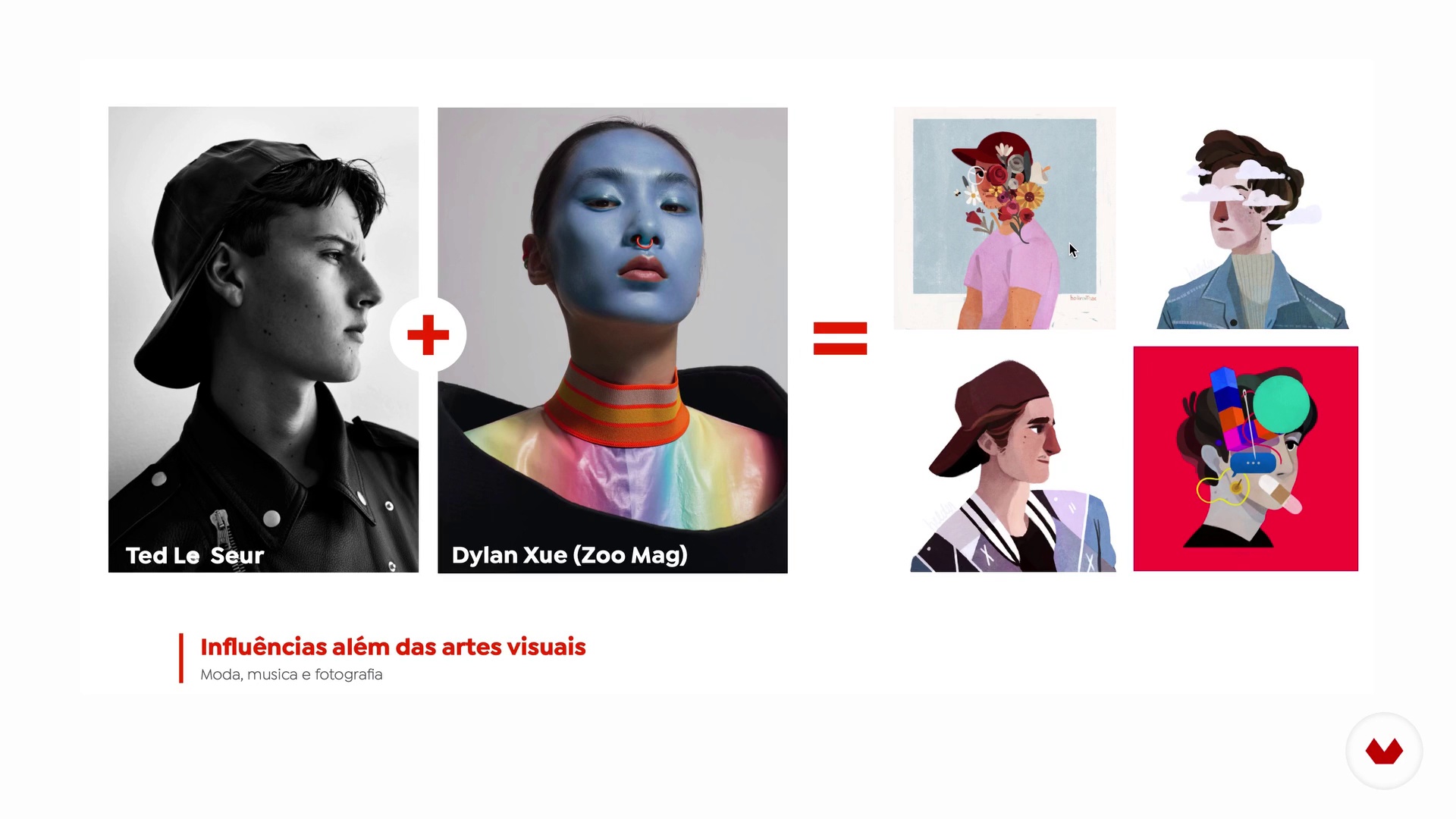
What is style?
15 minutes, 17 seconds

Theme definition
5 minutes, 58 seconds
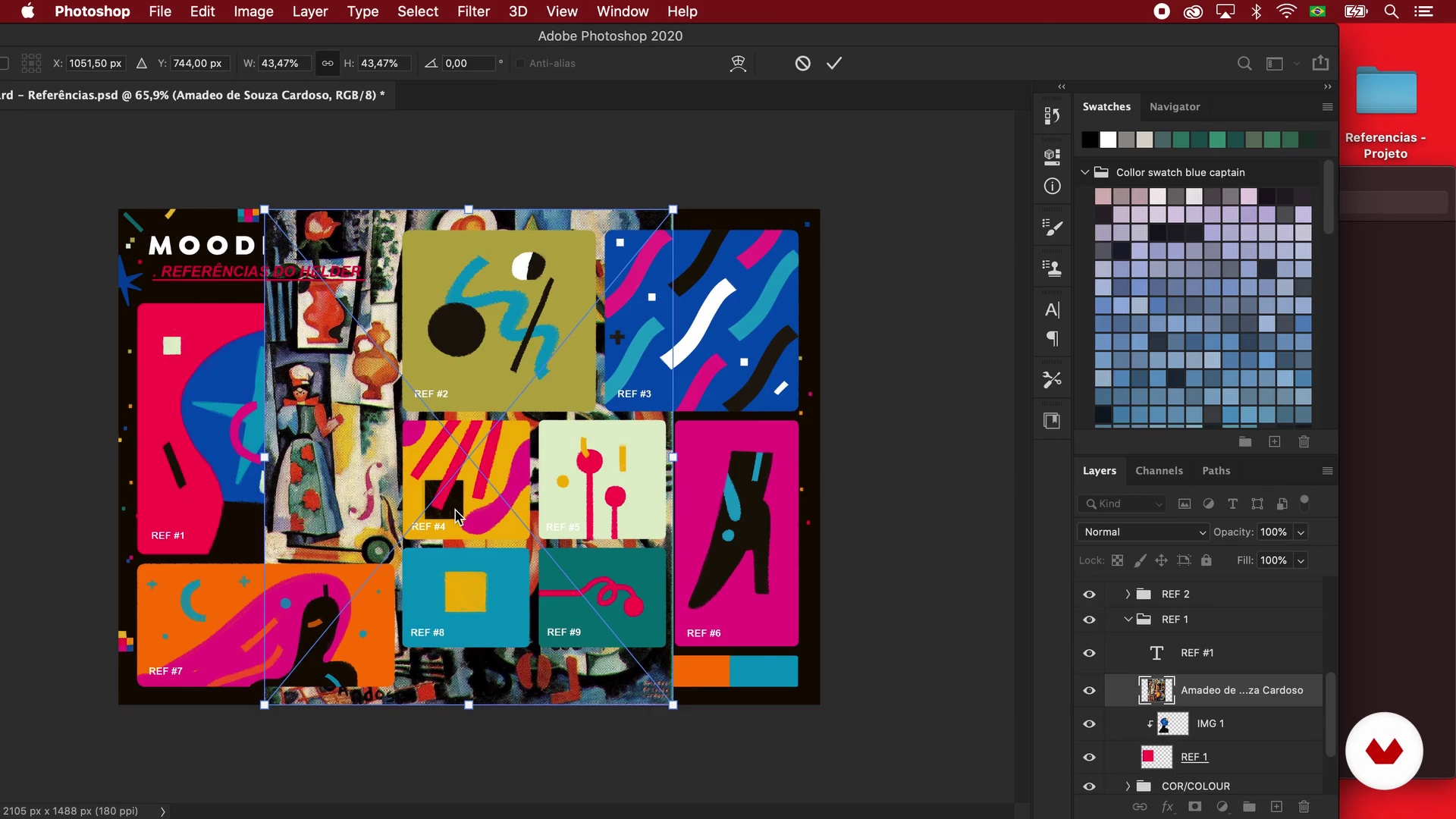
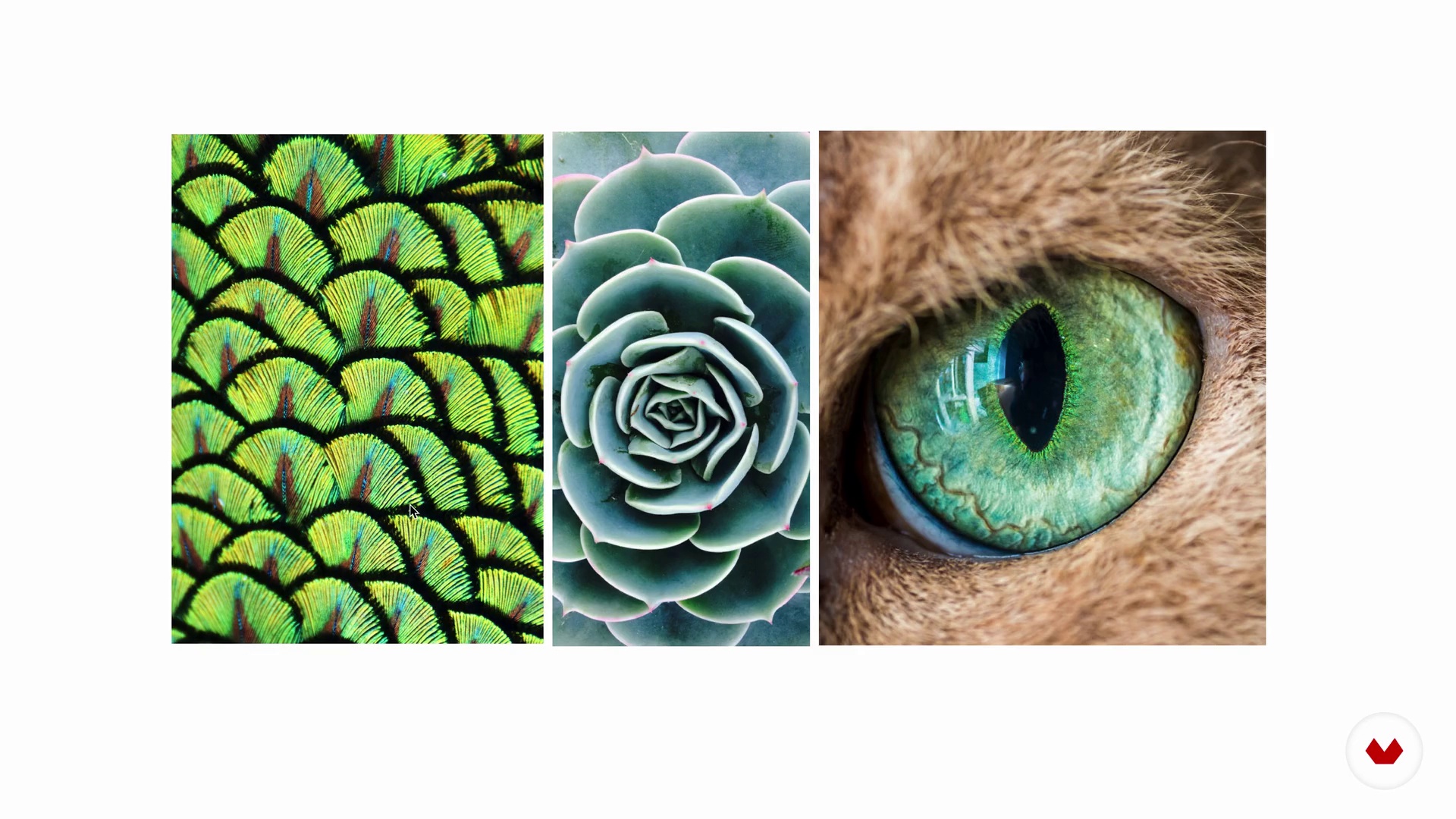
Mood board
19 minutes, 35 seconds
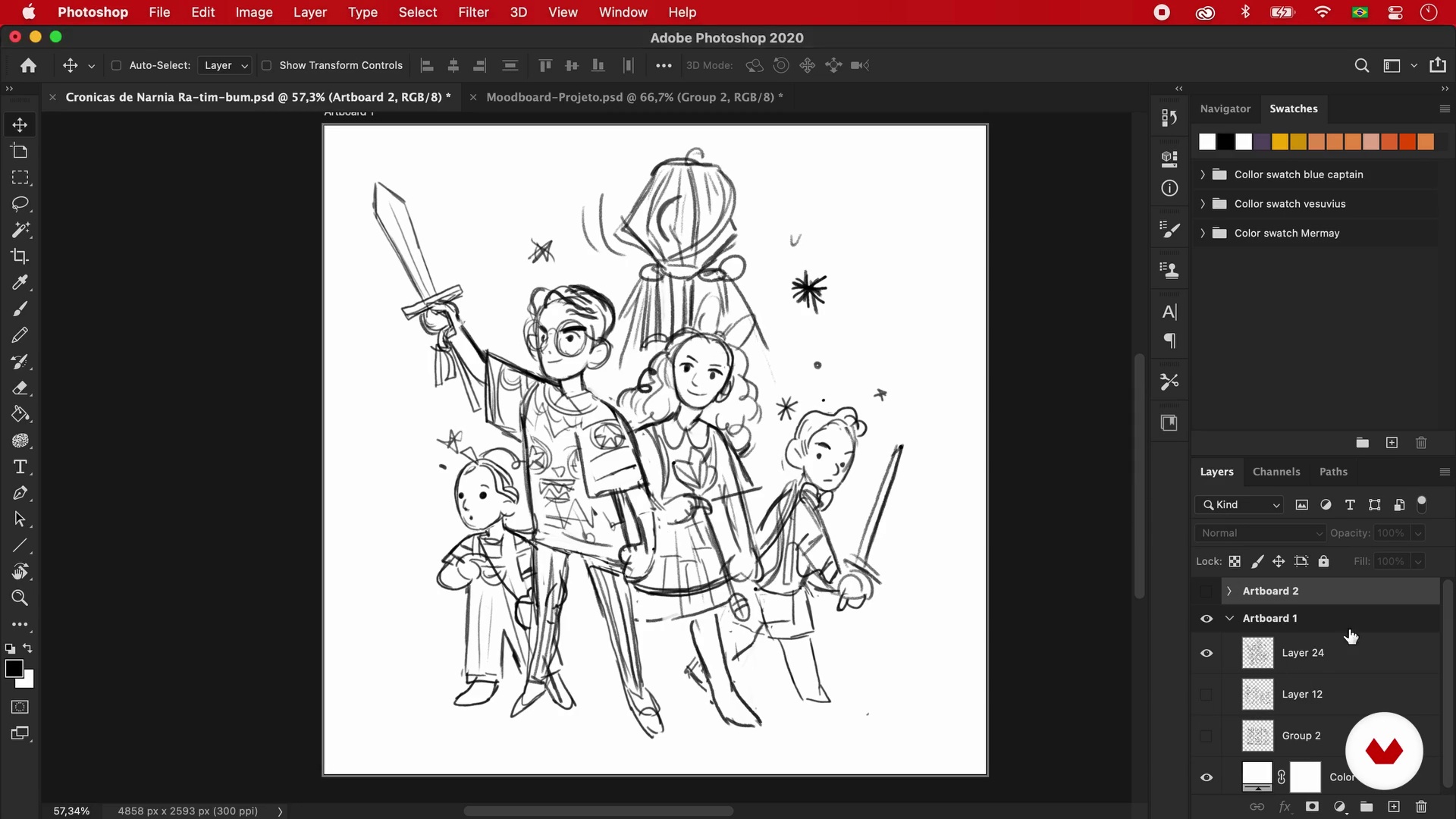
Composition, thumbnails and draft
20 minutes, 1 second
The shape
16 minutes, 25 seconds
What's included in this course?
Start the course by meeting Helder Oliveira, who tells you about his professional experience as an illustrator. He also shows you his biggest artistic influences and explains basic concepts of fan art compositions.
Next, explore the characteristic features of different illustration styles and then start mapping out your project. Learn how to shape and define the theme of your fan art and create a mood board with references to give your project focus.
Next, create a series of hand-drawn or digital sketches and gradually develop your own fan art illustration style. Start by working with shapes and outlines, then add details and complementary features, and finally, create a color palette that reflects your artistic style.
Add the finishing touches on your project by adding light, shadows, lines, and contrast. Helder wraps up the course with some tips on how to make your work stand out and promote it on social media.
Recommended software & tools for this course
What is this course's project?
Use digital techniques to create a fan art piece inspired by a theme of your choice and share your project on social media.
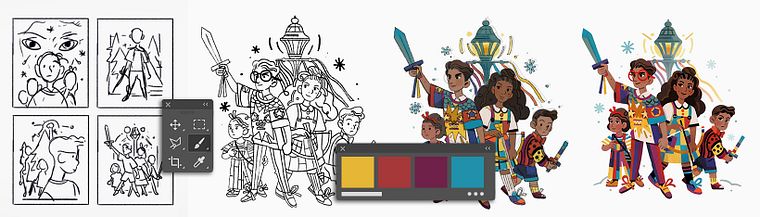
Projects by course students

Who is this online course for?
Anyone interested in fan art who wants to develop their own signature illustration style.
Requirements and materials
Basic knowledge of Photoshop or similar design programs is recommended.
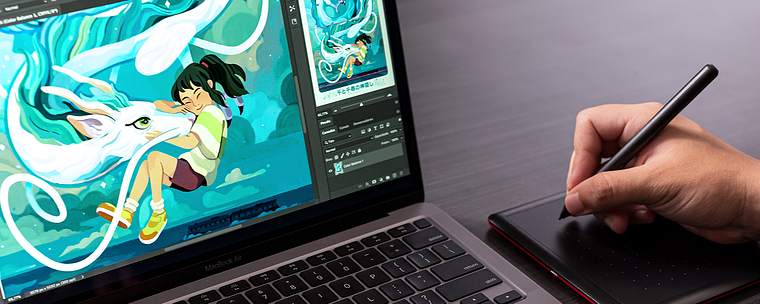
The materials for this course include a computer with Windows 10 or macOS 10.12 (or later), Adobe Photoshop CC 2018 (or later), and a graphics tablet (optional).
Reviews
- 3 years ago
Fue un curso bien informado sin llegar a ser redundante. 100% recomendable
- 3 years ago
This course was so good. I highly recommend it.
- 3 years ago
Enjoyed learning and seeing his process. :)
- 3 years ago
A great course with a brilliant concept of making fan art. Lots of information and inspiration to make something fun for your portfolio
- rhuriPLUS4 years ago
A great course for learning to create an art style.

Helder has created illustrations, book covers, and advertising pieces for major Brazilian publishers like Globo Livros, Record, and Superinteressante magazine.
Content
- U1
Introduction
- Presentation
- Influences
- What will we do in the course?
- U2
Style and references
- What is style?
- Theme definition
- Mood board
- U3
Composition, shape, linework and color
- Composition, thumbnails and draft
- The shape
- The linework
- Creating and applying a color palette
- U4
Completion
- Light and shadow, lines and contrasts
- Latest details
- Publication
- FP
Final project
- Fan Art with Style
What to expect from a Domestika course
Learn at your own pace
Enjoy learning from home without a set schedule and with an easy-to-follow method. You set your own pace.
Learn from the best professionals
Learn valuable methods and techniques explained by top experts in the creative sector.
Meet expert teachers
Each expert teaches what they do best, with clear guidelines, true passion, and professional insight in every lesson.
Certificates
PLUSIf you're a Plus member, get a custom certificate signed by your teacher for every course. Share it on your portfolio, social media, or wherever you like.
Get front-row seats
Videos of the highest quality, so you don't miss a single detail. With unlimited access, you can watch them as many times as you need to perfect your technique.
Share knowledge and ideas
Ask questions, request feedback, or offer solutions. Share your learning experience with other students in the community who are as passionate about creativity as you are.
Connect with a global creative community
The community is home to millions of people from around the world who are curious and passionate about exploring and expressing their creativity.
Watch professionally produced courses
Domestika curates its teacher roster and produces every course in-house to ensure a high-quality online learning experience.
FAQs
The course is recommended for people with intermediate skills in digital illustration and drawing; it’s not designed for absolute beginners.
You’ll need a computer or tablet with digital illustration software like Photoshop, plus internet access to follow the lessons and exercises.
You’ll learn how to create fanarts, develop original characters, use visual references, compose detailed illustrations, build mood boards, apply color palettes and digital textures, and publish your work online.
The course teaches how to research references, create mood boards, sketch ideas, and develop original characters or fanarts with their own visual identity.
Yes, the course covers techniques for creating book covers, editorial illustrations for magazines, and how to balance text and image in these projects.
You’ll learn various ways to apply textures in digital drawings using brushes, photos, and filters to enrich surfaces and add depth to your illustrations.
Yes, the course teaches how to research, select, and organize visual references into digital mood boards, and how to use them to inspire and guide your creations.