
Make a Killer PowerPoint Presentation
A course by Marcello PirovanoDesign Director
A course by Marcello Pirovano, Design Director

Master PowerPoint with this course. Learn to design a system of reusable visual components for creating effective presentations.
In this course, Marcello Pirovano, an expert in design and effective presentations, shares his unique approach to transforming PowerPoint from an often misunderstood tool to a powerful ally in visual communication.
By diving into the depths of this software, you'll discover how to apply design principles to create presentations that not only communicate your ideas clearly and effectively but also capture your audience's attention from the first slide.
Through detailed lessons, you'll learn how to demystify PowerPoint's reputation, using its full potential to express complicated concepts in a visually appealing and professional way.
What will you learn in this online course?
13 lessons & 23 downloads
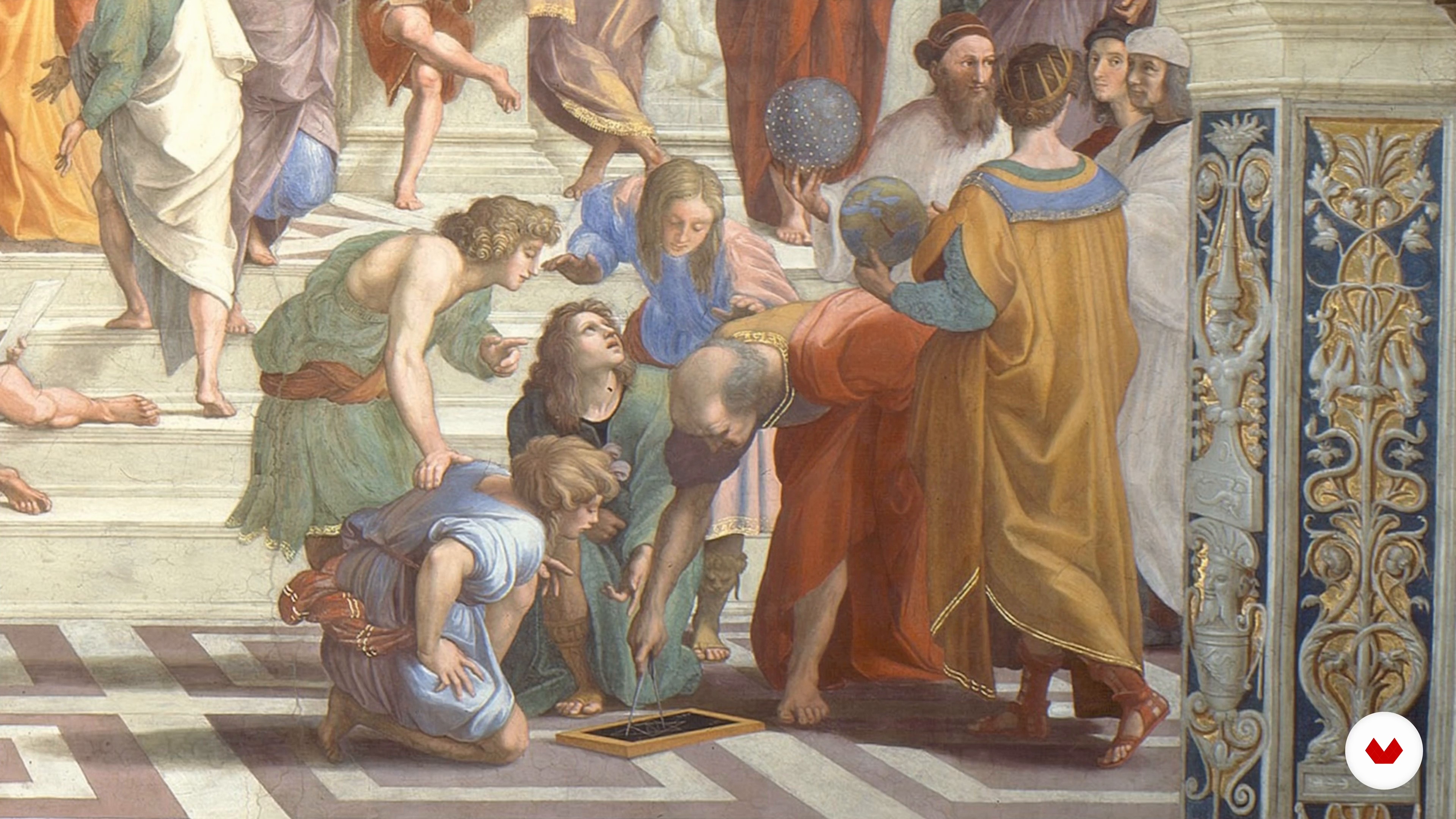
The art of persuasion
9 minutes, 13 seconds
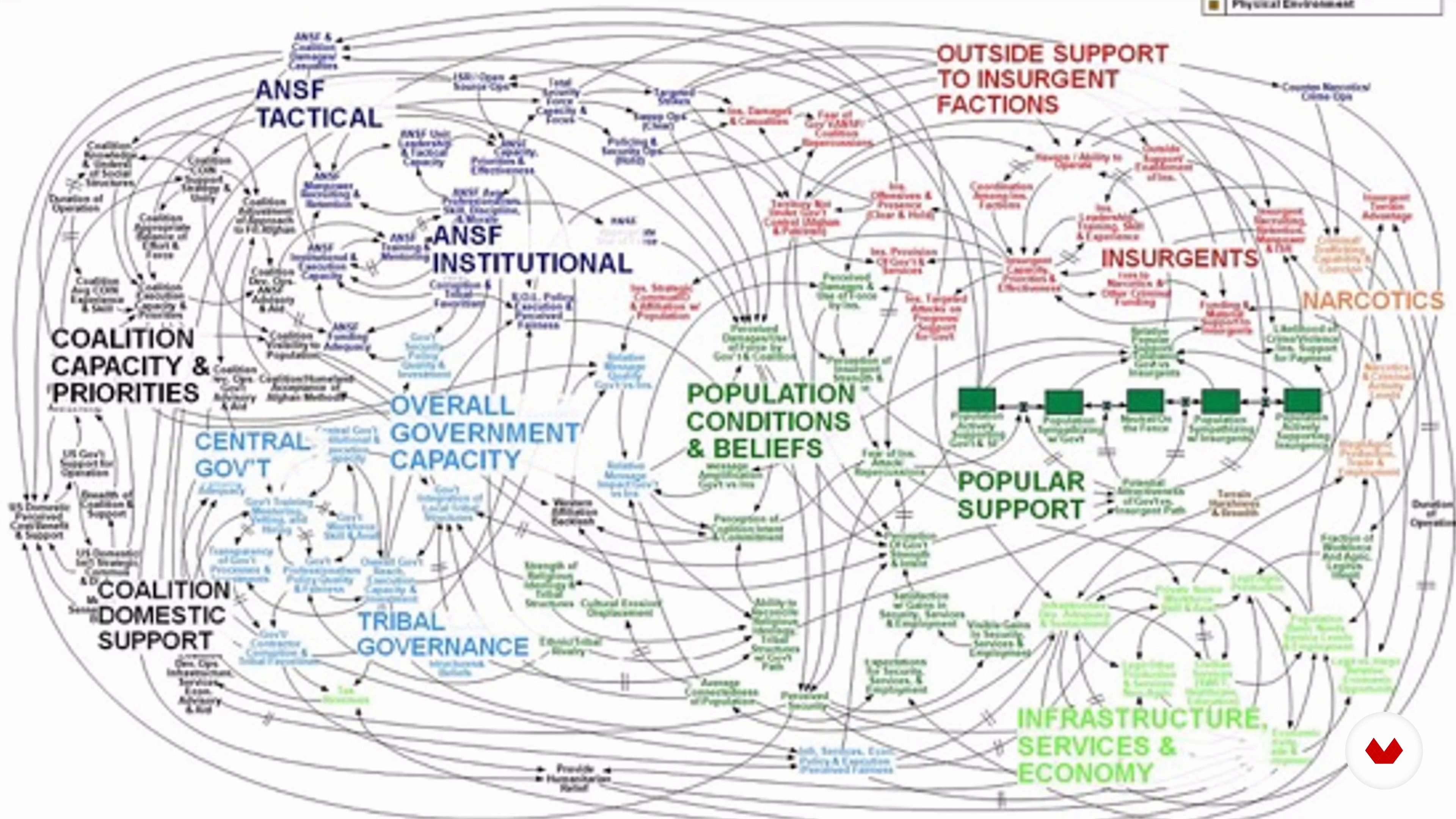
Aesthetic foundations
7 minutes, 8 seconds

The kinesthetic thought
6 minutes, 12 seconds
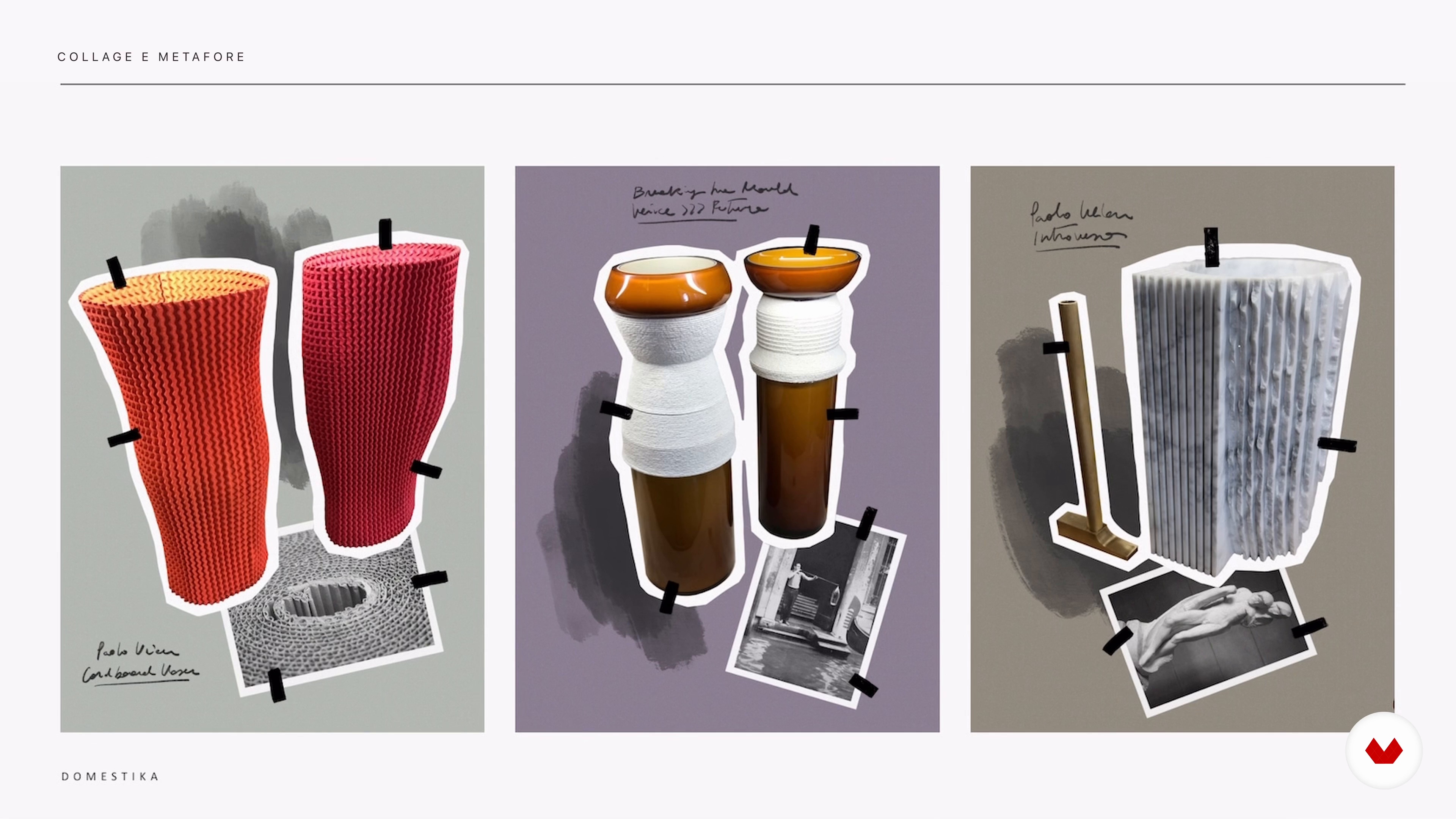
Collage and metaphor
8 minutes, 47 seconds
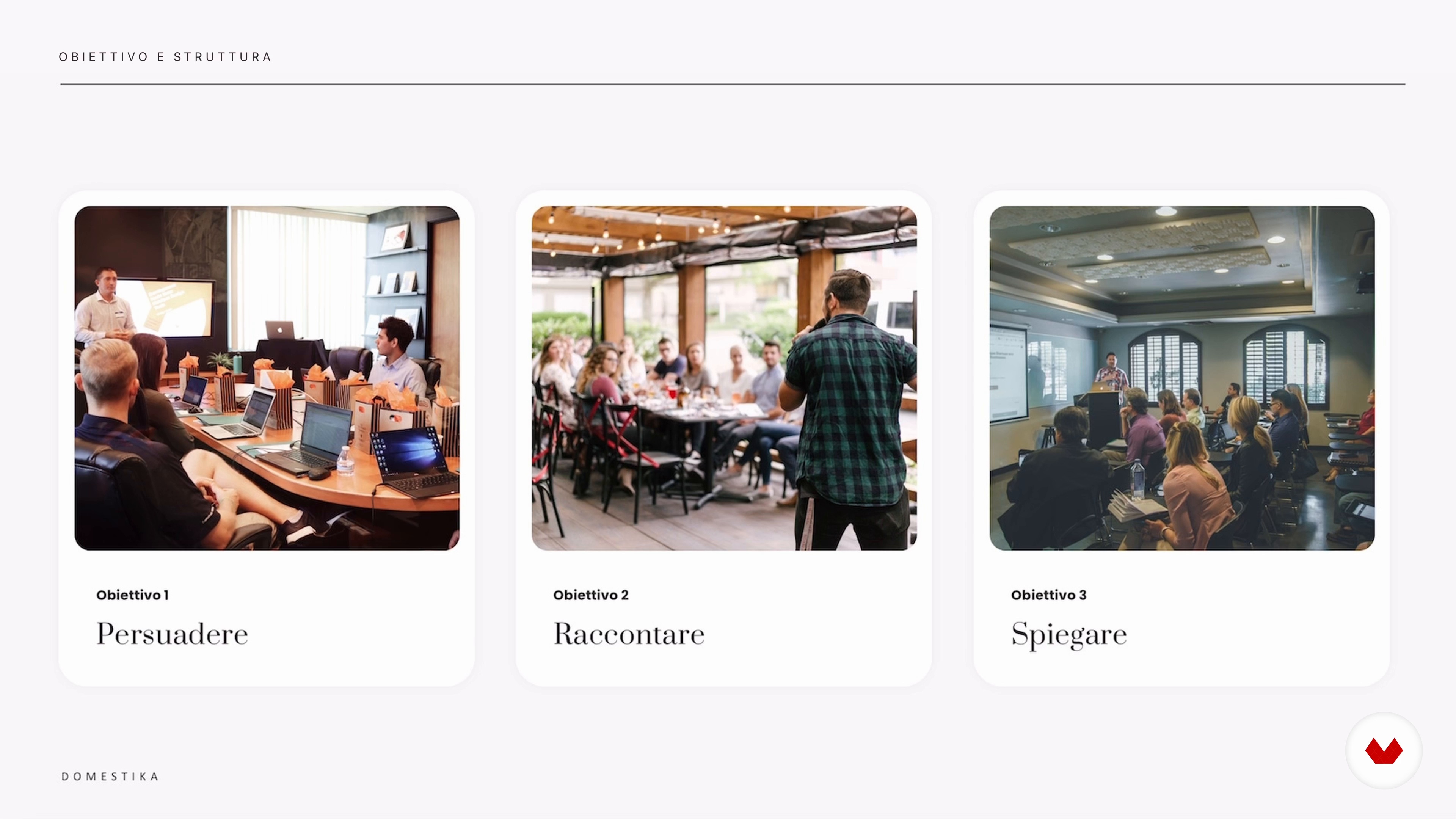
Objective and structure
6 minutes, 2 seconds
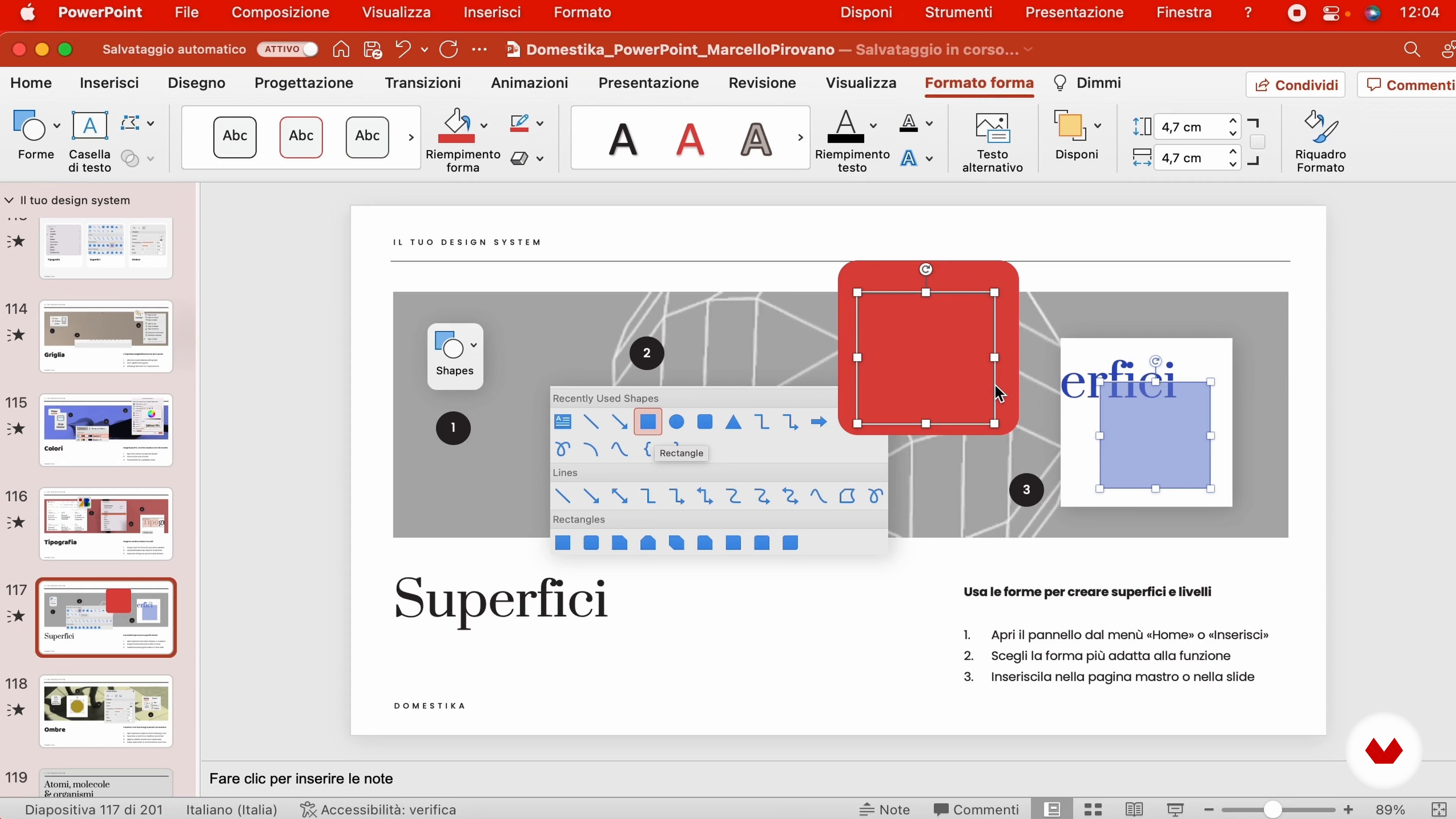
Your design system
19 minutes, 45 seconds
What's included in this course?
To start, Marcello will guide you through the universe of PowerPoint, showing you why mastering it is essential in today's professional world and how you can start thinking like a designer when using it.
Next, it will teach you to consider each slide as a unit of thought, strategically combining words and images to maximize the impact of your message. Next, you will delve into structuring your ideas, learning to define clear objectives and design a coherent index that will serve as the skeleton of your presentation.
Finally, you'll discover how to select and use visual resources such as images, icons and illustrations to enrich your slides, as well as practical tips for presenting and sharing your work professionally, ensuring your message comes across loud and clear.
What is this course's project?
The final project consists of creating a system of custom graphic components in PowerPoint.
This system will allow the user to generate impactful and memorable presentations, applicable to any professional or educational context.
Projects by course students

Who is this online course for?
This course is intended for anyone interested in improving their presentation and visual communication skills.
It is ideal for professionals from various areas who seek to raise the level of their business presentations, students who want to present projects more effectively, and creatives who want to explore new ways of expressing their ideas.
Requirements and materials
It is required to have PowerPoint installed on your device and to have an open disposition to learn and experiment with new presentation design techniques. In addition, it is advisable to have your own material to practice creating slides.
Reviews
- 1 month ago
Il corso è ben fatto. Fornisce spunti utili, alcuni punti un po' piatto. Però nel complesso lo consiglierei.
- 2 months ago
Ótimo curso! Me ajudou muito no trabalho.
- 4 months ago
Me parecio muy interesante, muy educativo, muchas gracias
- 7 months ago
Great detailed course. Each chapter is very interesting and useful.
- geo_magneticPLUS7 months ago
Fantastic Course, straight to the point and very informative

With a career that includes collaborations with important international brands and exhibitions in prestigious spaces such as the MoMA in San Francisco, Marcello has distinguished himself not only for his talent in design but also for his ability to teach and transmit his passion for visual creativity.
His multidisciplinary approach has allowed him to explore and unite the world of product design with that of interaction design, positioning himself as an inspiring figure in the field of contemporary design.
Content
- U1
Introduction
- Presentation
- Fonti d'ispirazione
- U2
Come PowerPoint è diventato el strumento del potere
- The art of persuasion
- Aesthetic foundations
- The kinesthetic thought
- Collage and metaphor
- U3
How will I create an effective presentation
- Objective and structure
- Your design system
- The slide master
- Imaginary and iconography
- U4
Come prepare a memorable album
- The importance of packaging
- Dos and don'ts
- Regole for an effective presentation
- FP
Final project
- How to make a killer PowerPoint Presentation
What to expect from a Domestika course
Learn at your own pace
Enjoy learning from home without a set schedule and with an easy-to-follow method. You set your own pace.
Learn from the best professionals
Learn valuable methods and techniques explained by top experts in the creative sector.
Meet expert teachers
Each expert teaches what they do best, with clear guidelines, true passion, and professional insight in every lesson.
Certificates
PLUSIf you're a Plus member, get a custom certificate signed by your teacher for every course. Share it on your portfolio, social media, or wherever you like.
Get front-row seats
Videos of the highest quality, so you don't miss a single detail. With unlimited access, you can watch them as many times as you need to perfect your technique.
Share knowledge and ideas
Ask questions, request feedback, or offer solutions. Share your learning experience with other students in the community who are as passionate about creativity as you are.
Connect with a global creative community
The community is home to millions of people from around the world who are curious and passionate about exploring and expressing their creativity.
Watch professionally produced courses
Domestika curates its teacher roster and produces every course in-house to ensure a high-quality online learning experience.
FAQs
This course is designed for designers, consultants, creatives, and professionals looking to improve their digital presentation design and communication, whether in corporate or creative settings.
You don’t need to be an expert, but a basic familiarity with PowerPoint or presentation tools will help. The course is intermediate level and dives into advanced design and visual communication principles.
You’ll learn how to structure effective presentations, apply design and visual storytelling principles, use collage and transparency techniques, leverage design systems, optimize slides, and integrate AI in creating visual content.
The course mainly uses PowerPoint but also covers Keynote, digital collage techniques, AI tools like Midjourney and Dolly AI, and design principles applicable across various presentation platforms.
Yes, the course covers creating effective business presentations, managing professional slides, using standards like PowerPoint in large companies, and the importance of visual and communication consistency.
The course examines common slide design mistakes and offers practical solutions to avoid them, improving clarity, visual hierarchy, and communication impact.
Yes, it explains how to generate and incorporate AI-created images using tools like Midjourney and Dolly AI to enrich presentations and boost visual effectiveness.