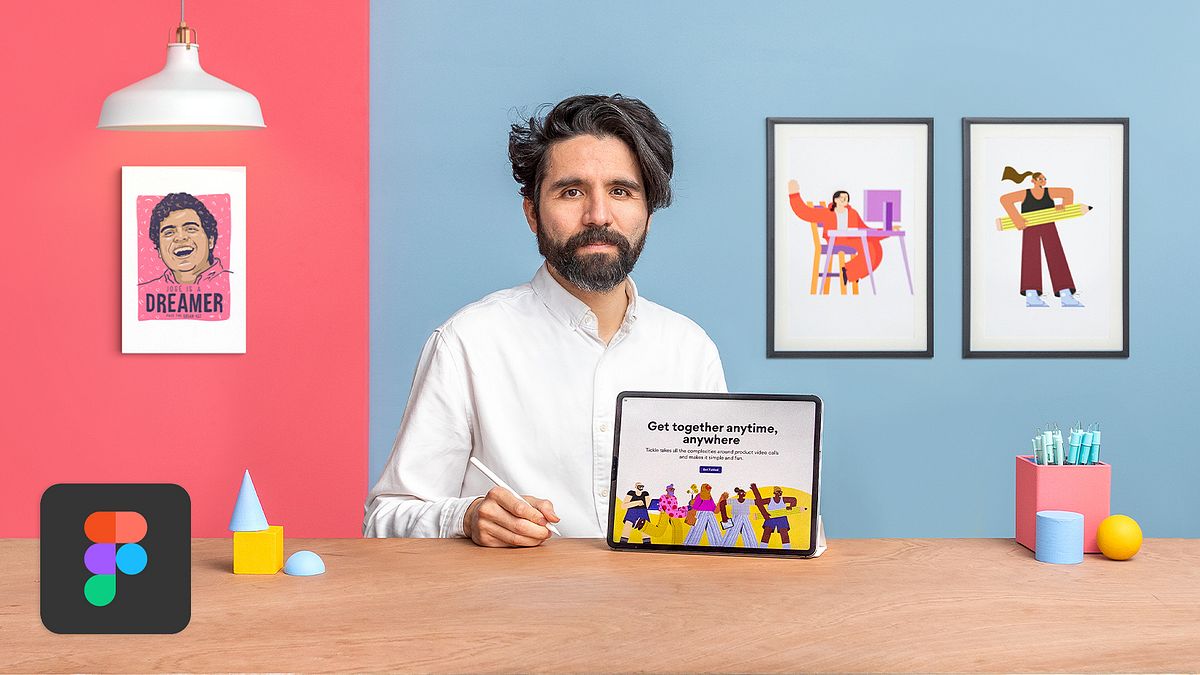
Web Design with Figma: Building Striking Compositions
A course by Pablo StanleyDesigner and Illustrator
A course by Pablo Stanley, Designer and Illustrator

Learn the principles behind creating strong digital compositions that take your designs to the next level
A strong visual composition not only looks good but also has the power to serve a function and communicate a message clearly. Designer and illustrator Pablo Stanley uses design as a way to share stories and connect with others. He hosts workshops around the world, as well as his own design podcast, Diseño Cha Cha Cha.
In this course, Pablo teaches you the basics of visual design and how to create a powerful composition using Figma. Learn a new tool and the principles that will take your designs to the next level.
What will you learn in this online course?
20 lessons & 12 downloads
Composition and Visual Design Principles
4 minutes, 50 seconds
Gestalt Principles Used in Design
3 minutes, 40 seconds
Visual Hierarchy
3 minutes, 31 seconds
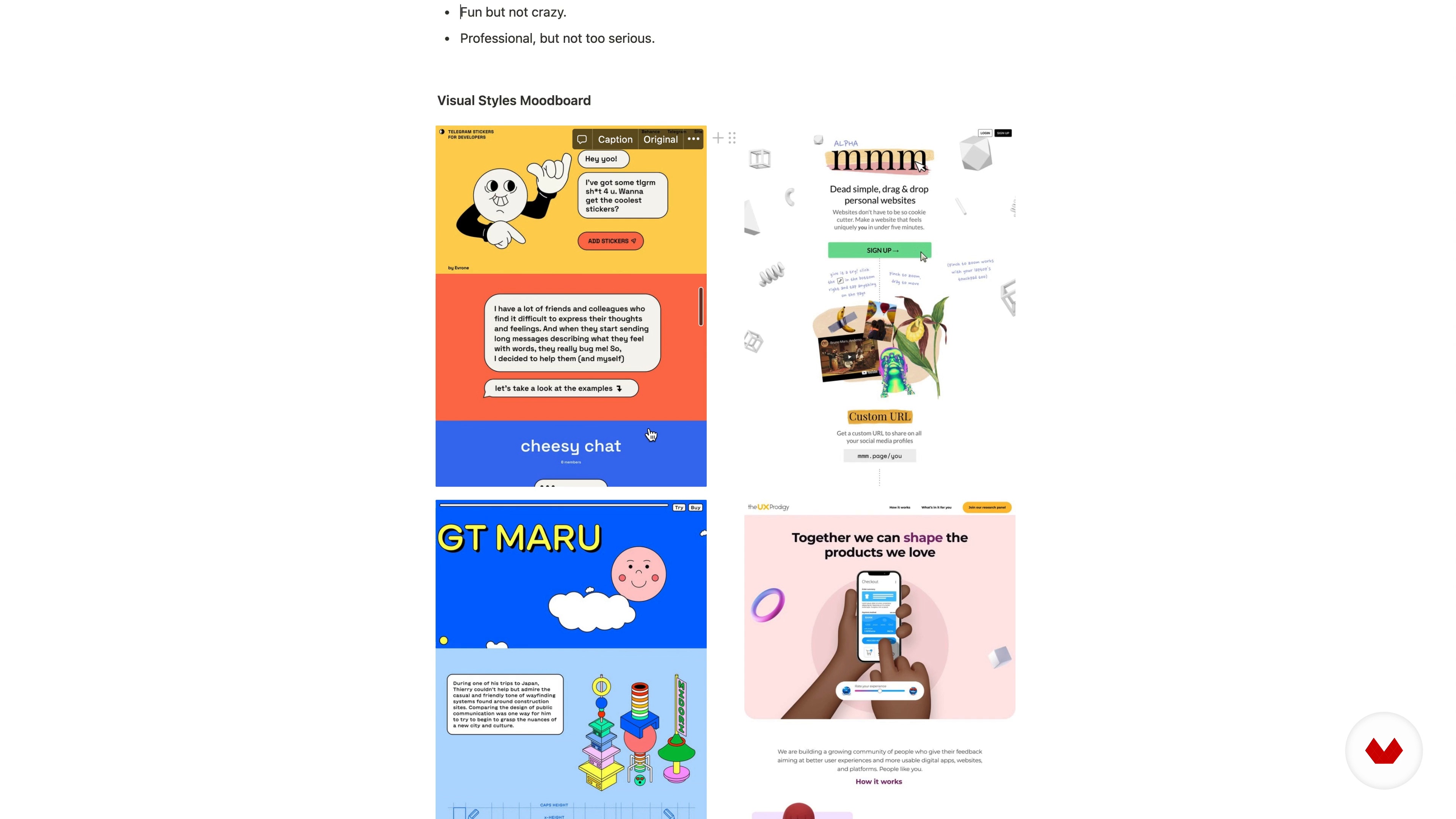
Intro to Visual Elements and Understanding the Brief
5 minutes, 7 seconds
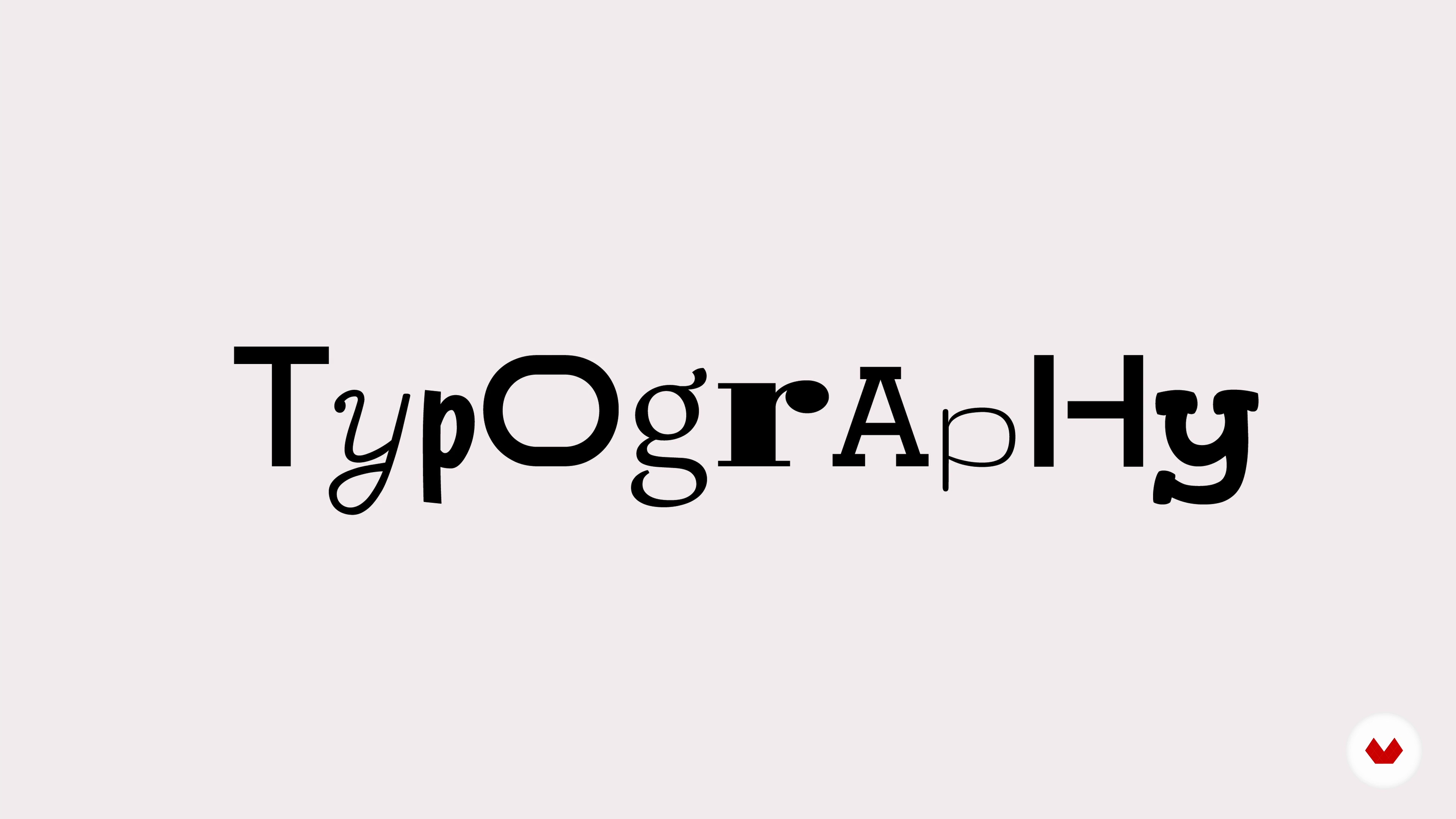
Typography
8 minutes, 27 seconds
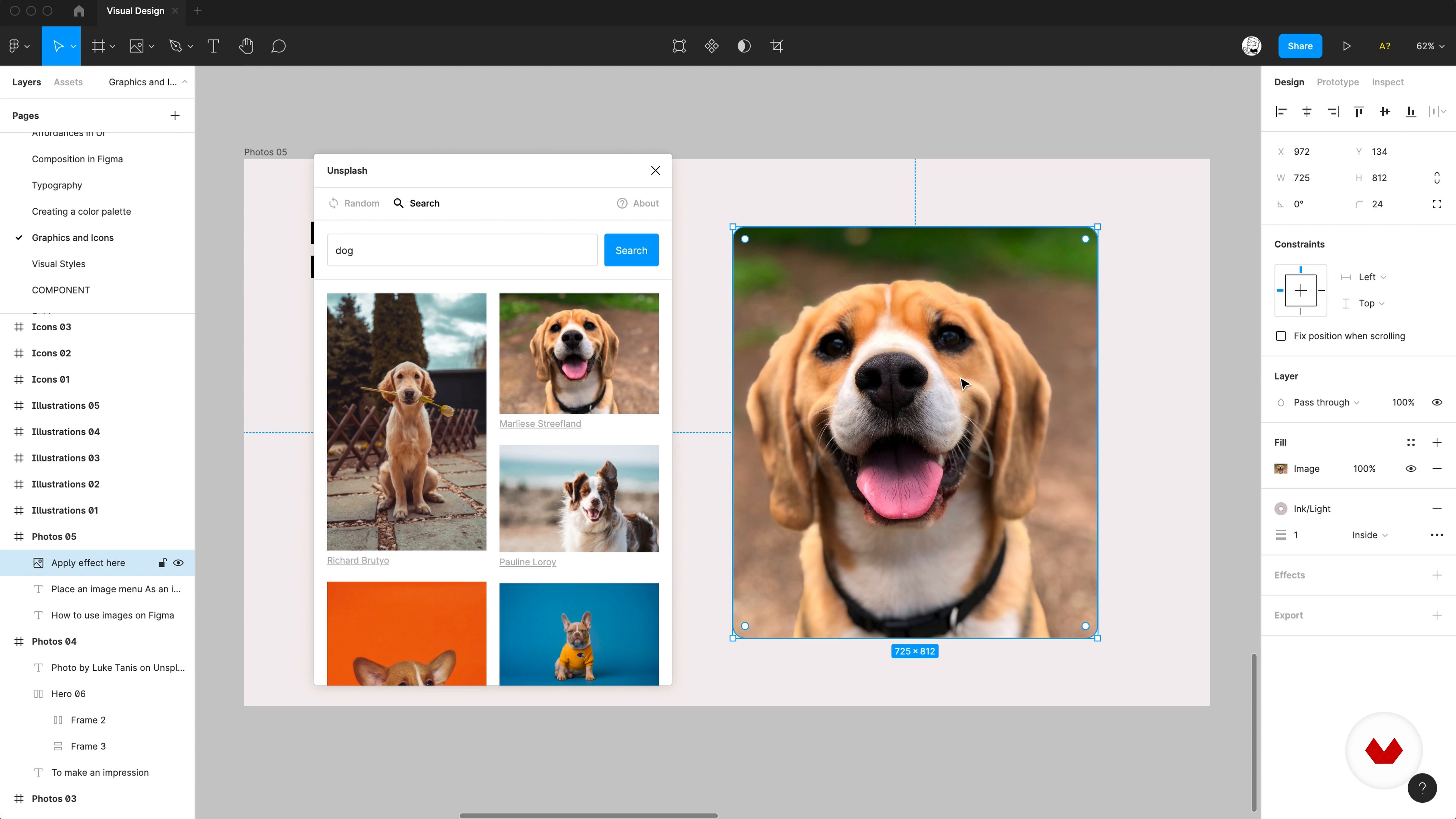
Graphics and Icons
11 minutes, 11 seconds
What's included in this course?
Begin by getting to know Pablo, artist, illustrator, and your teacher for this course. He talks you through his journey to becoming a designer, along with the people who have influenced his creative journey, from comic writers to movie directors.
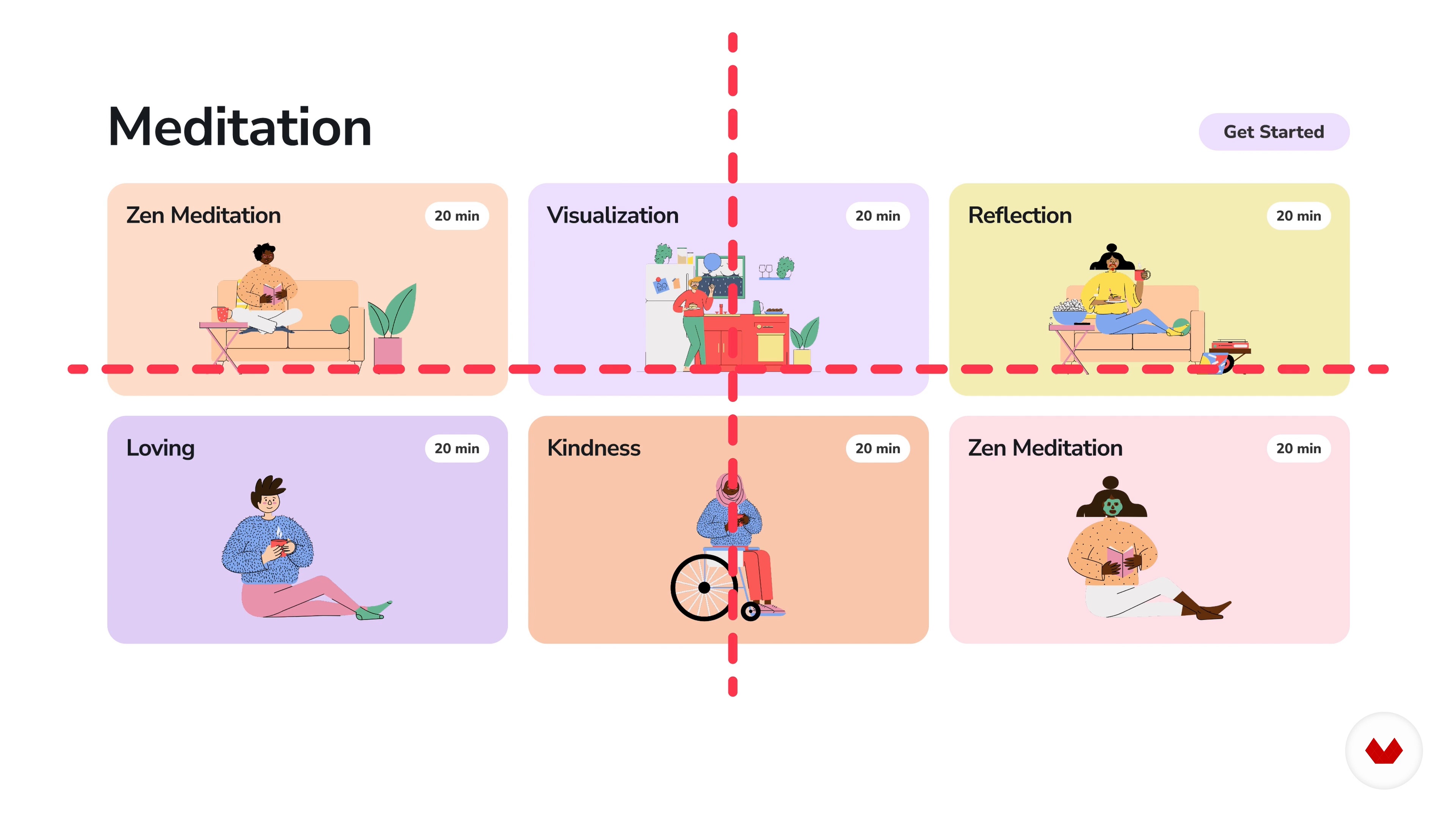
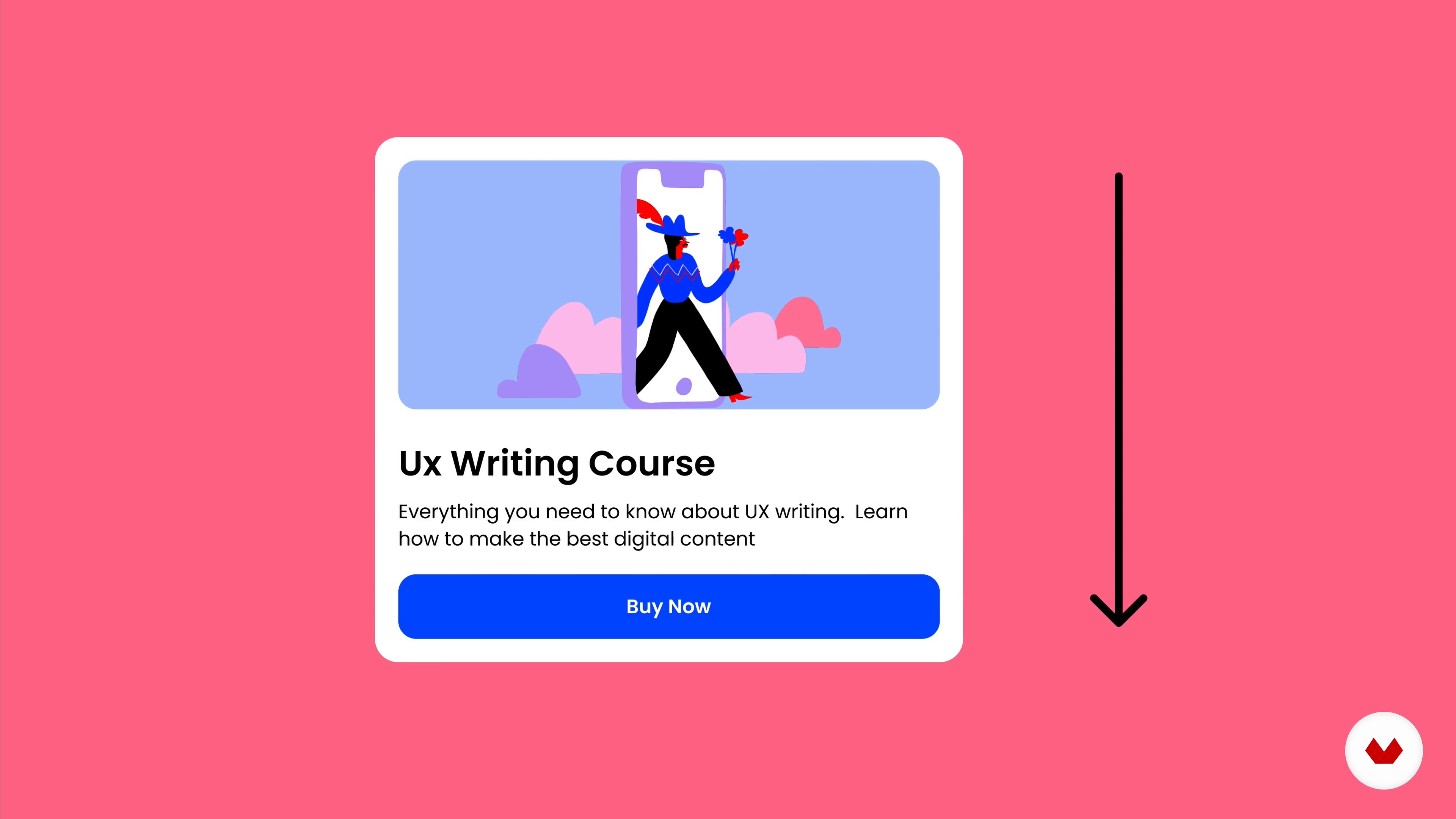
Explore the visual design principles needed to create powerful compositions including scale, hierarchy, balance, contrast, and more. Then find out about the Gestalt Principles and how they affect the interpretation of our work. Learn how to create flow in your composition using an F or Z-path before delving into dominance in design.
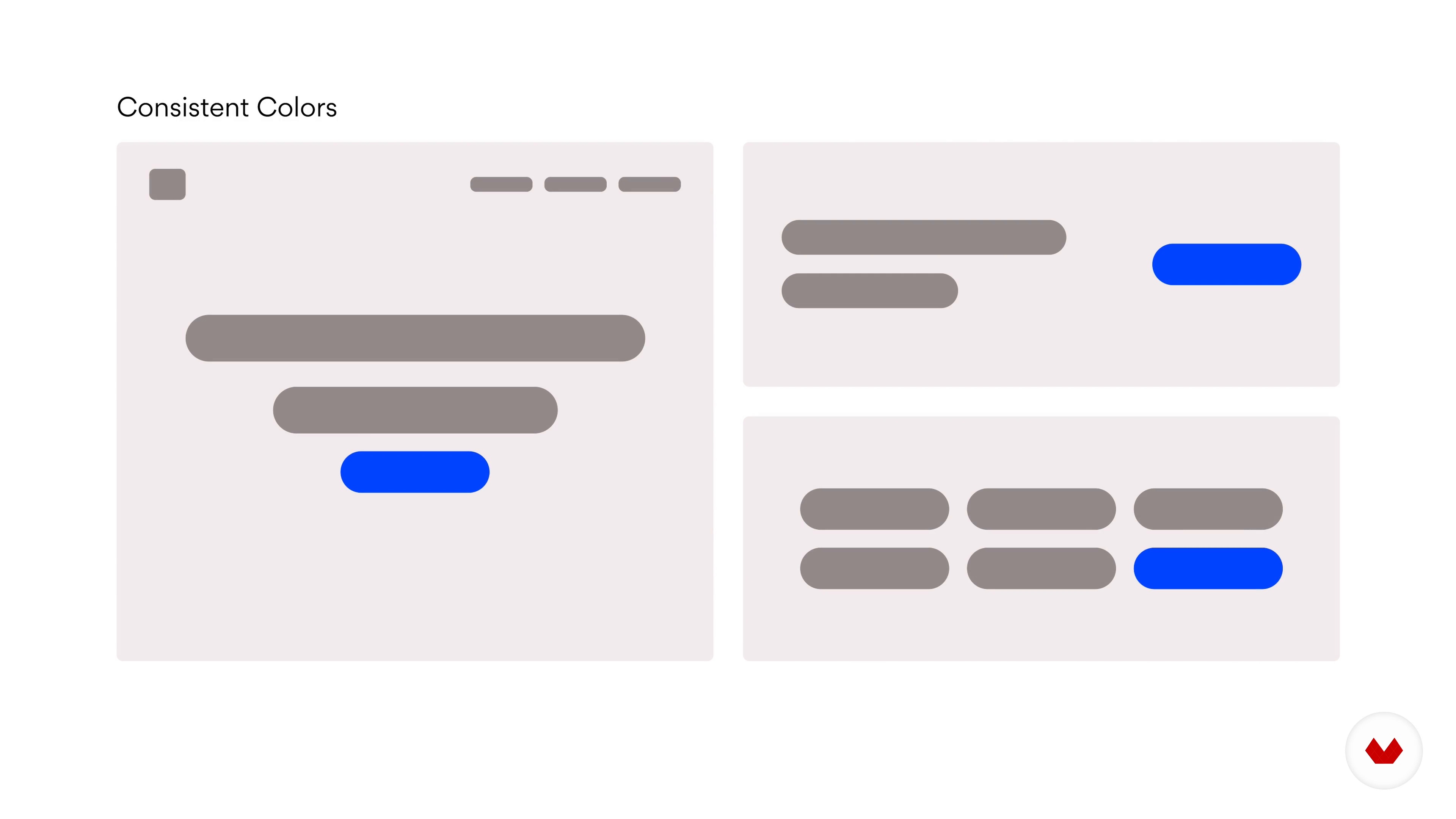
Pablo gives you an introduction to visual elements like copy and buttons, as well as how to understand a brief. Practice using your knowledge from the course with different exercises in Figma. Then, hear Pablo’s tips for improving your typography, from choosing a typeface to balancing, spacing, and choosing font size. Learn about the impact of color on your composition and how to use photos, illustrations, and icons in Figma before testing different visual styles.
Sketch a concept and decide on the best option while keeping in mind the project’s brief and requirements. Then define a visual style guide featuring typography, color, and button styles. Build a high-fidelity mockup of your landing page on Figma.
Learn how to add simple interactions to animate your components. Then create links between pages and open a modal. To finish the course, Pablo takes you through the process of sharing your prototype with the world.
Recommended software & tools for this course
What is this course's project?
Create a powerful landing page for your website using visual design principles.

Projects by course students


Who is this online course for?
This course is for anyone with an interest in graphic or web design or who wants to learn more about Figma.
Requirements and materials
No previous experience is necessary.
You will need a computer, something to sketch with, and a Figma account.
Reviews
- 2 months ago
This is a fantastic course for mastering UI design basics. Whether you are new to Figma or looking to refine your composition skills, Pablo Stanley makes the process easy to follow. I highly recommend it for its hands-on approach, which bridges the gap between design theory and practical application—from wireframing to building a high-fidelity prototype. A perfect starting point for any aspiring web designer.
- portfolio_valenPLUS2 months ago
This is a great course to start understanding good UI practices for websites. It doesn't matter if you are a beginner with Figma, you will be able to follow the steps of the teacher in this course. I recommend this!
- 3 months ago
Bonne formation qui permet d'apprendre à utiliser figma grâce à un cas pratique. Le seul point négatif est qu'il manque certaines ressources comme le brief qui n'est pas remis à disposition à des moments clés. Il manque aussi la dernière page de l'exercice pour le rendu final qu'on nous propose pas d'apprendre à créer. Cela limite le prototype final car l'on doit lier cette page avec une autre pour voir notre progression et l'exercice réalisé dans sa globalité.
- 8 months ago
muy buen curso! rapido de aprender y poner en practica
- 9 months ago
Muy buen curso, super utiles las bases de diseño gráfico y explica muy bien el proceso en Figma, sería ideal que hicieran una re-versión con las últimas actualizaciones de Figma.

Since then, he’s worked as a lead at Invision, a staff designer at Lyft, and co-founded both Carbon Health and Blush. He hosts workshops around the world and has a podcast about design and technology. Alongside writing and illustrating the comic The Design Team, he also shares his work with over 45K followers on Instagram.
Content
- U1
Introduction
- About Me
- Influences
- U2
Visual Design Foundations
- Composition and Visual Design Principles
- Gestalt Principles Used in Design
- Visual Hierarchy
- Affordances in UI
- U3
Visual Elements
- Intro to Visual Elements and Understanding the Brief
- Basic Composition in Figma
- Typography
- Creating a Color Palette
- Graphics and Icons
- Visual Styles
- U4
Putting it All Together
- Sketching a Wireframe
- Defining Your Visual Style Guide 1
- Defining Your Visual Style Guide 2
- Building a High-Fidelity Mock-up 1
- Building a High-Fidelity Mock-up 2
- U5
Prototyping
- Buttons Interactions
- Linking to Pages and Modals
- Sharing Your Prototype
- FP
Final project
- Web Design with Figma: Building Striking Compositions
What to expect from a Domestika course
Learn at your own pace
Enjoy learning from home without a set schedule and with an easy-to-follow method. You set your own pace.
Learn from the best professionals
Learn valuable methods and techniques explained by top experts in the creative sector.
Meet expert teachers
Each expert teaches what they do best, with clear guidelines, true passion, and professional insight in every lesson.
Certificates
PLUSIf you're a Plus member, get a custom certificate signed by your teacher for every course. Share it on your portfolio, social media, or wherever you like.
Get front-row seats
Videos of the highest quality, so you don't miss a single detail. With unlimited access, you can watch them as many times as you need to perfect your technique.
Share knowledge and ideas
Ask questions, request feedback, or offer solutions. Share your learning experience with other students in the community who are as passionate about creativity as you are.
Connect with a global creative community
The community is home to millions of people from around the world who are curious and passionate about exploring and expressing their creativity.
Watch professionally produced courses
Domestika curates its teacher roster and produces every course in-house to ensure a high-quality online learning experience.
FAQs
Yes, this course is designed for beginners and covers all fundamental concepts in visual design, UI, and prototyping, with step-by-step guidance using Figma.
No prior design experience is required. You just need a computer and an internet connection. The course uses Figma, which is free to start.
You will learn design principles, wireframing, high-fidelity prototyping in Figma, creating color palettes, typography, layout, and how to apply Gestalt principles and affordances to UI projects.
Yes, the course includes lessons on poster design, hand-drawn illustration techniques, and creating bold, striking compositions inspired by artists like Diego Rivera.
Absolutely. The course covers Figma essentials, from creating wireframes and artboards to building high-fidelity prototypes and responsive layouts with auto layout.
Yes, the course provides in-depth coverage of core design principles such as hierarchy, balance, contrast, scale, and white space for effective digital compositions.
You’ll learn how to build harmonious color palettes, apply color theory, choose and pair typefaces, and use modular scales for readable, attractive layouts.