
Principles of Presentation Design
A course by Katya KovalenkoPresentation and Data Designer
A course by Katya Kovalenko, Presentation and Data Designer

Learn how to design beautiful and effective presentations from scratch
Remember the time you had to sit through an endless presentation full of charts and text and weird transition animations? Chances are you do. But do you remember anything about what was on it? Now that's a different story. The way we present information greatly influences how much of it we absorb, which is why presentation design is an art in and of itself.
Katya Kovalenko is a Barcelona-based data designer who helps businesses communicate visually, clearly, and more effectively. In this course, she'll share all the potential that she's found in presentation design, showing you the process that she uses with her clients, the methods of organizing information, as well as give you pro tips from a designer’s point of view.
What will you learn in this online course?
18 lessons & 22 downloads

Influences
3 minutes, 16 seconds
What We Will Do on the Course
59 seconds
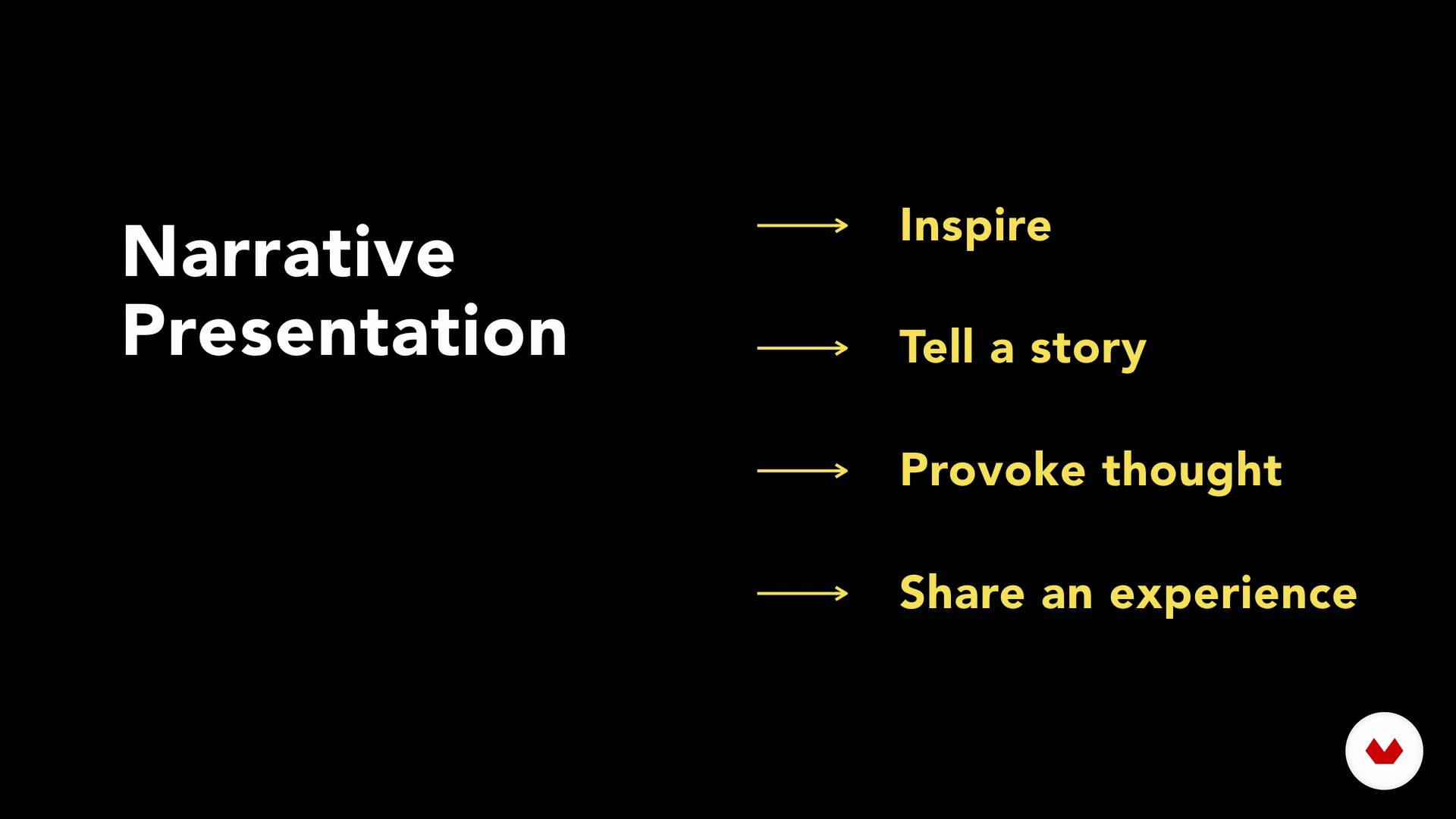
Types of Presentations
2 minutes, 2 seconds
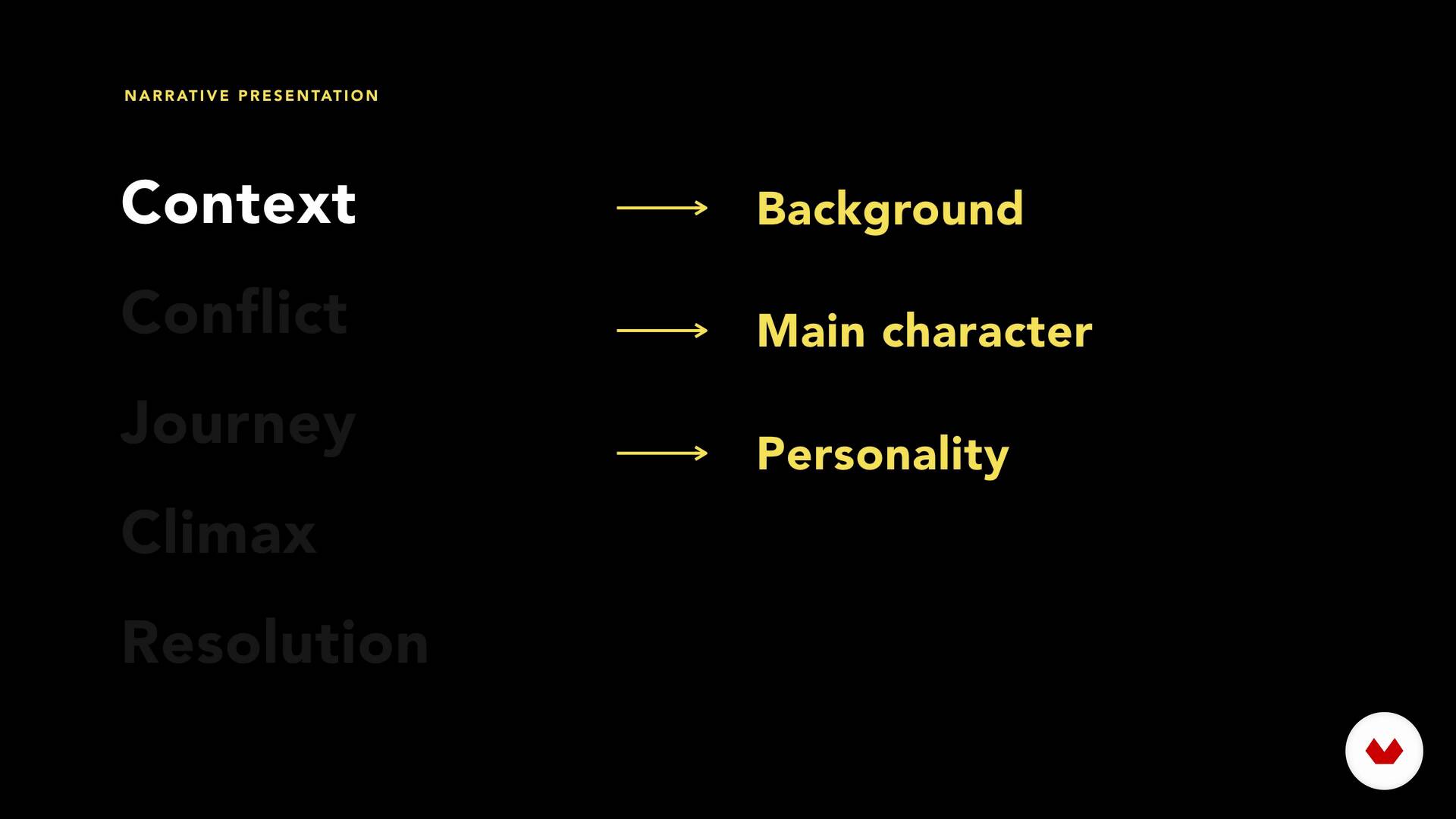
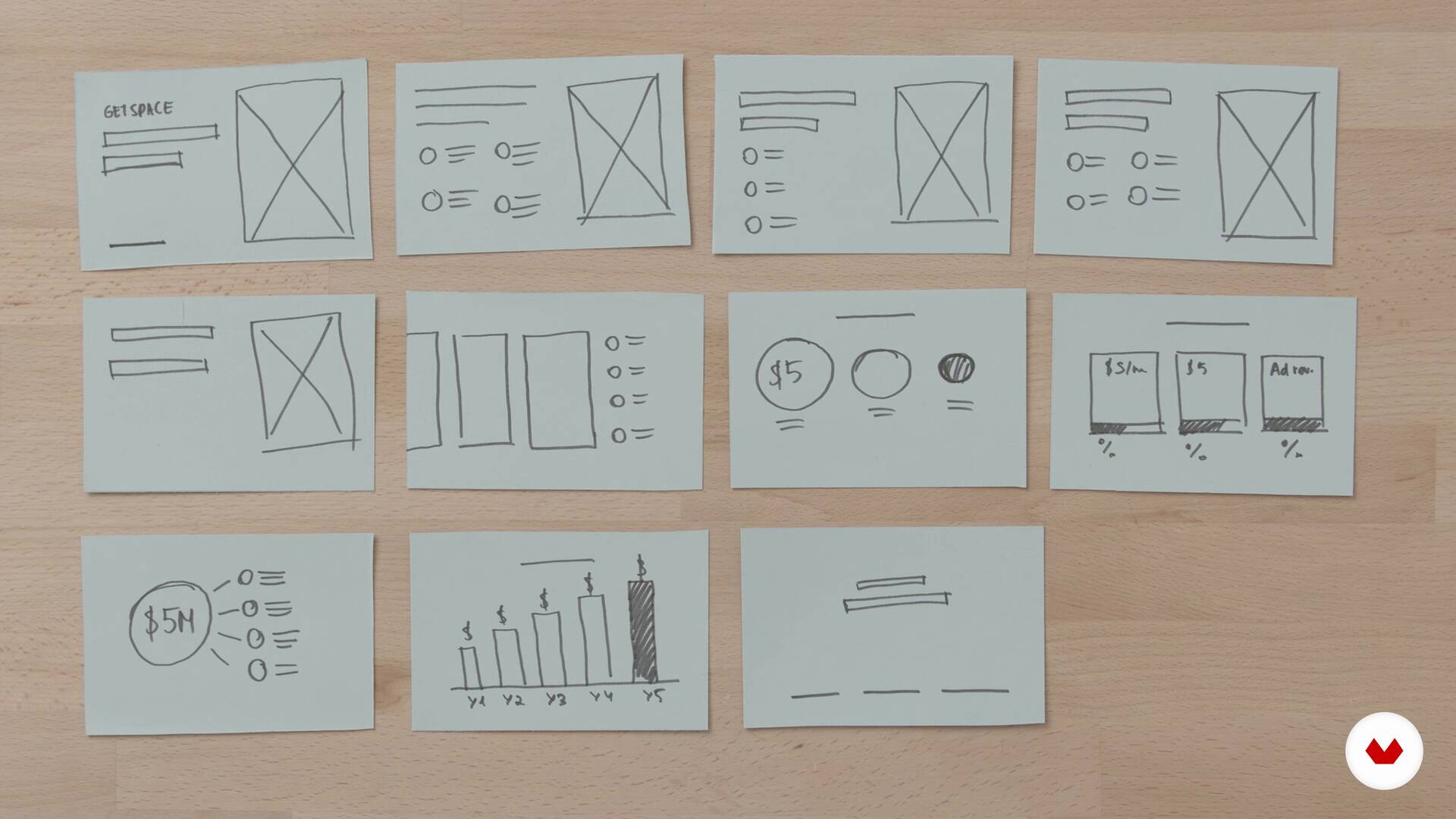
Content Structure
6 minutes, 51 seconds

Storyboard
10 minutes, 11 seconds
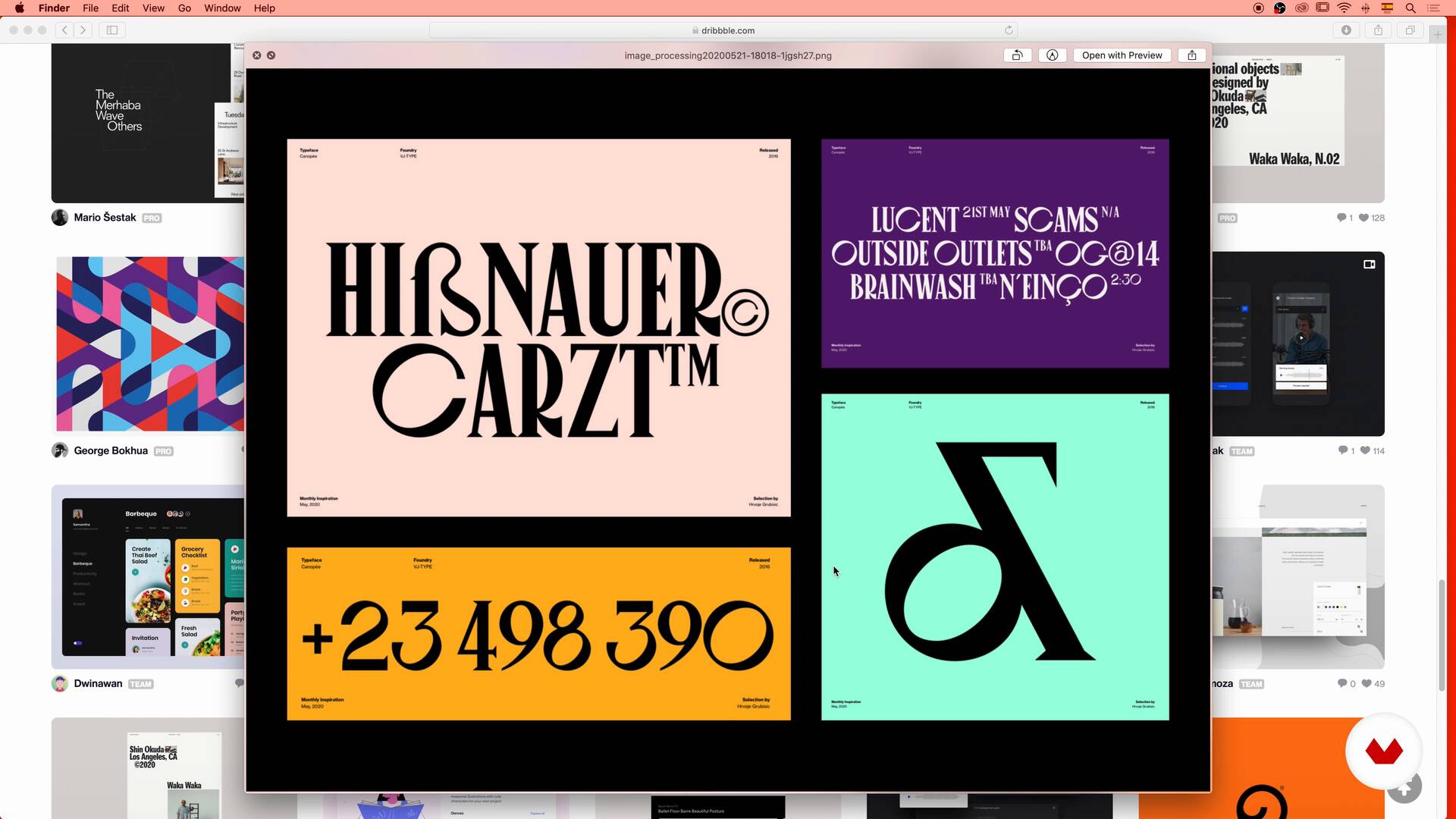
Mood Board 1
19 minutes, 30 seconds
What's included in this course?
Start by getting to know Katya, her story, her work, her influences, and some of the things that she teaches during the course.
Dive deep into what presentations are, where they come from, and how they are used today. Analyze some basic rules to have in mind when designing any kind of presentation.
Work on your presentation by focusing on the content and narrative structure before creating your first storyboard.
Now it's time to open your presentation software of choice and create your presentation using all the tools and knowledge provided by Katya. Dive deep into every feature, from the aspect ratio to color palettes, transitions, and typography, among many other elements.
Once your presentation is ready, it's time to export it and prepare for your live presentation. To end the course, Katya gives you some tips on how to present in front of a live audience.
Recommended software & tools for this course
What is this course's project?
As a final project, you will have to choose a topic for your presentation, create the narrative structure, develop the content and the look & feel and finally, join everything you’ve learned into a complete and effective presentation.

Projects by course students


Who is this online course for?
This course is suitable for anyone who wants to learn about presentation design, from a complete beginner to an advanced designer.
Requirements and materials
You will need a computer with any presentation software installed (Katya will use Keynote, but you can use the software you prefer), basic notions of the chosen software, and a notepad for conceptualizing.

Reviews
- 1 month ago
Super interesante y muy bien explicado
- 1 month ago
دورة رائعة استفت منها في معرفة الفرق بين المعلومات التي نعرضها والتي نقولها في العرض التقديمي
- 3 months ago
Every presentation designer needs this course!!!
- 5 months ago
Estou achando um ótimo curso para quem quer adquirir conhecimentos iniciais sobre apresentações.
- 5 months ago
Great Course!

Her passion for effective communication is matched only by her commitment to equipping you with the skills needed to leverage the potential of AI in presentation design. You'll explore this transformative field under Katya's guidance, setting the stage for your creative journey.
Content
- U1
Introduction
- Introduction
- Influences
- What We Will Do on the Course
- U2
Presentations, What About Them?
- Where Do the Presentations Come From?
- Presentation Do’s and Dont's
- Types of Presentations
- U3
Content & Narrative
- Choosing Your Presentation
- Content Structure
- Storyboard
- U4
Let’s Create Our Presentation
- Setup
- Mood Board 1
- Mood Board 2
- Slides Design
- Slides Design 2
- Slides Design 3
- Effects & Transitions
- U5
Take It Out There!
- Export
- Live Presentation
- FP
Final project
- Principles of Presentation Design
What to expect from a Domestika course
Learn at your own pace
Enjoy learning from home without a set schedule and with an easy-to-follow method. You set your own pace.
Learn from the best professionals
Learn valuable methods and techniques explained by top experts in the creative sector.
Meet expert teachers
Each expert teaches what they do best, with clear guidelines, true passion, and professional insight in every lesson.
Certificates
PLUSIf you're a Plus member, get a custom certificate signed by your teacher for every course. Share it on your portfolio, social media, or wherever you like.
Get front-row seats
Videos of the highest quality, so you don't miss a single detail. With unlimited access, you can watch them as many times as you need to perfect your technique.
Share knowledge and ideas
Ask questions, request feedback, or offer solutions. Share your learning experience with other students in the community who are as passionate about creativity as you are.
Connect with a global creative community
The community is home to millions of people from around the world who are curious and passionate about exploring and expressing their creativity.
Watch professionally produced courses
Domestika curates its teacher roster and produces every course in-house to ensure a high-quality online learning experience.
FAQs
Yes, this course is designed for beginners and covers foundational skills in presentation structure, slide design, and storytelling using tools like Keynote.
You will need access to presentation software such as Keynote, basic computer skills, and a willingness to learn visual and narrative communication techniques.
You’ll learn how to structure presentations, develop engaging narratives, design visually effective slides, use icons and images, apply branding, and deliver live presentations confidently.
The course covers presentation types, slide structure, narrative development, mood boards, typography, color palettes, visual assets, transitions, animation, and exporting presentations.
You’ll learn how to outline ideas, set context, build a narrative arc, and apply persuasive techniques specifically using Keynote’s tools and templates.
Yes, the course teaches you how to use grids, consistent typography, color palettes, and icons to create visually cohesive and branded slides.
Yes, you’ll learn best practices for reducing text, avoiding bullet points, and using visuals to communicate information more effectively.