
Digital Lettering with Illustrator and Photoshop
Eğitmen: Daniel HosoyaYayıncı tasarımcısı
Eğitmen: Daniel Hosoya, Yayıncı tasarımcısı

Learn to create combinations by combining different lettering styles
Daniel Hosoya - graphic designer specialized in the creation of digital letters - experimenting with typographies to create designs with strength and character, designing his own letterings. This is how his love for letters was born. More than ten years have passed since then and in this time he has collaborated with clients such as Ford, Modelo and Grupo Expansión.
In this course, Daniel will teach you different ways to create letters using digital tools.
Bu çevrimiçi kursta ne öğreneceksiniz?
1 ders & 1 indirme
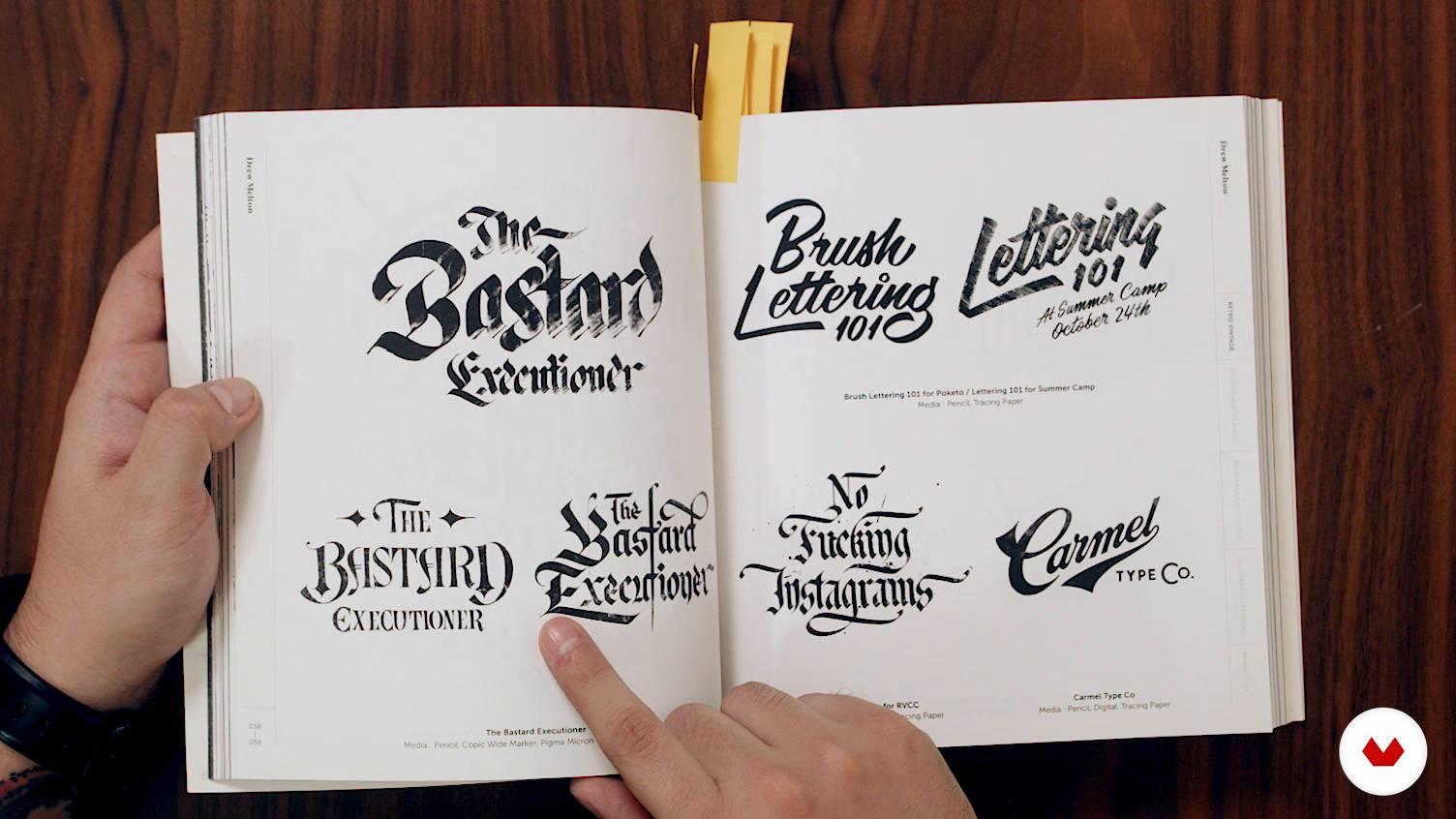
What is lettering?
8 dakika, 30 saniye
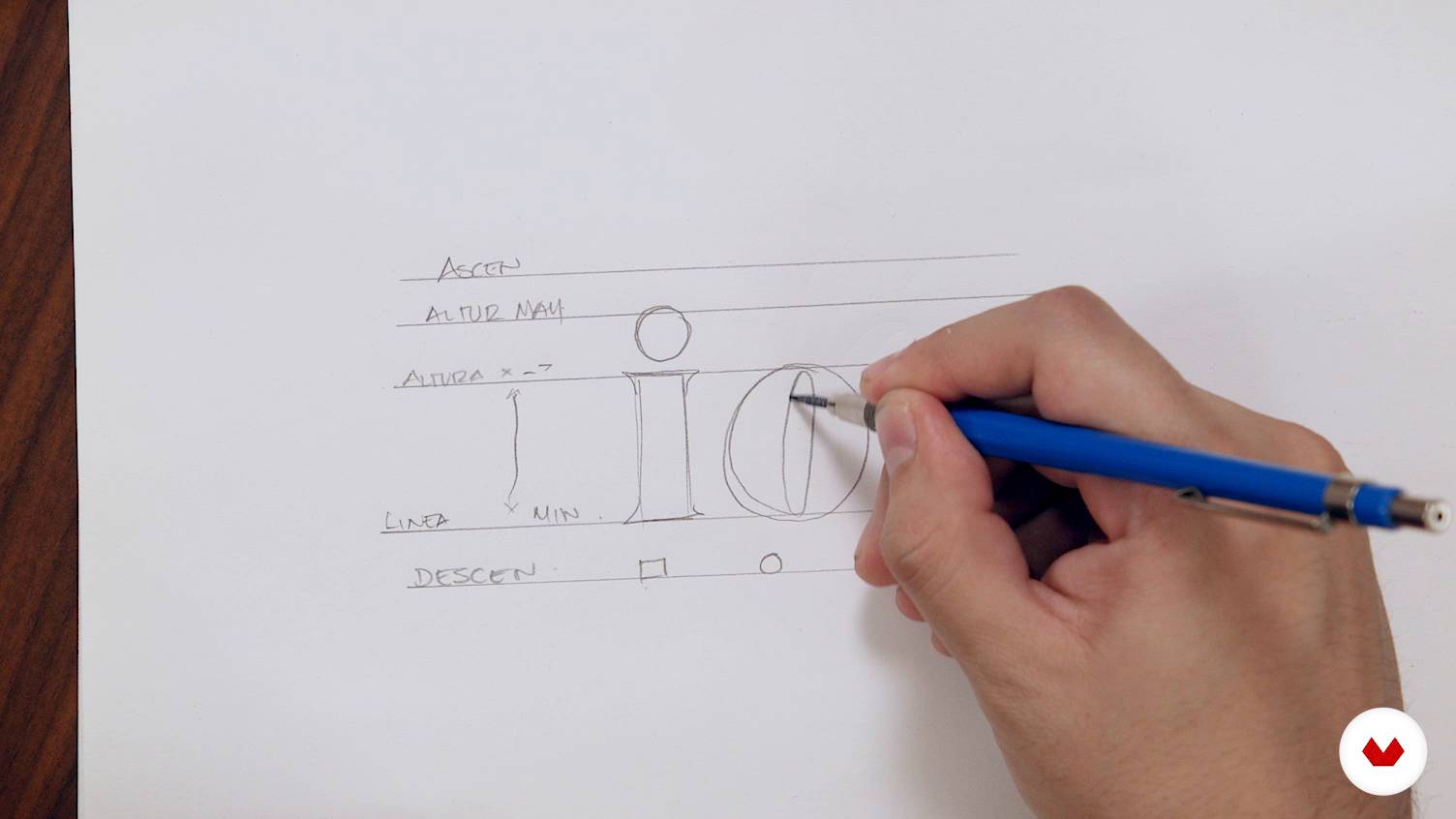
Basic concepts for drawing letters
4 dakika, 55 saniye
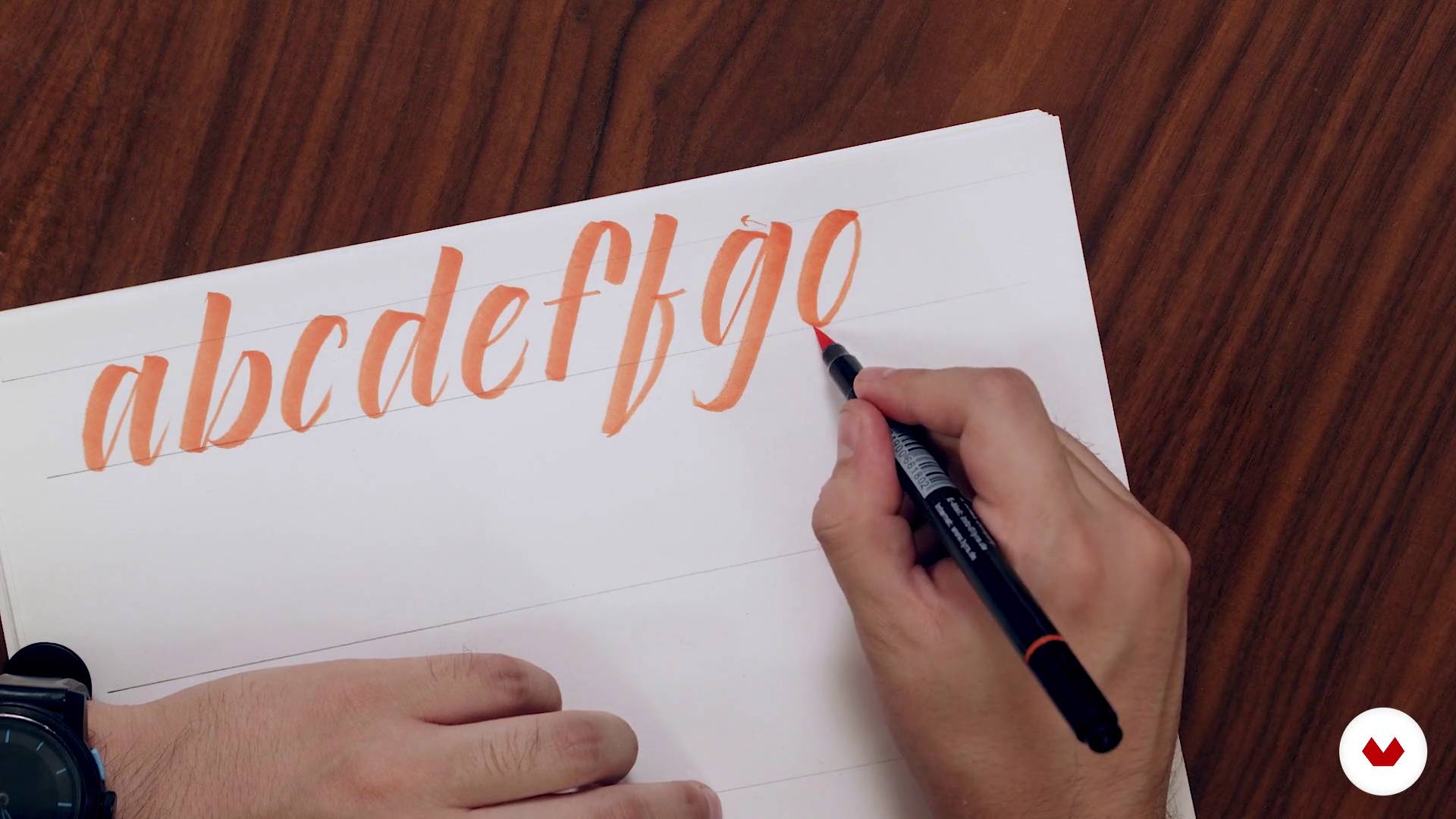
Expansion tools
20 dakika, 32 saniye
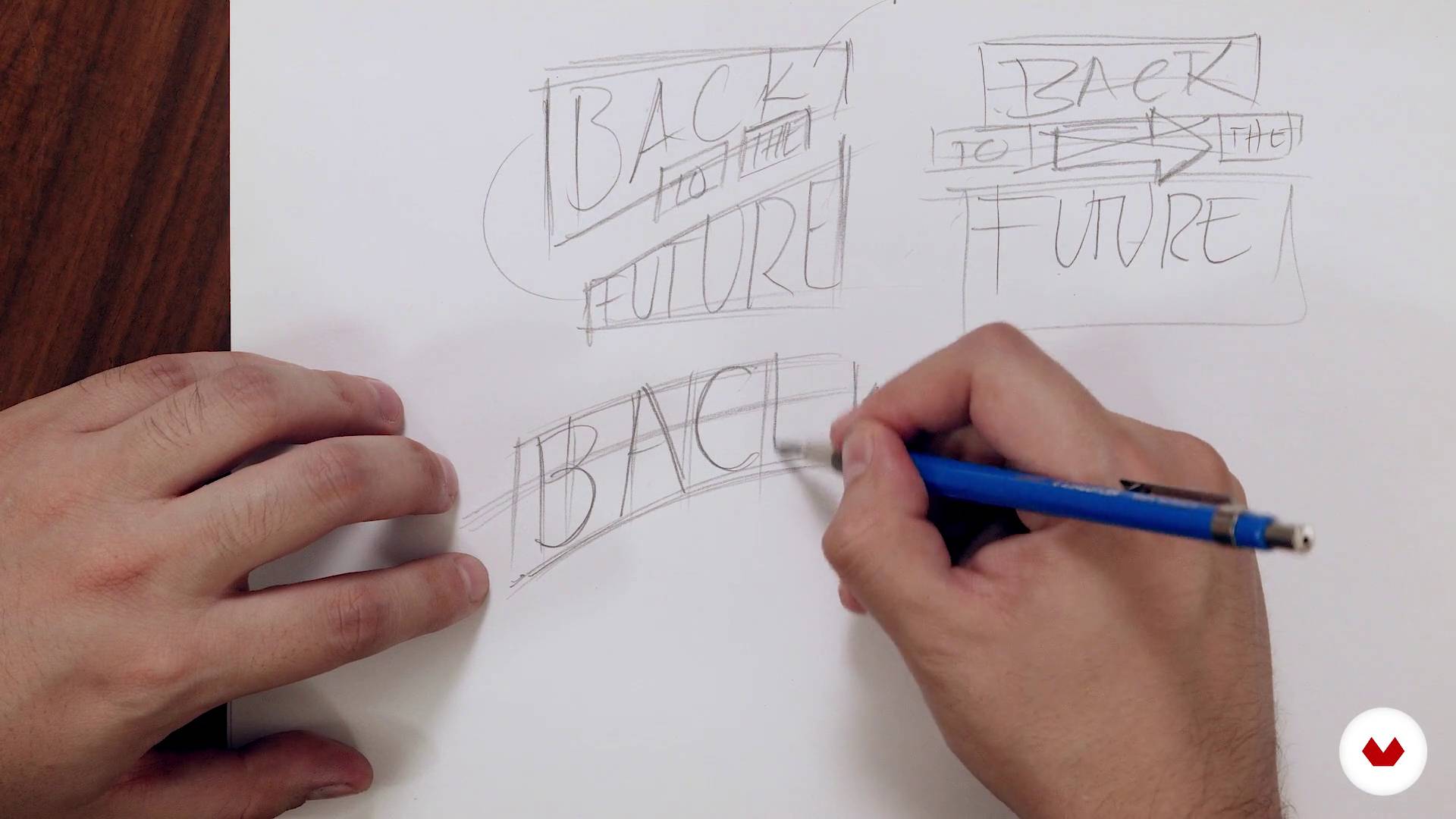
Principles of composition
7 dakika, 42 saniye
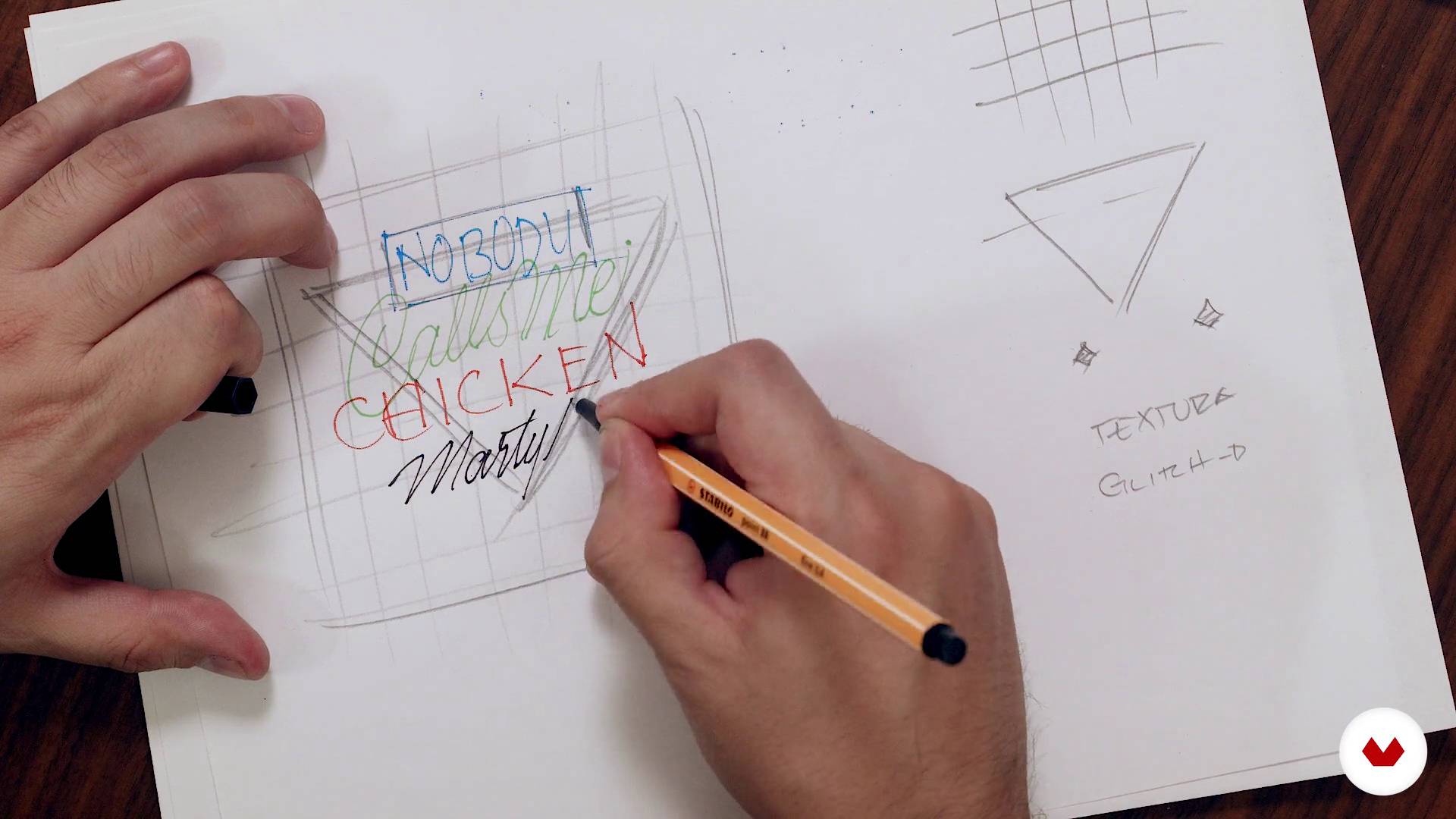
Let's do it
15 dakika, 55 saniye
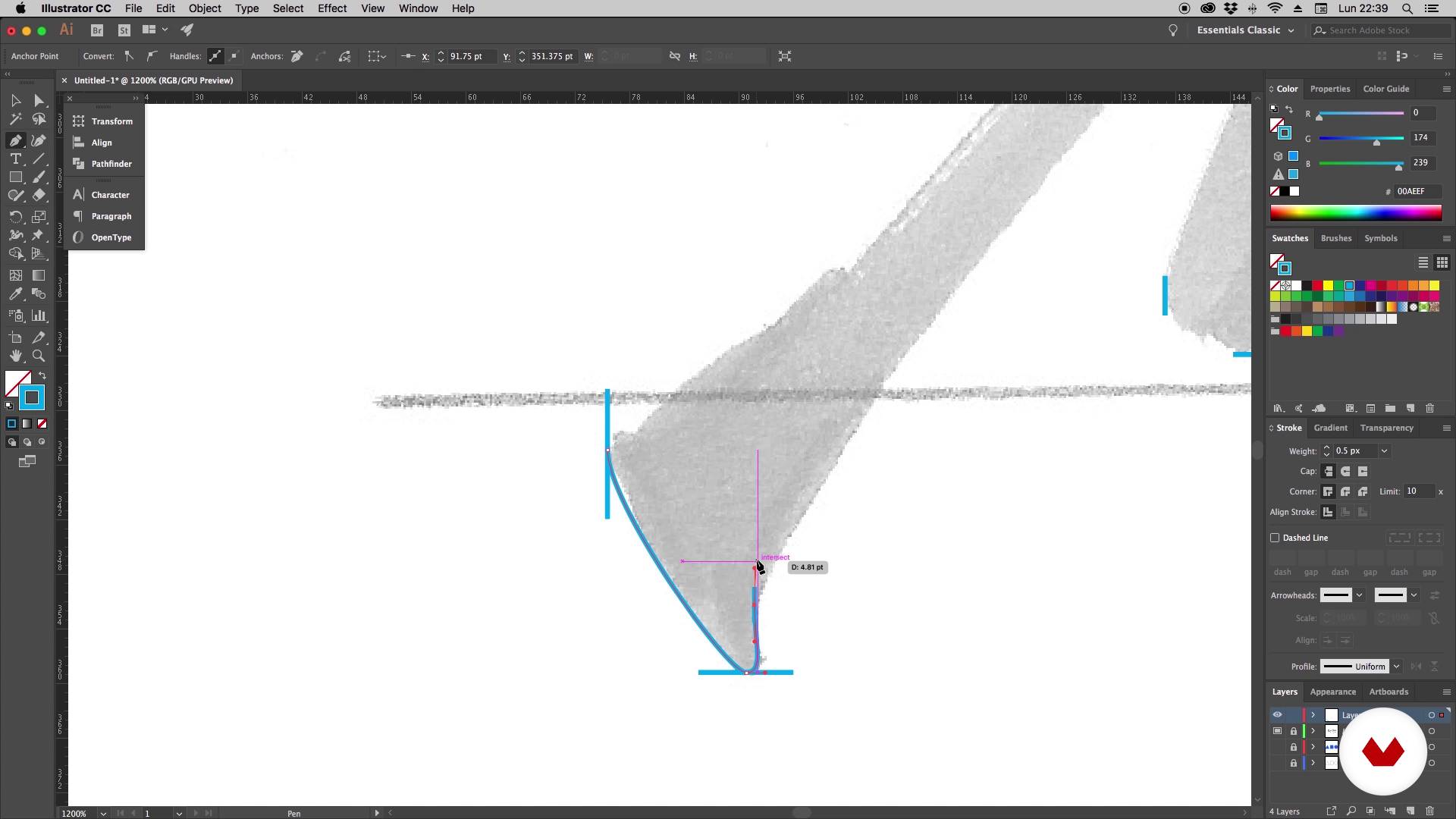
It's time to vectorize - Part 1
16 dakika, 55 saniye
Bu kursa neler dahil?
You will begin knowing Daniel's work and his influences. In the first lessons he will explain what is lettering and its difference with other disciplines in which the lyrics are also protagonists: calligraphy and typography.
You will also learn fundamental concepts for drawing letters, such as height, modulation and optical adjustment. In addition, Daniel will show you how to draw hand lettering with brush pen and you will discover some very useful warm-up exercises for this type of technique.
Next, you will see principles of composition, essential to create a harmonic and readable layout. Once you have made your sketch, Daniel will explain how to vectorize the design in a practical and simple way.
You will learn to create different types of letters in a completely digital way, starting with a modular typeface based on geometric shapes. Afterwards, you will make a monoline design and you will see how to create your own brushes to be able to draw your letters directly in Illustrator.
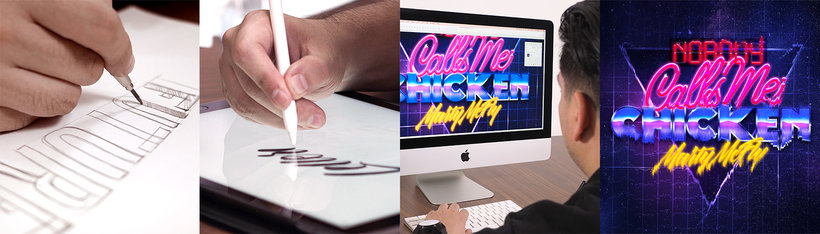
Finally, you will combine all the styles in your composition and take your design to Photoshop to give it the final finishes. You will learn to create letters with neon and metallic effects, apply lights, textures and create a glitch effect.
Bu kurs için önerilen yazılım ve araçlar
Bu kursun projesi nedir?
You will design and develop a piece of lettering that you will apply in a poster.
Kurs öğrencilerinin projeleri


Bu çevrimiçi kurs kimlere yöneliktir?
Designers, calligraphers, lyricists and anyone who loves letters who wants to carry out lettering projects in a completely digital way.
Gereksinimler ve materyaller
Basic knowledge of Illustrator and Photoshop is necessary. With respect to the materials, you will need pencils, markers, a computer and a digitizing tablet.

Yorumlar
- 2 yıl önce
Excelente la claridad con que explica el instructor la técnica y muy buen contenido del curso
- 3 yıl önce
Un curs molt pràctic, clar i amè.
- 3 yıl önce
Excelente curso, excelente profesor.
- lamardiazdPLUS3 yıl önce
Esperaba que diera una mayor exploración en la creación de tipografías. El curso es bueno, con información completa para alguien principiante en lettering. Muchas herramientas en illustrator y photoshop, tips que igual se encuentran en otras plataformas y de forma gratuita.
- 3 yıl önce
I like the course, I can learn from the basics.

Ayrıca Absolut Vodka, Johnnie Walker, Grupo Expansión, Grupo Modelo veya Palacio de Hierro gibi markalarla bağımsız olarak işbirliği yaptı.
İçerik
- U 1
Introduction
- Presentation
- Influences
- What is lettering?
- U 2
Lettering
- Basic concepts for drawing letters
- Expansion tools
- Principles of composition
- Let's do it
- U 3
Illustrator
- It's time to vectorize - Part 1
- It's time to vectorize - Part 2
- Drawing the letters - Part 1
- Drawing the letters - Part 2
- Monoline style
- Creation of brushes - Part 1
- Creation of brushes - Part 2
- Final design
- U 4
Photoshop
- Creation of neon letters - Part 1
- Creation of neon letters - Part 2
- Creation of metallic letters
- Final finishes
- Digitization of the lettering (Bonus)
- FP
Bitirme projesi
- Digital lettering with Illustrator and Photoshop
Bir Domestika kursundan neler beklenebilir?
Kendi hızınızda öğrenin
Belirli bir program olmadan ve takip edilmesi kolay bir yöntemle evden öğrenmenin tadını çıkarın. Kendi hızınızı kendiniz belirlersiniz.
En iyi profesyonellerden öğrenin
Yaratıcı sektörün en iyi uzmanlarının açıkladığı değerli yöntem ve teknikleri öğrenin.
Uzman öğretmenlerle tanışın
Her uzman, her derste açık yönergelerle, gerçek tutkuyla ve profesyonel anlayışla en iyi yaptıkları şeyi öğretir.
Sertifikalar
PLUSPlus üyesiyseniz her kurs için öğretmeninizden imzalı bir özel sertifika alın. Portföyünüzde, sosyal medyada veya istediğiniz yerde paylaşın.
Ön sıra koltukları alın
En yüksek kalitede videolar sayesinde tek bir ayrıntıyı kaçırmazsınız. Sınırsız erişim sayesinde tekniğinizi mükemmelleştirmek için bunları istediğiniz kadar izleyebilirsiniz.
Bilgi ve fikirleri paylaşın
Sorular sorun, geri bildirim isteyin veya çözümler sunun. Öğrenme deneyiminizi topluluktaki, yaratıcılığa sizin kadar tutkulu olan diğer öğrencilerle paylaşın.
Küresel bir yaratıcı toplulukla bağlantı kurun
Topluluk, dünyanın her yerinden meraklı ve yaratıcılıklarını keşfetme ve ifade etme konusunda tutkulu milyonlarca insana ev sahipliği yapıyor.
Profesyonelce hazırlanmış kursları izleyin
Domestika, yüksek kaliteli bir çevrimiçi öğrenme deneyimi sağlamak için öğretmen kadrosunu seçer ve her dersi kendi bünyesinde üretir.
SSS
Kaligrafi, lettering ve dijital araçlar (Illustrator, Photoshop) kullanarak harf ve tipografik kompozisyon tasarlamayı öğreneceksiniz. Renk seçimi, özel efektler, logo, afiş ve marka tasarımı da keşfedilecek.
Kurs orta seviye olup, temel grafik tasarım veya el çizimi bilgisi olanlar için ideal. Uzman olmanız gerekmez ama dijital araçlara aşinalık tavsiye edilir.
Illustrator ve Photoshop yüklü bir bilgisayara ihtiyacınız olacak. Ayrıca kağıt, kalem, fırça gibi temel çizim malzemeleri ve dijital pratik için grafik tablet önerilir.
Kaligrafi el yazısı sanatıdır, lettering harflerin sanatsal çizimidir, tipografi ise dijital harf ailelerinin tasarımı ve mesaj iletimidir.
Kurs sonunda kişiye özel harfler tasarlayabilir, logo, afiş ve ambalajlar oluşturabilir, gelişmiş dijital efektler uygulayabilir ve kendi alfabelerinizi yaratabilirsiniz; ayrıca tipografik kompozisyon ve yaratıcılığınız gelişir.
Evet, Photoshop ve Illustrator kullanarak neon, metalik, glitch ve doku gibi gelişmiş efektler yapmayı öğreneceksiniz.
Projenin türüne göre okunabilirlik, stil ve bağlamı dikkate alarak renk paletleri seçip kombinlemeyi öğreneceksiniz; hem baskı hem dijital ortamlar için.