Illustration Techniques in Pixel Art
A course by Galamot Shakuİllüstratör / Oyun geliştiricisi
A course by Galamot Shaku, İllüstratör / Oyun geliştiricisi

Create a pixel-art portrait with Photoshop using a photograph or drawing
Adrián de la Garza (better known as Galamot Shaku)—illustrator, pixel artist, and video-game developer—teaches you everything you need to know about pixel art, a digital art form where images are edited at the pixel level.
In this course, Galamot goes over the different illustration techniques that exist in this discipline, from the theoretical base and technical foundations to applications in different formats and supports.
Bu çevrimiçi kursta ne öğreneceksiniz?
1 ders & 1 indirme
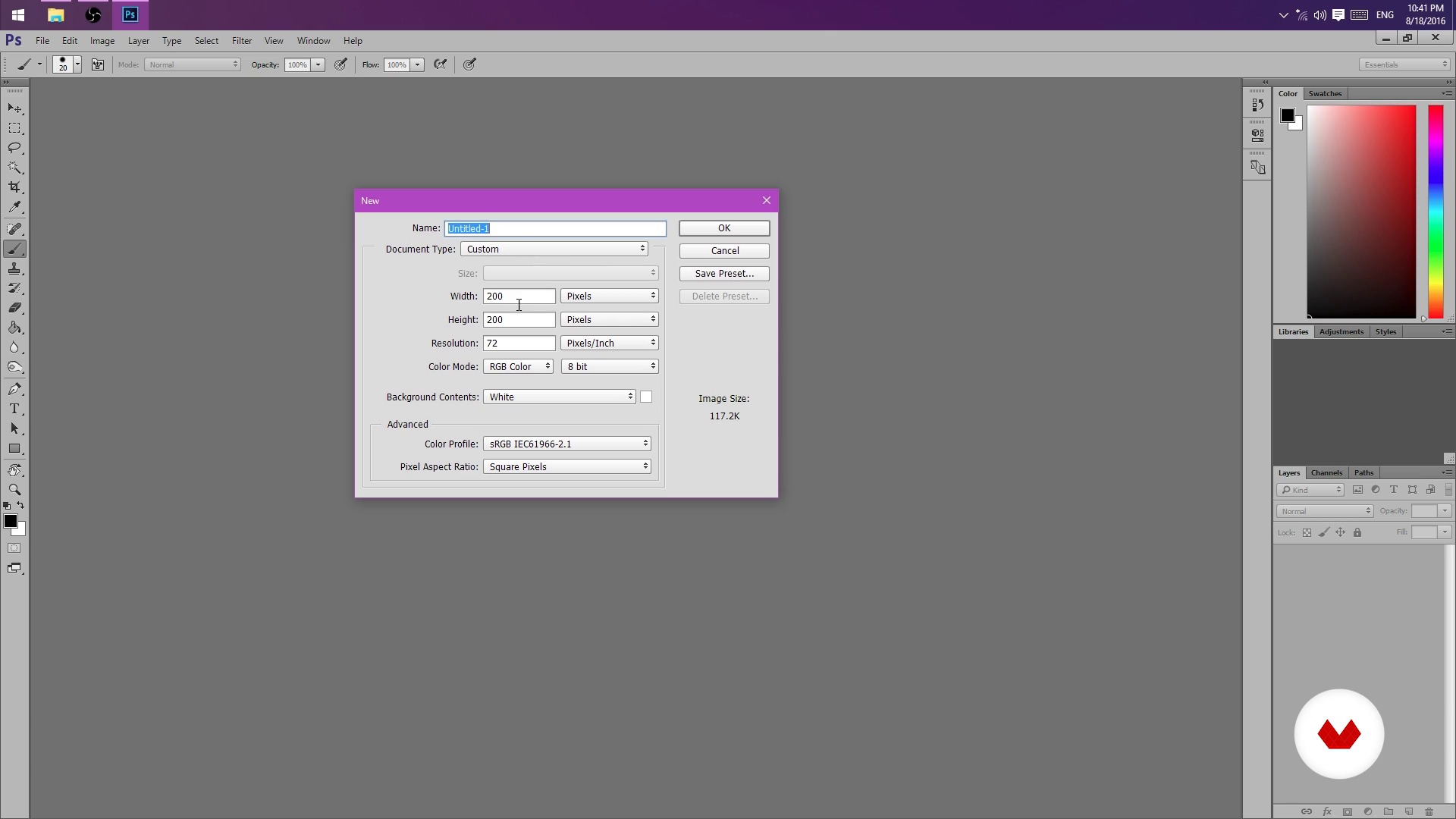
But I could do it in Paint! (And you can actually)
8 dakika, 16 saniye
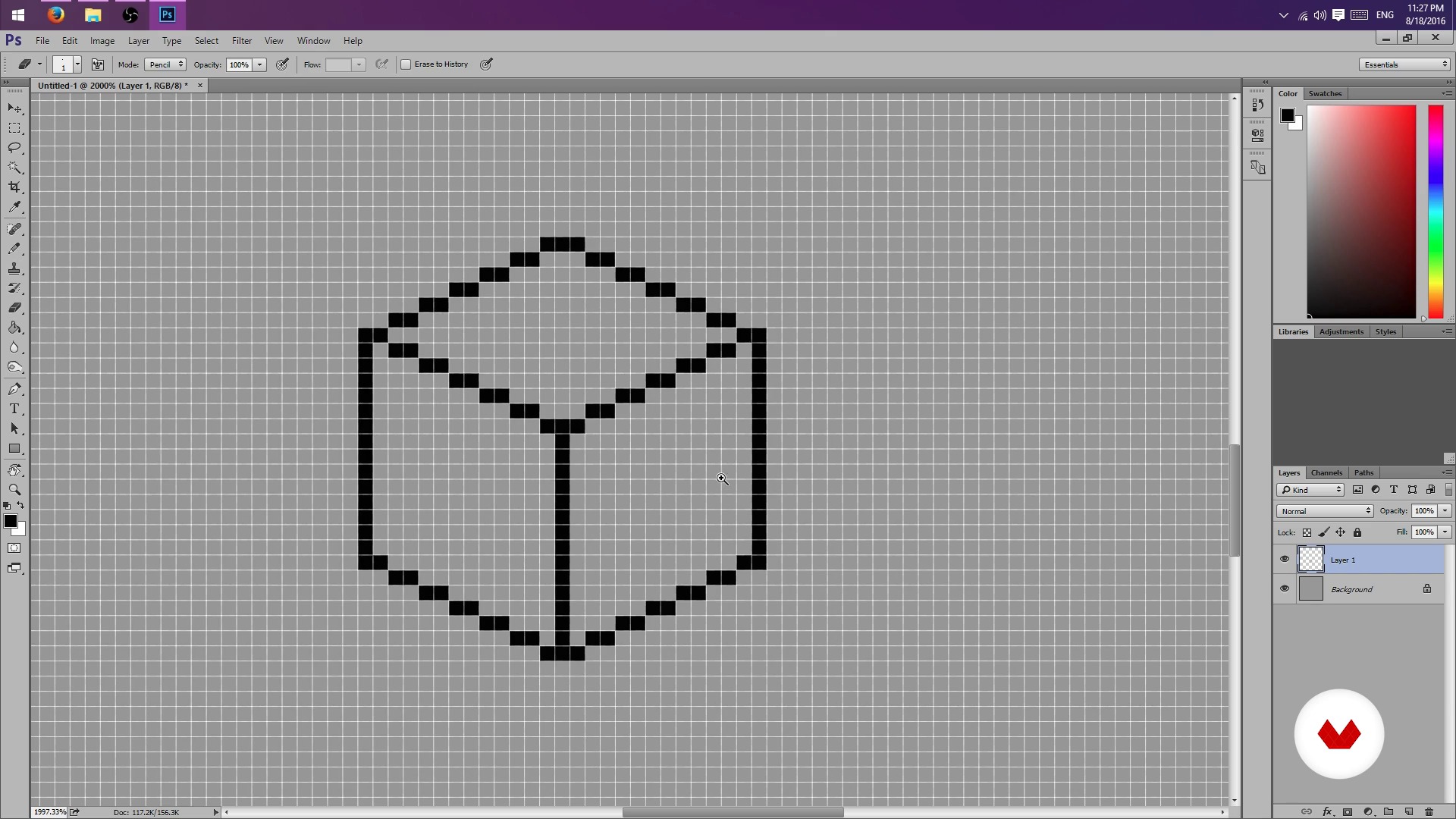
Pencil, rubber and lots of patience - Part I
8 dakika, 56 saniye
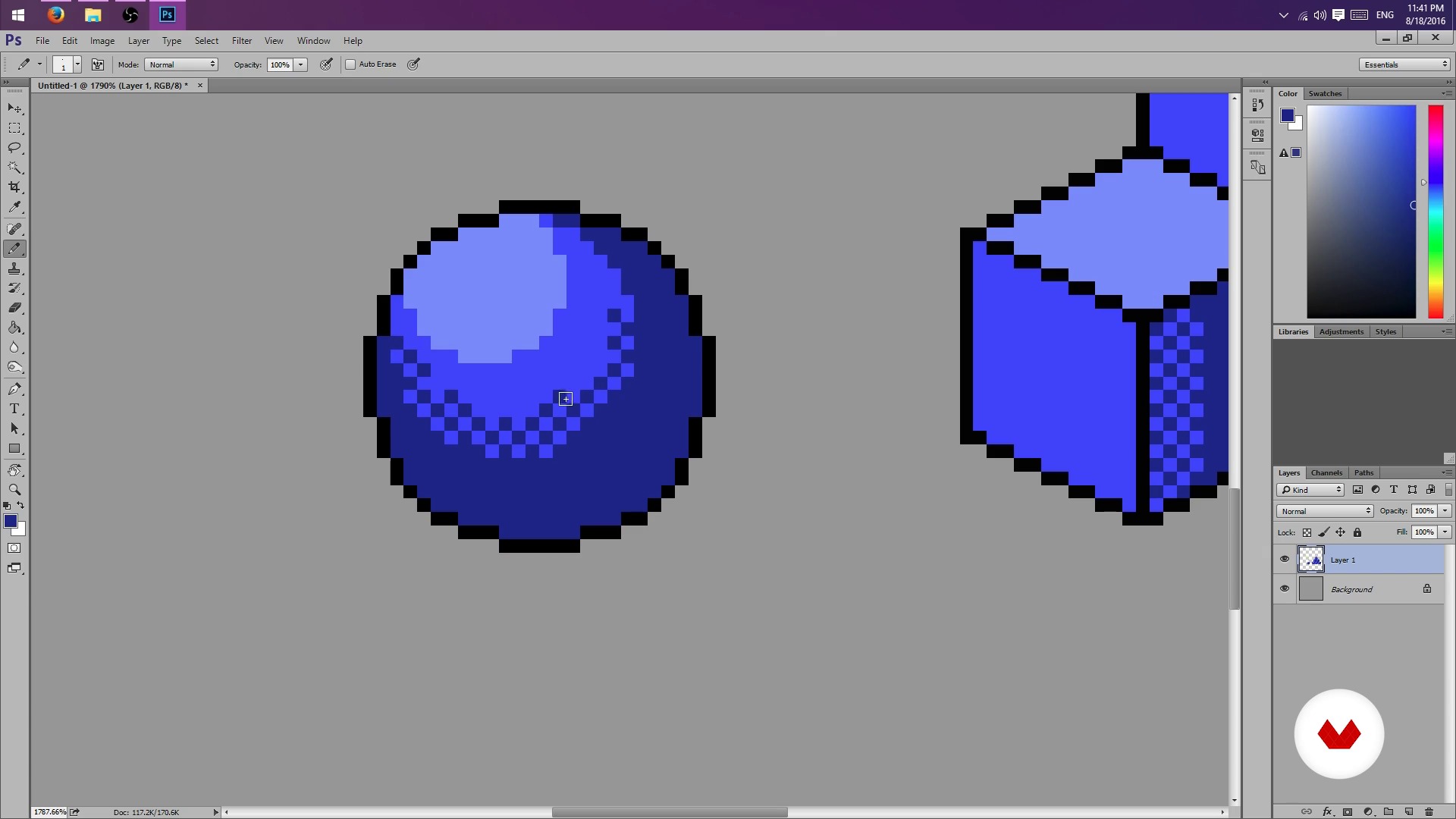
Pencil, rubber and lots of patience - Part II
8 dakika, 50 saniye
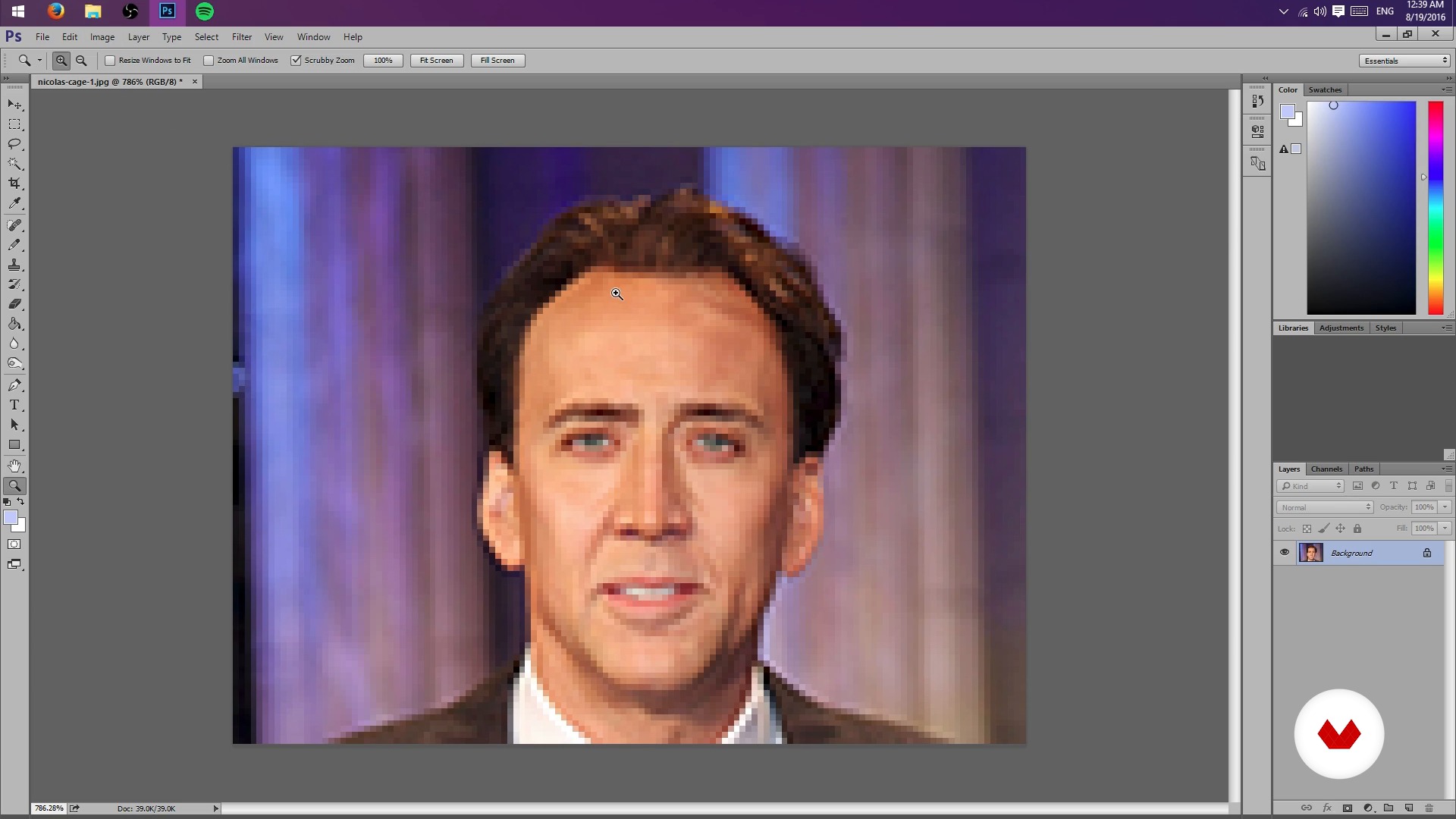
Creation of sketch from a photograph
4 dakika, 23 saniye
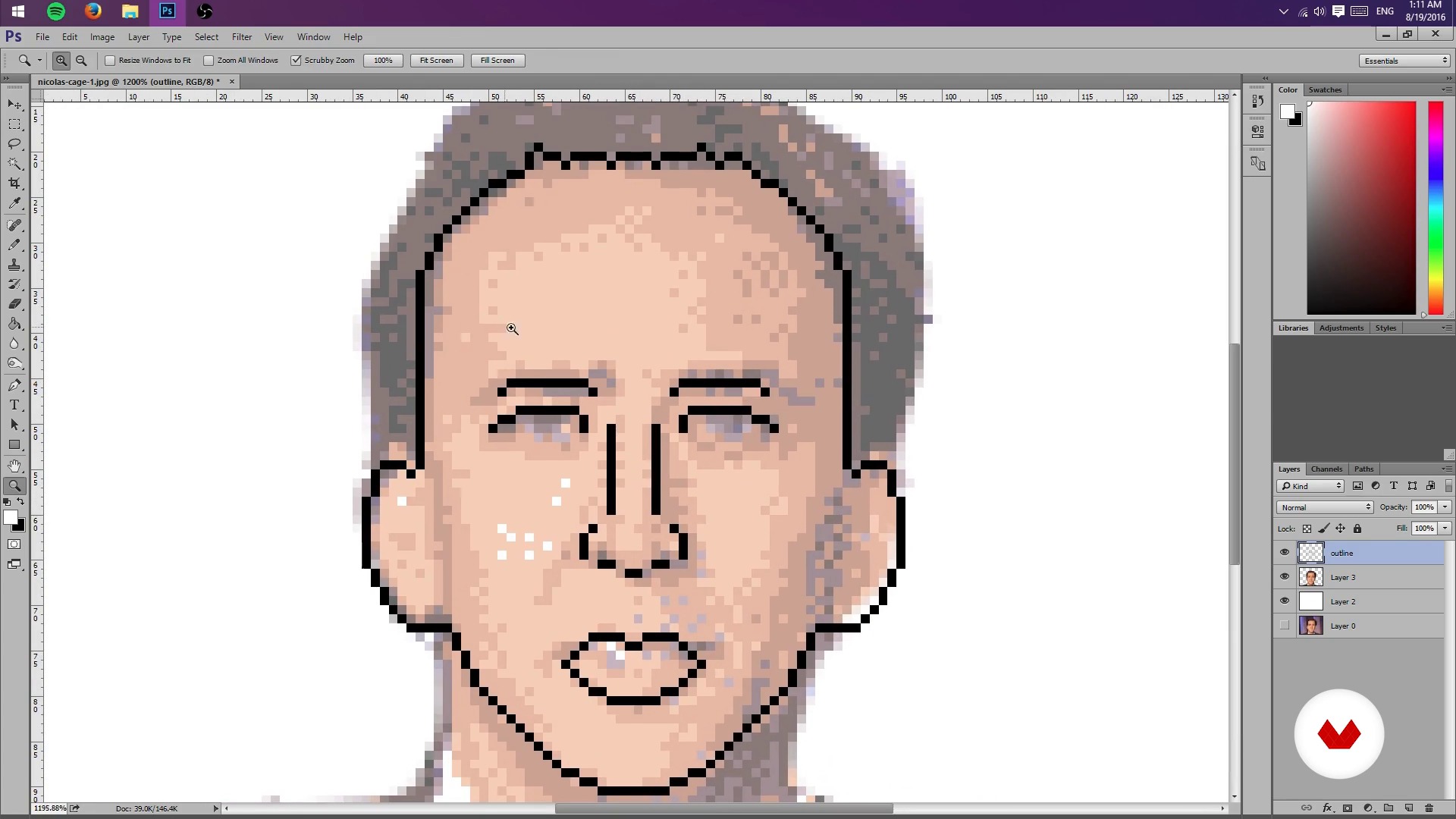
Test Your Might
8 dakika, 28 saniye
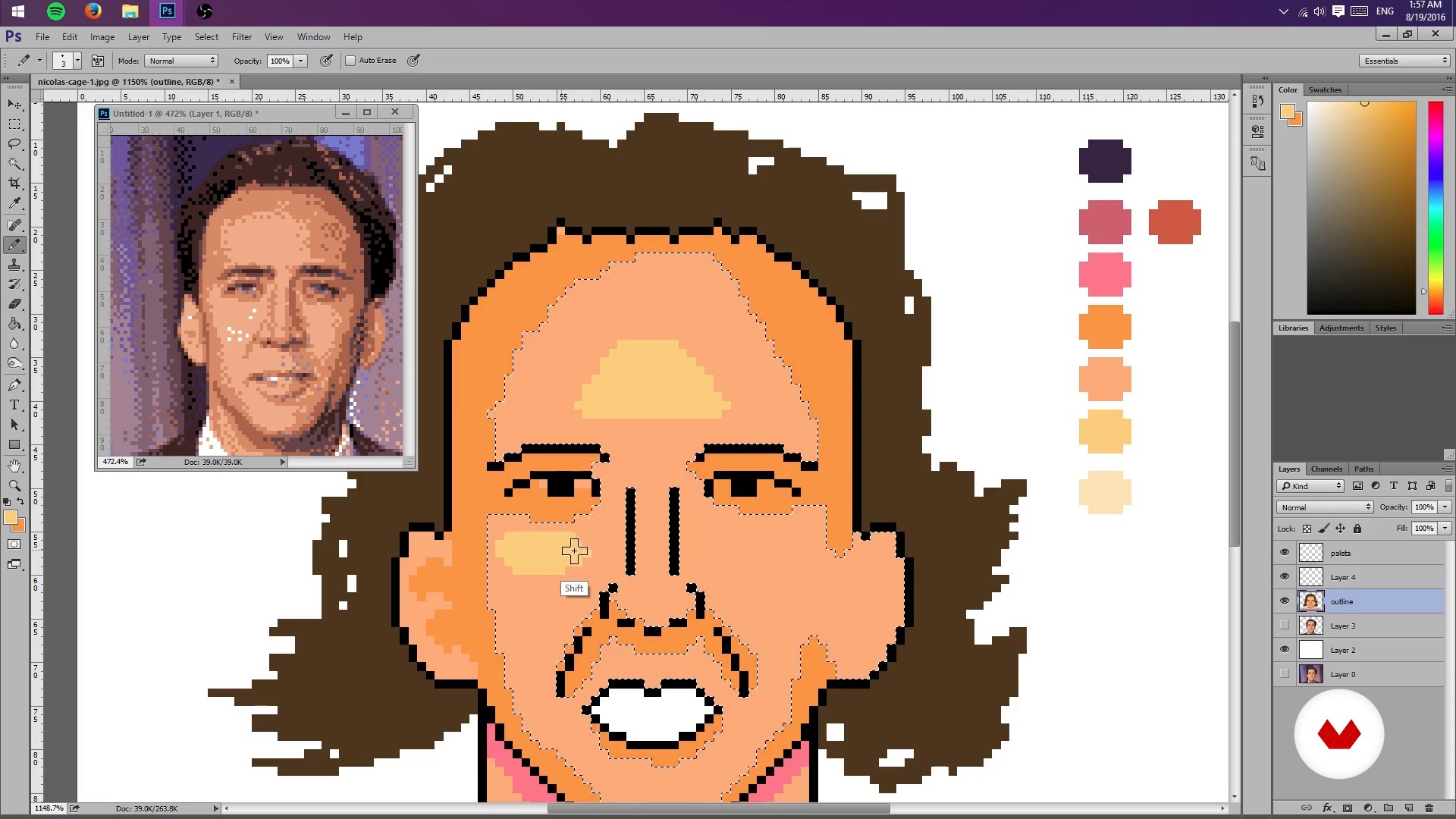
Colors, lights and shadows - Part I
8 dakika, 21 saniye
Bu kursa neler dahil?
Start by learning about Galamot's work and influences, from console graphics to more traditional illustrations.
Next, learn how to set up a file in Photoshop and the tools needed to work easily with pixels.
Learn how to conceptualize objects in 2D space and practice different shading techniques.
Once you understand the basics of pixel art, learn how to create a sketch of a portrait from a photograph by scaling the composition and limiting the color palette to limit lights and shadows. Then, create a general lighting map of the image.
Once you have the base of your pixel-art portrait, learn how to add details such as highlights and textures, try different color palettes, and, finally, export the final project.
As an extra, Galamot goes over some useful formats to share a pixel-art creation in print media, GIFs, video games, and animation.
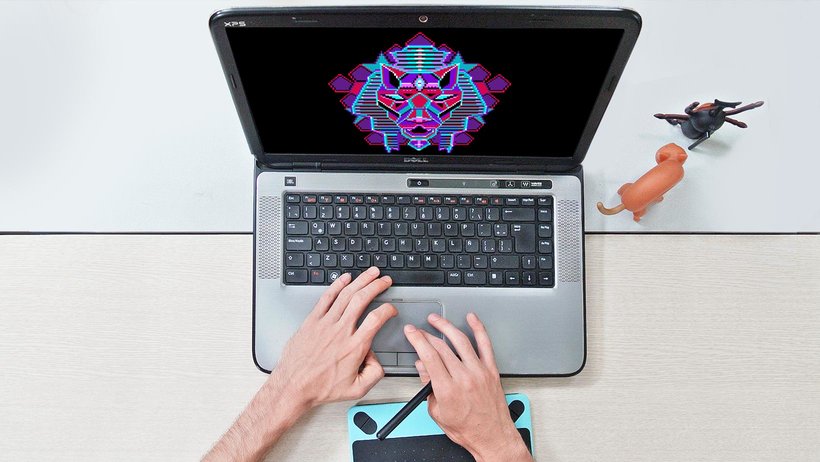
Recommended software & tools for this course
What is this course's project?
Make a pixel-art portrait from a photograph or your own drawing by applying the lessons learned during the course.
Kurs öğrencilerinin projeleri


Who is this online course for?
This course is for illustrators interested in learning a new technique, video-game developers, animators, and anyone who wants to delve into the world of pixels.
Requirements and materials
Basic knowledge of Photoshop and a graphics tablet are recommended, but not required.

Yorumlar
- 3 ay önce
muy bien curso, aprendí bastante.
- 11 ay önce
Me esta gustando.
- 2 yıl önce
Excelente curso, me sirvió muchísimo para iniciar mis proyectos.
- 2 yıl önce
i love that
- 2 yıl önce
Good course. I'm happy to have taken it, especially because it goes through the process using Photoshop, which I wasn't used to for making Pixel Art. I recommend the course also because the processes are explained well step by step in a good way!

Video oyunlarını her zaman çok severdi. Şöyle açıklıyor : "Benim jenera...
İçerik
- U 1
Hello World
- Presentation
- Influences
- U 2
Photoshop settings
- But I could do it in Paint! (And you can actually)
- Pencil, rubber and lots of patience - Part I
- Pencil, rubber and lots of patience - Part II
- U 3
Sketch and layout
- Creation of sketch from a photograph
- Test Your Might
- Colors, lights and shadows - Part I
- Colors, lights and shadows - Part II
- U 4
Colors, lights and flavors
- More Color - Part I
- More Color - Part II
- Bonus Stage
- FP
Bitirme projesi
- Illustration Techniques in Pixel Art
Bir Domestika kursundan neler beklenebilir?
Kendi hızınızda öğrenin
Belirli bir program olmadan ve takip edilmesi kolay bir yöntemle evden öğrenmenin tadını çıkarın. Kendi hızınızı kendiniz belirlersiniz.
En iyi profesyonellerden öğrenin
Yaratıcı sektörün en iyi uzmanlarının açıkladığı değerli yöntem ve teknikleri öğrenin.
Uzman öğretmenlerle tanışın
Her uzman, her derste açık yönergelerle, gerçek tutkuyla ve profesyonel anlayışla en iyi yaptıkları şeyi öğretir.
Certificates
PLUSIf you're a Plus member, get a özel sertifika signed by your teacher for every course. Share it on your portfolio, social media, or wherever you like.
Ön sıra koltukları alın
En yüksek kalitede videolar sayesinde tek bir ayrıntıyı kaçırmazsınız. Sınırsız erişim sayesinde tekniğinizi mükemmelleştirmek için bunları istediğiniz kadar izleyebilirsiniz.
Bilgi ve fikirleri paylaşın
Sorular sorun, geri bildirim isteyin veya çözümler sunun. Öğrenme deneyiminizi topluluktaki, yaratıcılığa sizin kadar tutkulu olan diğer öğrencilerle paylaşın.
Küresel bir yaratıcı toplulukla bağlantı kurun
Topluluk, dünyanın her yerinden meraklı ve yaratıcılıklarını keşfetme ve ifade etme konusunda tutkulu milyonlarca insana ev sahipliği yapıyor.
Profesyonelce hazırlanmış kursları izleyin
Domestika, yüksek kaliteli bir çevrimiçi öğrenme deneyimi sağlamak için öğretmen kadrosunu seçer ve her dersi kendi bünyesinde üretir.
SSS
Pixel art is a digital illustration technique that uses visible pixels to create stylized images. In Photoshop, specific tools like the pencil and palette management are used to design pixelated characters, backgrounds, and scenes.
The course is intermediate level, so it’s recommended to have basic digital editing skills and some experience with Photoshop before starting.
You just need a computer with Adobe Photoshop installed and preferably a graphics tablet, though you can work with a mouse. No physical materials are required.
You’ll learn how to scale images, reduce color counts, adjust palettes, and use layers and opacity to turn photos into pixelated sketches ready for illustration.
The course teaches how to limit the color palette using Photoshop’s settings and modes, making it easier to create visually simple images with a retro or minimalist style.
By the end, you’ll be able to create portraits, characters, isometric illustrations, video game covers, and pixel art GIF animations, exporting your work in various digital formats.
Yes, the course covers creating simple GIF-style animations using Photoshop and optimizing color palettes for smooth, retro effects.