

Learn foolproof techniques for digital illustration to create portraits with personality
Illustrator Óscar Giménez teaches you how to create unique and personalized portraits from photographs and multiple references. Achieve that and more through digital illustration techniques and tools developed by Giménez himself throughout his career, which you can apply to any other type of project.
Start thinking about your favorite famous person because it's time to learn to portray them like you never imagined before! This course is the perfect complement to Illustration for Music Lovers, Óscar's previous course, which explains how to illustrate a high-impact poster for a concert.
Bu çevrimiçi kursta ne öğreneceksiniz?
1 ders & 1 indirme
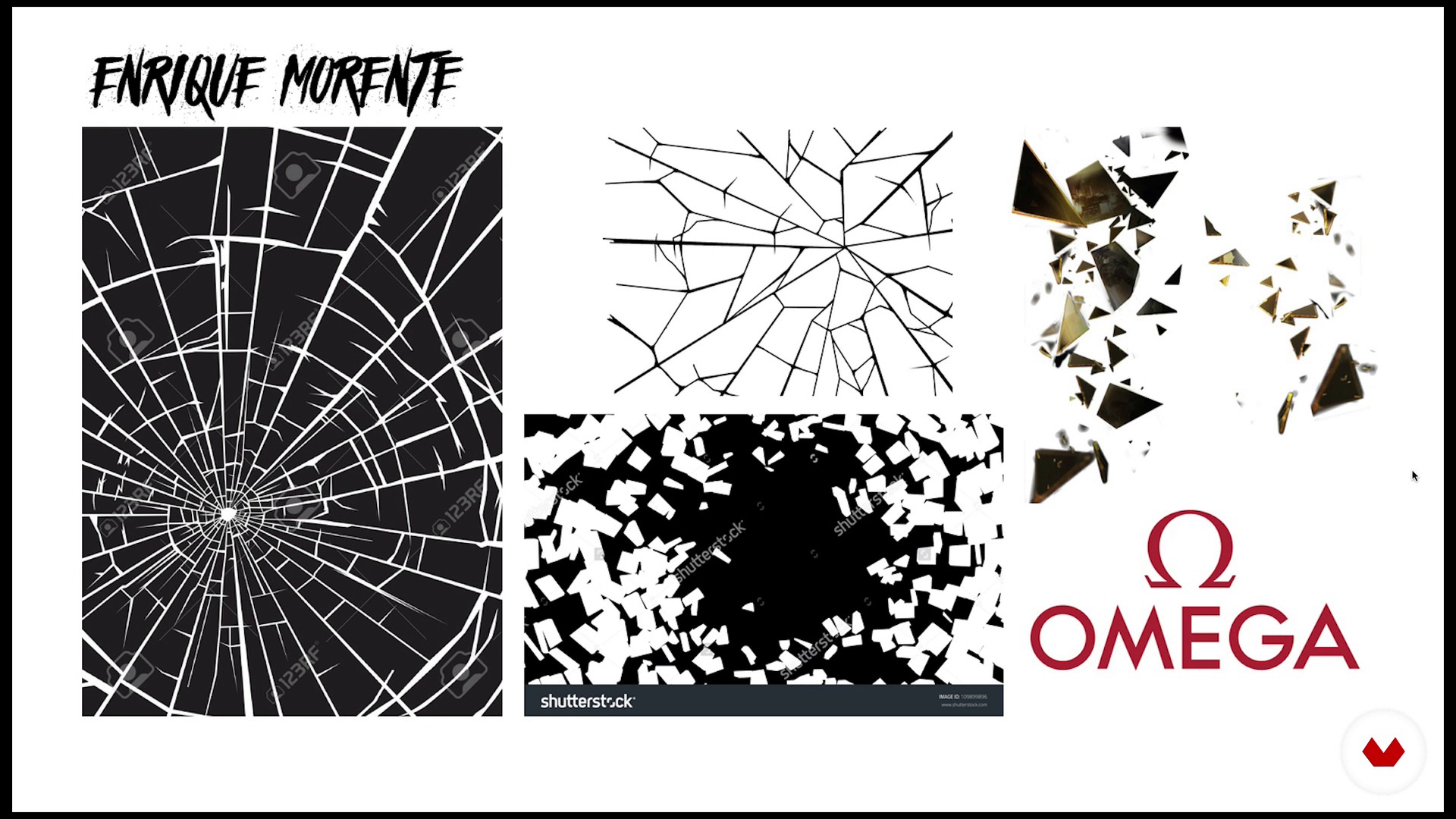
Theory of portrait composition
17 dakika, 34 saniye
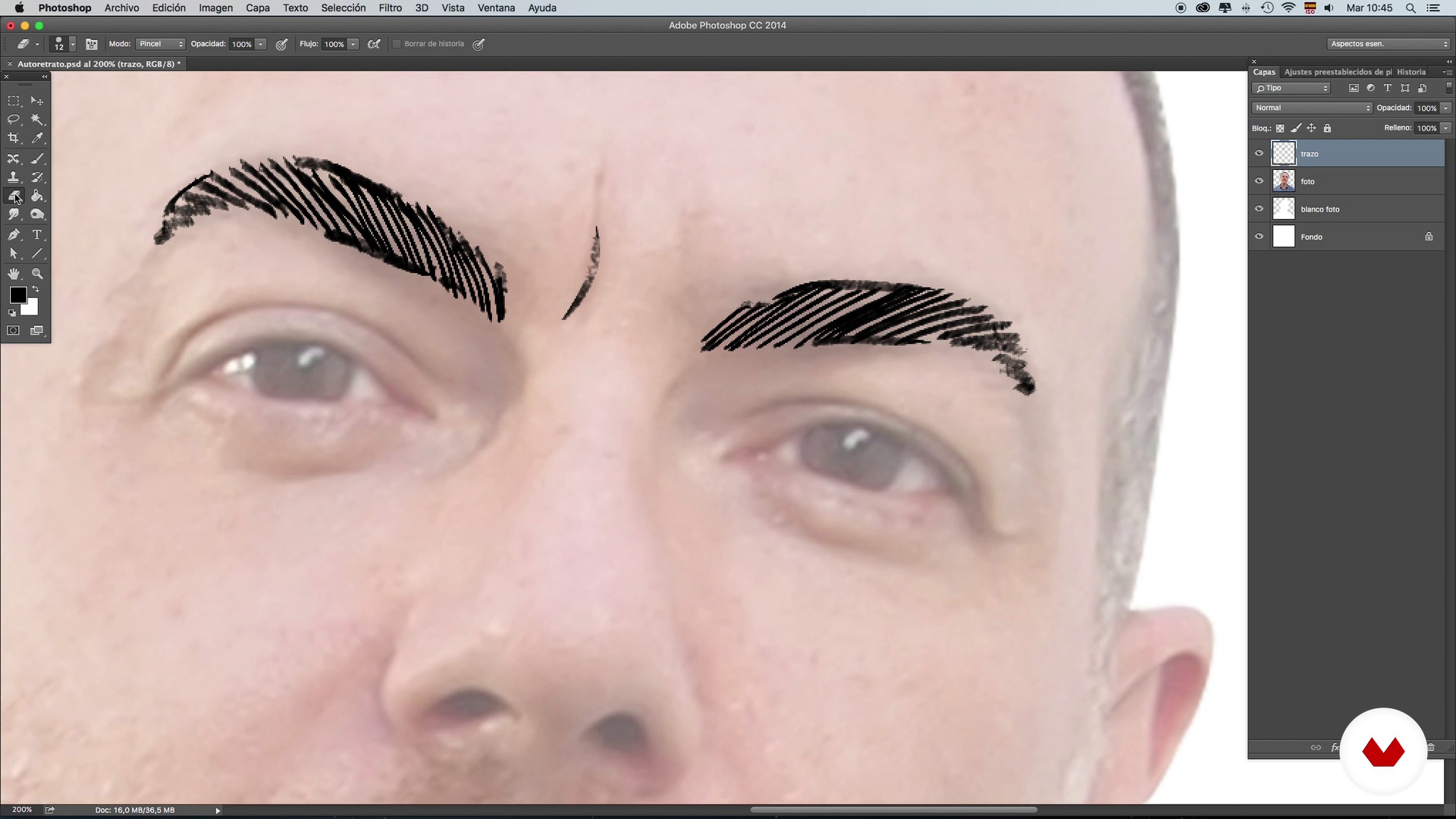
Brushes: Stroke and shading techniques - Self-portrait - Part 1
15 dakika, 48 saniye
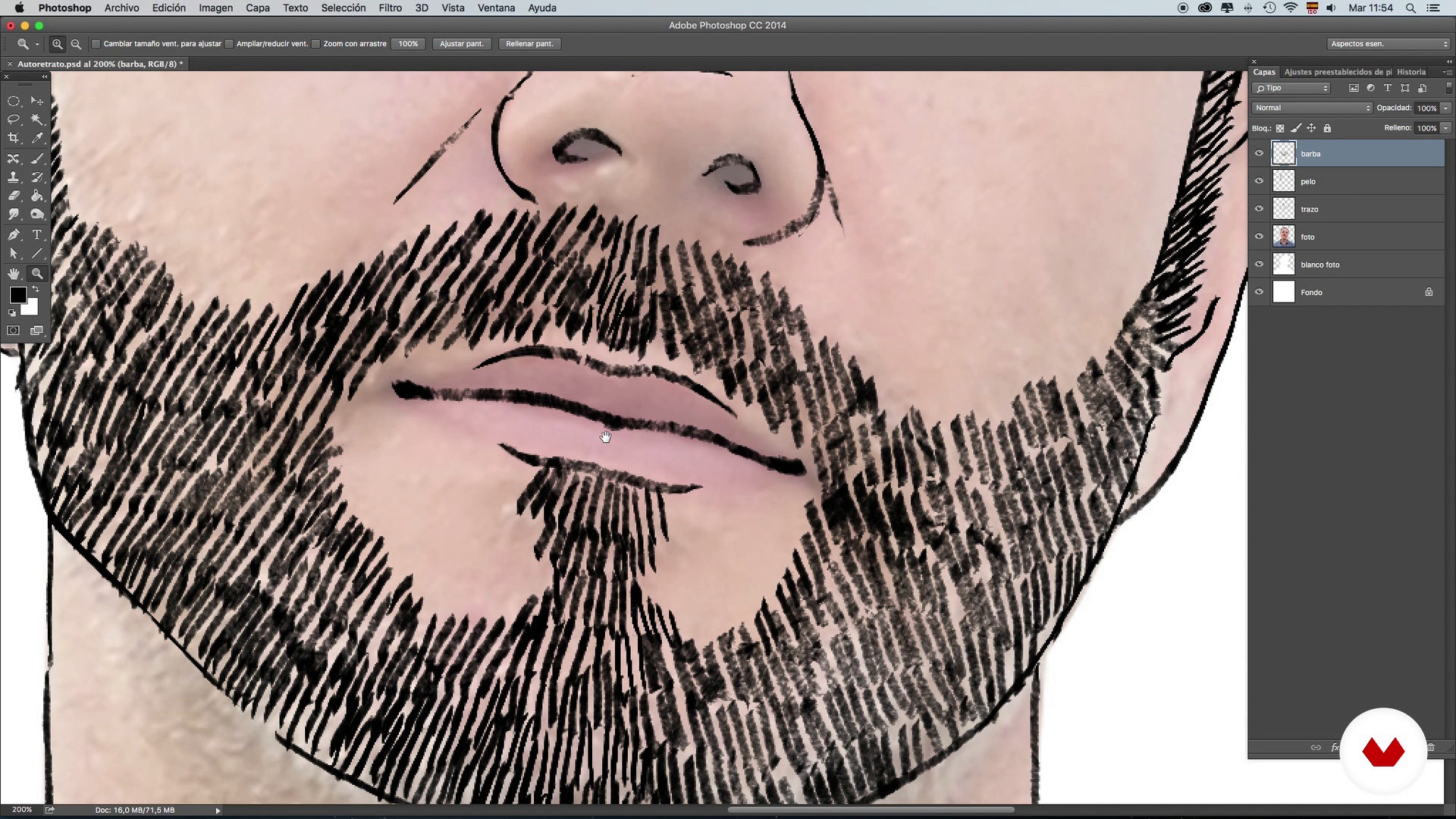
Brushes: Stroke and shading techniques - Self-portrait - Part 2
14 dakika, 59 saniye
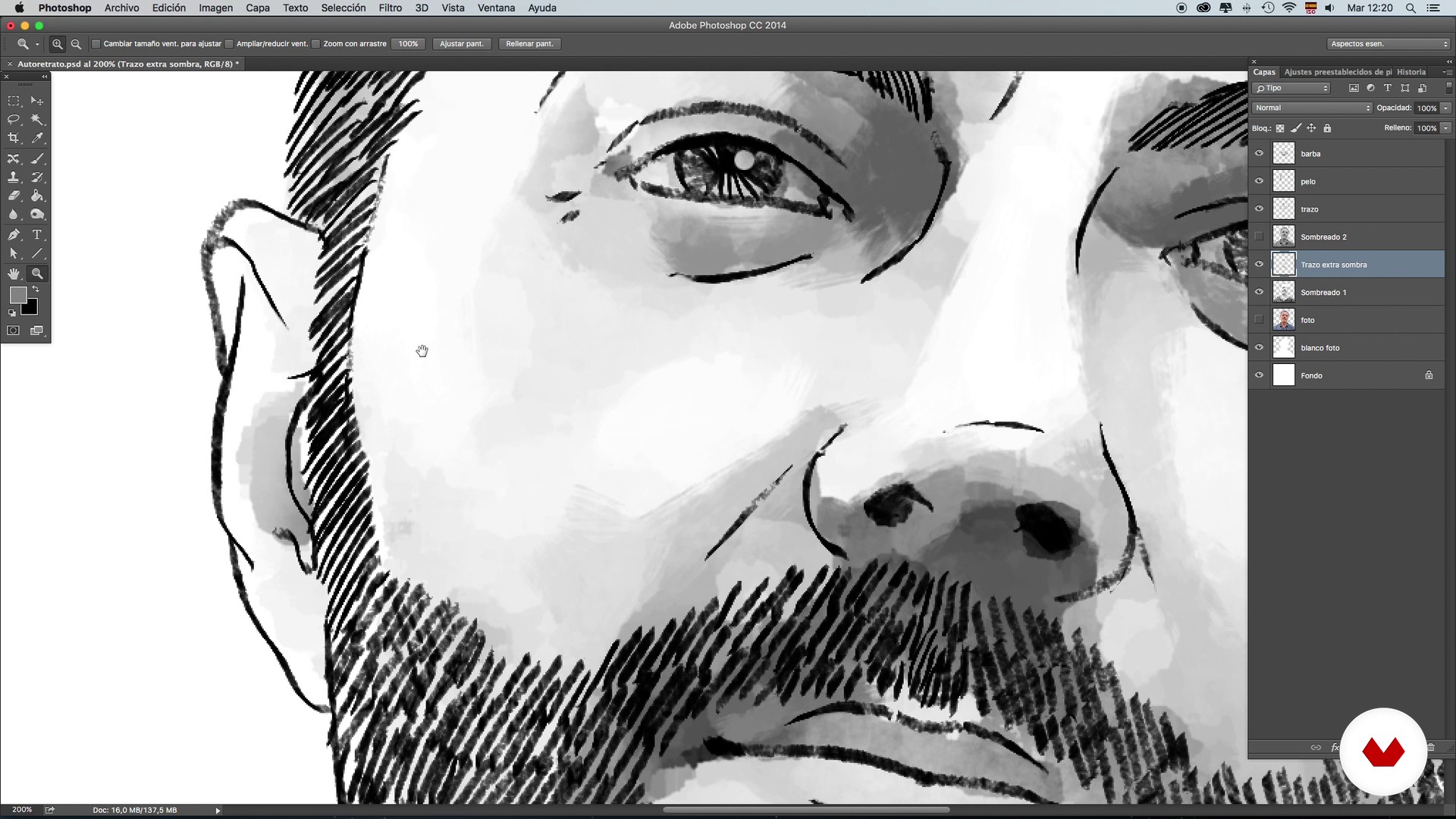
Brushes: Stroke and shading techniques - Self-portrait - Part 3
16 dakika, 40 saniye
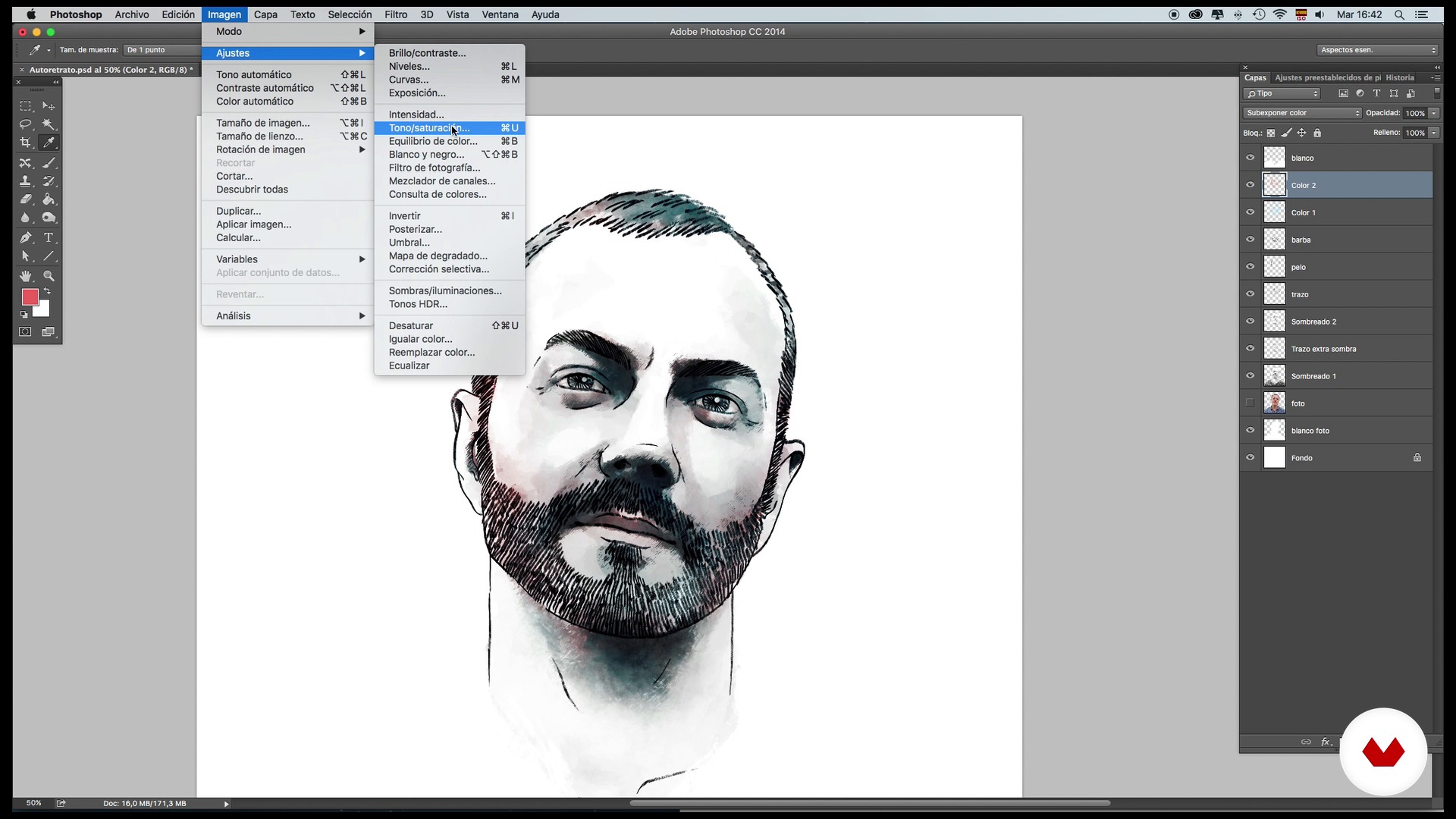
Brushes: Color and retouching techniques - Self-portrait - Part 1
15 dakika, 52 saniye
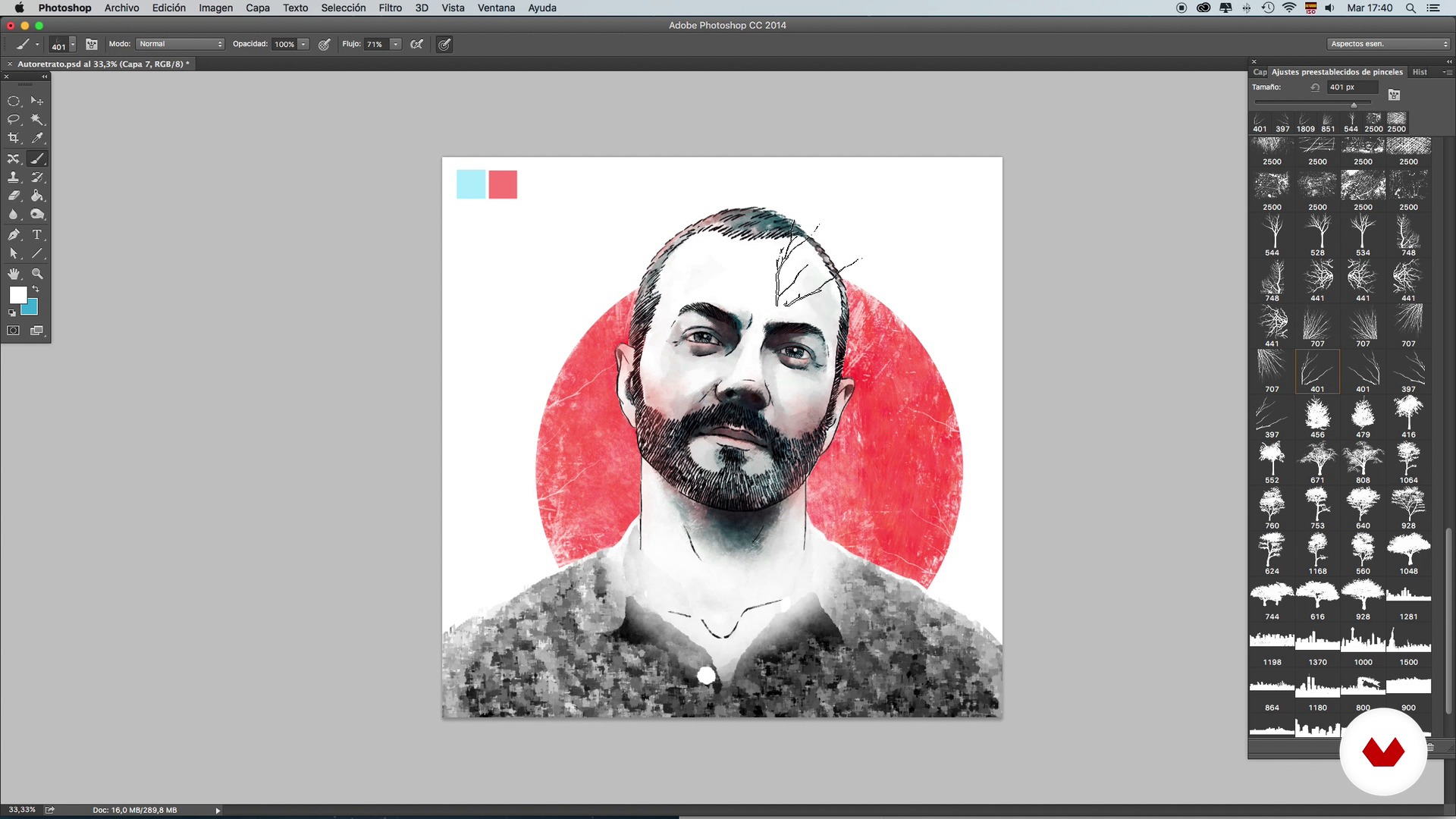
Brushes: Color and retouching techniques - Self-portrait - Part 2
20 dakika, 47 saniye
Bu kursa neler dahil?
Start by learning about the work and influences of Óscar Giménez–an illustrator who describes himself as forever dissatisfied. After 13 years in the profession, however, he no longer believes in perfectionism, but rather in dedication.
Next, learn the basics of composition, brushes, strokes, shading, color, and retouching. Practice these first on your own self-portrait so that you become more comfortable with the tools, then, once you have decided who the famous person you want to illustrate is, start the documentation phase, searching for reference and composition images for the main portrait.
When you have your character fully defined with shadows and color, add new elements to enrich your illustration, a background to give more personality to the work, and the finishing touches.

Recommended software & tools for this course
What is this course's project?
Create a portrait of your favorite famous person from the information collected about them and visual references. In this project, apply all the techniques learned on composition, use of color, and integration of the character in their world.
Kurs öğrencilerinin projeleri


Who is this online course for?
Illustration and design lovers and professionals who are interested in learning new techniques and methods to apply to illustrated portraits and to any other project.
Requirements and materials
You need to have previous knowledge of Photoshop, a computer, and a graphics tablet. You don't need to know how to draw.

Yorumlar
- 4 ay önce
Curso muito bom mesmo. Aprende-se ferramentas muito interessantes dentro do Photoshop que serão muito úteis em nossas próprias artes.
- 11 ay önce
Excelente curso más con el mismo profesor
- 1 yıl önce
Ottimo corso e ottimo l'insegnante..consigliatissimo
- goutamPLUS1 yıl önce
Totally recommended
- 2 yıl önce
Excelente curso y con buenos consejos para las herramientas del programa.

Mesleğinin her alanınd...
İçerik
- U 1
Presentation and references
- Presentation
- Referents and project
- U 2
Composition, tools and techniques
- Theory of portrait composition
- Brushes: Stroke and shading techniques - Self-portrait - Part 1
- Brushes: Stroke and shading techniques - Self-portrait - Part 2
- Brushes: Stroke and shading techniques - Self-portrait - Part 3
- Brushes: Color and retouching techniques - Self-portrait - Part 1
- Brushes: Color and retouching techniques - Self-portrait - Part 2
- U 3
Documentation and preparation of the main portrait
- Search for images and information
- Basic composition and main line 1
- Basic composition and main line 2
- Application of shading 1
- Application of shading 2
- Application of color
- U 4
Integration of references and background
- Adding references I
- Adding references II
- Background and final touches
- FP
Bitirme projesi
- Portrait illustrated with Photoshop
Bir Domestika kursundan neler beklenebilir?
Kendi hızınızda öğrenin
Belirli bir program olmadan ve takip edilmesi kolay bir yöntemle evden öğrenmenin tadını çıkarın. Kendi hızınızı kendiniz belirlersiniz.
En iyi profesyonellerden öğrenin
Yaratıcı sektörün en iyi uzmanlarının açıkladığı değerli yöntem ve teknikleri öğrenin.
Uzman öğretmenlerle tanışın
Her uzman, her derste açık yönergelerle, gerçek tutkuyla ve profesyonel anlayışla en iyi yaptıkları şeyi öğretir.
Certificates
PLUSIf you're a Plus member, get a özel sertifika signed by your teacher for every course. Share it on your portfolio, social media, or wherever you like.
Ön sıra koltukları alın
En yüksek kalitede videolar sayesinde tek bir ayrıntıyı kaçırmazsınız. Sınırsız erişim sayesinde tekniğinizi mükemmelleştirmek için bunları istediğiniz kadar izleyebilirsiniz.
Bilgi ve fikirleri paylaşın
Sorular sorun, geri bildirim isteyin veya çözümler sunun. Öğrenme deneyiminizi topluluktaki, yaratıcılığa sizin kadar tutkulu olan diğer öğrencilerle paylaşın.
Küresel bir yaratıcı toplulukla bağlantı kurun
Topluluk, dünyanın her yerinden meraklı ve yaratıcılıklarını keşfetme ve ifade etme konusunda tutkulu milyonlarca insana ev sahipliği yapıyor.
Profesyonelce hazırlanmış kursları izleyin
Domestika, yüksek kaliteli bir çevrimiçi öğrenme deneyimi sağlamak için öğretmen kadrosunu seçer ve her dersi kendi bünyesinde üretir.
SSS
Conceptual portrait illustration blends artistic and symbolic techniques to create personalized portraits with storytelling. In this course, you’ll learn how to integrate visual references, apply color, composition, and texture techniques, and develop original, expressive digital portraits.
The course is designed for those with intermediate skills in digital illustration and Photoshop. It’s perfect if you already know the basics and want to deepen your skills in creating conceptual portraits and advanced techniques.
You’ll need a computer, Photoshop access, a graphics tablet (optional but recommended), and an internet connection. It’s also helpful to have reference images and digital brushes to practice the techniques taught.
You’ll learn to combine graphic elements, integrate cutouts, references, and symbols, and organize your composition using layers and selection tools in Photoshop to create unique illustrated portraits with visual harmony.
The course covers how to choose color palettes, apply color layers, use blending modes and contrasts, and create thematic atmospheres through tonal adjustments—all aimed at enhancing the portrait’s narrative.
You’ll discover how to research, select, and incorporate cultural, biographical, and symbolic references to add depth and meaning, crafting personalized portraits with strong conceptual impact.
Yes, the course includes methods for applying textures, filters, custom brushes, and shading effects to achieve rich, detailed finishes in your digital portraits.