
Design of Calligraphy Logos
Eğitmen: JoluvianGrafik tasarımcı, hattat, tipograf ve illüstratör
Eğitmen: Joluvian, Grafik tasarımcı, hattat, tipograf ve illüstratör

Print a personal feature in your designs
Joluvian -designer and illustrator- is very good at making logos generated from handwritten texts. Play and experiment with calligraphy to generate a very expressive communication, create fonts that you can then apply to graphic projects (posters, t-shirts, logos ...)
In this course, Joluvian will teach you how to make a logo or lettering for multiple uses. As if it were a gastronomic recipe, it will show you the different ingredients and elaborations that make up an exquisite graphic piece.
Bu çevrimiçi kursta ne öğreneceksiniz?
1 ders & 1 indirme
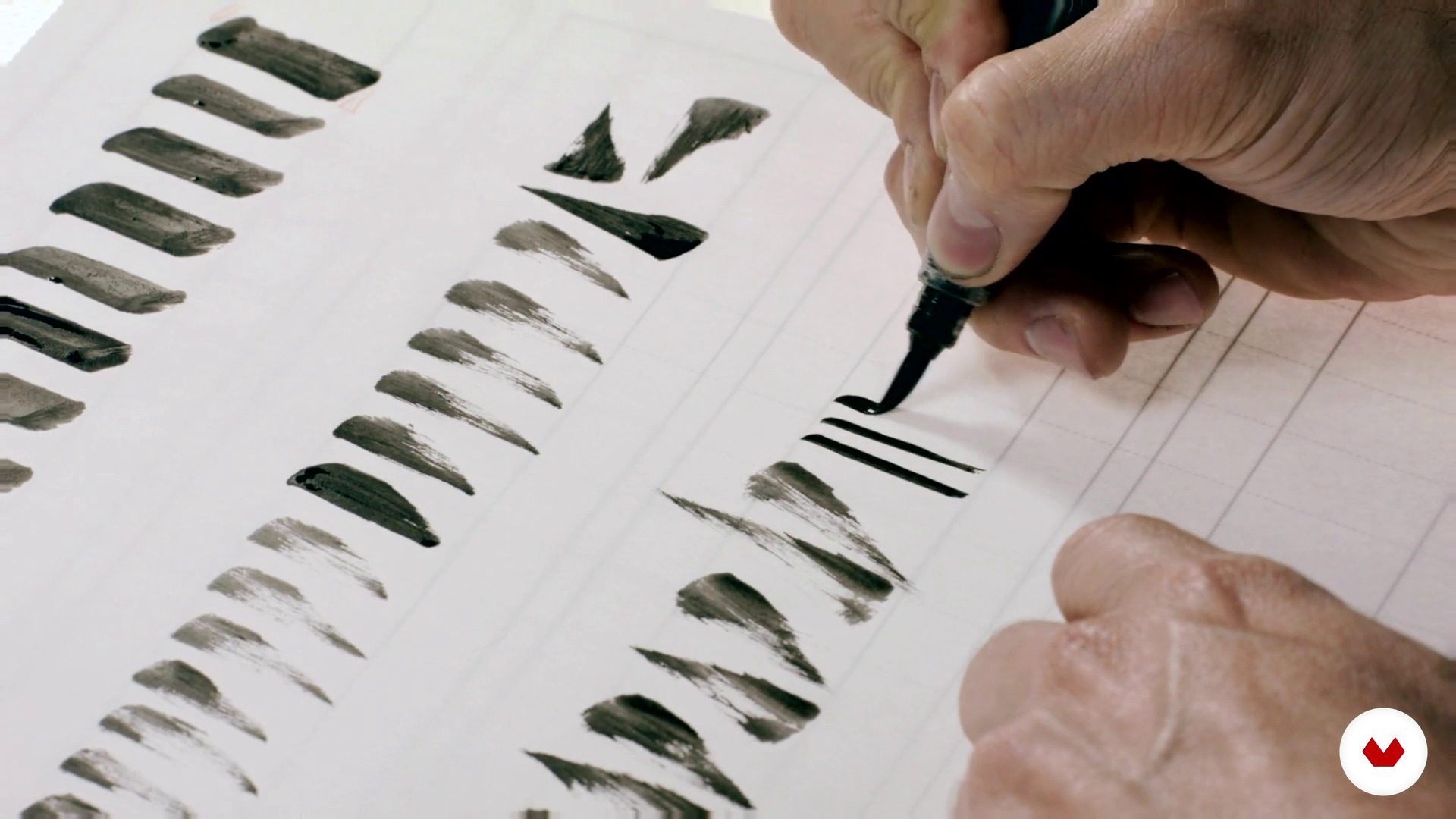
Bases for a good construction of the alphabet 1
17 dakika, 19 saniye
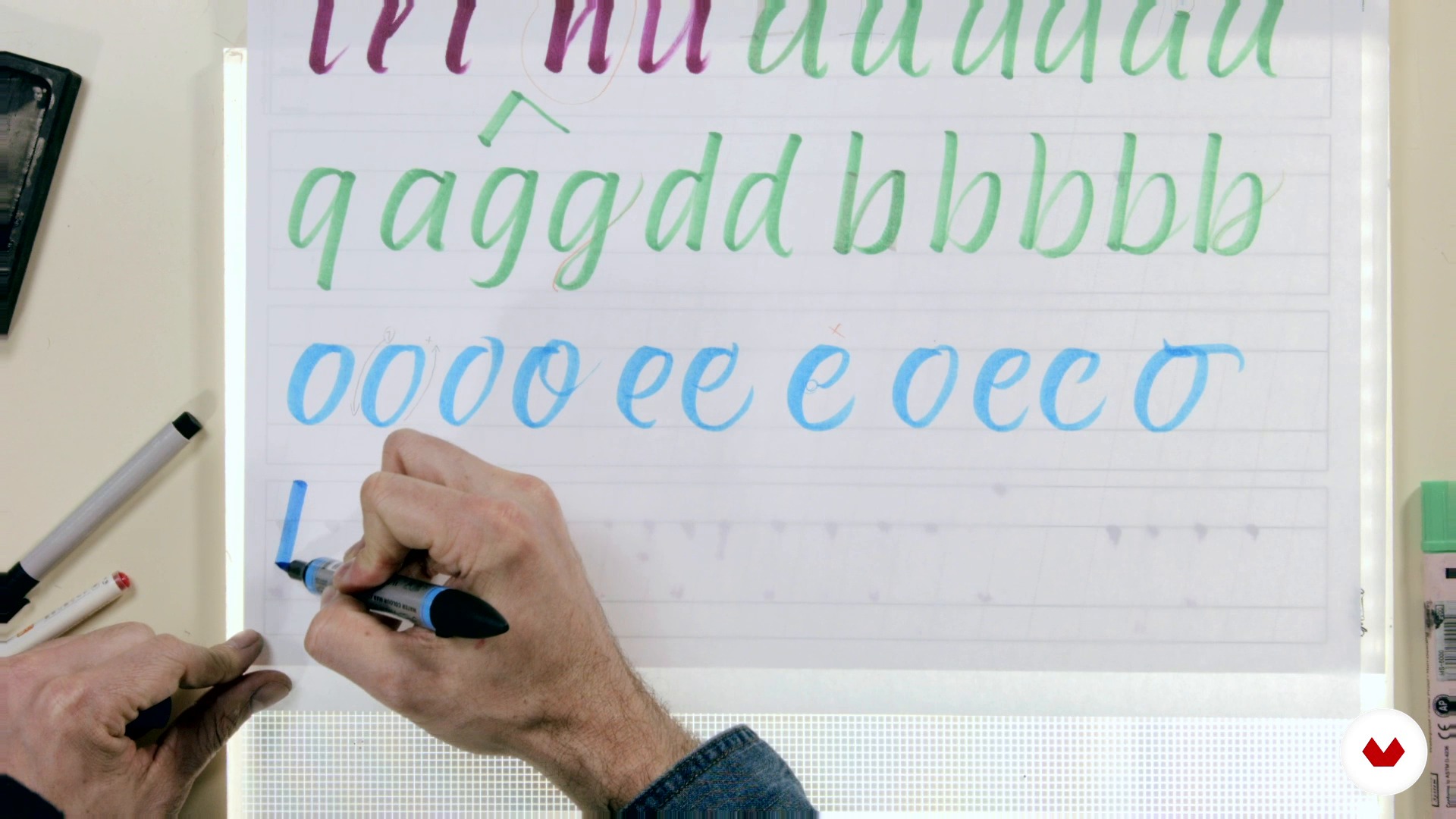
Bases for a good construction of the alphabet 2
16 dakika, 42 saniye
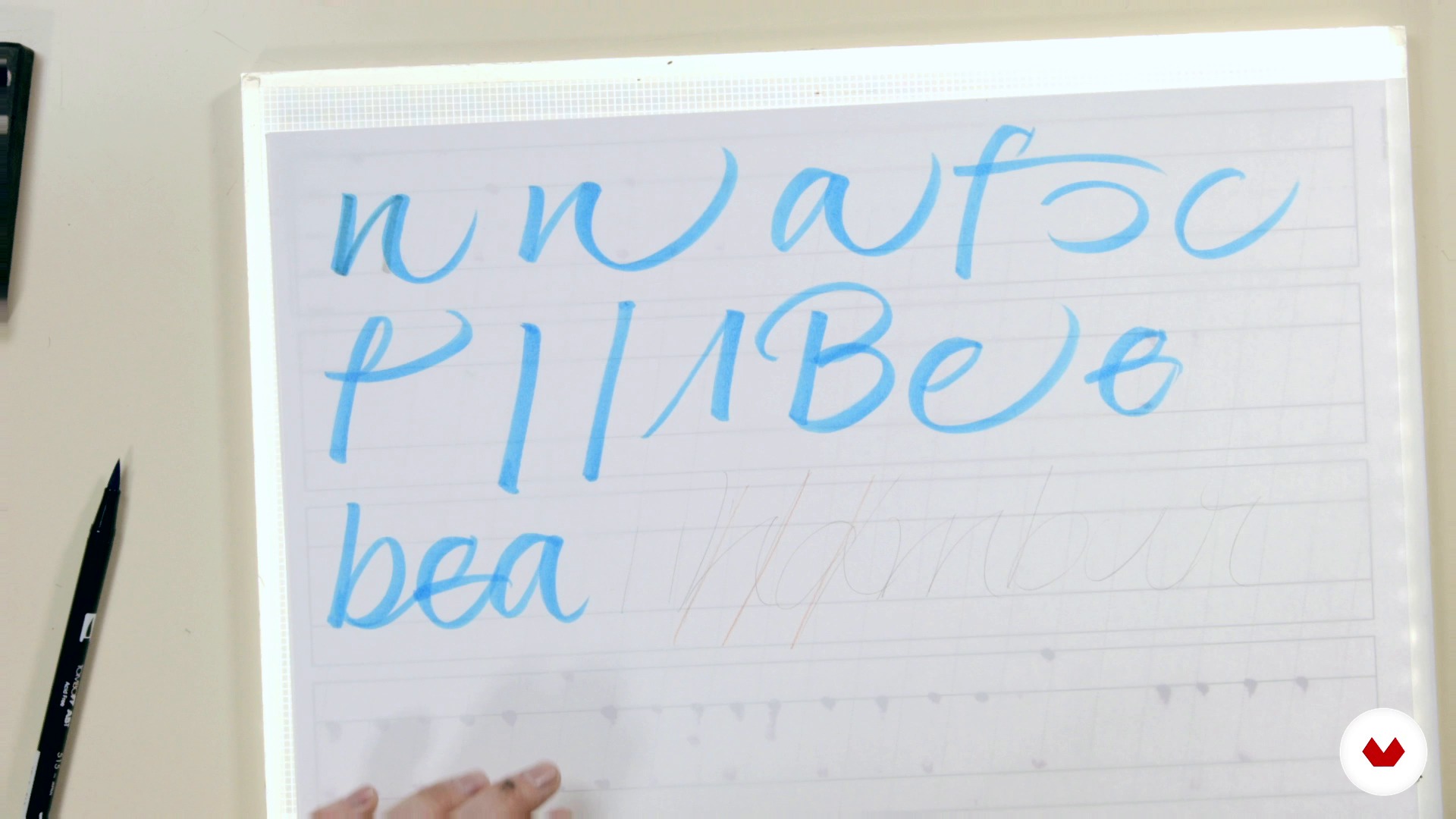
From the script to the expressive script
8 dakika, 20 saniye
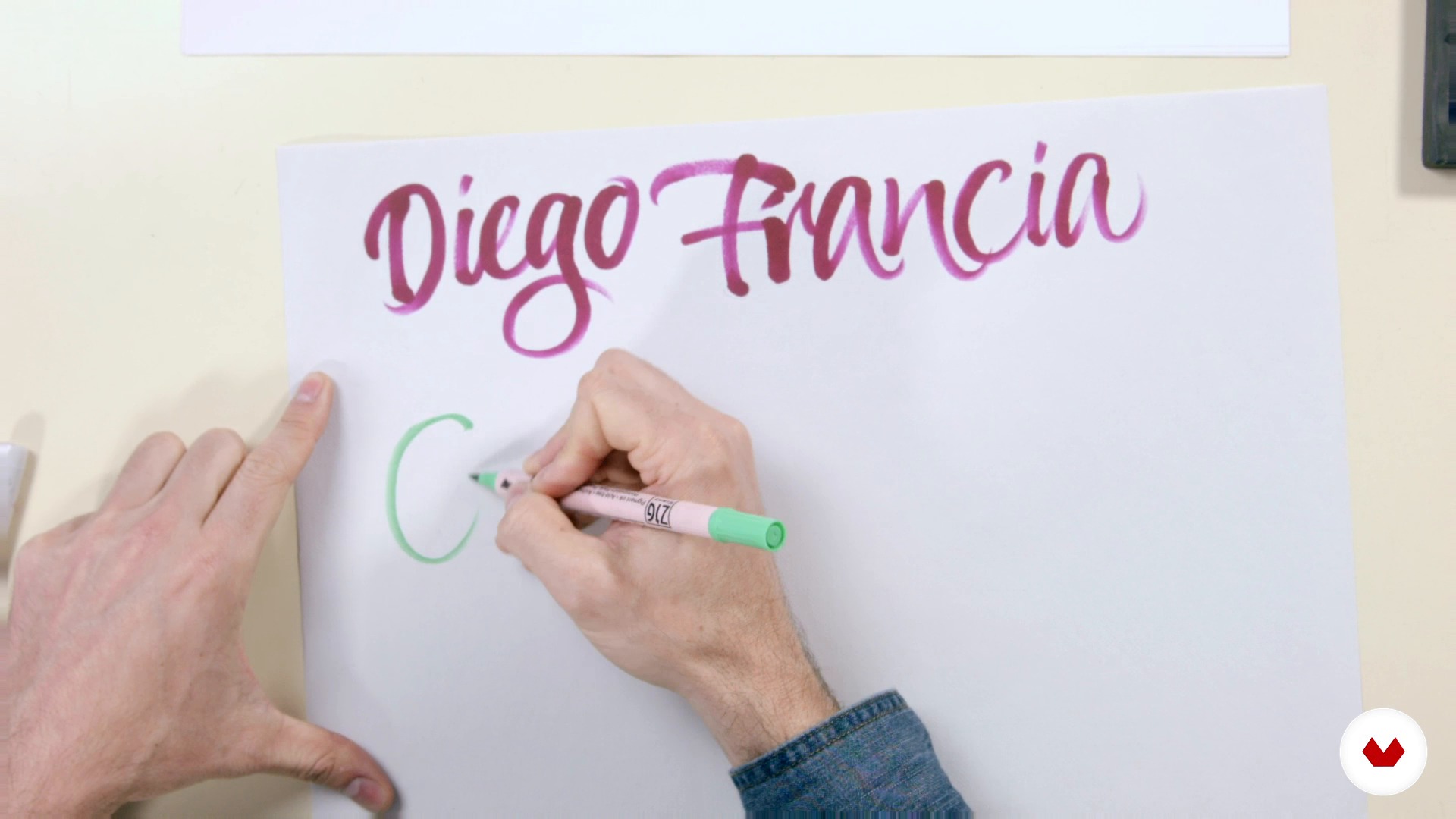
Cooking the expressive script 1
20 dakika, 46 saniye
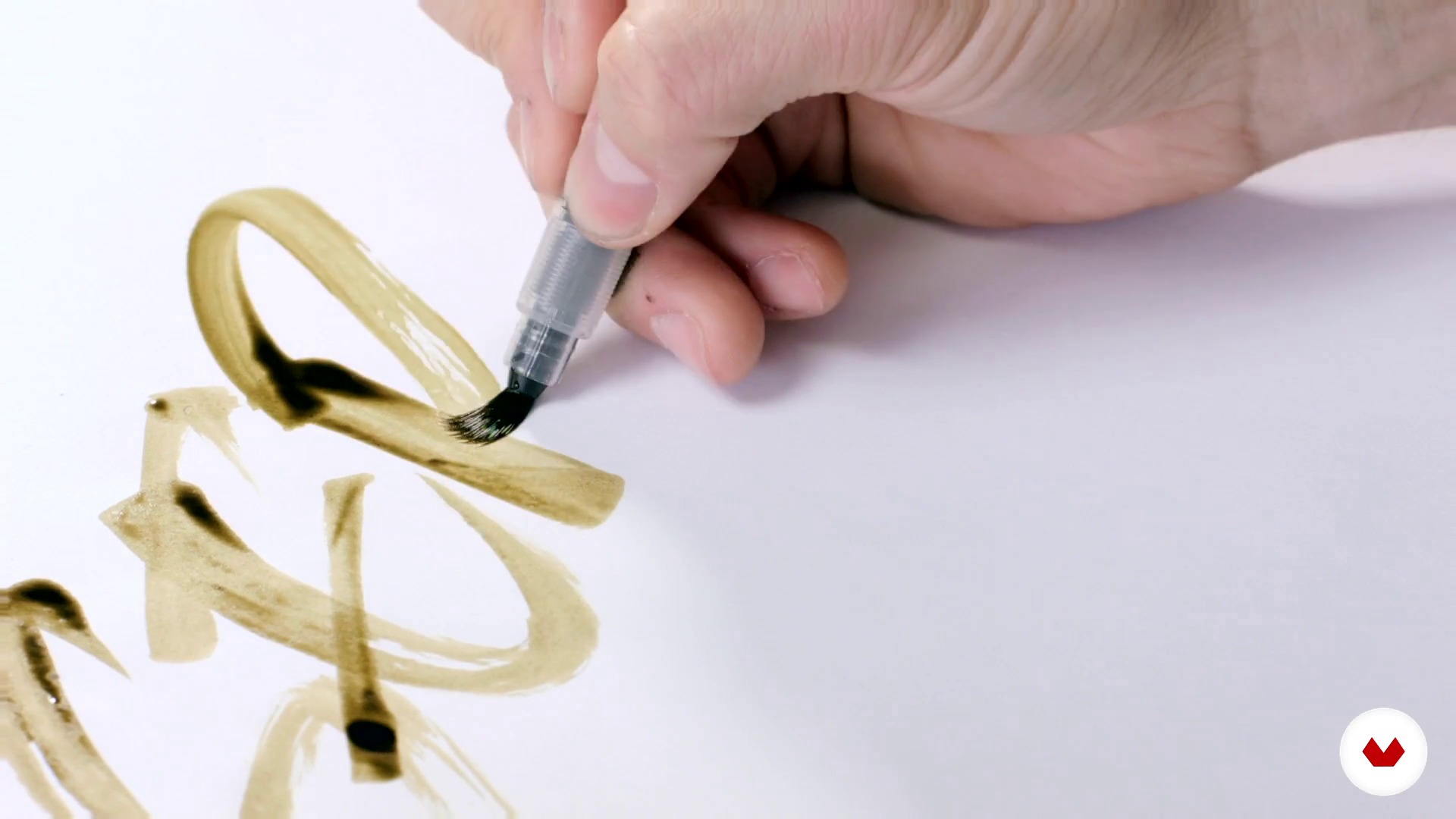
Cooking the expressive script 2
19 dakika, 16 saniye
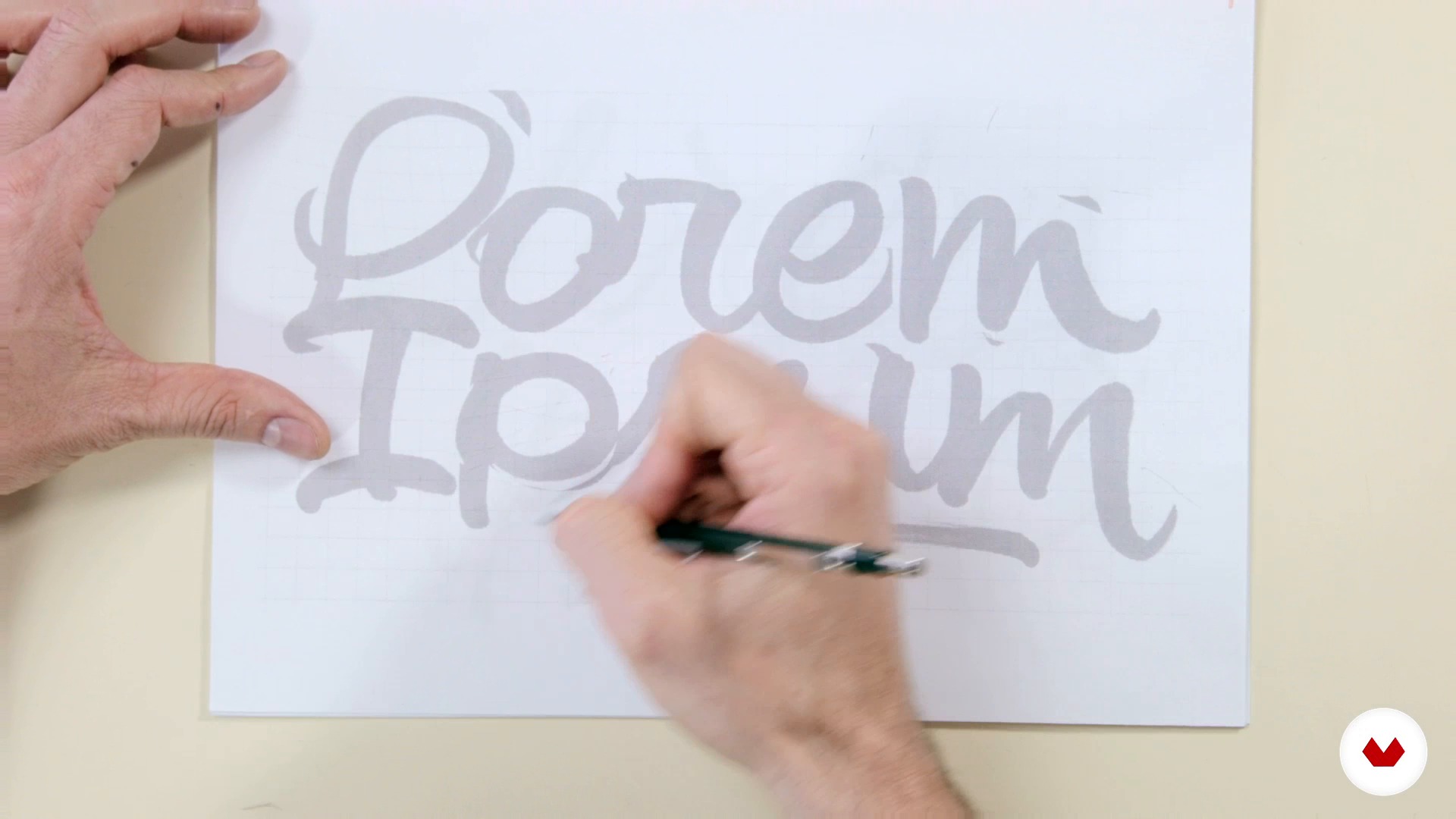
Preselection
8 dakika, 30 saniye
Bu kursa neler dahil?
You will begin to learn more about Joluvian's career and work as a publicist, designer and illustrator.
Then, in the phase called "mise en place", you will discover the tools, basic concepts and cooking of a good logo expressive to taste.
Then, once you have the sketches of your calligraphic logo, you will discover the techniques of tracing with burned pencil and inking.
You will learn to make optical adjustments to your letters and to vectorize your project with Photoshop and Illustrator.
Finally, you will make the latest adjustments, size tests, negative and positive versions of your logo and apply your lettering project to other media such as t-shirts, album or magazine covers and posters.

Bu kurs için önerilen yazılım ve araçlar
Bu kursun projesi nedir?
You will make your own calligraphic logo putting into practice the various techniques learned throughout the course.
Kurs öğrencilerinin projeleri


Bu çevrimiçi kurs kimlere yöneliktir?
To graphic designers, calligraphers, lyricists, typographers, painters, illustrators or art lovers who want to develop their skills and know the creative process of Joluvian.
Gereksinimler ve materyaller
Some basic knowledge of calligraphy, basic tools (pencils, pens) and familiarity with the use of some Illustrator or similar type vector program are required.
Regarding the materials, we will need a brush, ink, pencil, eraser, paper and tracing paper, boli pilot G1 and computer.

Yorumlar
- ilinaPLUS11 ay önce
I enjoyed this course very mush. Informative and fun to work.
- 1 yıl önce
Great course for anyone who wants to learn the basics of lettering! It covers many aspects, from materials to different techniques, refining and vectorizing, and even some useful tips.
- 2 yıl önce
Muito bom
- javosanvalPLUS2 yıl önce
10 de 10.!!!
- 2 yıl önce
Excelente. Muy ameno y sencillo para explicar. Y de mucho nivel.

Her zaman çizgi ve çizim konusunda doğuştan yeteneği olmasına rağmen sektörün büyükleriyle çalışmış, “ babamın okul defterlerinde bizim için yaptığı kapaklara hep bakardım çünkü çok güzel ve stilize bir el yazısı vardı. Daha sonra tasarım okumaya başladığımda bilgisayarı daha çok kullandığım için el emeğini unutmaya başladım, ta ki kaligrafiye yönelene kadar. Gerçekte, mektuplara geri dönmek asıl mesleğime geri dönmek anlamına geliyordu.”
İçerik
- U 1
Introduction
- Welcome everyone
- Books and help images
- U 2
Mise en place
- Tasting the tools 1
- Tasting the tools 2
- Bases for a good construction of the alphabet 1
- Bases for a good construction of the alphabet 2
- From the script to the expressive script
- Cooking the expressive script 1
- Cooking the expressive script 2
- Preparing a logo to taste 1
- Preparing a logo to taste 2
- U 3
Baked
- Preselection
- Tracing and burned pencil
- Inking
- Selection and optical adjustment
- Scan, photoshop and presentation to client
- Vectorization 1
- Vectorization 2
- U 4
Install
- Optical adjustments, size, negative and positive tests
- Other format of the lettering (t-shirts, covers, poster)
- FP
Bitirme projesi
- Design of calligraphic logos
Bir Domestika kursundan neler beklenebilir?
Kendi hızınızda öğrenin
Belirli bir program olmadan ve takip edilmesi kolay bir yöntemle evden öğrenmenin tadını çıkarın. Kendi hızınızı kendiniz belirlersiniz.
En iyi profesyonellerden öğrenin
Yaratıcı sektörün en iyi uzmanlarının açıkladığı değerli yöntem ve teknikleri öğrenin.
Uzman öğretmenlerle tanışın
Her uzman, her derste açık yönergelerle, gerçek tutkuyla ve profesyonel anlayışla en iyi yaptıkları şeyi öğretir.
Sertifikalar
PLUSPlus üyesiyseniz her kurs için öğretmeninizden imzalı bir özel sertifika alın. Portföyünüzde, sosyal medyada veya istediğiniz yerde paylaşın.
Ön sıra koltukları alın
En yüksek kalitede videolar sayesinde tek bir ayrıntıyı kaçırmazsınız. Sınırsız erişim sayesinde tekniğinizi mükemmelleştirmek için bunları istediğiniz kadar izleyebilirsiniz.
Bilgi ve fikirleri paylaşın
Sorular sorun, geri bildirim isteyin veya çözümler sunun. Öğrenme deneyiminizi topluluktaki, yaratıcılığa sizin kadar tutkulu olan diğer öğrencilerle paylaşın.
Küresel bir yaratıcı toplulukla bağlantı kurun
Topluluk, dünyanın her yerinden meraklı ve yaratıcılıklarını keşfetme ve ifade etme konusunda tutkulu milyonlarca insana ev sahipliği yapıyor.
Profesyonelce hazırlanmış kursları izleyin
Domestika, yüksek kaliteli bir çevrimiçi öğrenme deneyimi sağlamak için öğretmen kadrosunu seçer ve her dersi kendi bünyesinde üretir.
SSS
You’ll learn intermediate calligraphy techniques, custom logo creation, sketching, digitizing, vectorizing in Illustrator, and applying textures in Photoshop—blending traditional and digital tools to help you develop your own unique style.
Yes, the course is designed for those who already have a basic calligraphy foundation and want to deepen their skills with both manual and digital creative techniques and tools.
You’ll need sketch paper, pencils, markers, technical pens, brushes, nibs, India ink or watercolor, a scanner or camera, and a computer with Adobe Illustrator and Photoshop installed.
Yes, the course includes hands-on lessons on scanning, digitizing, and vectorizing letters and logos using Adobe Illustrator.
Yes, you’ll learn how to conceptualize, sketch, ink, and digitize original calligraphy logos, adapting them to various formats and client needs.
The course explains the difference between calligraphy—focused on artistic handwriting—and lettering, which is about drawing custom letters, covering both techniques.
Yes, you’ll learn how to apply realistic textures and visual effects to your illustrations and typographic compositions using Photoshop.