
Design a Digital Font from A to Z
Eğitmen: Juanjo LópezGrafik ve yazı tipi tasarımcısı, tabela sanatçısı ve harflere tutkulu
Eğitmen: Juanjo López, Grafik ve yazı tipi tasarımcısı, tabela sanatçısı ve harflere tutkulu

Learn to design a font from scratch with Glyphs, Illustrator, and OpenType functions
Juanjo López, better known as Juanjez, specializes in typography design and is here to teach you the process of creating a digital font, from the drawing phase to uploading it to your fonts folder then using it in a design program.
Bu çevrimiçi kursta ne öğreneceksiniz?
1 ders & 1 indirme
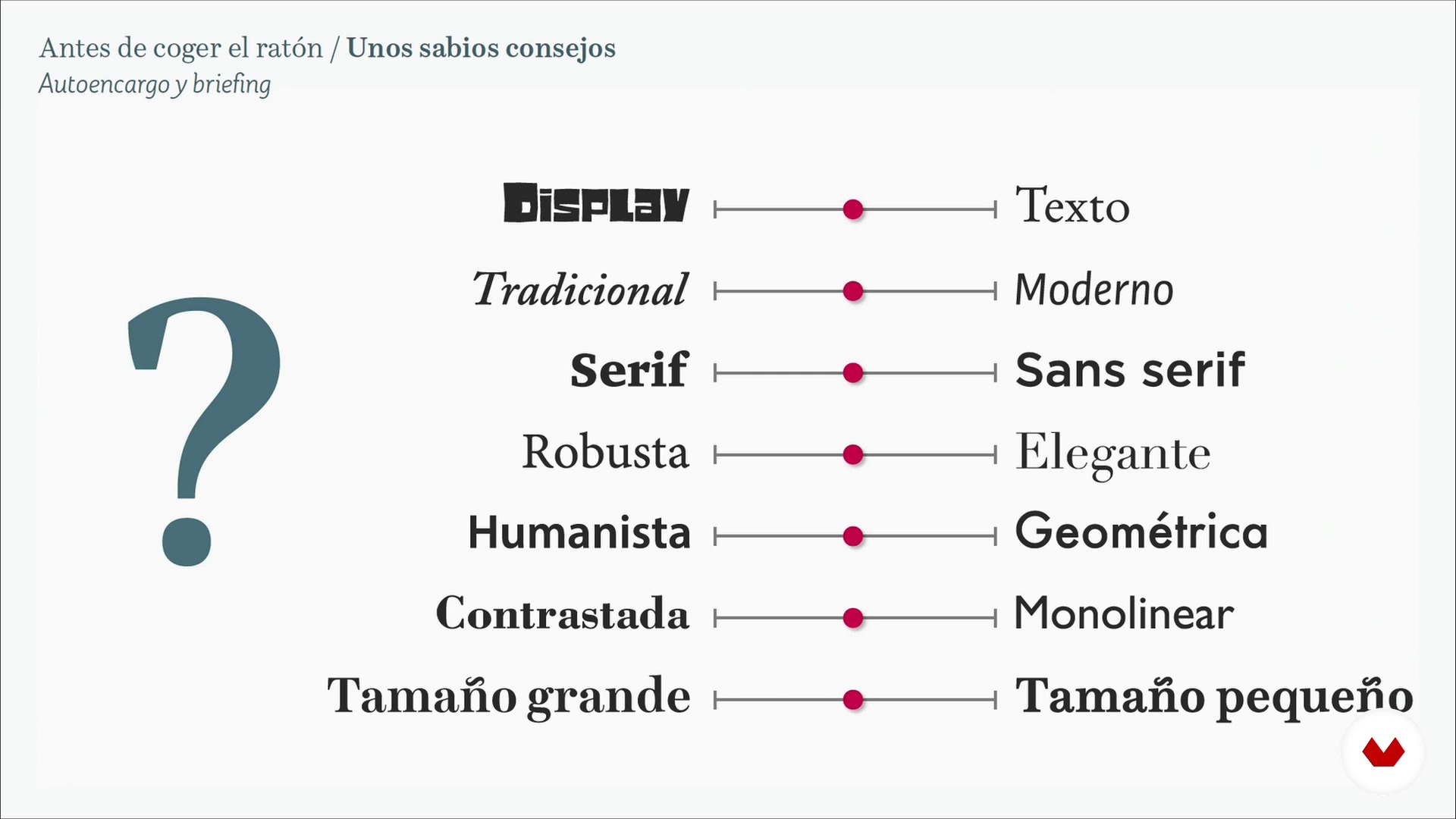
Some wise advice 1
19 dakika, 50 saniye
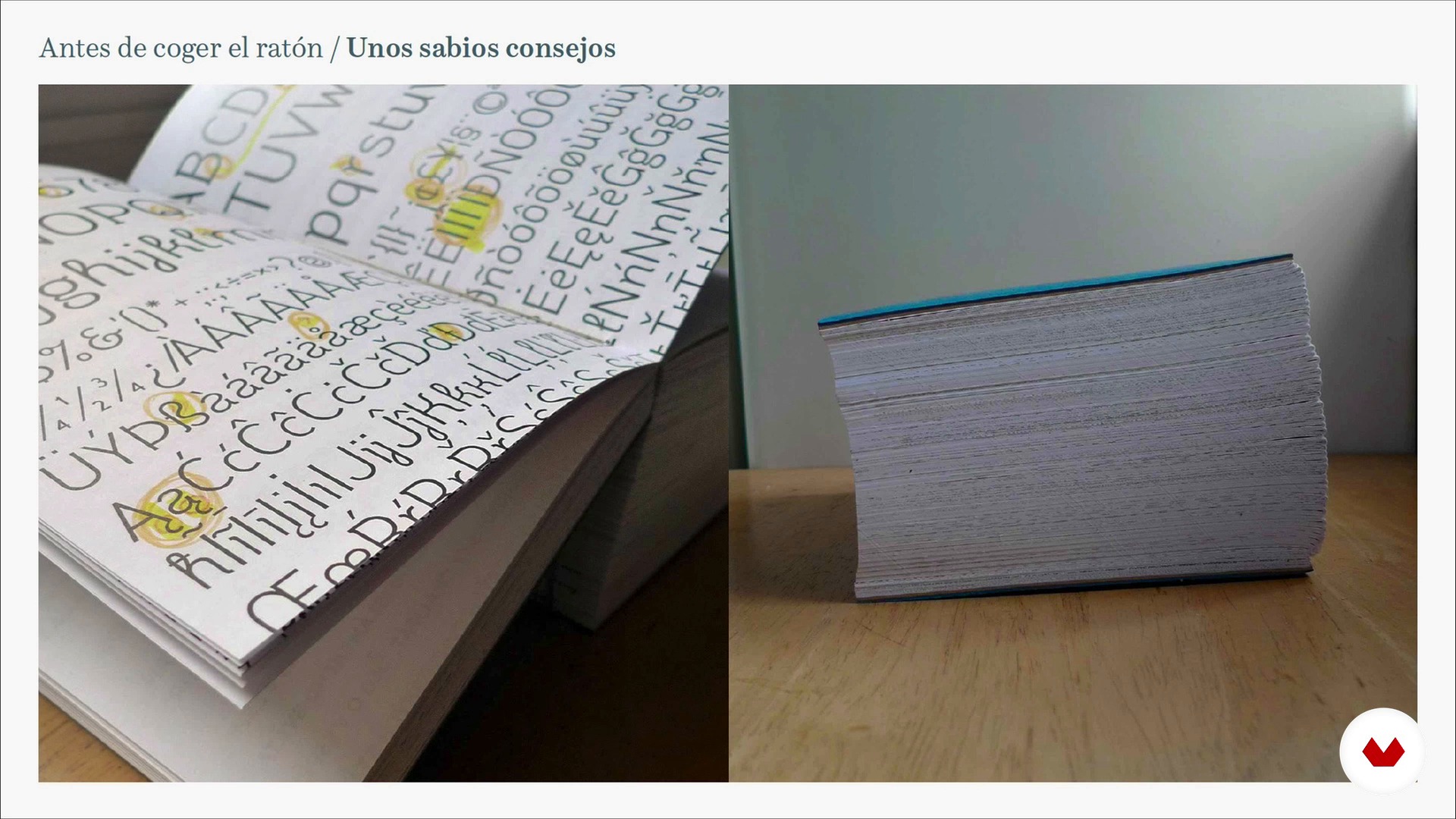
Some wise advice 2
6 dakika, 34 saniye
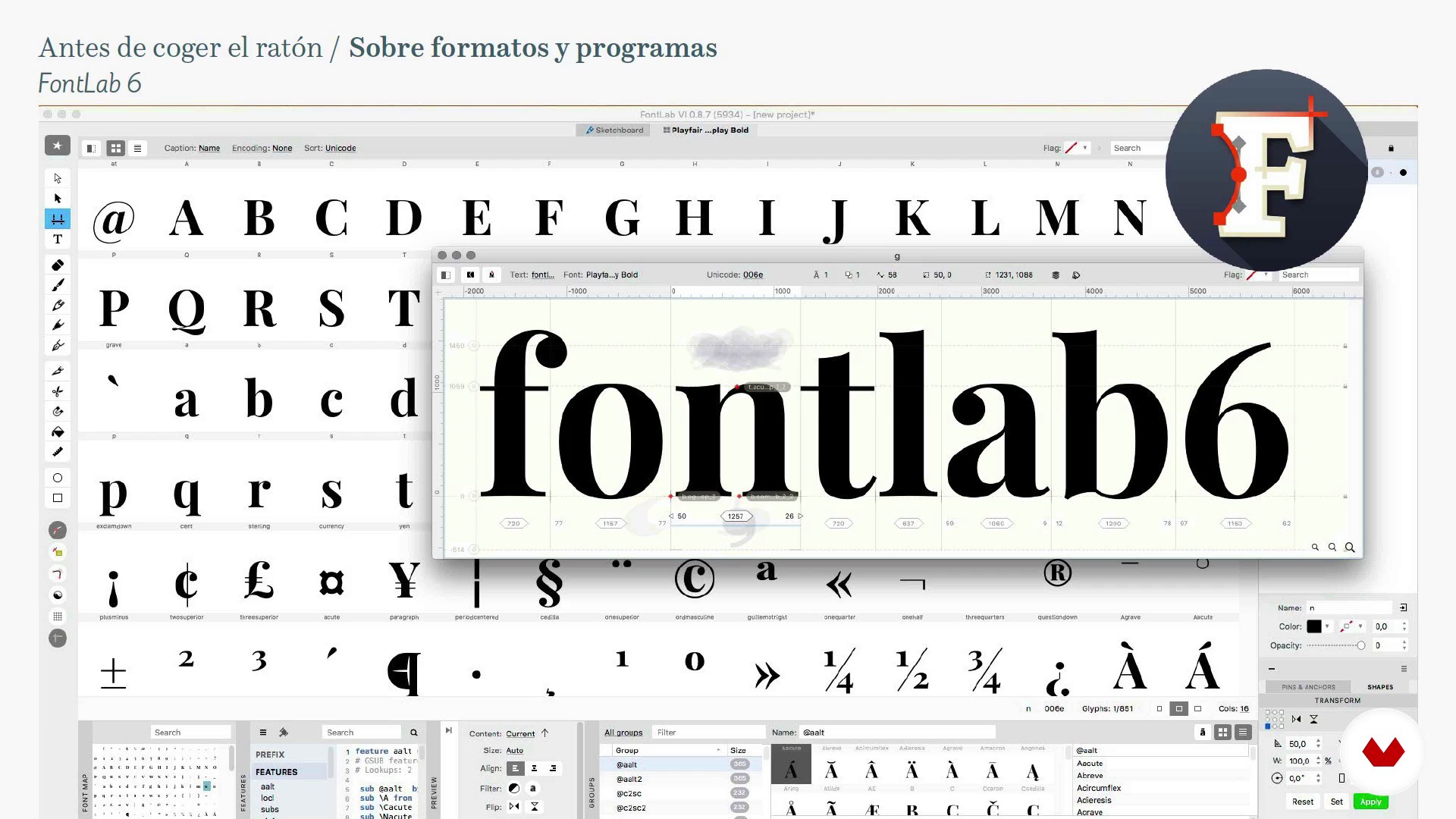
About formats and programs
13 dakika, 29 saniye
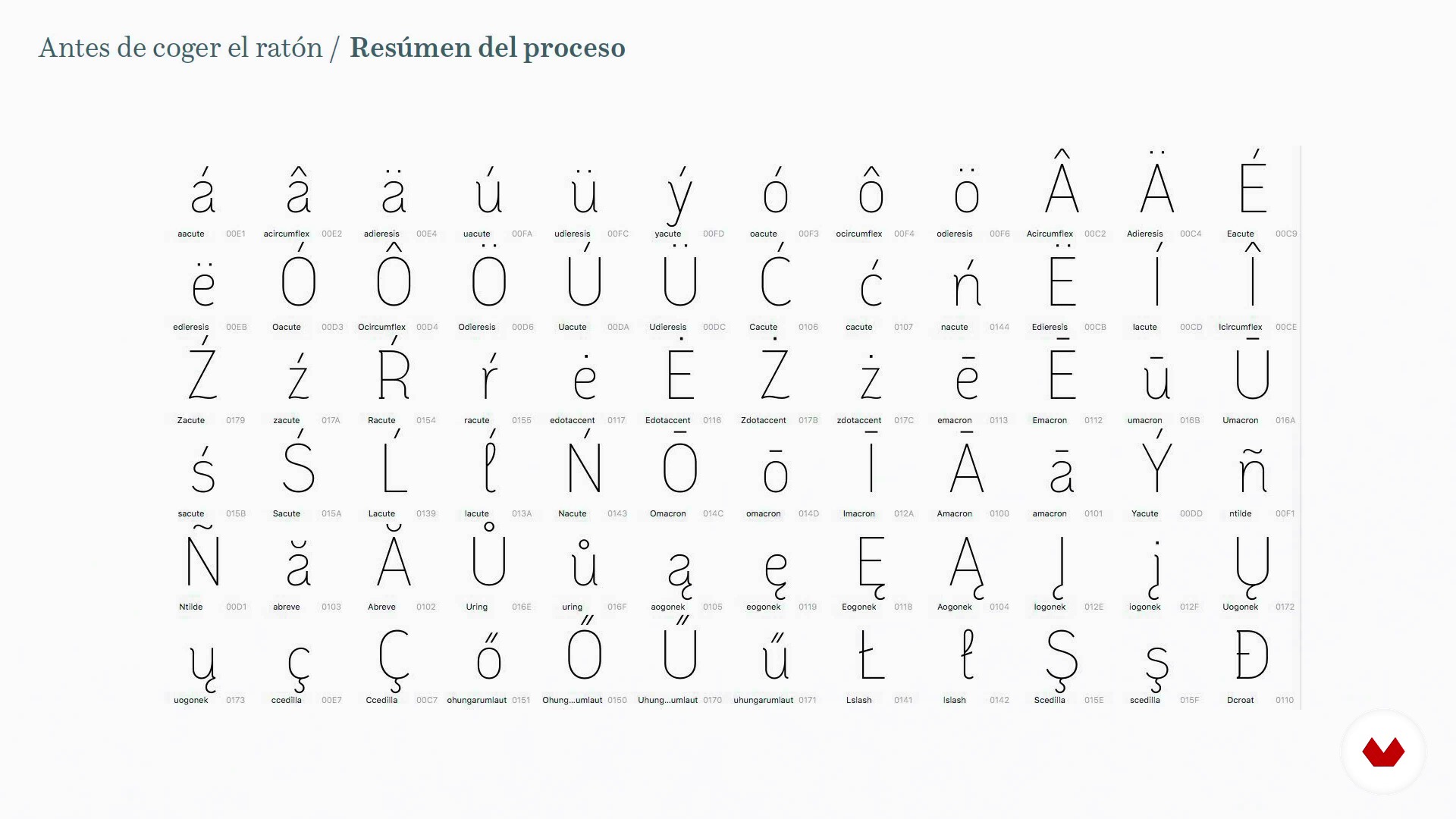
Summary of the process
12 dakika, 32 saniye
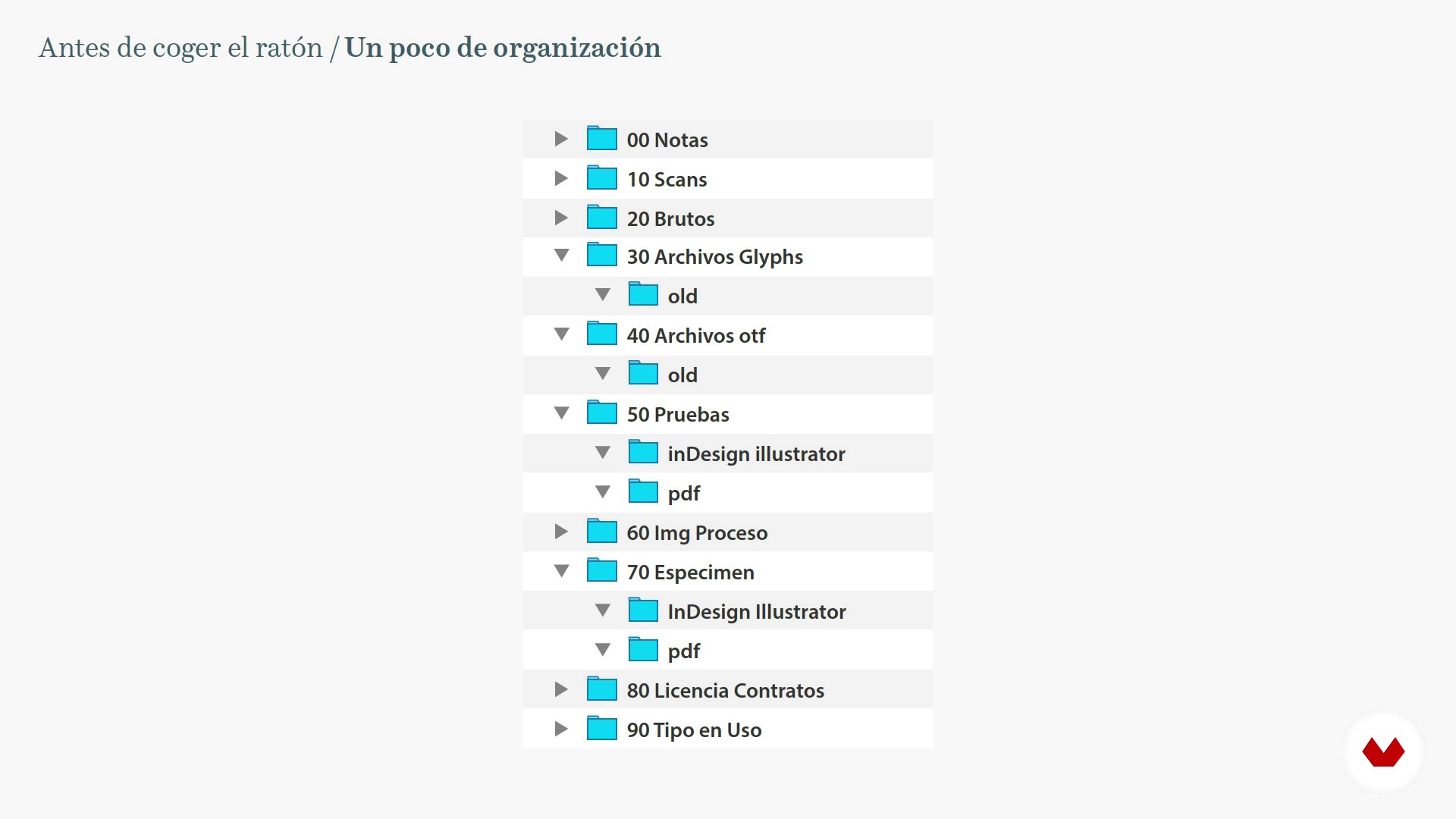
A little bit of organization
6 dakika, 50 saniye
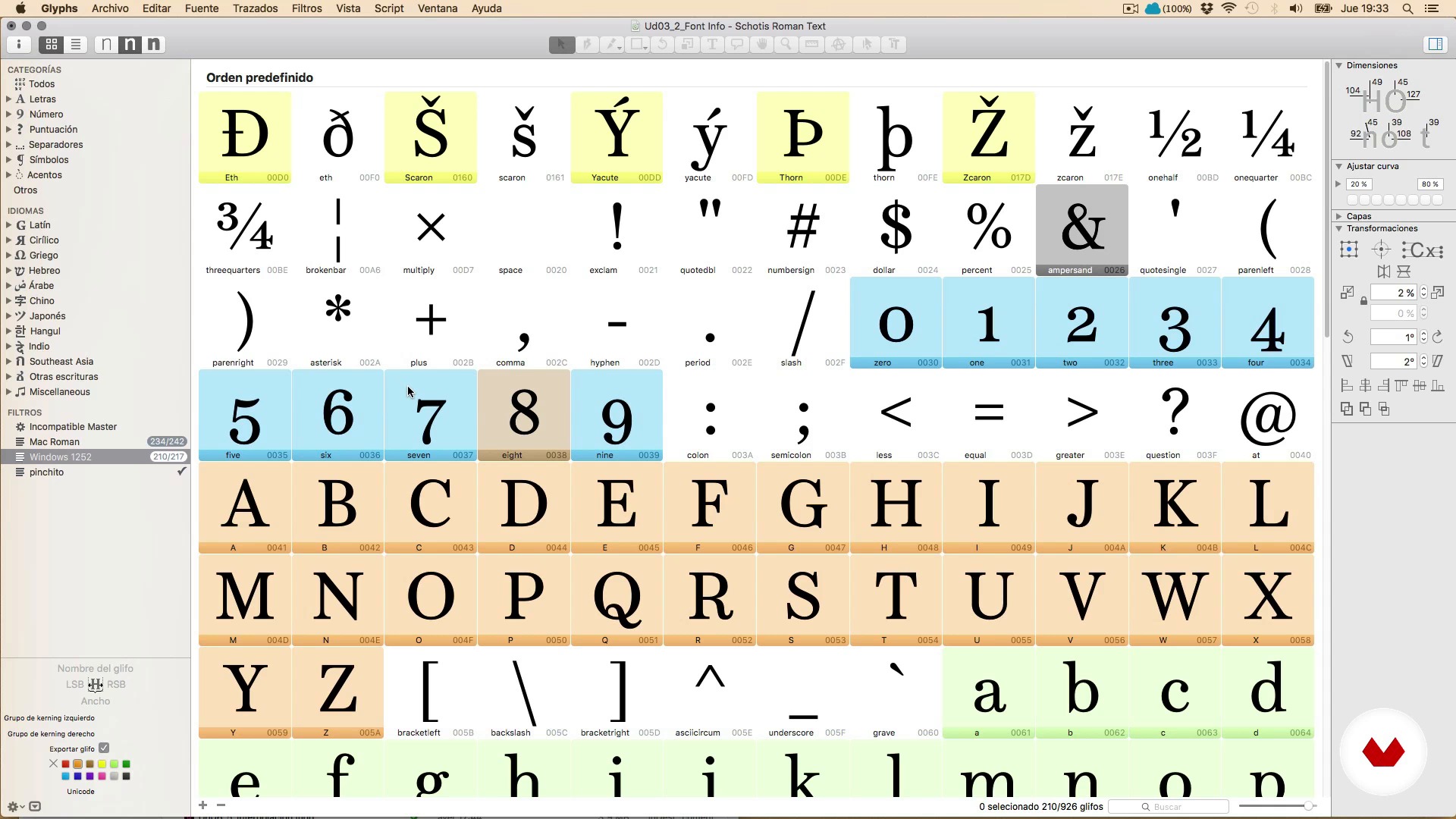
Hi, I'm Glyphs
20 dakika, 32 saniye
Bu kursa neler dahil?
Begin by learning more about Juanjez's work, motivations, and general love of typography, as well as some of his favorite books and websites.
Before starting to design, Juanjez gives you some sage advice on what it means to embark on a long-term job such as type design and talks about key aspects such as self-commissions, motivation, and patience to reach the final goal.
Next, learn the materials, the file formats with which you work and the main functions of the Glyphs program, the type design and font production software for Mac.
Once you learn the process, start drawing. Explore some general concepts about drawing letters and handling Bézier curves, the differences between Illustrator and font creation programs, drawing letters directly with Glyphs, tricks to save time and create a complete set of characters.
Then, in order to have a harmonious system of shapes and spaces that you can call typography, learn spacing and kerning.
See how to apply OpenType features such as ligatures, small caps, etc. to your font. Take a look at Python and use programming scripts to automate tasks. Improve the view of your font on the screen with hinting and discover the interpolation technique to facilitate the task of creating font families.
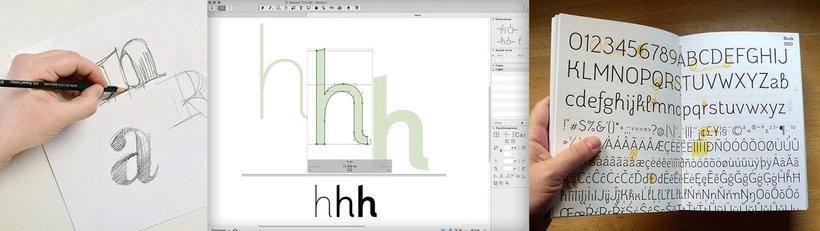
Bu kurs için önerilen yazılım ve araçlar
Bu kursun projesi nedir?
Design a complete digital typeface, that is, a character set valid at least for Western and Central European languages, correctly spaced and including some typographical refinement such as ligatures and other OpenType features.
The final exercise consists of creating a specimen, a poster with your typography.
Kurs öğrencilerinin projeleri
![Aline Text - A modern Slab Serif Typeface for text | Graduation Project [Update]](https://imgproxy.domestika.org/unsafe/s:210:210/dpr:2/rs:fill/plain/src://project-covers/000/370/446/370446-original.png?1526510362)


Bu çevrimiçi kurs kimlere yöneliktir?
Anyone who loves drawing and letters but has never tried to make their own, or they have tried and got stuck at some point.
Gereksinimler ve materyaller
No special prior knowledge of typography is required, just a large dose of perseverance, having a clear end goal, and not being in a hurry.
Regarding the materials, you need a pencil, paper, and a typography design program, although in the course we use Glyphs.
Yorumlar
- 5 ay önce
Muy buen curso y muy completo
- dean_chrisPLUS2 yıl önce
Excellent learning! Big thanks to Juanjo López for this course! Highly recommended!!!
- 2 yıl önce
ótimo curso
- 2 yıl önce
muy buen curso de como crear tipografias.
- 2 yıl önce
I found the course very useful. A lot of information is shared.

Serbest tasarımcı olarak çalışan ve popüler grafikler ve tipografi konusunda tutkulu olan sanatçı, vektör kull...
İçerik
- U 1
Come through here
- Welcome and presentation
- Shipping library and life saving resources
- U 2
Before touching the mouse
- Some wise advice 1
- Some wise advice 2
- About formats and programs
- Summary of the process
- A little bit of organization
- U 3
Knowing the program
- Hi, I'm Glyphs
- The Font Info window
- The character set
- U 4
Draw letters
- Basic concepts and very useful tips
- The Bézier curves
- Illustrator and Glyphs, that strange couple
- The vertical metric
- The drawing tools of Glyphs 1
- The drawing tools of Glyphs 2
- Your friends the components
- To the mess, drawing and testing letters 1
- To the mess, drawing and testing letters 2
- To the mess, drawing and trying letters 3
- U 5
Spacing and Kerning
- General concepts
- The Spaced 1
- The Spacing 2
- Horror, the kerning!
- U 6
Production: Come on, let's go!
- Completing the character set. The anchors 1
- Completing the character set. The anchors 2
- OpenType Functions 1
- OpenType 2 functions
- OpenType 3 functions
- A look at Python and scripts
- Hinting for clumsy
- Let's start a happy family Interpolation 1
- Let's start a happy family Interpolation 2
- Let's start a happy family Interpolation 3
- FP
Bitirme projesi
- Design of a digital Typography from A to Z
Bir Domestika kursundan neler beklenebilir?
Kendi hızınızda öğrenin
Belirli bir program olmadan ve takip edilmesi kolay bir yöntemle evden öğrenmenin tadını çıkarın. Kendi hızınızı kendiniz belirlersiniz.
En iyi profesyonellerden öğrenin
Yaratıcı sektörün en iyi uzmanlarının açıkladığı değerli yöntem ve teknikleri öğrenin.
Uzman öğretmenlerle tanışın
Her uzman, her derste açık yönergelerle, gerçek tutkuyla ve profesyonel anlayışla en iyi yaptıkları şeyi öğretir.
Sertifikalar
PLUSPlus üyesiyseniz her kurs için öğretmeninizden imzalı bir özel sertifika alın. Portföyünüzde, sosyal medyada veya istediğiniz yerde paylaşın.
Ön sıra koltukları alın
En yüksek kalitede videolar sayesinde tek bir ayrıntıyı kaçırmazsınız. Sınırsız erişim sayesinde tekniğinizi mükemmelleştirmek için bunları istediğiniz kadar izleyebilirsiniz.
Bilgi ve fikirleri paylaşın
Sorular sorun, geri bildirim isteyin veya çözümler sunun. Öğrenme deneyiminizi topluluktaki, yaratıcılığa sizin kadar tutkulu olan diğer öğrencilerle paylaşın.
Küresel bir yaratıcı toplulukla bağlantı kurun
Topluluk, dünyanın her yerinden meraklı ve yaratıcılıklarını keşfetme ve ifade etme konusunda tutkulu milyonlarca insana ev sahipliği yapıyor.
Profesyonelce hazırlanmış kursları izleyin
Domestika, yüksek kaliteli bir çevrimiçi öğrenme deneyimi sağlamak için öğretmen kadrosunu seçer ve her dersi kendi bünyesinde üretir.
SSS
You’ll learn how to design, develop, and finalize digital typefaces, covering calligraphy, lettering, sign painting, spacing, kerning, OpenType features, and font marketing.
The course is designed for intermediate learners—perfect if you have basic graphic design or typography knowledge and want to dive deeper into digital font development.
You’ll need basic design skills, a computer, and software like Glyphs, FontLab, RoboFont, or Illustrator. Sketching materials and access to digital resources will also be helpful.
Calligraphy is artistic handwriting, lettering is drawing letters as unique graphic compositions, and typography is designing and using complete digital character systems.
Yes, the course teaches how to hand-draw letters, digitize them, vectorize, and refine their shapes and outlines using specialized software.
Yes, you’ll learn to design type families, interpolate weights, create variants, and ensure visual and functional consistency across styles and sizes.
Yes, you’ll work with specialized programs like Glyphs, FontLab, and RoboFont to create, organize, and export professional digital fonts.