Creating Digital Brushes with AI for Procreate
Un curs de Jaime Sanjuan OcaboPictor și ilustrator digital
Un curs de Jaime Sanjuan Ocabo, Pictor și ilustrator digital

Create digital brushes for Procreate using artificial intelligence, learn advanced techniques, and enhance your creative illustrations.
Discover how artificial intelligence can transform your creative process by designing unique digital brushes for Procreate. You’ll learn to use advanced tools to generate realistic and versatile textures that will elevate your illustrations to a new level. With a step-by-step approach, each lesson will guide you through creating brush packs — from intricate hair details to leaves and floral patterns — all with a professional finish.
This intensive course teaches you to customize and fine-tune each brush according to your specific needs, allowing your creativity to flow freely. With innovative techniques, explore how to integrate these brushes into your projects and achieve stunning results in no time. As you progress, you’ll gain skills that not only improve your illustrations but also give you a deeper understanding of the possibilities of digital art.
Ce vei învăța în acest curs online?
1 lecție & 1 descărcare
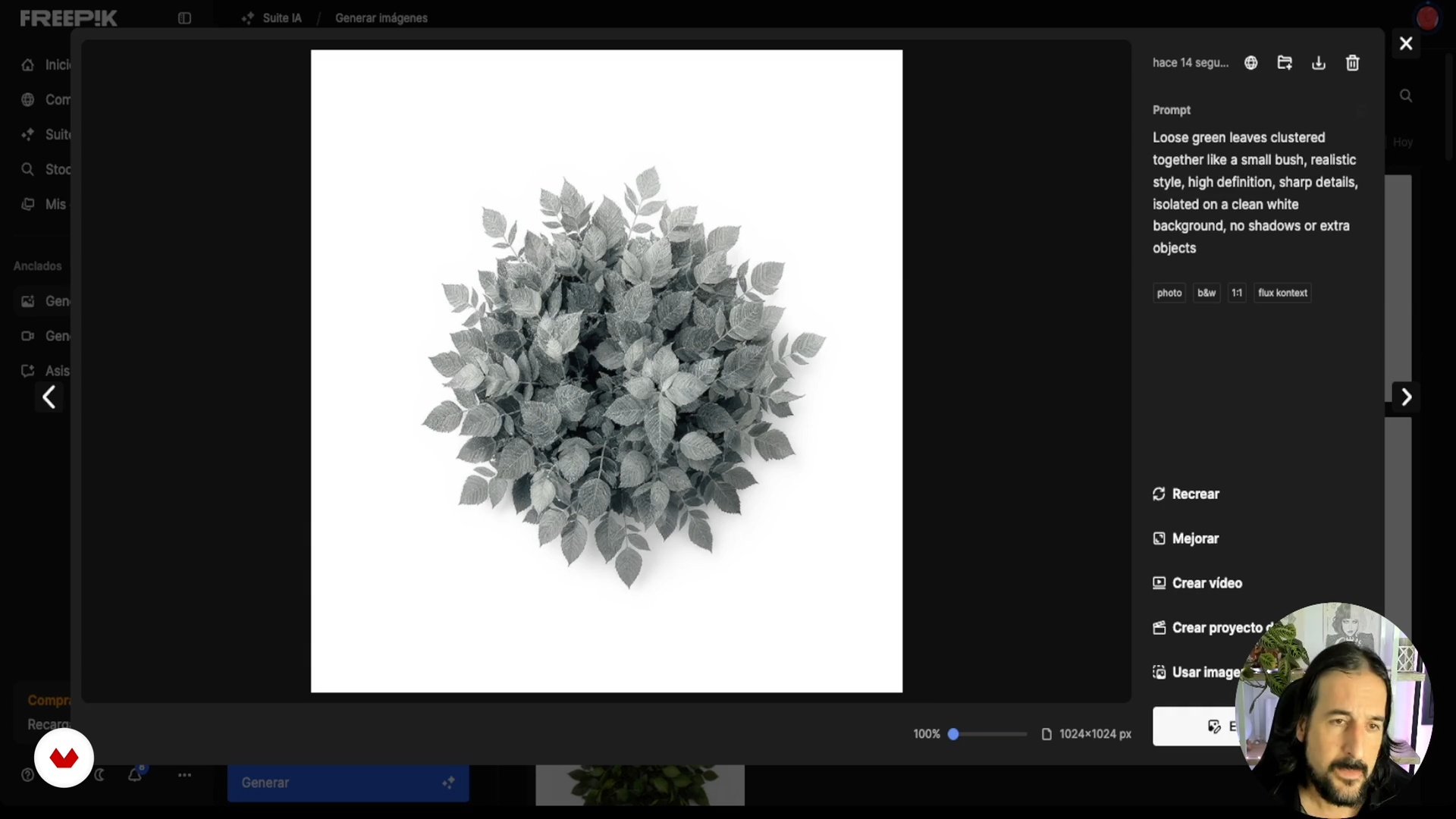
Crearea de pensule dinamice cu frunze pentru Procreate
1 minut, 1 secundă
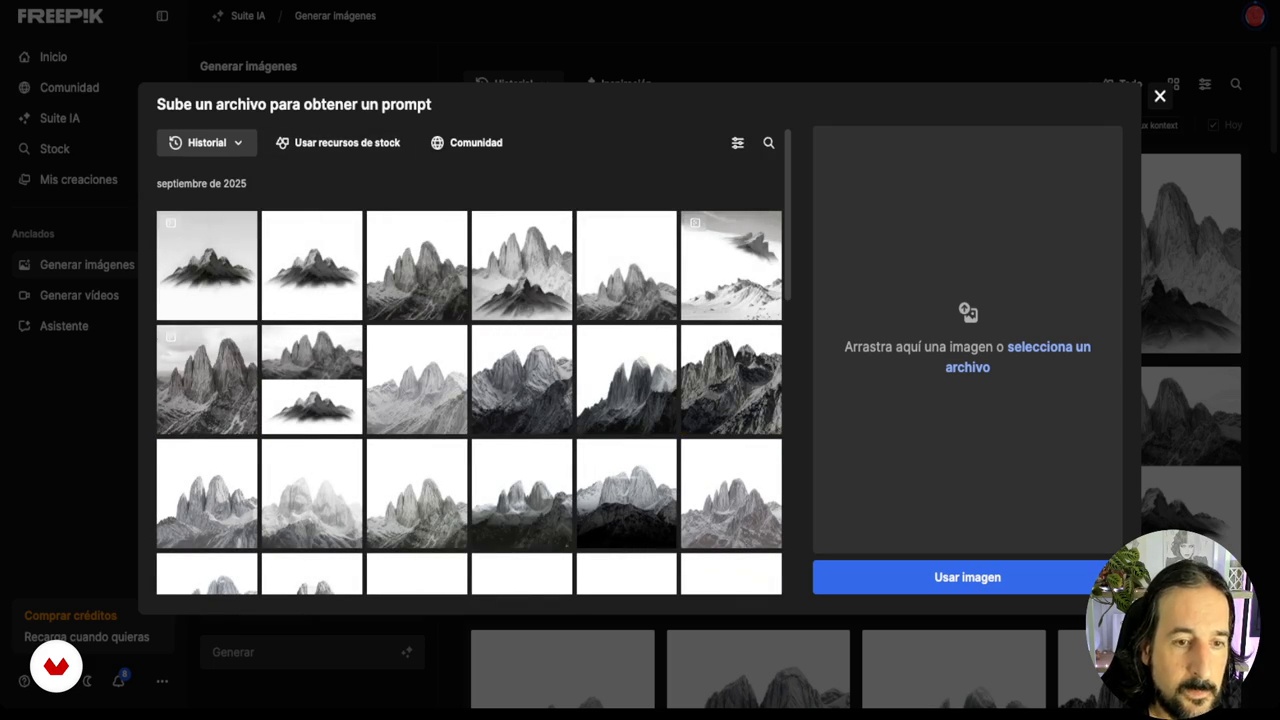
Crearea unui set de pensule pentru natură
1 minut, 1 secundă
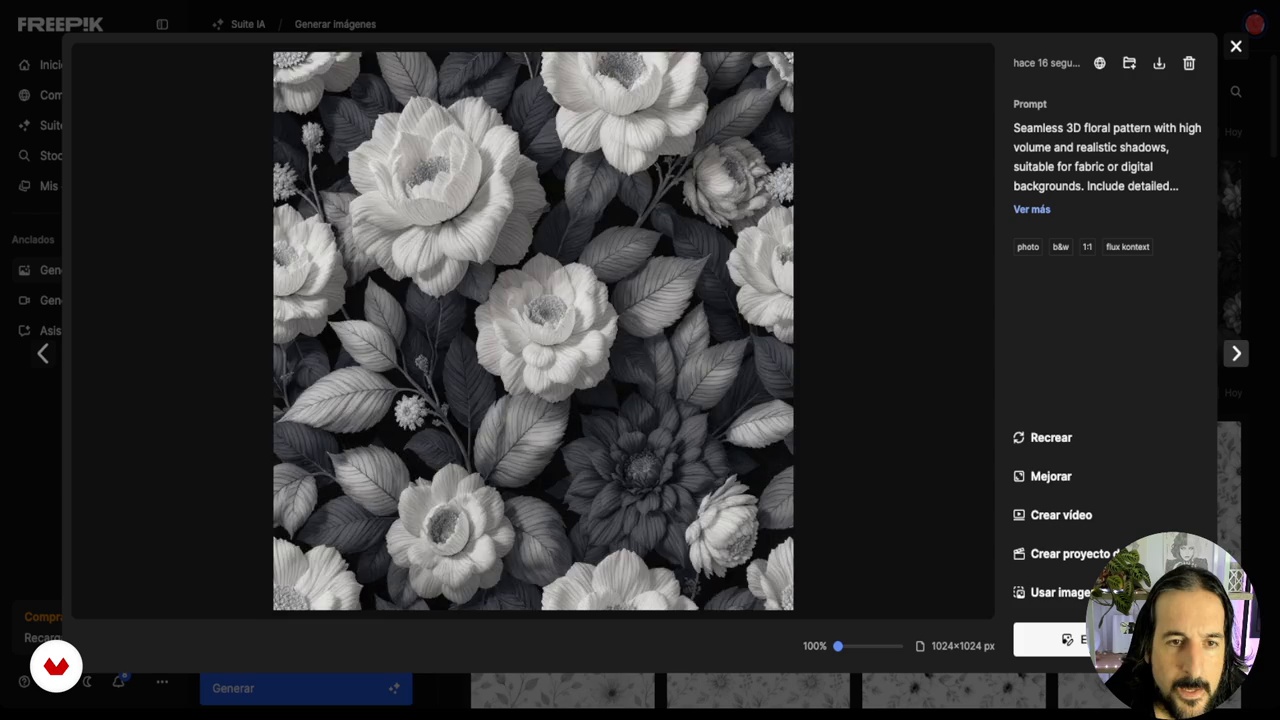
Modele florale repetitive cu efect 3D
1 minut, 1 secundă
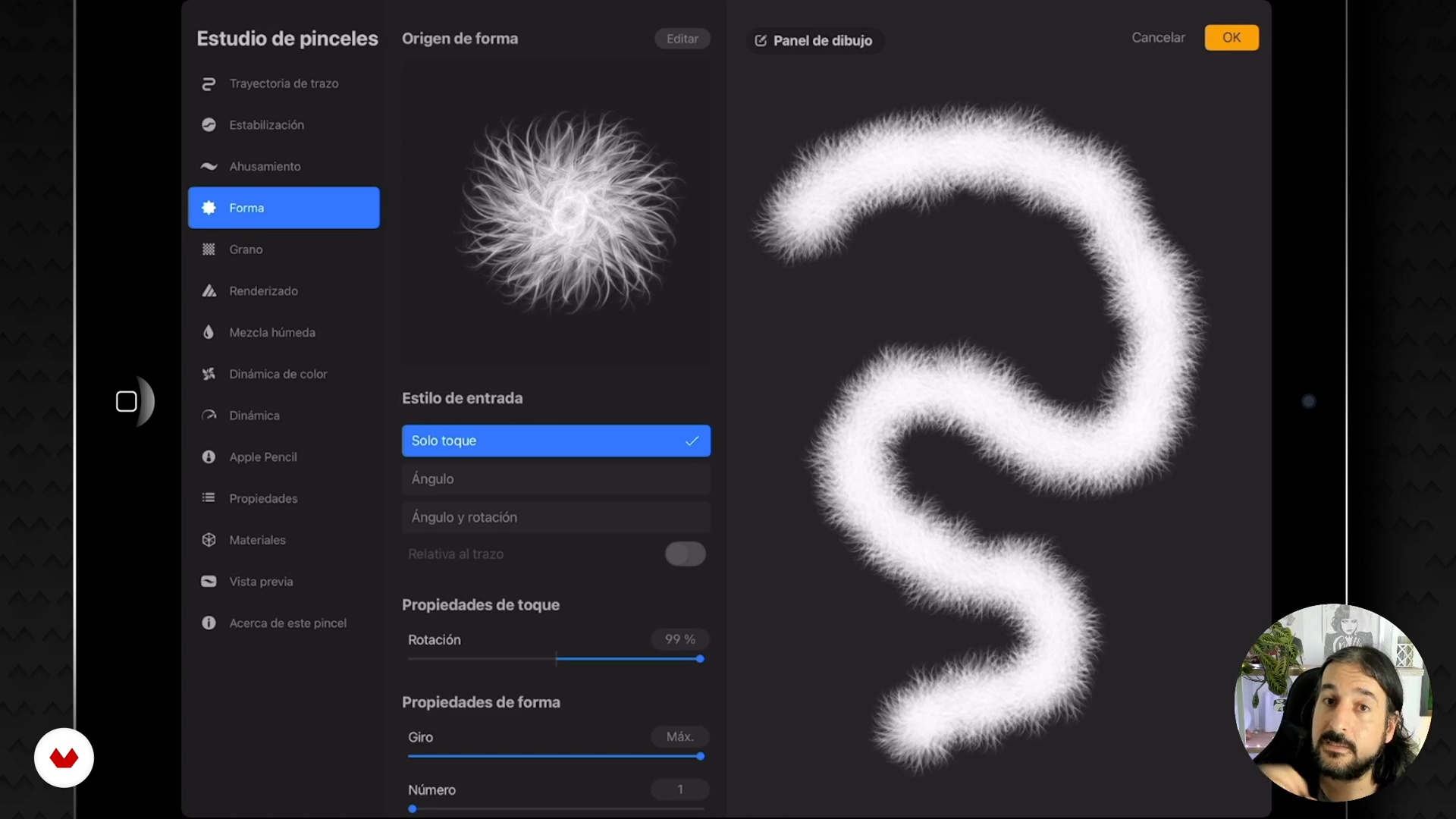
Crearea și configurarea pensulelor în Procreate
1 minut, 1 secundă
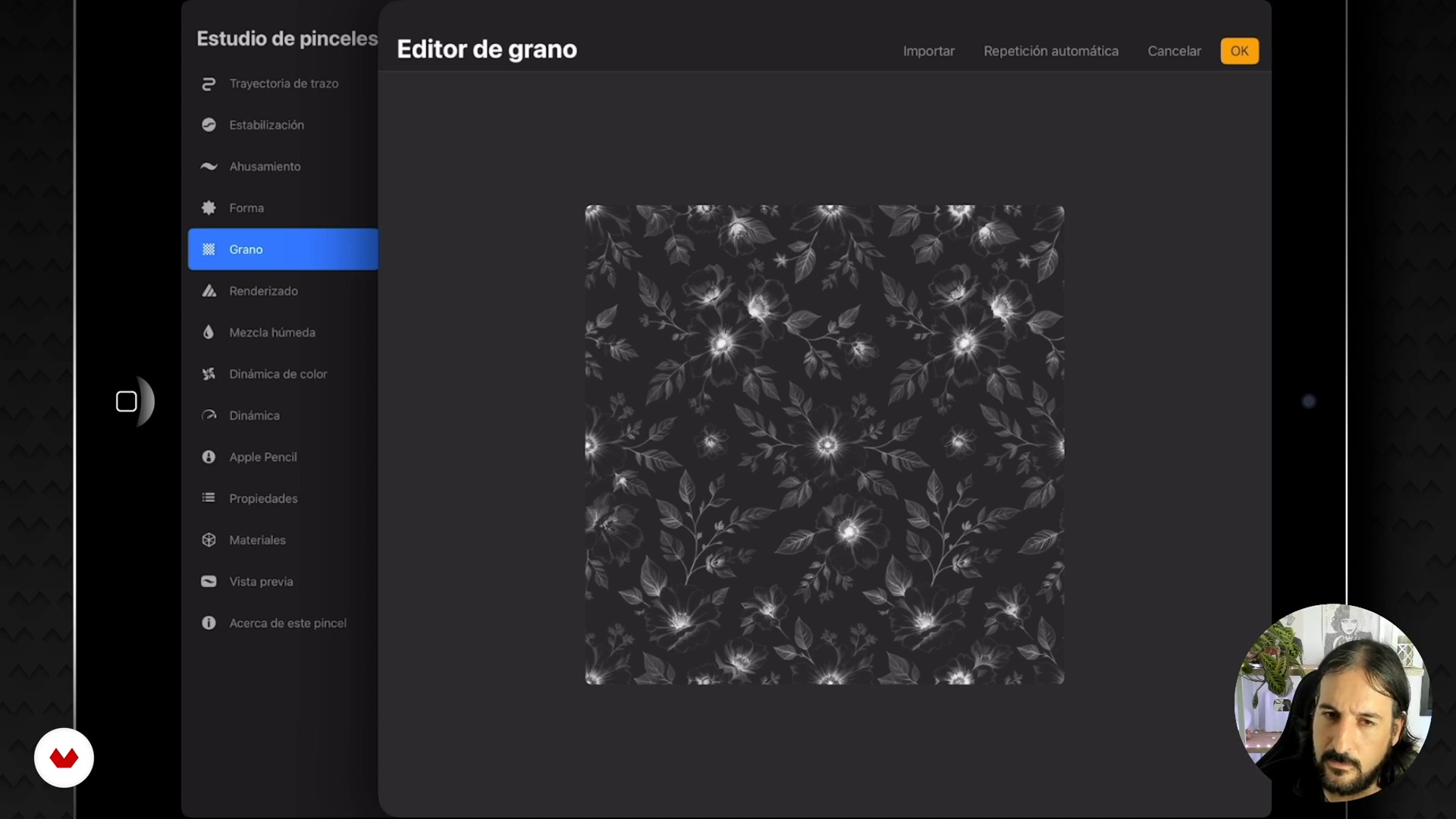
Configurare completă a seturilor de pensule personalizate
1 minut, 1 secundă
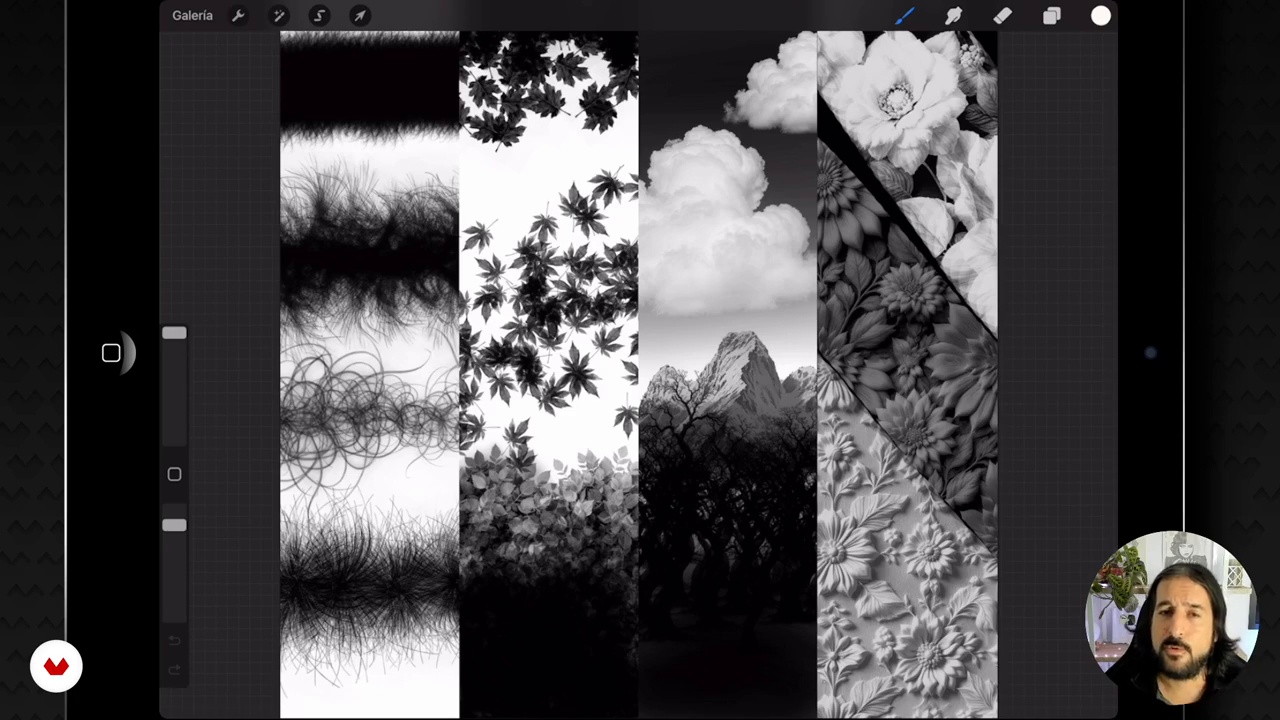
Închiderea cursului și recapitularea creativă
1 minut, 1 secundă
Ce include acest curs?
You’ll learn to create unique digital brushes for Procreate using artificial intelligence. Discover how to generate base images that will serve as templates for your brushes, allowing you to design everything from dynamic hair strands to repeatable floral patterns with a 3D effect. Throughout the course, you’ll become familiar with tools like FreePic and learn how to optimize your designs for the best results, adjusting proportions and settings to achieve a professional and versatile finish.
In addition, you’ll explore various techniques for creating nature brushes — such as leaves and trees — that bring realism to your illustrations. Learn to adjust parameters in Procreate to personalize each brush and adapt it to your specific needs, increasing efficiency in your workflow. By the end, you’ll have a library of custom-made brushes to use in your creative projects, enhancing your artistic skills and expanding your digital design potential.
Software și instrumente recomandate pentru acest curs
Care este proiectul acestui curs?
You’ll learn to create unique digital brushes for Procreate using artificial intelligence, designing everything from realistic hair to repeatable floral patterns. Develop complete brush sets to customize your illustrations with natural textures and stunning details.
Pentru cine este acest curs online?
This intensive course is designed for digital illustrators, artists, and design enthusiasts who want to expand their creativity by creating unique digital brushes for Procreate using artificial intelligence. Perfect for those who wish to enrich their portfolio with personalized tools and improve their artistic skills.
Cerințe și materiale
No extensive prior knowledge is required, but it is recommended to have access to a computer with Procreate installed and an Internet connection. Basic familiarity with digital design and illustration tools is suggested to follow the lessons.
Recenzii
- 11 luni în urmă
El curso esta genial, el profesor explica muy bien y las lecciones se entienden perfectamente. Si quieres crear tus propios pinceles este es tu curso.

Conţinut
Creating Digital Brushes with AI for Procreate
- Introducere în pensulele generate de inteligența artificială în Procreate
- Crearea unor baze realiste pentru perii de păr cu ajutorul inteligenței artificiale
- Crearea de pensule dinamice cu frunze pentru Procreate
- Crearea unui set de pensule pentru natură
- Modele florale repetitive cu efect 3D
- Crearea și configurarea pensulelor în Procreate
- Configurare completă a seturilor de pensule personalizate
- Închiderea cursului și recapitularea creativă
- Proiect final
La ce să te aștepți de la un curs Domestika
Învață în ritmul tău propriu
Bucură-te de învățarea de acasă, fără un program fix și cu o metodă ușor de urmat. Tu îți stabilești propriul ritm.
Învață de la cei mai buni profesioniști
Învață metode și tehnici valoroase explicate de experți de top din sectorul creativ.
Întâlnește profesori experți
Fiecare expert predă ceea ce face cel mai bine, cu îndrumări clare, pasiune adevărată și perspicacitate profesională în fiecare lecție.
Certificate
PLUSDacă ești membru Plus, primești un certificat personalizat semnat de profesorul tău pentru fiecare curs. Distribuie-l în portofoliul tău, pe rețelele sociale sau oriunde dorești.
Obțineți locuri în primul rând
Videoclipuri de cea mai înaltă calitate, pentru a nu rata niciun detaliu. Cu acces nelimitat, le poți viziona de câte ori este nevoie pentru a-ți perfecționa tehnica.
Împărtășește cunoștințe și idei
Pune întrebări, solicită feedback sau oferă soluții. Împărtășește-ți experiența de învățare cu alți studenți din comunitate care sunt la fel de pasionați de creativitate ca și tine.
Conectează-te cu o comunitate creativă globală
Comunitatea găzduiește milioane de oameni din întreaga lume, curioși și pasionați de explorarea și exprimarea creativității lor.
Urmărește cursuri produse profesional
Domestika își gestionează lista de profesori și produce fiecare curs intern pentru a asigura o experiență de învățare online de înaltă calitate.
Întrebări frecvente
You can create custom brushes in Procreate by using AI to generate base images and shapes, then importing and fine-tuning them in the app by adjusting settings like dynamics, spacing, and texture.
You'll need an iPad with Procreate installed, access to an AI tool like Freepik to generate images, and internet connection to download or create visual bases.
This is an intermediate-level course; it's recommended to have basic Procreate skills and some experience handling image files to get the most out of it.
Yes, the course teaches you how to create dynamic hair brushes and leaf brushes using AI, tailored for natural illustrations and digital landscapes.
You'll learn how to make seamless, repeatable patterns with 3D effects by importing AI-generated images into Procreate and setting up repetition and volume parameters.
AI makes it easier to generate original visual assets, speeds up your creative process, offers more variety and quality in brushes and patterns, and allows for advanced customization.
You should generate or download images from Freepik, making sure they have a white background and black elements, then import them into Procreate to create and tweak your brush.