Retro Movement in After Effects
A course by Joseba ElorzaAnimator și ilustrator
A course by Joseba Elorza, Animator și ilustrator

Learn to create an animated trailer with old photos and videos
Say goodbye to lifeless projects! In this online course, illustrator and animator Joseba Elorza, better known as MiraRuido, teaches you how to create an imaginary movie trailer with the video collage technique, sharing his methodology and tricks to take your cutouts to a new dimension.
Draw inspiration from your teacher's anachronistic and surrealist style, and practice the entire creative process of animation, from compiling material to publishing your final video. Learn to use After Effects from scratch to bring vintage photos and videos to life. Discover the huge difference adding retro movement can make!
Ce vei învăța în acest curs online?
1 lecție & 1 descărcare
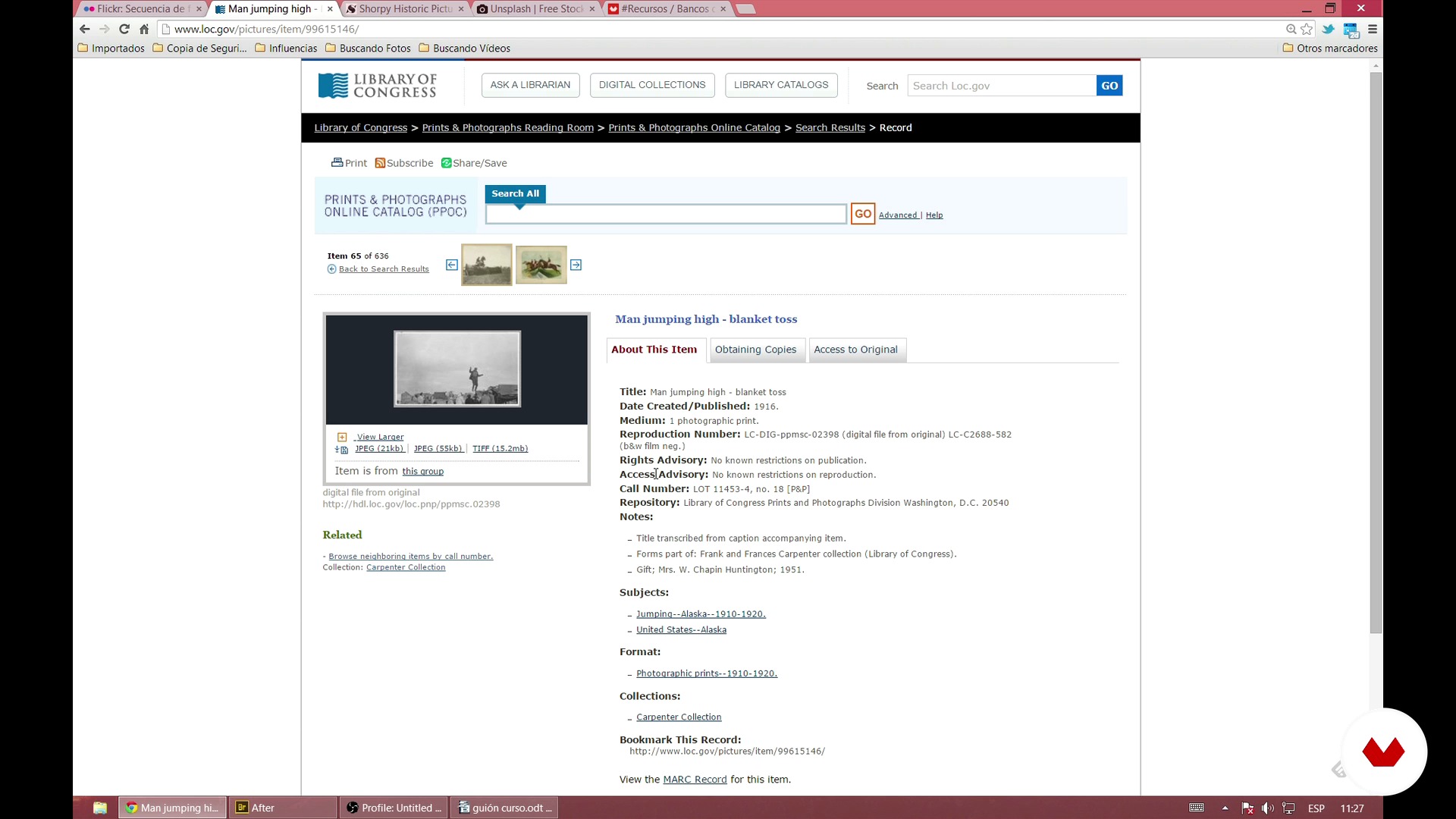
Looking for old photographs
1 minut, 1 secundă
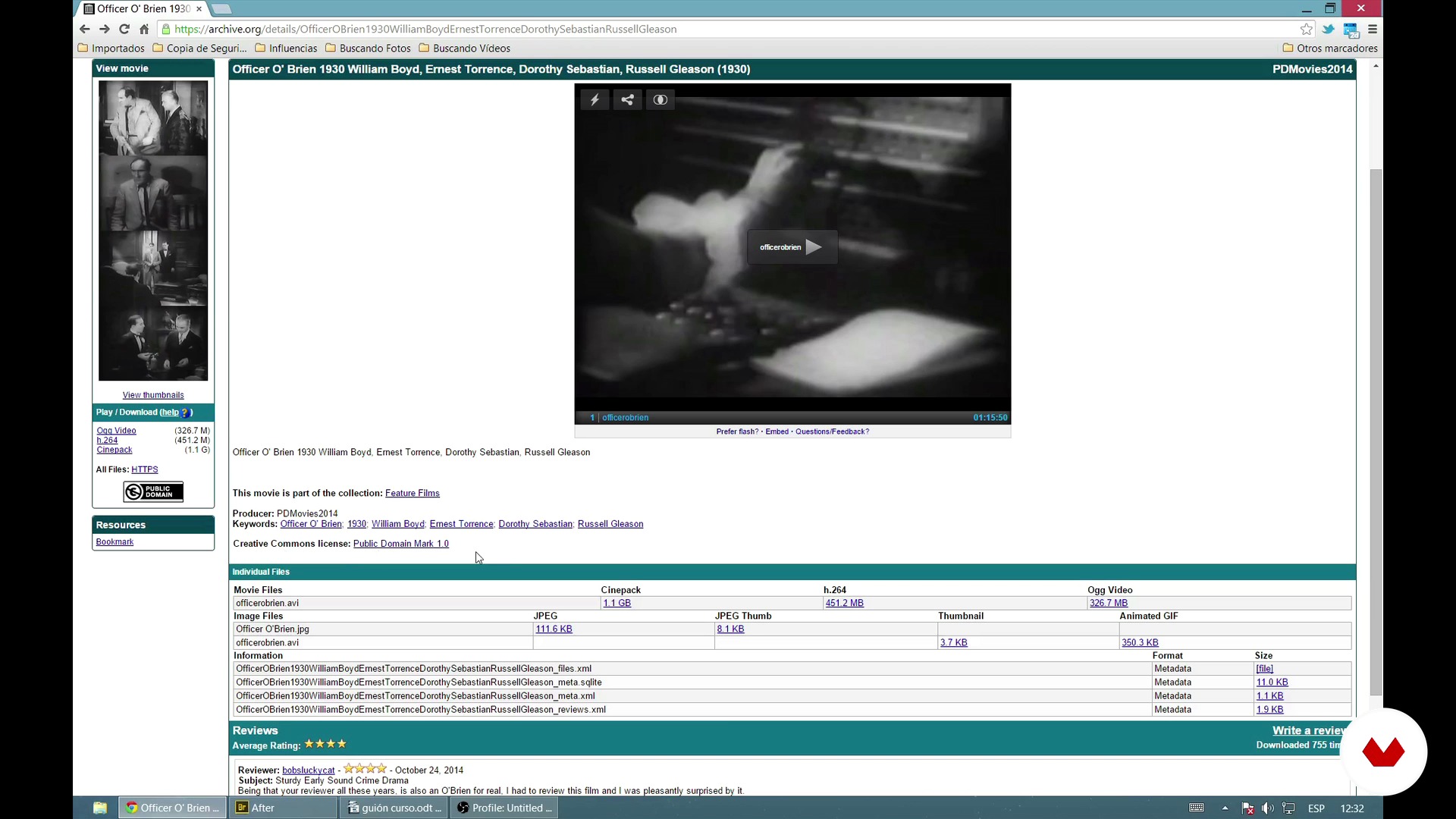
Looking for old videos
1 minut, 1 secundă
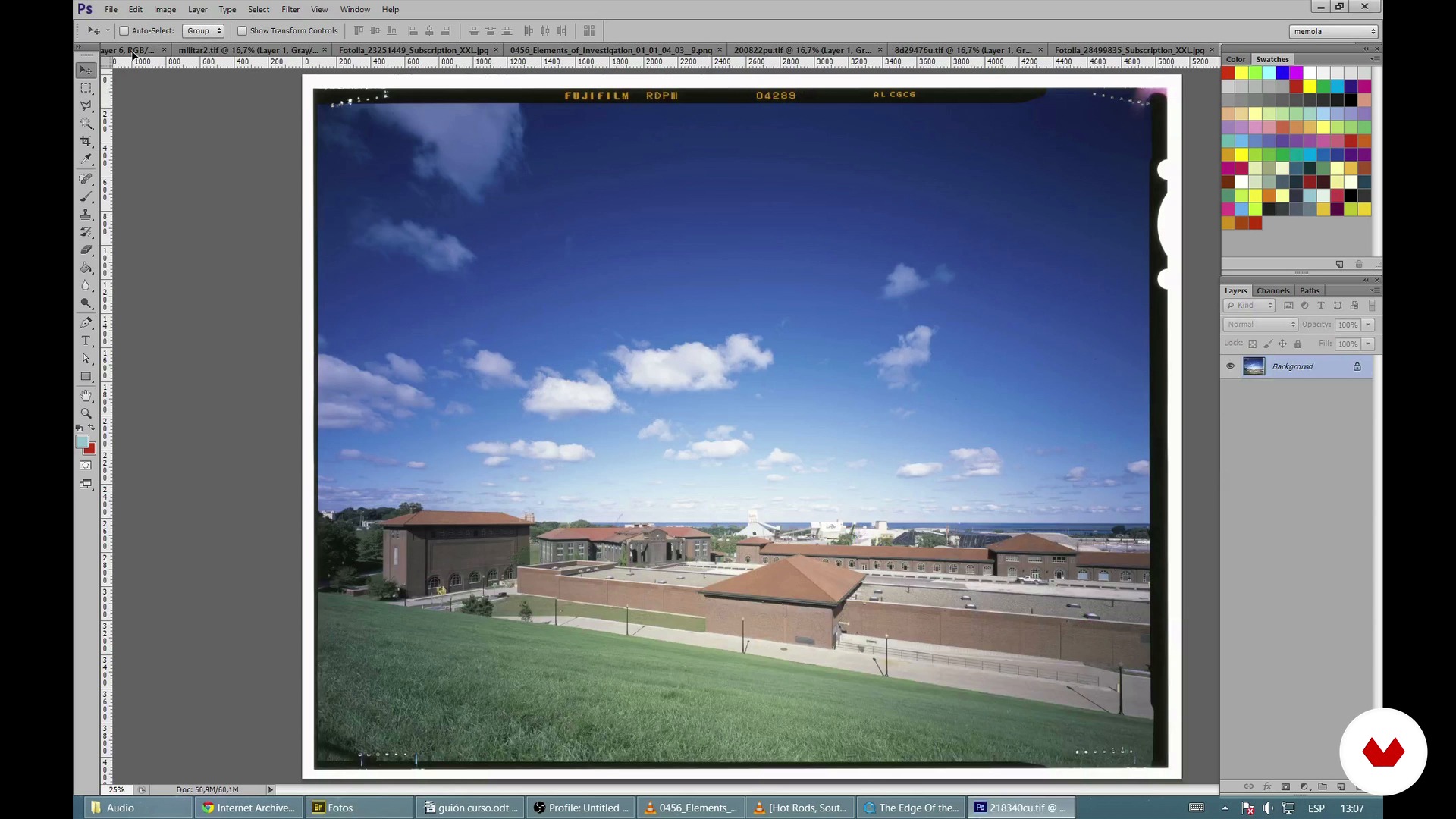
Storyboard or simple structure of the video
1 minut, 1 secundă
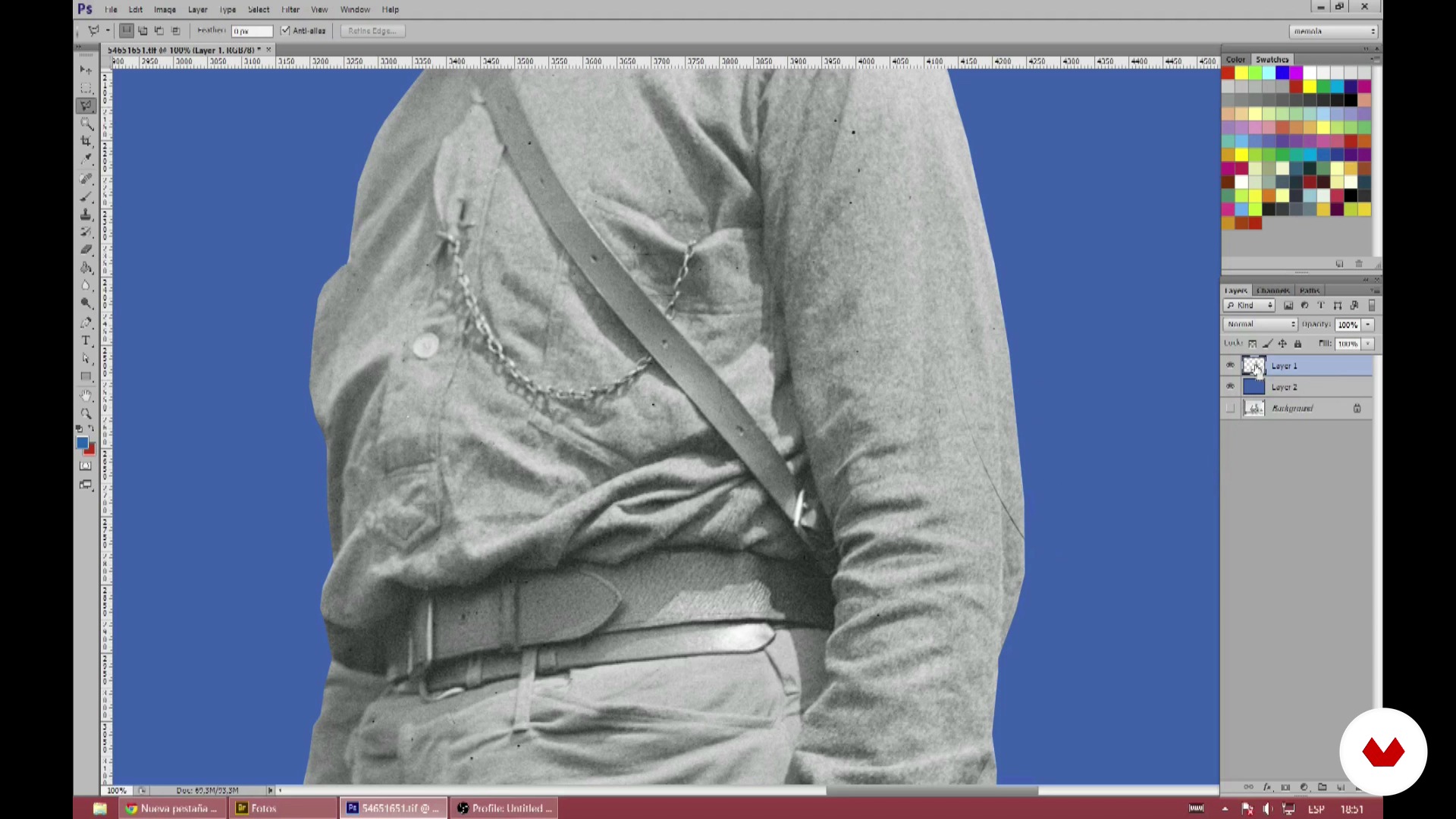
Crop and prepare photos
1 minut, 1 secundă
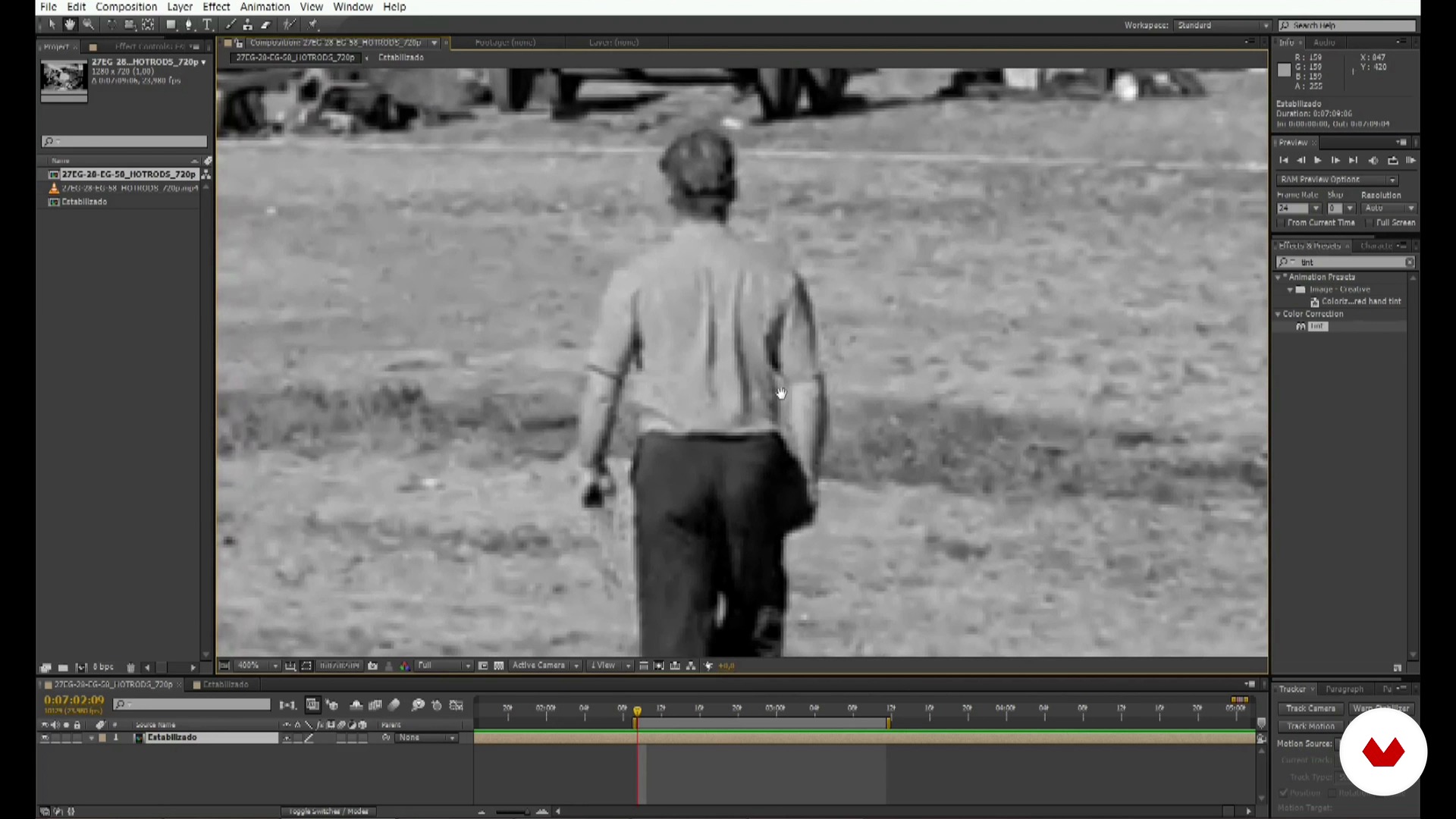
Trim videos (rotoscopy) 1
1 minut, 1 secundă
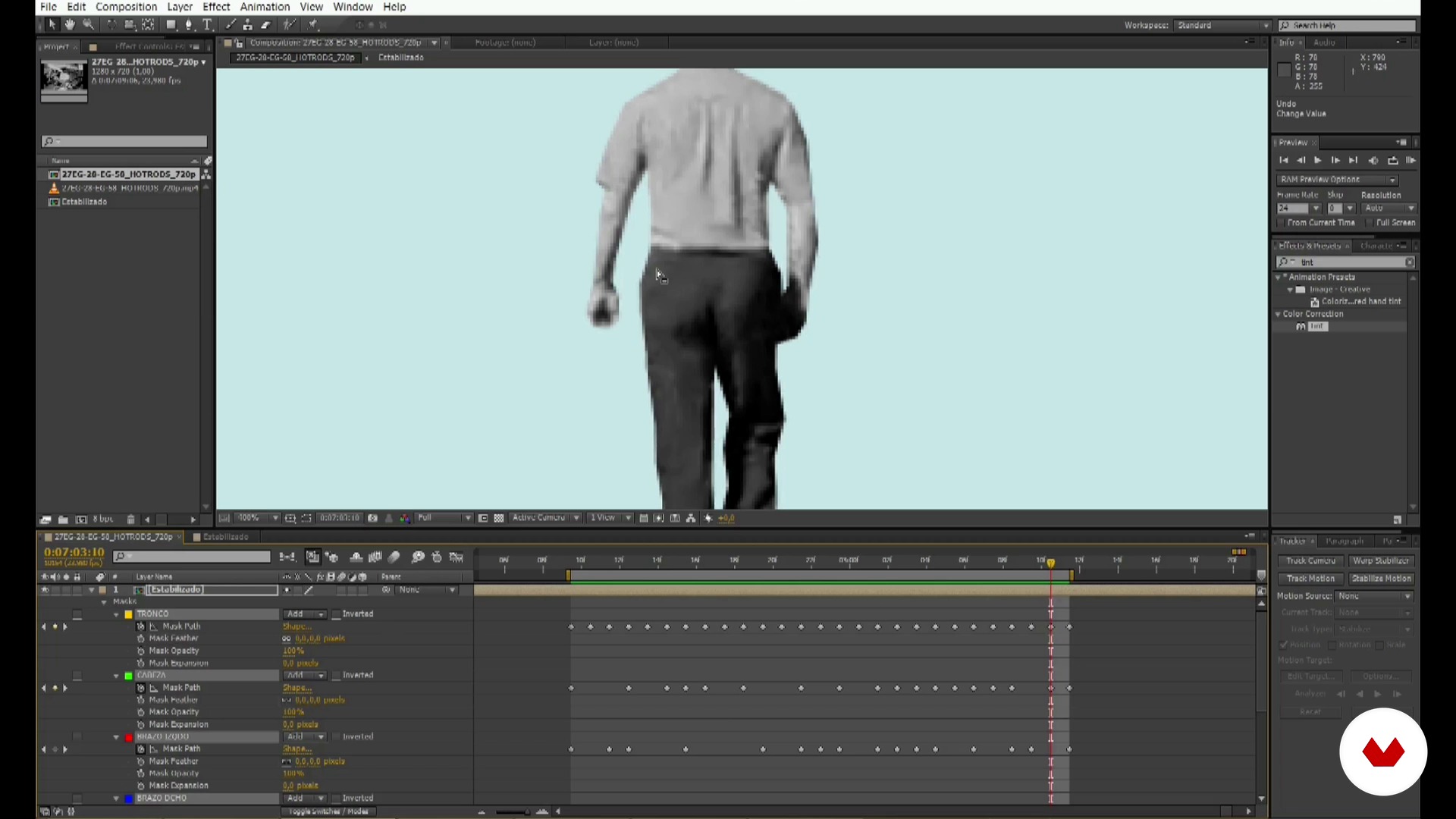
Trim videos (rotoscopy) 2
1 minut, 1 secundă
Ce include acest curs?
Joseba starts the course by telling you about himself and his greatest influences from the genre.
Then, find out where to look for the audiovisual and photographic material to make your animation. Once you've compiled the material, devise your own storyboard and begin to cut out photos and videos with rotoscoping.
When you have all the material ready, move on to put the animation together in After Effects. Joseba does a review of the program's basics in case you're new to it, and then teaches you to make your animation in layers.
Finish your video collage by applying the texture, some final touches, and rendering.
As a final step, learn how to upload the video and show off your animation online!
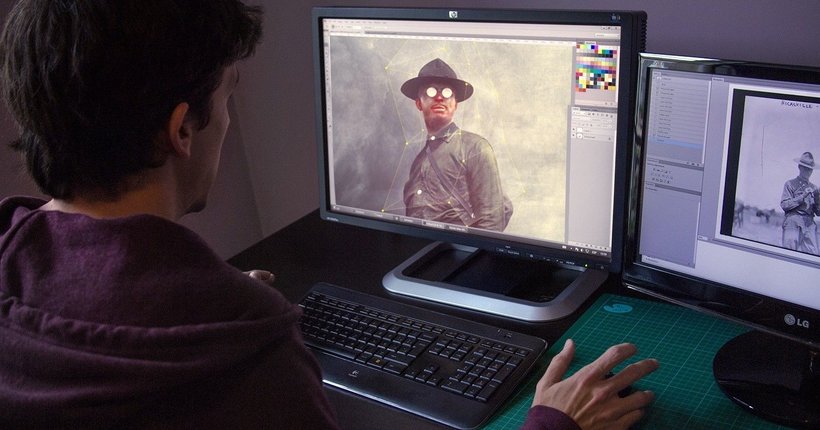
Recommended software & tools for this course
What is this course's project?
Make a teaser or trailer of an imaginary film using the video collage technique.
Proiecte ale studenților cursului


Who is this online course for?
Anyone who wants to try animating their photo compositions. It's also great for anyone who's thinking of entering the world of animation, or adding this format to projects or presentations. Similarly, there's a lot to learn for animators who want to experiment with a different, attractive, and original approach such as video collage.
Requirements and materials
To take this course, you only need a computer with Photoshop and basic knowledge of how to use it. You also need After Effects; your teacher provides a brief review of the basics in case you have never used it.

Recenzii
- 3 luni în urmă
Este es un curso excelente y útil, porque hace ya un tiempo que lo adquirí y vuelvo sobre él continuamente para hacer un montón de trabajos audiovisules. Excelente para un emprendimiento laboral.
- 4 luni în urmă
Esse curso abriu muito a minha mente. Quando eu era pequeno nos anos 80, adorava fazer colagem com revistas cortadas na capa dos meus cadernos. E dar movimento a essa lembrança foi bom demais.
O professor é super didático, atencioso, enfim, super acolhedor. E entende pra caceta sobre o que está falando. Recomendo demais!
- 5 luni în urmă
Very good explanation and useful techniques and the lesson is easy to understand for beginners.
- vegaliriaPLUS5 luni în urmă
La verdad que ha sido un curso super bueno. Aprendí muchos trucos nuevos para dar vida a mis collages en After. Y lo mejor toda la información y recursos compartidos por el docente. Me llevo un montón de cosas, tanto me gustó que ya estoy haciendo el siguiente curso que incluye el uso de la cámara de After.
- 8 luni în urmă
Mi è piaciuto molto il corso, esattamente quello che cercavo!

Conţinut
- U 1
Introduction
- Who I am and what we are going to do
- My influences and references
- U 2
In search of the right material
- Looking for old photographs
- Looking for old videos
- Storyboard or simple structure of the video
- U 3
"Mise en place" we prepare the material
- Crop and prepare photos
- Trim videos (rotoscopy) 1
- Trim videos (rotoscopy) 2
- Import the material to After Effects
- U 4
Cheering up
- Basics of After Effects
- Animating the layers 1
- Animating layers 2
- Final touches
- Render, upload it to the internet and share it with your grandmother
- FP
Proiect final
- Old-fashioned digital animation
La ce să te aștepți de la un curs Domestika
Învață în ritmul tău propriu
Bucură-te de învățarea de acasă, fără un program fix și cu o metodă ușor de urmat. Tu îți stabilești propriul ritm.
Învață de la cei mai buni profesioniști
Învață metode și tehnici valoroase explicate de experți de top din sectorul creativ.
Întâlnește profesori experți
Fiecare expert predă ceea ce face cel mai bine, cu îndrumări clare, pasiune adevărată și perspicacitate profesională în fiecare lecție.
Certificates
PLUSIf you're a Plus member, get a certificat personalizat signed by your teacher for every course. Share it on your portfolio, social media, or wherever you like.
Obțineți locuri în primul rând
Videoclipuri de cea mai înaltă calitate, pentru a nu rata niciun detaliu. Cu acces nelimitat, le poți viziona de câte ori este nevoie pentru a-ți perfecționa tehnica.
Împărtășește cunoștințe și idei
Pune întrebări, solicită feedback sau oferă soluții. Împărtășește-ți experiența de învățare cu alți studenți din comunitate care sunt la fel de pasionați de creativitate ca și tine.
Conectează-te cu o comunitate creativă globală
Comunitatea găzduiește milioane de oameni din întreaga lume, curioși și pasionați de explorarea și exprimarea creativității lor.
Urmărește cursuri produse profesional
Domestika își gestionează lista de profesori și produce fiecare curs intern pentru a asigura o experiență de învățare online de înaltă calitate.
Întrebări frecvente
Digital collage is about combining images and graphic elements on digital platforms to create visual compositions. In this course, you’ll learn mixed collage techniques, Photoshop editing, After Effects animation, and how to use public domain images and videos for creative projects.
This course is designed for people with intermediate knowledge of Photoshop and After Effects. Basic familiarity with image and video editing is recommended, though the necessary fundamentals are explained to help you follow along.
You’ll need a computer with Photoshop and After Effects installed, internet access, and basic editing skills. Having an interest in contemporary illustration and visual composition is also helpful.
By the end of the course, you’ll be able to create digital collages, animate still images, do rotoscoping on video, design surreal teaser trailers, and produce animated music videos using stock footage and advanced compositing techniques.
You’ll learn how to find and download public domain images and videos from sites like Unsplash or the Library of Congress, as well as how to check Creative Commons licenses to legally use materials in your collage and animation projects.
The course covers techniques like polygonal lasso, pen tool, magic wand, and masking in Photoshop, plus edge blending and integration for professional compositions and animation.
Yes, you’ll learn to animate still images using the Puppet Tool, create loops, pre-compose layers, apply rotoscoping, and stabilize videos to produce smooth, reusable animated sequences.