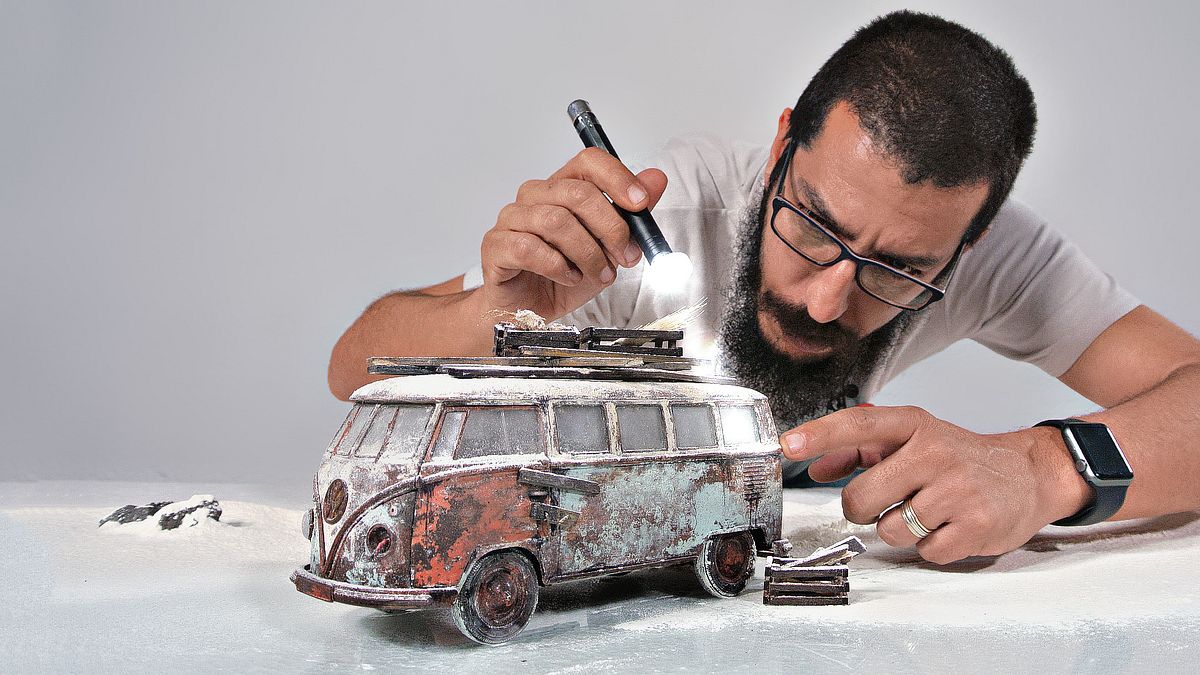
Creative Studio Photography with Scale Models
A course by Felix Hernandez DreamphographyFotograf și director de creație
A course by Felix Hernandez Dreamphography, Fotograf și director de creație

Create realistic scenes with toys and the light painting technique
Ever wanted to make jaw-droppingly realistic scenes for your photos? Félix Hernández–photographer, model maker, and digital artist specialized in toy photography–teaches you the techniques and secrets to take pictures with scale models and trick the eye to make them look like part of a real scene.
In this online course, discover Felix's entire creative process, which includes choosing the model to photograph, preparing the set, designing the lighting, performing effects in the studio, digital post-production, and color grading in Photoshop.
Ce vei învăța în acest curs online?
1 lecție & 1 descărcare
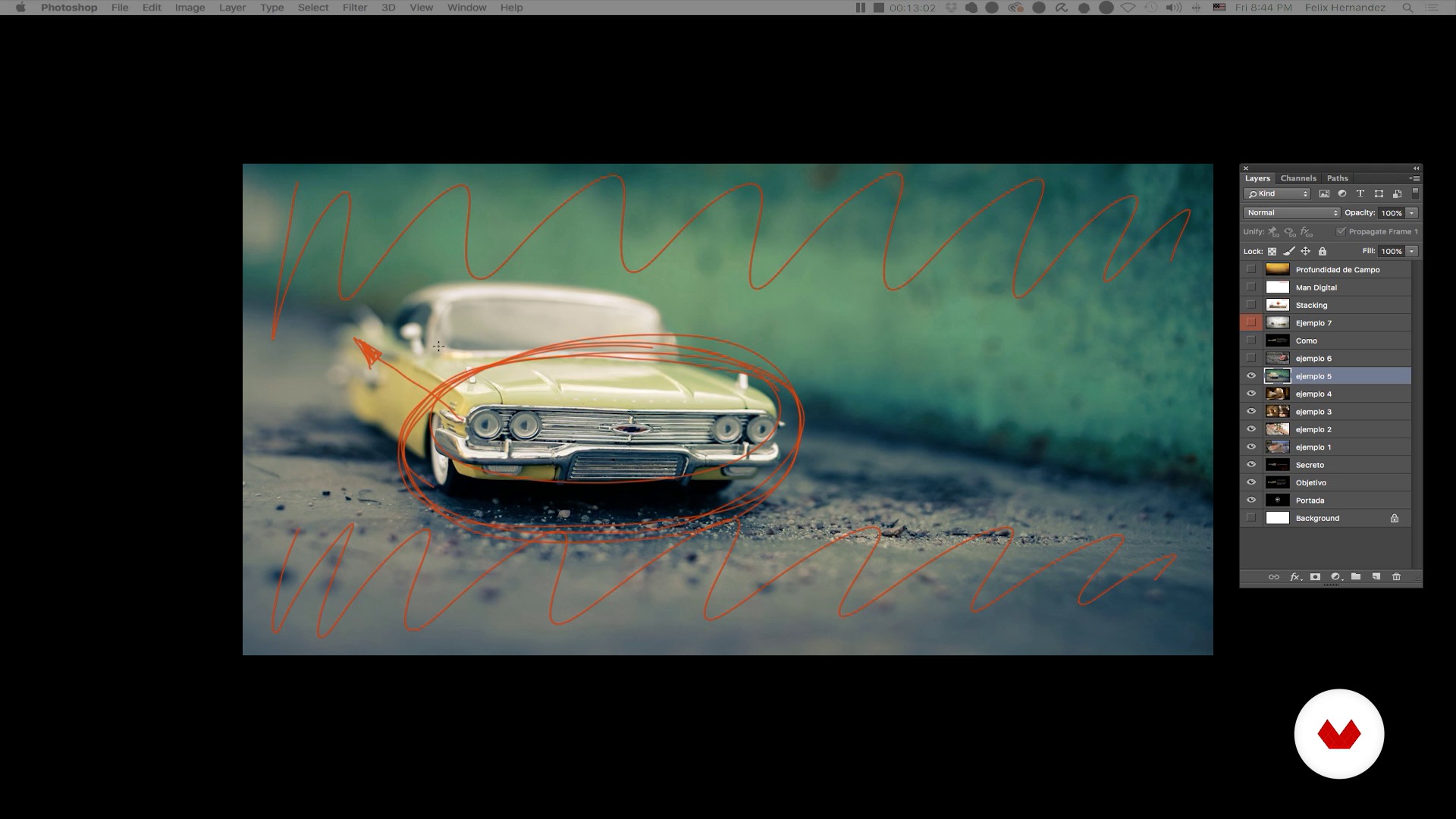
Toy Photography: a brief introduction - Part I
1 minut, 1 secundă
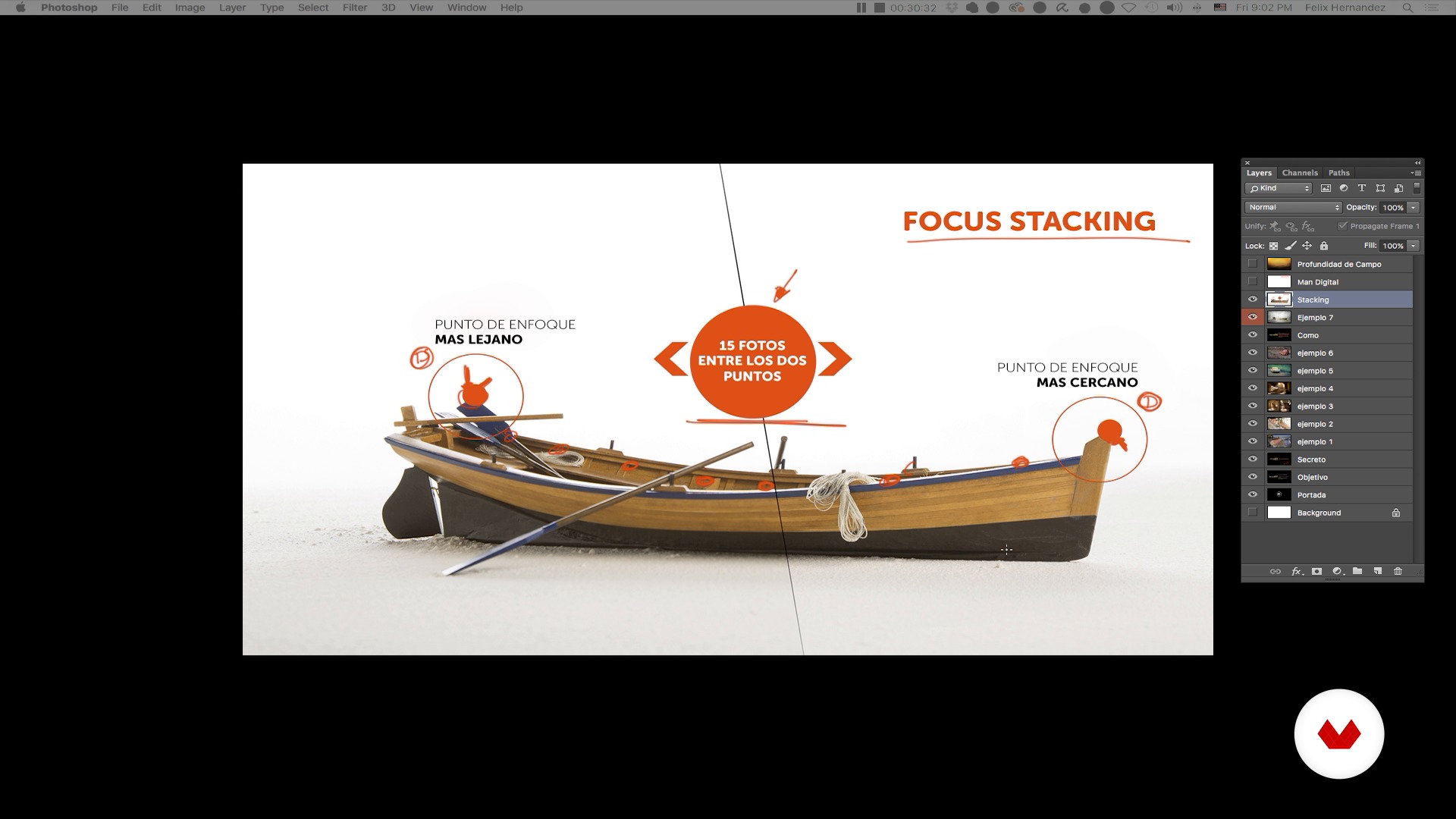
Toy Photography: a brief introduction - Part II
1 minut, 1 secundă
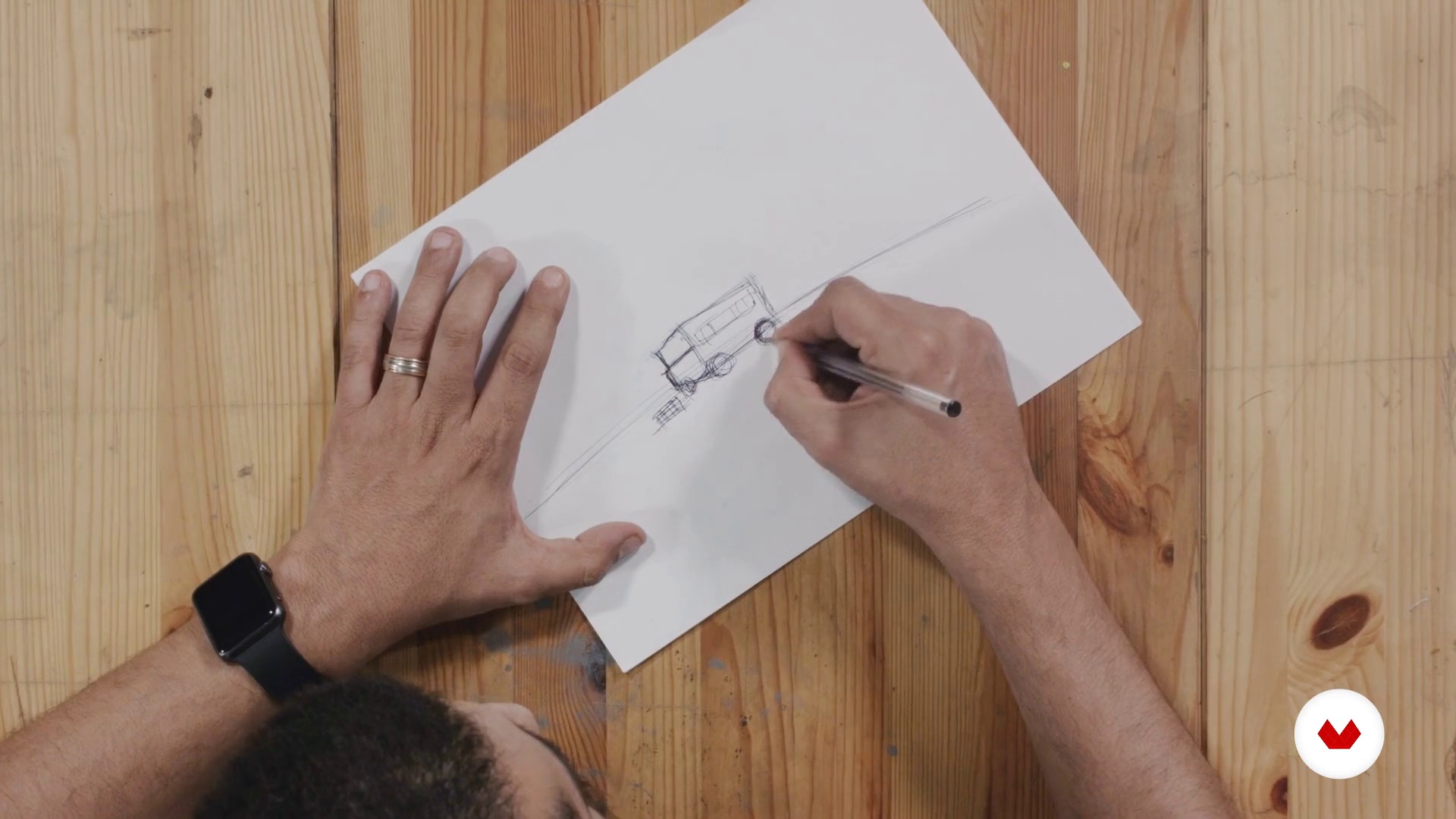
Creation of the concept
1 minut, 1 secundă
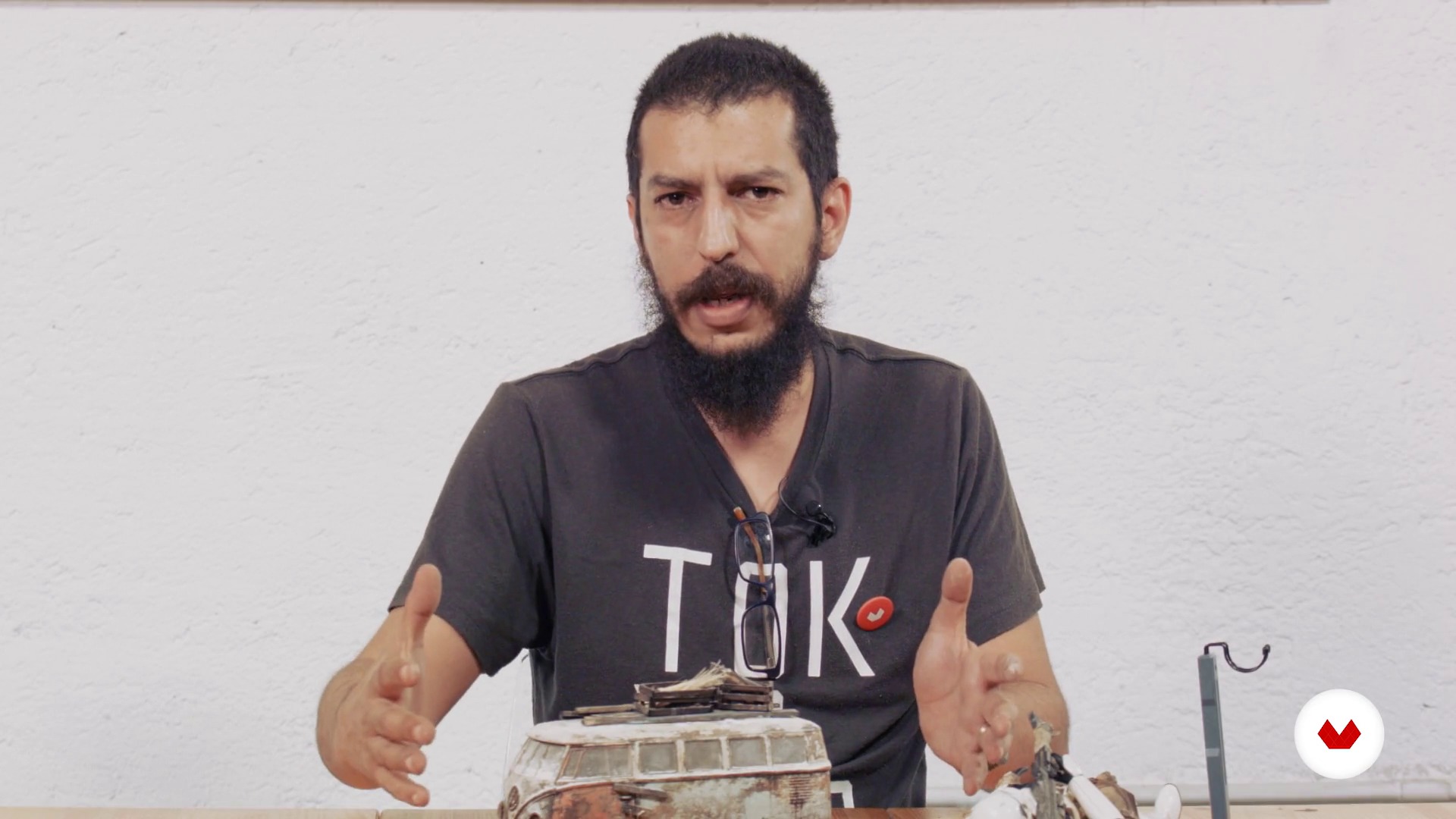
Our model
1 minut, 1 secundă
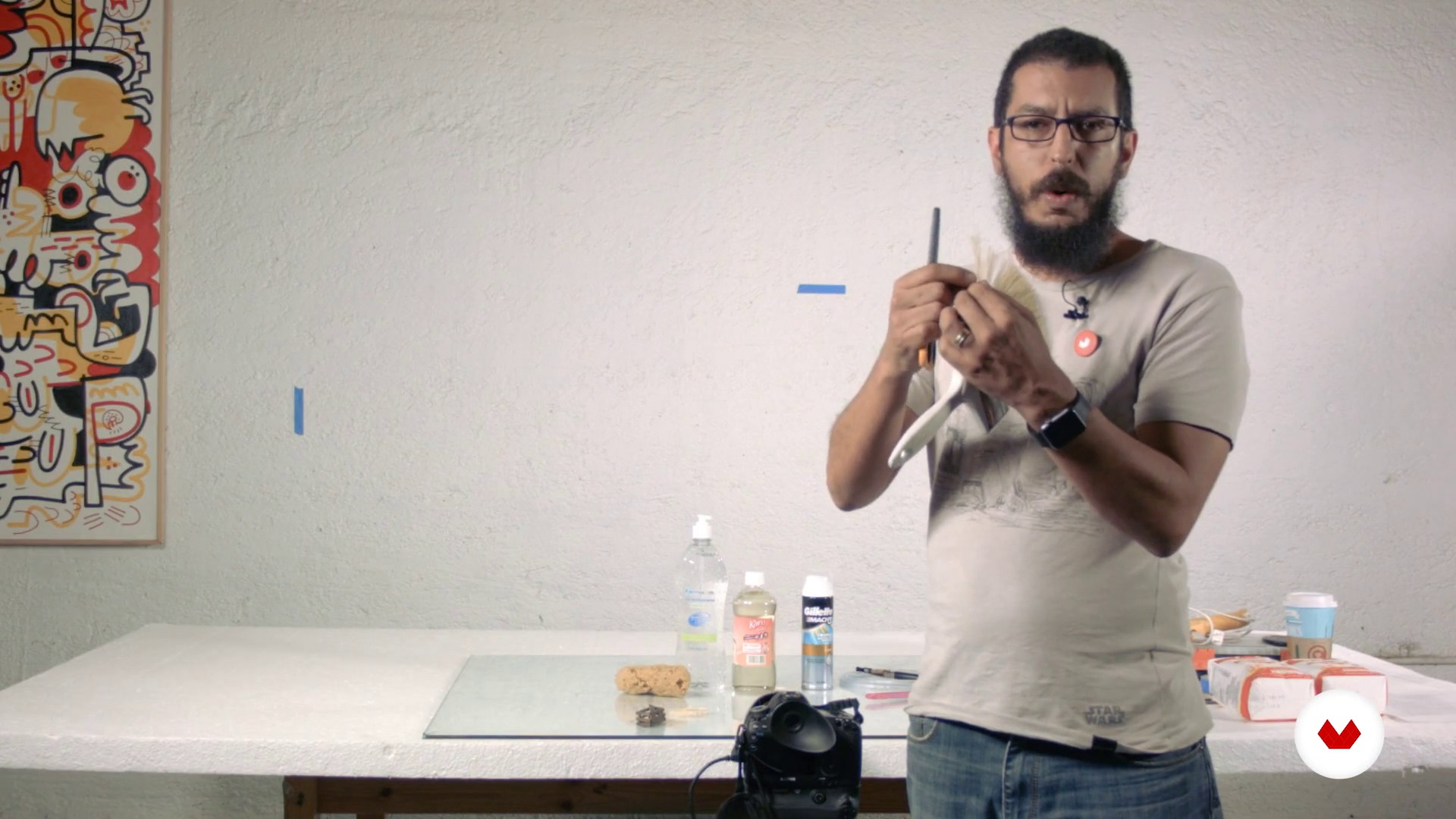
Materials and Equipment
1 minut, 1 secundă
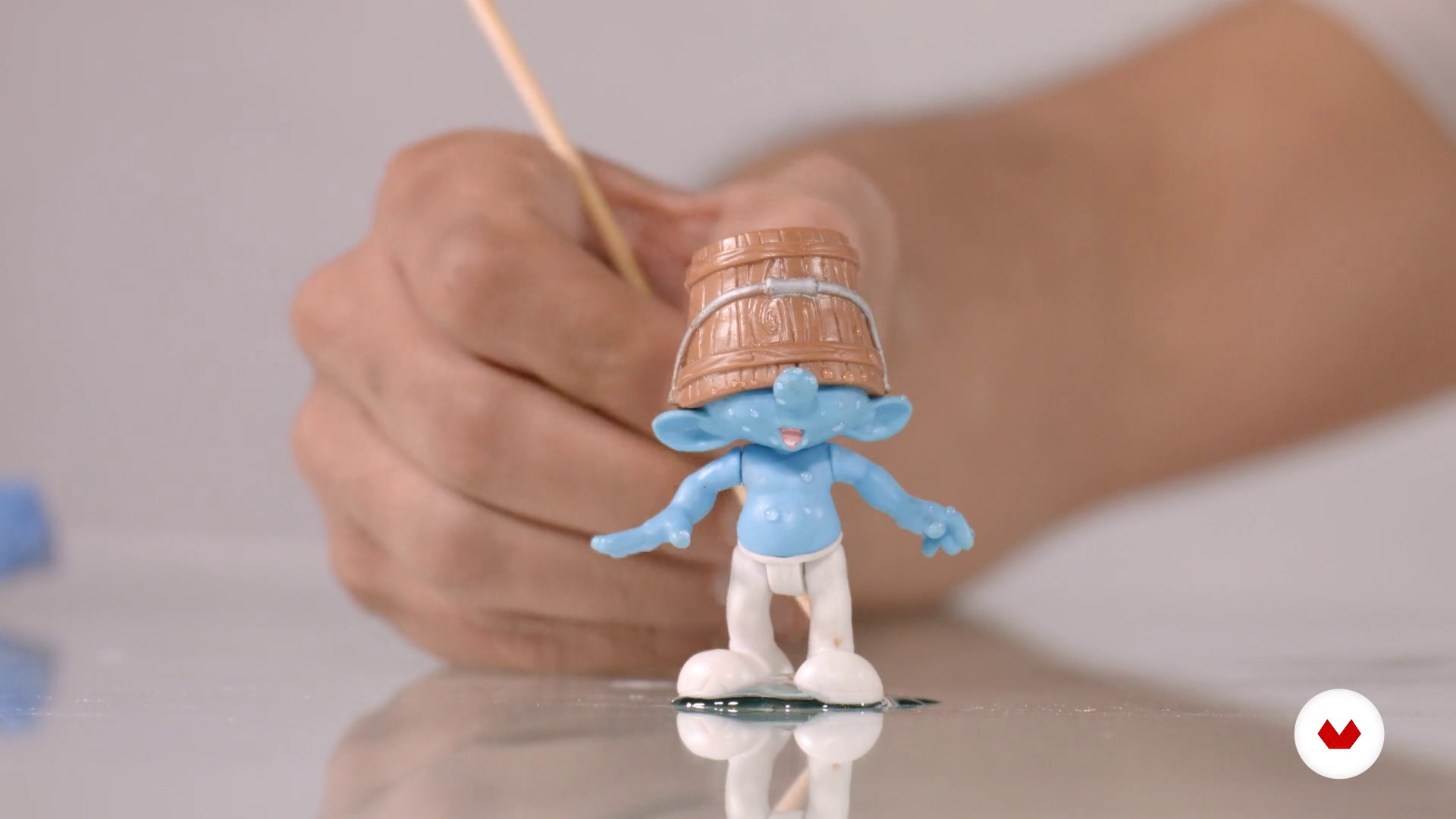
Material tips
1 minut, 1 secundă
Ce include acest curs?
Begin by learning more about the work of Félix Hernández and his influences, as well as an introduction to the world of toy and scale model photography.
Devise a story from an image and define the style, composition, and lighting from a sketch.
Félix explains some aspects of working with scale models, their advantages and disadvantages, as well as some useful poses. Discover the materials and equipment needed to portray a scene, then learn to design your own lighting with the light painting technique using a simple LED flashlight.
Once the scene is defined, Félix tells you about the optimal lenses, diaphragms, and focal lengths for the type of lighting that will help you take several shots of your scene.
Finally, learn to manipulate the image in digital post-production by inserting backgrounds, adding extra elements to give it a higher degree of realism, then do the final color grading for your composition.
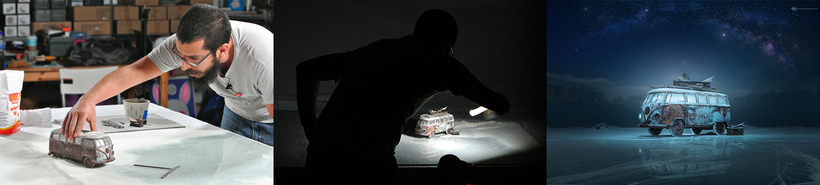
Recommended software & tools for this course
What is this course's project?
Create a realistic image using scale models, items that can mostly be found at home, with the aim of tricking the viewer's eye into believing that what they see is a life-size image.
Proiecte ale studenților cursului


Who is this online course for?
Photographers, designers, editors, and any creative who wants to give their craft a unique twist and create with imagination.
Requirements and materials
Basic notions of photography and digital post-production with Photoshop are required.
As for materials, you need a professional or semi-professional digital camera that allows you to take pictures manually (bulb) and in RAW format, a small LED flashlight, a tripod, a scale model (preferably a 1/24 or 1/18 scale model car), and a computer with Photoshop.

Recenzii
- 7 luni în urmă
Excelente professor. Curso com técnicas bem explicadas em que nada fica de fora. Infelizmente, o plugin Nik Colletion, utilizado para acabamento, não é mais disponível gratuitamente.
- 10 luni în urmă
I've followed Felix's work for several years. We're both of a similar age, and we share the same icon, such as Joel Grimes. The course is great. It takes you through his process; however, the one thing it cannot replace or offer is your creativity and imagination. You must bring those with you. Great course; my only gripe is the dubbing. As it's AI, it slows down or speeds up at the wrong time; it's not a hindrance. I'd go on and buy the other courses he offers on Domestika.
- 1 an în urmă
Vraiment un très bon prof, qui prend le temps de bien expliquer les choses et aussi donne pleins d'astuces. Top du top
- 1 an în urmă
Estupendo curso, muy bien explicado y muy práctico para maquetistas y coleccionistas de miniaturas.
- 1 an în urmă
I have learned a lot of new creative ways. Thank you very much.

Conţinut
- U 1
Introduction
- Presentation
- Influences
- Toy Photography: a brief introduction - Part I
- Toy Photography: a brief introduction - Part II
- U 2
Preproduction
- Creation of the concept
- Our model
- Materials and Equipment
- Material tips
- U 3
Production
- Lighting: Light painting
- The scene
- Shooting test - Part I
- Shooting test - Part II
- Final shooting
- U 4
Postproduction
- Prepared digital file
- Digital negative
- Composite - Part I
- Composite - Part II
- Composite - Part III
- Composite - Part IV
- Composite - Part V
- Composite - Part VI
- Color grading - Part I
- Color grading - Part II
- Final output
- FP
Proiect final
- Creative photography in studio with scale models
La ce să te aștepți de la un curs Domestika
Învață în ritmul tău propriu
Bucură-te de învățarea de acasă, fără un program fix și cu o metodă ușor de urmat. Tu îți stabilești propriul ritm.
Învață de la cei mai buni profesioniști
Învață metode și tehnici valoroase explicate de experți de top din sectorul creativ.
Întâlnește profesori experți
Fiecare expert predă ceea ce face cel mai bine, cu îndrumări clare, pasiune adevărată și perspicacitate profesională în fiecare lecție.
Certificates
PLUSIf you're a Plus member, get a certificat personalizat signed by your teacher for every course. Share it on your portfolio, social media, or wherever you like.
Obțineți locuri în primul rând
Videoclipuri de cea mai înaltă calitate, pentru a nu rata niciun detaliu. Cu acces nelimitat, le poți viziona de câte ori este nevoie pentru a-ți perfecționa tehnica.
Împărtășește cunoștințe și idei
Pune întrebări, solicită feedback sau oferă soluții. Împărtășește-ți experiența de învățare cu alți studenți din comunitate care sunt la fel de pasionați de creativitate ca și tine.
Conectează-te cu o comunitate creativă globală
Comunitatea găzduiește milioane de oameni din întreaga lume, curioși și pasionați de explorarea și exprimarea creativității lor.
Urmărește cursuri produse profesional
Domestika își gestionează lista de profesori și produce fiecare curs intern pentru a asigura o experiență de învățare online de înaltă calitate.
Întrebări frecvente
You’ll learn how to organize, select, and edit digital images using Adobe Bridge, Camera Raw, and Photoshop, streamlining your workflow from file import to creating complex composites and managing color grading.
Yes, this course is designed for those with basic knowledge who want to deepen their skills in digital photo post-production and composition using Bridge and Photoshop.
It’s not required, but having basic digital editing skills is recommended. The course starts by covering essential functions of Bridge and Camera Raw to bring beginners up to speed.
You’ll need Adobe Bridge, Photoshop, and Camera Raw installed on your computer, plus a digital camera to practice downloading and managing images.
In Adobe Bridge, you can view, rate, and tag images using sorting tools and color labels, making it easy to efficiently pick the best photos for your project.
Working with RAW files in Camera Raw lets you make non-destructive adjustments to exposure, white balance, and lens correction, ensuring the highest quality before advanced editing in Photoshop.
You can load multiple images as layers in Photoshop and use auto-align features, layer masks, and selection tools to precisely blend and combine elements.