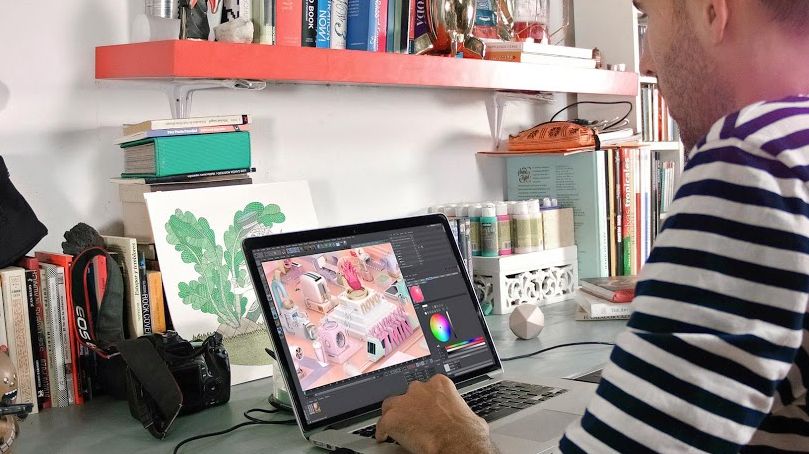
Animation of TV Bumpers with Motion Graphics
Un curs de Fabio MedranoDirector de grafică animată
Un curs de Fabio Medrano, Director de grafică animată

Animate broadcasting pieces with Cinema 4D, After Effects, Arnold Render, and Photoshop
Fabio Medrano, animation and motion graphics specialist, teaches you to create a corporate bumper or television ID with Cinema 4D, Arnold Render, and Photoshop.
Learn the principles of animation, as well as audiovisual production tricks, shot-by-shot composition, lighting, and post-production, to improve your pieces exponentially.
Ce vei învăța în acest curs online?
1 lecție & 1 descărcare
Timing, Spacing and types of curves
1 minut, 1 secundă
Deforming the mass
1 minut, 1 secundă
Anticipation, action and reaction
1 minut, 1 secundă
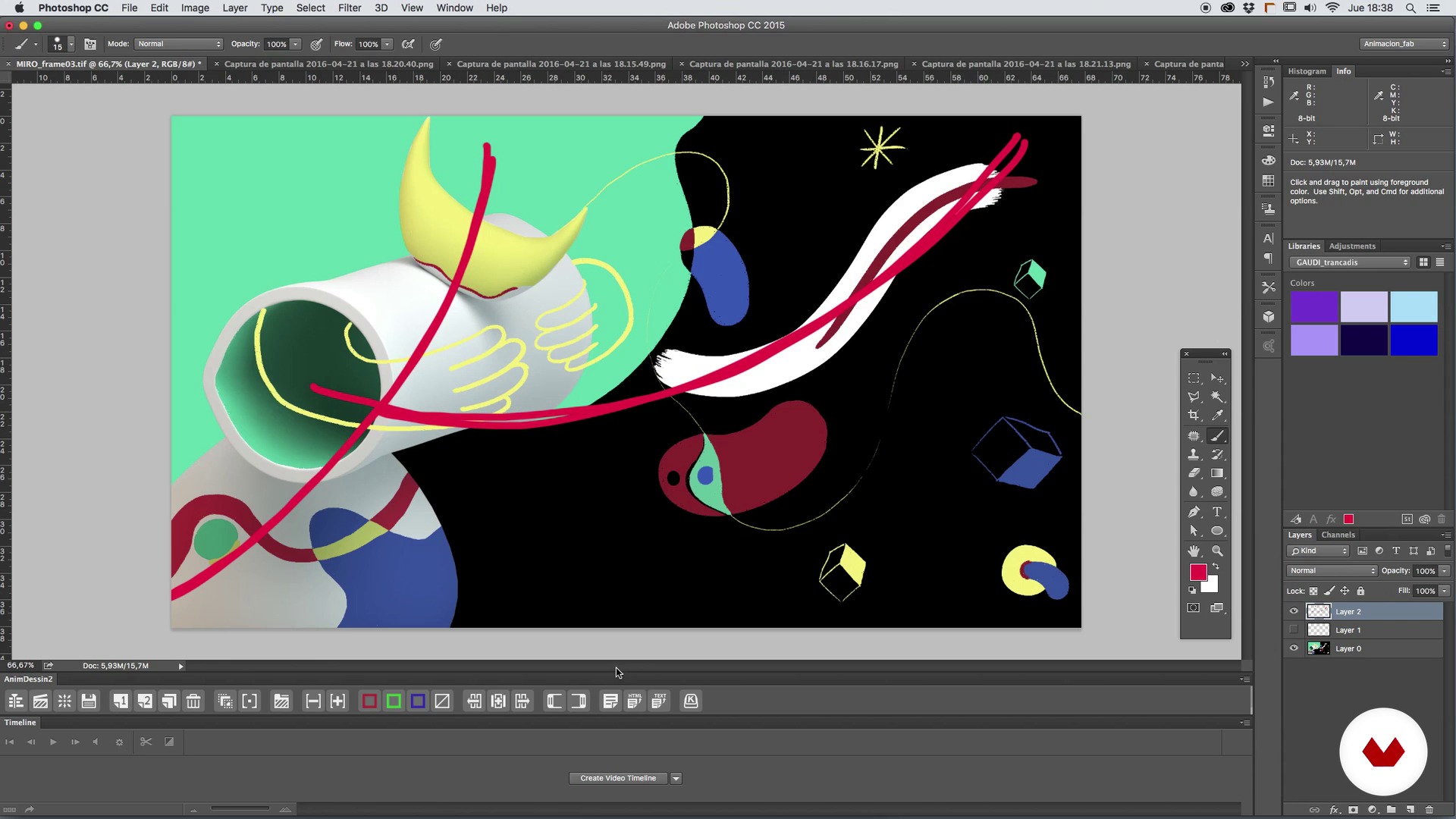
The plane composition
1 minut, 1 secundă
Camera, angle and optics
1 minut, 1 secundă
Search for references
1 minut, 1 secundă
Ce include acest curs?
Start by familiarizing yourself with Fabio Medrano's work and influences.
Next, review basic animation concepts like timing and spacing, types of curves, basic deformations, anticipation, action, and reaction, among other things. Fabio also tells you about the secrets of composing shots, framing, optics, and camera angles.
Once you've established the foundations, it's time to look for references for your animation project and the creation of a mood board to serve as a base concept. From here, create the sketch, the storyboard, the first animatic, and polish it shot by shot, before learning to texturize with the Arnold Render and make the last composition adjustments with After Effects.
To round out the course, correct the color and light levels, learn professional post-production tricks to improve the final piece, and see the most optimal codecs and formats to upload your animation to different platforms.

Software și instrumente recomandate pentru acest curs
Care este proiectul acestui curs?
Create your own TV bumper with motion graphics.
Proiecte ale studenților cursului


Pentru cine este acest curs online?
Animators, designers, illustrators with a base in 3D, and anyone who wants to immerse themself in the world of motion design and discover animation, lighting, and rendering techniques with Cinema 4D and Arnold Render.
Cerințe și materiale
To take this course, you need a working knowledge of both Cinema 4D and Photoshop.
Regarding materials, you need a computer installed with Cinema 4D, Arnold Render, Photoshop and After Effects, with a mouse or graphics tablet, paper, and a pencil.

Recenzii
- 9 luni în urmă
100% recomendable
- 1 an în urmă
buen curso básico pero se centra mucho en cinema 4d esperaba mas de after pero para iniciar en 4d es muy bueno
- 2 ani în urmă
(y)
- 3 ani în urmă
I wish there was more on the modelling of the scene. Otherwise ok with the motion graphics part.
- 3 ani în urmă
I liked it so much

Conţinut
- U 1
Introduction
- Presentation
- Influences
- U 2
Basic concepts of animation
- Timing, Spacing and types of curves
- Deforming the mass
- Anticipation, action and reaction
- U 3
Composition of the plane, framing and optics
- The plane composition
- Camera, angle and optics
- U 4
Setting the foundations of our piece
- Search for references
- Creation of a Mood Board and base concept
- U 5
The time to create
- The sketch and the storyboard
- The first animatic
- We begin to polish plane to plane I
- We begin to polish plane to plane II
- We begin to polish plane to plane III
- Time to light I
- Time to light II
- Materials and textures I
- Materials and textures II
- Render and pass settings for the compo in After Effects
- U 6
Giving the last touch
- We adjust color and light levels
- Post production tricks
- Final details of the final design
- Codecs and formats
- FP
Proiect final
- Animation of television widgets with Motion Graphics
La ce să te aștepți de la un curs Domestika
Învață în ritmul tău propriu
Bucură-te de învățarea de acasă, fără un program fix și cu o metodă ușor de urmat. Tu îți stabilești propriul ritm.
Învață de la cei mai buni profesioniști
Învață metode și tehnici valoroase explicate de experți de top din sectorul creativ.
Întâlnește profesori experți
Fiecare expert predă ceea ce face cel mai bine, cu îndrumări clare, pasiune adevărată și perspicacitate profesională în fiecare lecție.
Certificate
PLUSDacă ești membru Plus, primești un certificat personalizat semnat de profesorul tău pentru fiecare curs. Distribuie-l în portofoliul tău, pe rețelele sociale sau oriunde dorești.
Obțineți locuri în primul rând
Videoclipuri de cea mai înaltă calitate, pentru a nu rata niciun detaliu. Cu acces nelimitat, le poți viziona de câte ori este nevoie pentru a-ți perfecționa tehnica.
Împărtășește cunoștințe și idei
Pune întrebări, solicită feedback sau oferă soluții. Împărtășește-ți experiența de învățare cu alți studenți din comunitate care sunt la fel de pasionați de creativitate ca și tine.
Conectează-te cu o comunitate creativă globală
Comunitatea găzduiește milioane de oameni din întreaga lume, curioși și pasionați de explorarea și exprimarea creativității lor.
Urmărește cursuri produse profesional
Domestika își gestionează lista de profesori și produce fiecare curs intern pentru a asigura o experiență de învățare online de înaltă calitate.
Întrebări frecvente
You’ll learn to create 3D animations, Motion Graphics compositions, set and character design, keyframe management, lighting techniques, rendering, and post-production using programs like Cinema 4D, Maya, and After Effects.
This is an intermediate-level course, recommended for those with basic knowledge of animation, graphic design, or software like After Effects or Cinema 4D.
It’s best to have a basic understanding of After Effects and some 3D software like Cinema 4D or Maya to get the most out of this course.
You’ll need a computer capable of running 3D animation software (Cinema 4D, Maya), After Effects, and Photoshop, plus internet access to download materials and references.
You’ll be able to create 3D animations, TV intros, Motion Graphics compositions, animated characters, Disney-style backgrounds, and scenes with cartoon or vintage effects, using professional techniques.
Yes, the course dives deep into animation principles like timing, spacing, squash and stretch, anticipation, and action-reaction to create expressive, dynamic movement.
Yes, you’ll learn how to blend 3D animation with traditional techniques and Stop Motion to enrich your visuals and explore hybrid styles.