
Dodaj pomysłowe tło w ujęciu z serialu telewizyjnego
In this course, Sergio Rozas and Joaquín Gutiérrez (USER t38), will teach you how to create a realistic background and integrate it as if it were part of the plan of a television series or a fiction feature film.
Matte Painting is a visual effect that has been used a lot in the history of cinema. It is used to generate and increase the illusion of realism when it comes to something difficult or impossible to film.
Czego nauczysz się na tym kursie online?
llekcji: 15 & liczba dodatkowych zasobów: 18
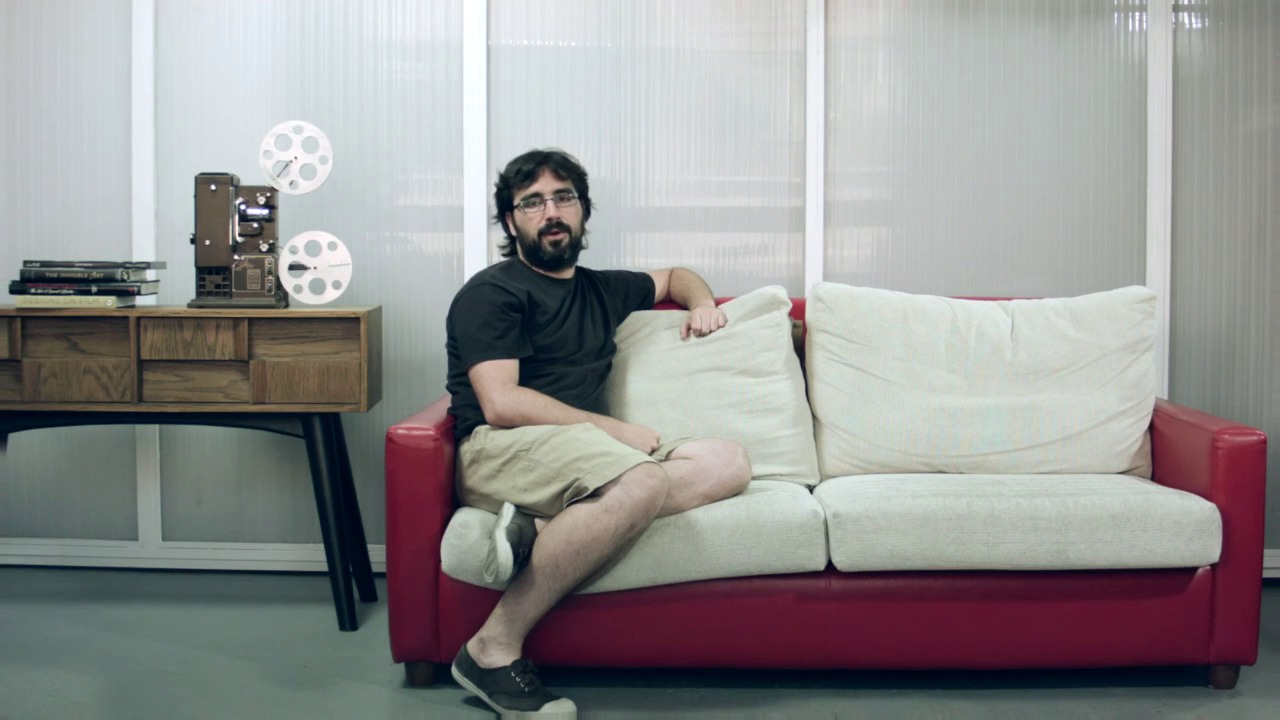
Presentation by Joaquín Gutiérrez and his influences
3 min, 54 sek.
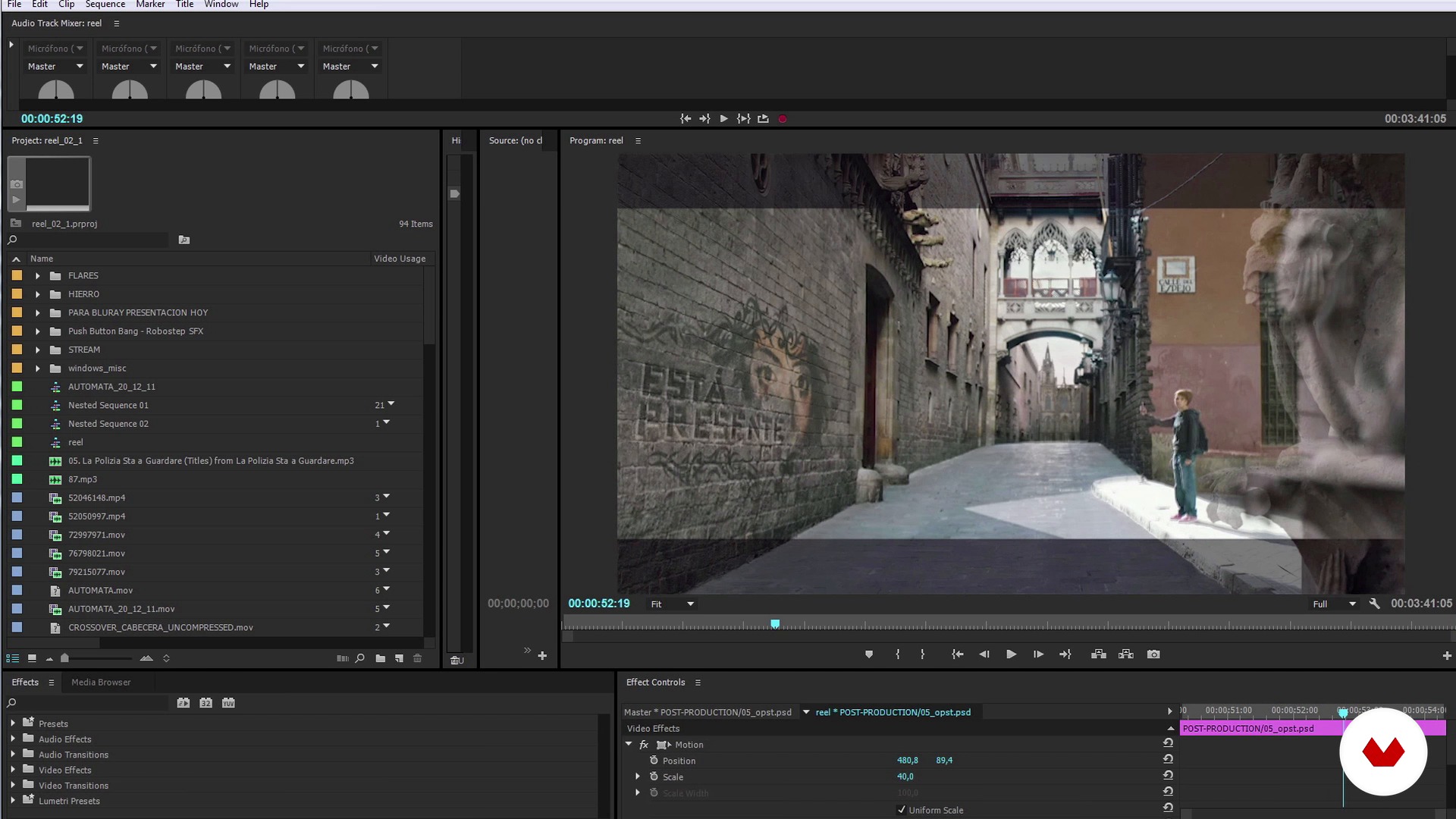
Introduction to Matte Painting: what it is and references
10 min, 56 sek.
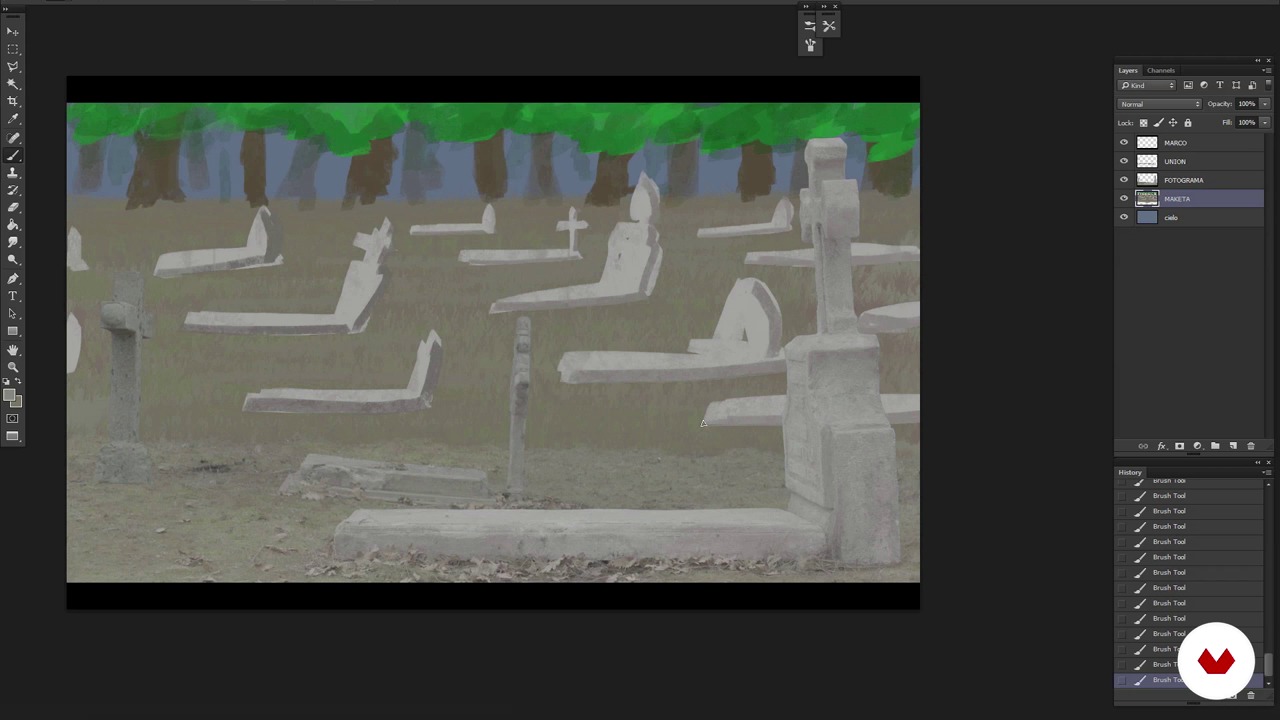
Analysis of the plan and creation of the model
13 min, 53 sek.
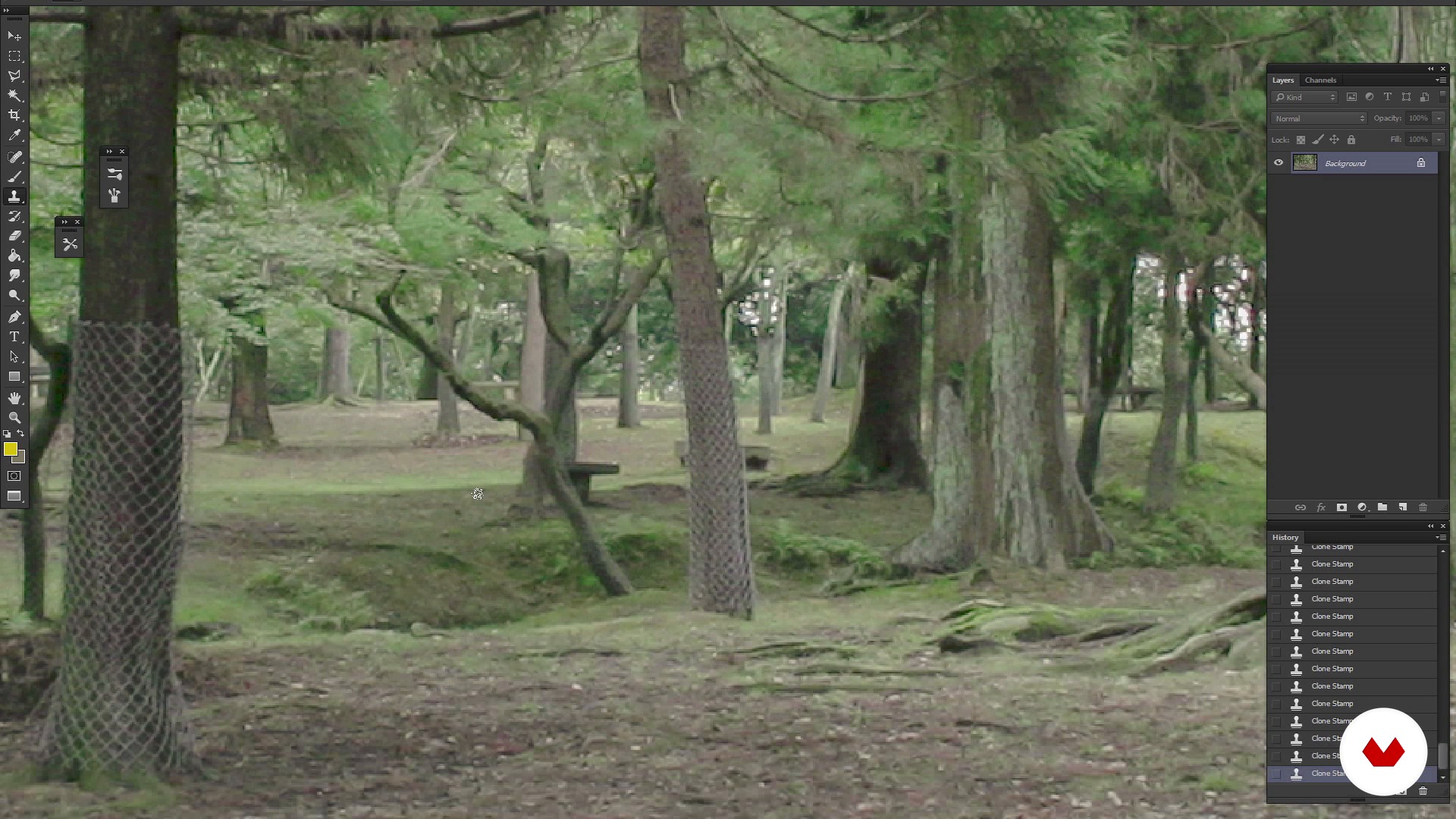
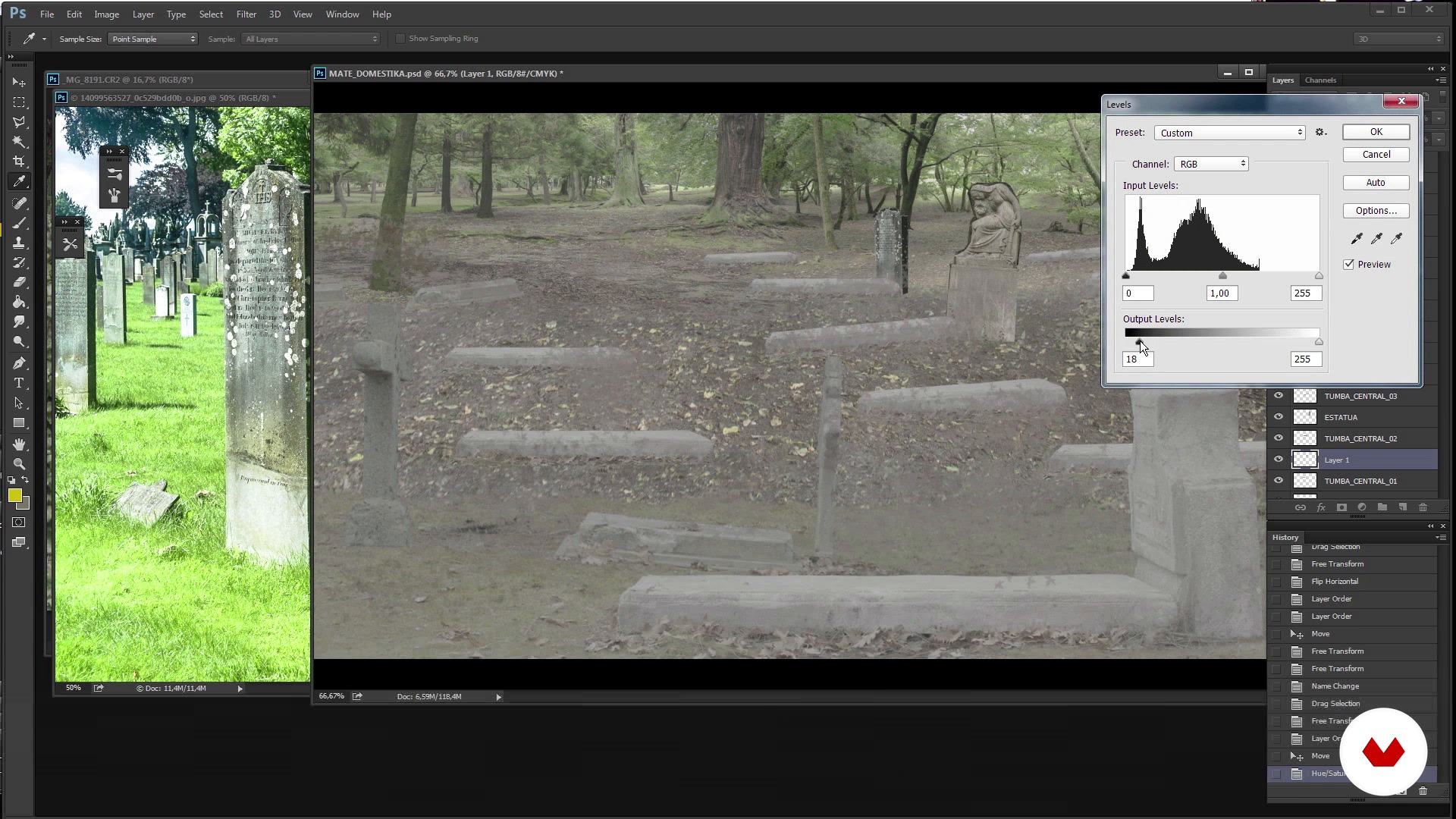
Reference search, Cleaning and creation of the fund
13 min, 13 sek.
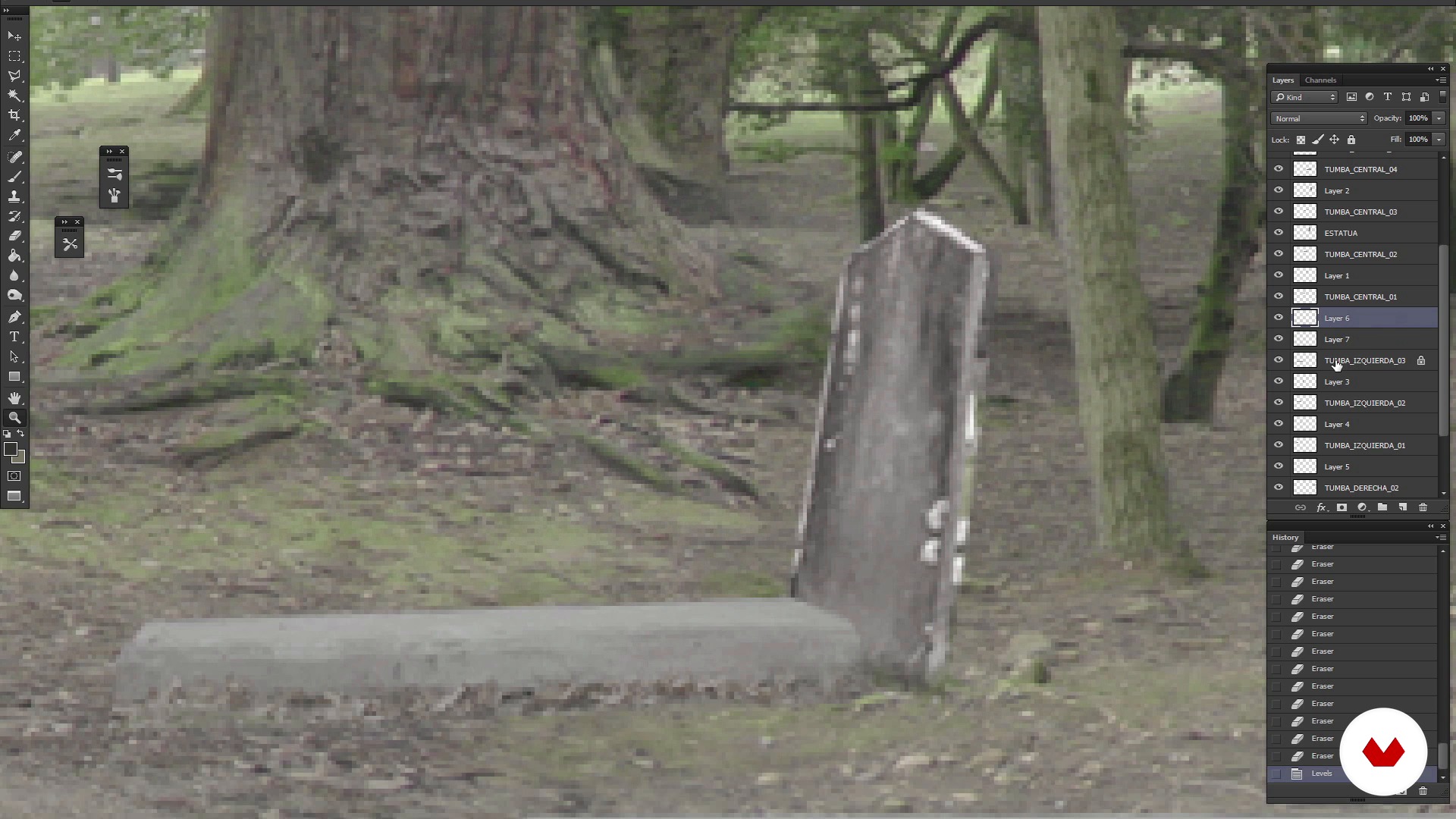
Trimming elements
13 min, 33 sek.
Refined Matte Painting
7 min, 47 sek.
Co obejmuje ten kurs?
You'll start getting to know User t38 better and the influences of Sergio and Joaquín.
Then you will discover how to create a Matte Painting with Photoshop. For this, the first thing you should do is analyze the angle of view of the shot with Chroma for which you have to create the background and the narrative objective with which it has been made. In this way you will know what kind of visual references to look for when selecting the different elements that will make up the scene.
Next you will create the first sketches of funds and you will discover how they behave.
When integrating the Matte Painting on the map, Sergio and Joaquín will give you the keys on how to clean a Chroma, the color and tips on how to add effects that were not filmed at the filming.
When you have achieved the definitive setting you were looking for, through adjustments and effects of lighting and general color retouching, you will achieve that there is no difference between the actual rolled image and the recreation of the background, in this way the retouching will go completely unnoticed in the scene in the that is integrated and the viewer will not notice this retouching.
Zalecane oprogramowanie i narzędzia do tego kursu
Jaki jest projekt kursu?
The challenge will be to make and integrate a Matte Painting into a shot of the series "The Ministry of Time," a fictional television series whose plot revolves around time travel.
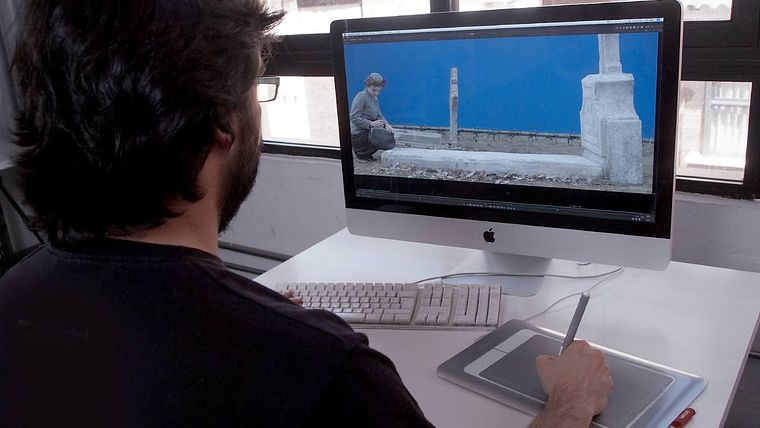
Projekty uczestników kursu


Do kogo jest skierowany ten kurs online?
To Designers, Composers of images, lovers of cinema, photography and television who are interested in deepening in the world of Matte Painting.
Wymagania i materiały
This is an advanced level course. You will have to handle Photoshop at medium level, and also know the Nuke digital composition software, as well as Adobe Premiere. When working with materials in HD it will also be necessary to have a powerful computer to perform the rendering of images.

Oceny
- 2 lata temu
Muy completo
- 3 lata temu
Entretenido y didáctico. Recomendable.
- 3 lata temu
Esse é o pior curso que já vi, na parte do Nuke faz mais de cinco anos que estoutentando ver o que este cara esta fazendo com os Nodes, ele clica em informações inportantes nas ferramentas e não mostra o que esta fazendo e para que esta fazendo, alem de muito desorganizados com os nodes.... NÃO SE APRENDE COM UM CURSO DESSE, ISSO NÃO MERECE SER CHAMADO DE CURSO.
- 4 lata temu
Está muy interesante el curso y práctico, van directo al grano de como es el proceso y con un ejemplo de la vida real.
- 5 lat temu
Hay cosas que me han gustado y hay cosa que no

Działa w branży audiowizualnej od 1995 roku. W trakcie swojej kariery pracował między innymi jako asystent dekoratora, fotograf, twórca storyboardów, grafik, rekwizytor, artysta rekwizytów, malarz matowy, teksturnik 3D...
Zawartość
- Cz.1
Introduction
- Introducing User t38
- Presentation of Sergio Rozas and his influences
- Presentation by Joaquín Gutiérrez and his influences
- Cz.2
How to create a Matte Painting?
- Introduction to Matte Painting: what it is and references
- Analysis of the plan and creation of the model
- Reference search, Cleaning and creation of the fund
- Trimming elements
- Refined Matte Painting
- Completion of Matte Painting and preparation for its composition
- Cz.3
How to integrate matte painting in the plane?
- Preparation of Matte Painting
- Tips to get a chroma 1
- Tips to get a chroma 2
- Cz.4
Delivery of the plane
- Color correction
- Look & Beauty
- To export
- PK
Projekt końcowy
- Creation and integration of a Matte Painting
Kurs Domestika - czego możesz się spodziewać?
Nauka we własnym tempie
Radość z nauki w domu, bez wyznaczonych terminów. Szybko przyswajasz wiedzę, a swój plan zajęć układasz wedle uznania.
Nauka z najlepszymi ekspertami
Przydatne metody oraz ciekawe techniki przedstawione i wyjaśnione przez najlepszych specjalistów z branży kreatywnej.
Doświadczeni prowadzący
Wszyscy prowadzący są specjalistami w swojej dziedzinie. Przekazują wiedzę z pasją, tłumaczą zagadnienia w jasny sposób, a podczas zajęć kładą nacisk na praktyczne zastosowanie zdobytej wiedzy.
Certyfikaty
PLUSJeśli masz subskrypcję Plus, za każdy kurs otrzymasz spersonalizowany certyfikat podpisany przez prowadzącego. Udostępnij go w portfolio, w mediach społecznościowych lub gdziekolwiek chcesz.
Miejsca w pierwszym rzędzie
Wysoka jakość wideo sprawia, że nie umknie Ci żaden szczegół. Dzięki nieograniczonemu dostępowi możesz obejrzeć nagrania tyle razy, ile potrzebujesz, aby przyswoić nowe umiejętności.
Dzielenie się wiedzą i pomysłami
Zadawaj pytania, nie wahaj się poprosić o opinię czy poszukać rozwiązania. Podziel się swoimi wrażeniami z nauki z pozostałymi członkami społeczności, którzy tak jak Ty uwielbiają tworzyć.
Łączność z kreatywną społecznością z całego świata
Społeczność kilku milionów użytkowników z całego świata, pełnych ciekawości oraz chęci odkrywania i wyrażania swojej kreatywności.
Profesjonalna realizacja kursów
Domestika starannie dobiera prowadzących i produkuje wszystkie kursy we własnym zakresie, aby zapewnić wysoką jakość nauki online.
Często zadawane pytania
Matte painting to technika, zarówno cyfrowa, jak i tradycyjna, służąca do tworzenia fikcyjnych scen i teł w kinie oraz reklamie, pozwalająca realistycznie powiększać lub zmieniać przestrzenie bez konieczności ich fizycznej budowy.
Kurs jest na poziomie średniozaawansowanym, idealny dla osób mających podstawową wiedzę z zakresu edycji cyfrowej lub produkcji audiowizualnej, które chcą zgłębić techniki matte paintingu i kompozycji cyfrowej.
Zaleca się podstawową znajomość Photoshopa oraz ogólne pojęcie o montażu wideo, ponieważ kurs korzysta z programów takich jak Photoshop, After Effects, Nuke i Digital Fusion.
Nauczysz się historii i technik matte paintingu, tworzenia realistycznych scen, integracji elementów, pracy na chromie, korekcji kolorów, kompozycji cyfrowej, teksturowania 3D oraz profesjonalnego workflow dla kina i reklamy.
Kurs pokazuje, jak dopasować perspektywę, kolor i oświetlenie, by cyfrowe tła idealnie współgrały z nagranym materiałem, dzięki czemu namalowane i rzeczywiste elementy stają się nierozróżnialne.
Wystarczy komputer z dostępem do programów do edycji cyfrowej, takich jak Photoshop i After Effects. Specjalistyczny sprzęt nie jest konieczny, choć warto mieć maszynę zdolną do obsługi plików w wysokiej rozdzielczości.
Będziesz mógł pracować jako artysta matte paintingu, kompozytor cyfrowy, projektant scen wizualnych, nadzorca efektów specjalnych lub w postprodukcji dla kina, telewizji i reklamy.