
Rigging: tworzenie szkieletu postaci 3D
Kurs prowadzi Pablo Emmanuel De LeoTD znaków CGI
Kurs prowadzi Pablo Emmanuel De Leo, TD znaków CGI

Dowiedz się, jak ożywić swoje postacie w programie Maya
In this course you will learn to give life to your characters through body rigging. Pablo Emmanuel de Leo, 3D professional with more than a decade of experience in the world of animation behind his back, will teach you how to generate a humanoid skeleton from scratch and place it in a geometry.
Taking advantage of the techniques used in the film and videogame industry, you will learn to complement rigging with basic programming concepts and generate realistic poses for your character.
Czego nauczysz się na tym kursie online?
llekcji: 44 & liczba dodatkowych zasobów: 22
Starting
1 minuta, 30 sek.
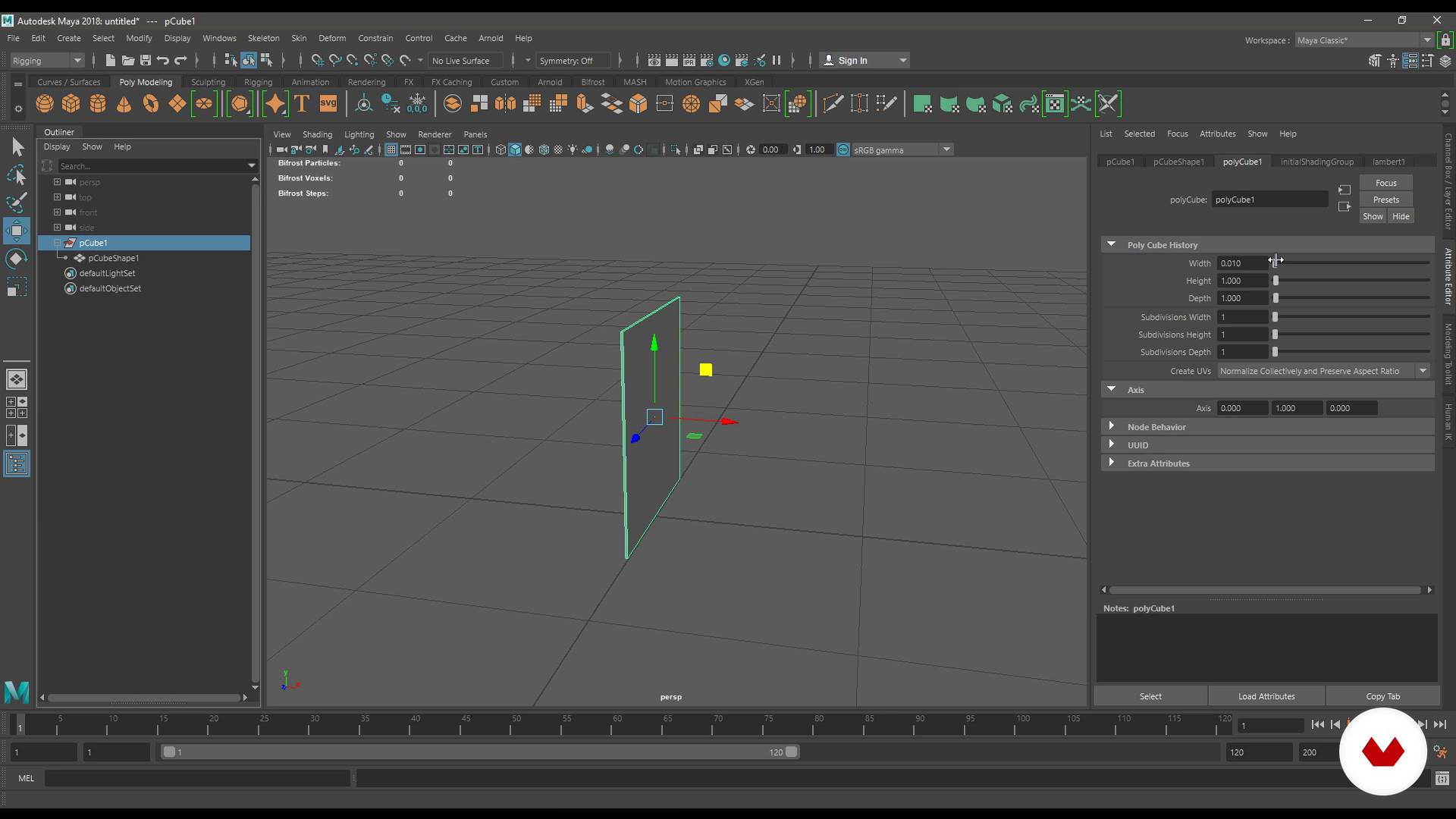
Environment and foundations of Maya (Part 1)
15 min, 21 sek.
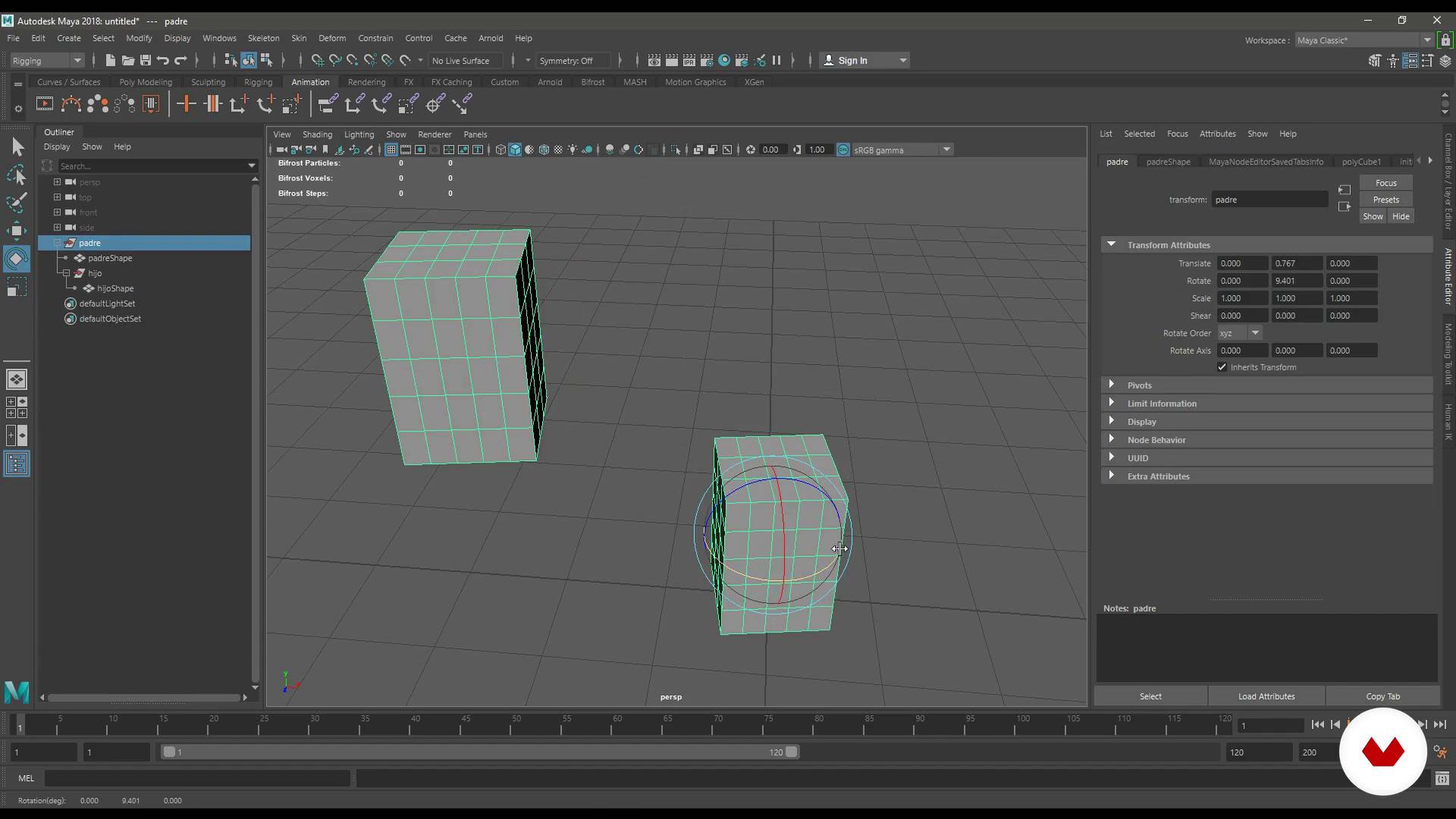
Environment and foundations of Maya (Part 2)
17 min, 50 sek.
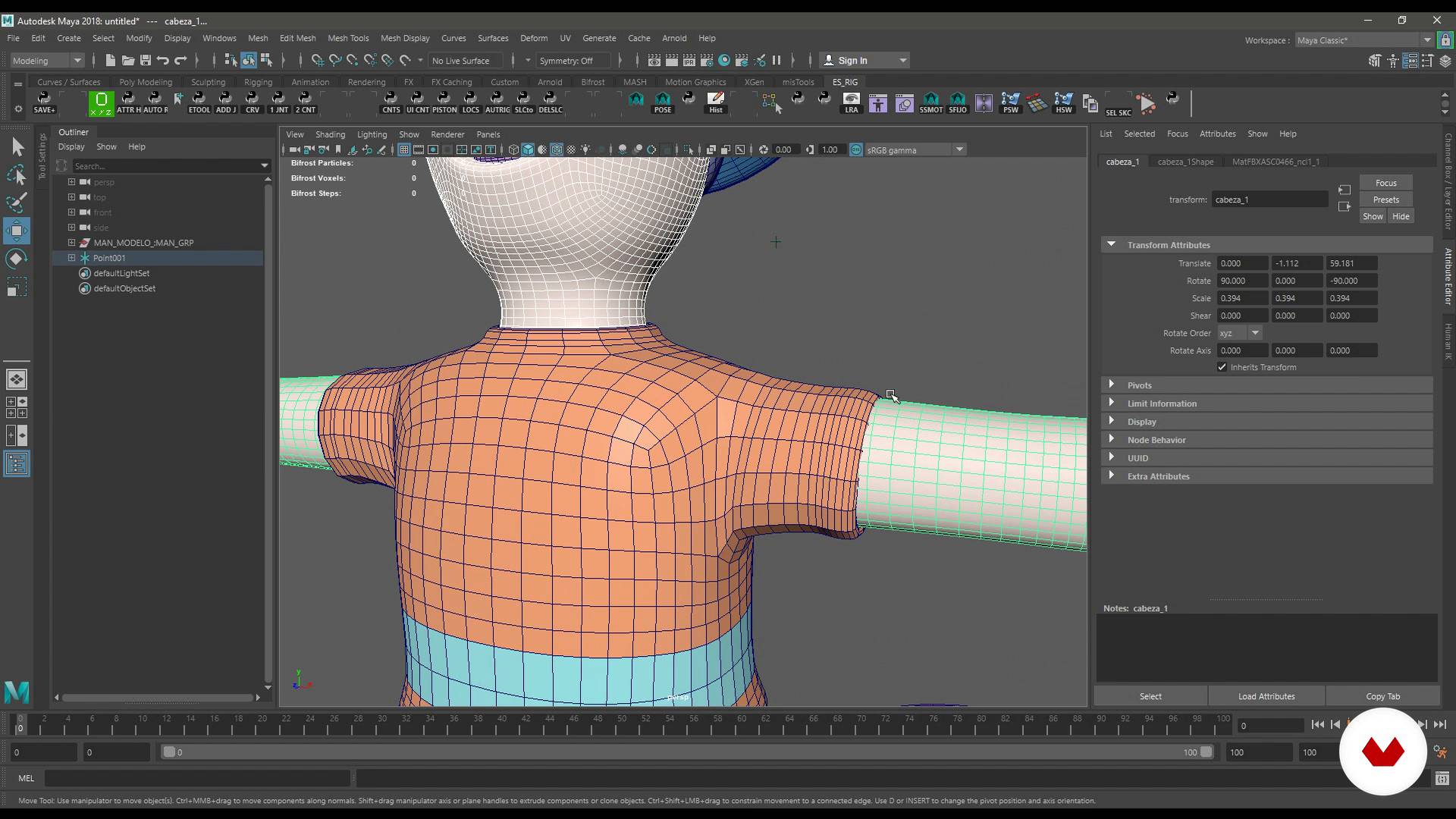
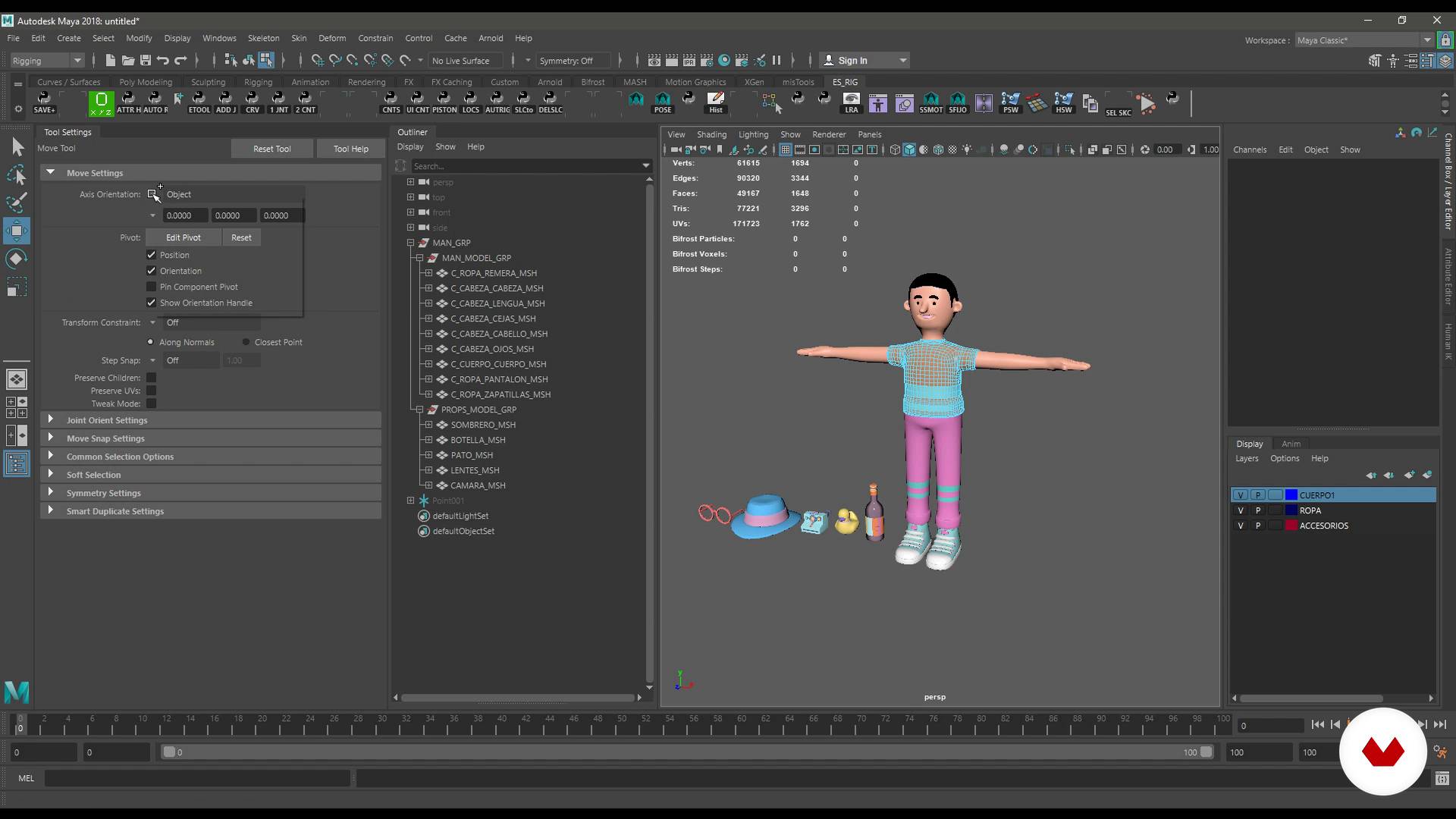
Topology for rigging
14 min, 0 sek.
Topology for rigging (Part 2)
17 min, 3 sek.
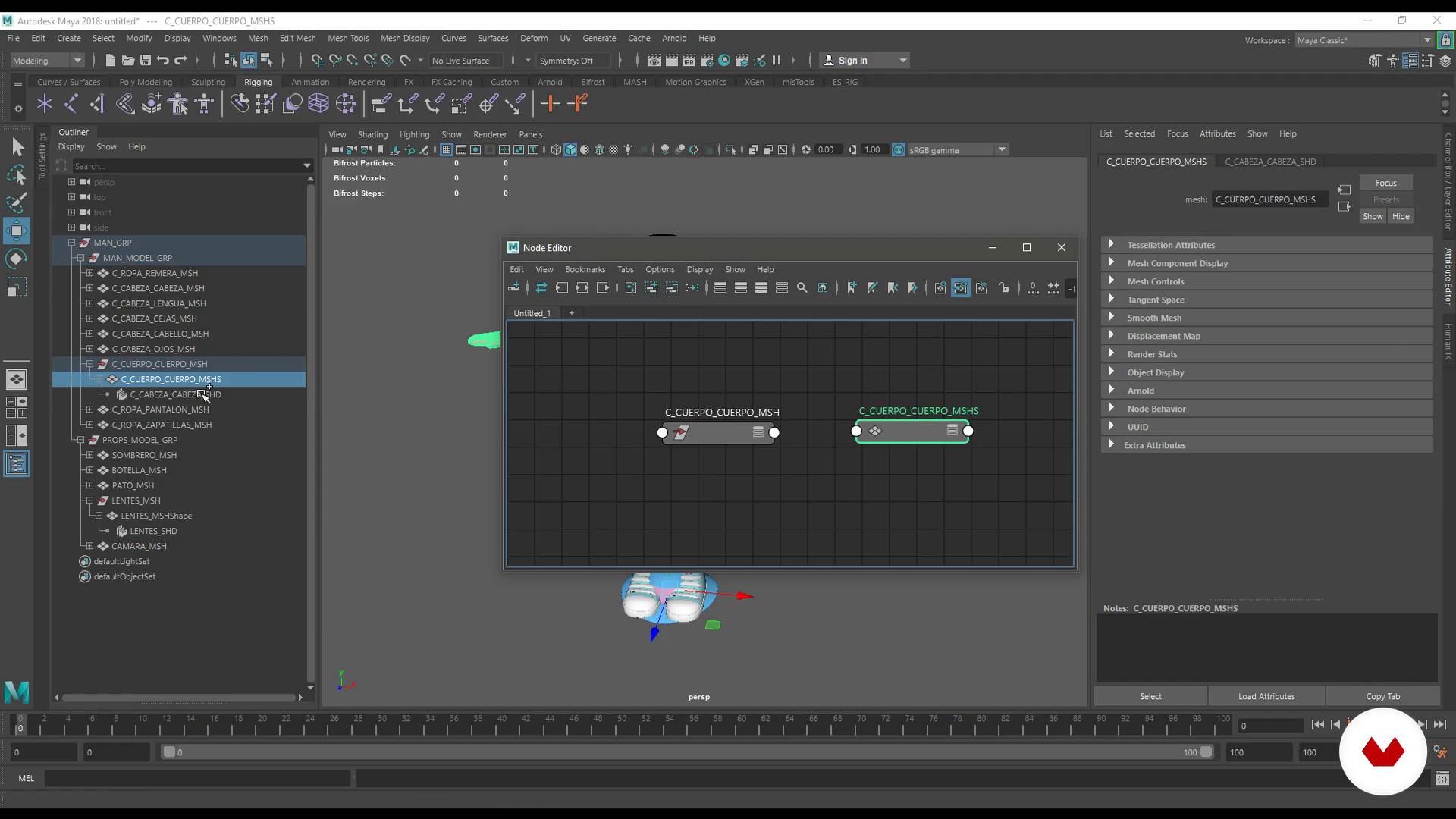
Order and nomenclature
7 min, 20 sek.
Co obejmuje ten kurs?
You will begin knowing the surroundings of Maya and discover the tools that Pablo Emmanuel de Leo uses to work. In addition, it will teach you how to structure and name the files to work in an orderly and effective way in the world of animation.
Once you are familiar with the work environment, you will learn how to perform the optimal topology for rigging and work with the references.
You will learn how to use the IK and FK systems, the Quick Rig and the HumaniK. You will create a rig of eyes, hands and accessories, as well as a facial rig with Blendshapes.
Pablo will teach you, too, to use the Skin and Pose Deform, to make a Proxy Rig and give a few small brushstrokes of programming with Python.
To finish, you will make five different poses of your characters and you will do the render to present your work.
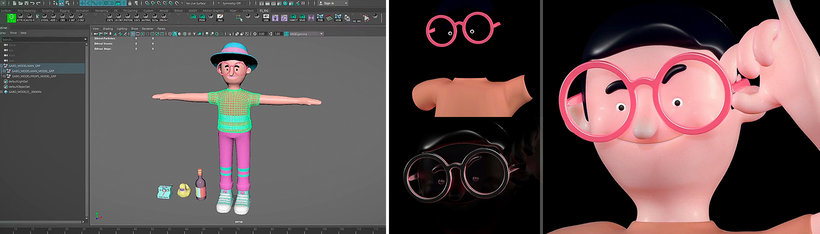
Zalecane oprogramowanie i narzędzia do tego kursu
Jaki jest projekt kursu?
From a 3D model, you will develop a humanoid skeleton, rigge and start programming. In addition, you will make several poses to animate your character and make him look more alive than ever.
Projekty uczestników kursu


Do kogo jest skierowany ten kurs online?
This course is aimed at designers, illustrators, animators, riggers, architects and anyone interested in the world of animated characters.
Wymagania i materiały
You must have a basic knowledge of the 3D environment and a curiosity to understand how things work.
With respect to the materials, you will need a computer with the Maya program. If you do not have it installed, do not worry, Pablo will help you get it.
Oceny
- 2 lata temu
Buen curso en general, muy util todos los trucos que enseña.
- 2 lata temu
exelente!
- 3 lata temu
Con este curso comprendi los fundamentales del rigging. Estoy contento porque me abre un mundo de posibilidades.
- 4 lata temu
Ainda Estou começando, mas parece ser bom.
- 4 lata temu
Un curso muy completo, recomendado para aventurar en el rigging

Pełnił funkcję kierownika, riggera i technika r...
Zawartość
- Cz.1
Introduction
- Presentation
- Influences
- Starting
- Cz.2
Interface and organization
- Environment and foundations of Maya (Part 1)
- Environment and foundations of Maya (Part 2)
- Topology for rigging
- Topology for rigging (Part 2)
- Order and nomenclature
- References
- IK, FK and their differences (Part 1)
- IK, FK and their differences (Part 2)
- IK, FK and their differences (Part 3)
- IK, FK and their differences (Part 4)
- Cz.3
Rig with HumanIK
- Quick rig
- HumanIK (Part 1)
- HumanIK (Part 2)
- Cz.4
Custom rigs
- Rig of hands
- Rig of eyes
- Rig of accessories (Part 1)
- Rig of accessories (Part 2)
- Rig of accessories (Part 3)
- Cz.5
Deformers
- BlendShapes for expressions (Part 1)
- BlendShapes for expressions (Part 2)
- BlendShapes for expressions (Part 3)
- BlendShapes for expressions (Part 4)
- Skinning (Part 1)
- Skinning (Part 2)
- Skinning (Part 3)
- Skinning (Part 4)
- Skinning (Part 5)
- Deformer pose
- Cz.6
Creating a proxy rig
- Proxy rig (Part 1)
- Proxy rig (Part 2)
- Proxy rig (Part 3)
- Proxy rig (Part 4)
- Cz.7
Close the character
- Shell with Python (Part 1)
- Shell with Python (Part 2)
- Shell with Python (Part 3)
- Shell with Python (Part 4)
- Shell with Python (Part 5)
- Closure of the character (Part 1)
- Closure of the character (Part 2)
- Poses and render (Part 1)
- Poses and render (Part 2)
- PK
Projekt końcowy
- Body Rigging in Maya
Kurs Domestika - czego możesz się spodziewać?
Nauka we własnym tempie
Radość z nauki w domu, bez wyznaczonych terminów. Szybko przyswajasz wiedzę, a swój plan zajęć układasz wedle uznania.
Nauka z najlepszymi ekspertami
Przydatne metody oraz ciekawe techniki przedstawione i wyjaśnione przez najlepszych specjalistów z branży kreatywnej.
Doświadczeni prowadzący
Wszyscy prowadzący są specjalistami w swojej dziedzinie. Przekazują wiedzę z pasją, tłumaczą zagadnienia w jasny sposób, a podczas zajęć kładą nacisk na praktyczne zastosowanie zdobytej wiedzy.
Certyfikaty
PLUSJeśli masz subskrypcję Plus, za każdy kurs otrzymasz spersonalizowany certyfikat podpisany przez prowadzącego. Udostępnij go w portfolio, w mediach społecznościowych lub gdziekolwiek chcesz.
Miejsca w pierwszym rzędzie
Wysoka jakość wideo sprawia, że nie umknie Ci żaden szczegół. Dzięki nieograniczonemu dostępowi możesz obejrzeć nagrania tyle razy, ile potrzebujesz, aby przyswoić nowe umiejętności.
Dzielenie się wiedzą i pomysłami
Zadawaj pytania, nie wahaj się poprosić o opinię czy poszukać rozwiązania. Podziel się swoimi wrażeniami z nauki z pozostałymi członkami społeczności, którzy tak jak Ty uwielbiają tworzyć.
Łączność z kreatywną społecznością z całego świata
Społeczność kilku milionów użytkowników z całego świata, pełnych ciekawości oraz chęci odkrywania i wyrażania swojej kreatywności.
Profesjonalna realizacja kursów
Domestika starannie dobiera prowadzących i produkuje wszystkie kursy we własnym zakresie, aby zapewnić wysoką jakość nauki online.
Często zadawane pytania
You’ll learn how to create, organize, and animate 3D characters, apply rigging techniques, manage scenes in Maya, program for video games and films, and streamline your workflow for professional digital projects.
This is an intermediate-level course. It’s recommended that you have basic knowledge of 3D modeling and Maya to get the most out of the material.
You’ll need Autodesk Maya installed, a computer capable of handling 3D graphics, and an internet connection. Having a graphics tablet and basic Maya skills is also recommended.
Rigging involves building skeletons and controls for 3D models, enabling you to animate characters or objects with realistic, flexible movements for video games, films, and interactive projects.
Yes, the course includes creating tools and scripts to automate tasks and boost productivity in Maya, aimed at animators and technical artists.
You’ll develop skills to animate and rig 3D characters, program interactivity and effects, and manage complex scenes for both game production and digital film.
Yes, you’ll learn to build and switch between IK/FK systems, create BlendShapes for facial expressions, and handle complex control and bone hierarchies for lifelike animations.