Illustration mit digitalem Airbrush
A course by DSORDERIllustrator und Designer
A course by DSORDER, Illustrator und Designer

Erstellen Sie mit Illustrator und Photoshop Illustrationen basierend auf der Airbrush-Technik der 80er und 90er Jahre
Sowohl im Design als auch in der Mode sind Trends zyklisch und erscheinen von Zeit zu Zeit perfekt und mit einer Wendung. Dies ist der Fall beim Airbrushing, das den Sprung in die digitale Welt durch Künstler wie DSORDER - Pseudonym des Art Directors Martí Serra - geschafft hat, der die Airbrush für einen Computer geändert hat, um sowohl nostalgische als auch futuristische Werke zu schaffen.
In diesem Kurs lernen Sie, wie Sie mithilfe der Technik des digitalen Airbrushing eine Illustration erstellen und die Textur von Kristallen, Flüssigkeiten und Chrommaterialien ohne Verwendung von 3D-Programmen simulieren.
Was lernst du in diesem Onlinekurs?
19 Lektionen & 7 Downloads
Was wir während des Kurses tun werden
1 Minute, 4 Sekunden
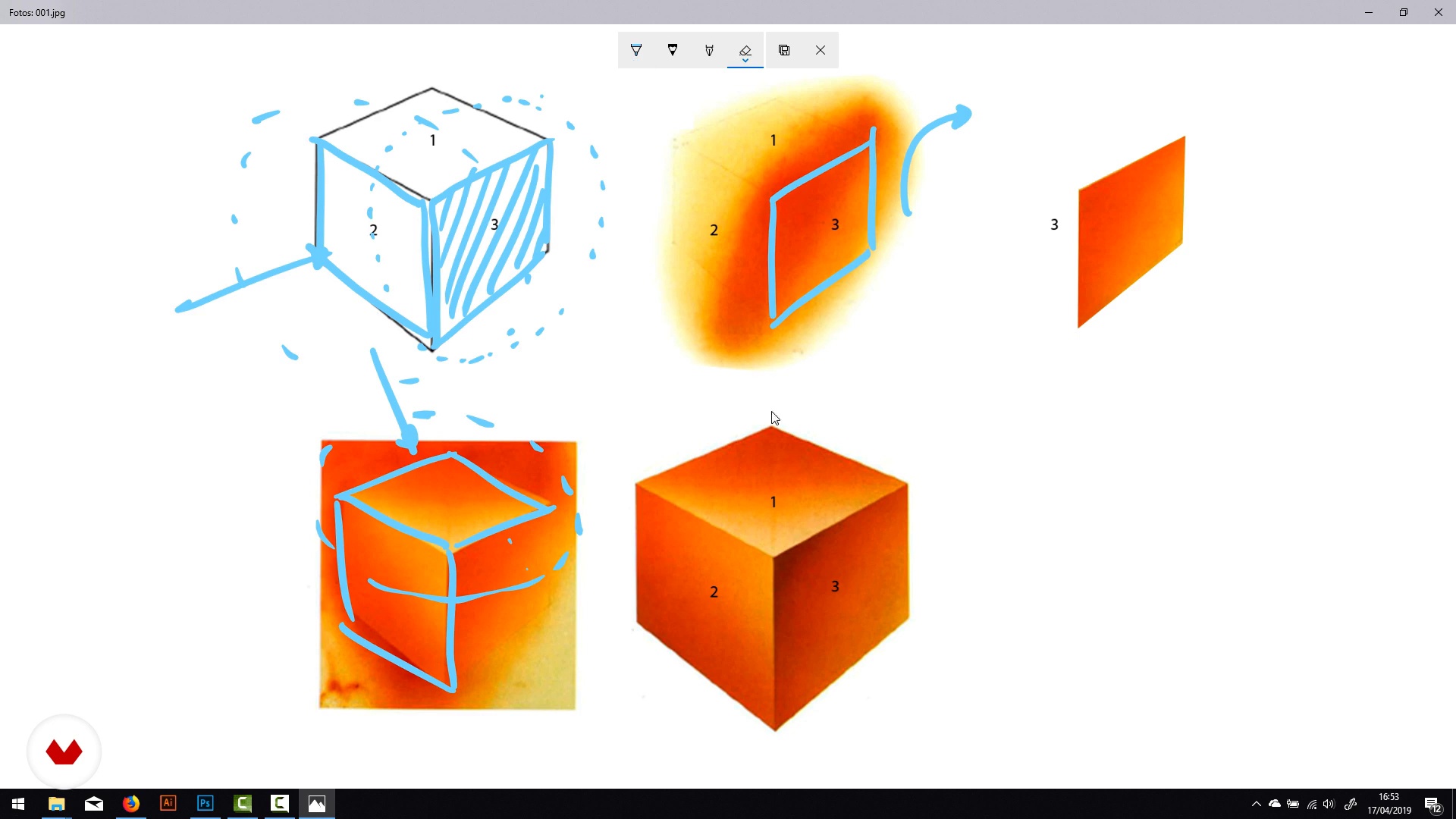
Das traditionelle Airbrush-Verfahren
18 Minuten, 55 Sekunden
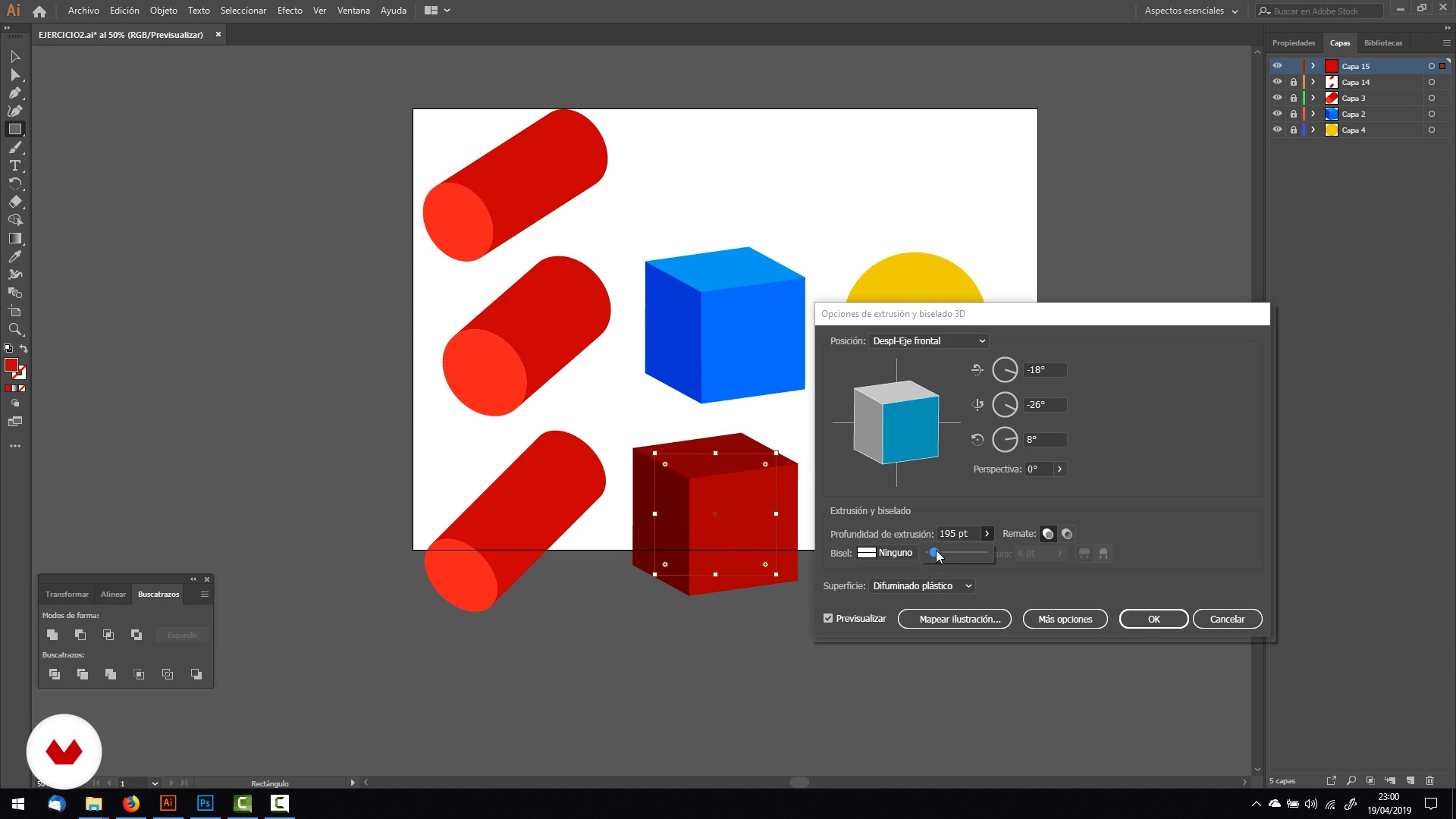
Einführung in Illustrator
14 Minuten, 44 Sekunden
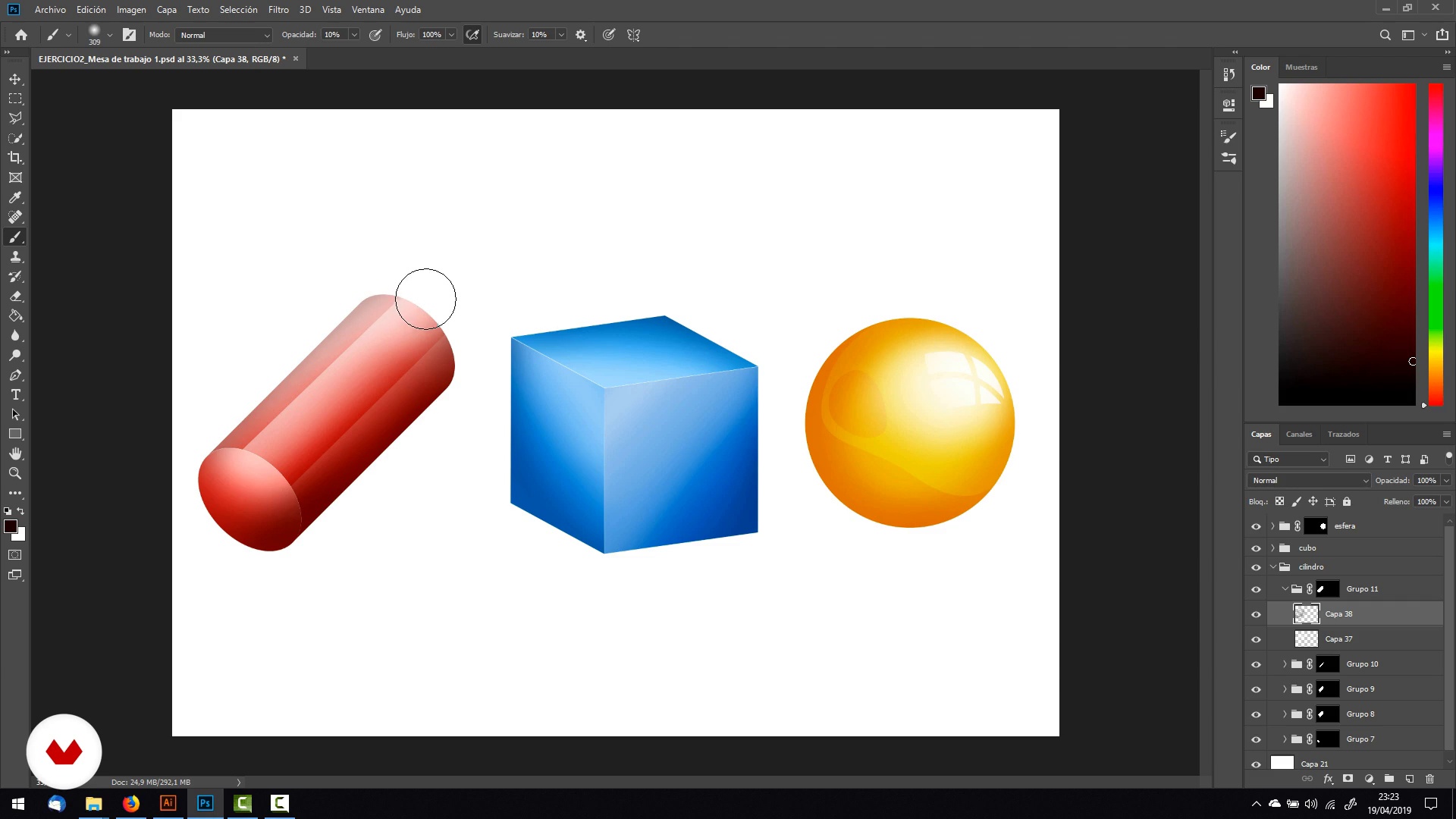
Einführung in Photoshop
15 Minuten, 18 Sekunden
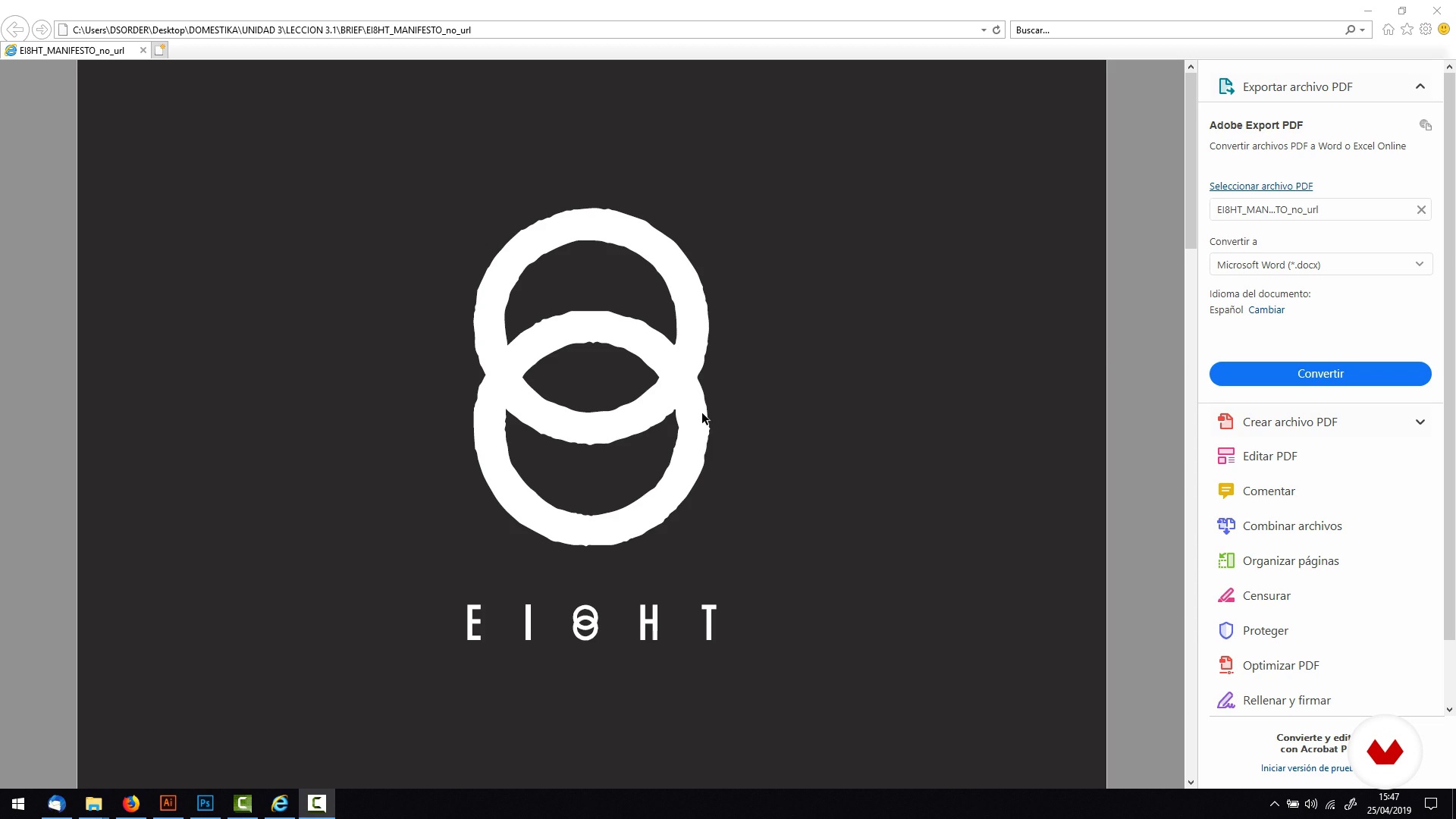
Brief für unser Projekt
1 Minute, 32 Sekunden
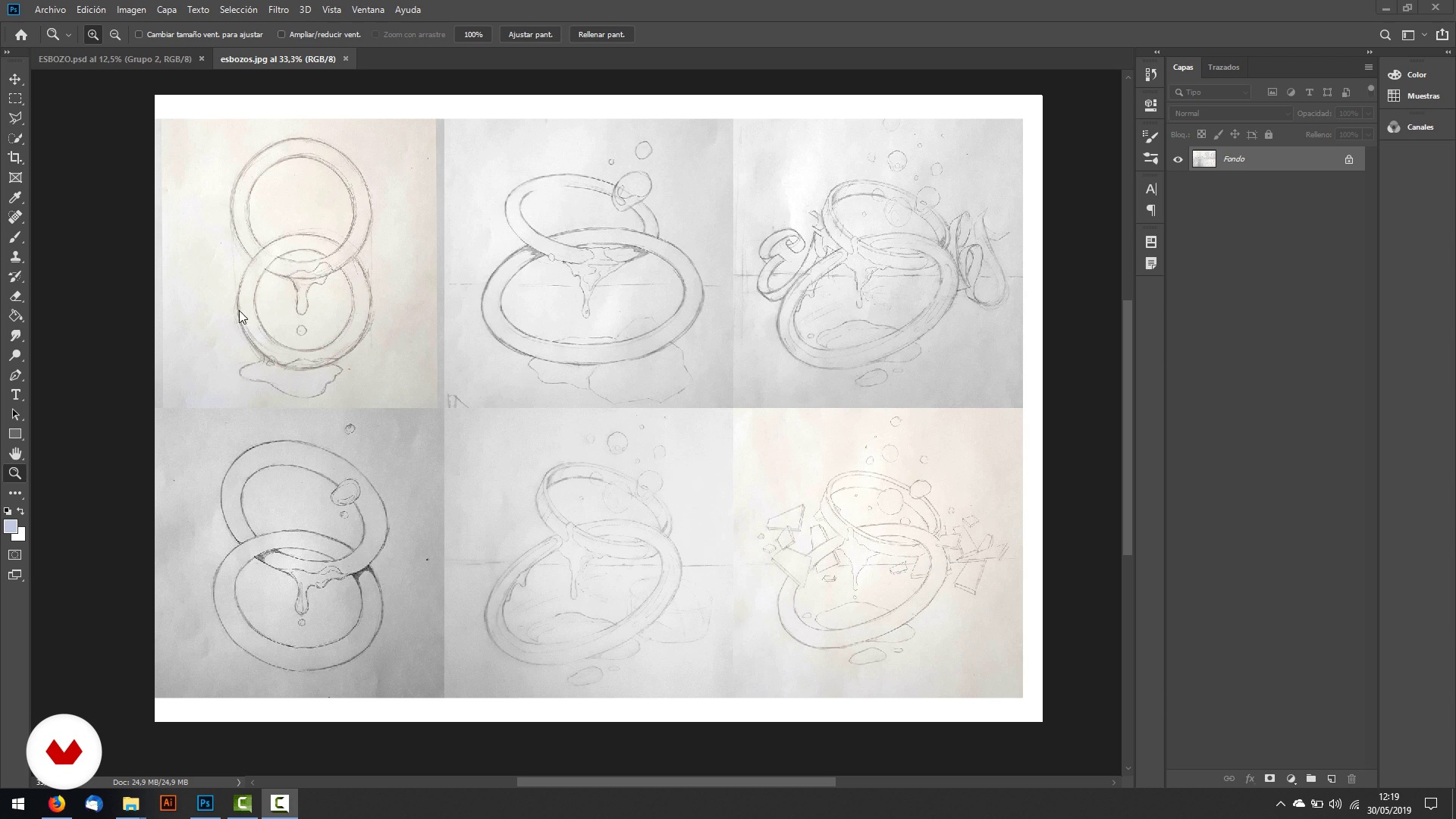
Skizze und digitale Passform
16 Minuten, 34 Sekunden
Was ist in diesem Kurs enthalten?
Zunächst kennen Sie Martí und seine pädagogische und berufliche Laufbahn in der Welt des Designs. Er zeigt Ihnen einige seiner herausragendsten Projekte und seine künstlerischen Einflüsse. Es zeigt Ihnen auch traditionelle Airbrush-Künstler, die verschiedene Arten von Materialien und Oberflächen bearbeiten.
Bevor Sie mit der Arbeit an Ihrem digitalen Airbrush beginnen, müssen Sie eine theoretische und praktische Grundlage schaffen. Sie analysieren verschiedene Illustrationen traditioneller Airbrush-Künstler und Martí erklärt Ihnen die verschiedenen Formen anhand von Masken. Sie erhalten auch eine kurze Einführung in Adobe Illustrator und Photoshop , die sich auf die Tools konzentrieren, die Sie für diesen Kurs benötigen.
Sie werden eine Übung zum Suchen und Beobachten von Referenzen durchführen, basierend auf Materialien, die wir in unserem Alltag finden können: Chrom, Glas oder flüssige Dinge, um zu sehen, wie Licht in ihnen reagiert.
Sie beginnen mit der Erstellung Ihrer Skizze, zuerst mit Bleistift und dann in Photoshop. Nach dem Anpassen verfolgen Sie es in Illustrator wo Sie die Vorlagen erstellen, die Sie später in Photoshop zum Erstellen von Verläufen und Volumes verwenden.
Sie färben Ihre Zeichnung und erstellen Details zu Glanz, Chrom und Verläufen. Zuletzt kümmern Sie sich um die feineren Effekte außerhalb der Maske, mit denen Sie die Helligkeit und Sättigung optimieren können, bevor Sie Ihr Projekt für das Web oder den Druck exportieren.
Recommended software & tools for this course
What is this course's project?
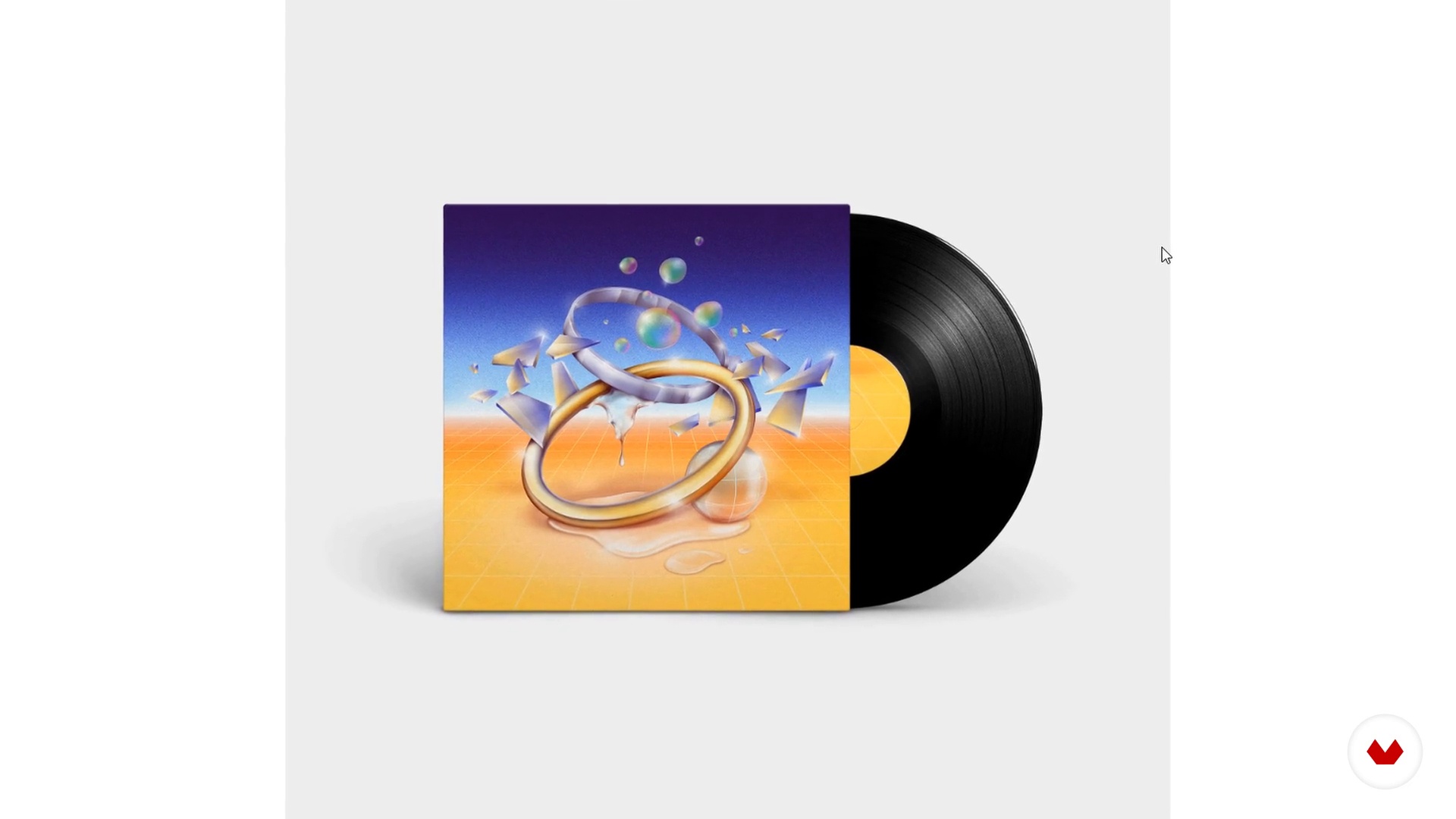
Sie erstellen eine Illustration basierend auf dem Airbrush der 80er und 90er Jahre, mit der Sie das Cover einer Schallplatte oder eines Buches, eines Posters oder eines T-Shirts erstellen können.
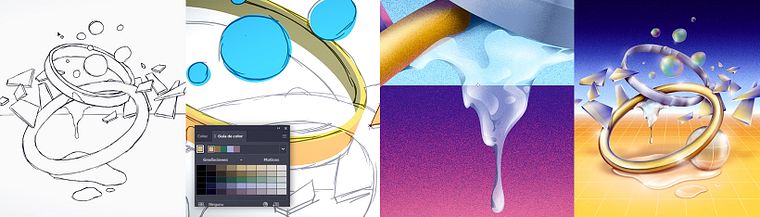
Projekte von Kursteilnehmenden


Who is this online course for?
An Schriftsteller Illustratoren, Designer und Fachleute, die ihre Arbeit mit Realismus ausstatten möchten.
Requirements and materials
Sie benötigen grundlegende Zeichenfähigkeiten und Grundkenntnisse in Adobe Illustrator und Photoshop .
Für die Materialien benötigen Sie einen Computer mit den oben genannten Programmen, ein Grafiktablett, Papier, Bleistift, Radiergummi und ein Mobiltelefon, um Fotos von Ihrer Skizze aufzunehmen.
Bewertungen
- jabalquintomarPLUSvor 8 Monaten
Genial por el momento explica de una forma dinámica nada aburrida pero queda muy claro todo lo que explica y considero que es muy buen docente.
- kwiatkowska91PLUSvor 1 Jahr
Fajny kurs, dowiedziałam się nowych rzeczy.
- vor 3 Jahren
Bonjour, cours très ludique , j'apprécie et je recommande , maîtrise parfait très professionnel .
- vor 3 Jahren
Great!!
- vor 3 Jahren
Well informative and easy to follow.

Martí hat mit Kunden wie Apple, Hard Rock und PlayStation zusammengearbeitet und wurde in Medien wie Fubiz, Yorokobu und Behance Portfolio Reviews veröffentlicht.
Inhalt
- E1
Einführung
- Präsentation
- Einflüsse
- Was wir während des Kurses tun werden
- E2
Einführung in das traditionelle Airbrushing
- Das traditionelle Airbrush-Verfahren
- Einführung in Illustrator
- Einführung in Photoshop
- E3
Das Projekt
- Brief für unser Projekt
- Skizze und digitale Passform
- Skizzenpfad im Illustrator
- Skizzenpfad in Illustrator II
- Skizzenpfad in Illustrator III
- Export für Photoshop
- E4
Volumen, Farbverläufe und Färbung
- Farbbereich Übung
- Formen Bände und 3d I.
- Formen Bände und 3d II
- Details zu Materialien I.
- Details in Materialien II
- Effekte ohne Maske
- Projekt exportieren
- AP
Abschlussprojekt
- Digitale Illustration: Von der Skizze aus erster Hand bis zur Fertigstellung mit Illustrator und Photoshop zur Darstellung verschiedener Materialien
Was erwartet dich in einem Domestika-Kurs?
Lerne in deinem Tempo
Lerne bequem von zuhause aus, in deinem eigenen Tempo und ohne festen Zeitplan. Du entscheidest, wann und wo.
Lerne mit den Profis
Lerne die nützlichsten Techniken und Methoden mit den Profis der Kreativbranche.
Tritt mit den erfahrendsten Experten in Kontakt
Jede Lehrperson übermittelt dir in jeder Lektion leidenschaftlich sein/ ihr Wissen mittels ausführlichen Erklärungen aus professioneller Sicht.
Certificates
PLUSIf you're a Plus member, get a personalisiertes und unterzeichnetes Zertifikat signed by your teacher for every course. Share it on your portfolio, social media, or wherever you like.
Sei ganz vorne mit dabei
Dank hochwertig produzierter und gestochen scharfer Videos entgeht dir kein einziges Detail. Du hast uneingeschränkten Zugriff auf deinen Kurs und kannst dir so alle Videolektionen so oft ansehen, wie du möchtest.
Teile Wissen und Ideen
Stelle deine Fragen, bitte um Meinungen und biete Lösungsansätze. Teile deine Lernerfahrung mit anderen Schüler*innen in der Community, die genauso kreativ sind wie du.
Sei Teil einer globalen kreativen Community
Die Community umfasst Millionen wissbegierige Menschen weltweit, die Freude an kreativem Ausdruck finden.
Arbeite mit von Profis produzierten Kursen
Um eine einzigartige Online-Lernerfahrung zu garantieren, zählt Domestika auf eine sorgfältige Auswahl der Lehrpersonen und produziert jeden Kurs intern.
FAQ
You’ll learn both digital and traditional airbrushing techniques, how to build a portfolio, illustration for album and book covers, using Photoshop and Illustrator, simulating complex materials, and visual composition for professional projects.
Yes, this course is designed for those with basic illustration skills who want to refine their techniques and expand their professional portfolio in airbrushing and digital media.
It’s recommended to have basic knowledge of digital illustration and some familiarity with Photoshop and Illustrator, but you don’t need to be an airbrushing expert before starting.
You’ll need a computer, access to Photoshop and Illustrator, a graphics tablet (optional but recommended), and basic supplies if you want to practice traditional airbrushing.
Yes, you’ll learn how to structure and present an eye-catching portfolio that highlights your skills and projects to attract clients and freelance collaborations.
You’ll learn to simulate airbrush effects, create custom brushes, use masks, build volume, and create realistic chrome, liquid glass, textures, and shadows using Photoshop and Illustrator.
Yes, the course covers designing album and book covers, including composition, illustrated typography, and adapting to various editorial and commercial formats.