Sound Design and Post-Production for Video and Animation
Eğitmen: Aimar MoleroSes tasarımcısı
Eğitmen: Aimar Molero, Ses tasarımcısı

Learn to add sound, post-produce, and master with Logic Pro X and other software
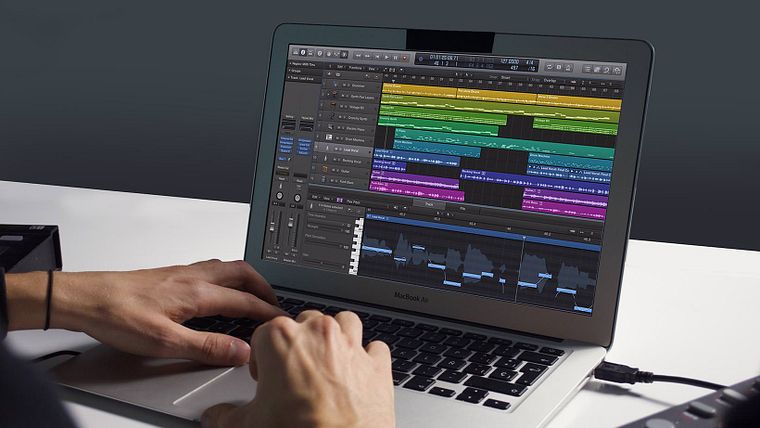
In this course by Aimar Molero, expert in sound design, learn how to add sound to a video or animation with Logic Pro X. Many of the solutions that Aimar proposes to the most common problems when adding sound and music to a piece are applicable to other software as well, such as GarageBand and Adobe Premiere.
The objective of the course is to provide all kinds of audiovisual professionals (animators, motion graphers, filmmakers, etc.) with useful resources and help them gain independence from the "sound guy" when working on different projects. The result is more than just correctly synchronizing image and sound—it's also about conveying emotions that round out an image and add realism to what is being represented.
Bu çevrimiçi kursta ne öğreneceksiniz?
1 ders & 1 indirme
Sound I
21 dakika, 50 saniye
Sound II
16 dakika, 44 saniye
Sound III
13 dakika, 57 saniye
Music I
18 dakika, 58 saniye
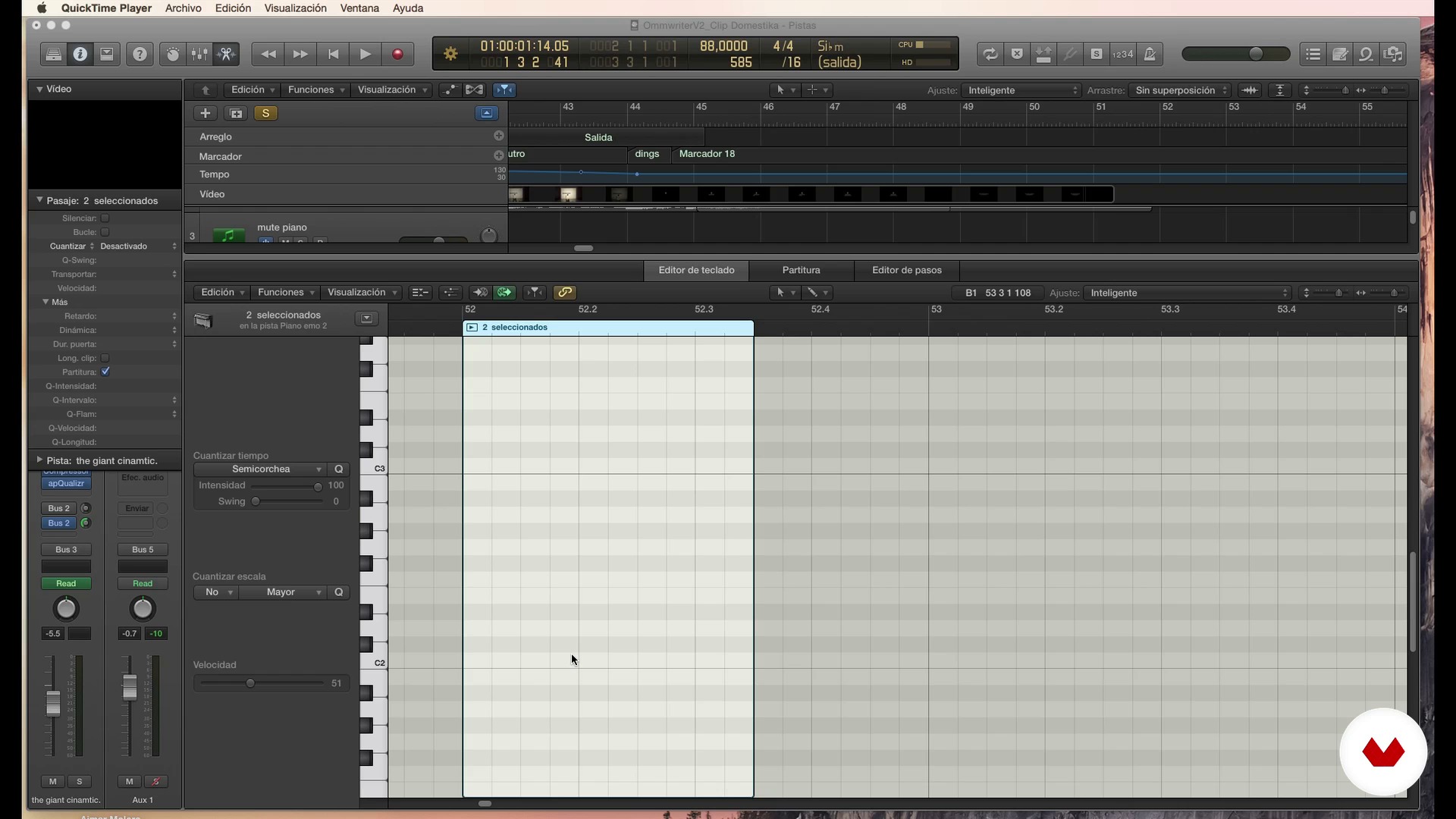
Music II
18 dakika, 31 saniye
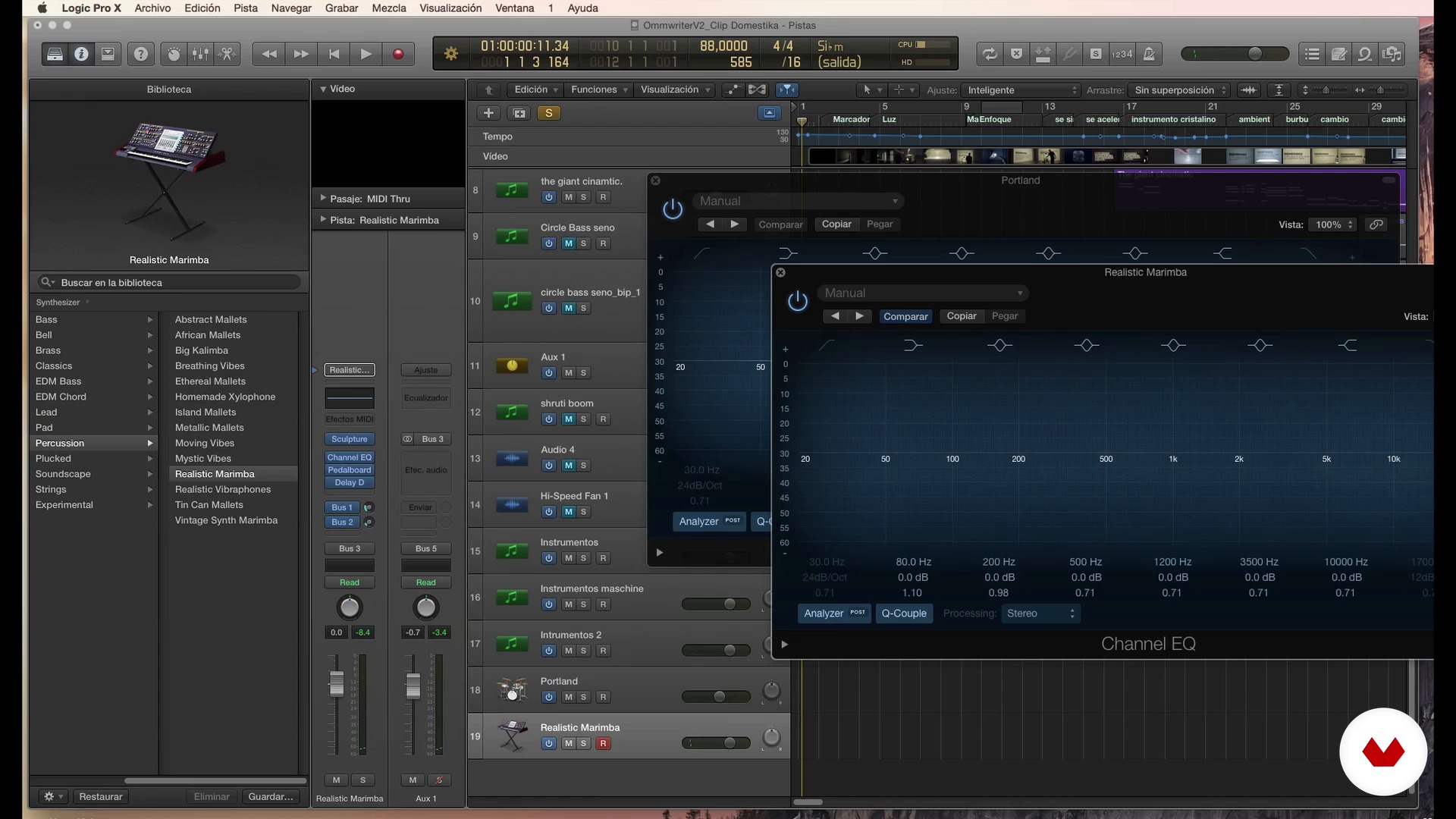
Music III
20 dakika, 23 saniye
Bu kursa neler dahil?
Start by getting to know Aimar Molero's work and influences. Familiarize yourself with some basic concepts of sound and music and discover his unique view of the union between image and audio.
Then, determine the visual piece for your project. Learn how to acquire the sound clips, clean them up, name them, and organize them. In addition, Aimar Molero teaches you how to address common problems, such as fixing silences and noises, dealing with problems with the stereo channel, and practicing techniques to follow the rhythm correctly or correct dissonant notes.
Finish up by learning how to master and export your piece to achieve a perfect result.
Bu kurs için önerilen yazılım ve araçlar
Bu kursun projesi nedir?
The final project is to sound an animation piece that either you or a friend has created, or one of the examples that are provided in the course, using the tools that are explained throughout the lessons.
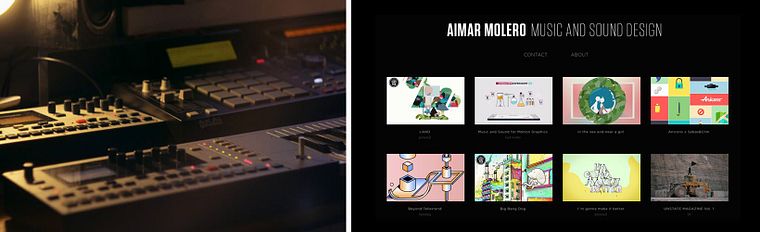
Kurs öğrencilerinin projeleri


Bu çevrimiçi kurs kimlere yöneliktir?
This course is for any audiovisual or motion-graphics professional who feels somewhat lost when they talk about audio or wants to gain independence in their work. The course is also appropriate for people who want to get started in the world of sound or those who are curious about learning about a different work methodology within sound design.
Gereksinimler ve materyaller
No prior knowledge of sound or Logic Pro X is required. However, experience working with a DAW or digital audio workstation and familiarity with sound and music basics will help you complete the course.
As for the materials, to take this course you need a computer with any program that allows you to work with different tracks, move and edit the audio regions, and add effects.
In addition, speakers other than those on your laptop or a set of headphones are necessary. The project and the lessons are completed in Logic Pro X, but you can use GarageBand (which is very similar to Logic and free) or even a video-editing program such as Adobe Premiere if it meets the requirements listed above. Some additional resources are provided to guide your work on other platforms.
Yorumlar
- 1 yıl önce
Excelente curso, aprendí muchas cosas nuevas para mi
- 2 yıl önce
Con diferencia es el mejor curso al que he entrado, el profesor es todo un personaje y se ve que entiende y le apasiona el tema, que cada vídeo dure de 10 a más de 20 minutos es una pasada, por el precio que tiene me parece la mejor inversión de mi vida, fácilmente el mejor contenido audiovisual en la internet entera para aprender sobre sonido, producción y música
- 2 yıl önce
Falta preparar mejor el contenido, titubea demasiado y se extiende en las explicaciones de manera innecesaria, lo cual podría arreglarse con postproducción, pero es entendible cuando él mismo dice que el vídeo no es su fuerte. Sin embargo, la calidad del audio también es deficiente: la voz se escucha poco y los efectos/sonidos demasiado. Se valora la eliminación del ruido exterior, la experiencia y el conocimiento que demuestra. Espero poder rescatar algo valioso en el resto del curso.
- lchen136PLUS3 yıl önce
interesting...
- 3 yıl önce
Un curso interesante de sonido y postproducción.

İçerik
- U 1
Introduction
- Presentation
- Influences
- U 2
Basic notions
- Sound I
- Sound II
- Sound III
- Music I
- Music II
- Music III
- Union between video and sound I
- Union between video and sound II
- U 3
Preproduction: how to get the material with which we will work
- Raise our piece
- How to get your sounds
- Clean, name and organize your sounds I
- Clean, name and organize your sounds II
- U 4
Production: 100% common in any software
- Working the sound I
- Working the sound II
- Working the sound III
- Working the sound IV
- Working music I
- Working music II
- U 5
Post-production: 90% common in any audio software
- Typical operation of an audio software
- Work more thoroughly the sound I
- Work more thoroughly the sound II
- Work more deeply on music I
- Work more thoroughly music II
- U 6
"Masterize" and Export
- Take out the master of your piece I
- Remove the master of your piece II
- FP
Bitirme projesi
- Sound Design and Postproduction for Video and Animation
Bir Domestika kursundan neler beklenebilir?
Kendi hızınızda öğrenin
Belirli bir program olmadan ve takip edilmesi kolay bir yöntemle evden öğrenmenin tadını çıkarın. Kendi hızınızı kendiniz belirlersiniz.
En iyi profesyonellerden öğrenin
Yaratıcı sektörün en iyi uzmanlarının açıkladığı değerli yöntem ve teknikleri öğrenin.
Uzman öğretmenlerle tanışın
Her uzman, her derste açık yönergelerle, gerçek tutkuyla ve profesyonel anlayışla en iyi yaptıkları şeyi öğretir.
Sertifikalar
PLUSPlus üyesiyseniz her kurs için öğretmeninizden imzalı bir özel sertifika alın. Portföyünüzde, sosyal medyada veya istediğiniz yerde paylaşın.
Ön sıra koltukları alın
En yüksek kalitede videolar sayesinde tek bir ayrıntıyı kaçırmazsınız. Sınırsız erişim sayesinde tekniğinizi mükemmelleştirmek için bunları istediğiniz kadar izleyebilirsiniz.
Bilgi ve fikirleri paylaşın
Sorular sorun, geri bildirim isteyin veya çözümler sunun. Öğrenme deneyiminizi topluluktaki, yaratıcılığa sizin kadar tutkulu olan diğer öğrencilerle paylaşın.
Küresel bir yaratıcı toplulukla bağlantı kurun
Topluluk, dünyanın her yerinden meraklı ve yaratıcılıklarını keşfetme ve ifade etme konusunda tutkulu milyonlarca insana ev sahipliği yapıyor.
Profesyonelce hazırlanmış kursları izleyin
Domestika, yüksek kaliteli bir çevrimiçi öğrenme deneyimi sağlamak için öğretmen kadrosunu seçer ve her dersi kendi bünyesinde üretir.
SSS
Videolar, video oyunları, belgeseller ve televizyon için müzik ve ses tasarlamayı, düzenlemeyi ve oluşturmayı; sound design, düzenleme, işleme ve görsel-işitsel senkronizasyon tekniklerini kullanarak öğreneceksiniz.
Evet, kurs müzik prodüksiyonunda orta düzey deneyime sahip, ses tasarımı ve görsel-işitsel medyada entegrasyonu derinleştirmek isteyen öğrenciler için tasarlanmıştır.
Logic Pro, Pro Tools veya GarageBand gibi müzik prodüksiyon yazılımlarında temel bilgiye sahip olmak kursu en iyi şekilde değerlendirmek için tavsiye edilir; ancak derslerde önemli fonksiyonlar da açıklanacaktır.
Orijinal müzik yaratabilir, ses efektleri tasarlayabilir, kayıtları temizleyebilir, sesi video ile senkronize edebilir ve profesyonel oturumlar organize edebilirsiniz; tüm bunlar görsel-işitsel ve multimedya projeleri için geçerlidir.
Motion graphics ve 3D animasyon için ses tasarımı, görsel efektleri ve animasyonları güçlendiren ses ve müzik yaratmak ve uyarlamaktan oluşur; böylece görsel ve işitsel öğeler yaratıcı ve tutarlı bir şekilde birleşir.
Bir bilgisayar, kulaklık veya monitörler ve Logic Pro, Pro Tools ya da GarageBand gibi bir DAW erişimi gerekir. İsteğe bağlı olarak, ses denemeleri için mikrofon ve kayıt cihazı da kullanabilirsiniz.
Kurs, video oyunları ve belgeseller için özel olarak beste yapma, sample alma, ses işleme, parça organizasyonu ve sesin görüntü ile senkronizasyonu tekniklerini öğretir.