
Create a completely invented background in a shot from a TV series
In this course, Sergio Rozas and Joaquín Gutiérrez (USER t38), will teach you how to create a realistic background and integrate it as if it were part of the plan of a television series or a fiction feature film.
Matte Painting is a visual effect that has been used a lot in the history of cinema. It is used to generate and increase the illusion of realism when it comes to something difficult or impossible to film.
Bu çevrimiçi kursta ne öğreneceksiniz?
1 ders & 1 indirme
Presentation by Joaquín Gutiérrez and his influences
3 dakika, 54 saniye
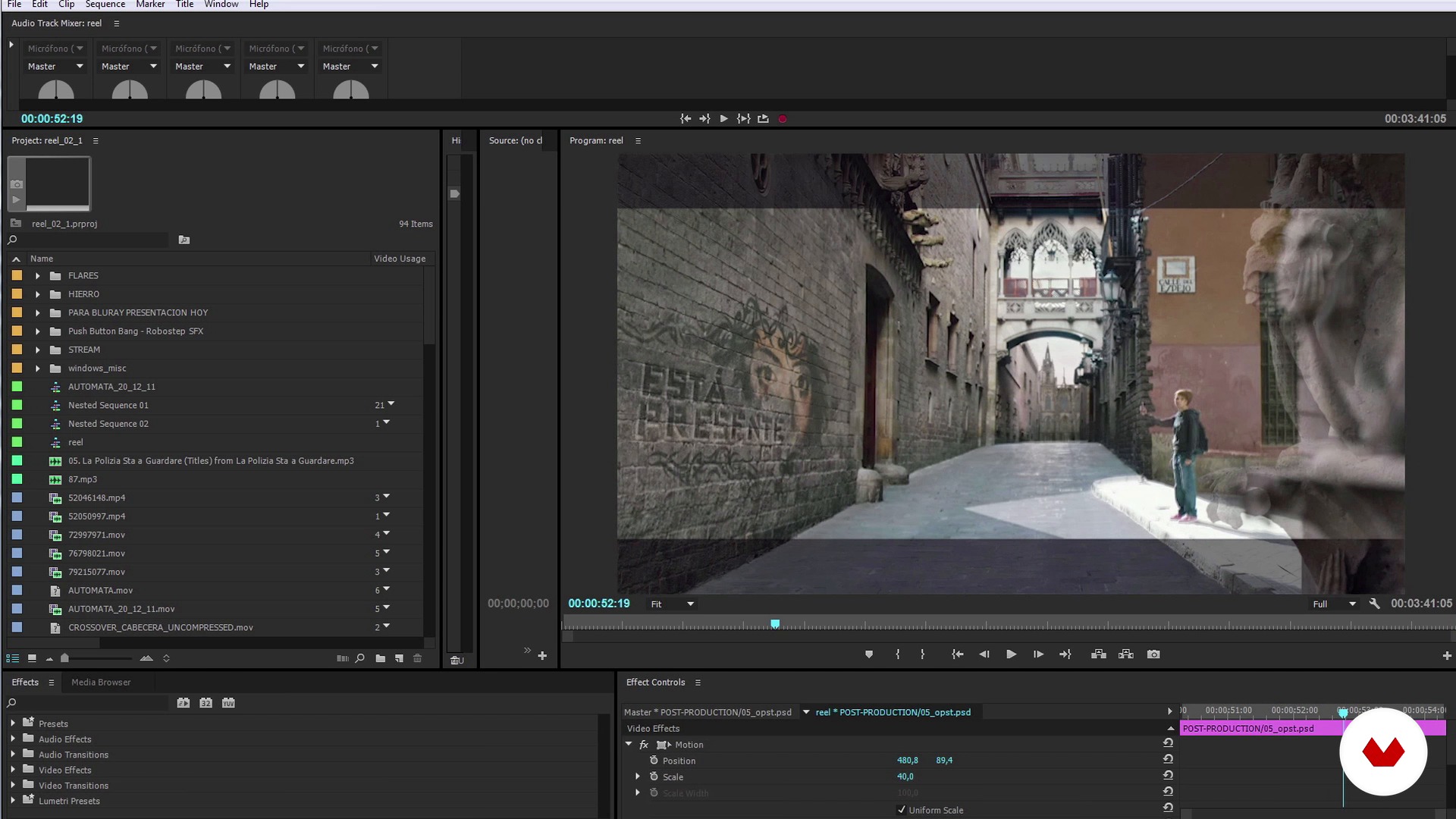
Introduction to Matte Painting: what it is and references
10 dakika, 56 saniye
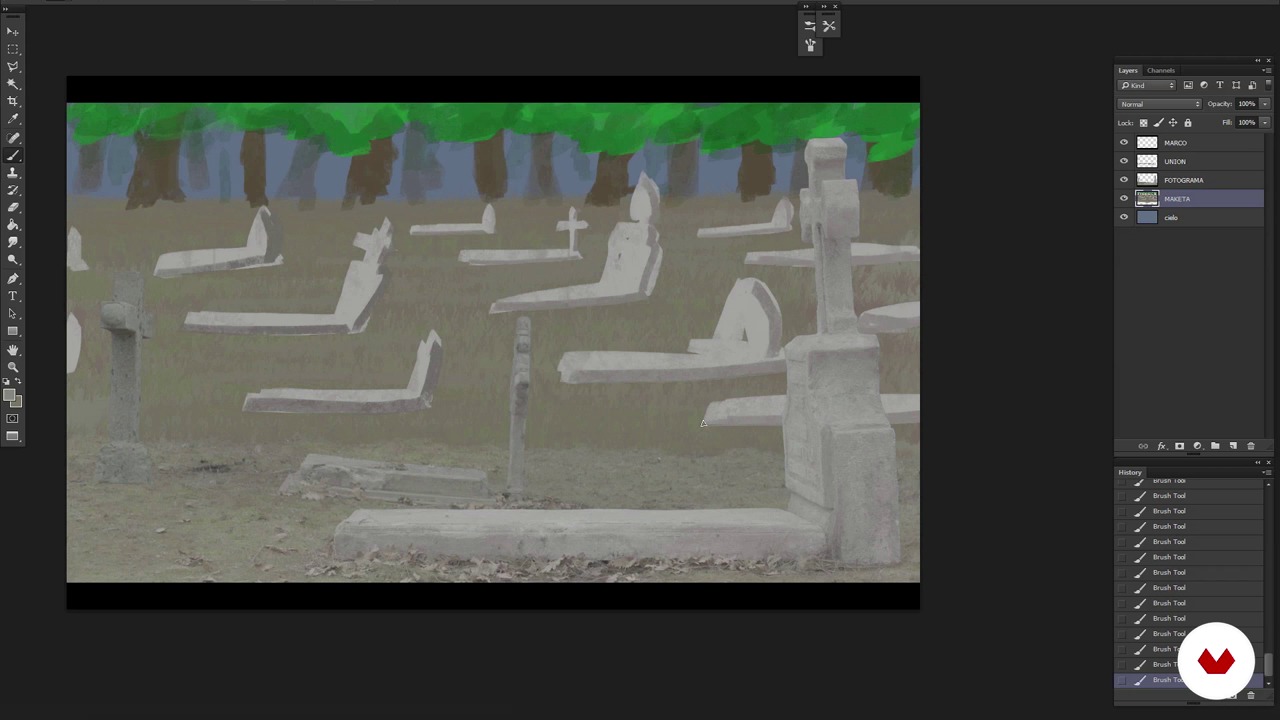
Analysis of the plan and creation of the model
13 dakika, 53 saniye
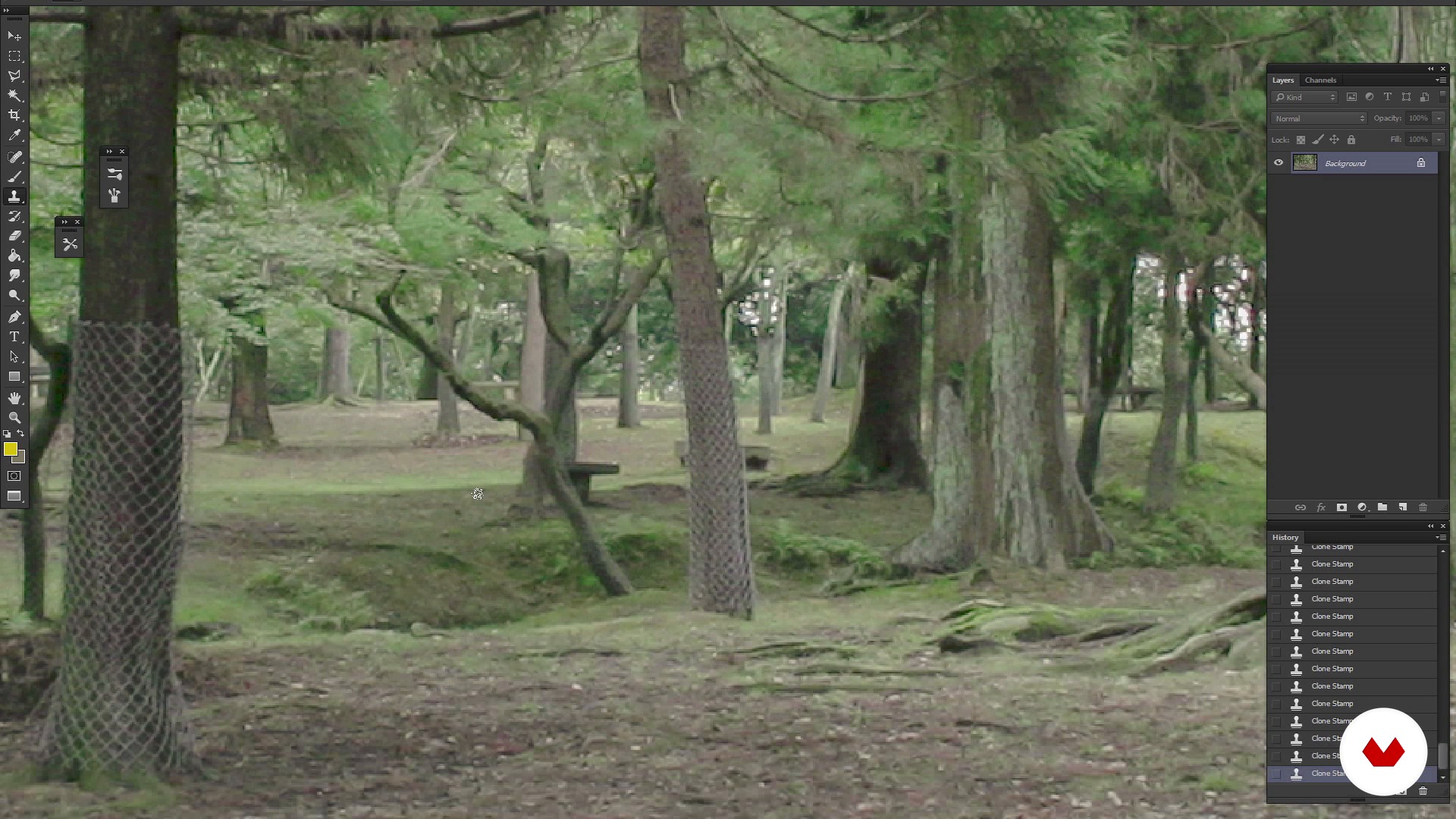
Reference search, Cleaning and creation of the fund
13 dakika, 13 saniye
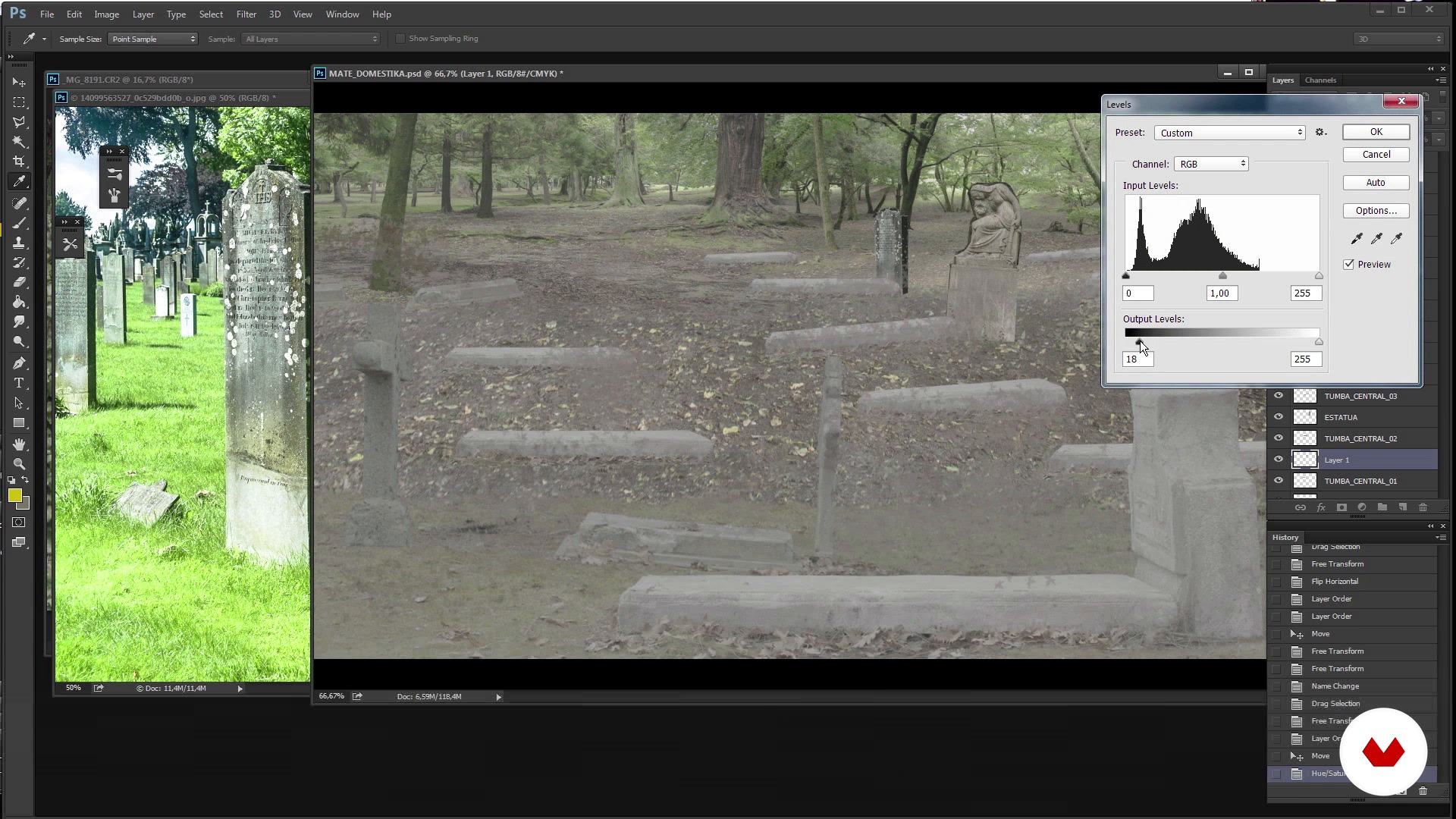
Trimming elements
13 dakika, 33 saniye
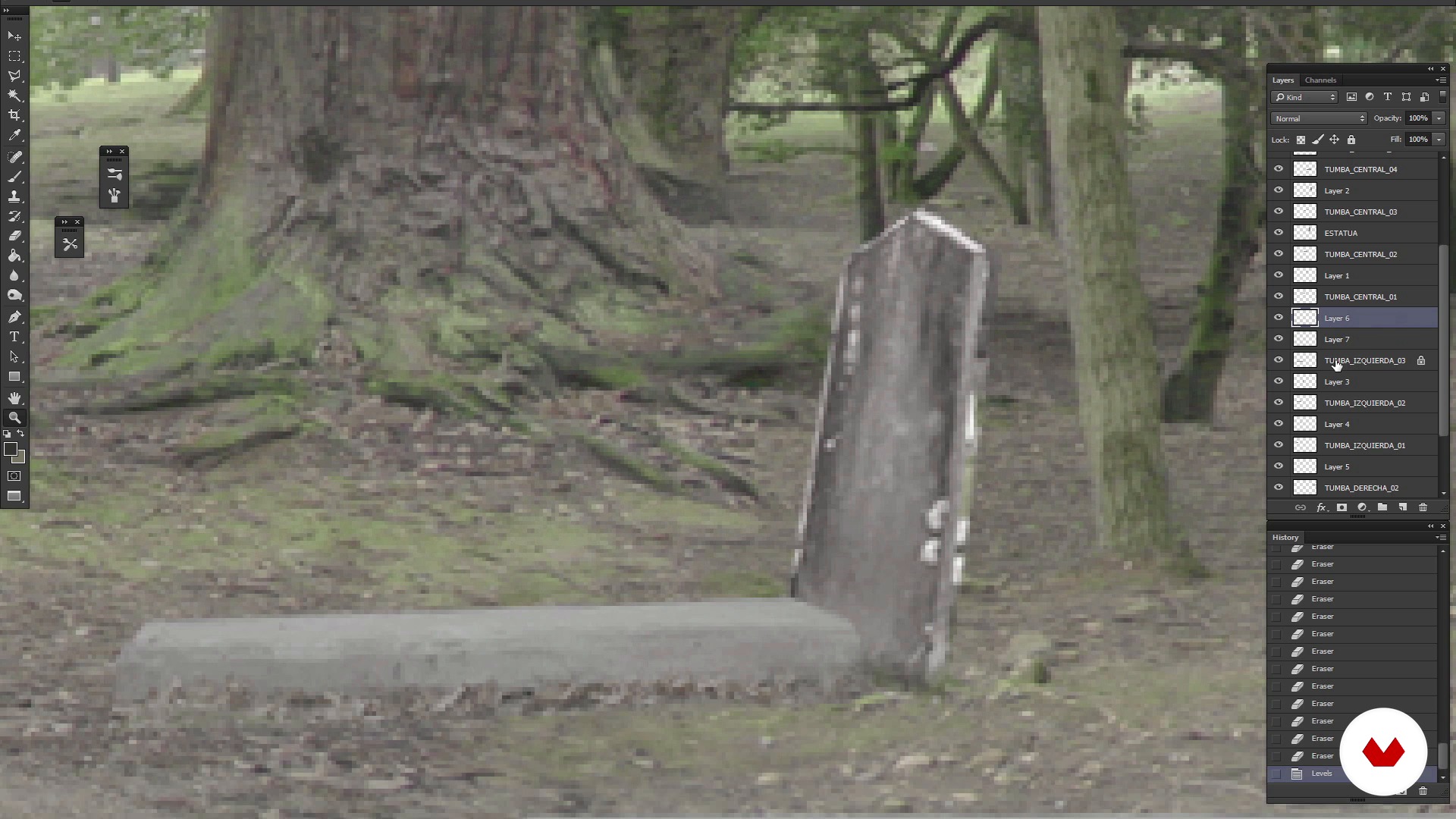
Refined Matte Painting
7 dakika, 47 saniye
Bu kursa neler dahil?
You'll start getting to know User t38 better and the influences of Sergio and Joaquín.
Then you will discover how to create a Matte Painting with Photoshop. For this, the first thing you should do is analyze the angle of view of the shot with Chroma for which you have to create the background and the narrative objective with which it has been made. In this way you will know what kind of visual references to look for when selecting the different elements that will make up the scene.
Next you will create the first sketches of funds and you will discover how they behave.
When integrating the Matte Painting on the map, Sergio and Joaquín will give you the keys on how to clean a Chroma, the color and tips on how to add effects that were not filmed at the filming.
When you have achieved the definitive setting you were looking for, through adjustments and effects of lighting and general color retouching, you will achieve that there is no difference between the actual rolled image and the recreation of the background, in this way the retouching will go completely unnoticed in the scene in the that is integrated and the viewer will not notice this retouching.
Bu kurs için önerilen yazılım ve araçlar
Bu kursun projesi nedir?
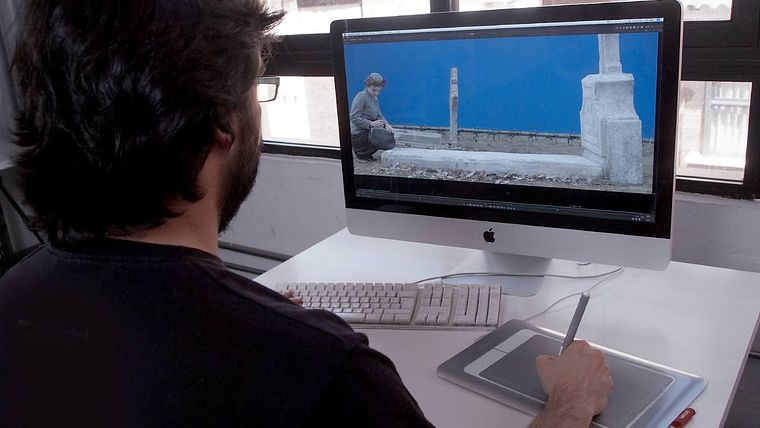
The challenge will be to make and integrate a Matte Painting into a shot of the series "The Ministry of Time," a fictional television series whose plot revolves around time travel.
Kurs öğrencilerinin projeleri


Bu çevrimiçi kurs kimlere yöneliktir?
To Designers, Composers of images, lovers of cinema, photography and television who are interested in deepening in the world of Matte Painting.
Gereksinimler ve materyaller
This is an advanced level course. You will have to handle Photoshop at medium level, and also know the Nuke digital composition software, as well as Adobe Premiere. When working with materials in HD it will also be necessary to have a powerful computer to perform the rendering of images.

Yorumlar
- 2 yıl önce
Muy completo
- 3 yıl önce
Entretenido y didáctico. Recomendable.
- 3 yıl önce
Esse é o pior curso que já vi, na parte do Nuke faz mais de cinco anos que estoutentando ver o que este cara esta fazendo com os Nodes, ele clica em informações inportantes nas ferramentas e não mostra o que esta fazendo e para que esta fazendo, alem de muito desorganizados com os nodes.... NÃO SE APRENDE COM UM CURSO DESSE, ISSO NÃO MERECE SER CHAMADO DE CURSO.
- 4 yıl önce
Está muy interesante el curso y práctico, van directo al grano de como es el proceso y con un ejemplo de la vida real.
- 5 yıl önce
Hay cosas que me han gustado y hay cosa que no

1995 yılından beri görsel-işitsel dünyada çalışmaktadır. Kariyeri boyunca dekorasyon asistanı, fotoğrafçı, storyboard sanatçısı, grafik tasarımcısı, aksesuar üreticisi, aksesuar sanatçısı, mat boyacı, 3D dokulayıcı, gr...
İçerik
- U 1
Introduction
- Introducing User t38
- Presentation of Sergio Rozas and his influences
- Presentation by Joaquín Gutiérrez and his influences
- U 2
How to create a Matte Painting?
- Introduction to Matte Painting: what it is and references
- Analysis of the plan and creation of the model
- Reference search, Cleaning and creation of the fund
- Trimming elements
- Refined Matte Painting
- Completion of Matte Painting and preparation for its composition
- U 3
How to integrate matte painting in the plane?
- Preparation of Matte Painting
- Tips to get a chroma 1
- Tips to get a chroma 2
- U 4
Delivery of the plane
- Color correction
- Look & Beauty
- To export
- FP
Bitirme projesi
- Creation and integration of a Matte Painting
Bir Domestika kursundan neler beklenebilir?
Kendi hızınızda öğrenin
Belirli bir program olmadan ve takip edilmesi kolay bir yöntemle evden öğrenmenin tadını çıkarın. Kendi hızınızı kendiniz belirlersiniz.
En iyi profesyonellerden öğrenin
Yaratıcı sektörün en iyi uzmanlarının açıkladığı değerli yöntem ve teknikleri öğrenin.
Uzman öğretmenlerle tanışın
Her uzman, her derste açık yönergelerle, gerçek tutkuyla ve profesyonel anlayışla en iyi yaptıkları şeyi öğretir.
Sertifikalar
PLUSPlus üyesiyseniz her kurs için öğretmeninizden imzalı bir özel sertifika alın. Portföyünüzde, sosyal medyada veya istediğiniz yerde paylaşın.
Ön sıra koltukları alın
En yüksek kalitede videolar sayesinde tek bir ayrıntıyı kaçırmazsınız. Sınırsız erişim sayesinde tekniğinizi mükemmelleştirmek için bunları istediğiniz kadar izleyebilirsiniz.
Bilgi ve fikirleri paylaşın
Sorular sorun, geri bildirim isteyin veya çözümler sunun. Öğrenme deneyiminizi topluluktaki, yaratıcılığa sizin kadar tutkulu olan diğer öğrencilerle paylaşın.
Küresel bir yaratıcı toplulukla bağlantı kurun
Topluluk, dünyanın her yerinden meraklı ve yaratıcılıklarını keşfetme ve ifade etme konusunda tutkulu milyonlarca insana ev sahipliği yapıyor.
Profesyonelce hazırlanmış kursları izleyin
Domestika, yüksek kaliteli bir çevrimiçi öğrenme deneyimi sağlamak için öğretmen kadrosunu seçer ve her dersi kendi bünyesinde üretir.
SSS
Matte painting, sinema ve reklamcılıkta sahneler ve arka planlar yaratmak için kullanılan hem dijital hem de geleneksel bir tekniktir; fiziksel olarak inşa edilmeden mekanları gerçekçi şekilde genişletip dönüştürmeye olanak tanır.
Kurs, temel dijital düzenleme veya görsel prodüksiyon bilgisi olan ve matte painting ile dijital kompozisyon tekniklerinde derinleşmek isteyenler için orta seviyededir.
Photoshop temel bilgisi ve video düzenleme hakkında genel kavrayış önerilir; çünkü kurs Photoshop, After Effects, Nuke ve Digital Fusion gibi araçları kullanır.
Matte painting tarihini ve tekniklerini, gerçekçi sahneler yaratmayı, öğeleri entegre etmeyi, kromakey kullanımını, renk düzeltmeyi, dijital kompozisyonu, 3D dokulandırmayı ve sinema ile reklamcılık için profesyonel iş akışını öğreneceksiniz.
Kurs, dijital arka planların çekilmiş görüntülerle kusursuzca karışması için perspektif, renk ve ışık ayarlarını yapmayı öğretir; böylece boyanmış ve gerçek öğeler ayırt edilemez hale gelir.
Sadece Photoshop ve After Effects gibi dijital düzenleme programlarına erişimi olan bir bilgisayar yeterlidir. Özel bir ekipman gerekmez, ancak yüksek çözünürlüklü dosyaları rahatça işleyebilen bir makine önerilir.
Matte painting sanatçısı, dijital kompozitör, görsel sahne tasarımcısı, görsel efekt süpervizörü olarak ya da sinema, televizyon ve reklam sektörlerinde post-prodüksiyon alanında çalışabilirsiniz.