
Professional Audiovisual Editing with Adobe Premiere Pro
Eğitmen: Giacomo PrestinariTesisatçı
Eğitmen: Giacomo Prestinari, Tesisatçı

Learn to narrate stories with moving images
Giacomo Prestinari's work is all about telling stories. With moving images, he builds an audiovisual narrative thread in which monitoring time and rhythm is essential. He has worked as an advertising editor for brands such as Coca-Cola, Gucci, Volkswagen, Seat, Ikea, and El Corte Inglés.
In this online course, he teaches you the secrets to audiovisual editing and the fundamental questions you should ask yourself when putting together your videos. He explains the different criteria to follow when selecting shots within a scene, how the different types of shots work, and what tone and rhythm best suits your work, depending on its purpose.
Bu çevrimiçi kursta ne öğreneceksiniz?
1 ders & 1 indirme
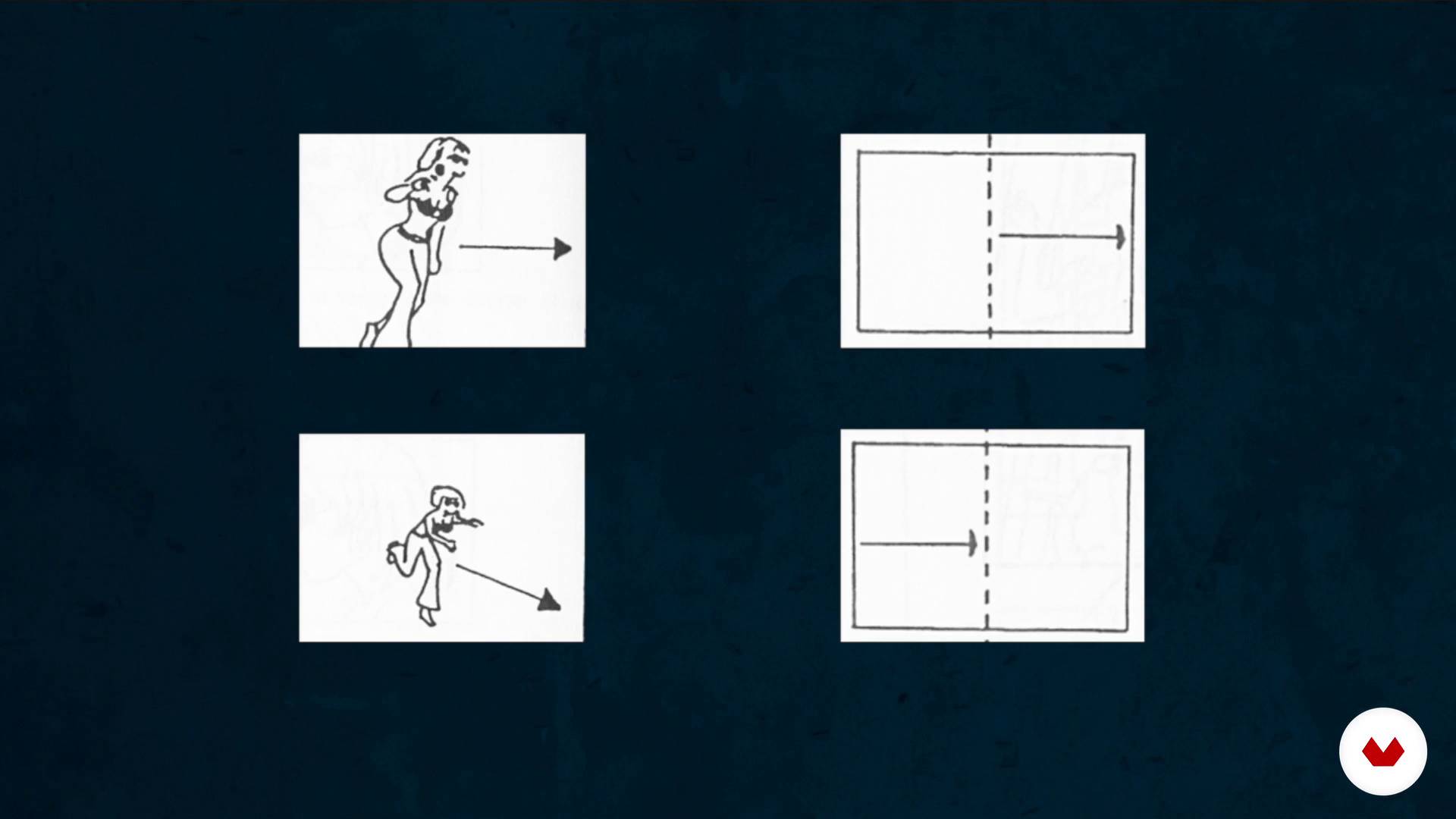
The invisible work: the assembly
11 dakika, 29 saniye

The 3 main types of assembly
10 dakika, 23 saniye
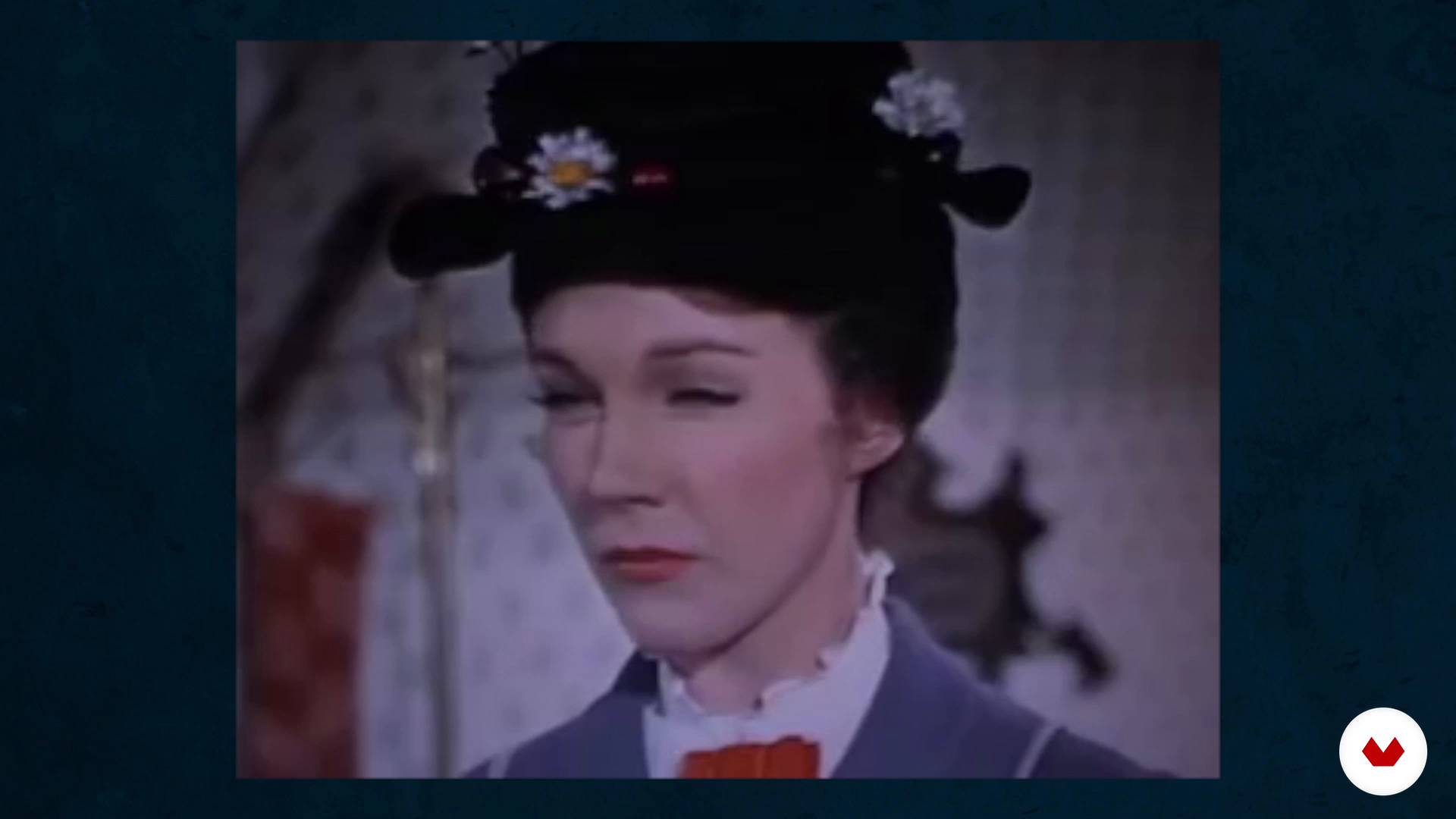
Assembly in the genres
11 dakika, 13 saniye
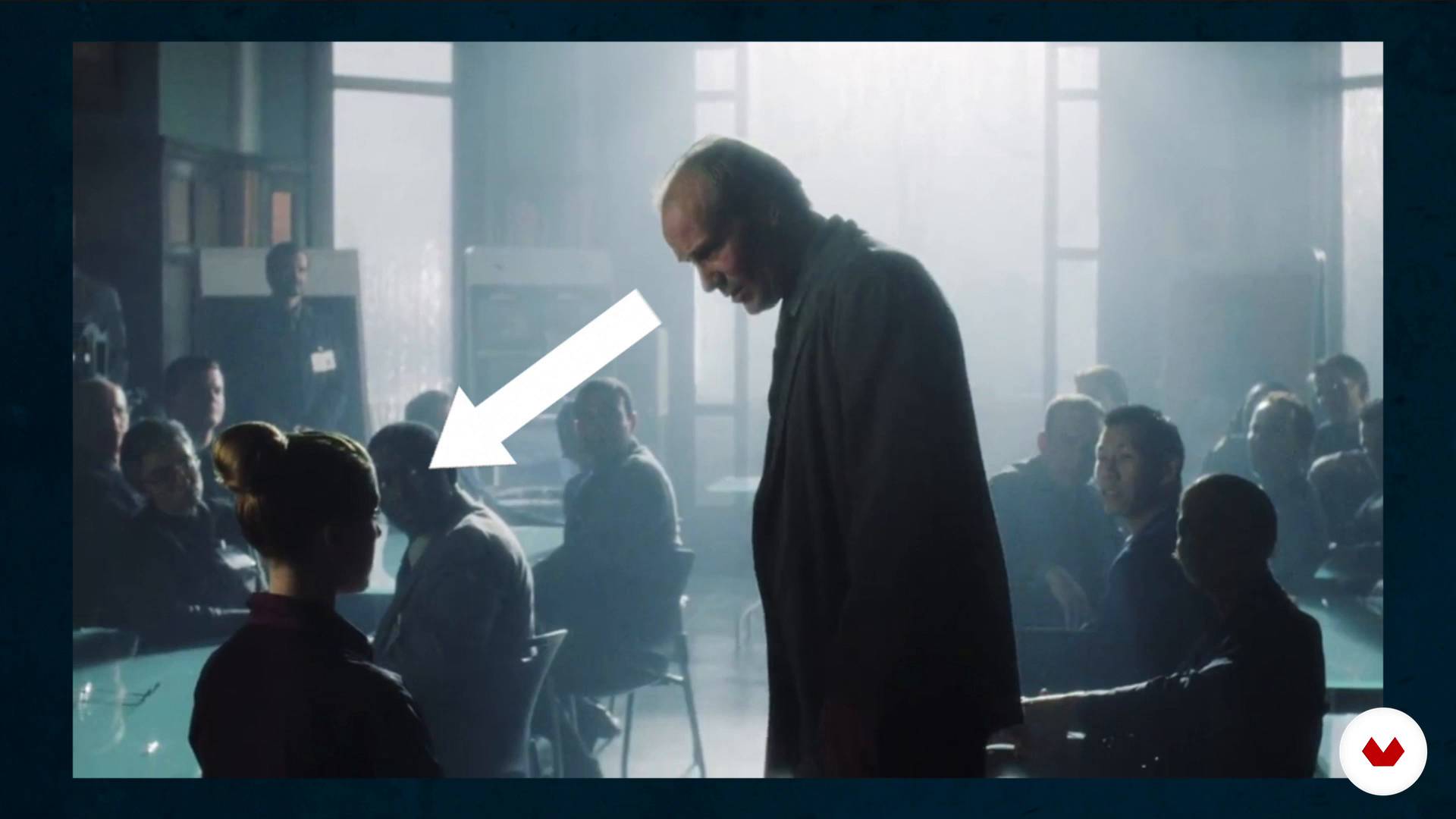
How to break the axis rule
8 dakika, 46 saniye
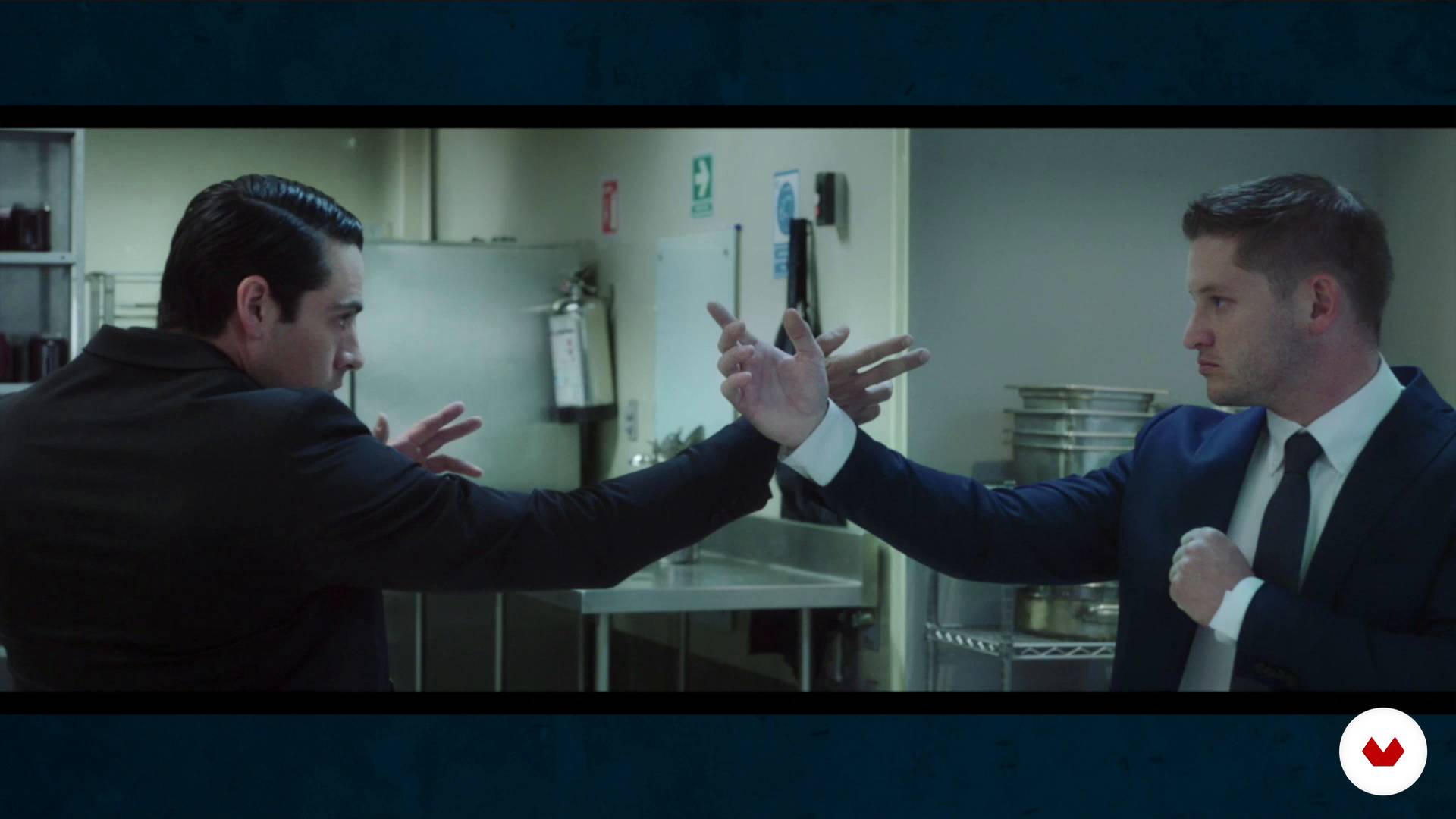
Less is more. We learn to eliminate planes and scenes
12 dakika, 22 saniye
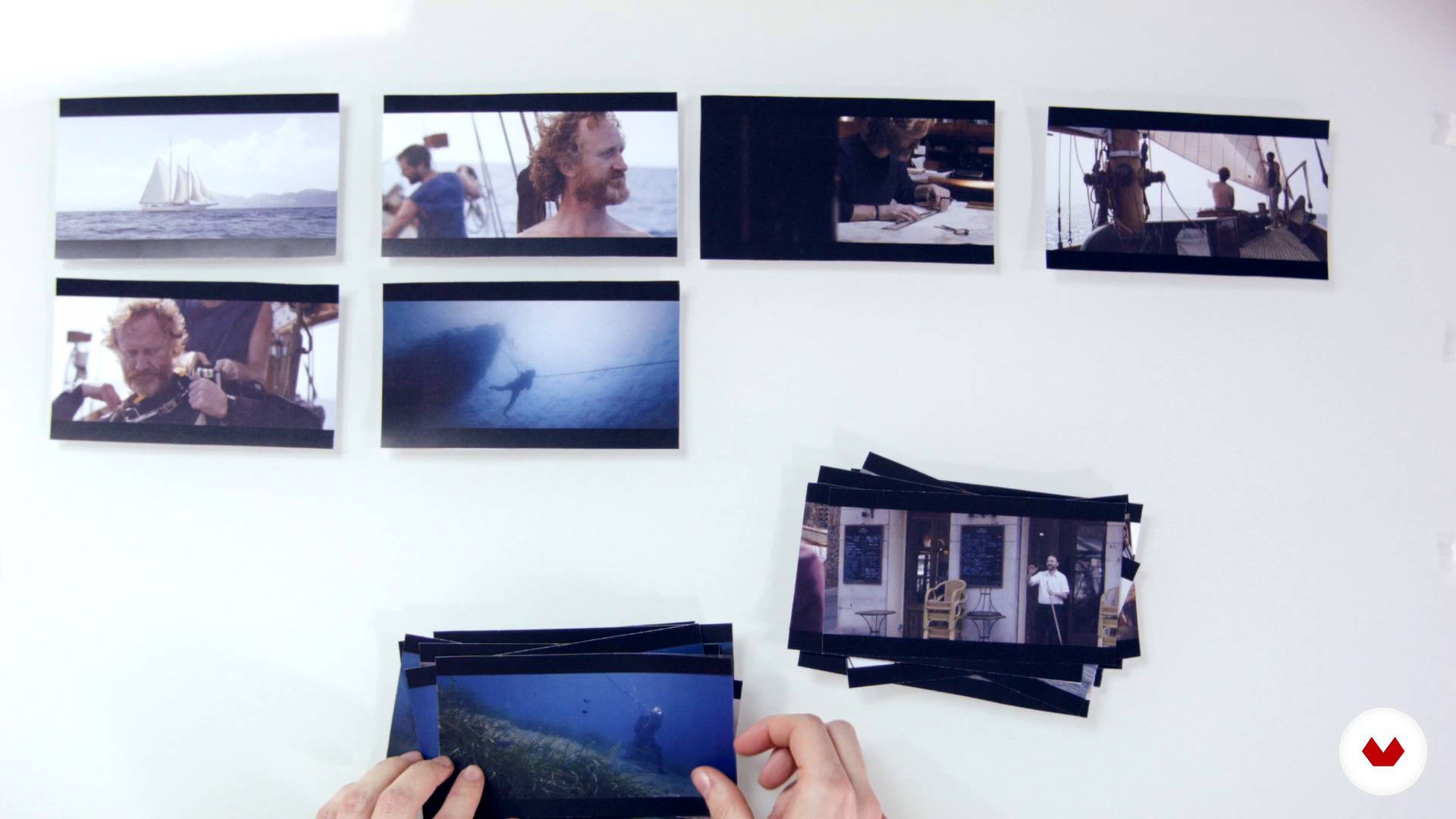
The structure of a story
9 dakika, 59 saniye
Bu kursa neler dahil?
Start by getting to know what the work of an editor involves. Your teacher believes that it's work that, when done well, is invisible, and this is key to his creative process. Moving on, learn about the three main types of editing.
Experiment with "creative geography" and the Kuleshov Effect, before looking at how editing affects and changes the meaning of films and audiovisual pieces.
Giacomo explains the main editing rules as well as when it's advisable to skip them.
Learn that in audiovisual editing, as in other creative disciplines, the "less is more" maxim also applies. Next, see how the structure of a story is built.
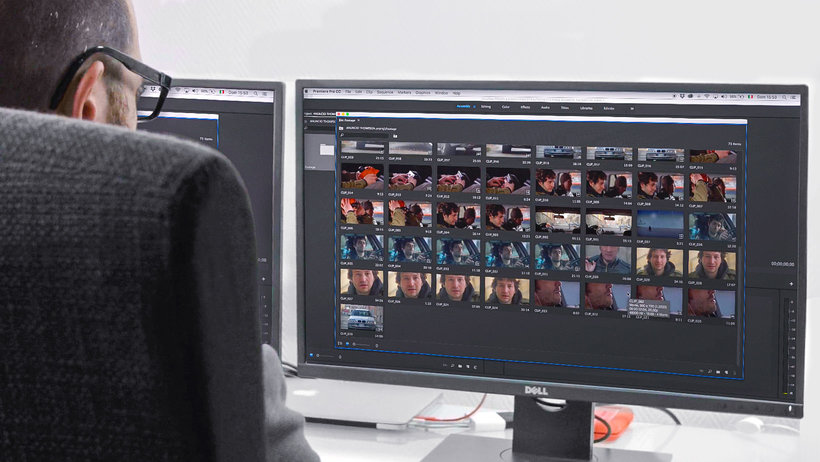
Now get down to work on your own ad with Adobe Premiere Pro, working on the timeline and learning how to create your selection. Your teacher gives you some tips to prepare your workspace and the necessary materials to carry out your audiovisual project.
Search for and select all the necessary resources for your audiovisual piece, then do a first edit and based on that, make all the necessary adjustments to get a flawless end result. Last but not least, learn how to export your video properly.
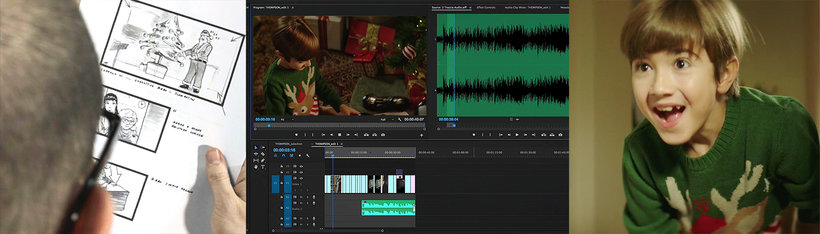
Bu kurs için önerilen yazılım ve araçlar
Bu kursun projesi nedir?
Put together a video in Adobe Premiere Pro that tells an amazing story in a short amount of time.
Kurs öğrencilerinin projeleri


Bu çevrimiçi kurs kimlere yöneliktir?
Directors, film and audiovisual content editors, and anyone related to the world of video who is looking to add more character and personality to their projects through professional audiovisual editing.
Gereksinimler ve materyaller
Knowledge of basic audiovisual principles is recommended: types of shots, camera movements, etc.
As for materials, you need a computer with Adobe Premiere Pro installed, a large screen to view the images, and good-quality speakers or headphones.

Yorumlar
- juliomilano_2PLUS4 ay önce
Muy buen profesor , muy claro a la hora de explicar y muy completo el curso.
- 6 ay önce
ExCELENTE CONTENIDO AUDIO VISUAL, ME SORPRENDE LA FACILKIDAD CON LA QUE SE NARRAN NOTAS O INVENTOS NARRATIVOS A PARTIR DE ESCENAS 10 DE 10
- 7 ay önce
Explica teoría con ejemplos cinematográficos muy útiles para entender lo que va enseñando.
- 8 ay önce
No creí que 4 horas de 1 curso me dejaría tan impactado. Lo recomiendo al 100%
- 9 ay önce
Muy bueno y util. Lo recomiendo
Farklı ülkelerden ve ...
İçerik
- U 1
Introduction
- Presentation
- Looking for inspiration
- U 2
What is assembly
- The invisible work: the assembly
- The 3 main types of assembly
- The Kuleshov effect
- Assembly in the genres
- U 3
Mounting techniques and tricks
- The types of planes and the axis
- How to break the axis rule
- Less is more. We learn to eliminate planes and scenes
- The structure of a story
- U 4
Let's do it! We edit an ad
- The workspace
- Prepare the materials to assemble. The transcodec in DaVinci Resolve
- Creation of the project and organization of the material
- The selection and the timeline 1
- The selection and the timeline 2
- Search resources
- Structure: looking for the tone and rhythm of the movie 1
- Structure: looking for the tone and rhythm of the movie 2
- Changes 1
- Changes 2
- Export
- FP
Bitirme projesi
- Professional audiovisual assembly with Adobe Premiere Pro
Bir Domestika kursundan neler beklenebilir?
Kendi hızınızda öğrenin
Belirli bir program olmadan ve takip edilmesi kolay bir yöntemle evden öğrenmenin tadını çıkarın. Kendi hızınızı kendiniz belirlersiniz.
En iyi profesyonellerden öğrenin
Yaratıcı sektörün en iyi uzmanlarının açıkladığı değerli yöntem ve teknikleri öğrenin.
Uzman öğretmenlerle tanışın
Her uzman, her derste açık yönergelerle, gerçek tutkuyla ve profesyonel anlayışla en iyi yaptıkları şeyi öğretir.
Sertifikalar
PLUSPlus üyesiyseniz her kurs için öğretmeninizden imzalı bir özel sertifika alın. Portföyünüzde, sosyal medyada veya istediğiniz yerde paylaşın.
Ön sıra koltukları alın
En yüksek kalitede videolar sayesinde tek bir ayrıntıyı kaçırmazsınız. Sınırsız erişim sayesinde tekniğinizi mükemmelleştirmek için bunları istediğiniz kadar izleyebilirsiniz.
Bilgi ve fikirleri paylaşın
Sorular sorun, geri bildirim isteyin veya çözümler sunun. Öğrenme deneyiminizi topluluktaki, yaratıcılığa sizin kadar tutkulu olan diğer öğrencilerle paylaşın.
Küresel bir yaratıcı toplulukla bağlantı kurun
Topluluk, dünyanın her yerinden meraklı ve yaratıcılıklarını keşfetme ve ifade etme konusunda tutkulu milyonlarca insana ev sahipliği yapıyor.
Profesyonelce hazırlanmış kursları izleyin
Domestika, yüksek kaliteli bir çevrimiçi öğrenme deneyimi sağlamak için öğretmen kadrosunu seçer ve her dersi kendi bünyesinde üretir.
SSS
Audiovisual editing involves selecting, organizing, and combining images and sounds to create a clear and engaging story. In advertising, it helps condense stories and emotionally impact viewers in just a few seconds.
No professional experience is required, but basic computer skills and file management knowledge are recommended. The course is intermediate level and ideal for those who have already done simple video editing.
The course focuses on Adobe Premiere Pro but also uses DaVinci Resolve for transcoding and other tools for managing audiovisual and audio files.
You’ll learn to analyze and apply narrative structures, identify main editing types (analytical, parallel, elliptical), and understand how they influence pacing, tension, and clarity in advertising stories.
The course teaches techniques like the 180-degree rule, match cuts, and spatial proportion to maintain visual continuity and avoid confusing the viewer.
The Kuleshov Effect is a technique where placing shots side by side creates new meanings and emotions. You’ll learn to use it to enrich storytelling and convey specific feelings in your videos.
Yes, you’ll do hands-on exercises editing ads, selecting shots, compressing time, and applying advertising editing tricks to craft effective short stories.