
Advanced Techniques for Vectorial Illustration
A course by RafahuSanat yönetmeni, illüstratör ve animatör
A course by Rafahu, Sanat yönetmeni, illüstratör ve animatör

Learn to use effects for lighting, color, and texture to bring your illustrations to the next level
Rafahu—art director, illustrator, and animator who has worked for brands such as Nike, Penguin Random House, and José Cuervo, among others—teaches you advanced Illustrator techniques. Learn to generate advanced brushes, design vector textures, explode 3D objects, and carry out light studies for your illustrations in Illustrator.
The goal is to make the most of the software's possibilities and demonstrate that incredible illustrations can be created with simple vectors.
Bu çevrimiçi kursta ne öğreneceksiniz?
1 ders & 1 indirme
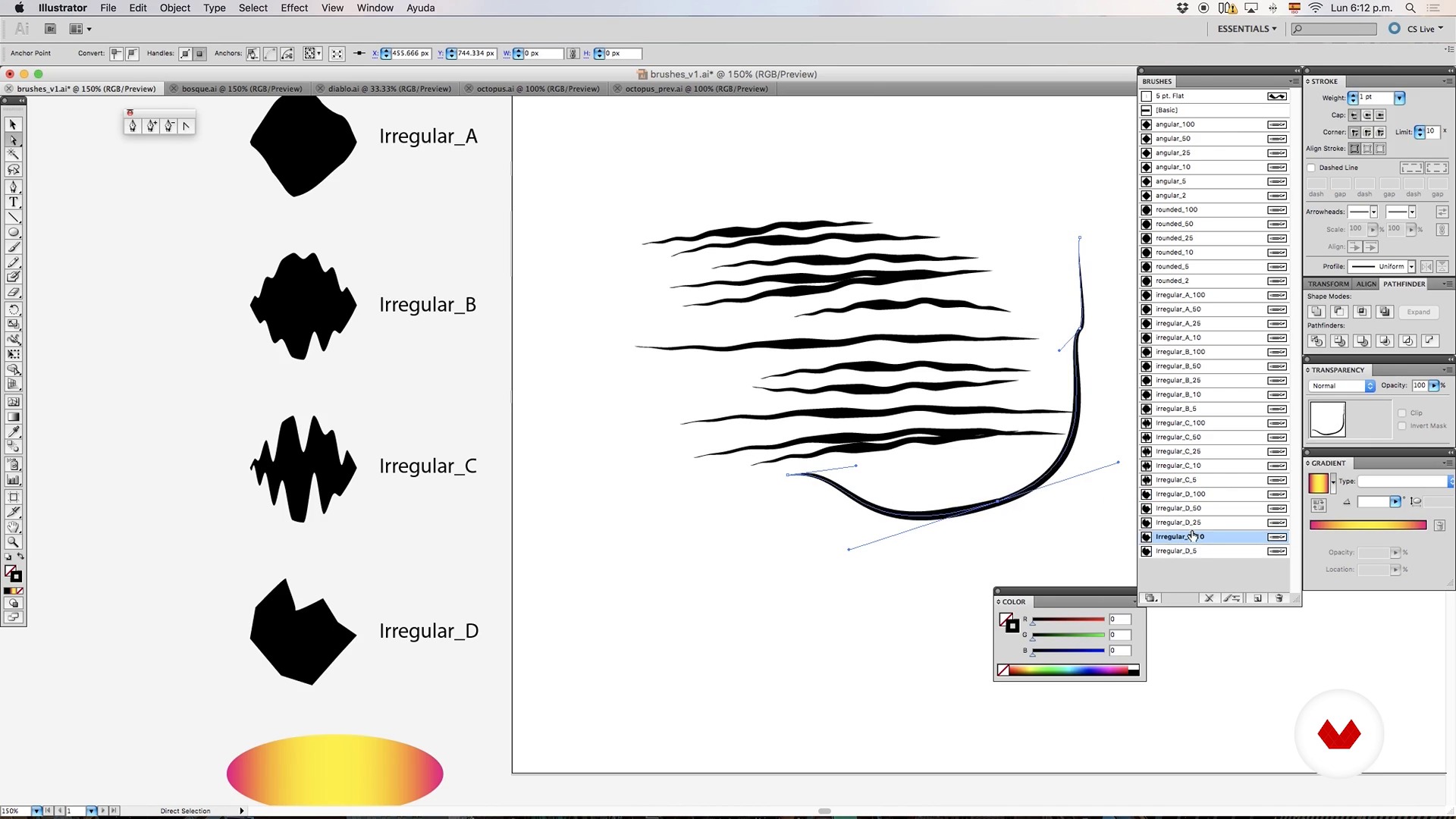
Millennial brushes in illustrator
16 dakika, 42 saniye
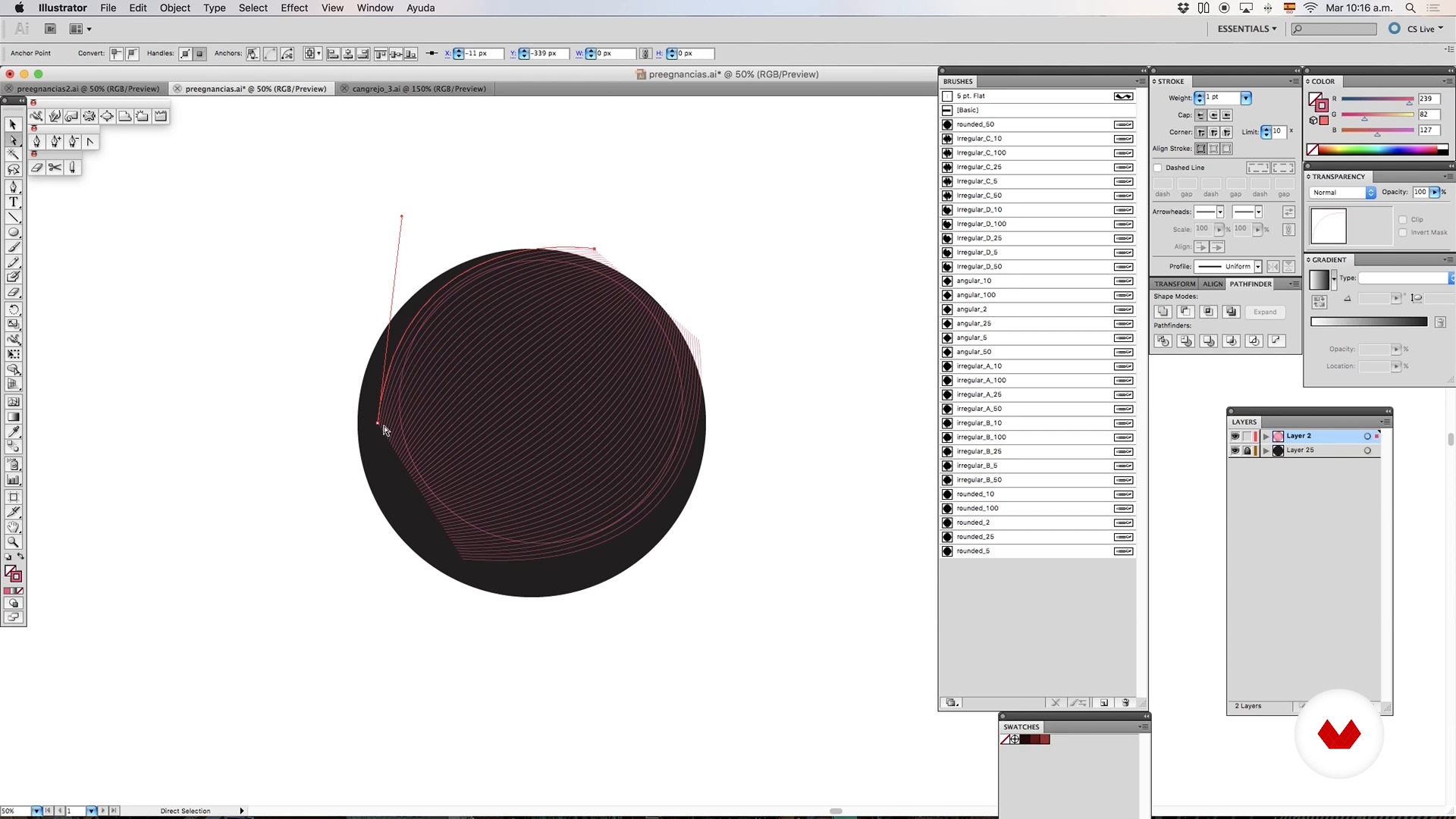
Brushes and mixtures - Part I
8 dakika, 33 saniye
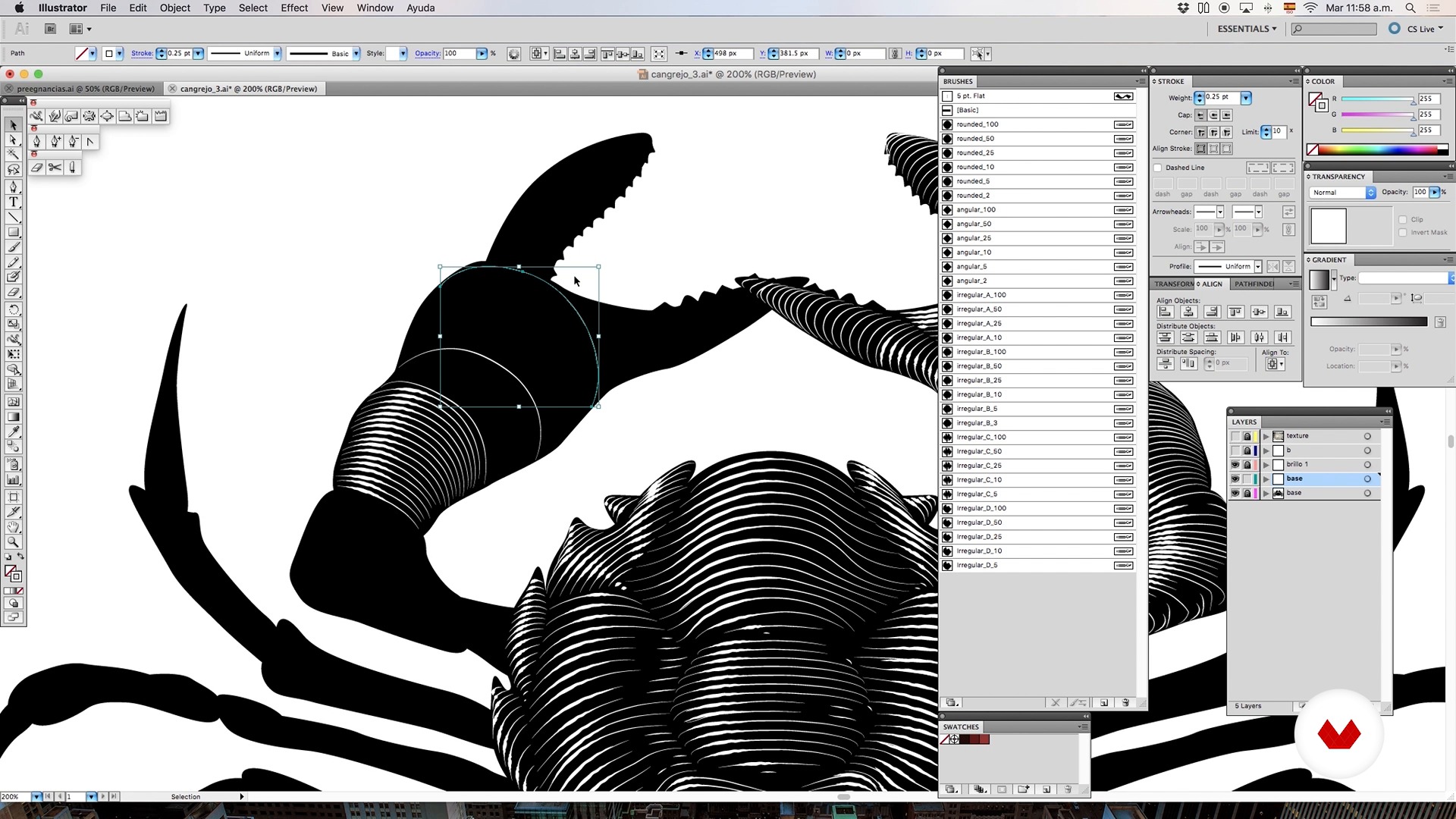
Brushes and blends - Part II
5 dakika, 1 saniye
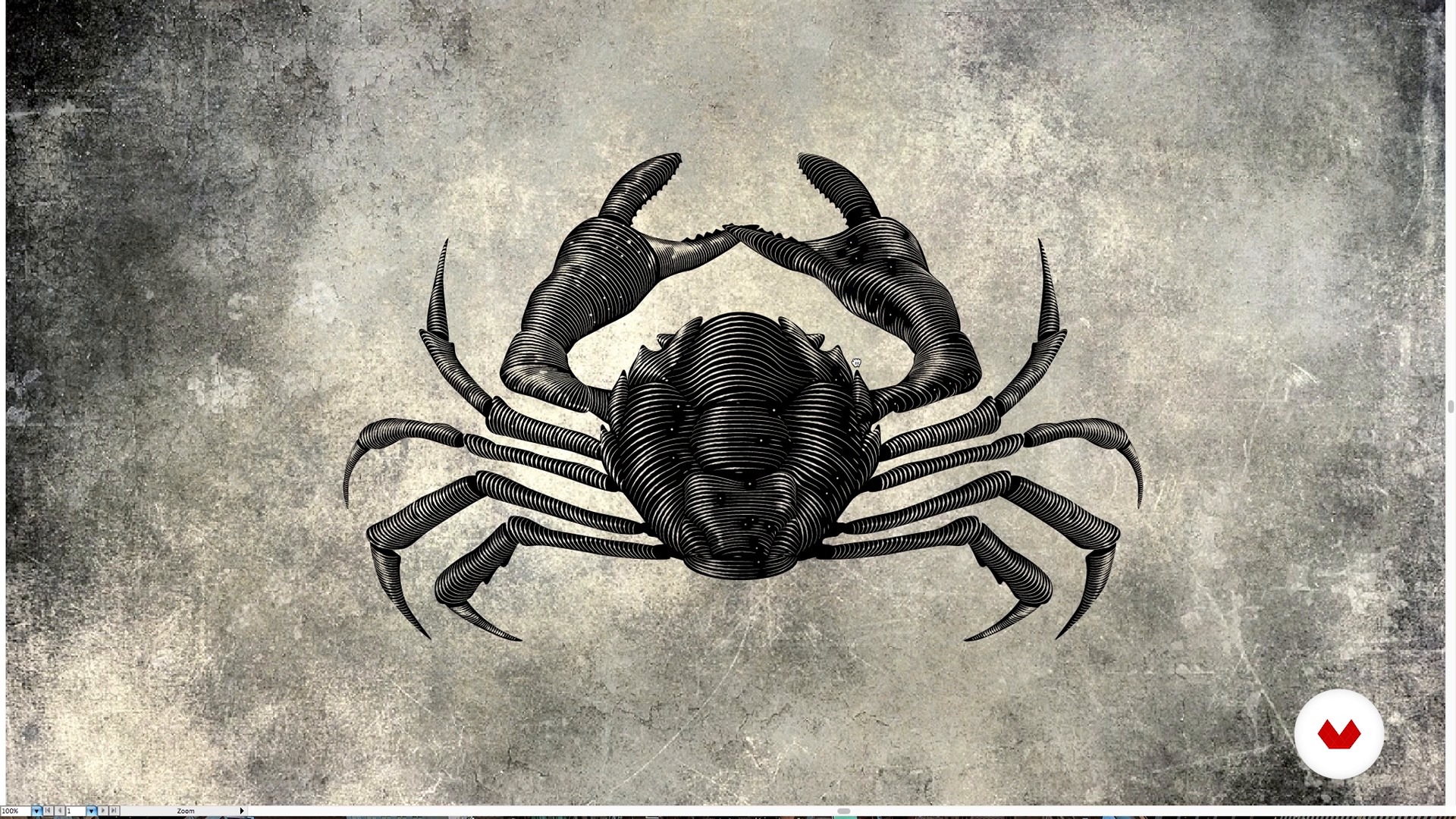
Brushes and blends - Part III
1 dakika, 18 saniye
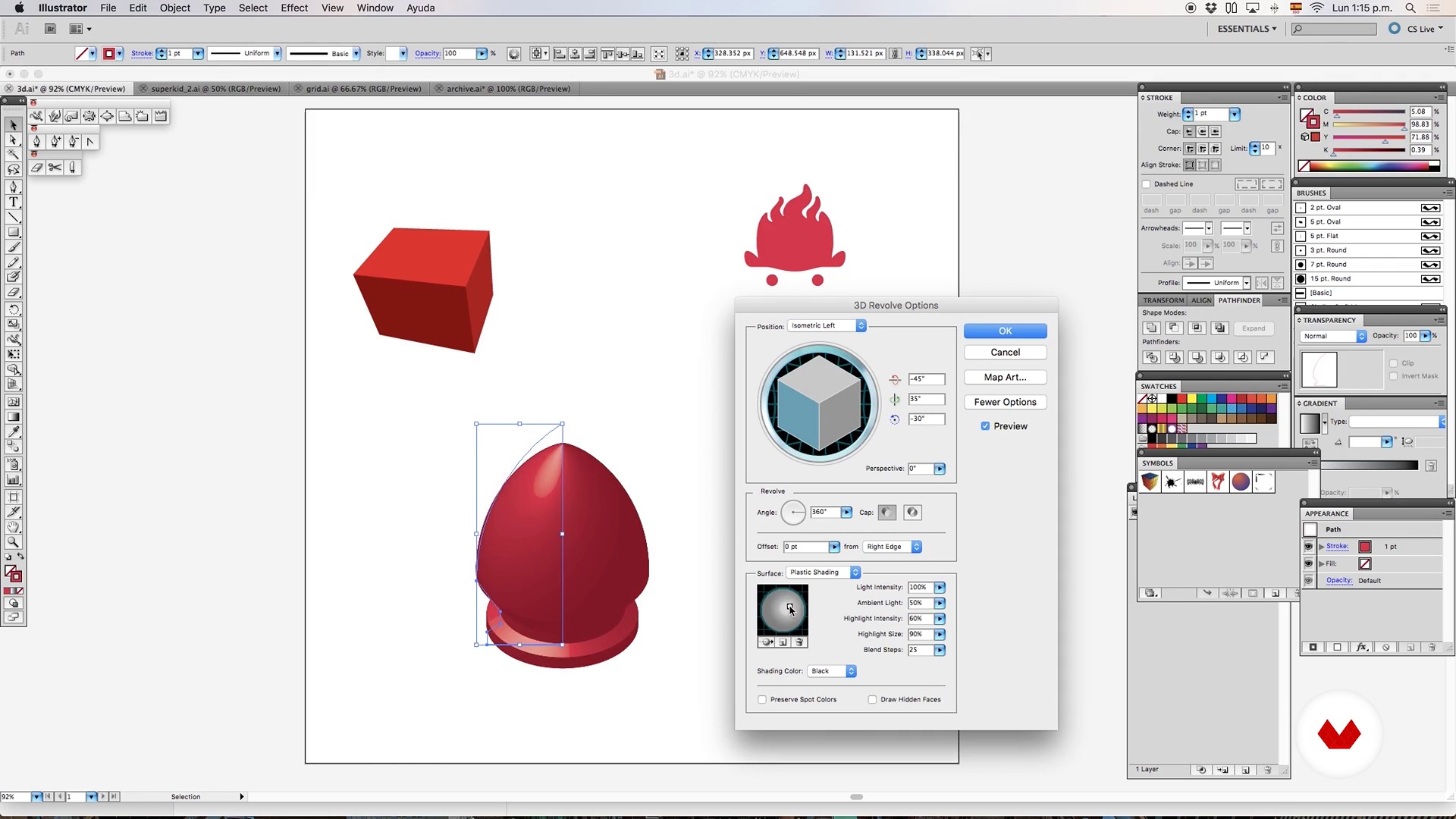
3D object - Part I
6 dakika, 15 saniye
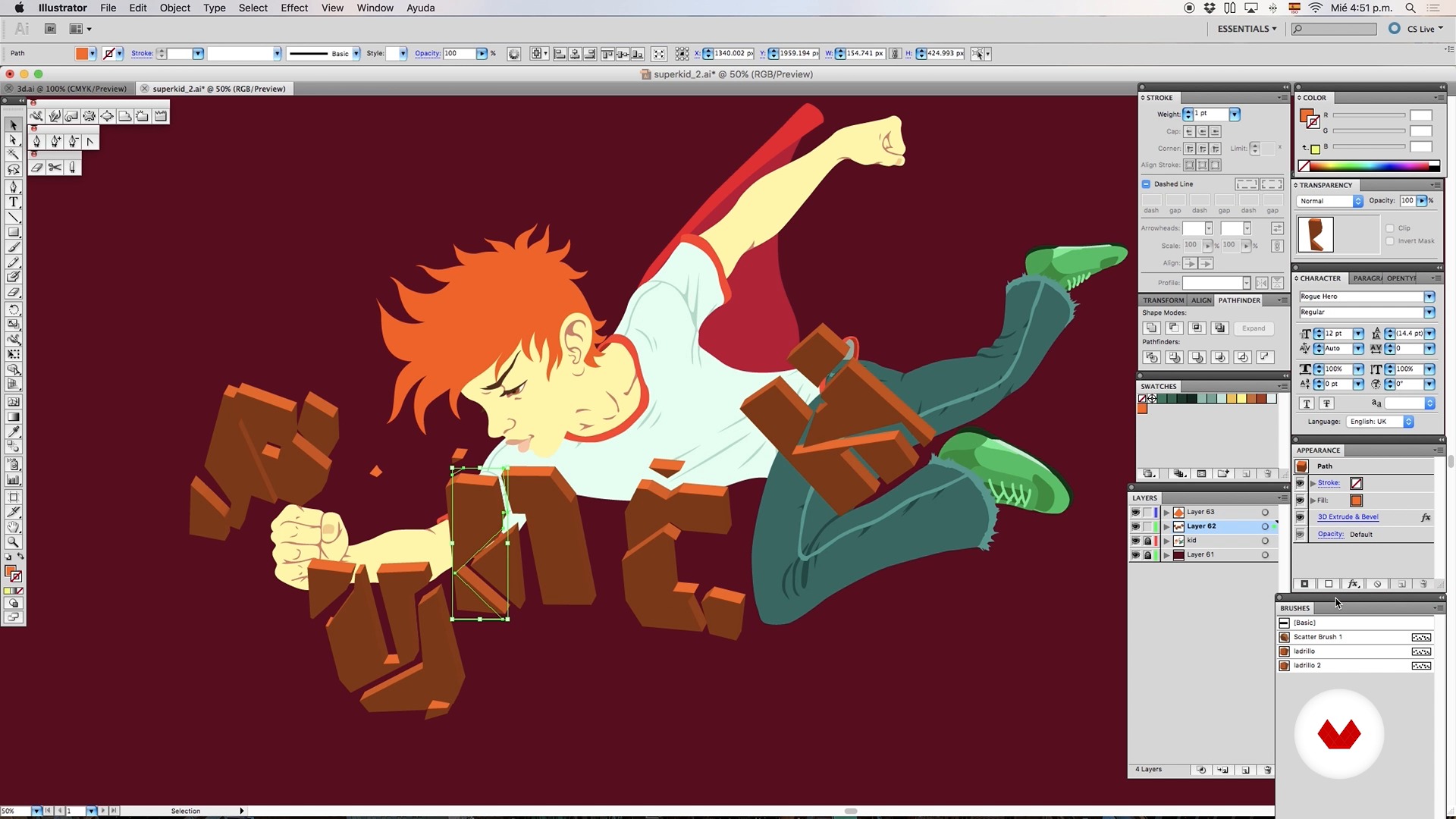
3D object - Part II
6 dakika, 42 saniye
Bu kursa neler dahil?
Begin by learning about Rafahu's work and artistic influences, such as comics, horror literature, and B movies.
Discover advanced tools in Illustrator such as brushes that emulate ink or engraving (and that can save you a lot of time when creating a complex illustration) and how to combine brushes with a blend object.
Create the first sketches of your mecha/kaiju (a fantastic creature that is half monster, half robot) using 3D objects, brushes, and blends.
Later, learn to master lighting and color by making good use of gradients, generating custom textures, and creating a fictional lighting set to illuminate the scene.
At this point, it is time to add volume, texture, and special effects to your mecha/kaiju.
Finally, add some final details with Photoshop to make your terrifying mecha/kaiju ready to fight.
Recommended software & tools for this course
What is this course's project?
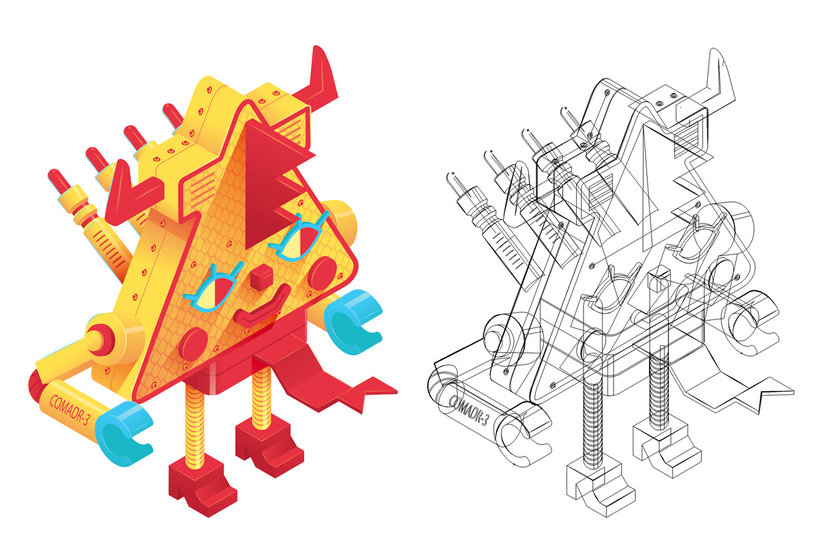
The project consists of designing a giant mecha/kaiju, a fantastic creature that is a mixture between a monster and a robot that is used to fight.

Kurs öğrencilerinin projeleri


Who is this online course for?
This course is for designers, artists, and illustrators who want to learn about Rafahu's work process and delve into new professional illustration techniques.
Requirements and materials
You need to have previous knowledge of drawing and an intermediate understanding of Illustrator and Photoshop.

Yorumlar
- cc_claudiacampusPLUS8 ay önce
Bellissimo
- 11 ay önce
Excelente curso!
- alaan_gsa9PLUS1 yıl önce
he visto el indice de contenido y me parece bueno. Lo que me llamó la atención del curso fue el estilo un poco sombrio del profesor
- 1 yıl önce
Buen curso
- 1 yıl önce
10/10

İçerik
- U 1
Hello!
- This is me
- Inspiracy
- U 2
Advanced tools in Illustrator
- Millennial brushes in illustrator
- Brushes and mixtures - Part I
- Brushes and blends - Part II
- Brushes and blends - Part III
- 3D object - Part I
- 3D object - Part II
- The gradient is your friend ... if you know how to use it;)
- Advanced textures with illustrator
- U 3
Your personal army of Mini Mechas-kaiju
- Mini wicks-kaiju - 3D Object - Part I
- Mini wicks-kaiju - 3D object - Part 2
- Mini wicks-kaiju - Texture
- Mini wicks-kaiju - Lighting - Part I
- Mini wicks-kaiju - Lighting - Part II
- U 4
Giant mecha-kaiju
- Generation of base volume for our Mecha-Kaiju - Part I
- Generation of base volume for our Mecha-Kaiju - Part II
- Generation of base volume for our Mecha-Kaiju - Part III
- Generation of base volume for our Mecha-Kaiju - Part IV
- Vector textures of hell!
- Lighting sources for the scene of our Mecha-Kaiju - Part I
- Lighting sources for the scene of our Mecha-Kaiju - Part II
- Lighting sources for the scene of our Mecha-Kaiju - Part III
- Special effects in Illustrator
- Finishing in Photoshop
- FP
Bitirme projesi
- Vector illustration advanced techniques
Bir Domestika kursundan neler beklenebilir?
Kendi hızınızda öğrenin
Belirli bir program olmadan ve takip edilmesi kolay bir yöntemle evden öğrenmenin tadını çıkarın. Kendi hızınızı kendiniz belirlersiniz.
En iyi profesyonellerden öğrenin
Yaratıcı sektörün en iyi uzmanlarının açıkladığı değerli yöntem ve teknikleri öğrenin.
Uzman öğretmenlerle tanışın
Her uzman, her derste açık yönergelerle, gerçek tutkuyla ve profesyonel anlayışla en iyi yaptıkları şeyi öğretir.
Certificates
PLUSIf you're a Plus member, get a özel sertifika signed by your teacher for every course. Share it on your portfolio, social media, or wherever you like.
Ön sıra koltukları alın
En yüksek kalitede videolar sayesinde tek bir ayrıntıyı kaçırmazsınız. Sınırsız erişim sayesinde tekniğinizi mükemmelleştirmek için bunları istediğiniz kadar izleyebilirsiniz.
Bilgi ve fikirleri paylaşın
Sorular sorun, geri bildirim isteyin veya çözümler sunun. Öğrenme deneyiminizi topluluktaki, yaratıcılığa sizin kadar tutkulu olan diğer öğrencilerle paylaşın.
Küresel bir yaratıcı toplulukla bağlantı kurun
Topluluk, dünyanın her yerinden meraklı ve yaratıcılıklarını keşfetme ve ifade etme konusunda tutkulu milyonlarca insana ev sahipliği yapıyor.
Profesyonelce hazırlanmış kursları izleyin
Domestika, yüksek kaliteli bir çevrimiçi öğrenme deneyimi sağlamak için öğretmen kadrosunu seçer ve her dersi kendi bünyesinde üretir.
SSS
This course is designed for intermediate Illustrator users looking to refine their skills with brushes, blends, texturing, and basic 3D vector modeling to create complex, professional illustrations.
Basic experience with Illustrator is required, including layer management, paths, and main tools. Advanced 3D knowledge isn’t necessary, but familiarity with the interface and basic functions is expected.
You’ll learn how to create and apply custom brushes, advanced blends, volume effects, highlights, shadows, vector textures, and basic 3D modeling for dynamic, realistic illustrations.
You’ll need Adobe Illustrator (preferably the latest version), a compatible computer, and optionally a graphics tablet for more precise digital drawing.
Select the stroke you want and pick a brush from the brushes palette. The stroke will take on the brush style, letting you create unique textures and effects in your artwork.
Select the blend and use the 'Expand' option. This turns each intermediate step into an individually editable object, making precise adjustments and details easier.
Blends are created between strokes of varying thickness and color, and linear or radial gradients are applied to simulate highlights, volume, and realistic light transitions.