2D animation with Photoshop
A course by Llamarada AnimaciónAnimasyon stüdyosu
A course by Llamarada Animación, Animasyon stüdyosu

Animate a 2D character and create an animated avatar in GIF format frame by frame
In this Domestika course, the Llamarada Estudio team -specialized in 2D Animation and Motion Graphics- will teach you to bring your illustrations, photographs and stills to life thanks to Adobe Photoshop.
You will discover different techniques of animation, composition and visual resources that you can apply in animated GIFs.
At the end of the course, you will know in depth the possibilities that cel animation has (or frame by frame), its advantages, its scope and its complexity and you will be able to apply this knowledge to many other projects.
Bu çevrimiçi kursta ne öğreneceksiniz?
1 ders & 1 indirme
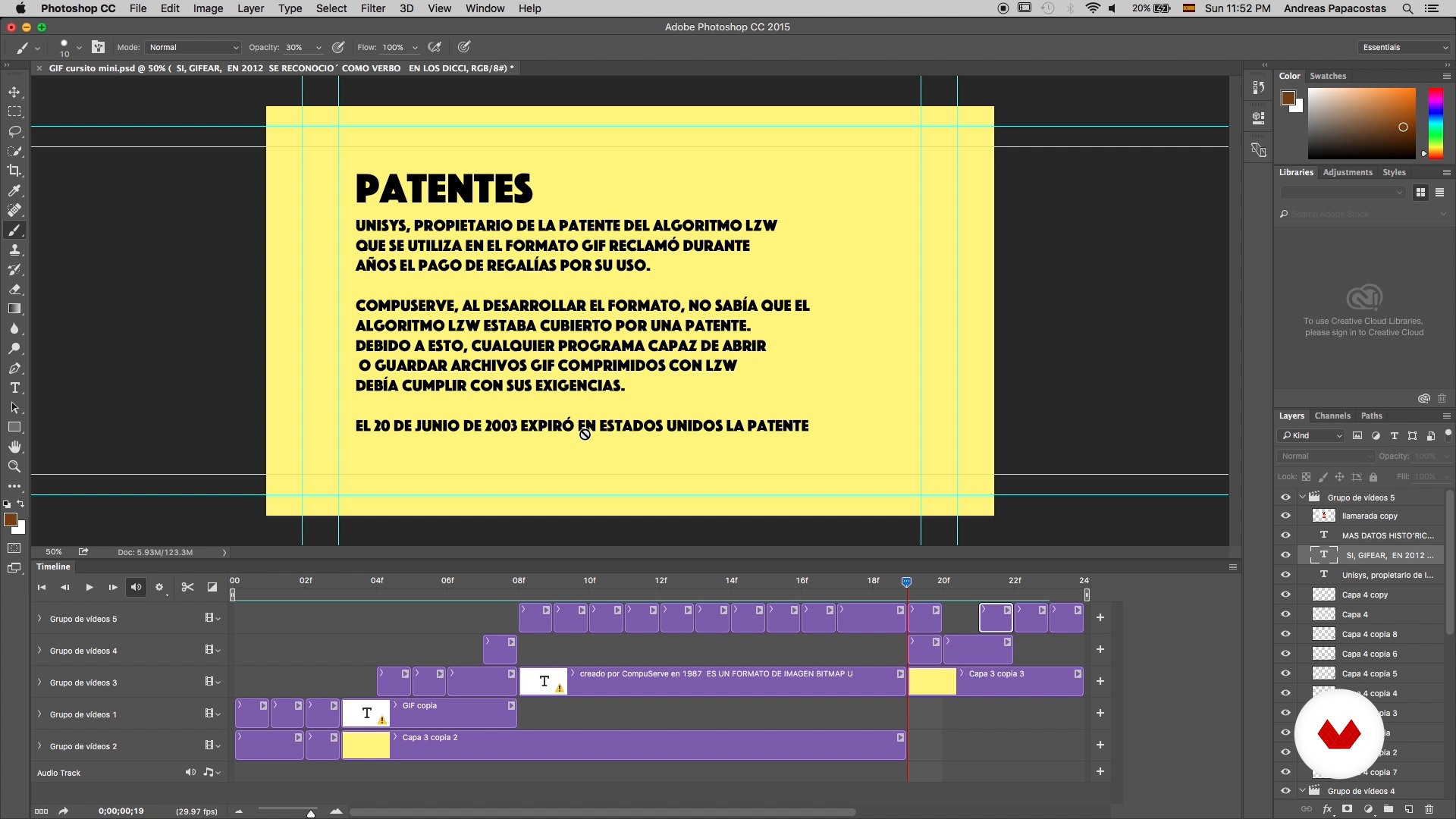
GIF format
5 dakika, 51 saniye
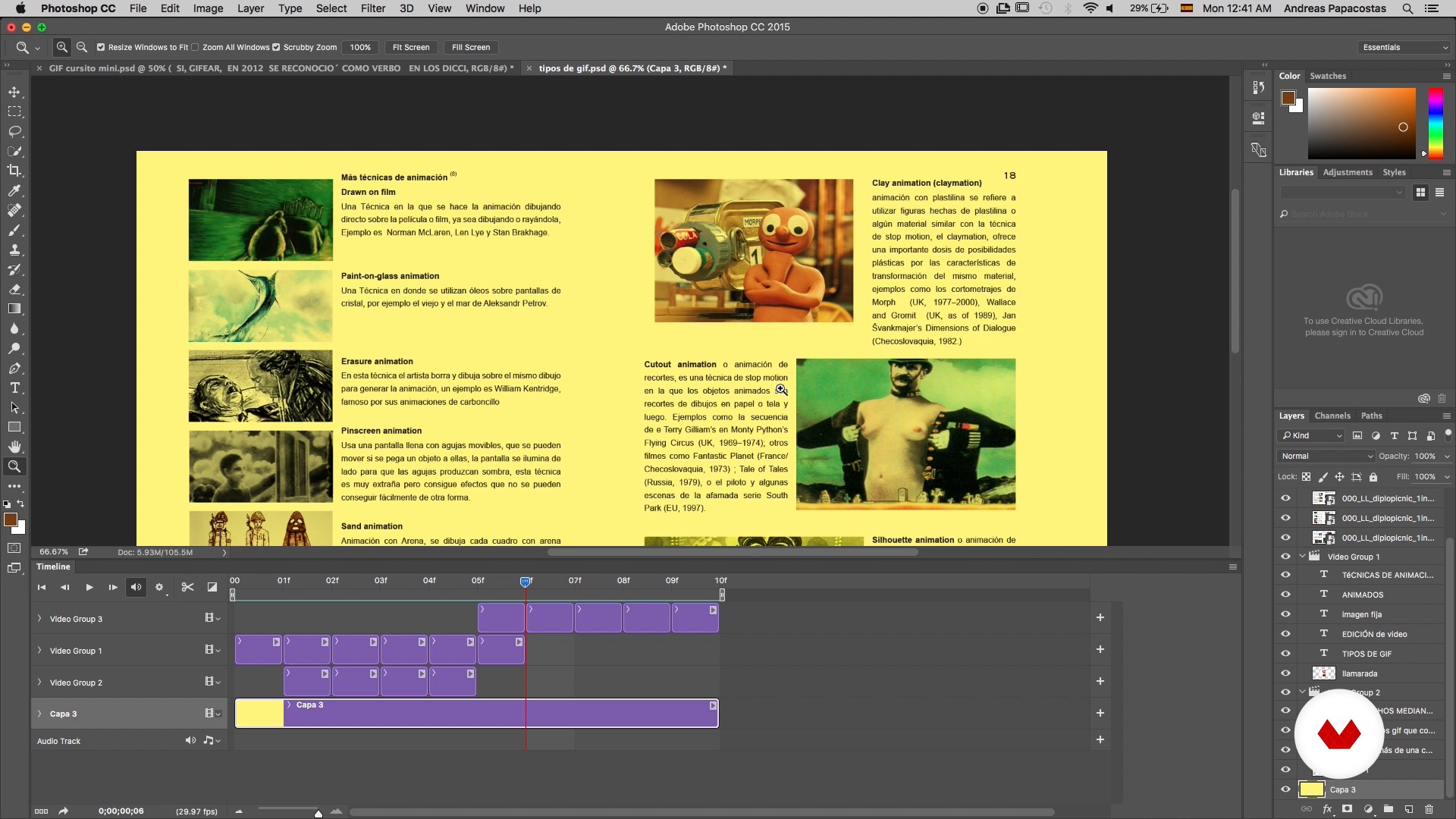
Types of GIFs
22 dakika, 30 saniye
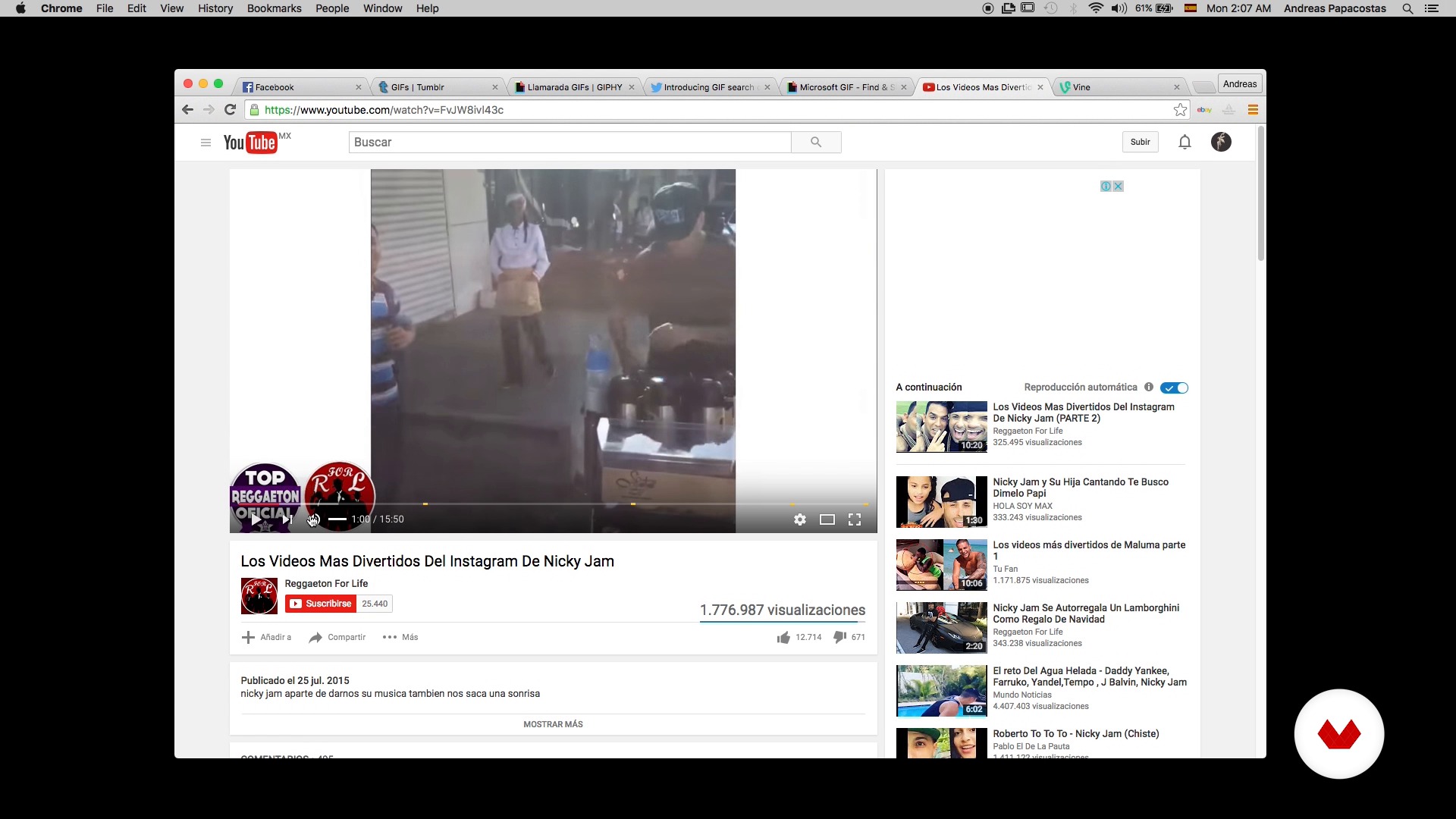
Importance and uses of GIF in communication
3 dakika, 48 saniye
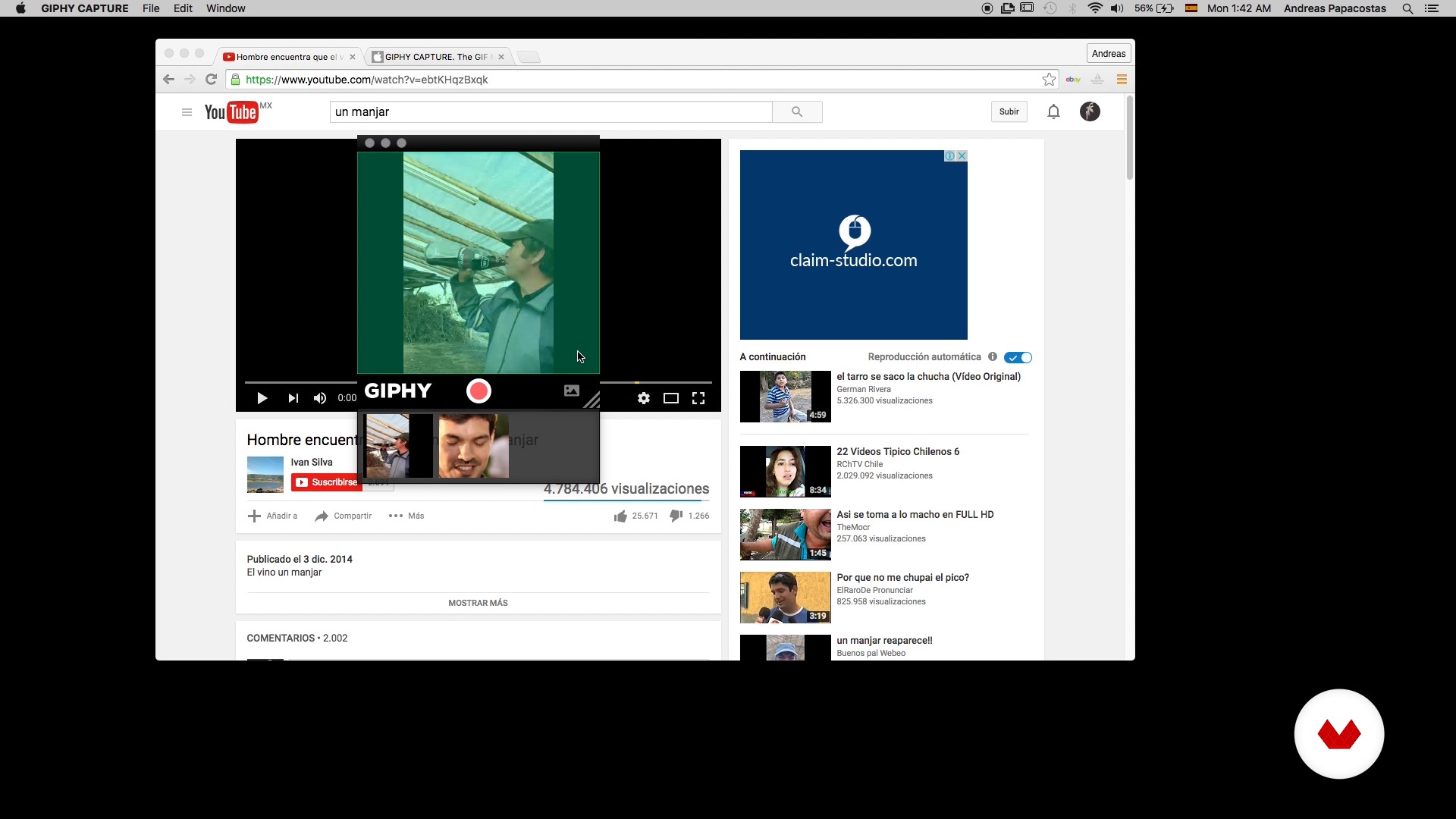
Resources and platform to create GIFs
3 dakika, 55 saniye
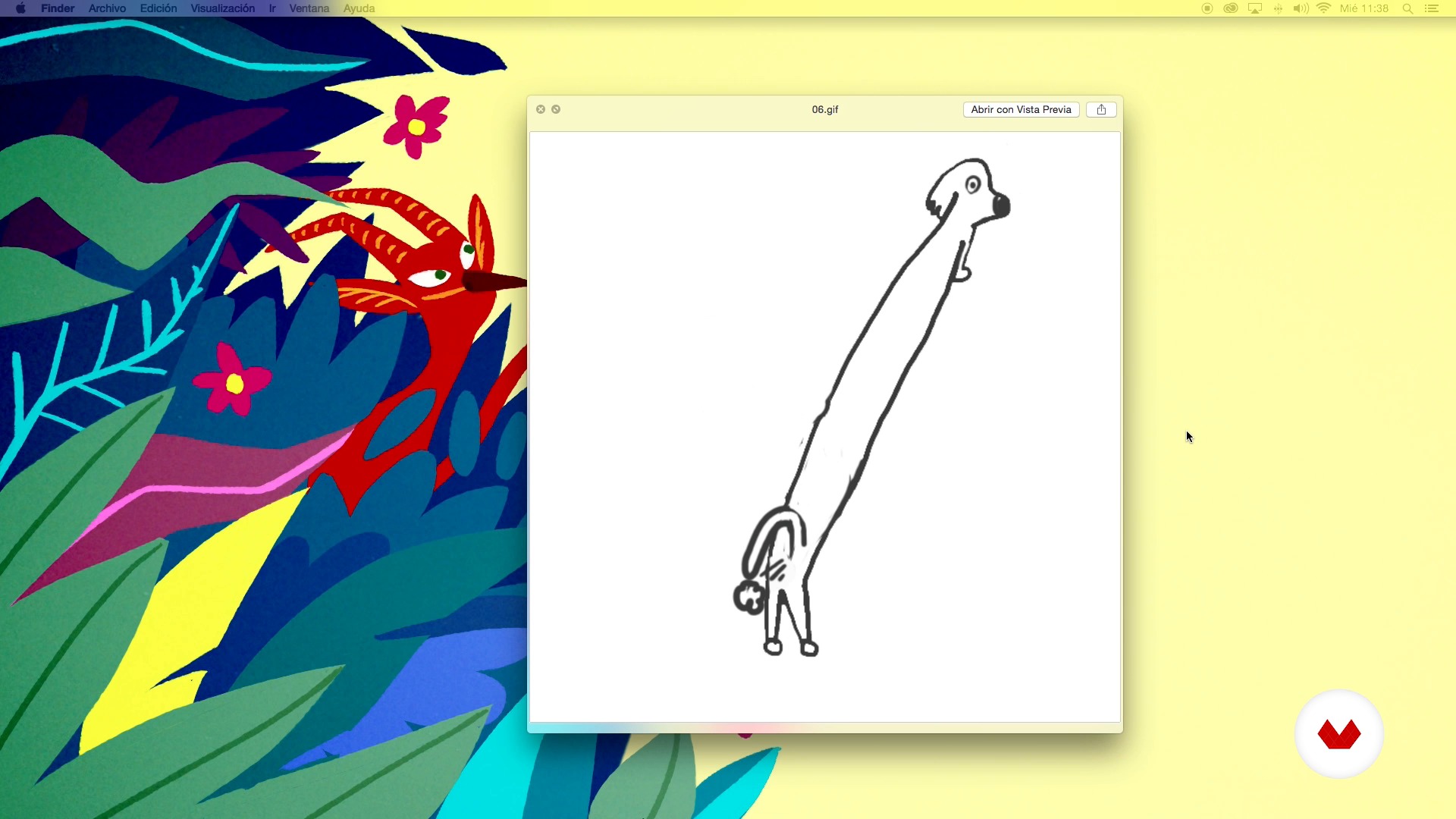
Avatar? What do you eat with? What is it for?
4 dakika, 4 saniye
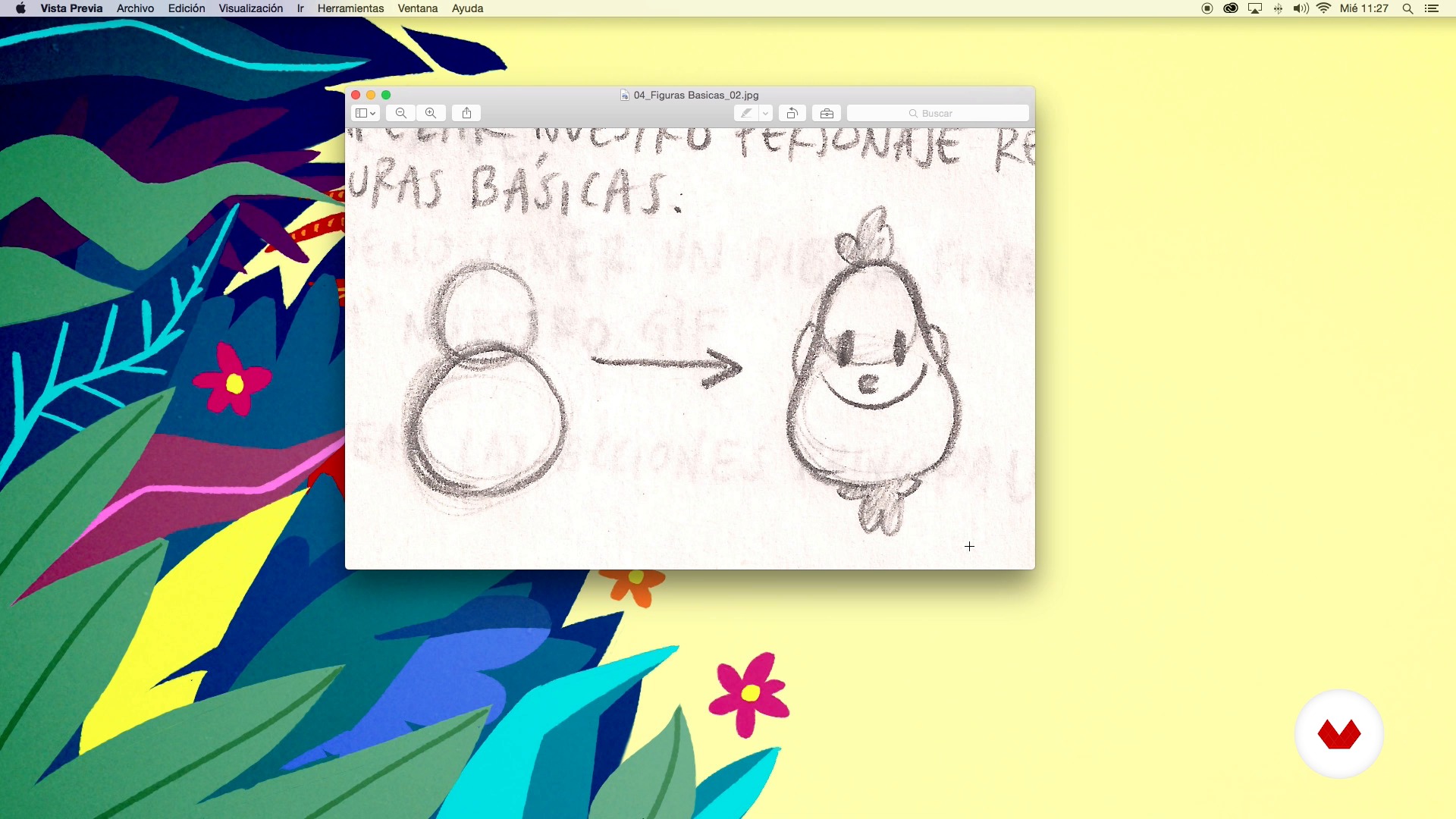
Sketches and first ideas
5 dakika, 2 saniye
Bu kursa neler dahil?
You will begin knowing the work and the influences of Flare.
Next, you will discover the life and work of an animated GIF or, what is the same, the characteristics of the GIF format, the types that exist, their use in communication and resources and platforms to create them.
Then, it will be time to get down to work and start creating an animated GIF that will serve as your avatar. To do this, you will create the first sketches of the character that will represent you in the virtual world and you will discover some basic concepts of frame-to-frame animation.
Later, you will enter Photoshop as an animation tool. At this point you will learn to appreciate the first level of movement and later to give it fluency through tricks and resources such as keyframes, anticipation, inbetweens or rough.
It will only be necessary to add color to your avatar, polish the last details and export it in gif format so that you can use it in different supports and social networks.

Recommended software & tools for this course
What is this course's project?
Consist and create a character and animate it step by step so that you can use it as an avatar.
Kurs öğrencilerinin projeleri


Who is this online course for?
To designers, illustrators, art directors, animators and creatives in general who want to delve into the world of 2D animation.
Requirements and materials
Basic knowledge of drawing, animation and Photoshop is required.
Regarding the materials, you will need: pencil and paper, a computer with internet, Photoshop and a lot of creativity.
The tablet and mezcal (so that ideas flow better), are optional.

Yorumlar
- 7 ay önce
Genial!!!
- 1 yıl önce
El curso fue bastante útil, sin embargo esperaba mucho más. No se menciona nada sobre la interfaz de photoshop y creo que si es la primera vez que uno hace uso del programa, no es sencillo seguir los pasos. Me parece que podría ser mucho más completo para poder sacarle mucho más provecho.
- 2 yıl önce
Espectaculares
- 3 yıl önce
Excelente Curso muy explicado y abuen ritmo!
- 3 yıl önce
Bien por los Mexicanos de Llamarada,exelente curso vamos x mas....

Hepsi çizim, çağdaş sinema, müzik, tasarım, resimli kitap, baskı resim, Meksika popüler kült...
İçerik
- U 1
Introduction
- Presentation
- Influences
- U 2
Life and work of an animated Gif
- GIF format
- Types of GIFs
- Importance and uses of GIF in communication
- Resources and platform to create GIFs
- U 3
To give atoms!
- Avatar? What do you eat with? What is it for?
- Sketches and first ideas
- Basic concepts of animation
- U 4
Animemos with Photoshop
- Super basic principles of PS animation
- Rough and Keyframes of power
- Inbetweens
- Cleaning and color
- U 5
Last steps
- Animated avatar
- How to export our GIF
- Application in various media and social networks
- FP
Bitirme projesi
- 2D animation with Photoshop
Bir Domestika kursundan neler beklenebilir?
Kendi hızınızda öğrenin
Belirli bir program olmadan ve takip edilmesi kolay bir yöntemle evden öğrenmenin tadını çıkarın. Kendi hızınızı kendiniz belirlersiniz.
En iyi profesyonellerden öğrenin
Yaratıcı sektörün en iyi uzmanlarının açıkladığı değerli yöntem ve teknikleri öğrenin.
Uzman öğretmenlerle tanışın
Her uzman, her derste açık yönergelerle, gerçek tutkuyla ve profesyonel anlayışla en iyi yaptıkları şeyi öğretir.
Certificates
PLUSIf you're a Plus member, get a özel sertifika signed by your teacher for every course. Share it on your portfolio, social media, or wherever you like.
Ön sıra koltukları alın
En yüksek kalitede videolar sayesinde tek bir ayrıntıyı kaçırmazsınız. Sınırsız erişim sayesinde tekniğinizi mükemmelleştirmek için bunları istediğiniz kadar izleyebilirsiniz.
Bilgi ve fikirleri paylaşın
Sorular sorun, geri bildirim isteyin veya çözümler sunun. Öğrenme deneyiminizi topluluktaki, yaratıcılığa sizin kadar tutkulu olan diğer öğrencilerle paylaşın.
Küresel bir yaratıcı toplulukla bağlantı kurun
Topluluk, dünyanın her yerinden meraklı ve yaratıcılıklarını keşfetme ve ifade etme konusunda tutkulu milyonlarca insana ev sahipliği yapıyor.
Profesyonelce hazırlanmış kursları izleyin
Domestika, yüksek kaliteli bir çevrimiçi öğrenme deneyimi sağlamak için öğretmen kadrosunu seçer ve her dersi kendi bünyesinde üretir.
SSS
You’ll learn 2D and 3D animation techniques, how to create animated GIFs, character design, motion graphics basics, and how to apply animation principles to independent projects, social media, and advertising—all while incorporating Mexican visual culture.
This is an intermediate-level course, recommended for those with basic knowledge of digital animation or graphic design who want to deepen their skills in animation techniques, GIF creation, and creative project development.
You’ll need basic digital design skills, familiarity with tools like Photoshop, access to a computer, and an internet connection. Having an interest in animation and visual creativity is helpful.
The course covers 2D and 3D animation, motion graphics, stop motion, avatar design, animation principles, GIF creation and editing, Mexican color palettes, rotoscoping, and export techniques for social media.
You’ll develop skills in digital animation, character design and sketching, animated GIF creation, color editing, background syncing, optimized exporting, and publishing animations on digital platforms.
Yes, you’ll learn how to create, edit, and export animated GIFs optimized for social media, as well as how to upload and share them on platforms like Instagram and Giphy.
The course mainly uses Photoshop and digital animation and GIF editing tools, along with free resources like Giphy Capture for recording and creating animated content.