Design an Interactive Publication with InDesign and Bütton
A course by Sergio OrtizGrafik tasarımcı
A course by Sergio Ortiz, Grafik tasarımcı

Turn reading catalogs, magazines or portfolios into a unique experience by adding animations, music, links and a wide variety of effects
An interactive nature invites the public to explore, participate in the storytelling process, and go on a journey of personal interpretation. In this course, designer and creator Sergio Ortiz shows you all about the tools necessary for creating any interactive digital publication you can imagine.
Learn to add videos, music, links, buttons, sound, and a variety of other effects to create a completely new and unconventional learning experience. All this ease and intuitiveness without having to program or generate any code!
Bu çevrimiçi kursta ne öğreneceksiniz?
1 ders & 1 indirme
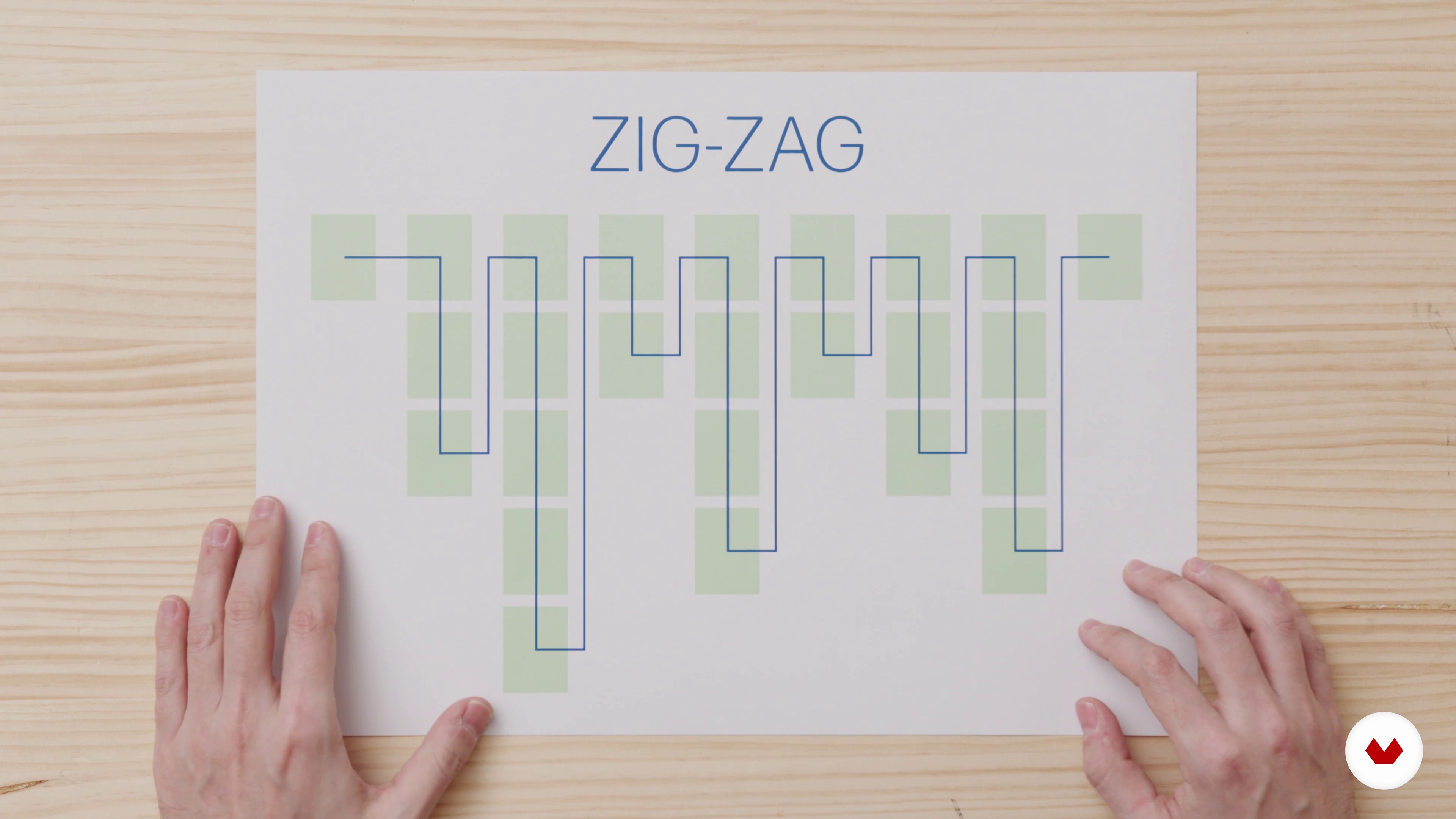
A new way of reading
2 dakika, 58 saniye
Pros and cons of a digital publication
13 dakika, 8 saniye
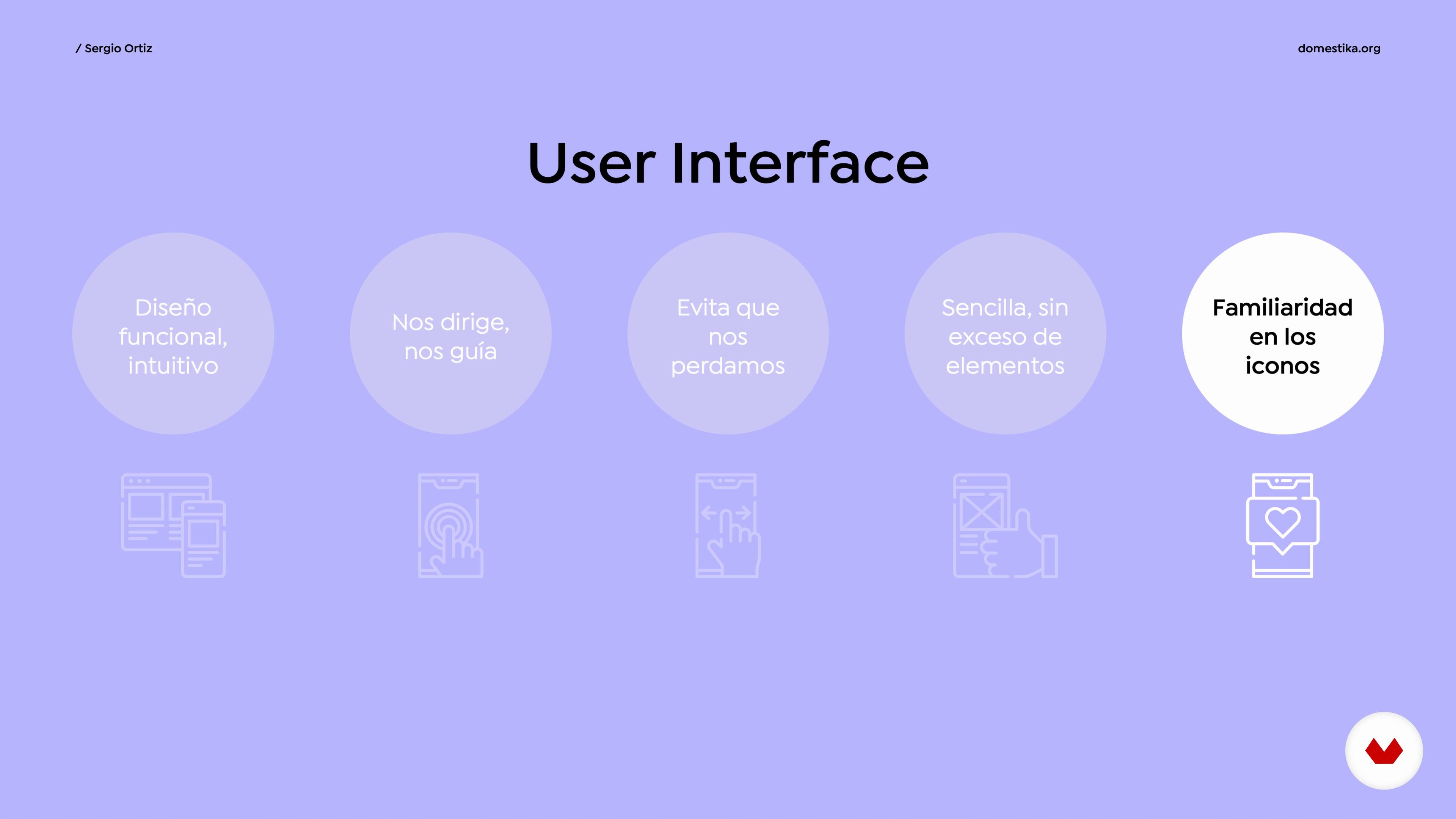
UI and UX
10 dakika, 17 saniye
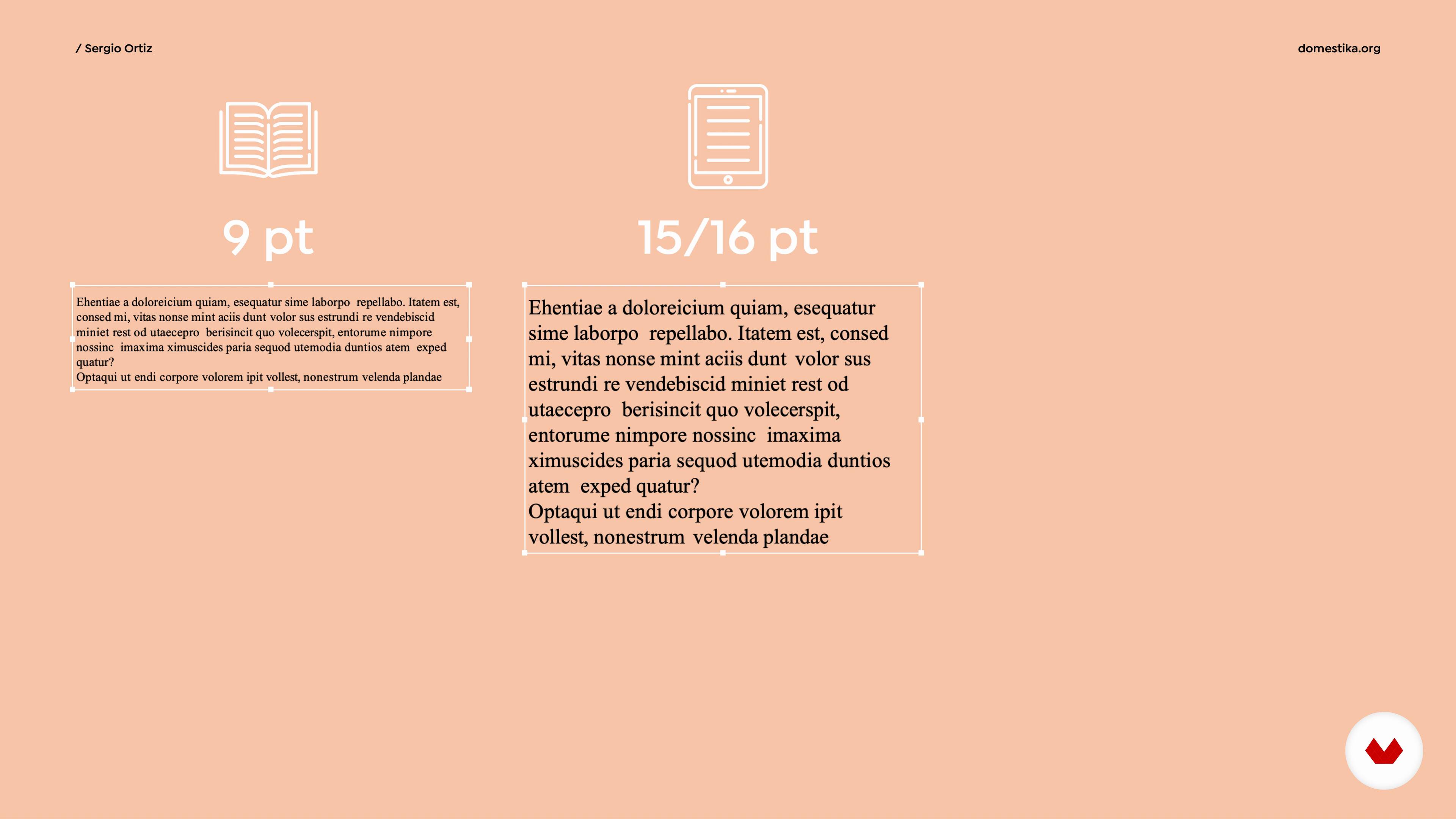
Typography for devices
5 dakika, 52 saniye
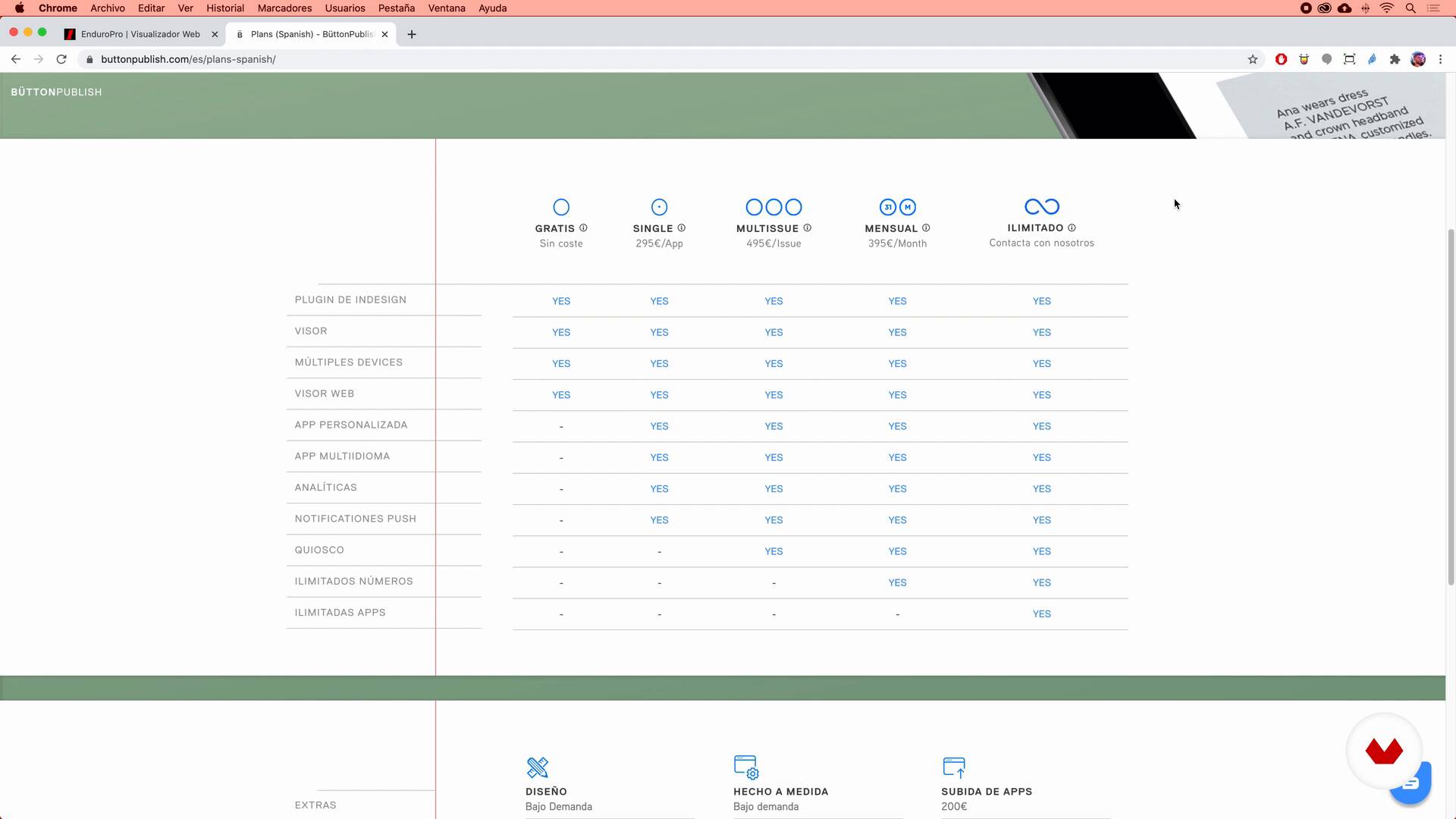
What tools are we going to use and why?
16 dakika, 49 saniye
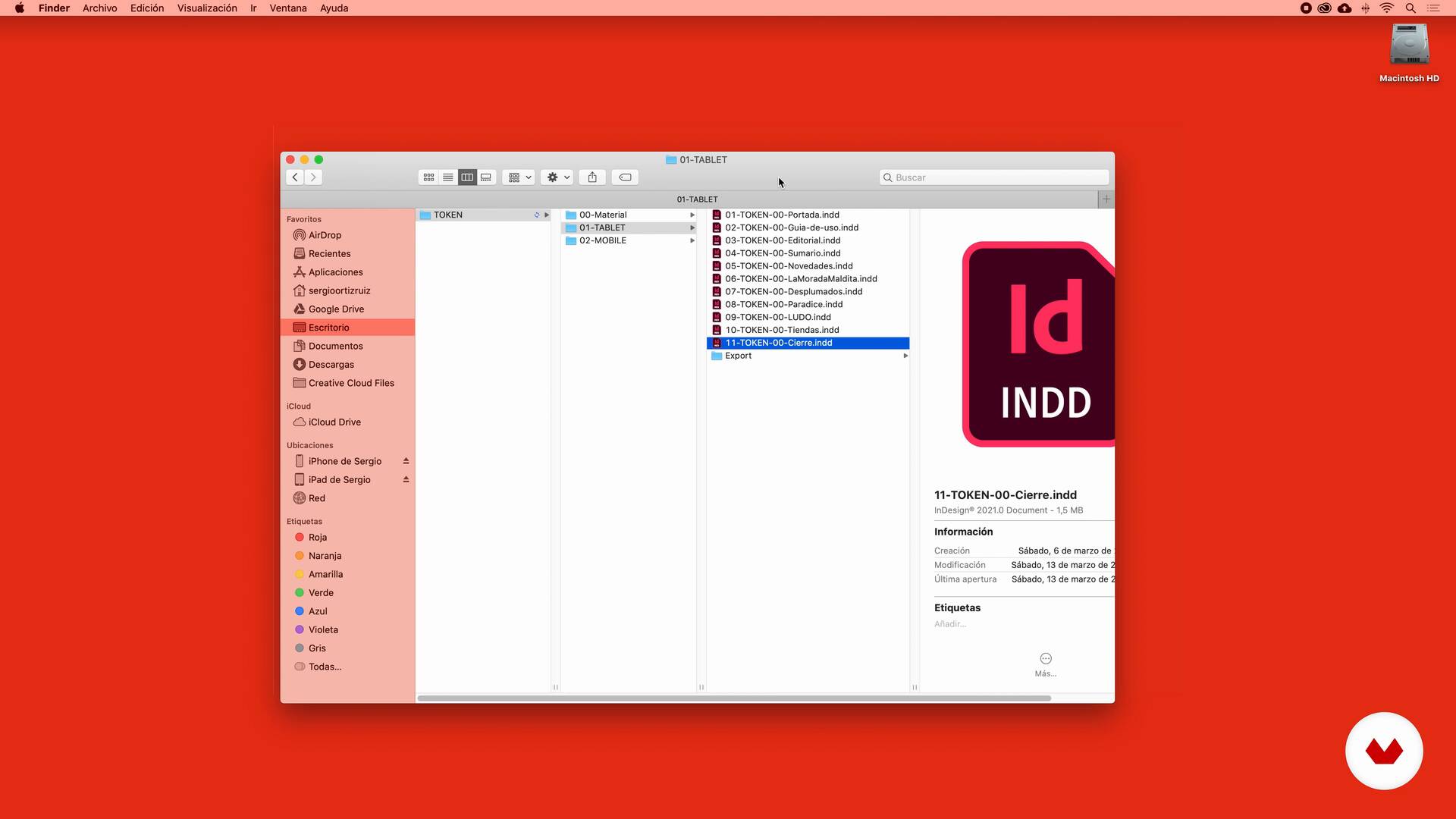
The workflow
5 dakika, 34 saniye
Bu kursa neler dahil?
Start by familiarizing yourself with the work of Sergio Ortiz as he talks about what kinds of projects he usually takes on and what his areas of expertise are. He also talks about his influences and what inspires him from day to day.
Leave conventional hard-copy editorial standards at the door and immerse yourself in the world of interactive publications. Get to know the characteristics of digital browsing, the key aspects of UI and UX, and the use of typography for different devices.
Then get ready to try out InDesign and the free plugin Bütton. Begin with its installation and discover how to arrange workflows and different files in order to facilitate the export of your project.
Now it's time to get stuck in! Sergio introduces you to action and navigation icons, teaches you to personalize your workspace, and explains how to animate images, illustrations, and texts.
Delve yet deeper into everything this plugin has to offer by taking a look at special actions or Touch, the two options for image positioning, ways to add sound, and a handful of other tools for taking your publication to the next level.
Finish up by exporting your project, and let Sergio explain the differences between Single App and Kiosk, what each is used for, and some examples to help you decide which is best for your project.
Recommended software & tools for this course
What is this course's project?
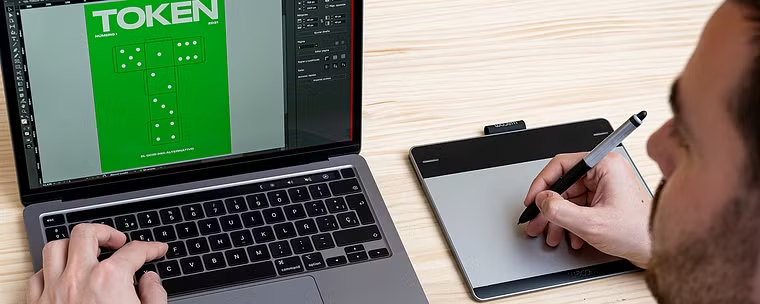
Create your own publication in which interactivity reigns, whether a magazine, a catalog, or any other format you might have in mind.
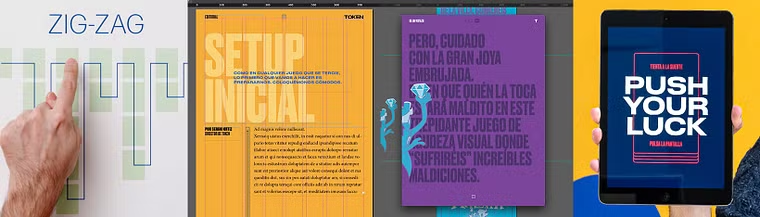
Kurs öğrencilerinin projeleri


Who is this online course for?
Designers, illustrators, and creators in general who want to dive head first into the world of interactive publications, as well as editorial design afficionados who tend to opt for more quirky content.
Requirements and materials
Basic knowledge of InDesign CS6 or later is necessary for this course. You also need the ability to download the plugin, an essential free tool for the creation of interactive publications that Sergio teaches you how to use along the way.
In terms of materials, you need a tablet, a smartphone, and a computer. Bear in mind that in order to preview the content correctly, all the devices need to have the same operating system, either iOS or Android.
Yorumlar
- 10 ay önce
Para mí es un excelente curso porque independiente a la cuestión de Button, se aprende a pensar de forma interactiva.
- 10 ay önce
Increible como una herramiente ya muy buena, aun se puede extraer mas de ella, como lo es el plugin Button
- 10 ay önce
The course if very informative and well paced. However I am stuck on adding articles . please help, when I add a page or an article it simple adds it at the bottom as if it's a additional page in the main article. I am not able to add new articles which would be activated by swiping right. Thank you Daniel
- 10 ay önce
Buenisimo!!
- 1 yıl önce
Excelente curso, lo recomiendo.

İçerik
- U 1
Introduction
- Presentation
- Influences
- U 2
Stop thinking on paper and think digital
- A new way of reading
- Pros and cons of a digital publication
- UI and UX
- Typography for devices
- U 3
Let's do it!
- What tools are we going to use and why?
- The workflow
- U 4
Tools
- What are we going to do?
- Action and interaction icons
- New document and first tools 1
- New document and first tools 2
- Animations 1
- Animations 2
- U 5
More tools to advance
- Special or "touch" actions 1
- Special or "touch" actions 2
- Image slideshow
- Time to add sound 1
- Time to add sound 2
- Extras
- U 6
More tools to advance
- Export your project
- Single App or kiosk?
- FP
Bitirme projesi
- Design of an interactive publication with InDesign and Bütton
Bir Domestika kursundan neler beklenebilir?
Kendi hızınızda öğrenin
Belirli bir program olmadan ve takip edilmesi kolay bir yöntemle evden öğrenmenin tadını çıkarın. Kendi hızınızı kendiniz belirlersiniz.
En iyi profesyonellerden öğrenin
Yaratıcı sektörün en iyi uzmanlarının açıkladığı değerli yöntem ve teknikleri öğrenin.
Uzman öğretmenlerle tanışın
Her uzman, her derste açık yönergelerle, gerçek tutkuyla ve profesyonel anlayışla en iyi yaptıkları şeyi öğretir.
Certificates
PLUSIf you're a Plus member, get a özel sertifika signed by your teacher for every course. Share it on your portfolio, social media, or wherever you like.
Ön sıra koltukları alın
En yüksek kalitede videolar sayesinde tek bir ayrıntıyı kaçırmazsınız. Sınırsız erişim sayesinde tekniğinizi mükemmelleştirmek için bunları istediğiniz kadar izleyebilirsiniz.
Bilgi ve fikirleri paylaşın
Sorular sorun, geri bildirim isteyin veya çözümler sunun. Öğrenme deneyiminizi topluluktaki, yaratıcılığa sizin kadar tutkulu olan diğer öğrencilerle paylaşın.
Küresel bir yaratıcı toplulukla bağlantı kurun
Topluluk, dünyanın her yerinden meraklı ve yaratıcılıklarını keşfetme ve ifade etme konusunda tutkulu milyonlarca insana ev sahipliği yapıyor.
Profesyonelce hazırlanmış kursları izleyin
Domestika, yüksek kaliteli bir çevrimiçi öğrenme deneyimi sağlamak için öğretmen kadrosunu seçer ve her dersi kendi bünyesinde üretir.
SSS
You’ll learn how to create, design, and optimize interactive digital magazines for iPad and other devices using InDesign and plugins like Button. You’ll master navigation, interactivity, digital typography, animations, multimedia integration, and professional export strategies.
This isn’t for absolute beginners; basic graphic or editorial design knowledge is recommended. The course is intermediate level and dives deep into tools and concepts for interactive digital publications.
You should have basic graphic design skills and be familiar with InDesign. Access to a computer with InDesign installed and some understanding of layout and visual design concepts is recommended.
You’ll primarily use Adobe InDesign and the Button plugin (ButtonView) to create and preview interactive digital publications, along with online resources like Behance for inspiration and icon libraries.
An interactive digital magazine offers nonlinear navigation, multimedia integration, links, animations, and interactive effects, providing a richer user experience that print magazines can’t match.
Yes, the course includes creating interactive effects like page flips, hotspots, slideshows, and custom animations to enhance user engagement in digital publications.
You’ll learn how to select appropriate font sizes, optimize images to reduce file size without losing quality, and apply accessibility principles to prevent eye strain on mobile devices and tablets.