
Modelowanie postaci 3D
Kurs prowadzi Luis Gomez-GuzmanModelarz i rzeźbiarz 3D
Kurs prowadzi Luis Gomez-Guzman, Modelarz i rzeźbiarz 3D

Zaprojektuj popiersie cyfrowej postaci za pomocą ZBrush
Want to learn how to sculpt and shape characters digitally? In this online course, 3D modeler and sculptor Luis Gómez-Guzmán teaches you how to model the bust of a 3D character from a sketch using Pixologic ZBrush.
Learn the ins and out of this program and the fundamental concepts of 3D to create professional-looking character models. By the end, you'll have a digital sculpture you can add to your portfolio or even 3D print.
Czego nauczysz się na tym kursie online?
llekcji: 15 & liczba dodatkowych zasobów: 4
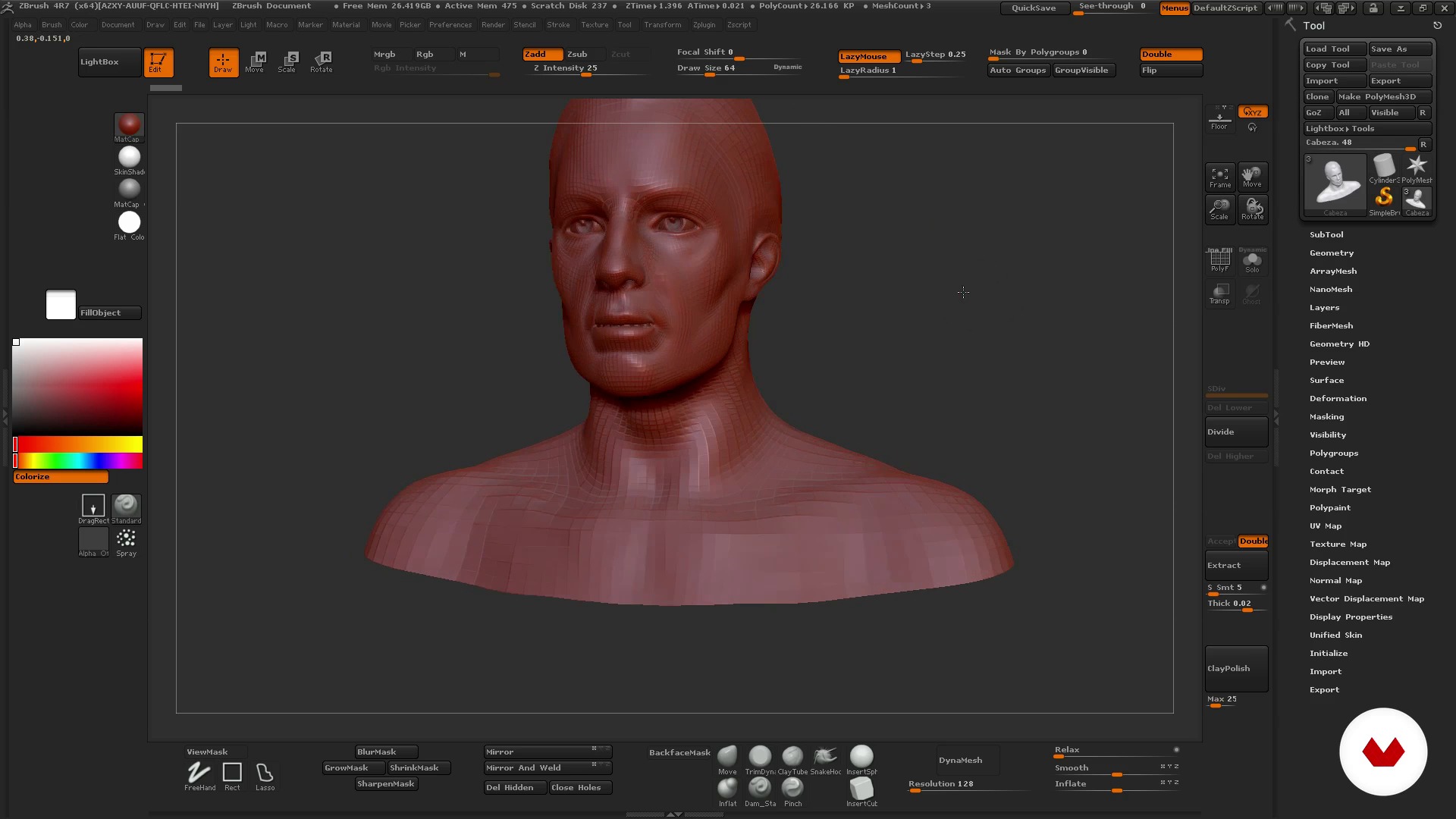
Knowing Zbrush: interface and environment
13 min, 11 sek.
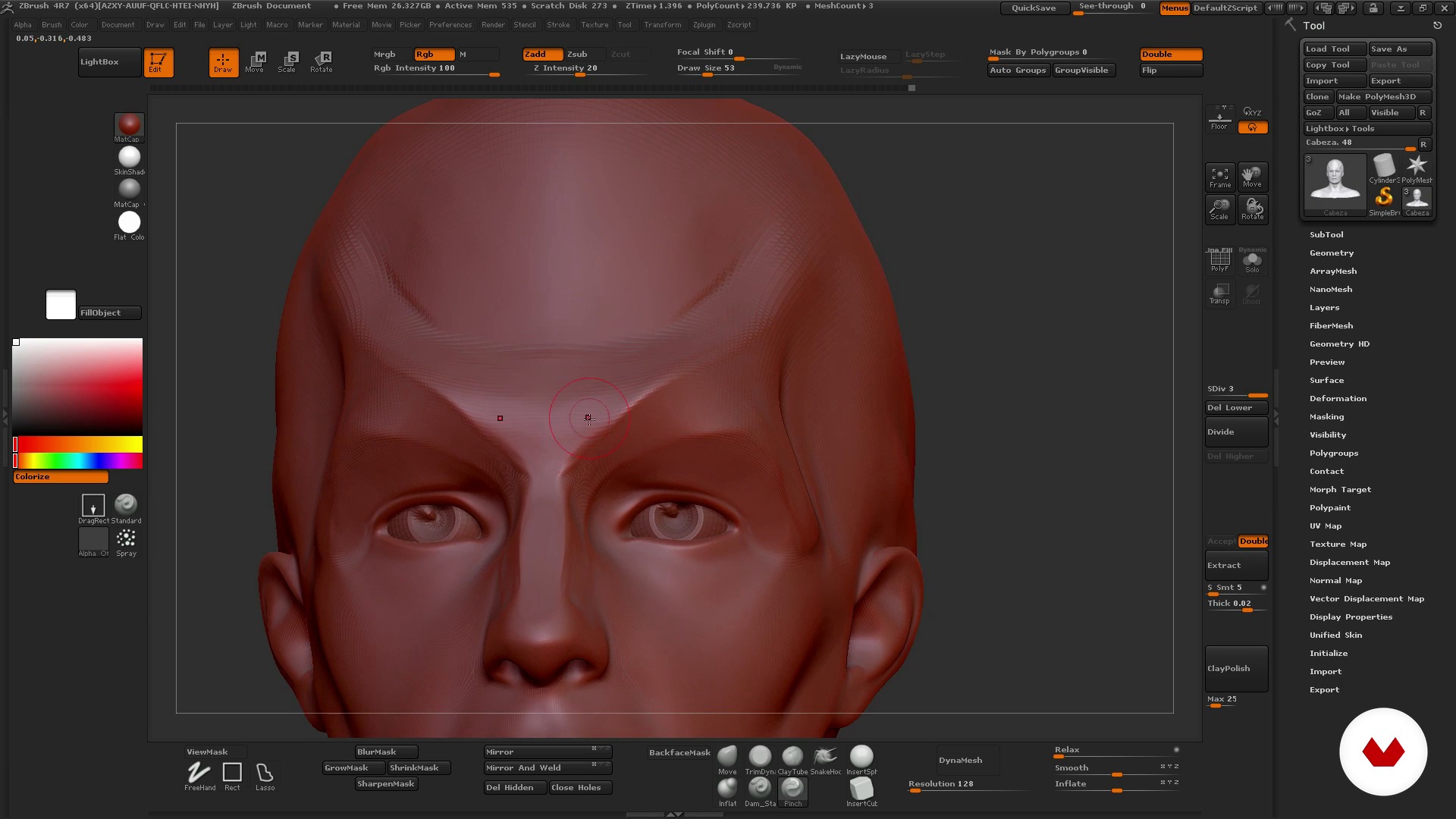
How to use ZBrush I
12 min, 41 sek.
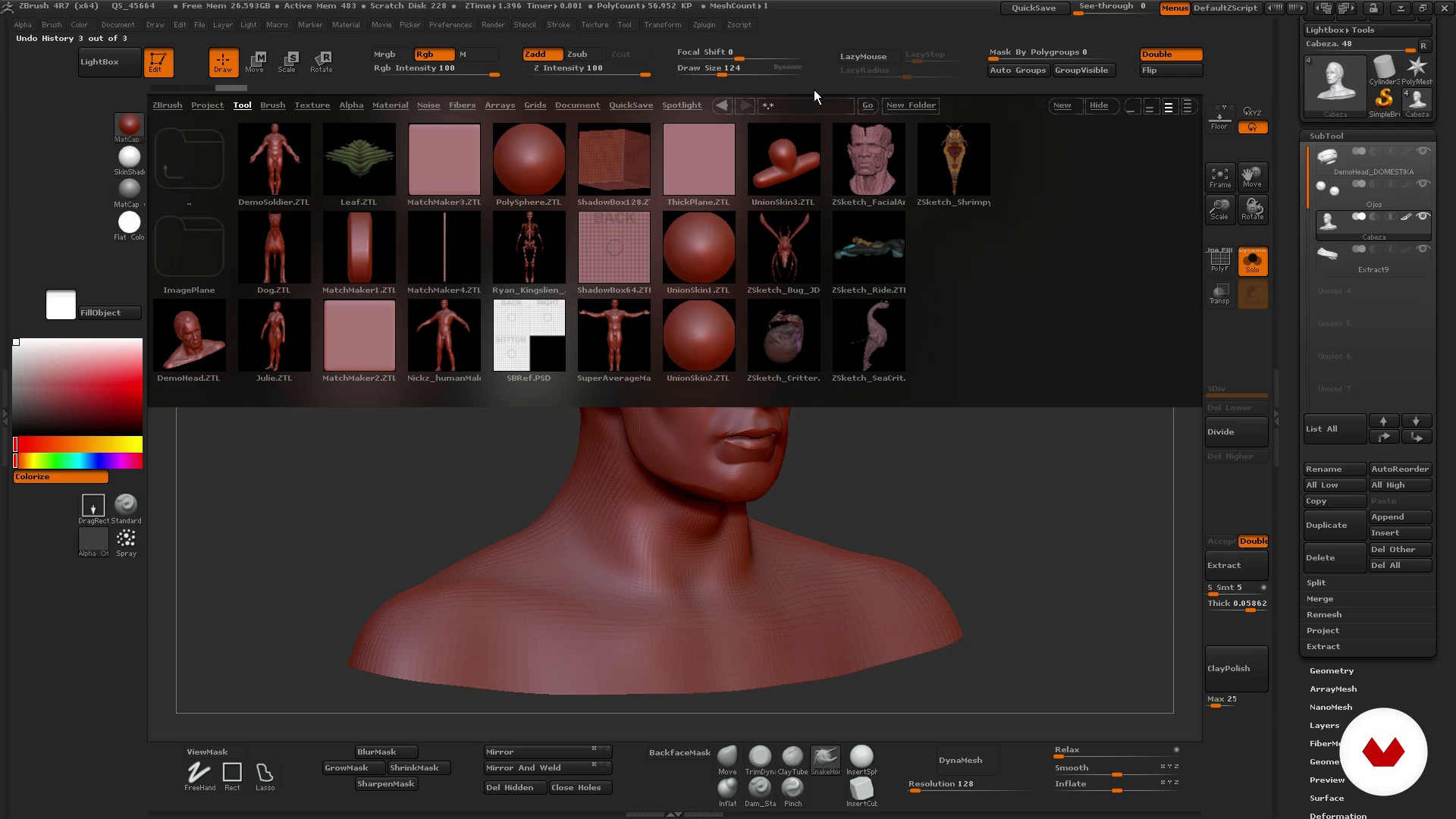
How to use ZBrush II
18 min, 30 sek.
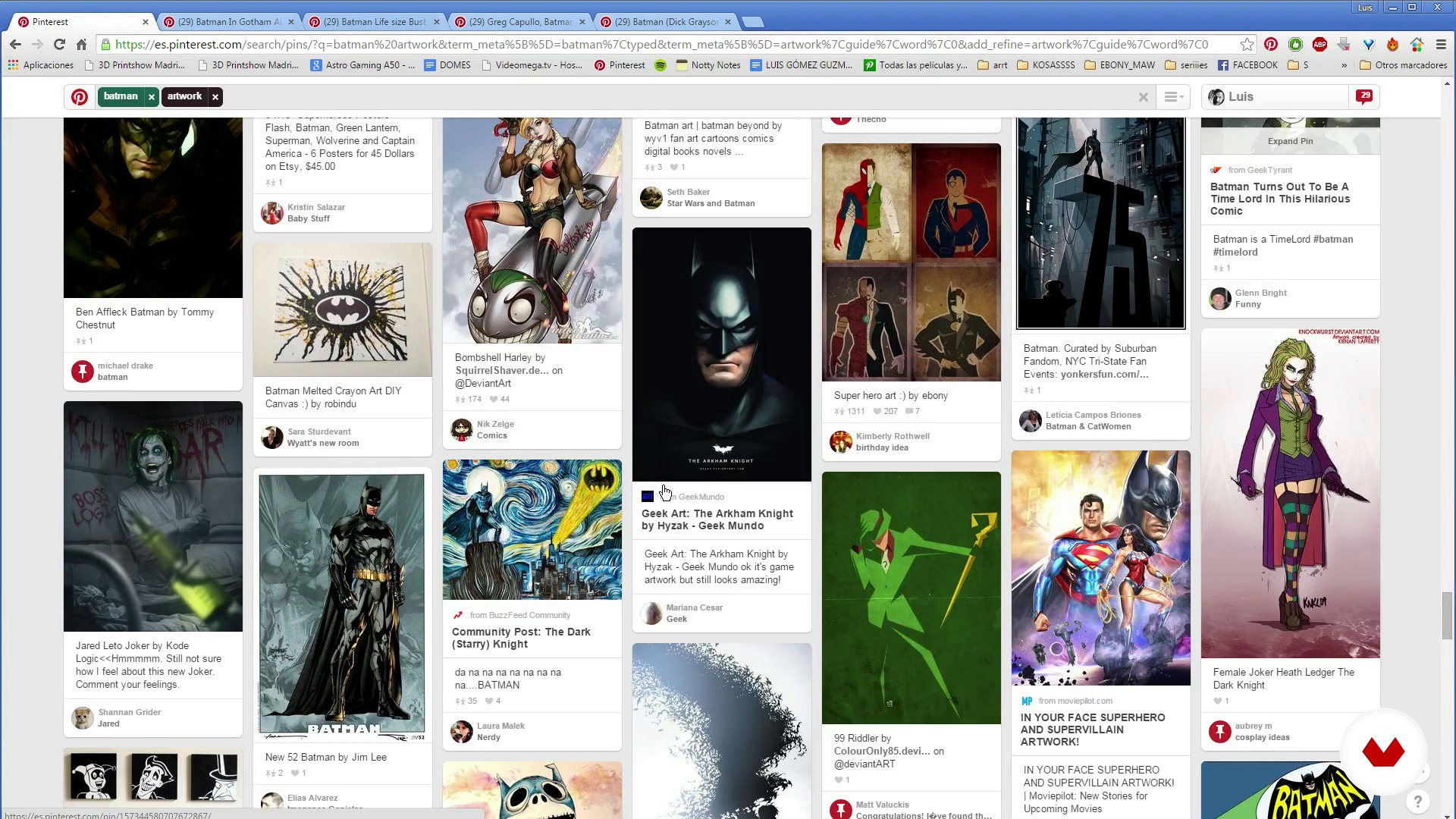
Search for references
10 min, 39 sek.
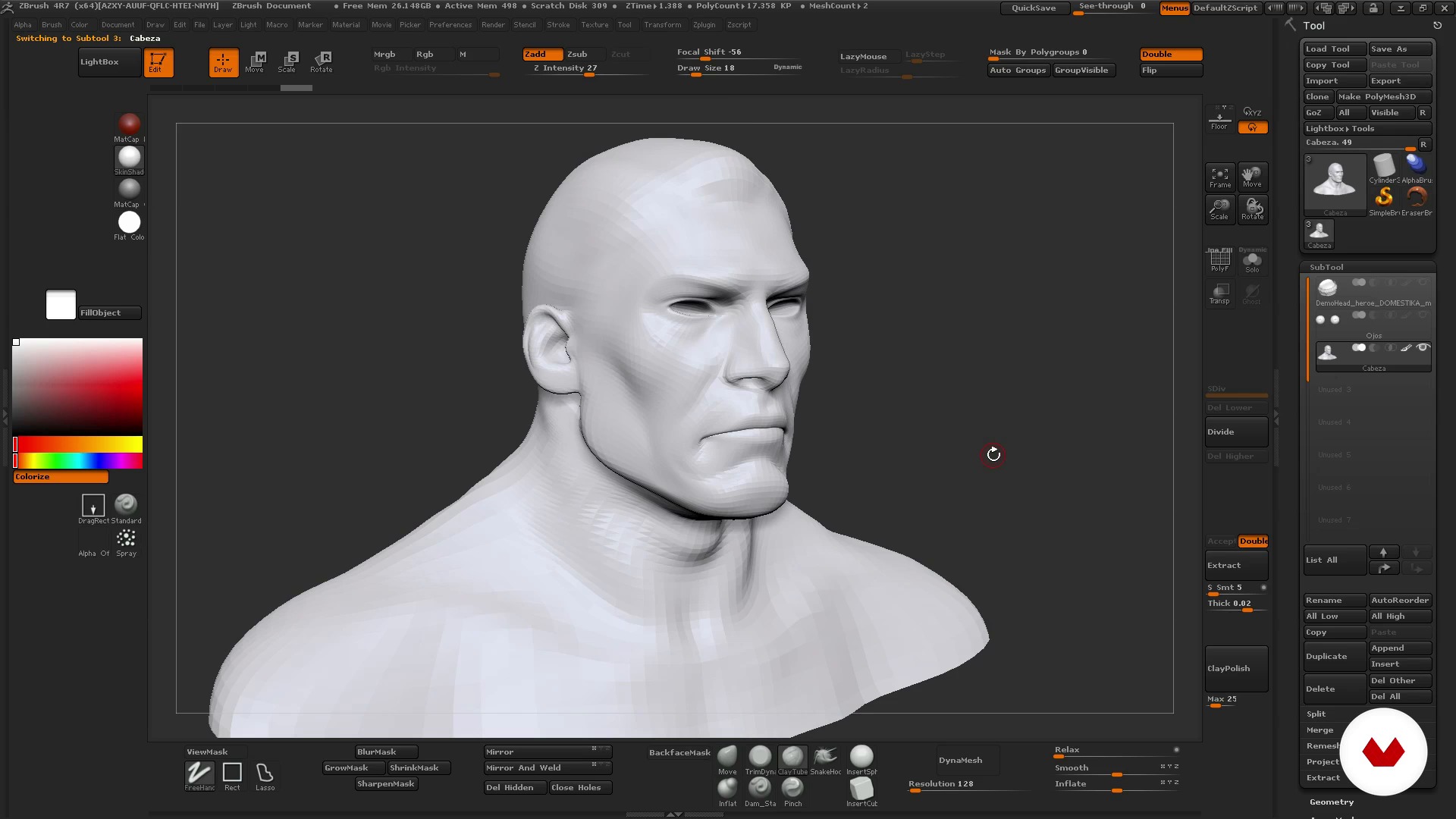
Basic Character I
19 min, 4 sek.
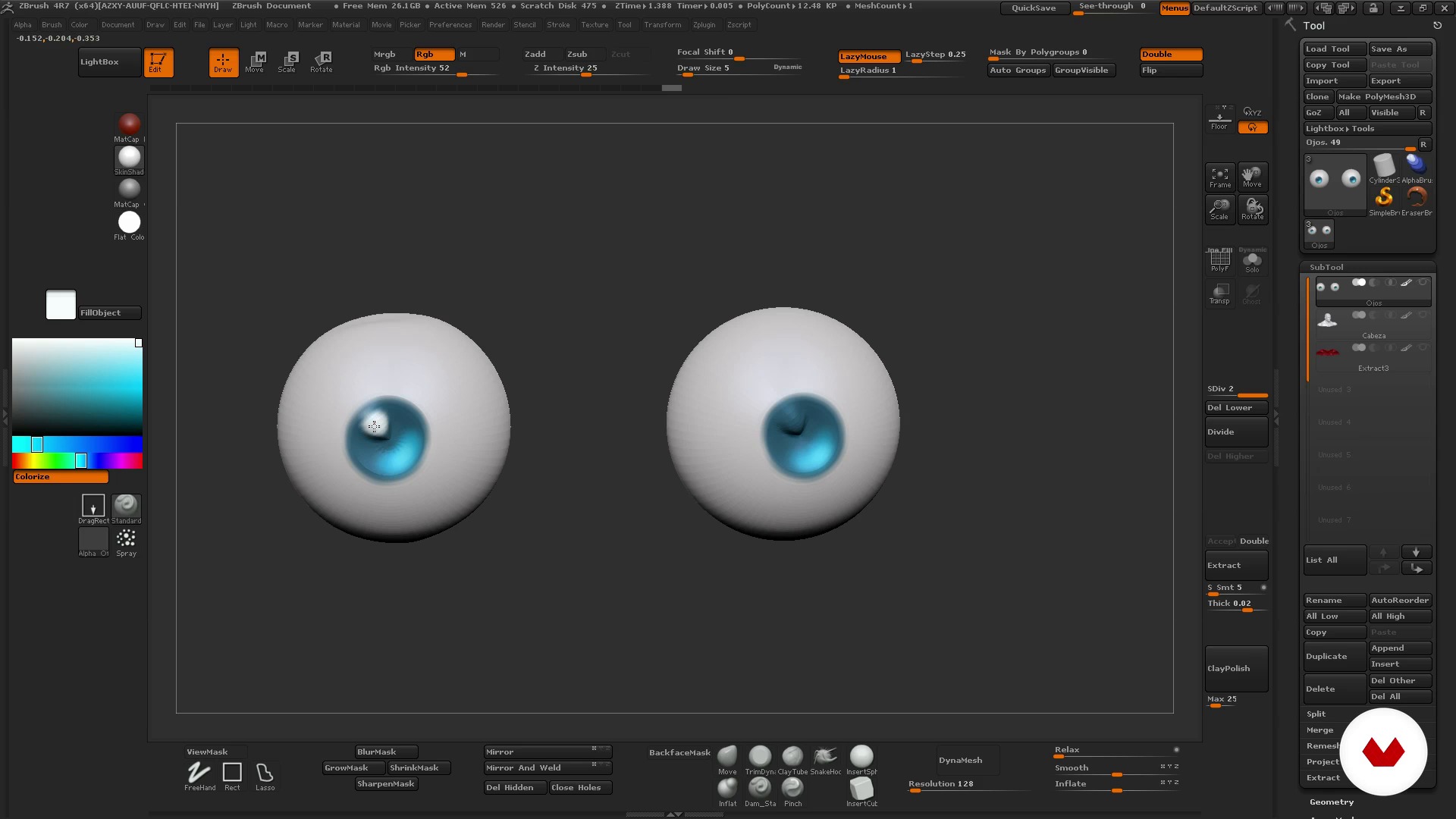
Basic Character II
14 min, 27 sek.
Co obejmuje ten kurs?
Begin by getting to know your teacher, Luis Gómez-Guzmán. Hear about his professional career as well as the influences that inspire him and the characters he creates.
Next, Luis gives you an introduction to ZBrush and how it works. Explore the interface and the viewport before learning how to use the program's essential tools and features for modeling.
Once you feel comfortable in ZBrush, search for references to find inspiration for your character idea, from illustrations and photos to color palettes and poses.
Now it's time to get to work! Start by sculpting basic shapes, playing with volume and symmetry. Then, add details and a few simple layers of color.
Finally, Luis teaches you how to put the finishing touches on your bust to give it a more realistic look, including textures, color accents, and lighting.

Zalecane oprogramowanie i narzędzia do tego kursu
Jaki jest projekt kursu?
Sculpt and model the bust of a 3D character, adding texture, lighting, and color, and create a turntable to provide a 360º view of your model.
You can also make a brief video showing the steps you followed to share your experience with other students or include in your portfolio.
Projekty uczestników kursu


Do kogo jest skierowany ten kurs online?
Illustrators, graphic artists, designers, and anyone who wants to get started in 3D art and learn to work with ZBrush.
Wymagania i materiały
No previous knowledge is required to take this course.
As for materials, you need a mid-range to high-end computer with a 3D sculpting program installed, preferably ZBrush.

Oceny
- 11 miesięcy temu
Curso muito bom para iniciar no mundo 3D utilizando a ferramenta apresentada, ZBrush. Para os veteranos é uma boa forma de treinar e aprender algumas dicas também, e praticar mais pelo desafio.
- rok temu
Compré este curso que me enseñó lo básico de Zbrush y después de más de 7 años ahora soy profesional de 3D character art. Bueno, después de mucho llover. Zb no ha cambiado mucho su interface ni su workflow, han añadido nuevas cosas, claro, pero aunque sigas un curso de hace años te servirá mucho igualmente. Gracias profe.
- rok temu
Muy buen curso, sencillo, explica lo básico para comenzar a usar el software y sus ejemplos son breves y concisos, muy recomendable si eres nuevo en esto. Si no sabes usar el programa revisa bien antes de comprar otros cursos ya que consideran que sabes y solo modelan. Suerte
- 2 lata temu
Está bien explicado, muy buen curso
- 2 lata temu
Está bien explicado. Muy recomendable si es tu primera vez con el software. E incluso si es tu primera vez con el moldeado en 3d.

Karierę rozpoczął jako modelarz i animator w Madrycie, po czym przeniósł się do Anglii, gdzie pracował nad animacją 3D do gier wideo. Na...
Zawartość
- Cz.1
Introduction
- Presentation of my work
- Influences
- Cz.2
ZBrush
- Knowing Zbrush: interface and environment
- How to use ZBrush I
- How to use ZBrush II
- Cz.3
The idea
- Search for references
- Cz.4
To model
- Basic Character I
- Basic Character II
- Medium Character I
- Middle Character II
- Middle Character III
- Difficult Character I
- Difficult Character II
- Cz.5
Color and presentation
- Colour
- Composition and turnaround
- PK
Projekt końcowy
- Modeling 3D characters
Kurs Domestika - czego możesz się spodziewać?
Nauka we własnym tempie
Radość z nauki w domu, bez wyznaczonych terminów. Szybko przyswajasz wiedzę, a swój plan zajęć układasz wedle uznania.
Nauka z najlepszymi ekspertami
Przydatne metody oraz ciekawe techniki przedstawione i wyjaśnione przez najlepszych specjalistów z branży kreatywnej.
Doświadczeni prowadzący
Wszyscy prowadzący są specjalistami w swojej dziedzinie. Przekazują wiedzę z pasją, tłumaczą zagadnienia w jasny sposób, a podczas zajęć kładą nacisk na praktyczne zastosowanie zdobytej wiedzy.
Certyfikaty
PLUSJeśli masz subskrypcję Plus, za każdy kurs otrzymasz spersonalizowany certyfikat podpisany przez prowadzącego. Udostępnij go w portfolio, w mediach społecznościowych lub gdziekolwiek chcesz.
Miejsca w pierwszym rzędzie
Wysoka jakość wideo sprawia, że nie umknie Ci żaden szczegół. Dzięki nieograniczonemu dostępowi możesz obejrzeć nagrania tyle razy, ile potrzebujesz, aby przyswoić nowe umiejętności.
Dzielenie się wiedzą i pomysłami
Zadawaj pytania, nie wahaj się poprosić o opinię czy poszukać rozwiązania. Podziel się swoimi wrażeniami z nauki z pozostałymi członkami społeczności, którzy tak jak Ty uwielbiają tworzyć.
Łączność z kreatywną społecznością z całego świata
Społeczność kilku milionów użytkowników z całego świata, pełnych ciekawości oraz chęci odkrywania i wyrażania swojej kreatywności.
Profesjonalna realizacja kursów
Domestika starannie dobiera prowadzących i produkuje wszystkie kursy we własnym zakresie, aby zapewnić wysoką jakość nauki online.
Często zadawane pytania
You’ll learn how to sculpt busts and full characters in 3D from references, master ZBrush tools, apply anatomy and color techniques, prepare models for 3D printing, and professionally showcase your creations.
This is an intermediate-level course, perfect if you have some basic knowledge of 3D modeling or ZBrush. You don’t need to be an expert, but familiarity with digital sculpting concepts is recommended.
You’ll need a computer that supports ZBrush, access to the software (or a free alternative), and ideally a graphics tablet. Having reference images and internet access is also recommended.
Yes, the course teaches how to optimize, fix, and prepare digital models for 3D printing, including closing geometry and making technical adjustments to ensure successful prints.
The course covers facial and animal anatomy, proportions, volumes, and techniques to translate anatomical features into 3D models—essential for creating believable, expressive characters.
Yes, while the focus is on ZBrush, guidance and recommendations are provided for those using free alternatives compatible with digital sculpting workflows.
Yes, the course includes techniques for applying color and materials to digital sculptures, managing saturation, contrast, and finishes to enhance your characters’ presentation.