
Animacja poklatkowa z plasteliny
Kurs prowadzi Becho y MAB _ Can Can ClubReżyserzy animacji
Kurs prowadzi Becho y MAB _ Can Can Club, Reżyserzy animacji

Ucz się i doskonal swoje techniki claymation w Dragonframe
Stop-motion animation is an intricate art form that requires planning, patience, and tons of creativity. No one knows this better than Mab and Becho, two Argentinian directors and animators who bring all kinds of productions to fruition alongside a skilled creative team under the name Can Can Club. Specializing in stop-motion animation, they've crafted a distinctive style that has opened up a world of opportunities for them in the field of advertising and multimedia content production.
In this course, join them to learn the basic principles of clay animation, whether you're just getting started with Dragonframe or want to perfect your claymation techniques.
Czego nauczysz się na tym kursie online?
llekcji: 22 & liczba dodatkowych zasobów: 16
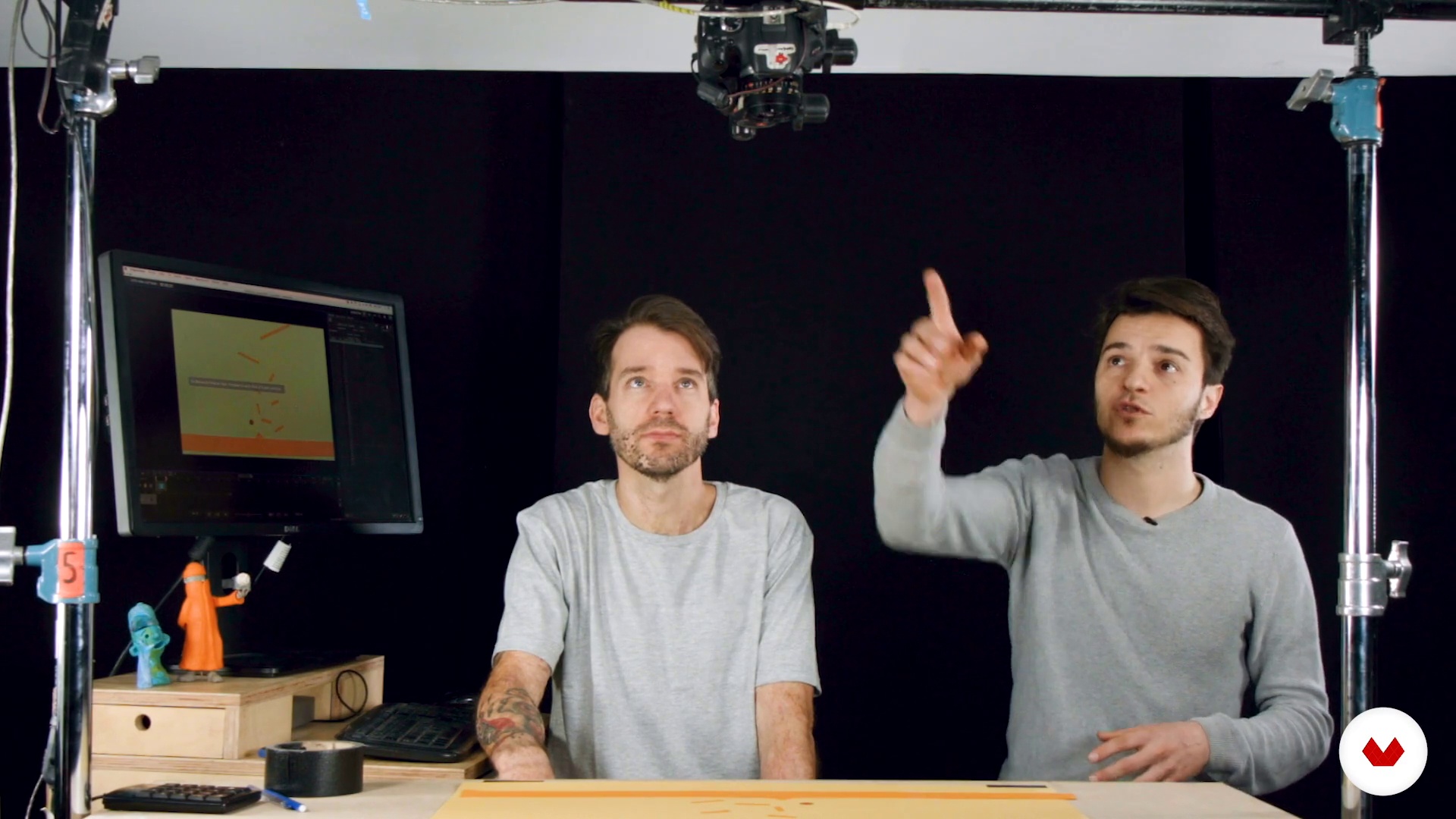
Basic installation
9 min, 48 sek.
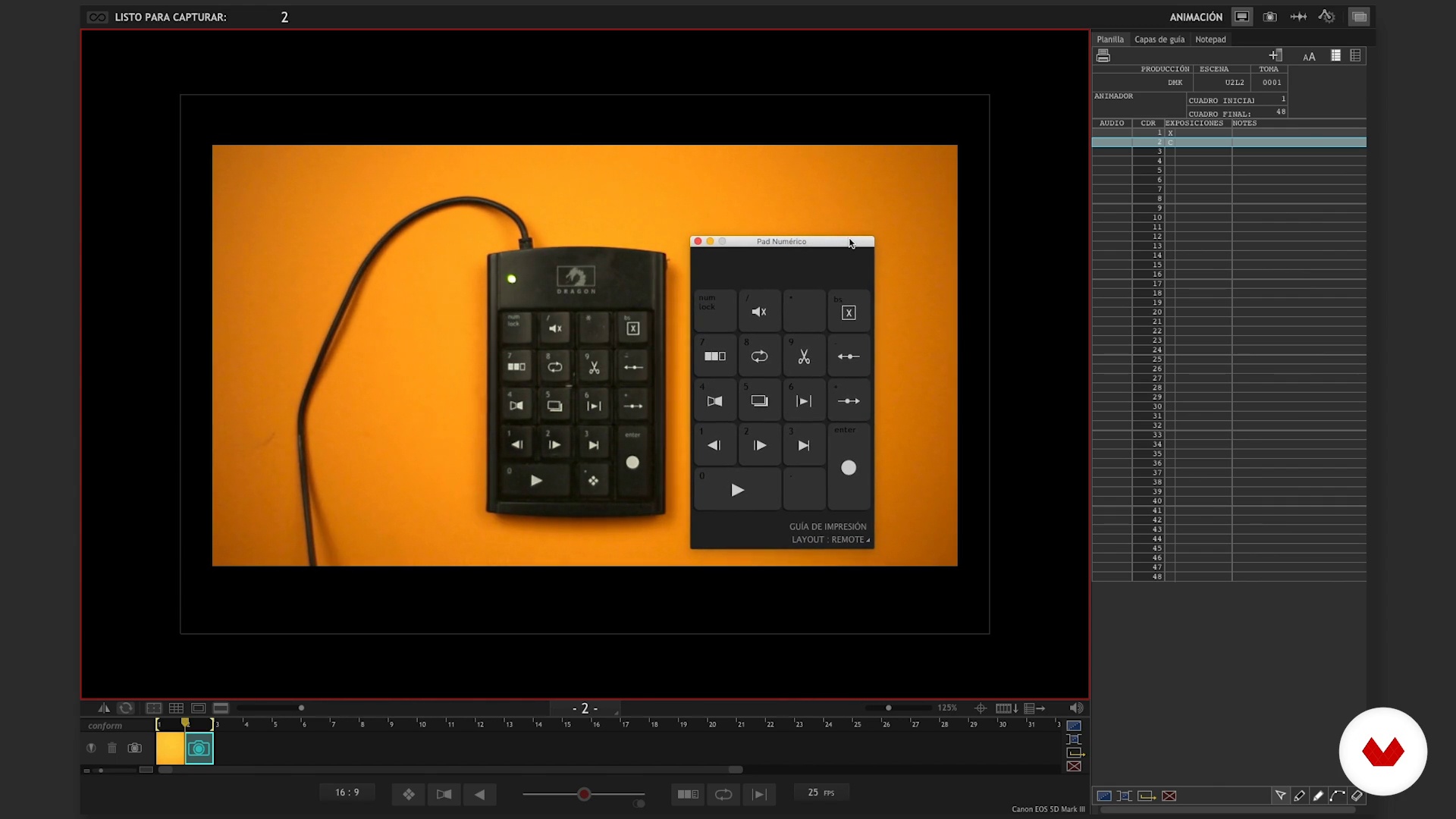
Software operation I
16 min, 0 sek.
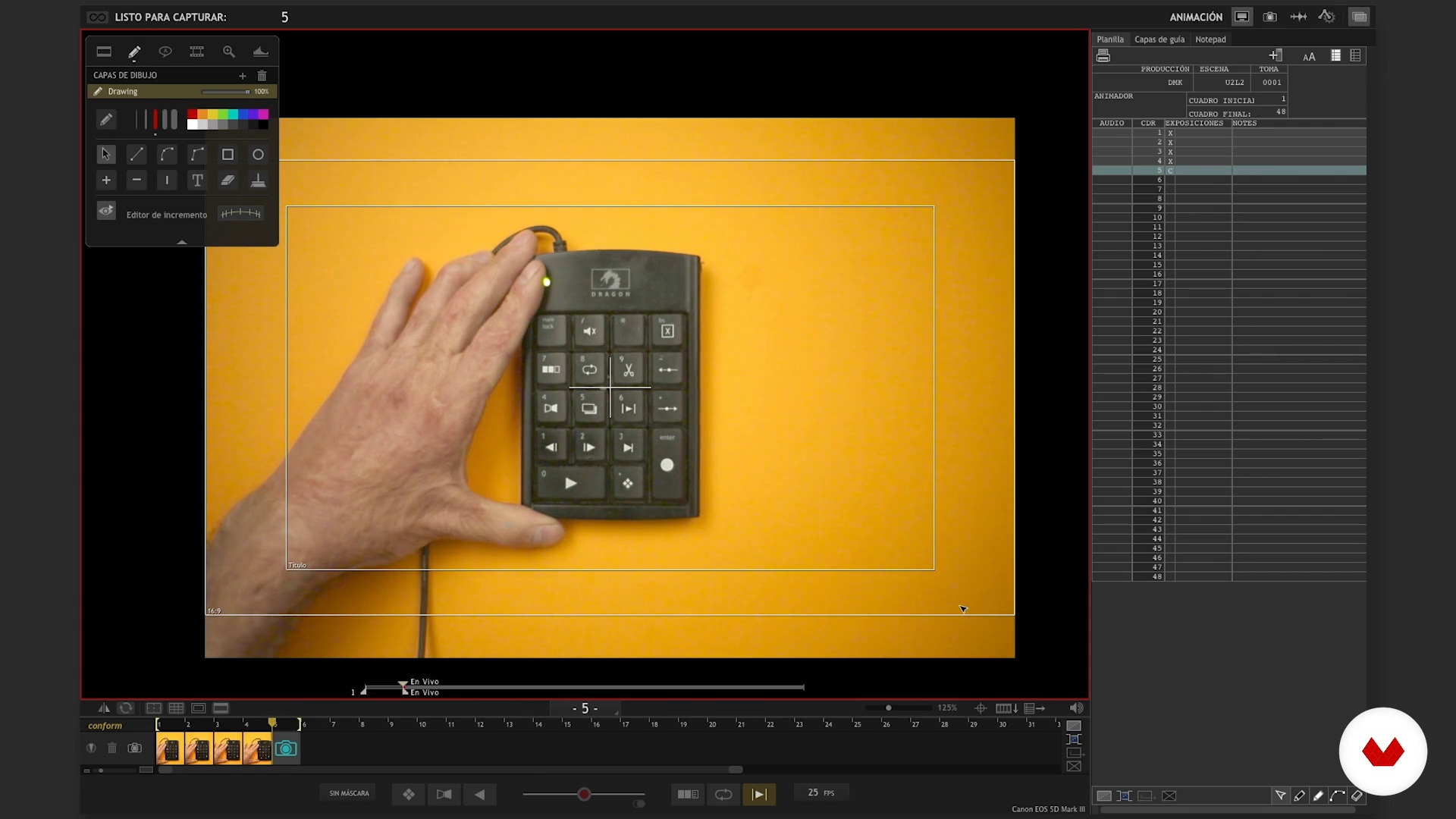
Operation of software II
15 min, 52 sek.
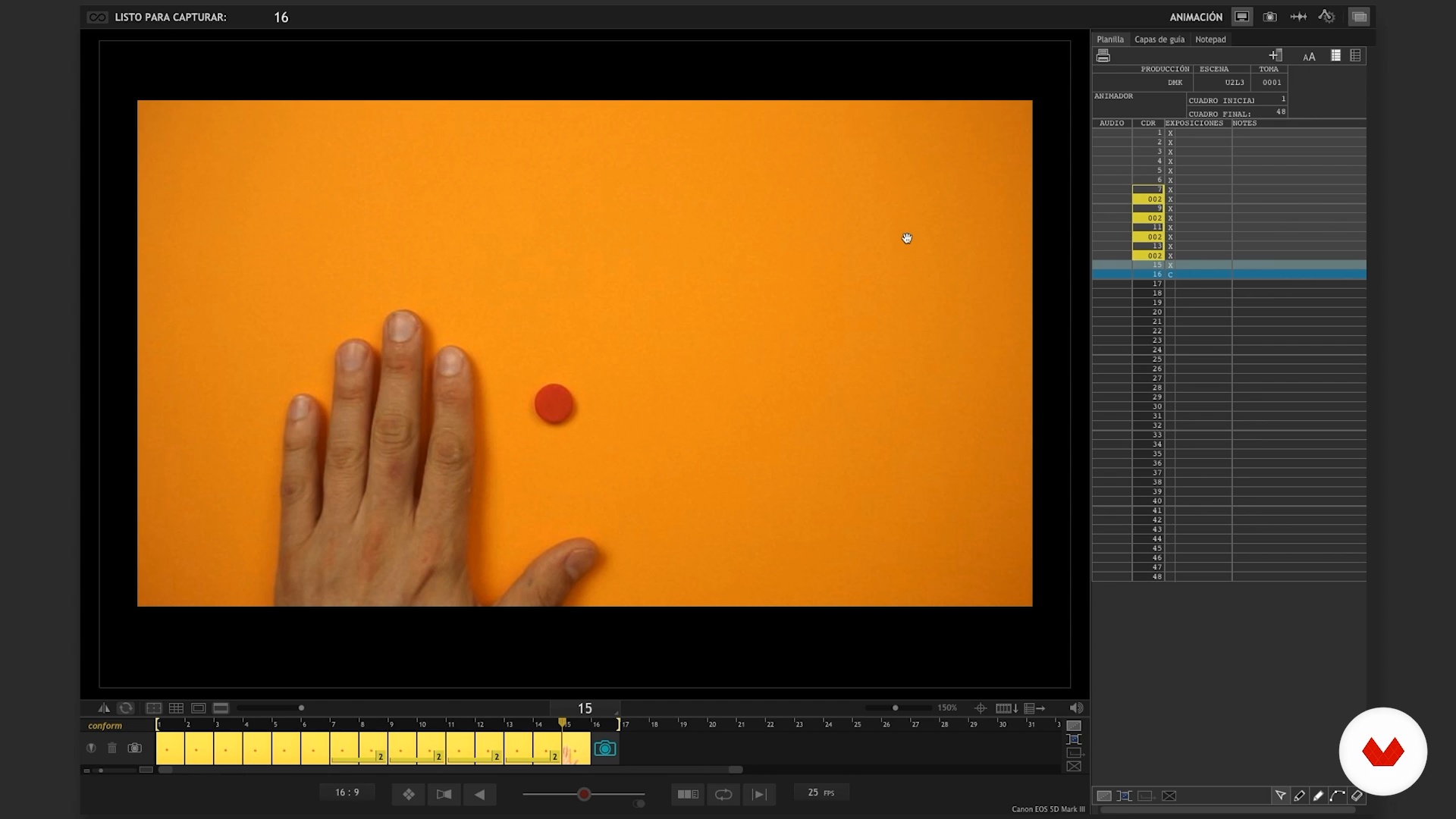
Software Tips I
10 min, 10 sek.
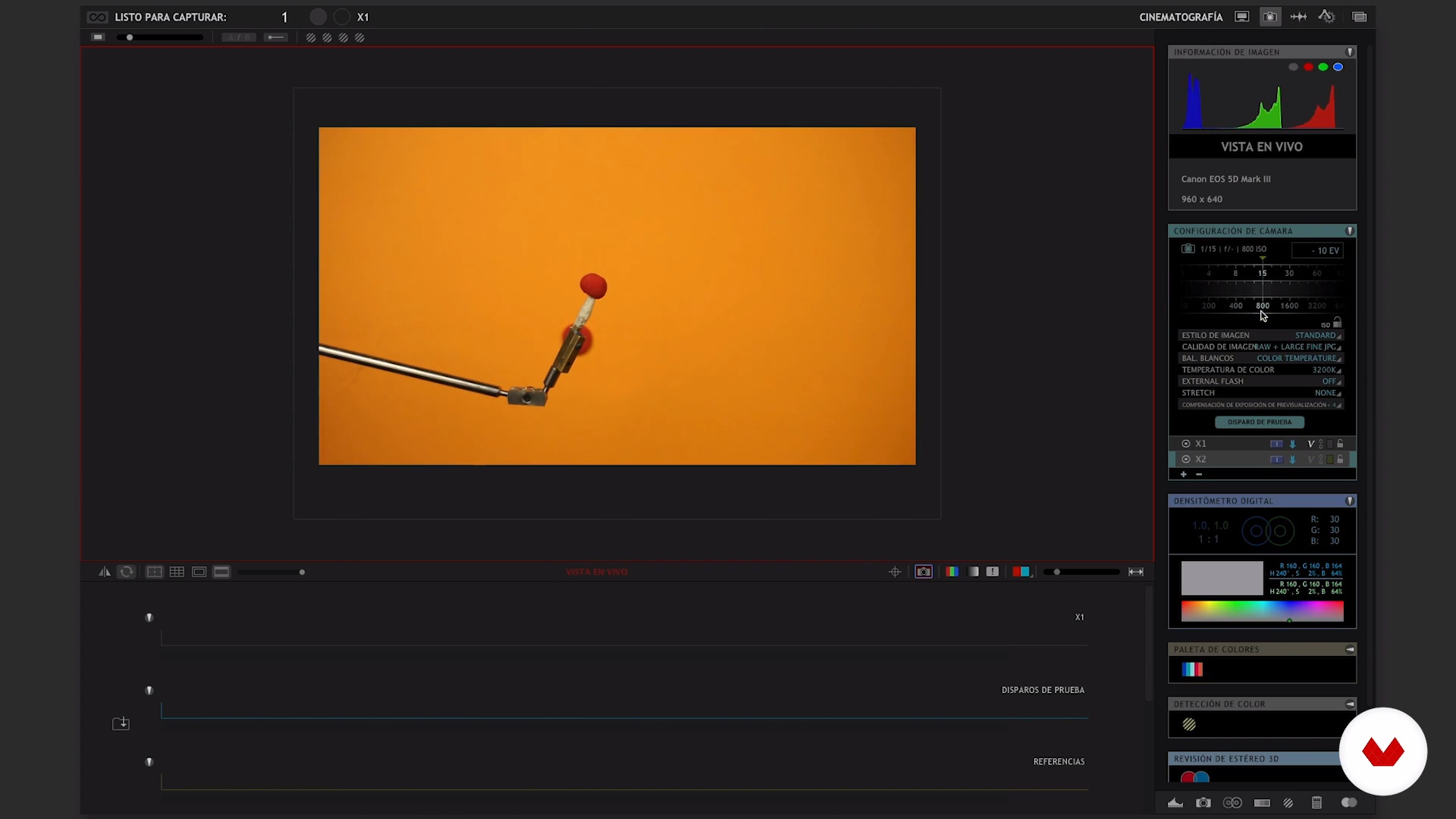
Software Tips II
15 min, 33 sek.
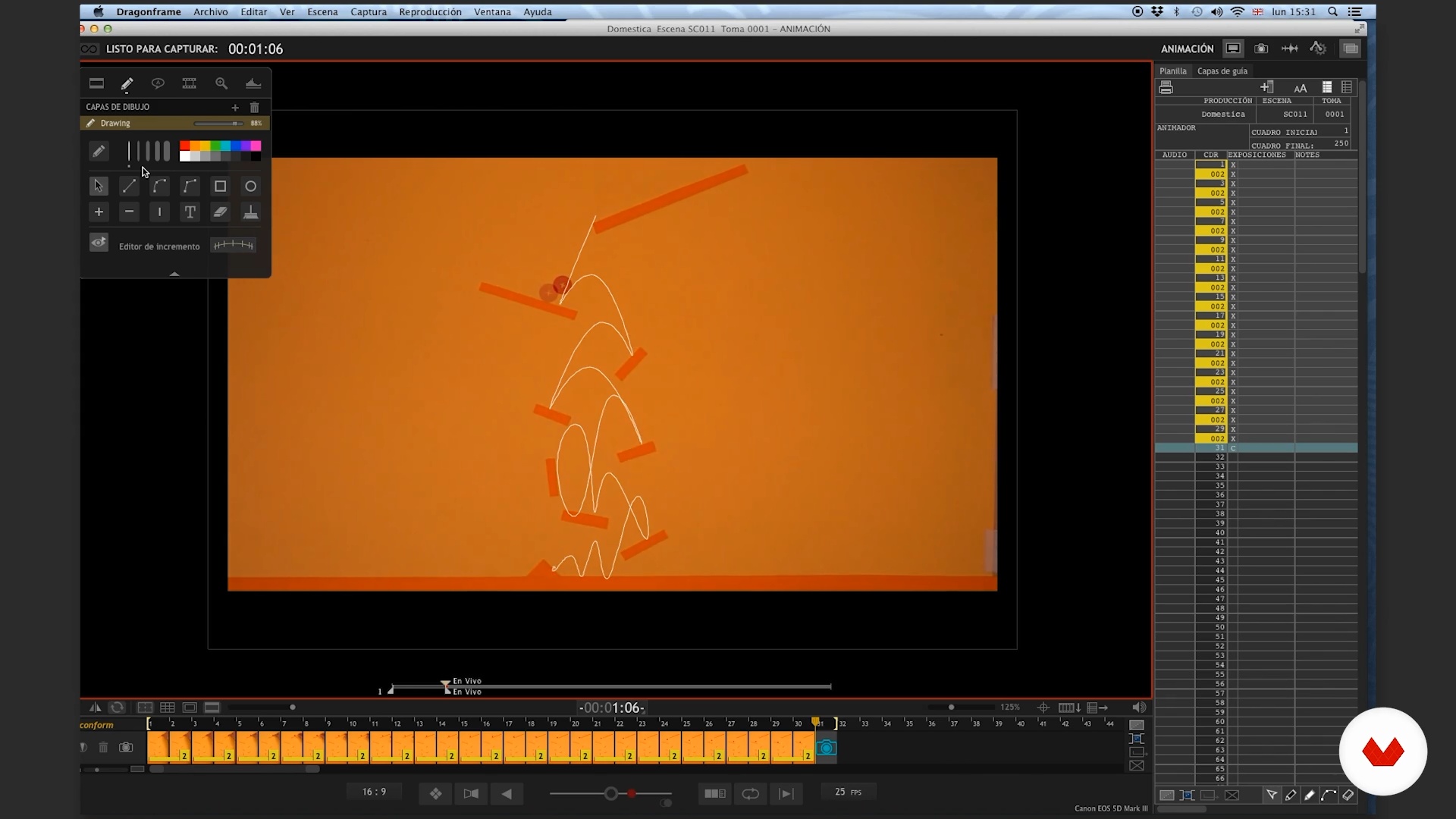
Rebounds I
24 min, 57 sek.
Co obejmuje ten kurs?
Start by getting to know Becho and Mab as they give you a tour of their influences and some of their personal projects, from their earliest endeavors to their most recent ones, like Can Can Club.
Build a solid foundation before you start animating by creating a functional workspace, both analog and digital. Mab and Becho guide you as you put together your set and install the software you need to bring your animations to life, revealing their top tips to help you make the most of these resources.
Then, it's time for action. Tackle some hands-on animation exercises to learn to add a sense of weight to your objects, making them bounce, morph, and move with a life of their own. Begin by working in a 2D environment first, and then dive deep into 3D animation to take your skills to the next level.
Sit back and watch what you've created from scratch—a dynamic animation brimming with life and movement.
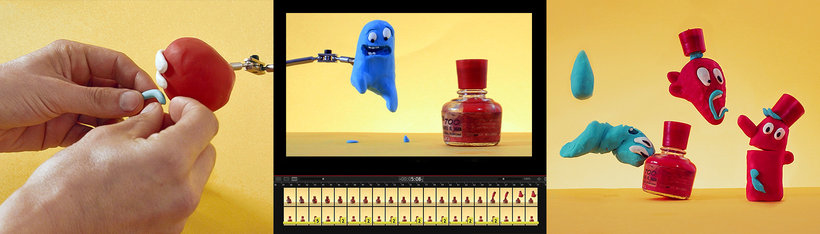
Zalecane oprogramowanie i narzędzia do tego kursu
Jaki jest projekt kursu?
Create a short, animated video with claymation techniques, combining the flexibility of clay with the power of stop-motion.
Projekty uczestników kursu


Do kogo jest skierowany ten kurs online?
Animators, designers, character creators, and anyone interested in exploring the world of clay animation.
Wymagania i materiały
Basic knowledge and prior experience with animation is recommended but not essential.
To create your animations, you need clay, a computer with Dragonframe, and a camera that is compatible with the software.

Oceny
- 5 miesięcy temu
Excelente curso para elaborar proyectos en plastelina.
- 8 miesięcy temu
Congratulations!... Excellent analysis of the animation process!
- 9 miesięcy temu
Muy buen curso, queria saber si se puede usar otro programa, soy de Argentina y me estoy capacitando para implementar en escuelas, gracias
- rok temu
Exelente los maestros del dragon frame, muy bien explicado
- rok temu
tengo 11 años y a mi me gusto. ya quiero empezar a hacer animaciones stop motion

Zawartość
- Cz.1
Introduction
- Presentation
- Influences
- Cz.2
Introduction to the Dragonframe
- Basic installation
- Software operation I
- Operation of software II
- Software Tips I
- Software Tips II
- Cz.3
Wax and polish. Learn to handle the weight in animation.
- Rebounds I
- Rebound II
- Analysis
- Will
- Analysis
- Transformation
- Analysis
- Cz.4
Our curtain
- Plan the animation
- The time of the final judgment I
- The hour of final judgment II
- The hour of final judgment III
- The hour of final judgment IV
- The judgment hour V
- The time of final judgment VI
- Another chance
- PK
Projekt końcowy
- x 3D and Animation (Advanced Stop Motion)
Kurs Domestika - czego możesz się spodziewać?
Nauka we własnym tempie
Radość z nauki w domu, bez wyznaczonych terminów. Szybko przyswajasz wiedzę, a swój plan zajęć układasz wedle uznania.
Nauka z najlepszymi ekspertami
Przydatne metody oraz ciekawe techniki przedstawione i wyjaśnione przez najlepszych specjalistów z branży kreatywnej.
Doświadczeni prowadzący
Wszyscy prowadzący są specjalistami w swojej dziedzinie. Przekazują wiedzę z pasją, tłumaczą zagadnienia w jasny sposób, a podczas zajęć kładą nacisk na praktyczne zastosowanie zdobytej wiedzy.
Certyfikaty
PLUSJeśli masz subskrypcję Plus, za każdy kurs otrzymasz spersonalizowany certyfikat podpisany przez prowadzącego. Udostępnij go w portfolio, w mediach społecznościowych lub gdziekolwiek chcesz.
Miejsca w pierwszym rzędzie
Wysoka jakość wideo sprawia, że nie umknie Ci żaden szczegół. Dzięki nieograniczonemu dostępowi możesz obejrzeć nagrania tyle razy, ile potrzebujesz, aby przyswoić nowe umiejętności.
Dzielenie się wiedzą i pomysłami
Zadawaj pytania, nie wahaj się poprosić o opinię czy poszukać rozwiązania. Podziel się swoimi wrażeniami z nauki z pozostałymi członkami społeczności, którzy tak jak Ty uwielbiają tworzyć.
Łączność z kreatywną społecznością z całego świata
Społeczność kilku milionów użytkowników z całego świata, pełnych ciekawości oraz chęci odkrywania i wyrażania swojej kreatywności.
Profesjonalna realizacja kursów
Domestika starannie dobiera prowadzących i produkuje wszystkie kursy we własnym zakresie, aby zapewnić wysoką jakość nauki online.
Często zadawane pytania
Dragonframe is a professional stop motion animation software that lets you capture, edit, and optimize frames, control cameras, and manage animated sequences with precision—perfect for frame-by-frame animation projects.
Yes, the course is designed for people with basic animation knowledge who want to dive deeper into advanced Dragonframe and stop motion animation techniques and tools.
You’ll need a computer with Dragonframe installed, a compatible camera, a keypad or numeric keyboard, animation materials like clay, and space to set up your animation stage.
You’ll learn how to adjust settings like aperture, ISO, shutter speed, and white balance, plus how to use the densitometer and histogram to fine-tune exposure and image quality in your animations.
The keypad lets you control key actions like capturing frames, navigating between images, deleting frames, and toggling views, making your stop motion workflow smoother.
Onion Skin and visual guides help you line up images with the previous frame, improve continuity, and plan precise movements—boosting the flow and consistency of your animation.
You can use features like cutting, deleting, and hiding frames right in the software, allowing you to clean up and perfect your animation sequence without disrupting your project’s flow.