Liternictwo dla perfekcjonistów
A course by Martina FlorAutor tekstów i projektant
A course by Martina Flor, Autor tekstów i projektant

Dowiedz się, jak wzbogacić i nadać charakter narysowanym literom
Ready to discover how the forms and drawing styles behind your letters can convey a message? Look no further than lettering artist and designer Martina Flor, an expert on the communicative power of letters.
In this online course, dive into complex typesettings and learn to make your piece stand out and take on its own personality using embellishments, textures, colors, and digital treatments. This course is the perfect complement to The Golden Secrets of Lettering, another of Martina's Domestika courses where she introduces the fundamentals of lettering.
Czego nauczysz się na tym kursie online?
llekcji: 12 & liczba dodatkowych zasobów: 17
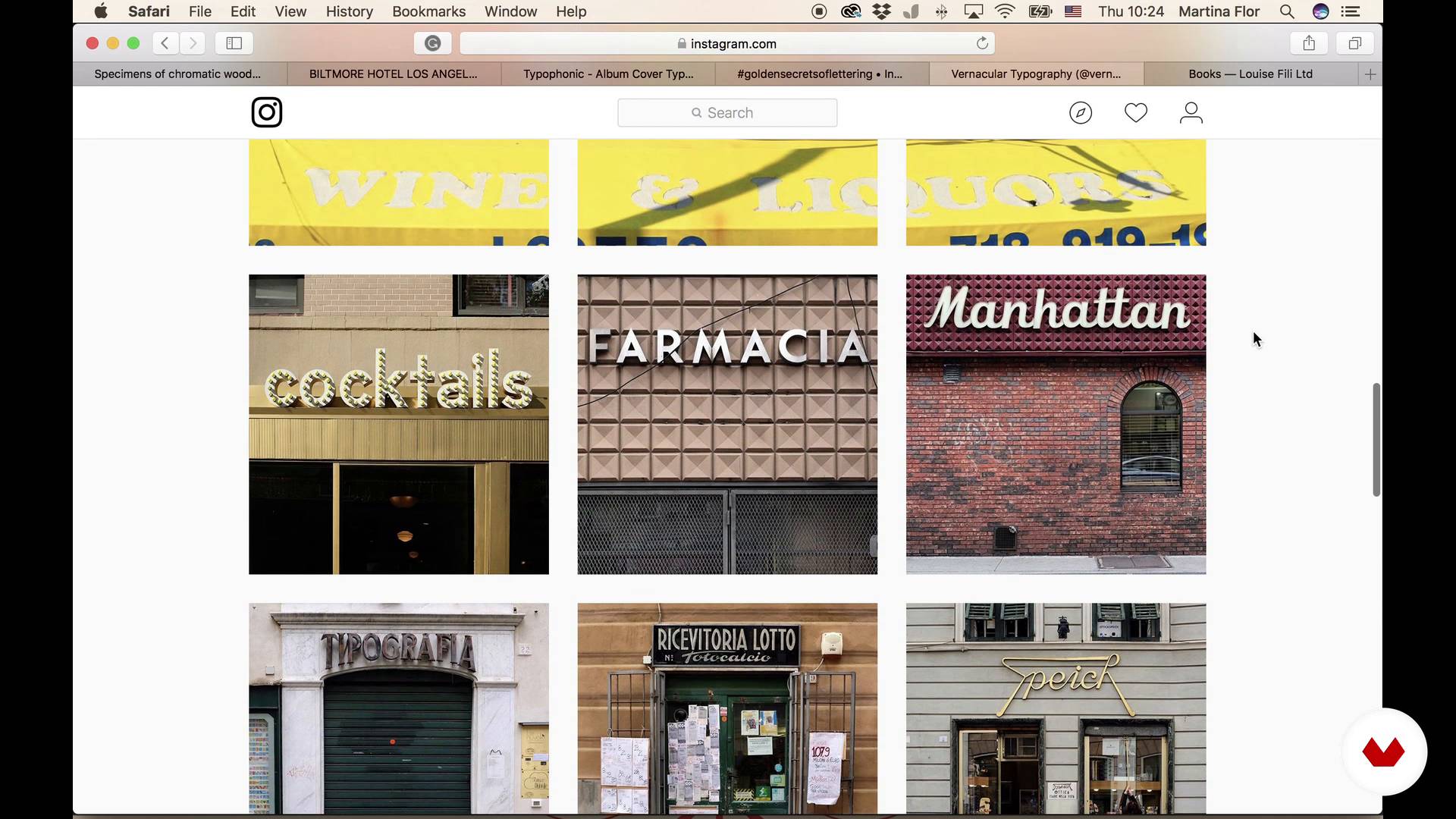
Looking for inspiration
11 min, 26 sek.
Hierarchy and structure. Small sketches
9 min, 35 sek.
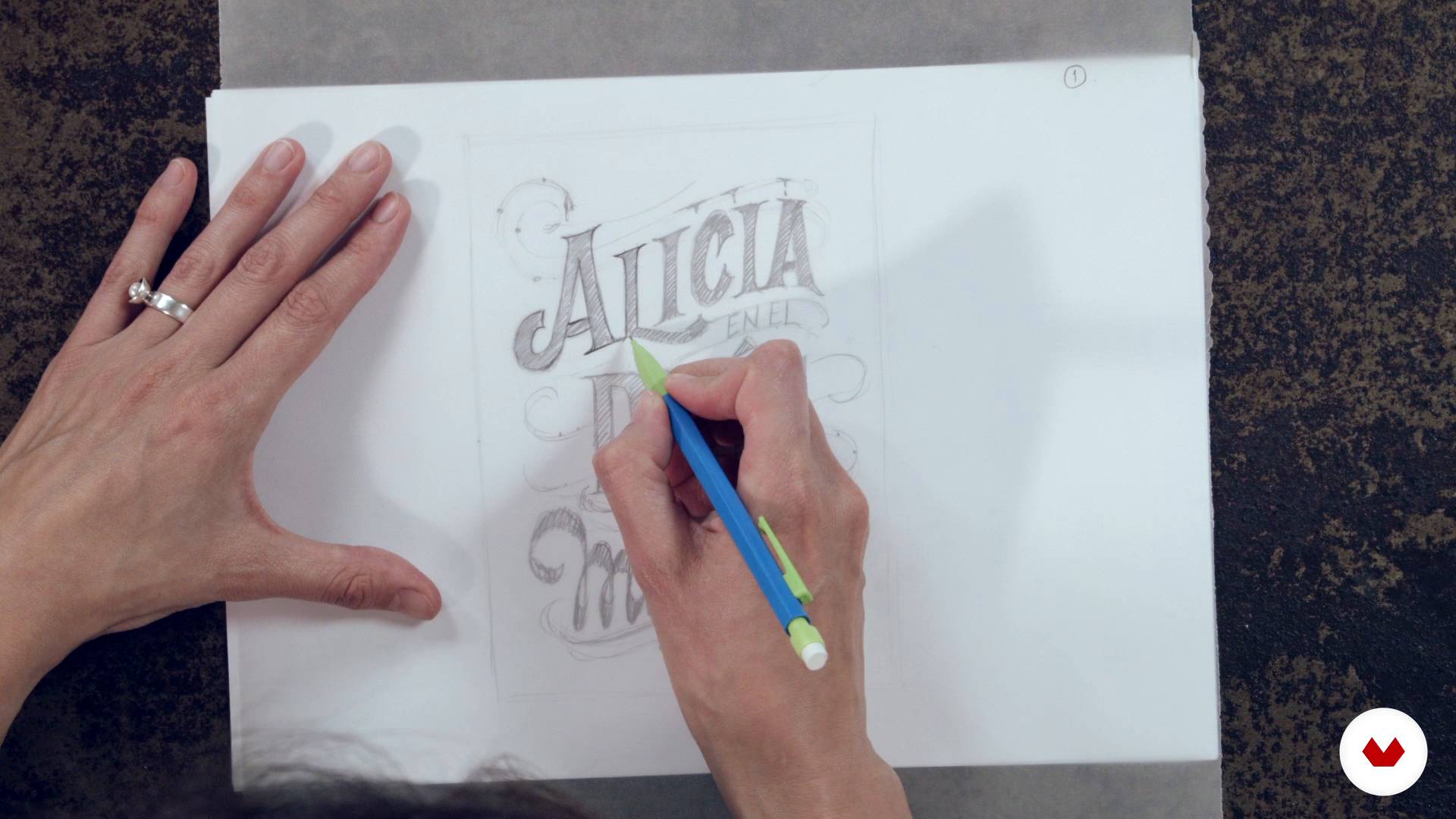
Big Sketch
18 min, 51 sek.
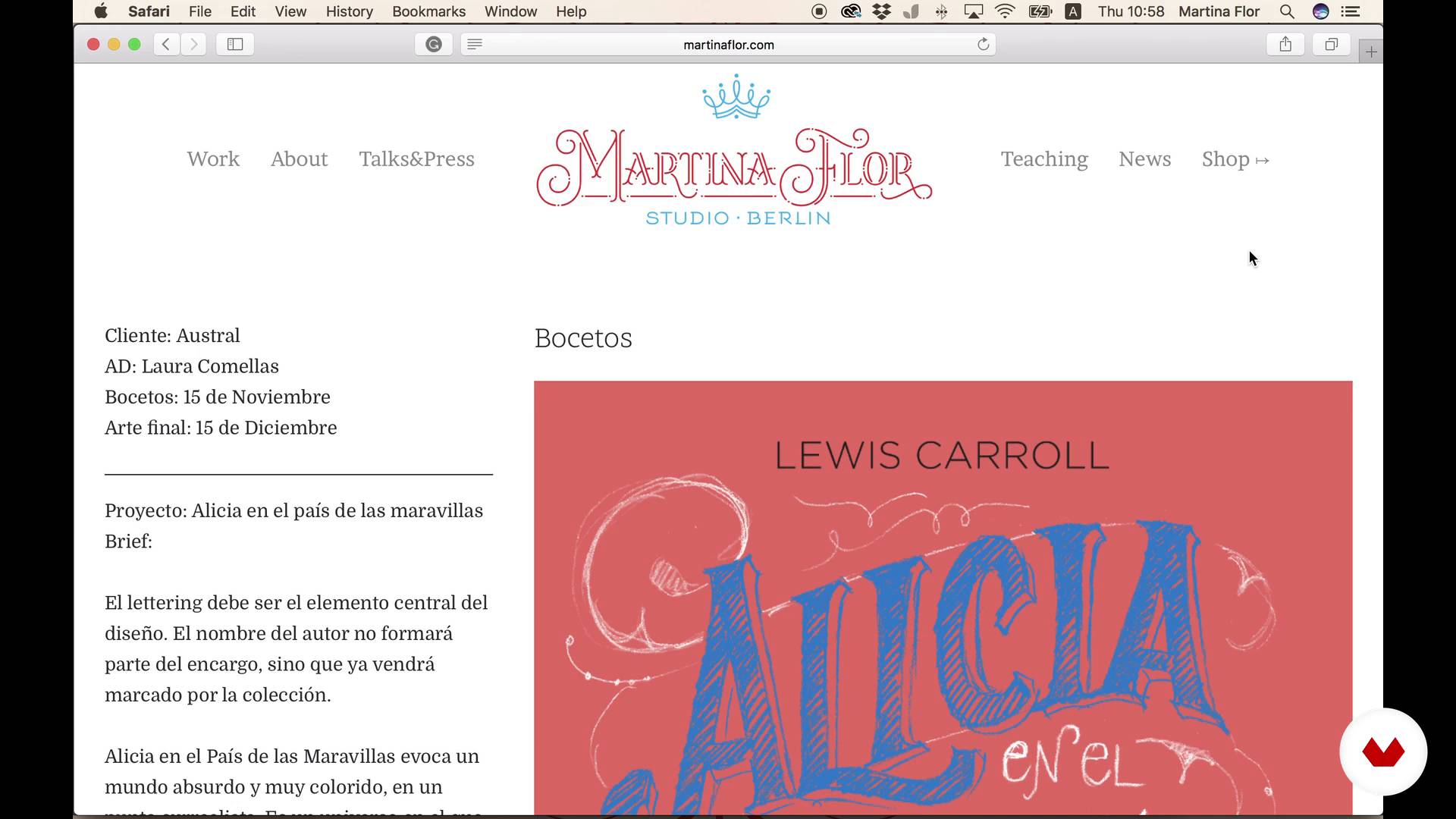
Send the sketch to the art director
5 min, 1 sekunda
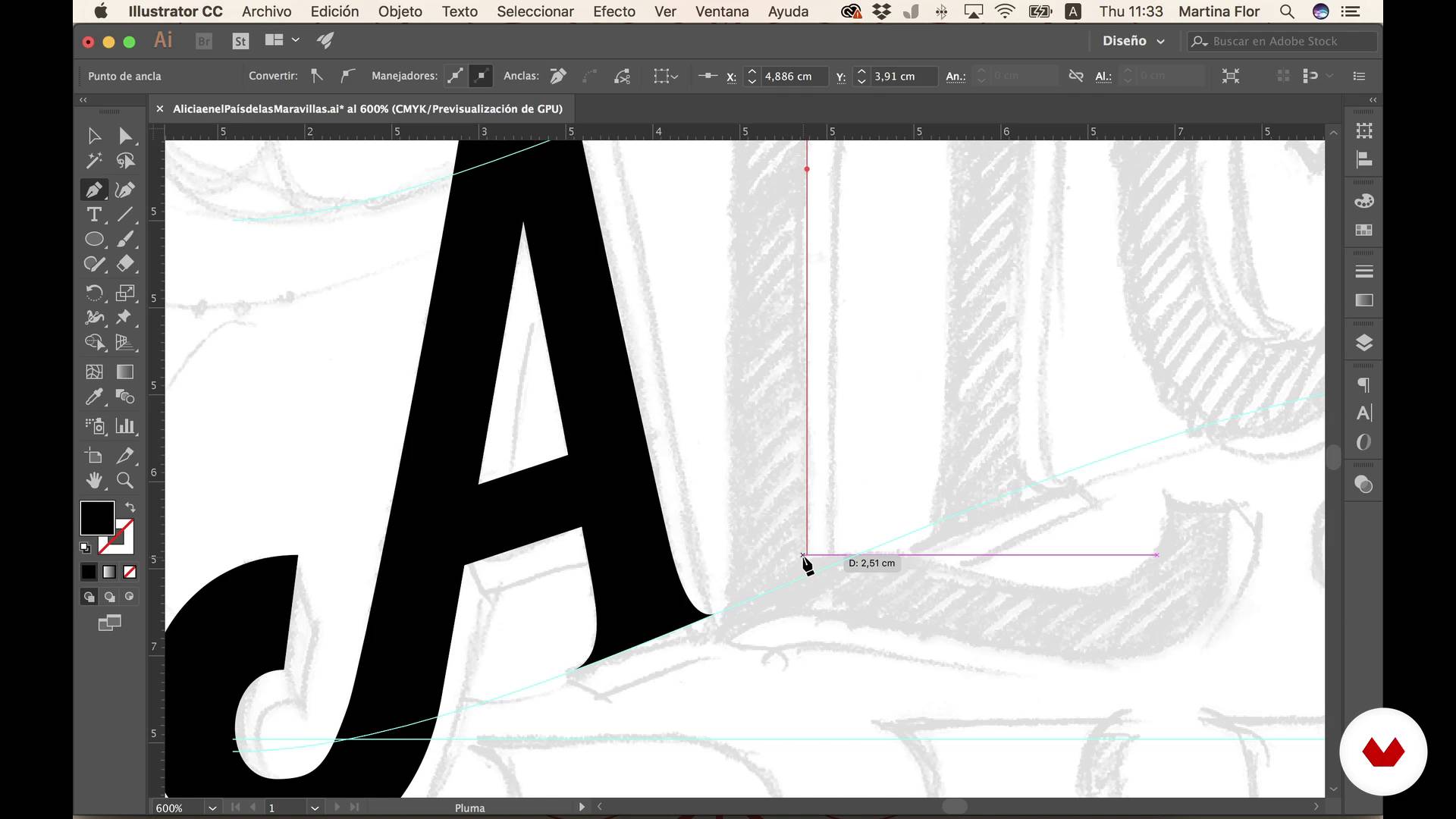
Draw with vectors
21 min, 8 sek.
Add color
10 min, 13 sek.
Co obejmuje ten kurs?
Kick off the course by learning to read and correctly interpret a brief to gain a clear idea of the client's needs and how to carry out the assignment.
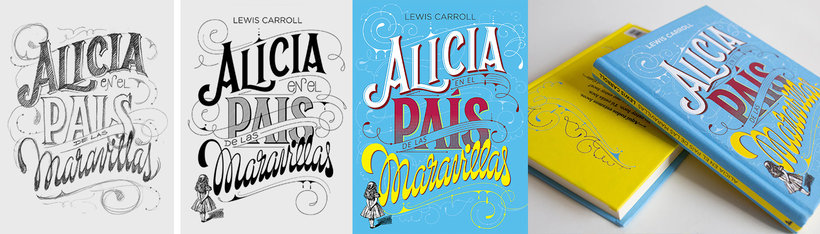
Next, prepare a mood board to help you gather inspiration before creating the first sketches, developing the first compositions, and defining the hierarchy of the text. Once the client is satisfied with your design sketch, Martina will show you a specific technique for drawing letters with vectors so you can work digitally.
After that, add layers of decoration, color, and textures to your lettering and designs to enhance their character and personality. Lastly, prepare your file to be sent to the client.
Recommended software & tools for this course
What is this course's project?
Prepare the lettering for the cover of your favorite book using specific methods to apply color and texture.

Projekty uczestników kursu


Who is this online course for?
Designers, illustrators, and anyone with some lettering experience looking to learn new techniques for improving the composition and finishes for their designs.
Requirements and materials
Basic knowledge of Adobe Illustrator is required. In terms of materials, you need a pencil, paper, tracing paper, and a computer with Adobe Illustrator.

Oceny
- 11 miesięcy temu
Sim, recomendo muito bem o curso. Fiz toda a parte teórica, agora me falta ainda é a prática. Não se pode esperar excelência em qualquer coisa, sem muita prática, seja o curso que for!
- 2 lata temu
Martina offers comprehensive notions that helped me set up a more fluid workflow and to better understand how to go from analog to digital. Very helpful course!
- 2 lata temu
Me encantó el curso! Ya llevo muchos anios utilizando Illustrator, pero aqui se mencionan muy buenos tips para hacer el trabajo mas eficiente. Definitivamente un gran complemento para mi trabajo. Martin aexplica muy bien y lo hace muy interesante.
- 2 lata temu
Me gusto mucho este curso! La profesora explica muy bien todos los aspectos a realizar! Muchas gracias
- 2 lata temu
muy interesante.

Martina jest współzałożycielką znanej bitwy online „Lettering vs Calligraphy” i założycielką „Letter Collections”, a kiedy nie rysuje listów, podróżuje, by prezentować swoje prace na konferencjach i uniwersytetach. Jest autorką książki „The Golden Secrets of Lettering”, wydanej pierwotnie w języku niemieckim, a następnie przetłumaczonej na angielski, hiszpański, francuski, portugalski i japoński.
W Domestika prowadzi kursy Złote tajemnice liternictwa i Napisy dla perfekcjonistów , o liternictwie i Freelance: klucze i narzędzia do odniesienia sukcesu w byciu własnym szefem , w którym daje niezbędne klucze do samo- Praca.
Zawartość
- Cz.1
Introduction
- Presentation and introduction to the course project
- Interpreting a briefing
- Looking for inspiration
- Cz.2
Draw and improve the composition
- Hierarchy and structure. Small sketches
- Big Sketch
- Send the sketch to the art director
- Cz.3
Digitization
- Draw with vectors
- Add color
- Decoration layers
- Cz.4
Add Texture
- How to generate your own textures
- How to add textures
- How to deliver the final file and tips
- PK
Projekt końcowy
- Lettering for perfectionists
Kurs Domestika - czego możesz się spodziewać?
Nauka we własnym tempie
Radość z nauki w domu, bez wyznaczonych terminów. Szybko przyswajasz wiedzę, a swój plan zajęć układasz wedle uznania.
Nauka z najlepszymi ekspertami
Przydatne metody oraz ciekawe techniki przedstawione i wyjaśnione przez najlepszych specjalistów z branży kreatywnej.
Doświadczeni prowadzący
Wszyscy prowadzący są specjalistami w swojej dziedzinie. Przekazują wiedzę z pasją, tłumaczą zagadnienia w jasny sposób, a podczas zajęć kładą nacisk na praktyczne zastosowanie zdobytej wiedzy.
Certificates
PLUSIf you're a Plus member, get a spersonalizowany certyfikat signed by your teacher for every course. Share it on your portfolio, social media, or wherever you like.
Miejsca w pierwszym rzędzie
Wysoka jakość wideo sprawia, że nie umknie Ci żaden szczegół. Dzięki nieograniczonemu dostępowi możesz obejrzeć nagrania tyle razy, ile potrzebujesz, aby przyswoić nowe umiejętności.
Dzielenie się wiedzą i pomysłami
Zadawaj pytania, nie wahaj się poprosić o opinię czy poszukać rozwiązania. Podziel się swoimi wrażeniami z nauki z pozostałymi członkami społeczności, którzy tak jak Ty uwielbiają tworzyć.
Łączność z kreatywną społecznością z całego świata
Społeczność kilku milionów użytkowników z całego świata, pełnych ciekawości oraz chęci odkrywania i wyrażania swojej kreatywności.
Profesjonalna realizacja kursów
Domestika starannie dobiera prowadzących i produkuje wszystkie kursy we własnym zakresie, aby zapewnić wysoką jakość nauki online.
Często zadawane pytania
You’ll learn how to interpret briefs, create both hand-drawn and digital sketches, apply typographic composition techniques, use color and textures, and prepare professional final files for book and magazine covers.
This course is aimed at intermediate learners, ideally those with basic graphic design or illustration skills who want to deepen their knowledge of lettering and editorial covers.
You need basic design or illustration skills and access to programs like Photoshop and Illustrator. A digital drawing tablet and hand-sketching materials are recommended.
You’ll need paper, pencils, tracing paper for sketching, a computer with Photoshop and Illustrator, and preferably a digital tablet to digitize and vectorize your designs.
You’ll learn how to analyze historical references, interpret vintage wood type, and adapt Victorian decorative elements to enrich your cover’s typographic composition.
Yes, the course covers techniques for importing sketches into Illustrator, vectorizing letters, adjusting curves, and optimizing typographic structure to produce editable, professional files.
Yes, it includes technical procedures for exporting final files with bleed, ensuring compatibility, and meeting industry standards for editorial printing.