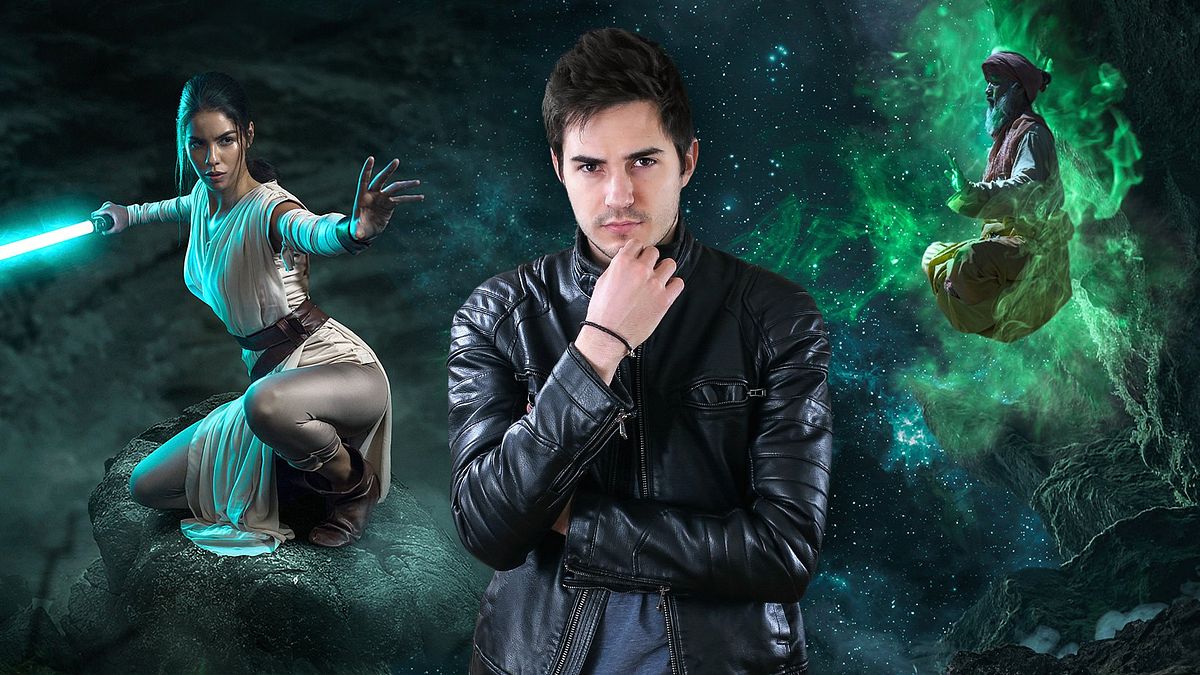
Obróbka zdjęć i efekty wizualne w programie Photoshop
Kurs prowadzi Mario OlveraFotograf, artysta cyfrowy i artysta efektów wizualnych
Kurs prowadzi Mario Olvera, Fotograf, artysta cyfrowy i artysta efektów wizualnych

Dowiedz się, jak tworzyć hiperrealistyczne fotokompozycje pełne emocji i dynamizmu
Mario Olvera, a photographer and digital artist with extensive experience in photo retouching, draws inspiration from movies and video games to create hyperrealistic compositions bursting with color and detail.
In this course, Mario teaches you how to use Photoshop's tools creatively to take your photomontages to the next level with innovative photo-retouching techniques and impressive visual effects. Discover new ways to create realistic compositions with a cinematic touch, flawlessly incorporating all kinds of special effects.
Czego nauczysz się na tym kursie online?
llekcji: 13 & liczba dodatkowych zasobów: 12
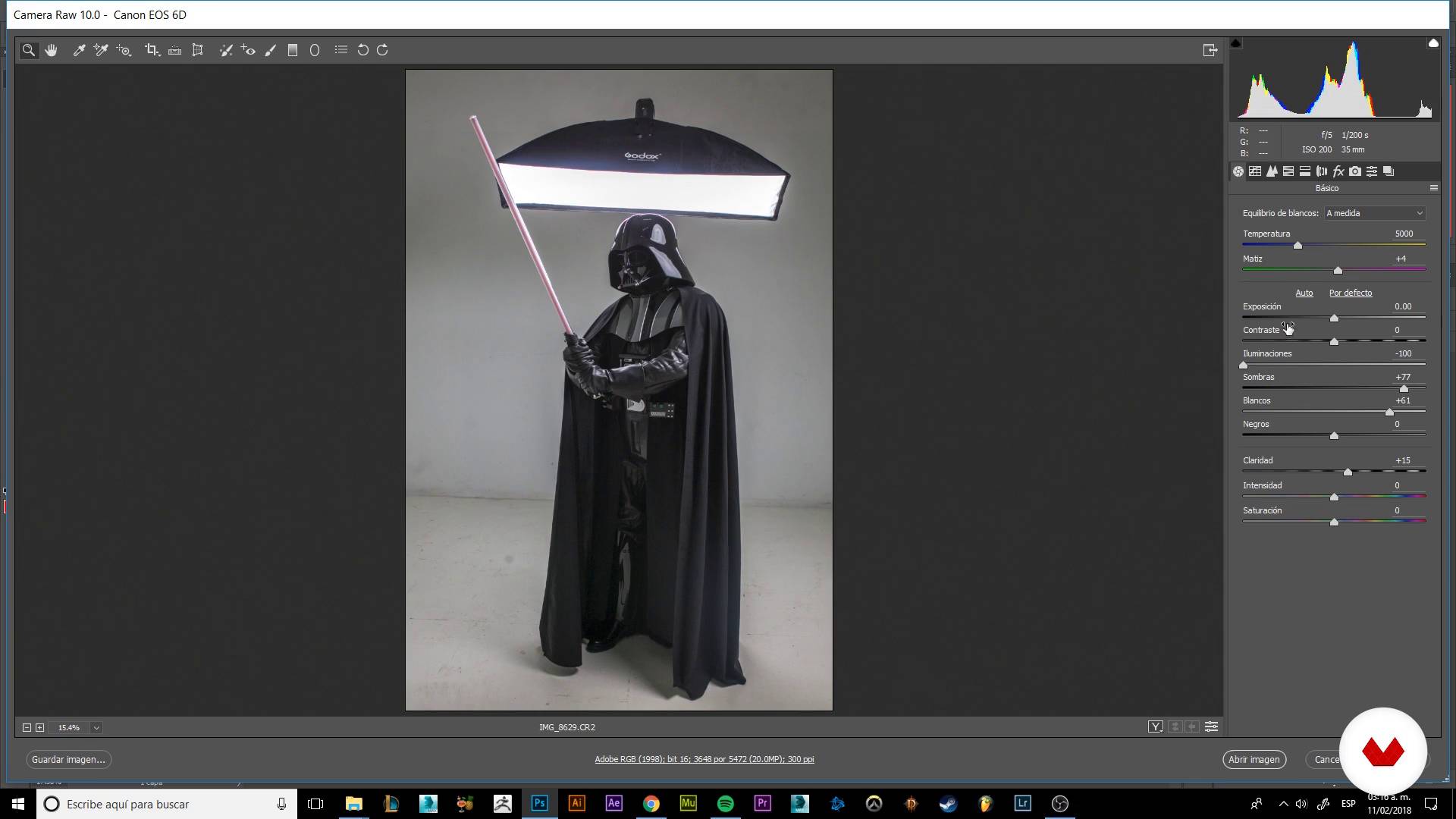
Materializing our imagination
8 min, 52 sek.
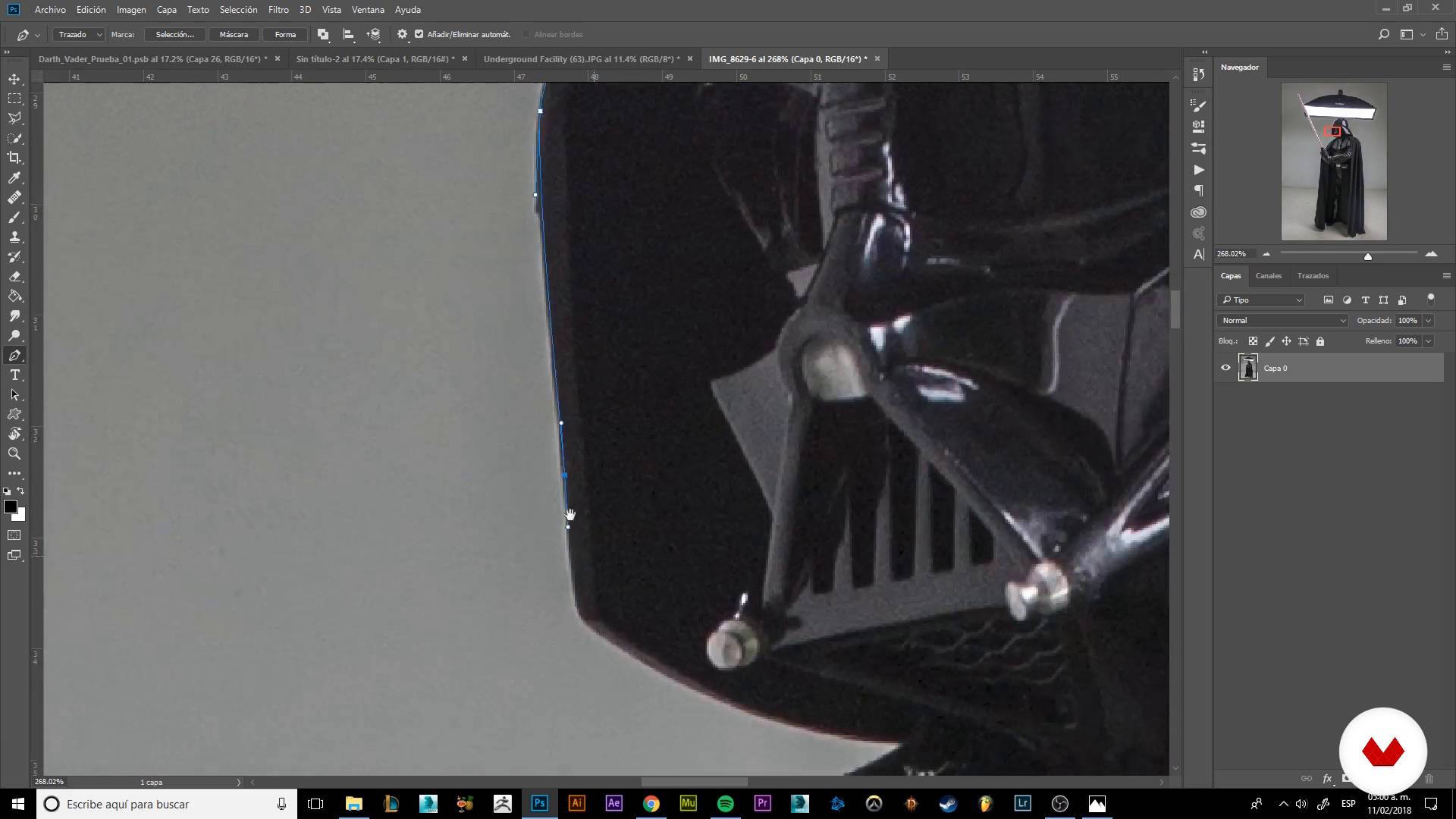
Trimming our character
9 min, 32 sek.
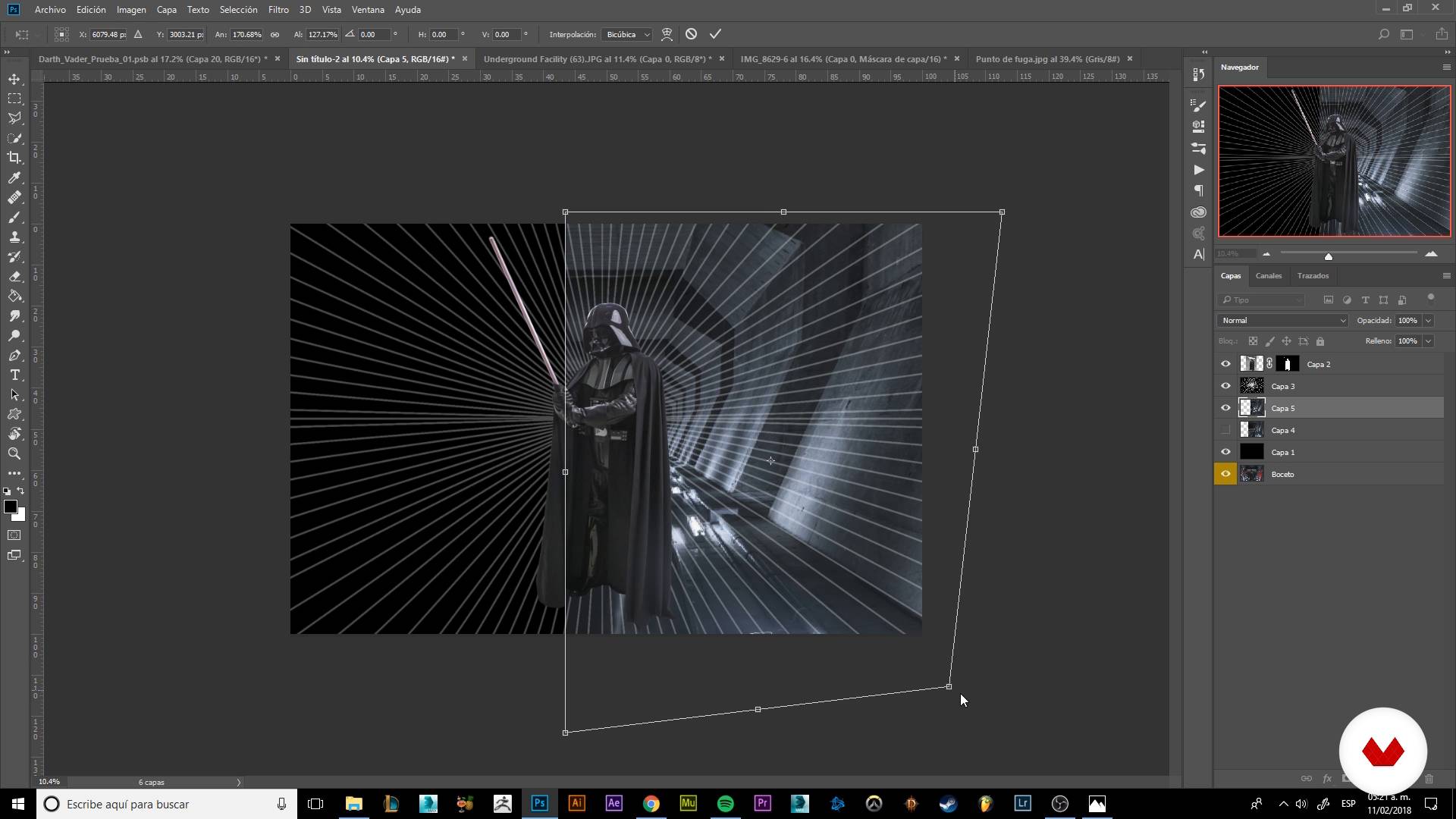
Building our scenario
8 min, 1 sekunda
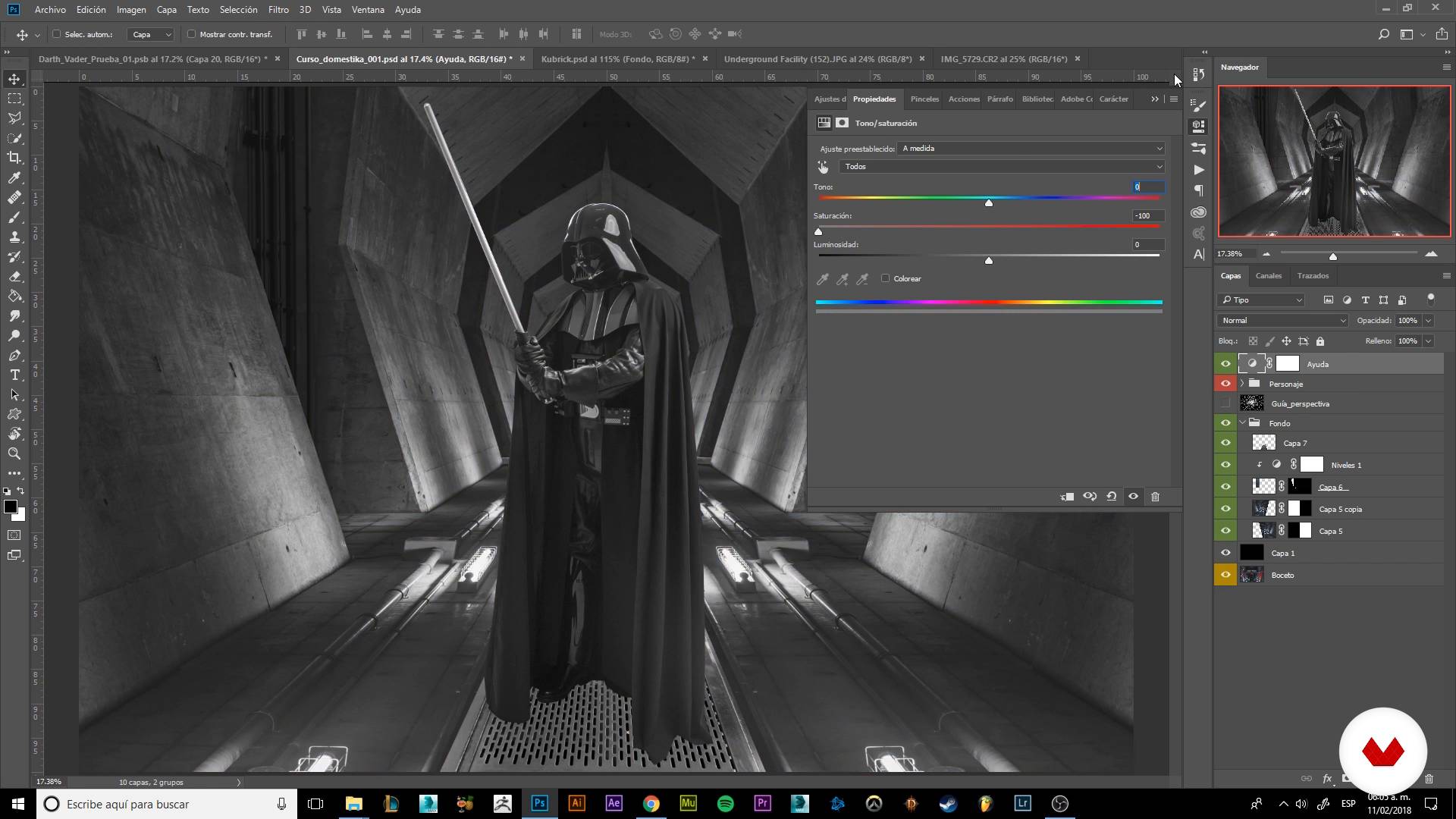
Detailing our scenario I
19 min, 58 sek.
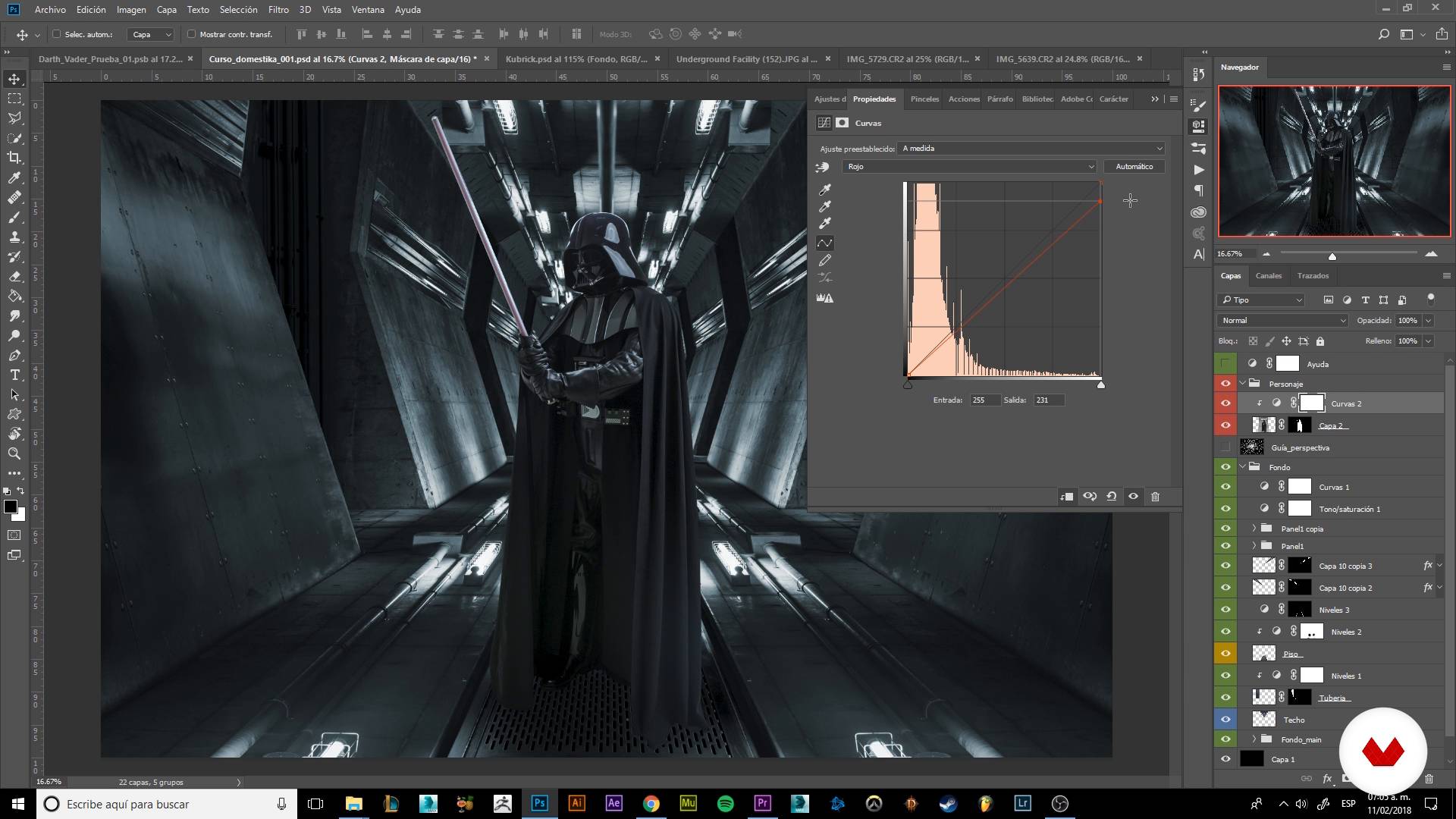
Color correction
8 min, 54 sek.
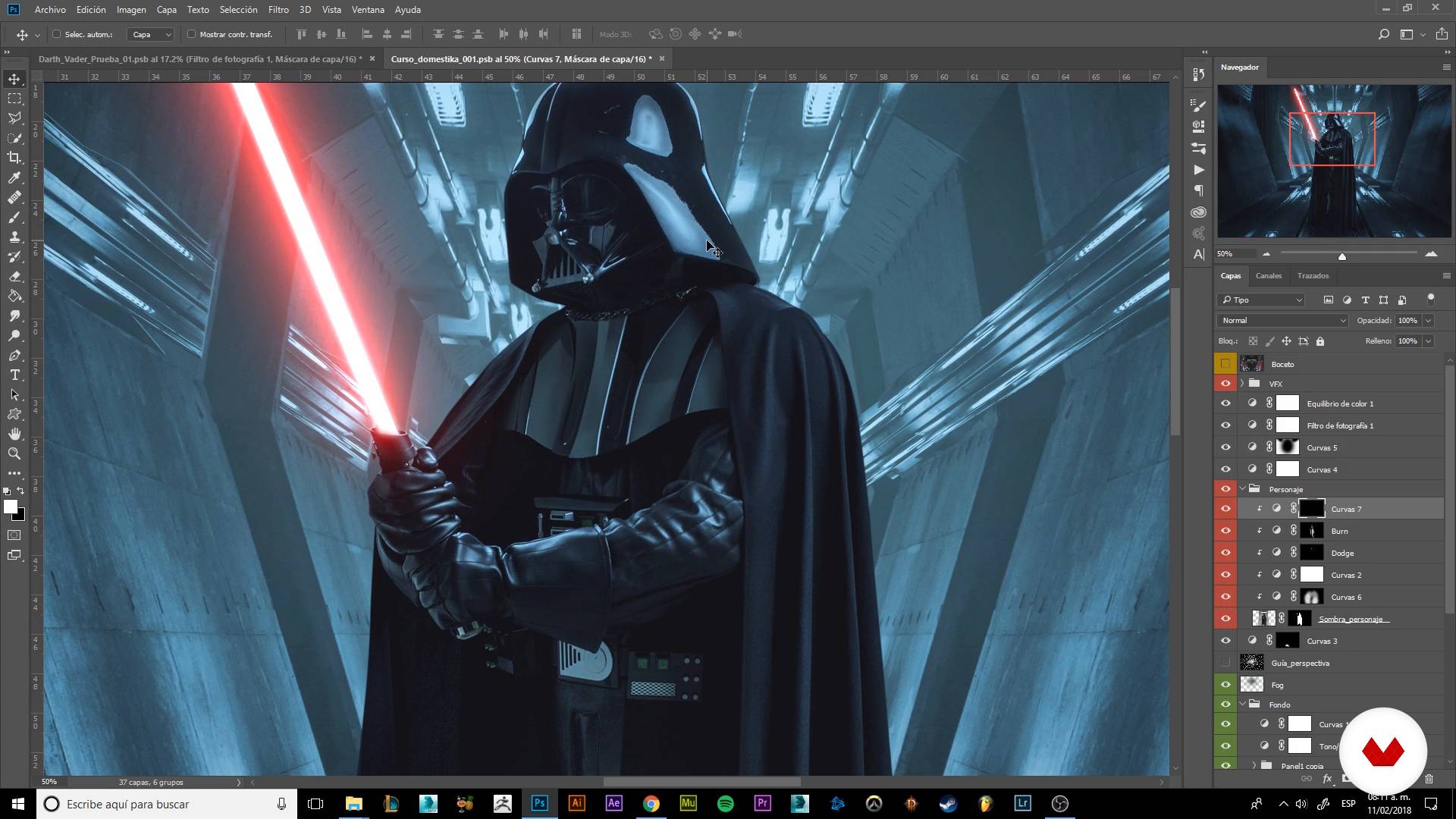
Adding visual effects I
17 min, 25 sek.
Co obejmuje ten kurs?
Start by familiarizing yourself with Mario Olvera's work and his influences, and then explore the criteria he uses to select images for his photomontages.
Next, he reveals some of his go-to tricks and techniques for separating a subject from the background and laying out his composition. Find out how to work with guides to establish the perspective of your image, build your scene, and add light sources using different photos.
Discover the importance of color correction and learn how to apply it to seamlessly tie together all the elements in your final composition. Add the finishing touches by accentuating the highlights and shadows with the Dodge and Burn tools to enhance the sense of depth in your image.
Use layer adjustments to infuse your image with spectacular visual effects like fire, particles, and lights, achieving a dynamic composition full of action.
Finish up by following Mario's guidance to export your images and share them digitally.
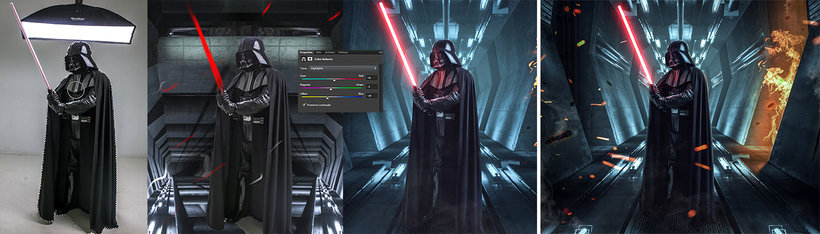
Zalecane oprogramowanie i narzędzia do tego kursu
Jaki jest projekt kursu?
Create a hyperrealistic composition featuring Darth Vader. Mario provides tips and several photos of the character in different poses to help you get started.
Projekty uczestników kursu


Do kogo jest skierowany ten kurs online?
Photographers, designers, illustrators, and concept artists from the world of film, video-game design, and advertising, as well as anyone interested in developing their digital-retouching skills with Photoshop.
Wymagania i materiały
Basic knowledge of Photoshop and its various features (adjustment layers, blending modes, layer masks, and clipping masks) is recommended, but Mario explains many of these tools in the course.
As for materials, you need a computer with Adobe Photoshop installed, and a graphics tablet is recommended. Don't worry about sourcing images for your photomontage; Mario provides all the high-resolution images you need to complete your final project.

Oceny
- 3 miesiące temu
Curso muito bom!!
- 4 miesiące temu
Es un buen curso! Recomiendo que ya tengas un poquito de conocimiento de photoshop, porque enseña técnicas nuevas y buenas, sus practicas son muy digeribles y además el prof es chistoso y divertido, lo cual lo hace ameno. Si tampoco tienes mucho conocimiento de photoshop lo puedes tomar.
- 5 miesięcy temu
El Profesor Mario Olvera nos enseña como realizar nuevas creaciones en Photoshop.
- dbedoya720PLUS7 miesięcy temu
Muy bueno el curso, todo bien explicado y muy práctico
- 8 miesięcy temu
Curso muy bueno. Lo explica el paso a paso para conseguir un excelente resultado con los efectos visuales y Photoshop.

Science fiction, gry wideo i kino fantasy to odniesienia, które najbardziej inspirują Olverę przy tworzeniu swoich fotomontaży, charakteryzujących się hiperrealizmem, jasnymi kolorami i nieskończoną ilością detali.
Zawartość
- Cz.1
Introduction
- Presentation
- Influences and bases of the photocomposition
- Cz.2
Preparing to compose
- Materializing our imagination
- Trimming our character
- Cz.3
Lights Camera action!
- Building our scenario
- Detailing our scenario I
- Detailing our scenario II
- Color correction
- Giving volume and drama to our character
- Cz.4
Grading and VFX
- Color gradation
- Adding visual effects I
- Adding visual effects II
- The cherry of the cake
- PK
Projekt końcowy
- Photo retouching and visual effects with Photoshop
Kurs Domestika - czego możesz się spodziewać?
Nauka we własnym tempie
Radość z nauki w domu, bez wyznaczonych terminów. Szybko przyswajasz wiedzę, a swój plan zajęć układasz wedle uznania.
Nauka z najlepszymi ekspertami
Przydatne metody oraz ciekawe techniki przedstawione i wyjaśnione przez najlepszych specjalistów z branży kreatywnej.
Doświadczeni prowadzący
Wszyscy prowadzący są specjalistami w swojej dziedzinie. Przekazują wiedzę z pasją, tłumaczą zagadnienia w jasny sposób, a podczas zajęć kładą nacisk na praktyczne zastosowanie zdobytej wiedzy.
Certyfikaty
PLUSJeśli masz subskrypcję Plus, za każdy kurs otrzymasz spersonalizowany certyfikat podpisany przez prowadzącego. Udostępnij go w portfolio, w mediach społecznościowych lub gdziekolwiek chcesz.
Miejsca w pierwszym rzędzie
Wysoka jakość wideo sprawia, że nie umknie Ci żaden szczegół. Dzięki nieograniczonemu dostępowi możesz obejrzeć nagrania tyle razy, ile potrzebujesz, aby przyswoić nowe umiejętności.
Dzielenie się wiedzą i pomysłami
Zadawaj pytania, nie wahaj się poprosić o opinię czy poszukać rozwiązania. Podziel się swoimi wrażeniami z nauki z pozostałymi członkami społeczności, którzy tak jak Ty uwielbiają tworzyć.
Łączność z kreatywną społecznością z całego świata
Społeczność kilku milionów użytkowników z całego świata, pełnych ciekawości oraz chęci odkrywania i wyrażania swojej kreatywności.
Profesjonalna realizacja kursów
Domestika starannie dobiera prowadzących i produkuje wszystkie kursy we własnym zakresie, aby zapewnić wysoką jakość nauki online.
Często zadawane pytania
You’ll learn rotoscoping, cutting out elements, character integration, dramatic composition, lighting effects, and advanced Photoshop retouching to create visually striking images with cinematic polish.
This is an intermediate-level course; having basic Photoshop and photography knowledge is recommended to get the most out of the content and practical exercises.
You’ll need a computer with Photoshop installed, access to digital photo resources, and basic skills in handling files and digital images.
The course covers tools like the pen tool, masks, cutouts, adjustment layers, blending modes, guides, curves, custom brushes, and advanced selection and cutting techniques.
Yes, the course includes creating and integrating atmospheric effects, fire, ice, and particles using layers, masks, and brushes to achieve realistic, cinematic results.
Yes, you’ll learn precise cutting techniques using the pen tool, masks, and advanced selection to isolate characters and objects in your compositions.
You’ll be able to create professional photo compositions, product photo retouching, images inspired by film and video games, and digital scenes with advanced visual effects.