
Animacja postaci i projektowanie w After Effects
A course by Moncho MasséIlustrator i animator
A course by Moncho Massé, Ilustrator i animator

Dowiedz się, jak za pomocą krótkich animacji opowiadać niekończące się historie
Interested in developing unique characters and GIFs as an effective storytelling tool for your brand or project? Illustrator and motion graphics designer Moncho Massé has extensive experience crafting these short clips using just the tools found in After Effects.
In this online course, he teaches you how to make the most of this software to create animated story loops that can easily be shared on social media.
Czego nauczysz się na tym kursie online?
llekcji: 22 & liczba dodatkowych zasobów: 5
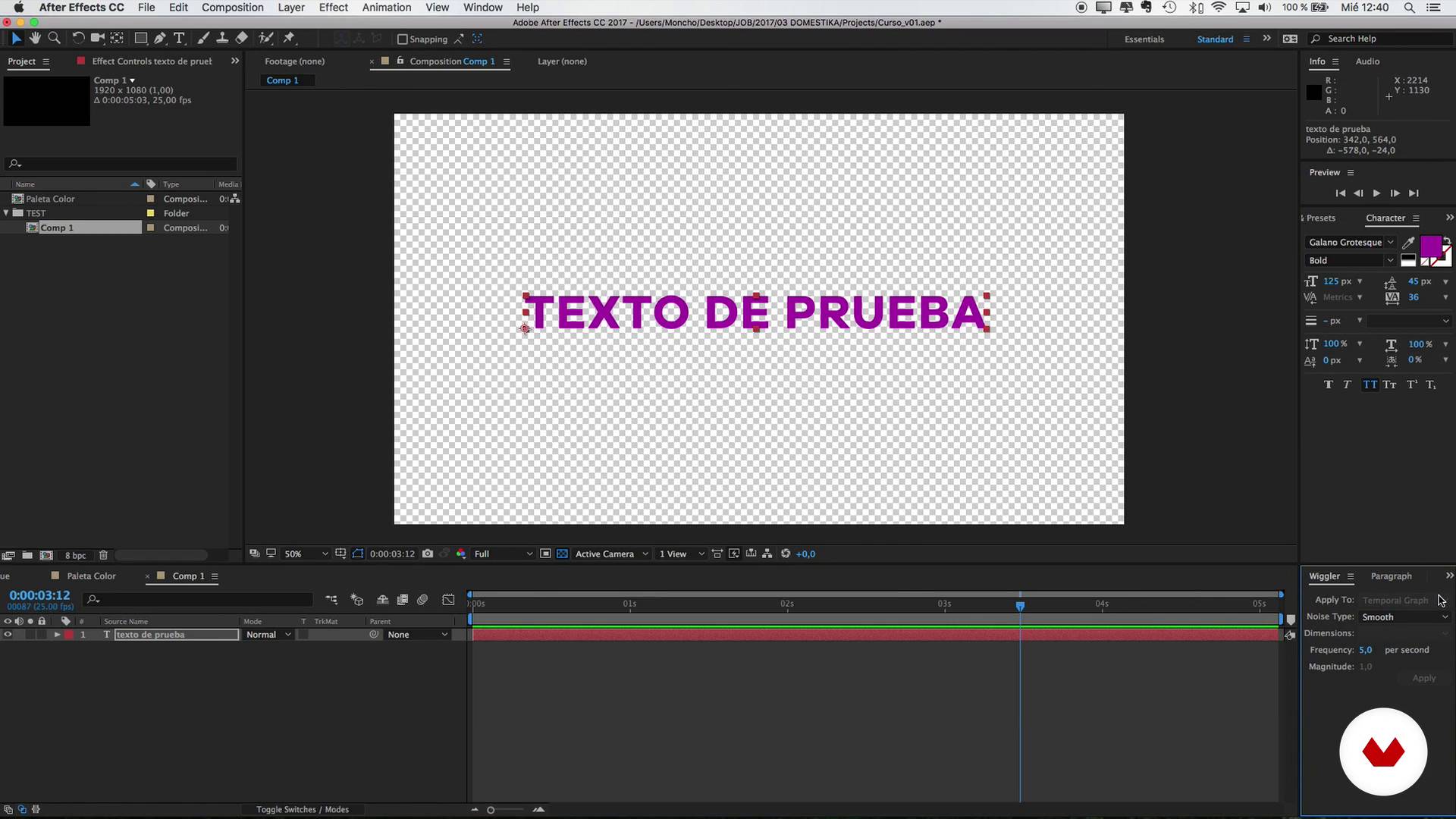
Introduction to After Effects 1
4 min, 10 sek.
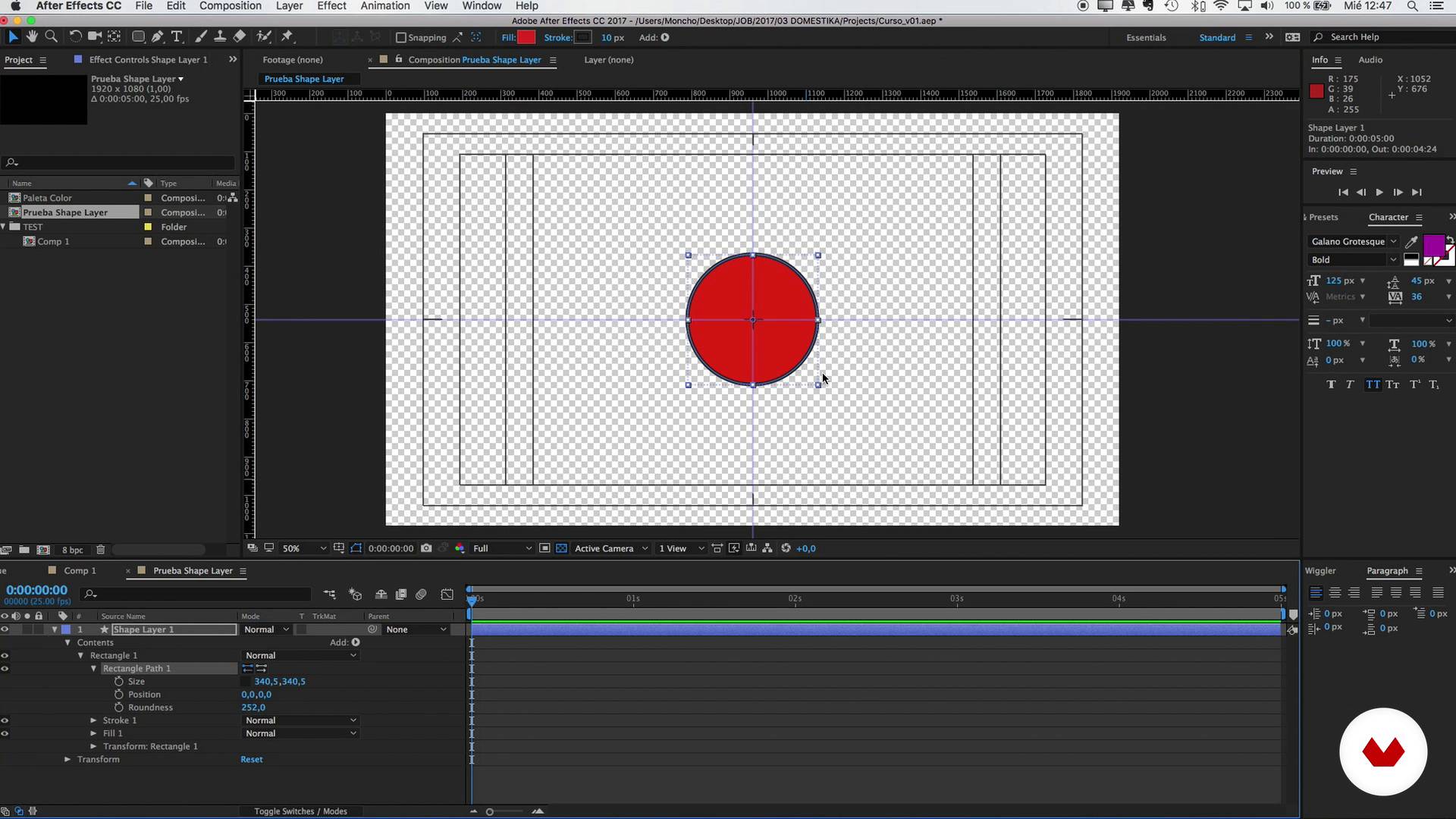
Introduction to After Effects 2
9 min, 40 sek.
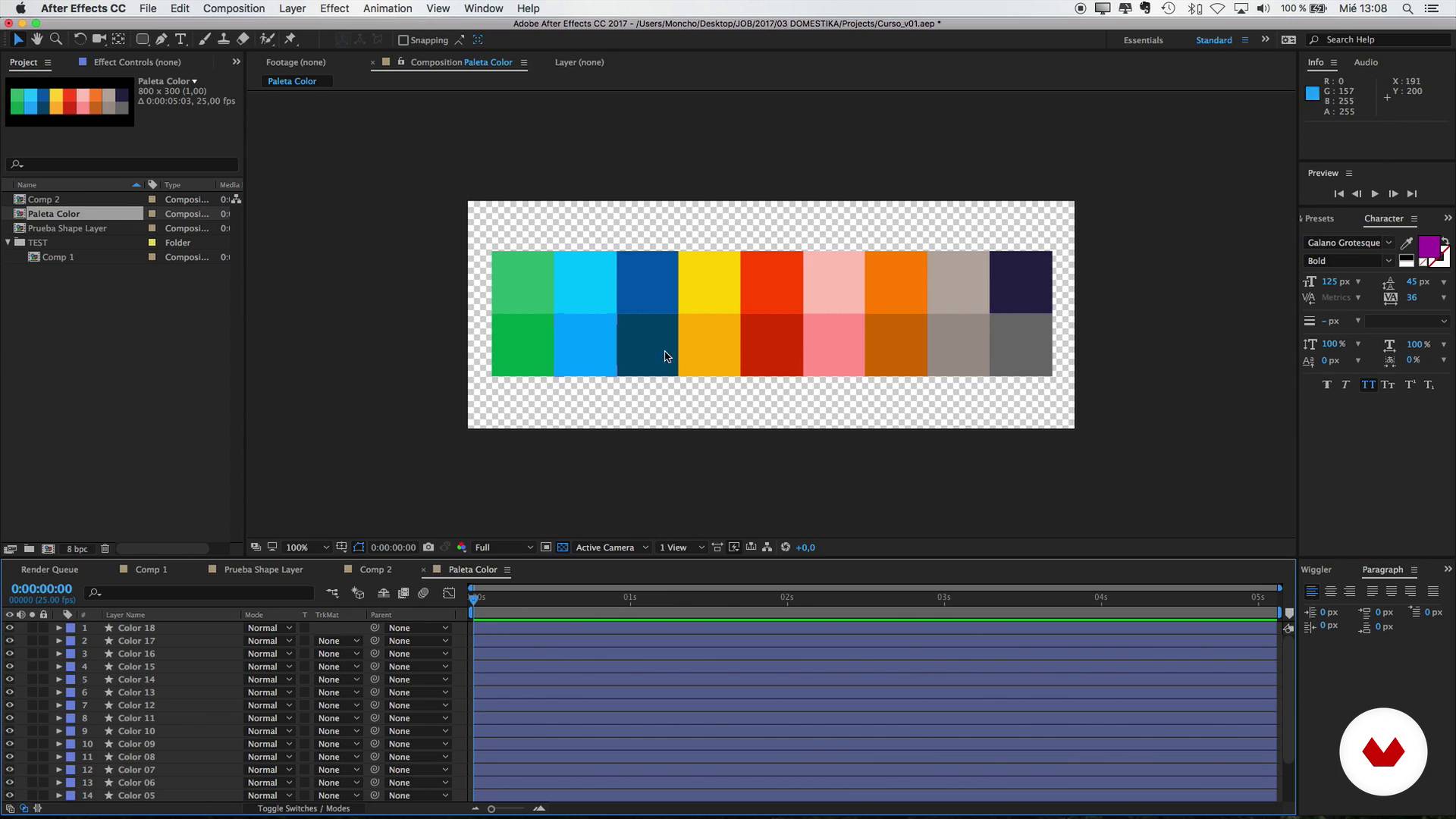
Designing for the GIF format
4 min, 55 sek.
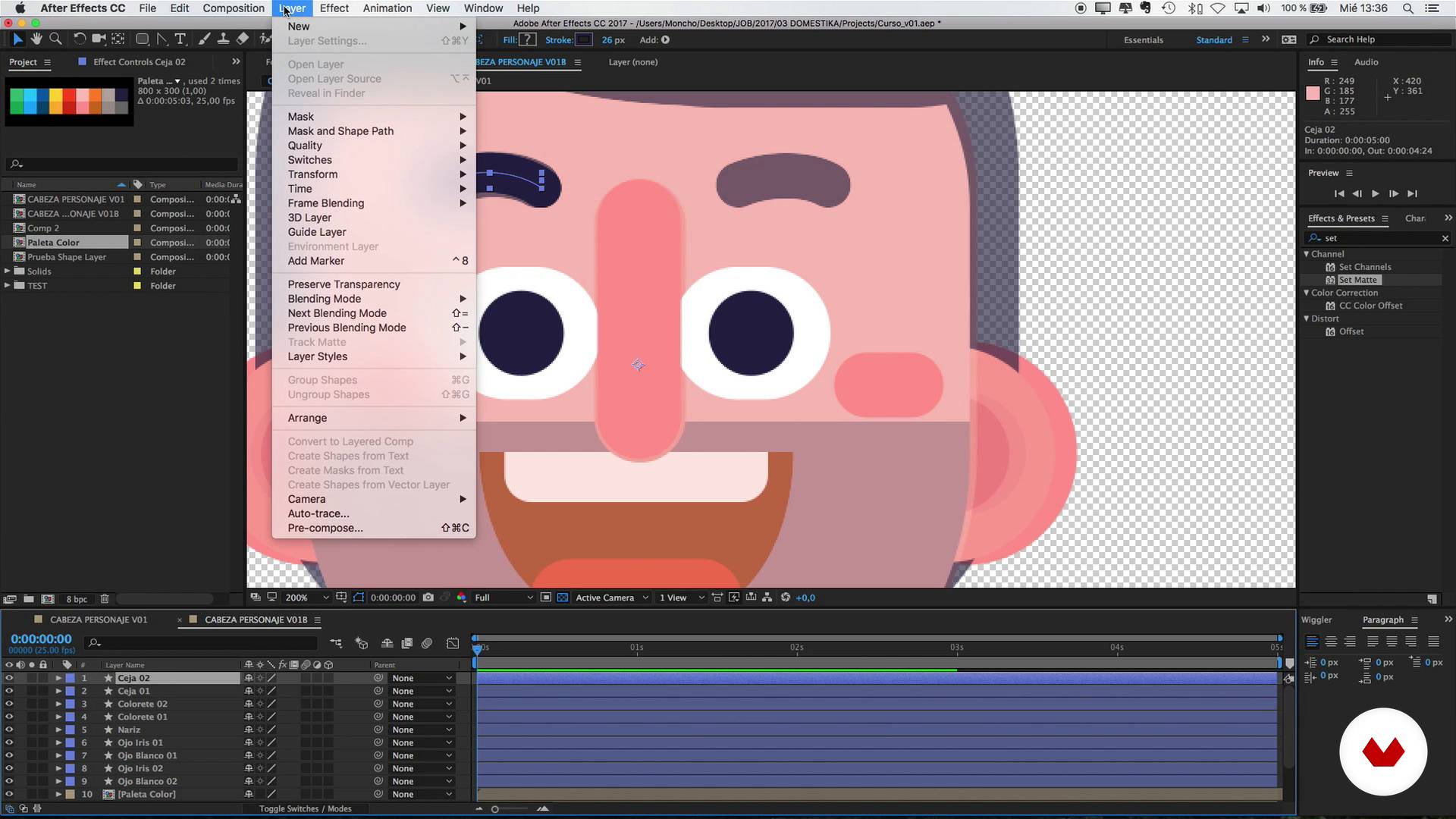
Head design
18 min, 23 sek.
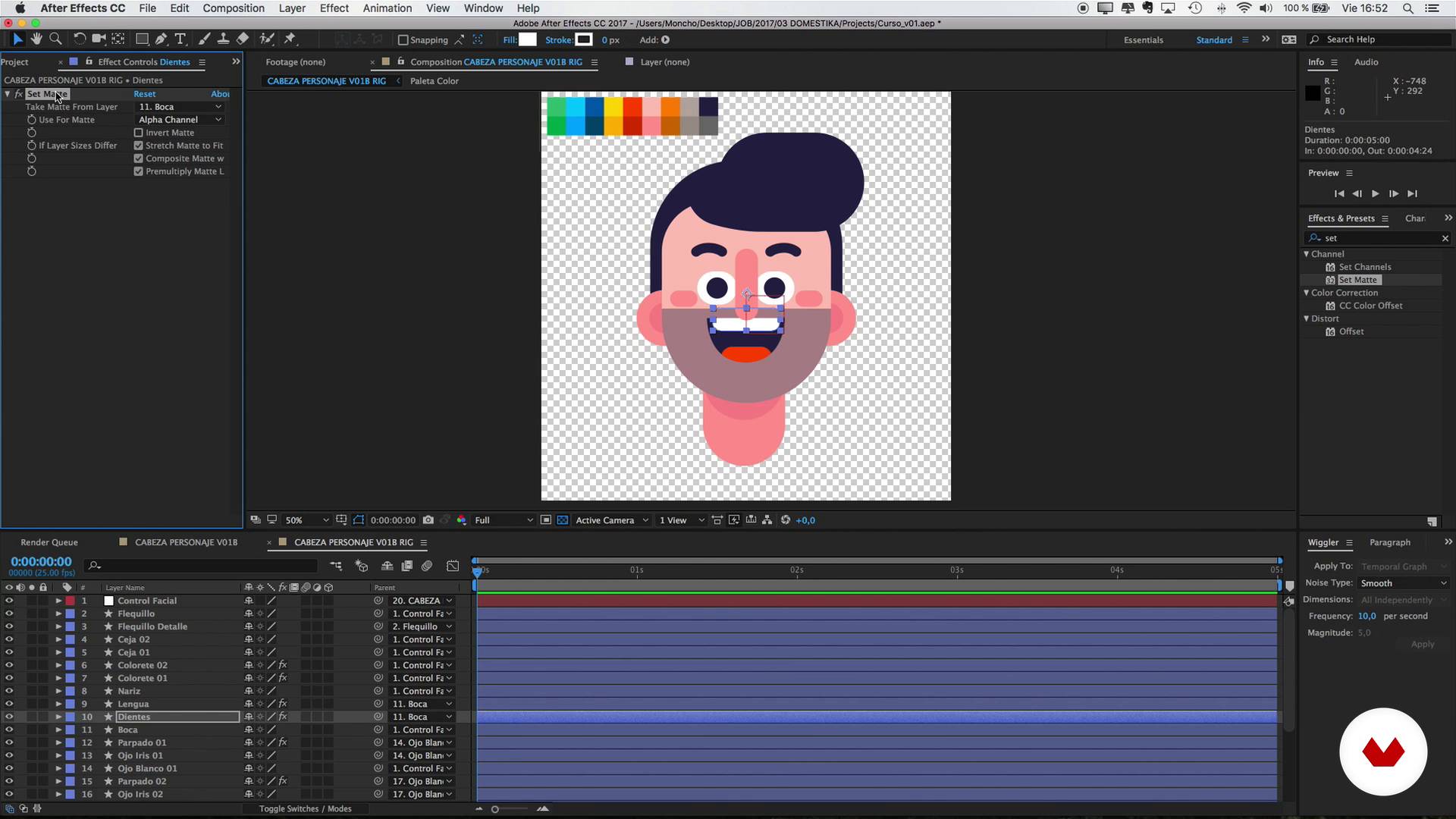
Rig of the head
7 min, 2 sek.
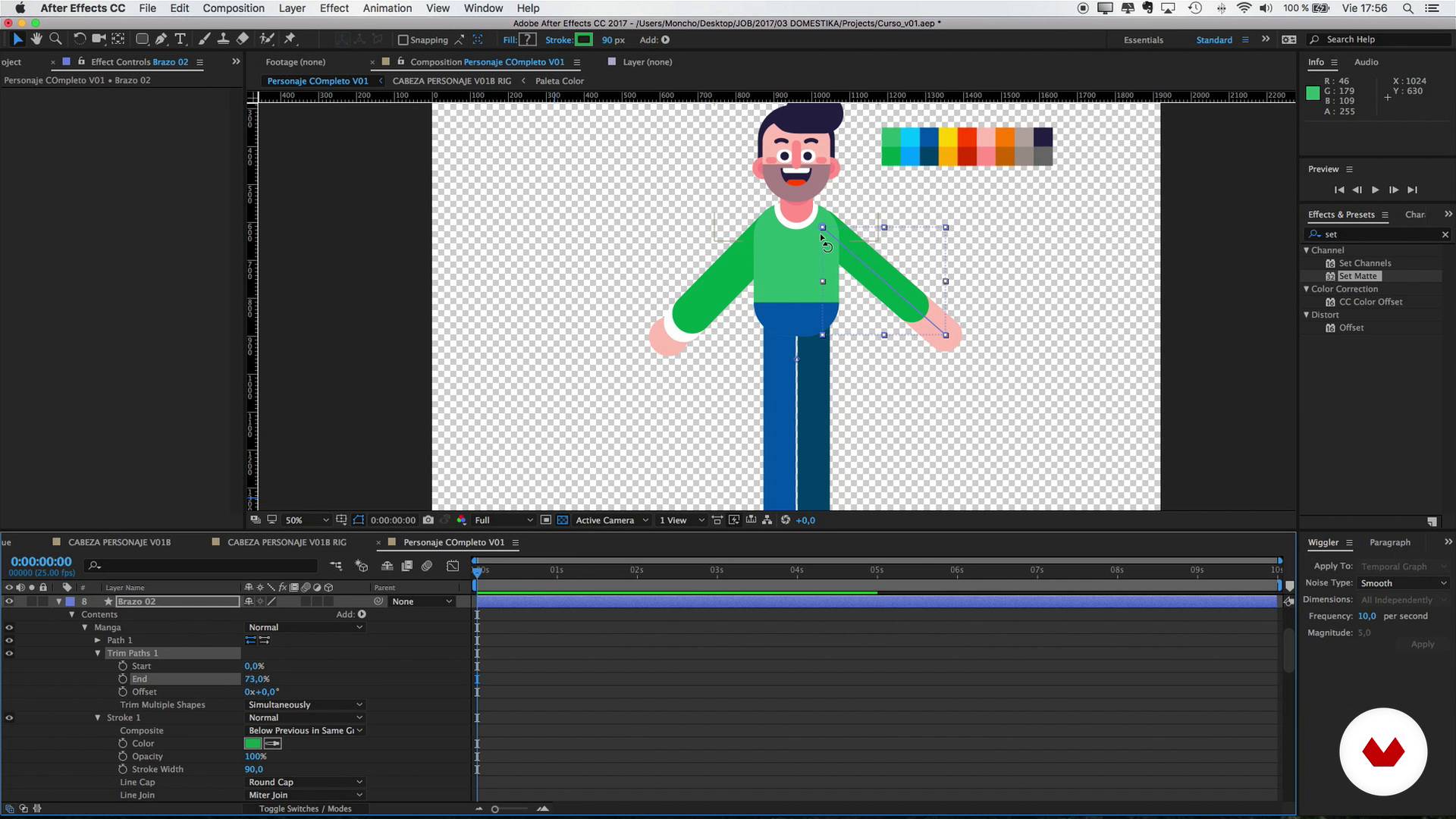
Rest of the body design
5 min, 1 sekunda
Co obejmuje ten kurs?
Start by getting to know Moncho Massé, his work, and the artists and professionals that inspire him.
Not an After Effects expert? No problem. Moncho guides you through the basics of this software and the fundamentals of GIF animations.
Once you have a good understanding of the basics, it's time to create your characters! Start by learning how to design them before incorporating a simple rig to add movement and bring your illustrations to life.
Then, complete your animated loops by placing your character into two different scenarios: sitting down for a cup of coffee and riding a bike while dodging obstacles.
After you've finished your animated story, follow Moncho's tips for exporting it as a GIF and sharing it on social media.
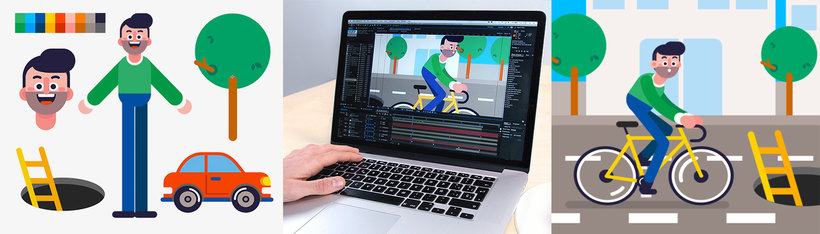
Recommended software & tools for this course
What is this course's project?
Tell a story in GIF format by developing your own characters and integrating them into two infinite loop animations.
Projekty uczestników kursu


Who is this online course for?
Animators, designers, illustrators, and anyone interested in learning how to bring their characters to life with infinite loop animations in After Effects.
Requirements and materials
No previous knowledge of After Effects is necessary for this course as Moncho explains everything about the program from scratch.
In terms of materials, you just need a computer with After Effects, as well as Photoshop to create the final animated GIF.

Oceny
- 4 miesiące temu
Muy bien explicado
- 5 miesięcy temu
Excelente curso para aprender lo básico de la animación en after effects. Muy buena la explicación
- 7 miesięcy temu
Un buen curso explica lo esencial para entender como realizar el personaje no es muy profundo en conocimientos de after
- 7 miesięcy temu
excelente curso
- 9 miesięcy temu
Excelente curso. Su forma de enseñanza paso a paso y detalladamente es una excelente estraegia para los aprendices que estamos comenzando con este programa.

Studiował komunikację audiowizualną i dziennikarstwo na Uniwersytecie w Walencji i pracował jako montażysta wideo w małej agencji w Amsterdamie. To tam zaczęła się jego prawdziwa pasja do animacji, która skłoniła go do wykonywania prac motion graphics dla wszelkiego rodzaju klientów i projektów.
Zawartość
- Cz.1
Presentation
- Presentation
- Influences
- Cz.2
Basic Knowledge
- Introduction to After Effects 1
- Introduction to After Effects 2
- Designing for the GIF format
- Cz.3
Design and character rig
- Head design
- Rig of the head
- Rest of the body design
- Full Rig
- Cz.4
Creating loop 1: Coffee for everyone!
- Animation of the character 1
- Animation of the character 2
- Animation of the character 3
- Animation for the 'loop'
- Final Composition
- Cz.5
Creating loop 2: Kamikaze cyclist
- Design and animation of the bicycle
- Animation of the character riding a bike 1
- Animation of the character riding a bike 2
- Animation for the 'loop'
- Final Composition 1
- Final Composition 2
- Last details
- Export to GIF with After Effects and Photoshop
- PK
Projekt końcowy
- Animation and character design in After Effects
Kurs Domestika - czego możesz się spodziewać?
Nauka we własnym tempie
Radość z nauki w domu, bez wyznaczonych terminów. Szybko przyswajasz wiedzę, a swój plan zajęć układasz wedle uznania.
Nauka z najlepszymi ekspertami
Przydatne metody oraz ciekawe techniki przedstawione i wyjaśnione przez najlepszych specjalistów z branży kreatywnej.
Doświadczeni prowadzący
Wszyscy prowadzący są specjalistami w swojej dziedzinie. Przekazują wiedzę z pasją, tłumaczą zagadnienia w jasny sposób, a podczas zajęć kładą nacisk na praktyczne zastosowanie zdobytej wiedzy.
Certificates
PLUSIf you're a Plus member, get a spersonalizowany certyfikat signed by your teacher for every course. Share it on your portfolio, social media, or wherever you like.
Miejsca w pierwszym rzędzie
Wysoka jakość wideo sprawia, że nie umknie Ci żaden szczegół. Dzięki nieograniczonemu dostępowi możesz obejrzeć nagrania tyle razy, ile potrzebujesz, aby przyswoić nowe umiejętności.
Dzielenie się wiedzą i pomysłami
Zadawaj pytania, nie wahaj się poprosić o opinię czy poszukać rozwiązania. Podziel się swoimi wrażeniami z nauki z pozostałymi członkami społeczności, którzy tak jak Ty uwielbiają tworzyć.
Łączność z kreatywną społecznością z całego świata
Społeczność kilku milionów użytkowników z całego świata, pełnych ciekawości oraz chęci odkrywania i wyrażania swojej kreatywności.
Profesjonalna realizacja kursów
Domestika starannie dobiera prowadzących i produkuje wszystkie kursy we własnym zakresie, aby zapewnić wysoką jakość nauki online.
Często zadawane pytania
You’ll learn how to create and animate characters in After Effects, design looping animated GIFs for social media, optimize and export GIF animations, and apply design and rigging techniques for characters and interactive scenes.
This course is aimed at intermediate users with basic After Effects knowledge who want to deepen their skills in character animation, GIF creation, and social media optimization.
You need basic After Effects skills, access to the software, and Photoshop for exporting GIFs. Advanced animation experience isn’t required, but you should be comfortable with the interface and fundamental concepts.
You’ll learn to design and animate characters and graphic elements in After Effects, use loops and export techniques to create animated stickers that easily integrate with apps and social media.
Yes, the course covers the full workflow to export animated GIFs, including setting resolution, color, and file size to ensure compatibility and quality on platforms like Instagram and websites.
Techniques covered include facial and body rigging, walk cycle animation, facial expressions, using keyframes, easing curves, and creating looping animations inspired by styles like Adventure Time or Disney.
The course explains how to use null objects, masks, paths, and parenting layers to animate heads and create realistic facial expressions, giving you greater control and detail in your characters.