
Portret ilustrowany w programie Photoshop
Kurs prowadzi Oscar GiménezIlustrator
Kurs prowadzi Oscar Giménez, Ilustrator

Naucz się niezawodnych technik ilustracji cyfrowej i twórz portrety z charakterem
Illustrator Óscar Giménez teaches you how to create unique and personalized portraits from photographs and multiple references. Achieve that and more through digital illustration techniques and tools developed by Giménez himself throughout his career, which you can apply to any other type of project.
Start thinking about your favorite famous person because it's time to learn to portray them like you never imagined before! This course is the perfect complement to Illustration for Music Lovers, Óscar's previous course, which explains how to illustrate a high-impact poster for a concert.
Czego nauczysz się na tym kursie online?
llekcji: 17 & liczba dodatkowych zasobów: 8
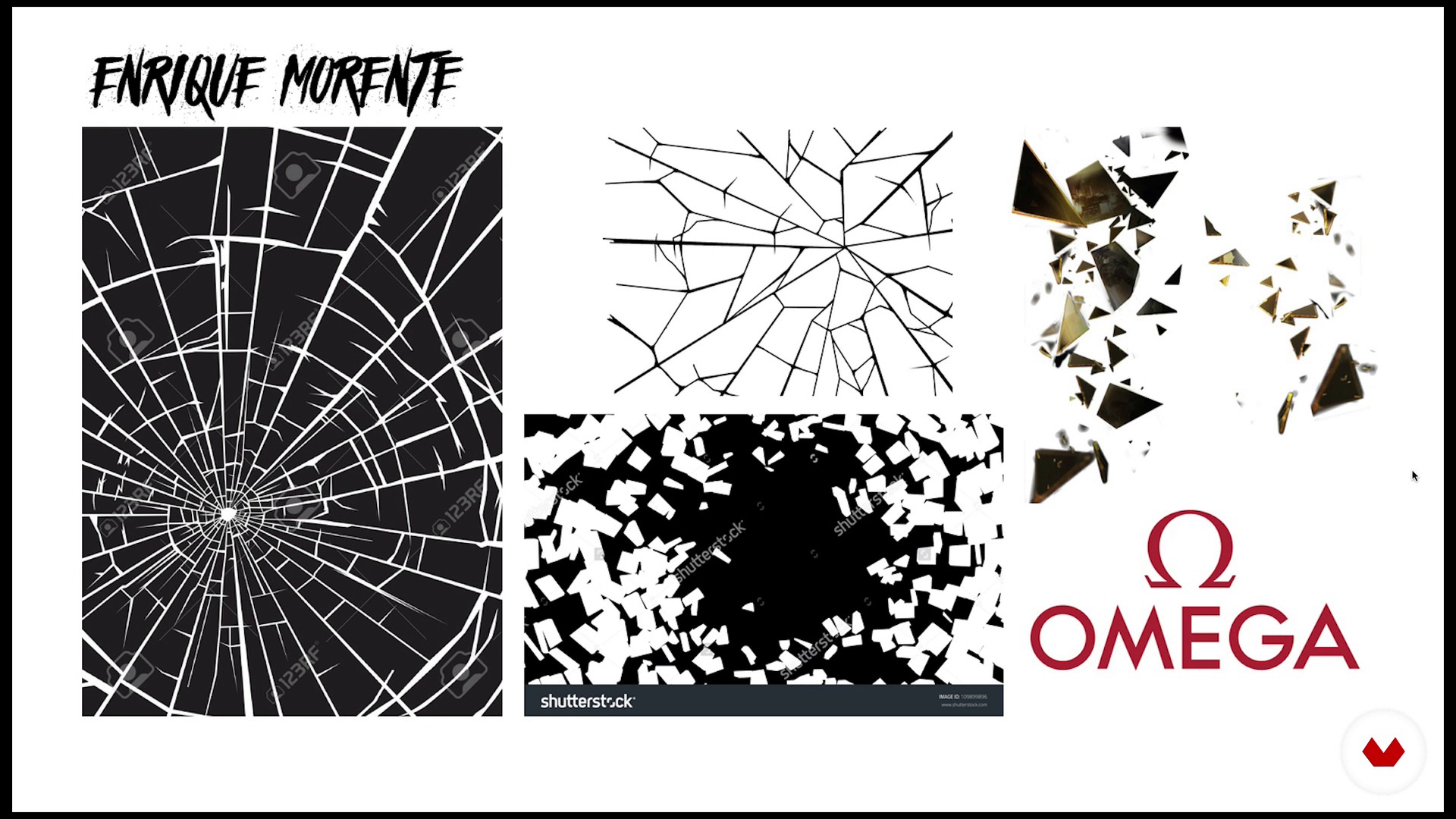
Theory of portrait composition
17 min, 34 sek.
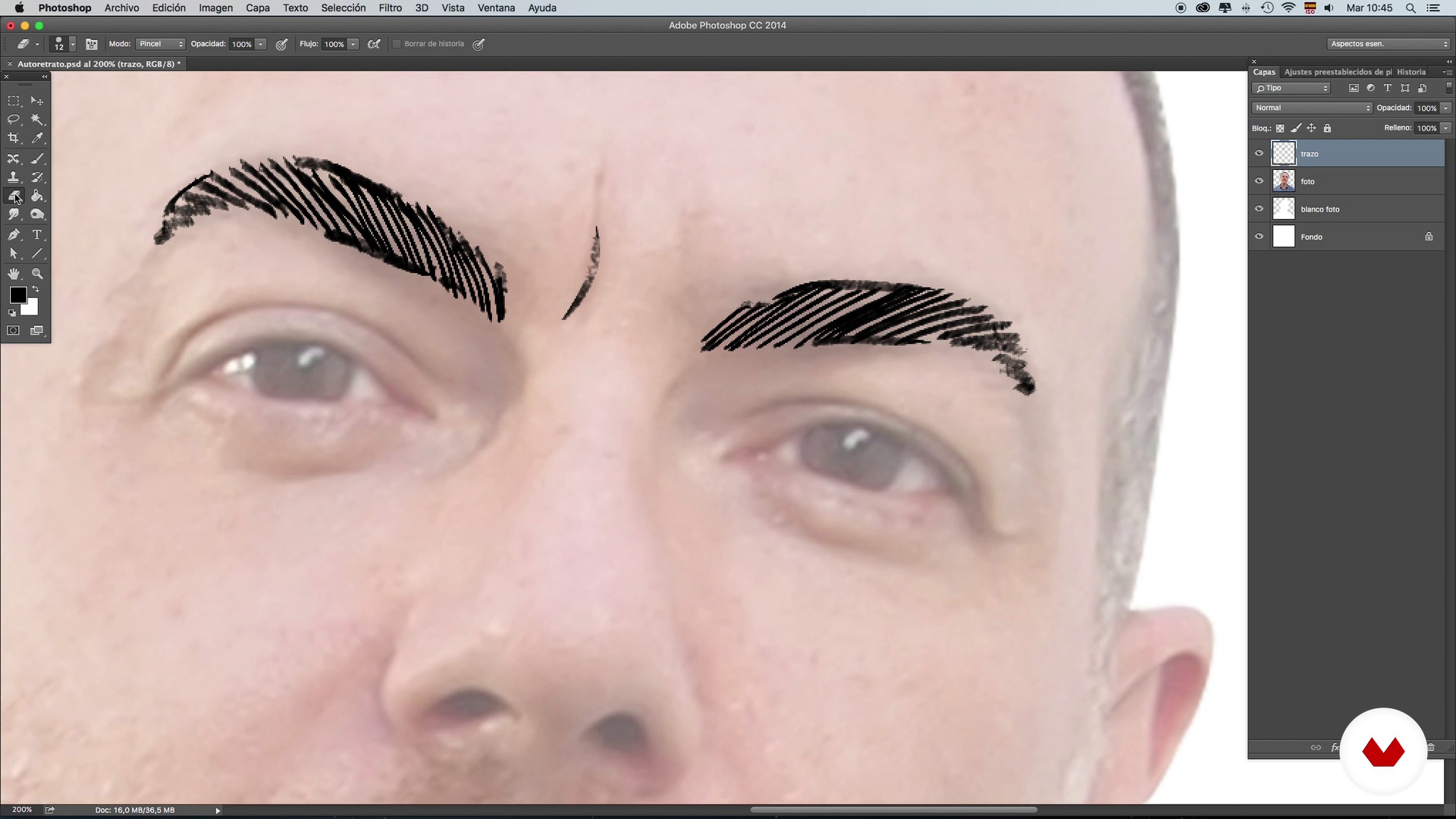
Brushes: Stroke and shading techniques - Self-portrait - Part 1
15 min, 48 sek.
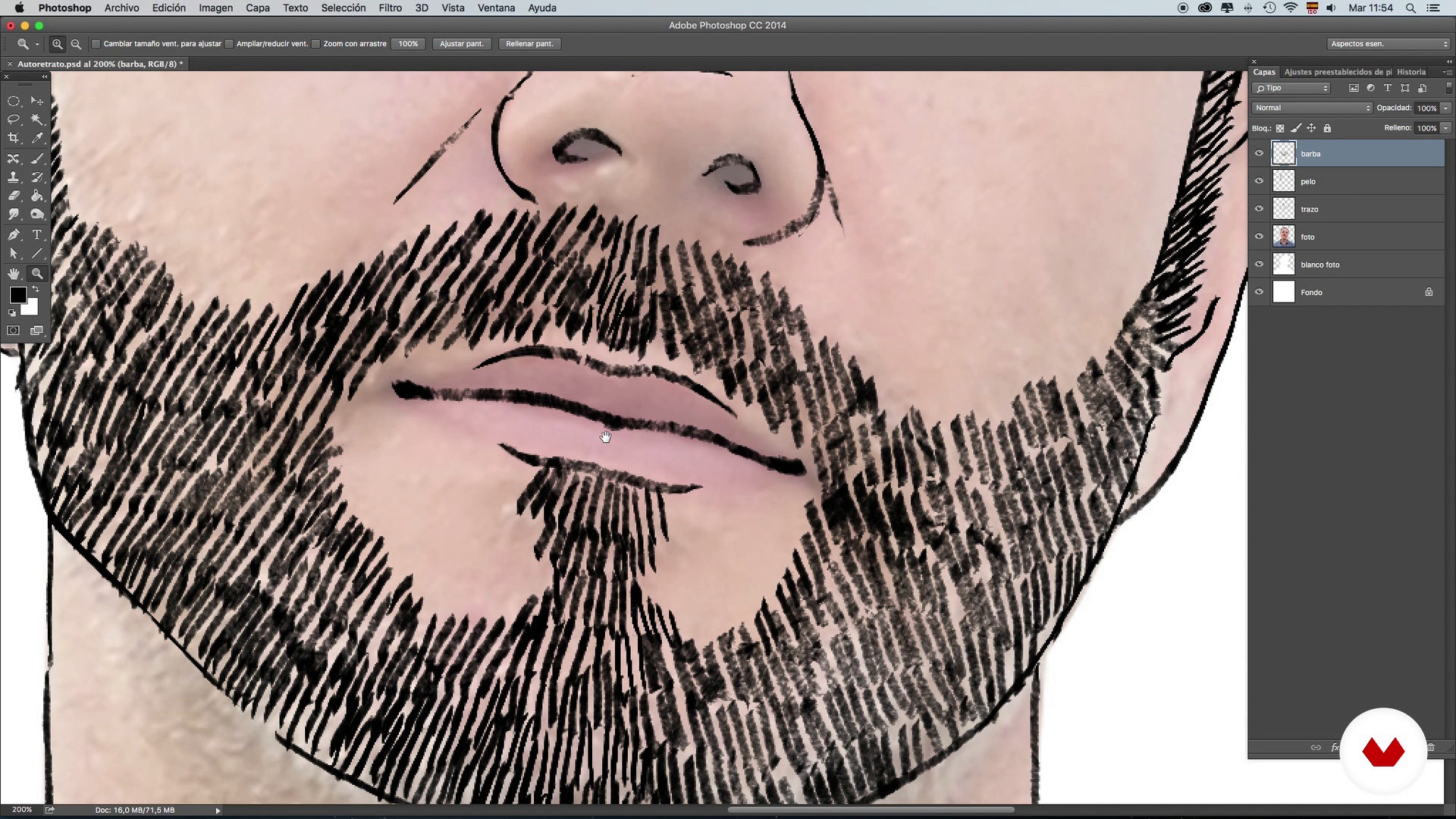
Brushes: Stroke and shading techniques - Self-portrait - Part 2
14 min, 59 sek.
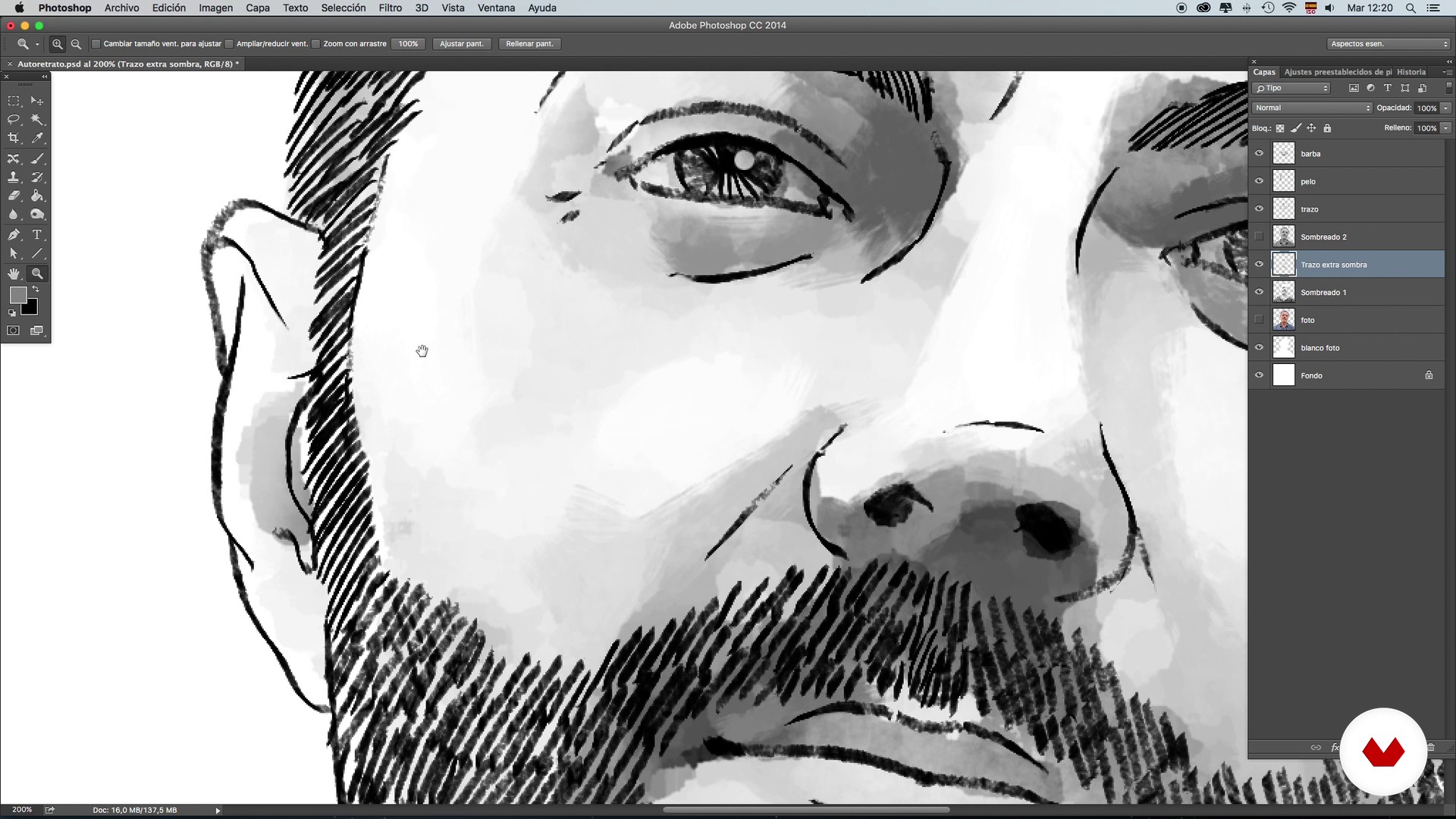
Brushes: Stroke and shading techniques - Self-portrait - Part 3
16 min, 40 sek.
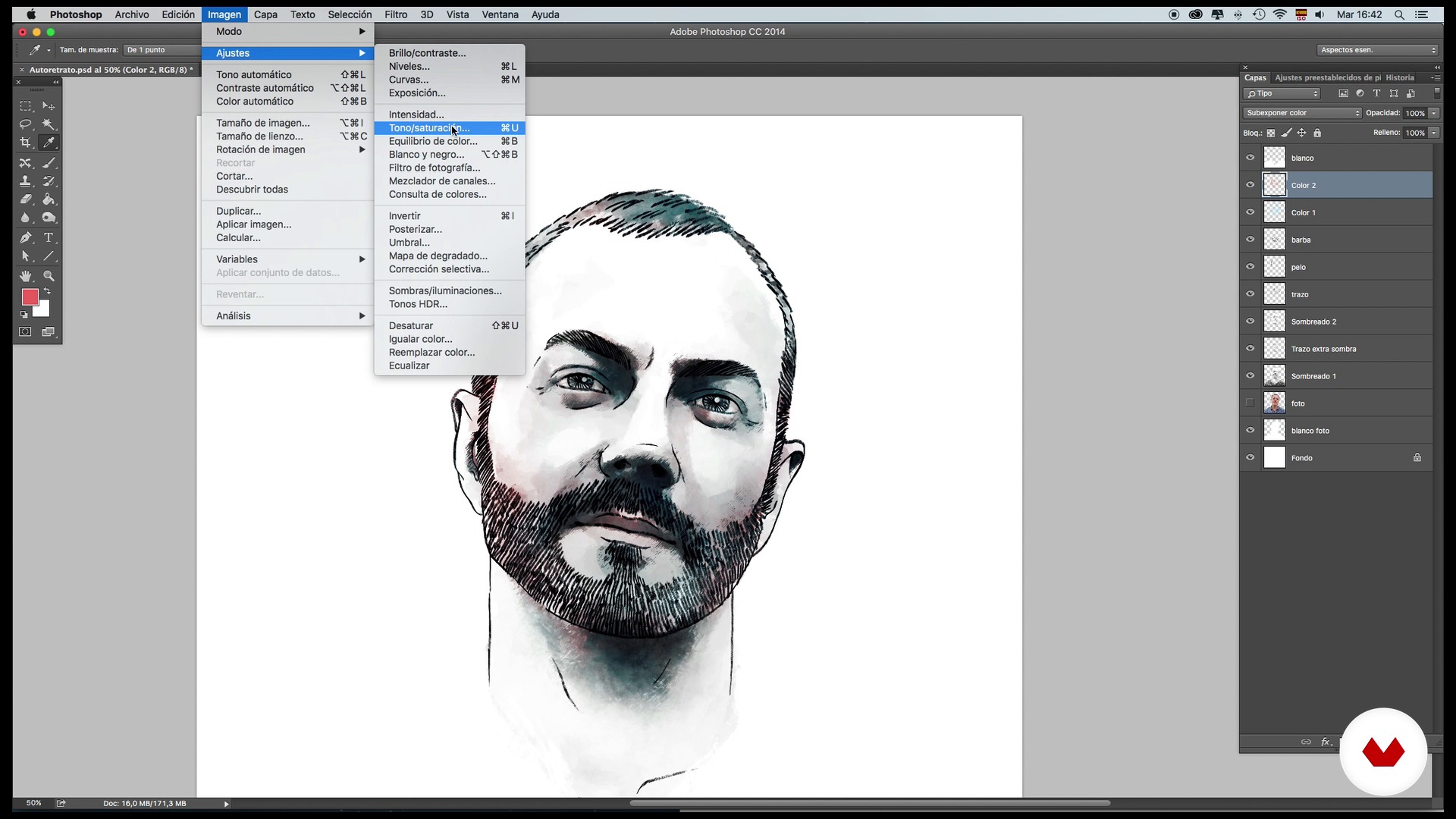
Brushes: Color and retouching techniques - Self-portrait - Part 1
15 min, 52 sek.
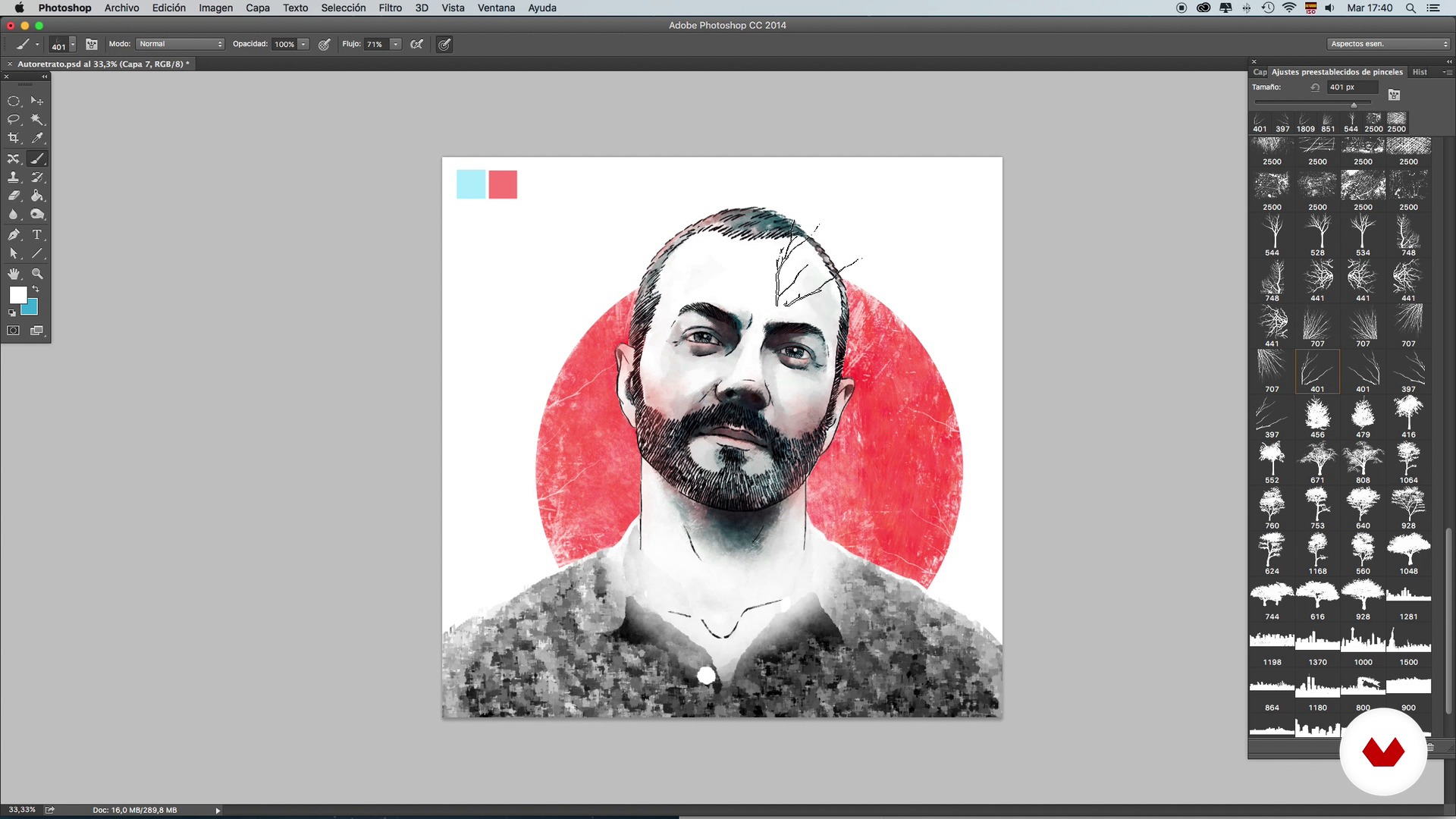
Brushes: Color and retouching techniques - Self-portrait - Part 2
20 min, 47 sek.
Co obejmuje ten kurs?
Start by learning about the work and influences of Óscar Giménez–an illustrator who describes himself as forever dissatisfied. After 13 years in the profession, however, he no longer believes in perfectionism, but rather in dedication.
Next, learn the basics of composition, brushes, strokes, shading, color, and retouching. Practice these first on your own self-portrait so that you become more comfortable with the tools, then, once you have decided who the famous person you want to illustrate is, start the documentation phase, searching for reference and composition images for the main portrait.
When you have your character fully defined with shadows and color, add new elements to enrich your illustration, a background to give more personality to the work, and the finishing touches.

Zalecane oprogramowanie i narzędzia do tego kursu
Jaki jest projekt kursu?
Create a portrait of your favorite famous person from the information collected about them and visual references. In this project, apply all the techniques learned on composition, use of color, and integration of the character in their world.
Projekty uczestników kursu


Do kogo jest skierowany ten kurs online?
Illustration and design lovers and professionals who are interested in learning new techniques and methods to apply to illustrated portraits and to any other project.
Wymagania i materiały
You need to have previous knowledge of Photoshop, a computer, and a graphics tablet. You don't need to know how to draw.

Oceny
- 4 miesiące temu
Curso muito bom mesmo. Aprende-se ferramentas muito interessantes dentro do Photoshop que serão muito úteis em nossas próprias artes.
- 11 miesięcy temu
Excelente curso más con el mismo profesor
- rok temu
Ottimo corso e ottimo l'insegnante..consigliatissimo
- goutamPLUSrok temu
Totally recommended
- 2 lata temu
Excelente curso y con buenos consejos para las herramientas del programa.

Pracował we ...
Zawartość
- Cz.1
Presentation and references
- Presentation
- Referents and project
- Cz.2
Composition, tools and techniques
- Theory of portrait composition
- Brushes: Stroke and shading techniques - Self-portrait - Part 1
- Brushes: Stroke and shading techniques - Self-portrait - Part 2
- Brushes: Stroke and shading techniques - Self-portrait - Part 3
- Brushes: Color and retouching techniques - Self-portrait - Part 1
- Brushes: Color and retouching techniques - Self-portrait - Part 2
- Cz.3
Documentation and preparation of the main portrait
- Search for images and information
- Basic composition and main line 1
- Basic composition and main line 2
- Application of shading 1
- Application of shading 2
- Application of color
- Cz.4
Integration of references and background
- Adding references I
- Adding references II
- Background and final touches
- PK
Projekt końcowy
- Portrait illustrated with Photoshop
Kurs Domestika - czego możesz się spodziewać?
Nauka we własnym tempie
Radość z nauki w domu, bez wyznaczonych terminów. Szybko przyswajasz wiedzę, a swój plan zajęć układasz wedle uznania.
Nauka z najlepszymi ekspertami
Przydatne metody oraz ciekawe techniki przedstawione i wyjaśnione przez najlepszych specjalistów z branży kreatywnej.
Doświadczeni prowadzący
Wszyscy prowadzący są specjalistami w swojej dziedzinie. Przekazują wiedzę z pasją, tłumaczą zagadnienia w jasny sposób, a podczas zajęć kładą nacisk na praktyczne zastosowanie zdobytej wiedzy.
Certyfikaty
PLUSJeśli masz subskrypcję Plus, za każdy kurs otrzymasz spersonalizowany certyfikat podpisany przez prowadzącego. Udostępnij go w portfolio, w mediach społecznościowych lub gdziekolwiek chcesz.
Miejsca w pierwszym rzędzie
Wysoka jakość wideo sprawia, że nie umknie Ci żaden szczegół. Dzięki nieograniczonemu dostępowi możesz obejrzeć nagrania tyle razy, ile potrzebujesz, aby przyswoić nowe umiejętności.
Dzielenie się wiedzą i pomysłami
Zadawaj pytania, nie wahaj się poprosić o opinię czy poszukać rozwiązania. Podziel się swoimi wrażeniami z nauki z pozostałymi członkami społeczności, którzy tak jak Ty uwielbiają tworzyć.
Łączność z kreatywną społecznością z całego świata
Społeczność kilku milionów użytkowników z całego świata, pełnych ciekawości oraz chęci odkrywania i wyrażania swojej kreatywności.
Profesjonalna realizacja kursów
Domestika starannie dobiera prowadzących i produkuje wszystkie kursy we własnym zakresie, aby zapewnić wysoką jakość nauki online.
Często zadawane pytania
Conceptual portrait illustration blends artistic and symbolic techniques to create personalized portraits with storytelling. In this course, you’ll learn how to integrate visual references, apply color, composition, and texture techniques, and develop original, expressive digital portraits.
The course is designed for those with intermediate skills in digital illustration and Photoshop. It’s perfect if you already know the basics and want to deepen your skills in creating conceptual portraits and advanced techniques.
You’ll need a computer, Photoshop access, a graphics tablet (optional but recommended), and an internet connection. It’s also helpful to have reference images and digital brushes to practice the techniques taught.
You’ll learn to combine graphic elements, integrate cutouts, references, and symbols, and organize your composition using layers and selection tools in Photoshop to create unique illustrated portraits with visual harmony.
The course covers how to choose color palettes, apply color layers, use blending modes and contrasts, and create thematic atmospheres through tonal adjustments—all aimed at enhancing the portrait’s narrative.
You’ll discover how to research, select, and incorporate cultural, biographical, and symbolic references to add depth and meaning, crafting personalized portraits with strong conceptual impact.
Yes, the course includes methods for applying textures, filters, custom brushes, and shading effects to achieve rich, detailed finishes in your digital portraits.