
Creëer een volledig verzonnen achtergrond op basis van een tv-serie
In this course, Sergio Rozas and Joaquín Gutiérrez (USER t38), will teach you how to create a realistic background and integrate it as if it were part of the plan of a television series or a fiction feature film.
Matte Painting is a visual effect that has been used a lot in the history of cinema. It is used to generate and increase the illusion of realism when it comes to something difficult or impossible to film.
Wat leer je tijdens deze online cursus?
15 lessen & 18 aanvullende bronnen
Presentation by Joaquín Gutiérrez and his influences
3 minuten, 54 seconden
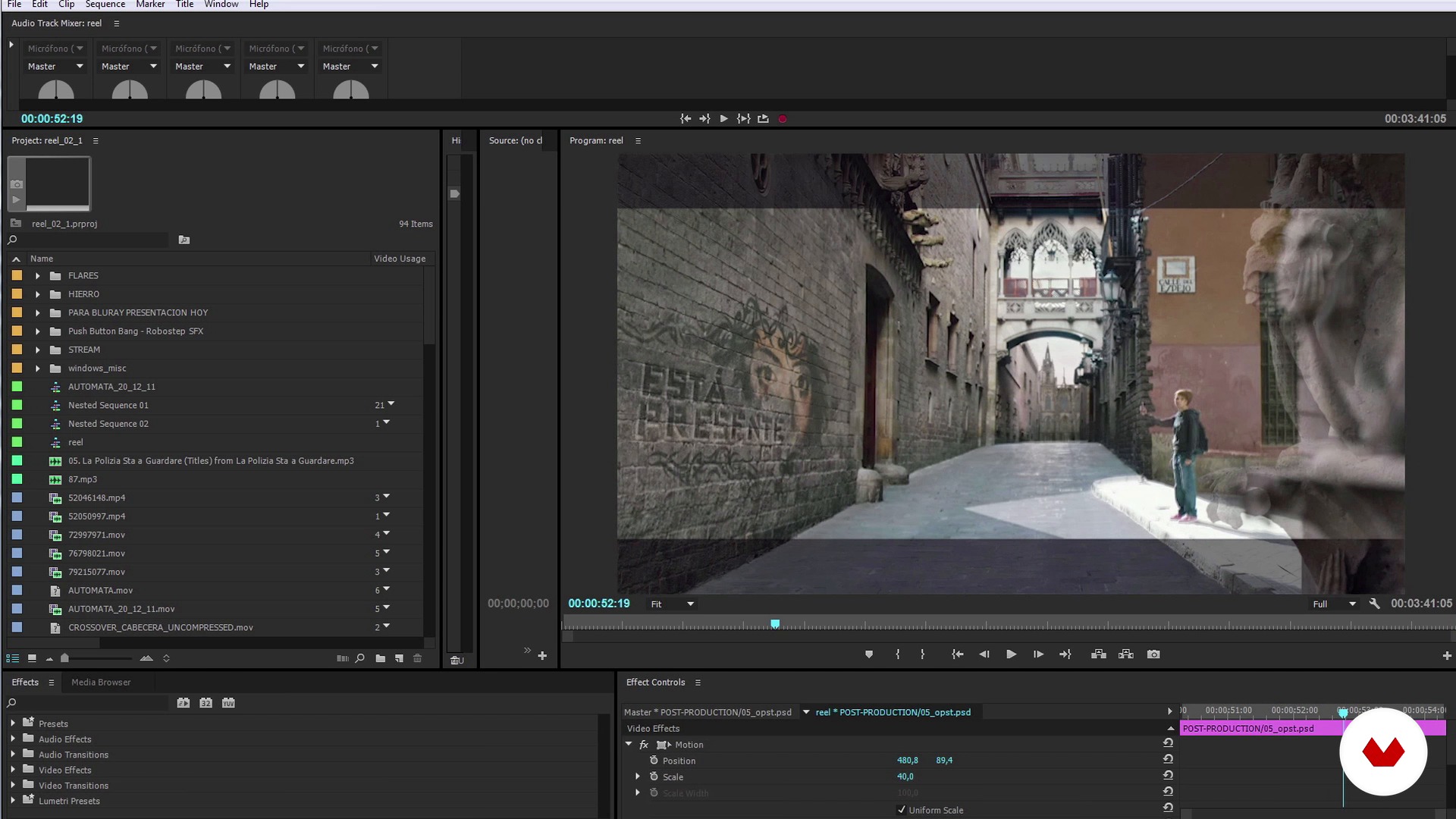
Introduction to Matte Painting: what it is and references
10 minuten, 56 seconden
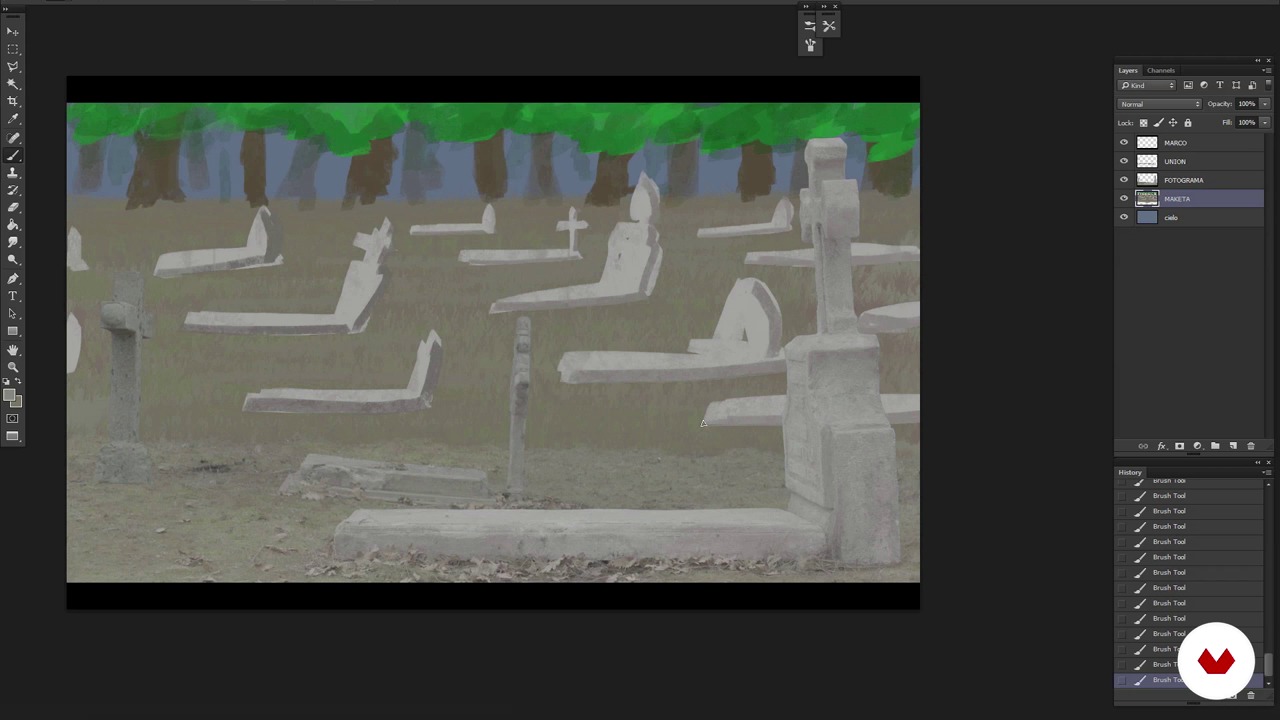
Analysis of the plan and creation of the model
13 minuten, 53 seconden
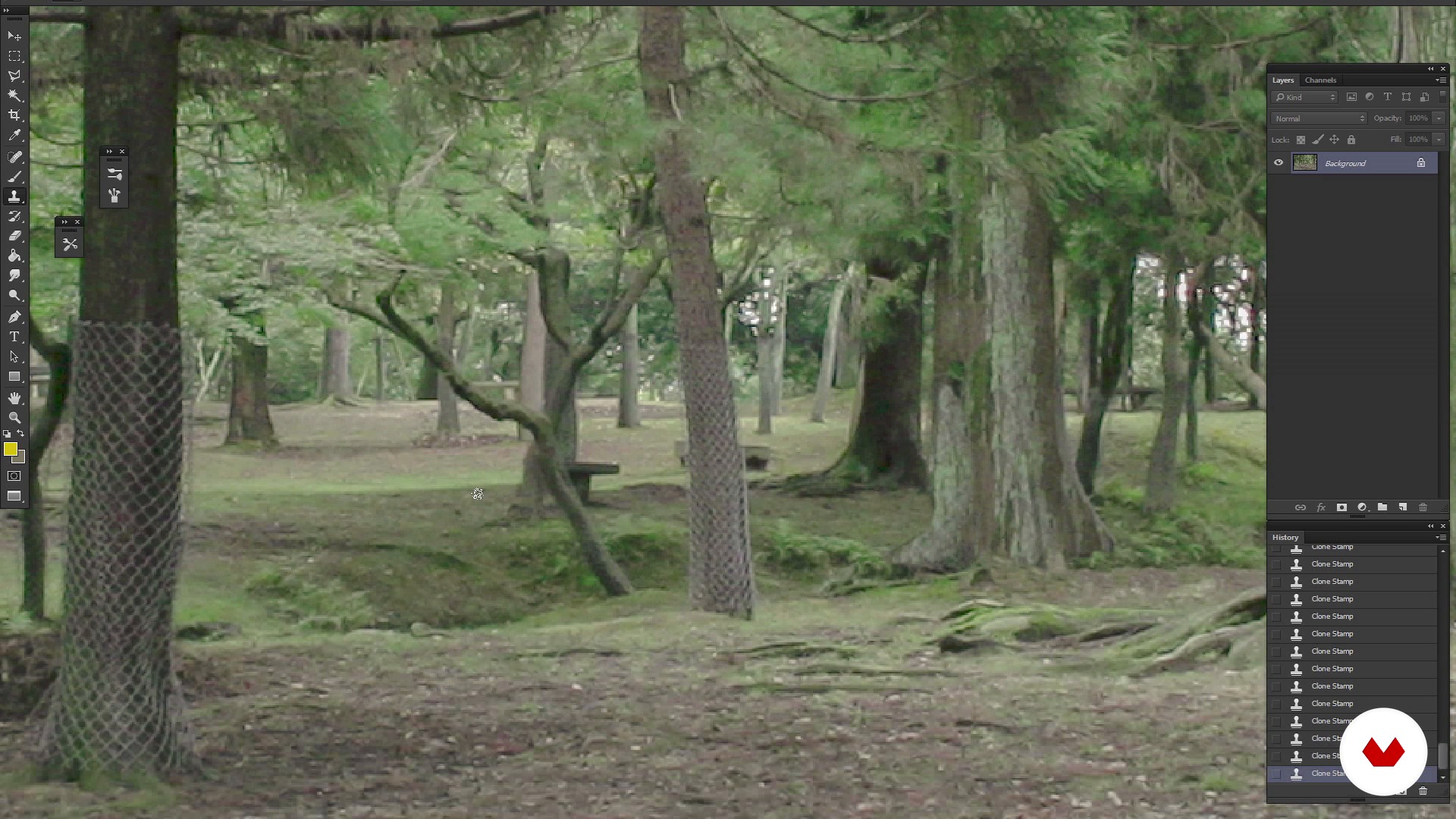
Reference search, Cleaning and creation of the fund
13 minuten, 13 seconden
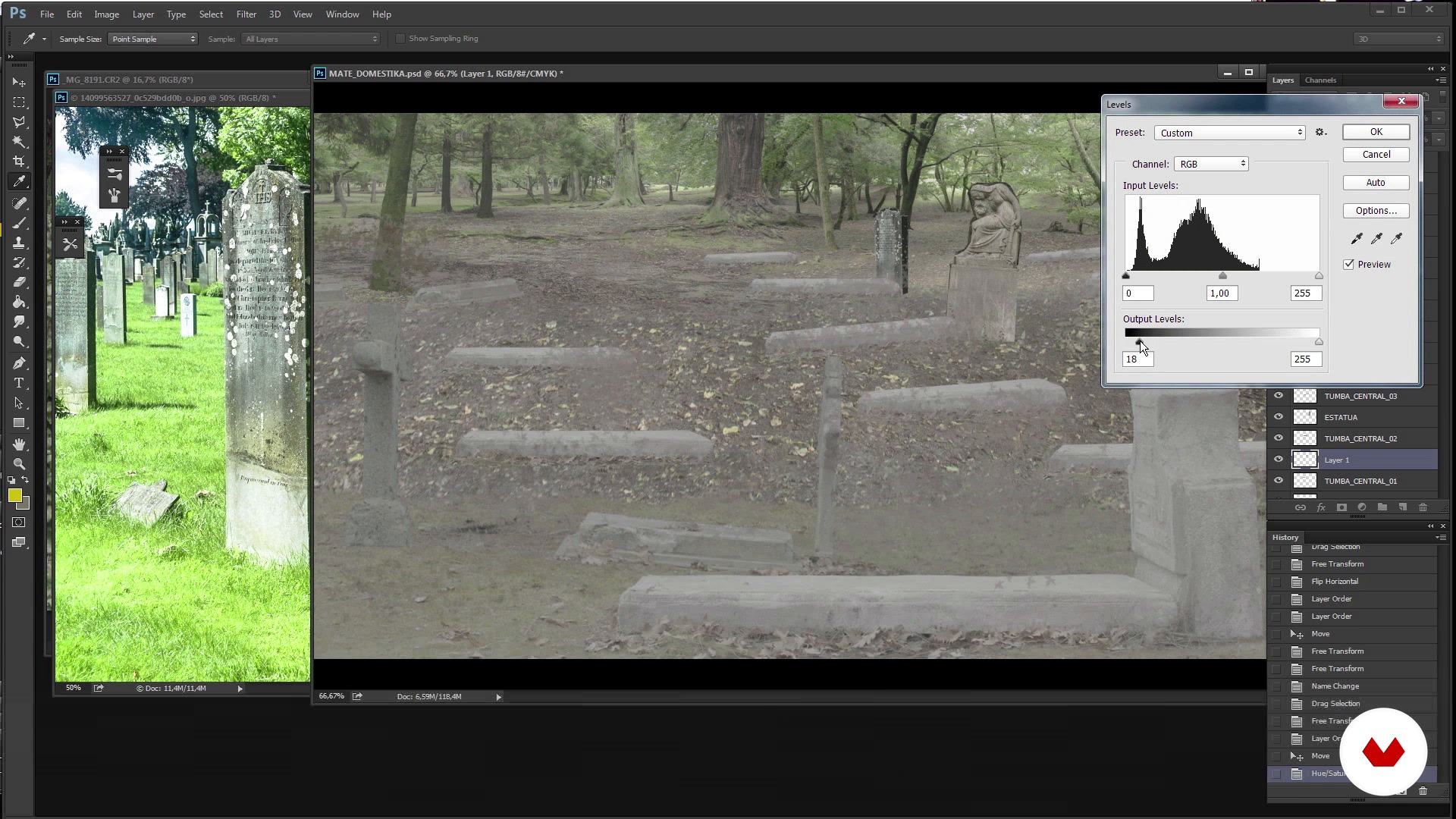
Trimming elements
13 minuten, 33 seconden
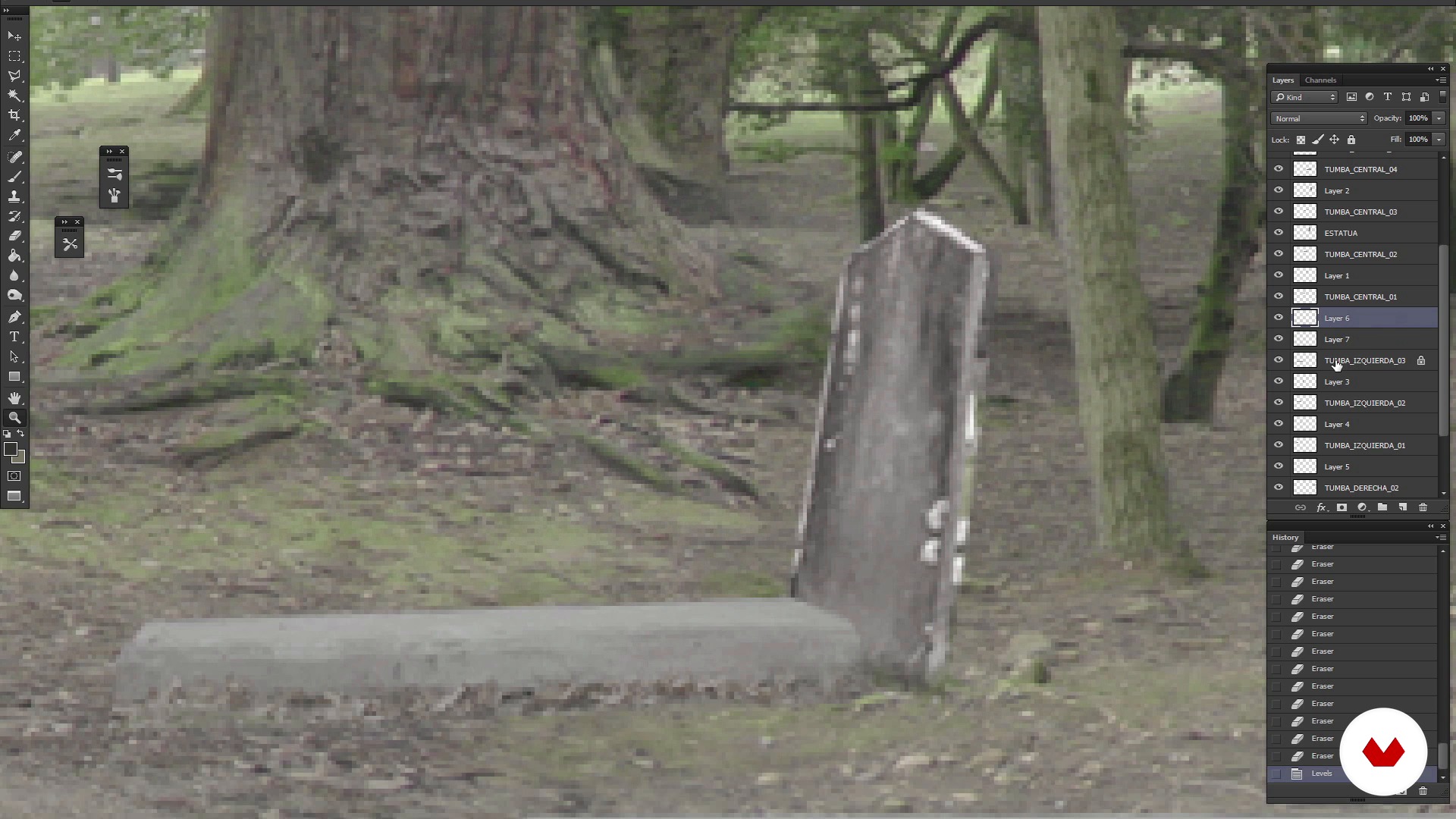
Refined Matte Painting
7 minuten, 47 seconden
Wat is inbegrepen in deze cursus?
You'll start getting to know User t38 better and the influences of Sergio and Joaquín.
Then you will discover how to create a Matte Painting with Photoshop. For this, the first thing you should do is analyze the angle of view of the shot with Chroma for which you have to create the background and the narrative objective with which it has been made. In this way you will know what kind of visual references to look for when selecting the different elements that will make up the scene.
Next you will create the first sketches of funds and you will discover how they behave.
When integrating the Matte Painting on the map, Sergio and Joaquín will give you the keys on how to clean a Chroma, the color and tips on how to add effects that were not filmed at the filming.
When you have achieved the definitive setting you were looking for, through adjustments and effects of lighting and general color retouching, you will achieve that there is no difference between the actual rolled image and the recreation of the background, in this way the retouching will go completely unnoticed in the scene in the that is integrated and the viewer will not notice this retouching.
Aanbevolen software en tools voor deze cursus
Wat is het cursusproject?
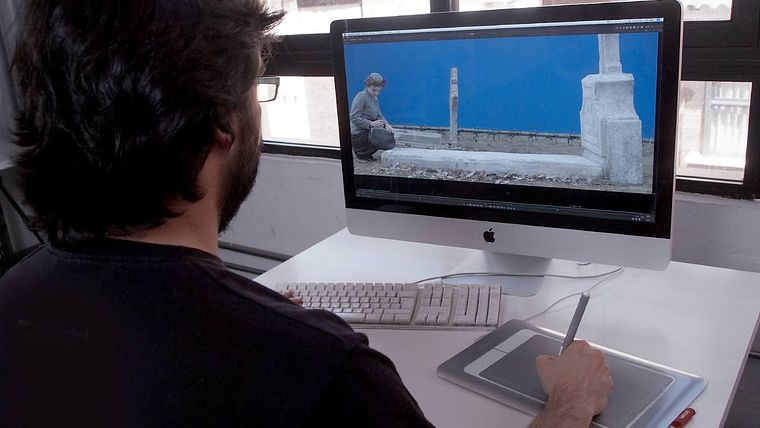
The challenge will be to make and integrate a Matte Painting into a shot of the series "The Ministry of Time," a fictional television series whose plot revolves around time travel.
Projecten van studenten van de cursus


Voor wie is deze online cursus bedoeld?
To Designers, Composers of images, lovers of cinema, photography and television who are interested in deepening in the world of Matte Painting.
Vereisten en materialen
This is an advanced level course. You will have to handle Photoshop at medium level, and also know the Nuke digital composition software, as well as Adobe Premiere. When working with materials in HD it will also be necessary to have a powerful computer to perform the rendering of images.

Beoordelingen
- 2 jaar geleden
Muy completo
- 3 jaar geleden
Entretenido y didáctico. Recomendable.
- 3 jaar geleden
Esse é o pior curso que já vi, na parte do Nuke faz mais de cinco anos que estoutentando ver o que este cara esta fazendo com os Nodes, ele clica em informações inportantes nas ferramentas e não mostra o que esta fazendo e para que esta fazendo, alem de muito desorganizados com os nodes.... NÃO SE APRENDE COM UM CURSO DESSE, ISSO NÃO MERECE SER CHAMADO DE CURSO.
- 4 jaar geleden
Está muy interesante el curso y práctico, van directo al grano de como es el proceso y con un ejemplo de la vida real.
- 5 jaar geleden
Hay cosas que me han gustado y hay cosa que no

Hij is sinds 1995 werkzaam in de audiovisuele wereld. Gedurende zijn carrière heeft hij onder andere gewerkt als decoratieassistent, fotograaf, storyboardartiest, grafisch ontwerper, rekwisietmaker, rekwisietartiest, m...
Inhoud
- U1
Introduction
- Introducing User t38
- Presentation of Sergio Rozas and his influences
- Presentation by Joaquín Gutiérrez and his influences
- U2
How to create a Matte Painting?
- Introduction to Matte Painting: what it is and references
- Analysis of the plan and creation of the model
- Reference search, Cleaning and creation of the fund
- Trimming elements
- Refined Matte Painting
- Completion of Matte Painting and preparation for its composition
- U3
How to integrate matte painting in the plane?
- Preparation of Matte Painting
- Tips to get a chroma 1
- Tips to get a chroma 2
- U4
Delivery of the plane
- Color correction
- Look & Beauty
- To export
- EP
Eindproject
- Creation and integration of a Matte Painting
Wat kan je verwachten van een cursus van Domestika
Leer in je eigen tempo
Geniet van thuis leren, zonder lesroosters en in je eigen tempo. Jij beslist wanneer je verder gaat met het volgende onderdeel.
Leer met de beste professionals
Leer de meest bruikbare methoden en technieken van de beste professionals in de creatieve industrie.
Ontmoet deskundige docenten
Iedere docent brengt kennis met passie over, biedt duidelijke uitleg en een professioneel perspectief bij elke les.
Certificaten
PLUSAls Plus-lid krijg je voor elke cursus een persoonlijk certificaat, ondertekend door je docent. Deel het in je portfolio, op social media of waar je maar wilt.
Zorg dat je op de voorste rij zit
Dankzij de hoge kwaliteit van de video's mis je geen enkel detail. Dankzij de onbeperkte toegang kun je de lessen zo vaak bekijken als nodig is om je vaardigheden te perfectioneren.
Deel kennis en ideeën
Stel vragen, krijg feedback en bied oplossingen aan. Deel je leerervaringen met andere studenten in de community die net als jij een passie hebben voor creativiteit.
Maak contact met een wereldwijde creatieve community
Deze community heeft miljoenen gebruikers van over de hele wereld, nieuwsgierig en enthousiast om hun creativiteit te verkennen en te uiten.
Geef cursussen op een professionele manier
Domestika selecteert zorgvuldig haar docenten en produceert iedere cursus in eigen huis om een uitstekende online leerervaring te garanderen.
Veelgestelde vragen
Matte painting is een techniek, zowel digitaal als traditioneel, om fictieve decors en achtergronden te creëren voor film en reclame. Hiermee kun je ruimtes op een realistische manier uitbreiden of veranderen zonder ze fysiek te hoeven bouwen.
De cursus is van gemiddeld niveau, ideaal voor wie al basiskennis heeft van digitale bewerking of audiovisuele productie en dieper wil ingaan op matte painting en digitale compositie.
Het is aan te raden om basiskennis van Photoshop en algemene video-editing te hebben, want de cursus werkt met tools als Photoshop, After Effects, Nuke en Digital Fusion.
Je leert de geschiedenis en technieken van matte painting, het maken van realistische decors, het integreren van elementen, werken met chroma key, kleurcorrectie, digitale compositie, 3D-texturering en professionele workflows voor film en reclame.
De cursus leert je perspectief, kleur en licht zo aan te passen dat digitale achtergronden naadloos op gefilmde beelden aansluiten, zodat geschilderde en echte elementen niet van elkaar te onderscheiden zijn.
Je hebt alleen een computer nodig met toegang tot digitale bewerkingsprogramma’s zoals Photoshop en After Effects. Speciale apparatuur is niet nodig, maar een krachtige machine die HD-bestanden aankan wordt aanbevolen.
Je kunt aan de slag als matte painting-artiest, digitale compositor, ontwerper van visuele decors, supervisor van visuele effecten of in de postproductie voor film, tv en reclame.