3D-personagemodellering
A course by Luis Gomez-Guzman3D-modelleur en beeldhouwer
A course by Luis Gomez-Guzman, 3D-modelleur en beeldhouwer

Ontwerp de buste van een digitale sculptuur met Zbrush
Want to learn how to sculpt and shape characters digitally? In this online course, 3D modeler and sculptor Luis Gómez-Guzmán teaches you how to model the bust of a 3D character from a sketch using Pixologic ZBrush.
Learn the ins and out of this program and the fundamental concepts of 3D to create professional-looking character models. By the end, you'll have a digital sculpture you can add to your portfolio or even 3D print.
Wat leer je tijdens deze online cursus?
15 lessen & 4 aanvullende bronnen
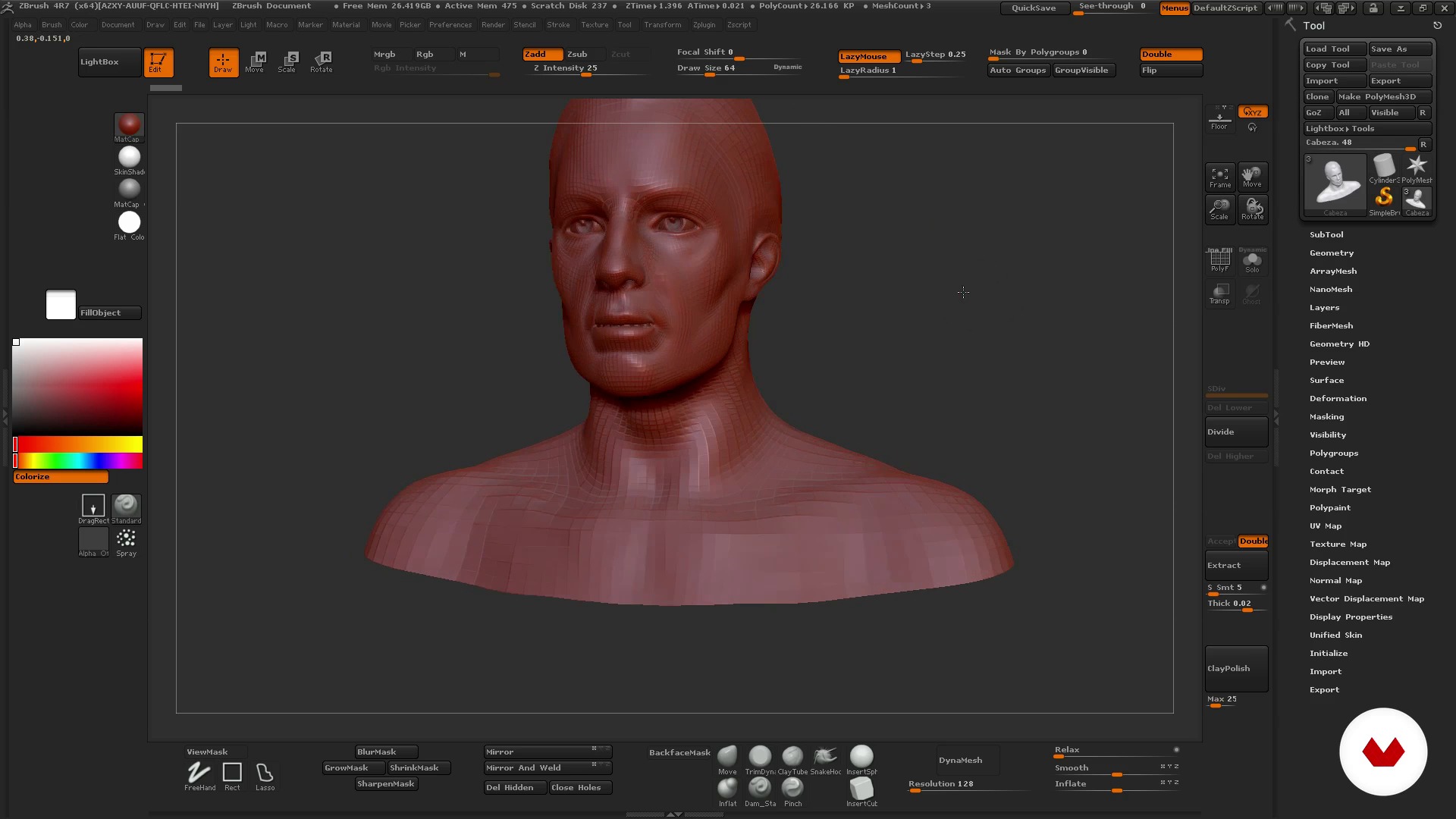
Knowing Zbrush: interface and environment
13 minuten, 11 seconden
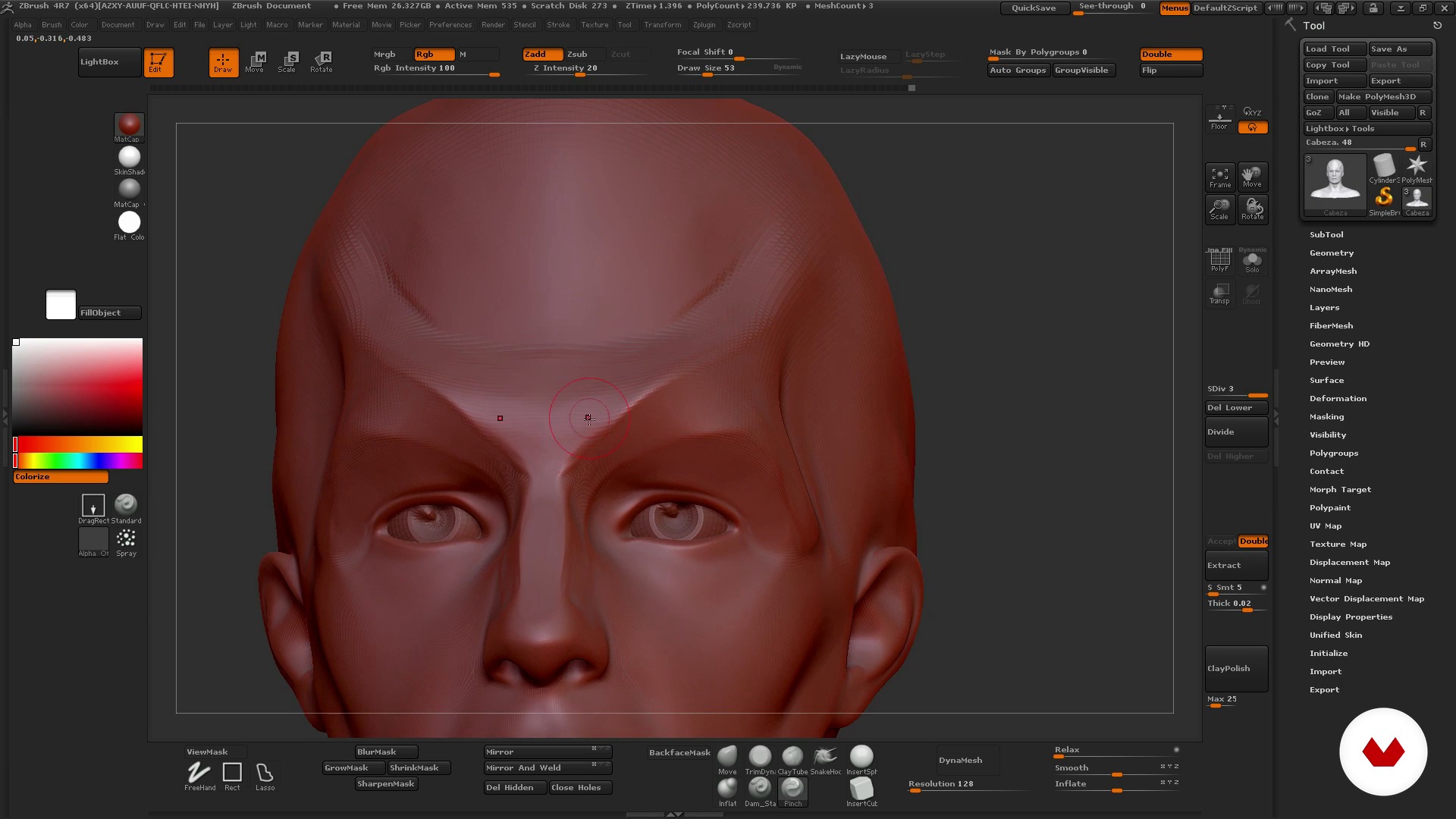
How to use ZBrush I
12 minuten, 41 seconden
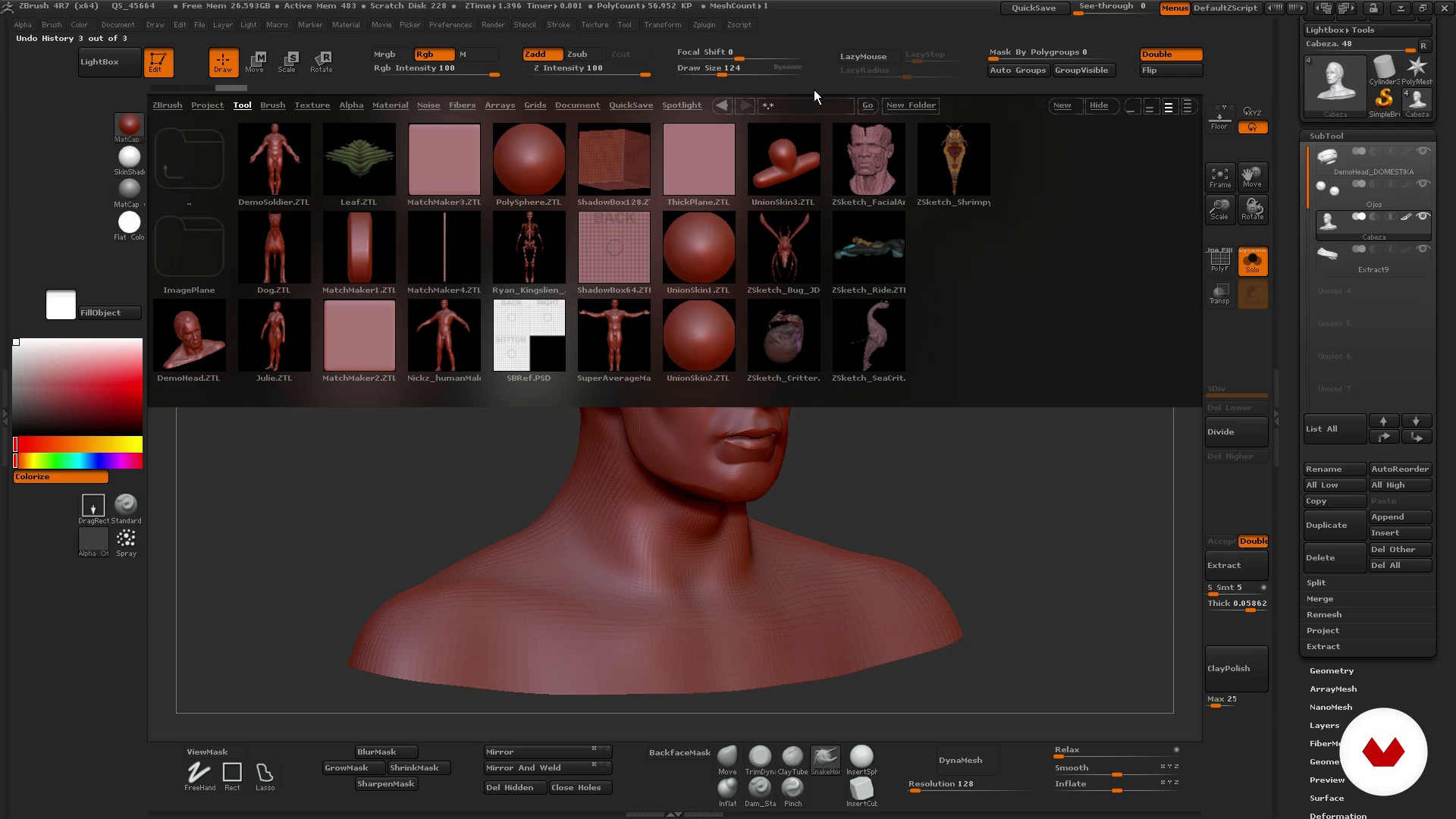
How to use ZBrush II
18 minuten, 30 seconden
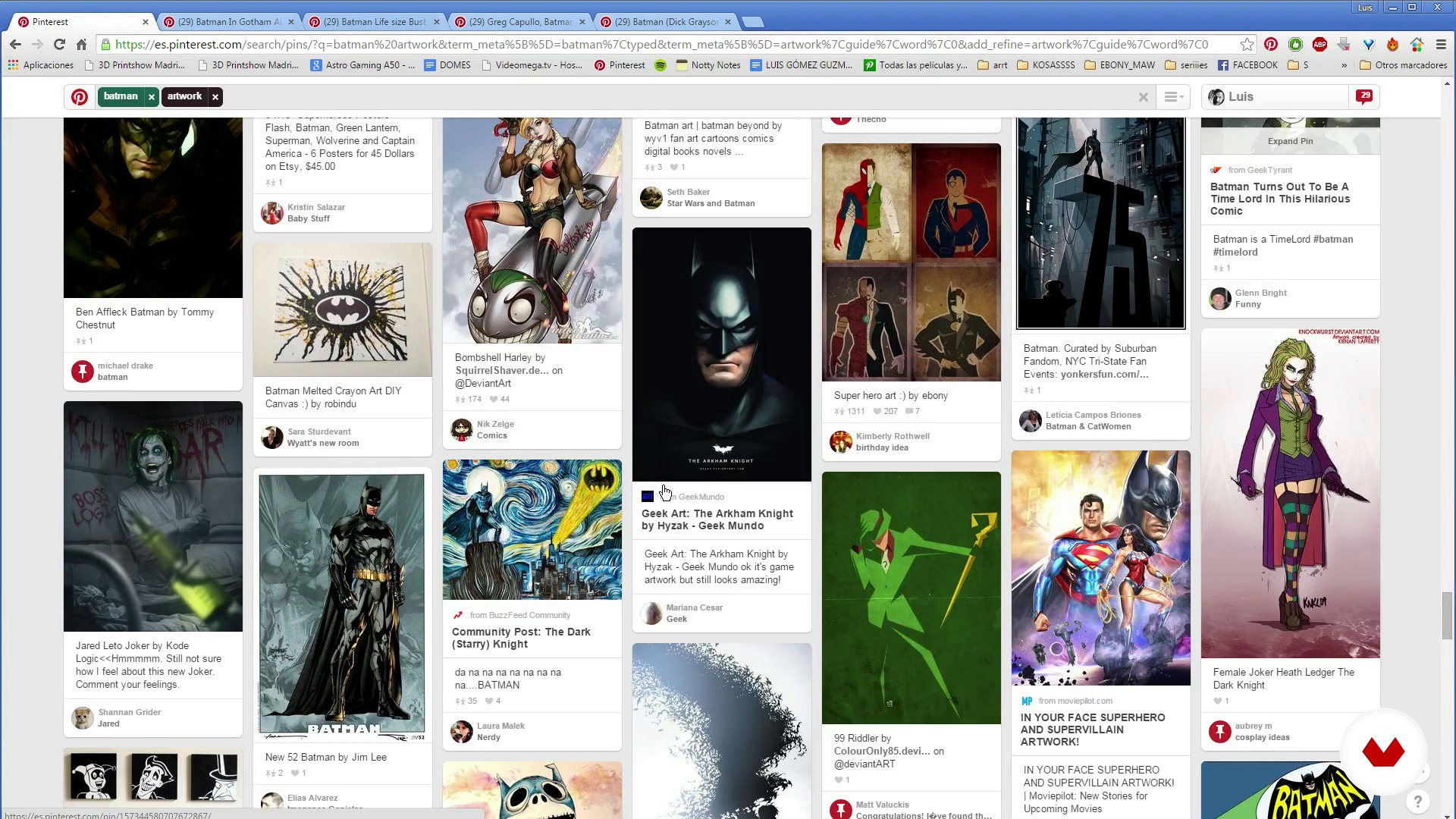
Search for references
10 minuten, 39 seconden
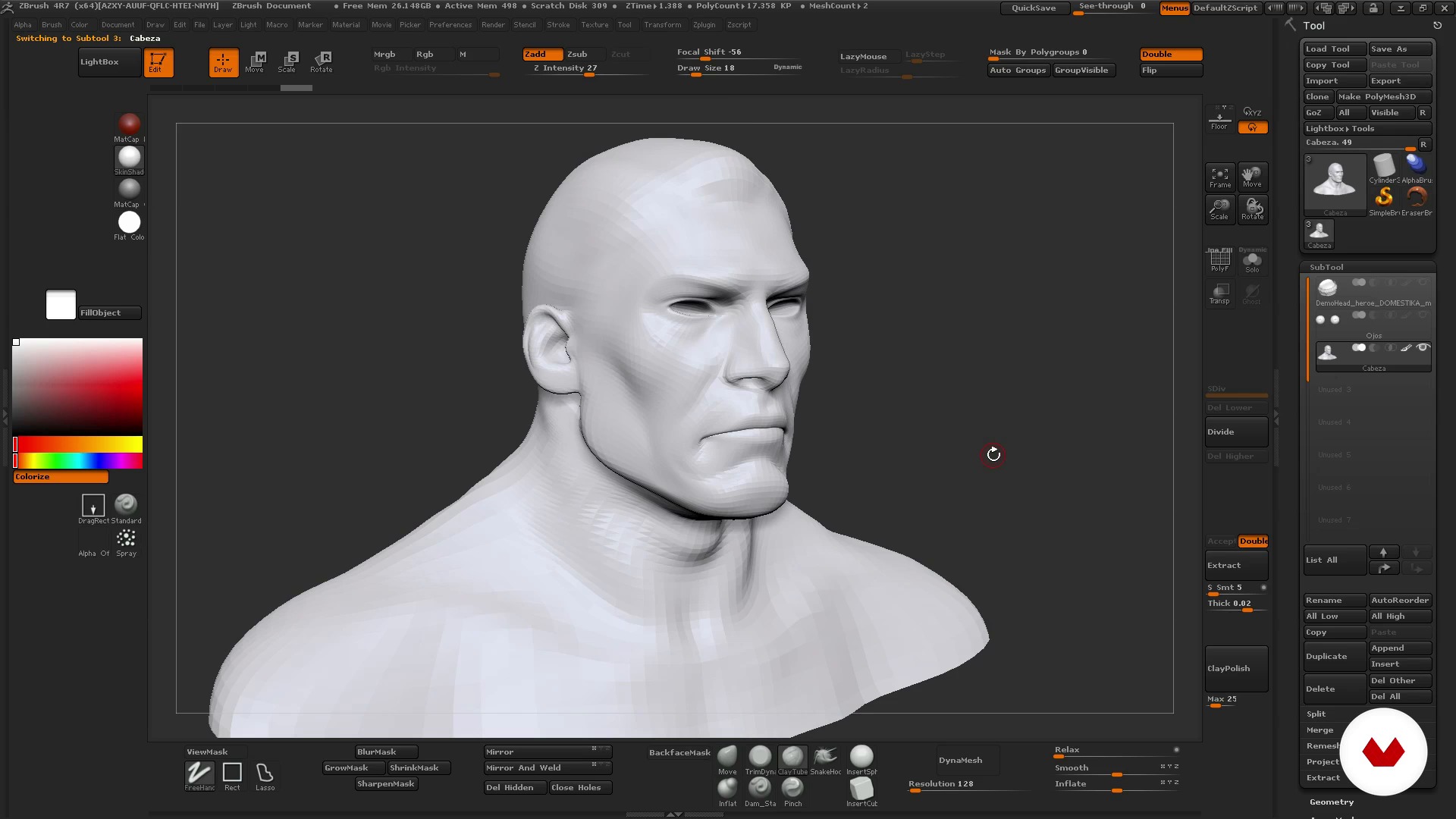
Basic Character I
19 minuten, 4 seconden
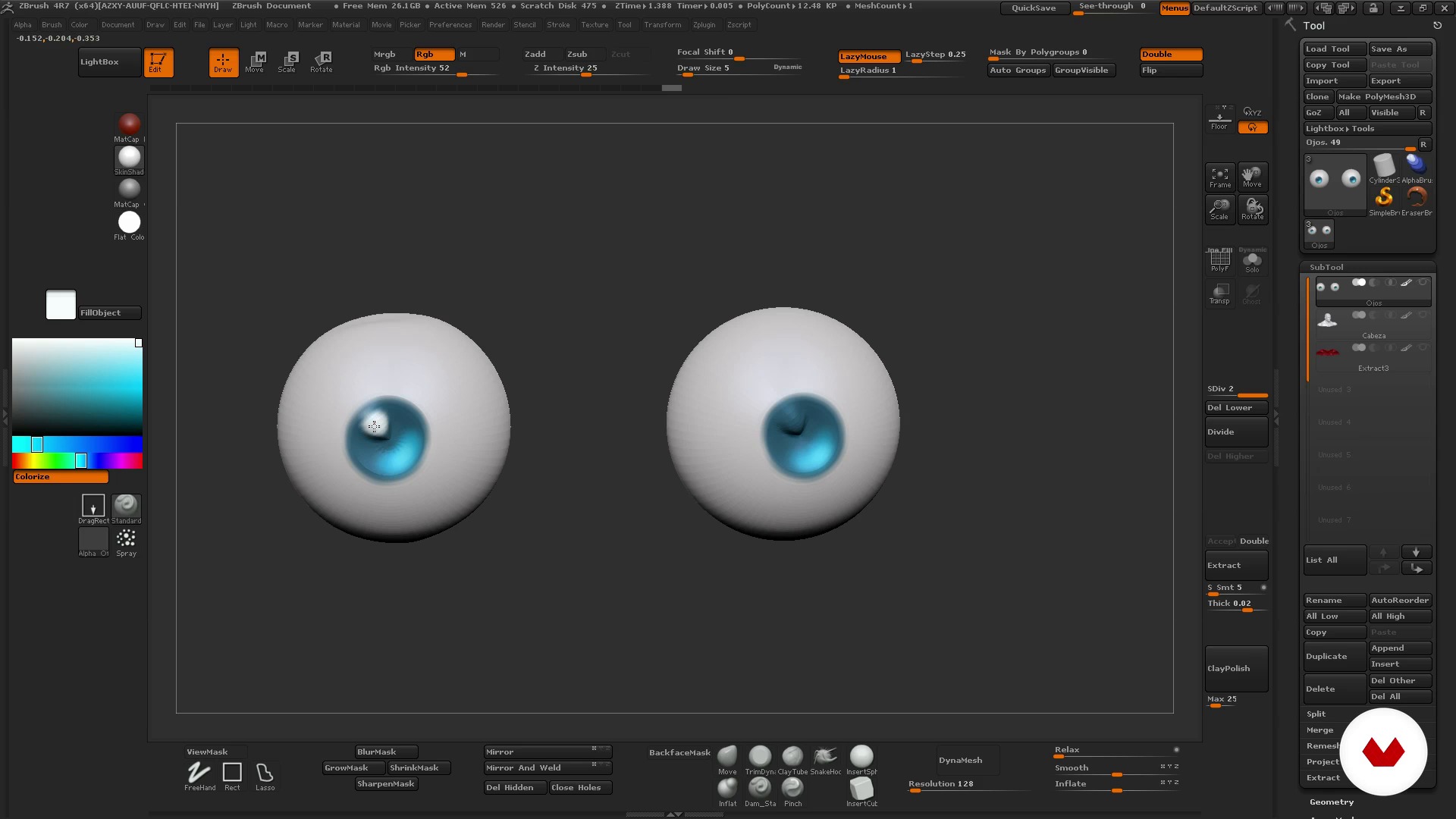
Basic Character II
14 minuten, 27 seconden
Wat is inbegrepen in deze cursus?
Begin by getting to know your teacher, Luis Gómez-Guzmán. Hear about his professional career as well as the influences that inspire him and the characters he creates.
Next, Luis gives you an introduction to ZBrush and how it works. Explore the interface and the viewport before learning how to use the program's essential tools and features for modeling.
Once you feel comfortable in ZBrush, search for references to find inspiration for your character idea, from illustrations and photos to color palettes and poses.
Now it's time to get to work! Start by sculpting basic shapes, playing with volume and symmetry. Then, add details and a few simple layers of color.
Finally, Luis teaches you how to put the finishing touches on your bust to give it a more realistic look, including textures, color accents, and lighting.

Recommended software & tools for this course
What is this course's project?
Sculpt and model the bust of a 3D character, adding texture, lighting, and color, and create a turntable to provide a 360º view of your model.
You can also make a brief video showing the steps you followed to share your experience with other students or include in your portfolio.
Projecten van studenten van de cursus


Who is this online course for?
Illustrators, graphic artists, designers, and anyone who wants to get started in 3D art and learn to work with ZBrush.
Requirements and materials
No previous knowledge is required to take this course.
As for materials, you need a mid-range to high-end computer with a 3D sculpting program installed, preferably ZBrush.

Beoordelingen
- 10 maanden geleden
Curso muito bom para iniciar no mundo 3D utilizando a ferramenta apresentada, ZBrush. Para os veteranos é uma boa forma de treinar e aprender algumas dicas também, e praticar mais pelo desafio.
- 11 maanden geleden
Compré este curso que me enseñó lo básico de Zbrush y después de más de 7 años ahora soy profesional de 3D character art. Bueno, después de mucho llover. Zb no ha cambiado mucho su interface ni su workflow, han añadido nuevas cosas, claro, pero aunque sigas un curso de hace años te servirá mucho igualmente. Gracias profe.
- 1 jaar geleden
Muy buen curso, sencillo, explica lo básico para comenzar a usar el software y sus ejemplos son breves y concisos, muy recomendable si eres nuevo en esto. Si no sabes usar el programa revisa bien antes de comprar otros cursos ya que consideran que sabes y solo modelan. Suerte
- 2 jaar geleden
Está bien explicado, muy buen curso
- 2 jaar geleden
Está bien explicado. Muy recomendable si es tu primera vez con el software. E incluso si es tu primera vez con el moldeado en 3d.

Hij begon zijn carrière als modelbouwer en animator in Madrid, waarna hij naar Engeland verhuisde om te werken aan 3D-animatie voor vide...
Inhoud
- U1
Introduction
- Presentation of my work
- Influences
- U2
ZBrush
- Knowing Zbrush: interface and environment
- How to use ZBrush I
- How to use ZBrush II
- U3
The idea
- Search for references
- U4
To model
- Basic Character I
- Basic Character II
- Medium Character I
- Middle Character II
- Middle Character III
- Difficult Character I
- Difficult Character II
- U5
Color and presentation
- Colour
- Composition and turnaround
- EP
Eindproject
- Modeling 3D characters
Wat kan je verwachten van een cursus van Domestika
Leer in je eigen tempo
Geniet van thuis leren, zonder lesroosters en in je eigen tempo. Jij beslist wanneer je verder gaat met het volgende onderdeel.
Leer met de beste professionals
Leer de meest bruikbare methoden en technieken van de beste professionals in de creatieve industrie.
Ontmoet deskundige docenten
Iedere docent brengt kennis met passie over, biedt duidelijke uitleg en een professioneel perspectief bij elke les.
Certificates
PLUSIf you're a Plus member, get a persoonlijk certificaat signed by your teacher for every course. Share it on your portfolio, social media, or wherever you like.
Zorg dat je op de voorste rij zit
Dankzij de hoge kwaliteit van de video's mis je geen enkel detail. Dankzij de onbeperkte toegang kun je de lessen zo vaak bekijken als nodig is om je vaardigheden te perfectioneren.
Deel kennis en ideeën
Stel vragen, krijg feedback en bied oplossingen aan. Deel je leerervaringen met andere studenten in de community die net als jij een passie hebben voor creativiteit.
Maak contact met een wereldwijde creatieve community
Deze community heeft miljoenen gebruikers van over de hele wereld, nieuwsgierig en enthousiast om hun creativiteit te verkennen en te uiten.
Geef cursussen op een professionele manier
Domestika selecteert zorgvuldig haar docenten en produceert iedere cursus in eigen huis om een uitstekende online leerervaring te garanderen.
Veelgestelde vragen
You’ll learn how to sculpt busts and full characters in 3D from references, master ZBrush tools, apply anatomy and color techniques, prepare models for 3D printing, and professionally showcase your creations.
This is an intermediate-level course, perfect if you have some basic knowledge of 3D modeling or ZBrush. You don’t need to be an expert, but familiarity with digital sculpting concepts is recommended.
You’ll need a computer that supports ZBrush, access to the software (or a free alternative), and ideally a graphics tablet. Having reference images and internet access is also recommended.
Yes, the course teaches how to optimize, fix, and prepare digital models for 3D printing, including closing geometry and making technical adjustments to ensure successful prints.
The course covers facial and animal anatomy, proportions, volumes, and techniques to translate anatomical features into 3D models—essential for creating believable, expressive characters.
Yes, while the focus is on ZBrush, guidance and recommendations are provided for those using free alternatives compatible with digital sculpting workflows.
Yes, the course includes techniques for applying color and materials to digital sculptures, managing saturation, contrast, and finishes to enhance your characters’ presentation.