
Digitale afbeelding met kleurpotloden
A course by Mercedes deBellardIllustrator
A course by Mercedes deBellard, Illustrator

Leer digitaal tekenen met een traditionele afwerking
The illustrations of Mercedes deBellard became viral thanks to platforms such as Pinterest or Tumblr, nowadays her style is easily recognizable and many customers want to collaborate with her.
In this introductory course in digital drawing, you will learn to imitate the traditional technique of illustration with colored pencils using the computer to make your illustrations of animal themes, obtaining a warm style and full of nuances, like the one Mercedes uses in her work.
Wat leer je tijdens deze online cursus?
10 lessen & 11 aanvullende bronnen
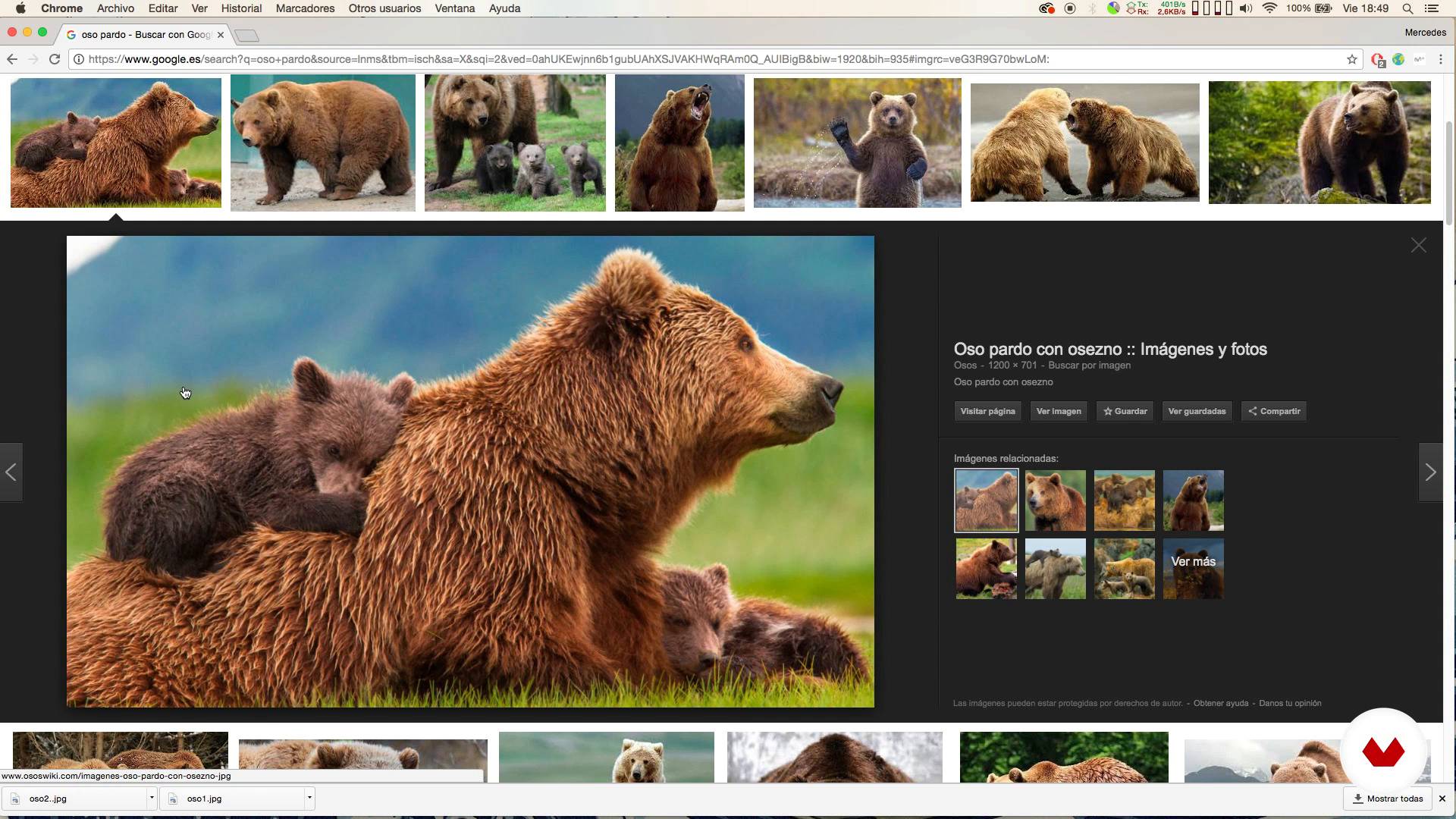
Looking for references
3 minuten, 27 seconden
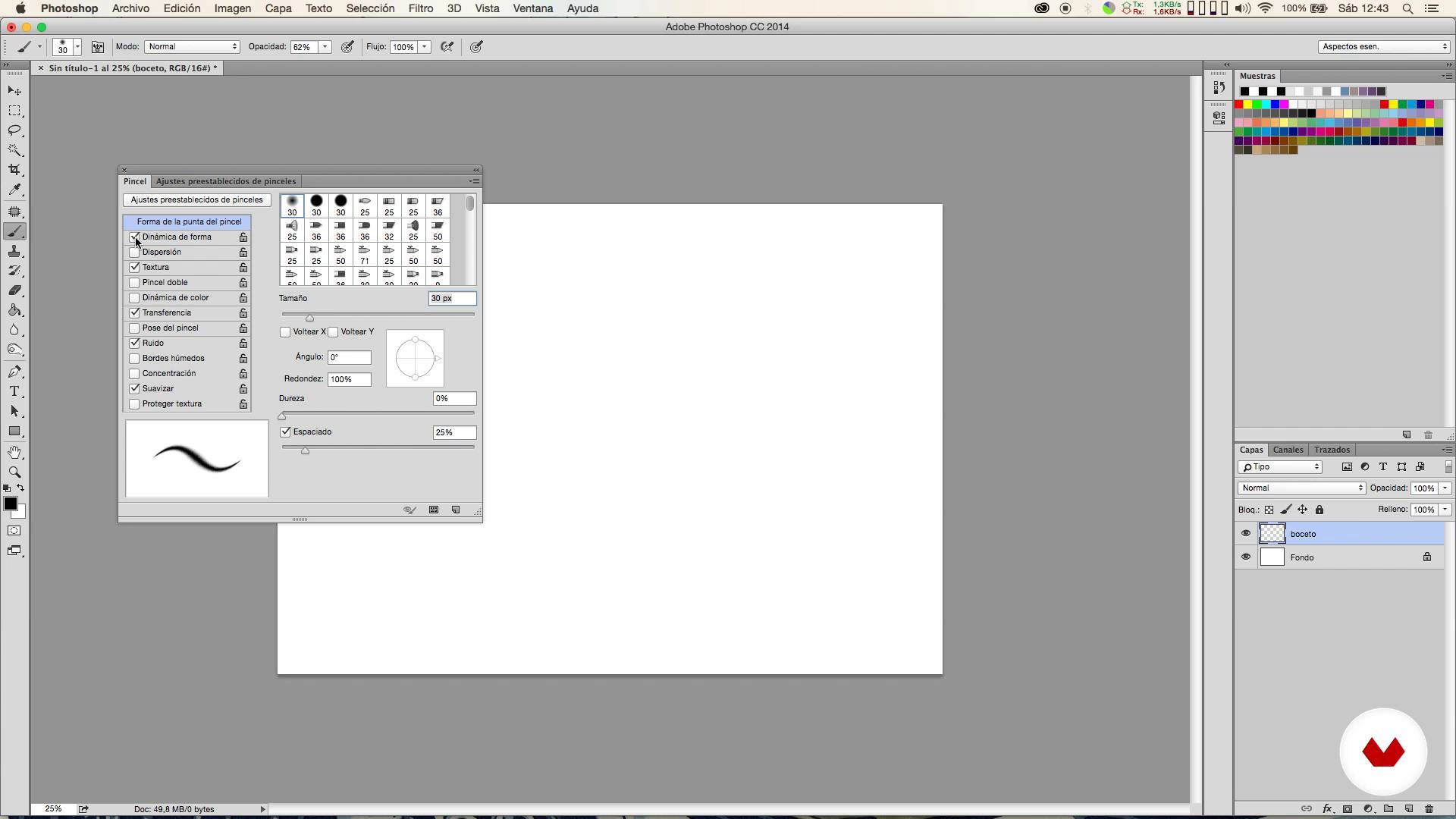
Brushes
2 minuten, 2 seconden
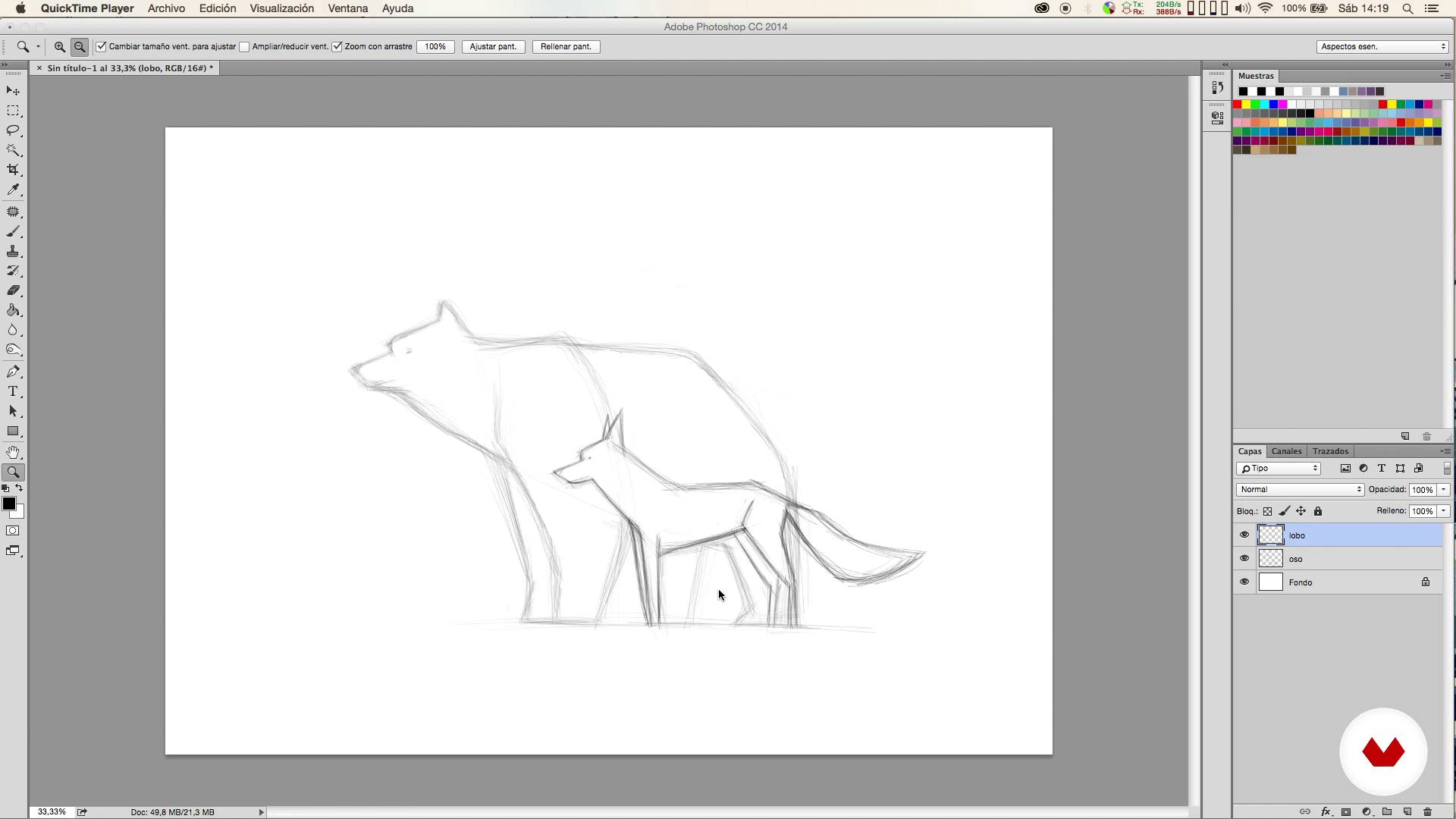
Sketch
9 minuten, 58 seconden
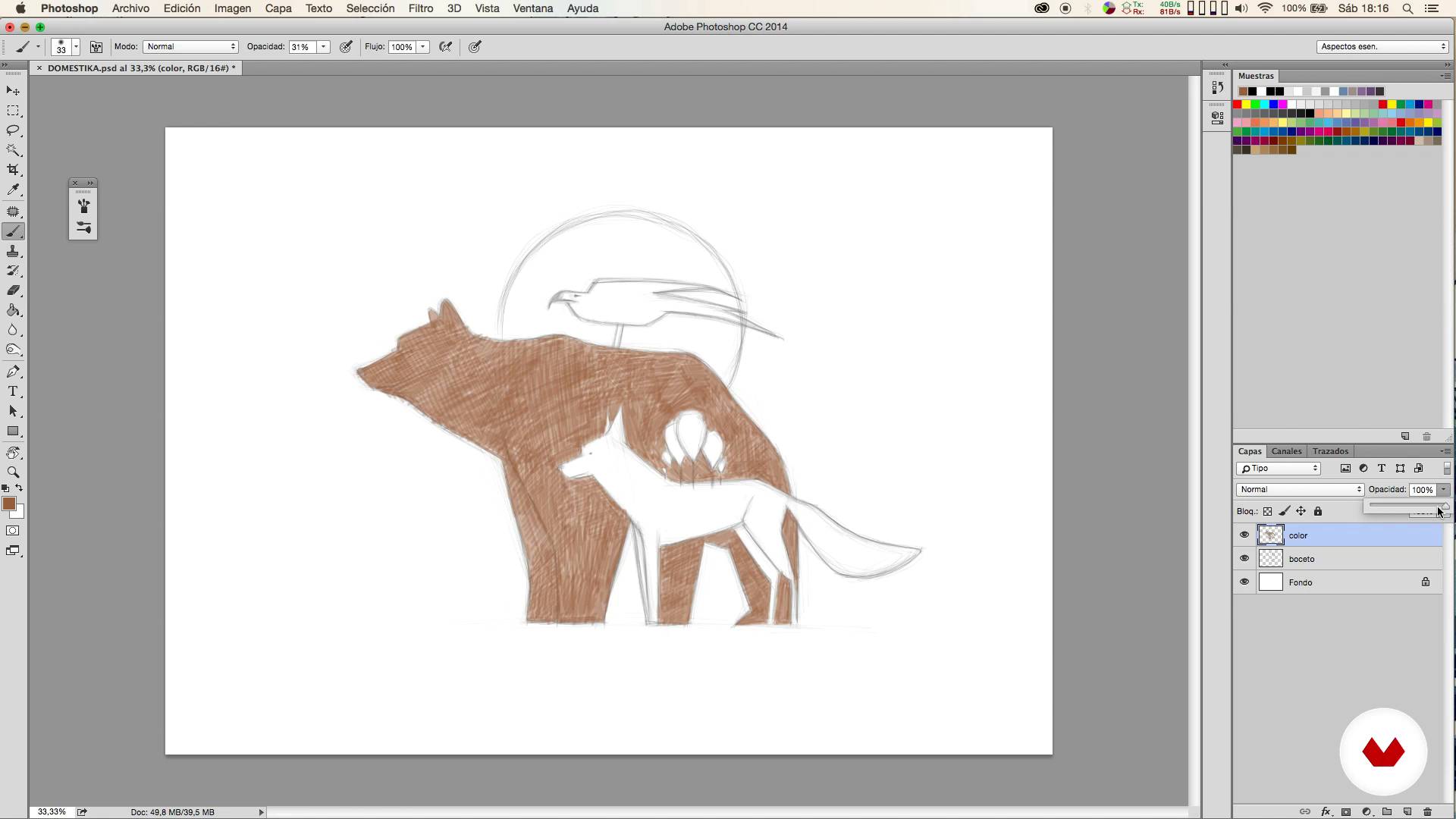
Colored I
6 minuten, 54 seconden
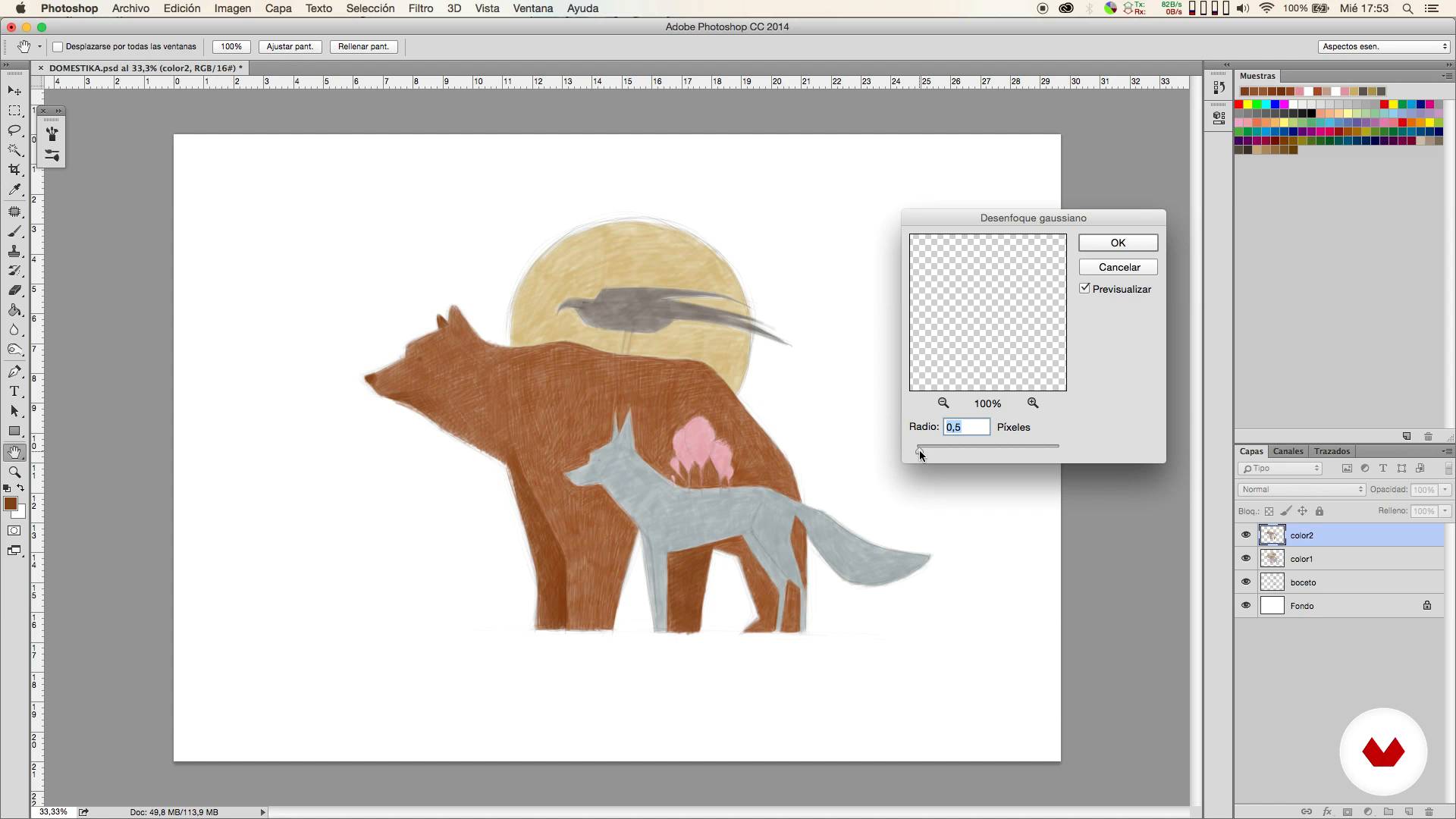
Colored II
14 minuten, 12 seconden
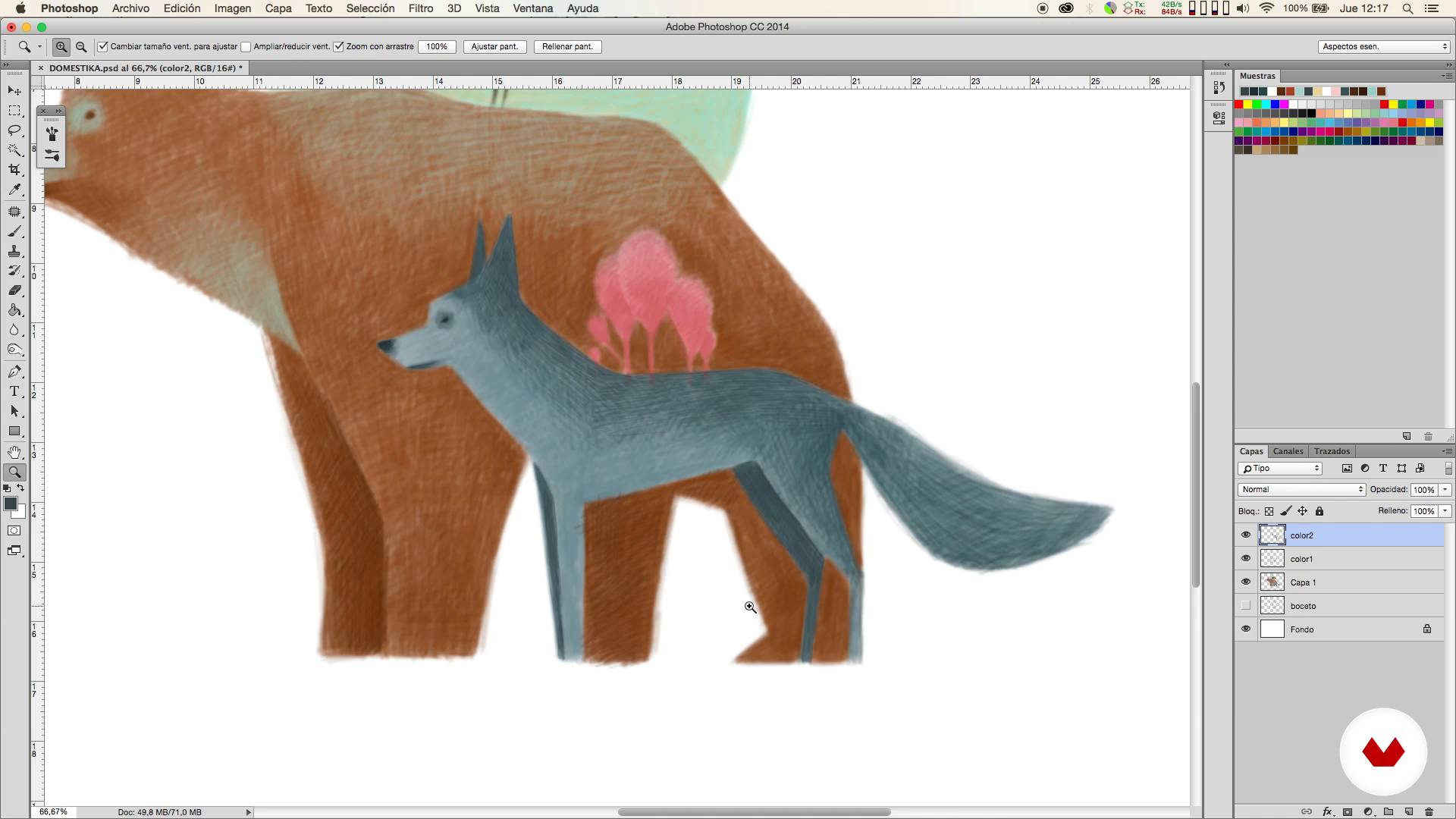
Colored III
18 minuten, 44 seconden
Wat is inbegrepen in deze cursus?
You will start looking for ideas and references that will help you define the type of illustration you want to create.
Then you will prepare the adjustments of the Photoshop brushes and the most suitable format for the work you want to carry out.
It will be then when the sketching phase begins. From here you will carry out your illustration in different stages.
Once the illustration is finished, you will learn how to make corrections in a simple way and Mercedes will teach you how to tint the color to obtain a traditional looking result.
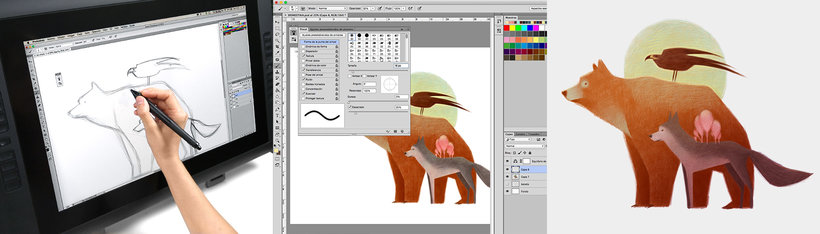
Recommended software & tools for this course
What is this course's project?
You will draw an illustration of three animals using the digital technique of painting with colored pencils, from the sketch to the final touches.
Projecten van studenten van de cursus


Who is this online course for?
To anyone interested in getting started in the digital illustration that wants to obtain very natural results using a very simple technique, simulating the traditional colored pencils.
Requirements and materials
Only basic knowledge of Photoshop is necessary, since the technique that Mercedes will explain to you is very simple.
With respect to the materials, you will need a computer with Photoshop and it is also advisable to use a graphic tablet.

Beoordelingen
- julius_aragornPLUS2 maanden geleden
Me parece un curso muy intuitivo y sencillo, pero genial para aprender a manejar algunas técnicas básicas de la ilustración, además del manejo de ciertos pinceles y técnicas de color muy interesantes.
- 2 maanden geleden
BUENO
- 5 maanden geleden
disfrute mucho el curso, la forma de explicar fue muy clara y concreta.
- 7 maanden geleden
Muy buen curso, ya que a diferencia de los demás que realicé se centra en una ilustración sencilla, y aborda muchos recursos valiosos a la hora de efectuar el dibujo, es encantador. Es para empezar, brinda conocimientos simples pero importantes!
- 8 maanden geleden
Fantastico!

Inhoud
- U1
Introduction
- Presentation
- Influences
- U2
First steps
- Looking for references
- Brushes
- Sketch
- U3
Coloring!
- Colored I
- Colored II
- Colored III
- U4
Final retouching
- Corrections
- Matize the color
- EP
Eindproject
- Digital illustration with colored pencils
Wat kan je verwachten van een cursus van Domestika
Leer in je eigen tempo
Geniet van thuis leren, zonder lesroosters en in je eigen tempo. Jij beslist wanneer je verder gaat met het volgende onderdeel.
Leer met de beste professionals
Leer de meest bruikbare methoden en technieken van de beste professionals in de creatieve industrie.
Ontmoet deskundige docenten
Iedere docent brengt kennis met passie over, biedt duidelijke uitleg en een professioneel perspectief bij elke les.
Certificates
PLUSIf you're a Plus member, get a persoonlijk certificaat signed by your teacher for every course. Share it on your portfolio, social media, or wherever you like.
Zorg dat je op de voorste rij zit
Dankzij de hoge kwaliteit van de video's mis je geen enkel detail. Dankzij de onbeperkte toegang kun je de lessen zo vaak bekijken als nodig is om je vaardigheden te perfectioneren.
Deel kennis en ideeën
Stel vragen, krijg feedback en bied oplossingen aan. Deel je leerervaringen met andere studenten in de community die net als jij een passie hebben voor creativiteit.
Maak contact met een wereldwijde creatieve community
Deze community heeft miljoenen gebruikers van over de hele wereld, nieuwsgierig en enthousiast om hun creativiteit te verkennen en te uiten.
Geef cursussen op een professionele manier
Domestika selecteert zorgvuldig haar docenten en produceert iedere cursus in eigen huis om een uitstekende online leerervaring te garanderen.
Veelgestelde vragen
No, this course is designed for people with intermediate digital illustration skills and basic Photoshop knowledge who want to improve their techniques and workflows for animal art.
You’ll need a computer with Adobe Photoshop installed, a graphics tablet recommended for better precision, and internet access to look up visual references.
You’ll learn how to find and organize references, set up pencil-like brushes, manage layers, create digital sketches, color in stages, correct mistakes, and refine illustrations for professional results.
The course teaches how to sketch animals in Photoshop using layers, custom brushes, visual references, balanced composition, and proportion correction with digital tools.
You’ll be shown how to search for silhouette and pose images, combine photos and illustrations, and build an efficient reference board to boost accuracy and creativity.
Layers, color management, lighting, shadows, Gaussian blur, and brushes with varying opacity are used to create volume and visual depth in your composition.
You’ll learn to tweak brush edges, opacity, shape dynamics, and texture in Photoshop to achieve a stroke that feels like traditional colored pencil.