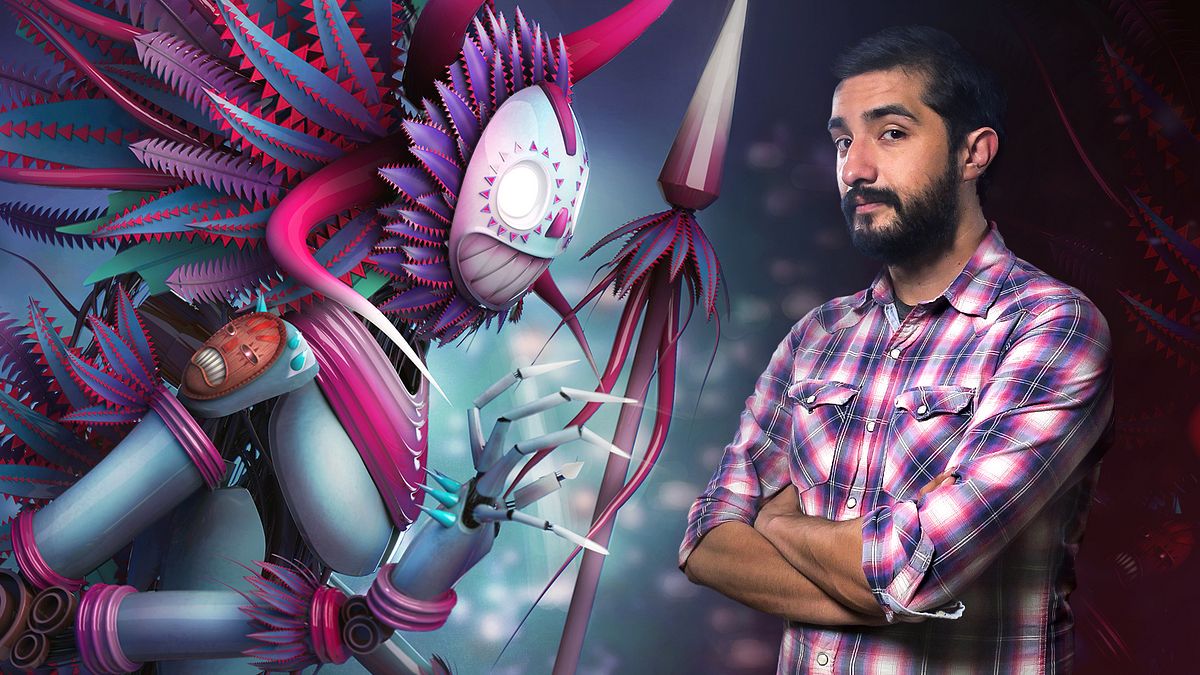
Personagemodellering in Maya
Een cursus van Fer Aguilera ReyesIllustrator en 3D-generalist
Een cursus van Fer Aguilera Reyes, Illustrator en 3D-generalist

Leer 3D-karakters conceptualiseren en illustreren
Fernando Aguilera, illustrator and 3D artist, never tires of exploring new tools and ways to bring his characters to life. Both for his professional assignments and his personal projects, he always tries to optimize resources to obtain impeccable results.
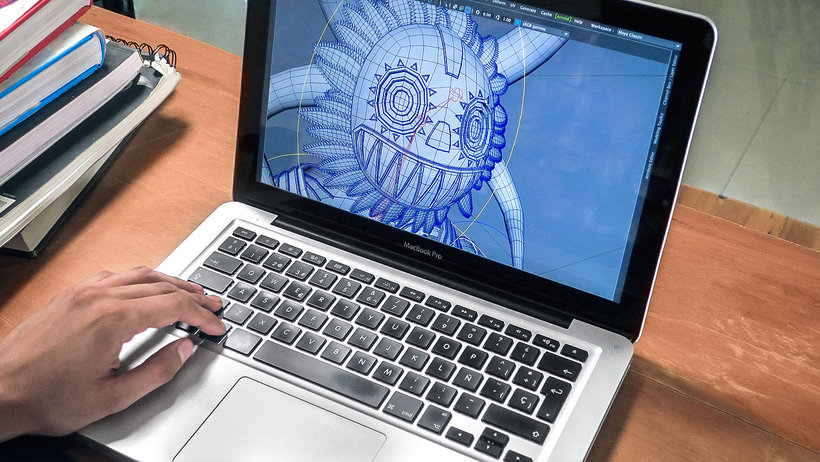
In this course, discover his character-conceptualization and modeling process, learning several tricks to reduce rendering and modeling times using the new Maya 2017 tools beyond the conventional outline of the work process.
Wat leer je tijdens deze online cursus?
26 lessen & 13 aanvullende bronnen
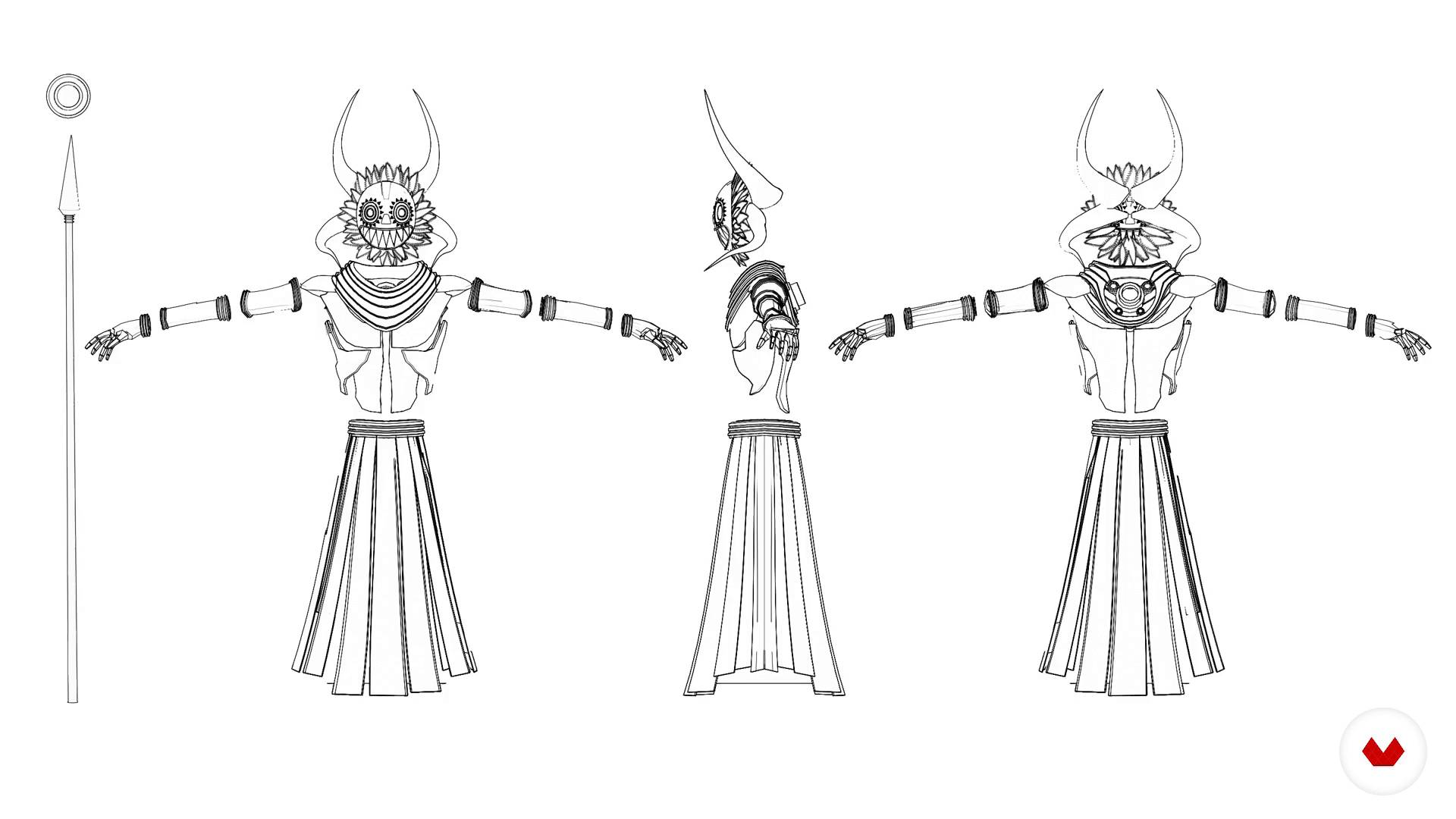
Mambacore and the process used
3 minuten, 45 seconden
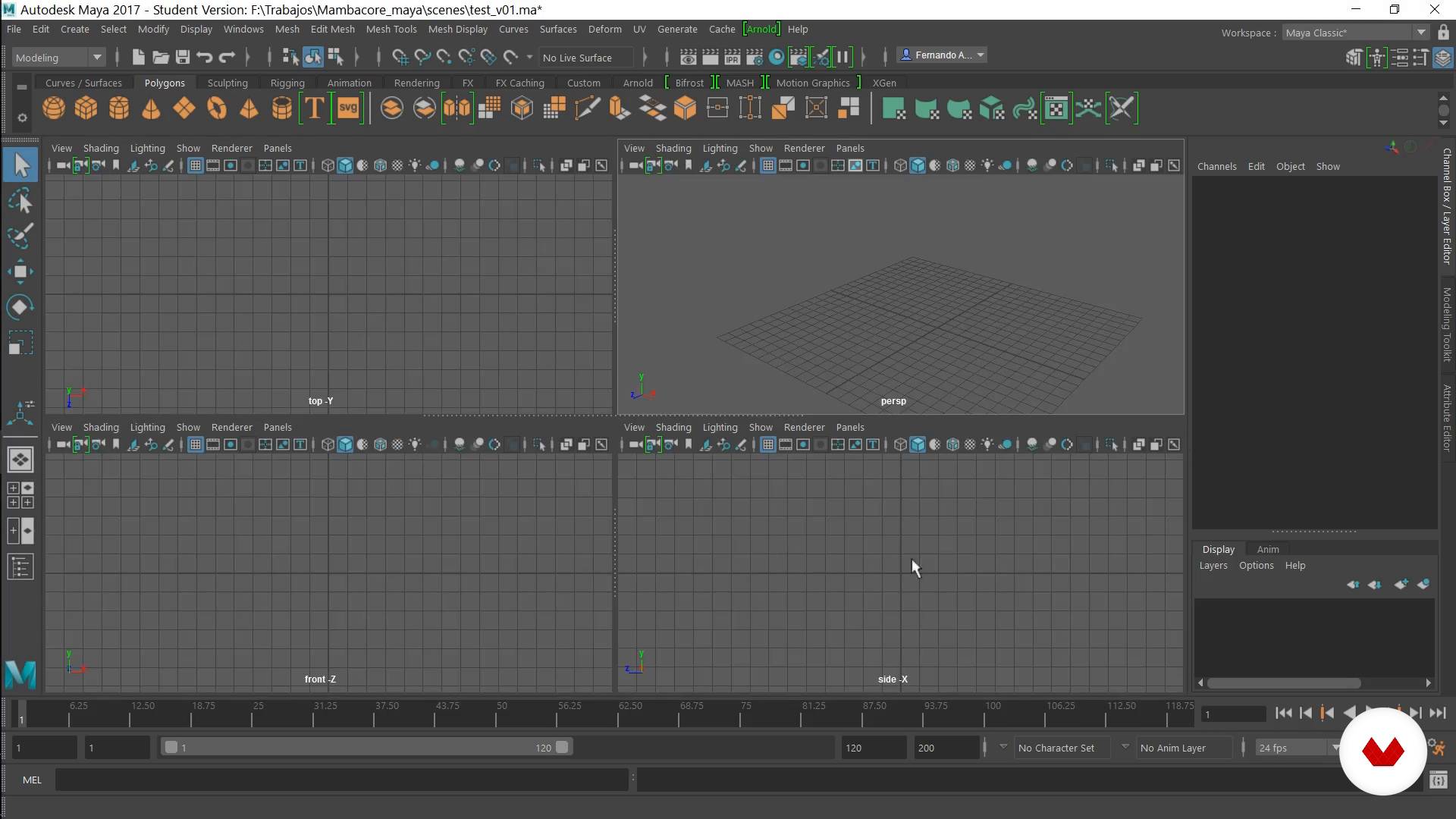
Basic interface and how to create a project folder
5 minuten, 13 seconden
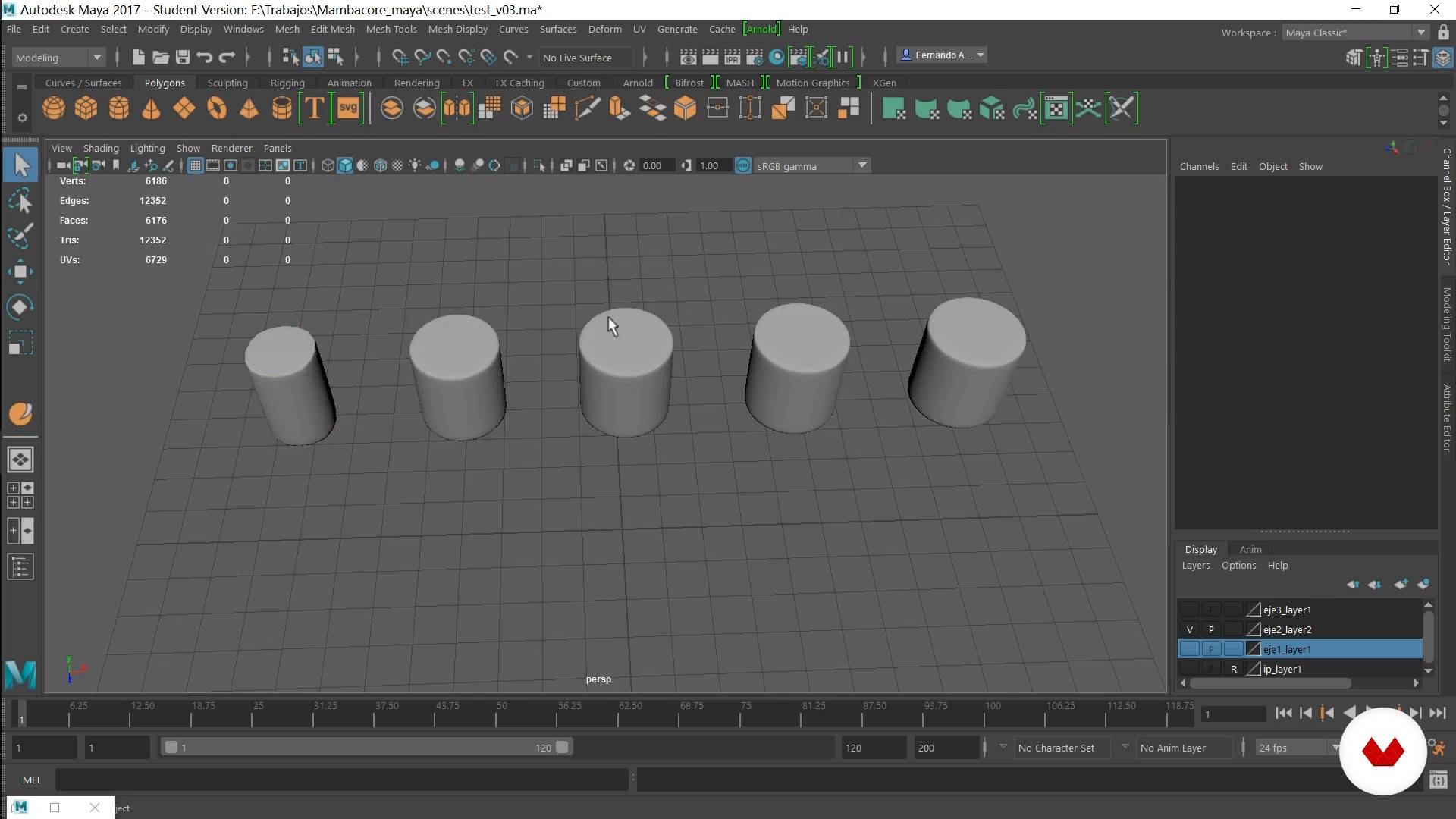
Modeling Theory
7 minuten, 12 seconden
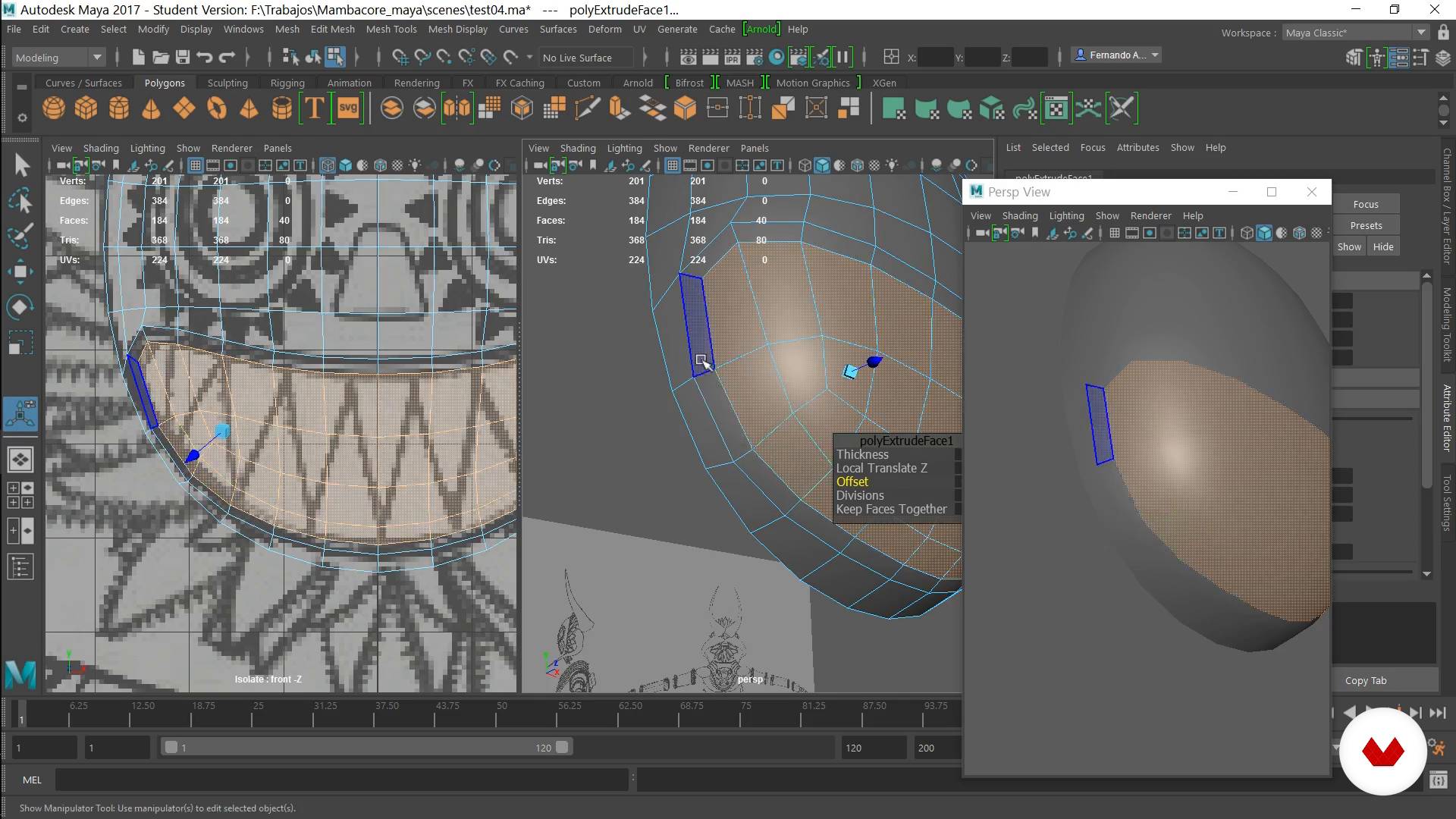
Masks I
16 minuten, 41 seconden
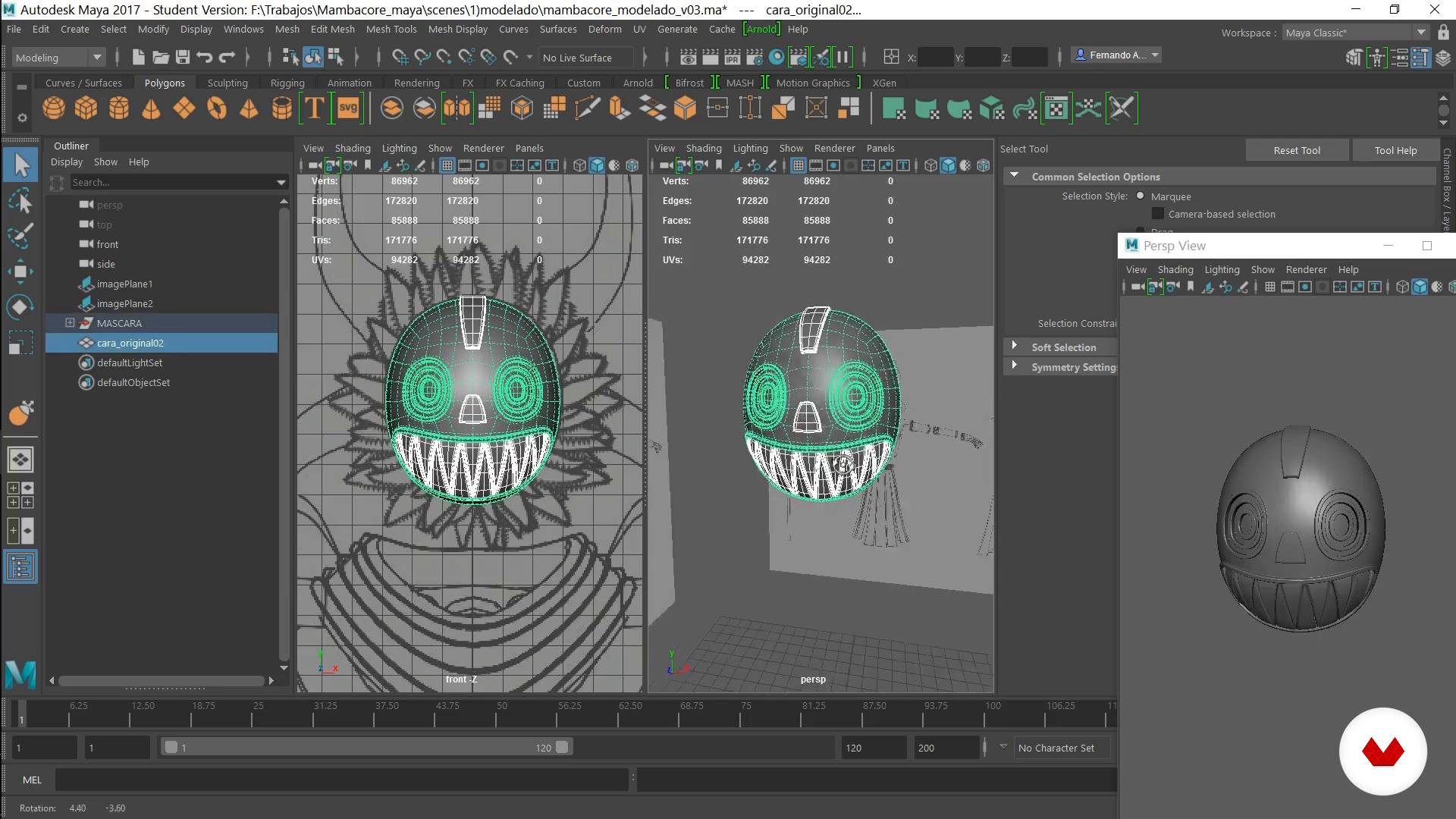
Masks II
15 minuten, 36 seconden
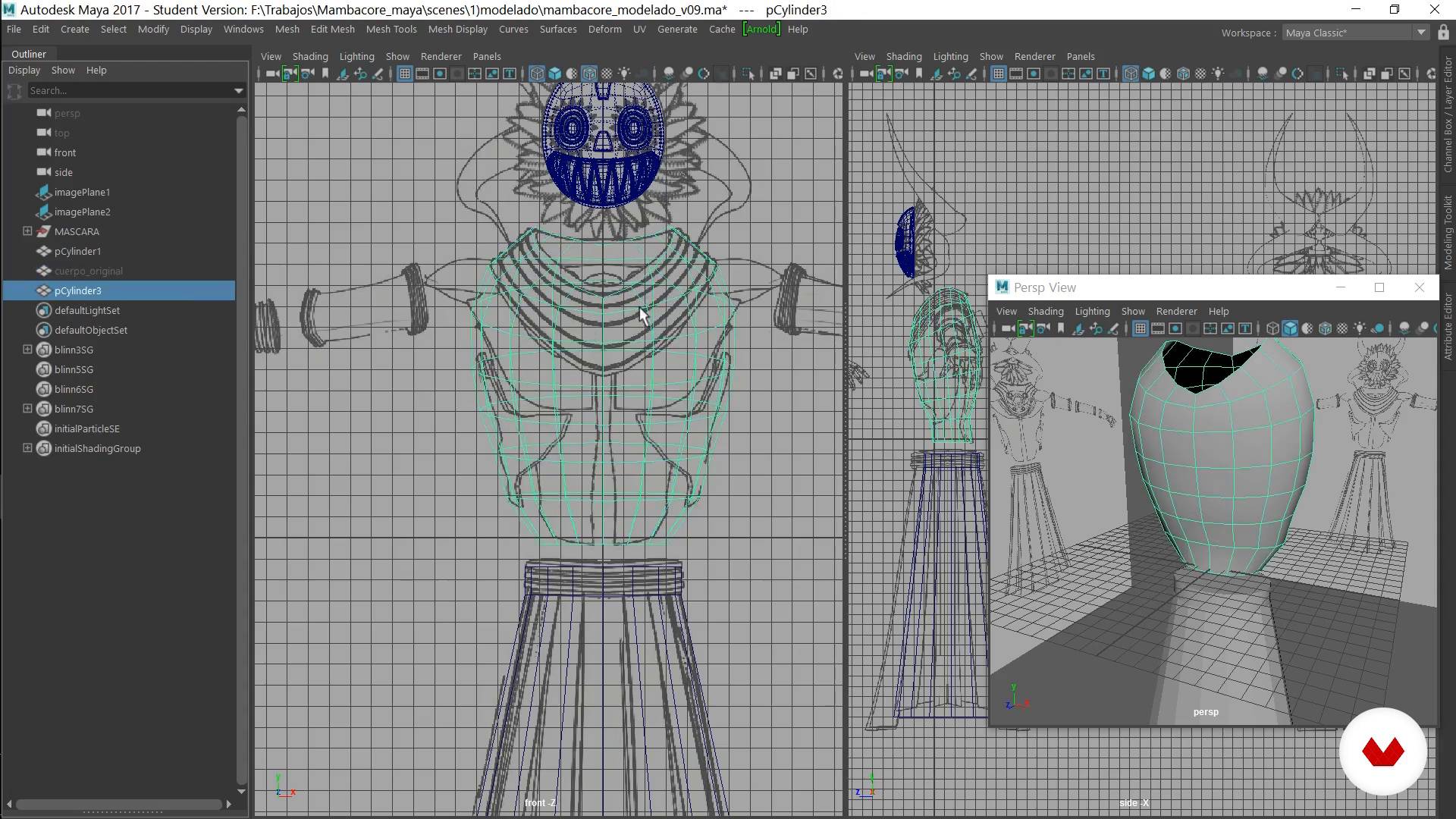
Body I
20 minuten, 43 seconden
Wat is inbegrepen in deze cursus?
Start by learning about the course project. Fernando also goes over the details of his work process and guides you in familiarizing yourself with the basic Maya interface.
Learn topology principles and key development concepts, and start modeling the main parts of your 3D illustration. Discover the different tools, both conventional and recent, for modeling in Maya.
Once the main shapes are created, learn how to work with MASH to create complex patterns that you can apply to various elements of your digital illustration.
In addition, create a rig, which helps you pose different elements and the character itself in a natural way.
Later, learn the basics of rendering with Arnold and learn to take advantage of the different tools to light a scene and apply all kinds of textures to your 3D illustration.
Finally, Fernando shows you how he makes the final adjustments in Photoshop.
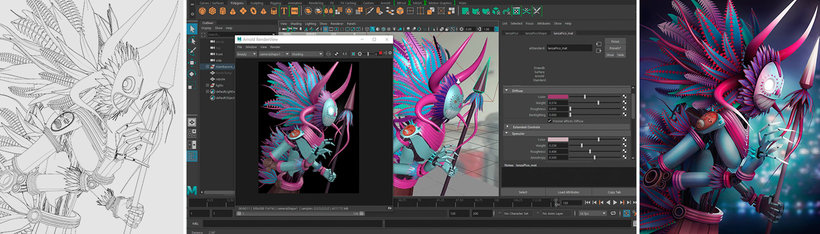
Aanbevolen software en tools voor deze cursus
Wat is het cursusproject?
Illustrate a character in Maya, from the basic structure to the post-production in Photoshop. In addition, Fernando guides you in the process of creating one of his personal illustrations: Mambacore.
Projecten van studenten van de cursus


Voor wie is deze online cursus bedoeld?
This course is for illustrators, animators, designers, and 3D artists who want to improve their character-modeling skills in Maya.
Vereisten en materialen
You must have basic knowledge of Maya, be familiar with basic 3D-modeling processes, and know how to use an image-editing program such as Photoshop or similar.
You need to have Maya 2017 or later installed and any version of Photoshop.
Beoordelingen
- 4 maanden geleden
Muy claro!
- 7 maanden geleden
Amazing course
- 1 jaar geleden
Me pareció muy claro, y bueno para empezar este mundo.
- 2 jaar geleden
si, muy bueno!
- 2 jaar geleden
excelente

Fernando is gepassioneerd door 3D-illustratie. Hij is gefascineerd door de vrijheid die modelleren hem biedt bij het ontdekk...
Inhoud
- U1
Introduction
- Presentation
- Influences
- U2
Preparation of Interface and Project Folder
- Mambacore and the process used
- Basic interface and how to create a project folder
- U3
Modeling in "T" pose
- Modeling Theory
- Masks I
- Masks II
- Body I
- Body II
- Arms and Hands I
- Arms and Hands II
- Extras (Pens, nuts and spear)
- U4
Modeling with Instances and Mash
- Instances, Mash and Patterns of the Feathers
- Skirt
- Feathers of the Mask
- The horns
- U5
Rigs, Posed and Final Details
- Rig of the Feathers
- Body Rig I
- Body Rig II
- Camera and Process of Posed
- Final stand, extra details and cables
- U6
Render and Postproduction
- Initial settings and Lighting
- materials
- Passes for Postproduction and Final Adjustments
- Postproduction in Photoshop
- Postproduction in Photoshop II
- EP
Eindproject
- 3D illustration in Maya
Wat kan je verwachten van een cursus van Domestika
Leer in je eigen tempo
Geniet van thuis leren, zonder lesroosters en in je eigen tempo. Jij beslist wanneer je verder gaat met het volgende onderdeel.
Leer met de beste professionals
Leer de meest bruikbare methoden en technieken van de beste professionals in de creatieve industrie.
Ontmoet deskundige docenten
Iedere docent brengt kennis met passie over, biedt duidelijke uitleg en een professioneel perspectief bij elke les.
Certificaten
PLUSAls Plus-lid krijg je voor elke cursus een persoonlijk certificaat, ondertekend door je docent. Deel het in je portfolio, op social media of waar je maar wilt.
Zorg dat je op de voorste rij zit
Dankzij de hoge kwaliteit van de video's mis je geen enkel detail. Dankzij de onbeperkte toegang kun je de lessen zo vaak bekijken als nodig is om je vaardigheden te perfectioneren.
Deel kennis en ideeën
Stel vragen, krijg feedback en bied oplossingen aan. Deel je leerervaringen met andere studenten in de community die net als jij een passie hebben voor creativiteit.
Maak contact met een wereldwijde creatieve community
Deze community heeft miljoenen gebruikers van over de hele wereld, nieuwsgierig en enthousiast om hun creativiteit te verkennen en te uiten.
Geef cursussen op een professionele manier
Domestika selecteert zorgvuldig haar docenten en produceert iedere cursus in eigen huis om een uitstekende online leerervaring te garanderen.
Veelgestelde vragen
You’ll learn modeling, texturing, rendering, and 3D animation techniques—from character concept development to building digital portfolios and managing projects in Maya and other leading tools.
This is an intermediate-level course, perfect if you already have basic modeling or digital art skills and want to refine your 3D abilities and professional workflows.
You’ll need a computer that can run Maya, ZBrush, Substance Painter, Arnold, and Photoshop, plus internet access and basic digital art knowledge.
You’ll be able to work as a 3D modeler, texture artist, animator, or renderer in game studios, film, animation, advertising, or freelance on collaborative projects.
The course teaches you how to interpret visual references, create anatomical models, apply textures and materials, and set up basic rigs for animation using current tools and techniques.
Yes, you’ll learn to use MASH and instancing networks to create complex patterns, distribute repeated elements, and streamline your 3D modeling workflow.
You’ll develop personal and group projects, learn how to professionally showcase your models and renders, and document your process to stand out in the industry.