Creatieve studiofotografie met schaalmodellen
A course by Felix Hernandez DreamphographyFotograaf en creatief directeur
A course by Felix Hernandez Dreamphography, Fotograaf en creatief directeur

Creëer realistische scènes met speelgoed en lightpaintingtechniek
Ever wanted to make jaw-droppingly realistic scenes for your photos? Félix Hernández–photographer, model maker, and digital artist specialized in toy photography–teaches you the techniques and secrets to take pictures with scale models and trick the eye to make them look like part of a real scene.
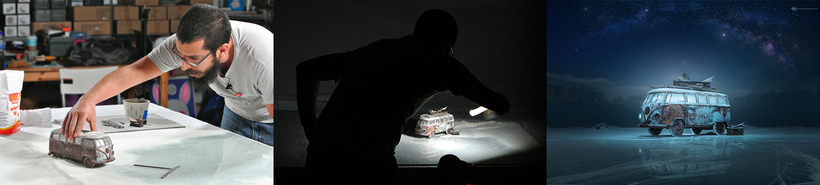
In this online course, discover Felix's entire creative process, which includes choosing the model to photograph, preparing the set, designing the lighting, performing effects in the studio, digital post-production, and color grading in Photoshop.
Wat leer je tijdens deze online cursus?
24 lessen & 11 aanvullende bronnen
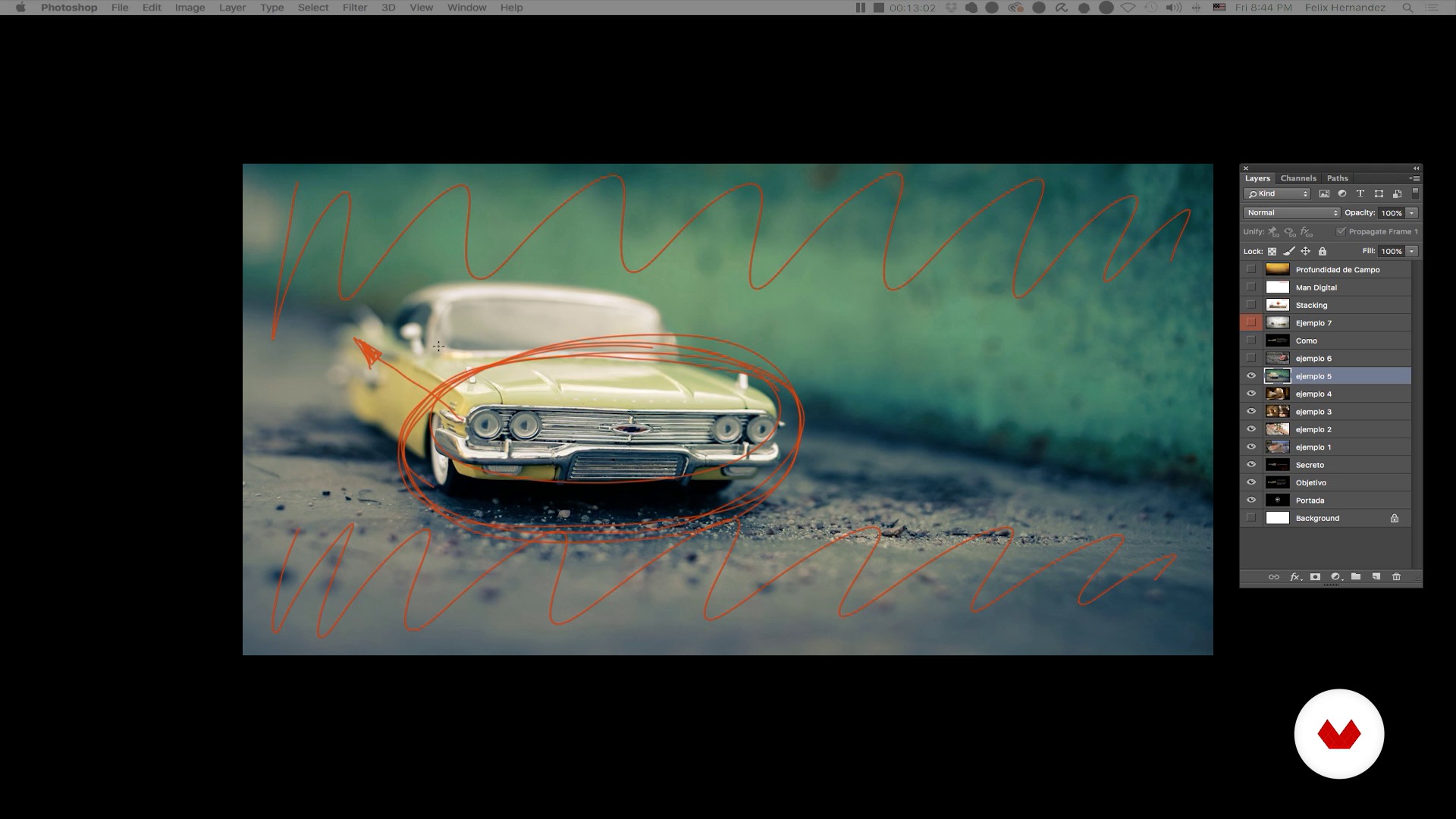
Toy Photography: a brief introduction - Part I
13 minuten, 44 seconden
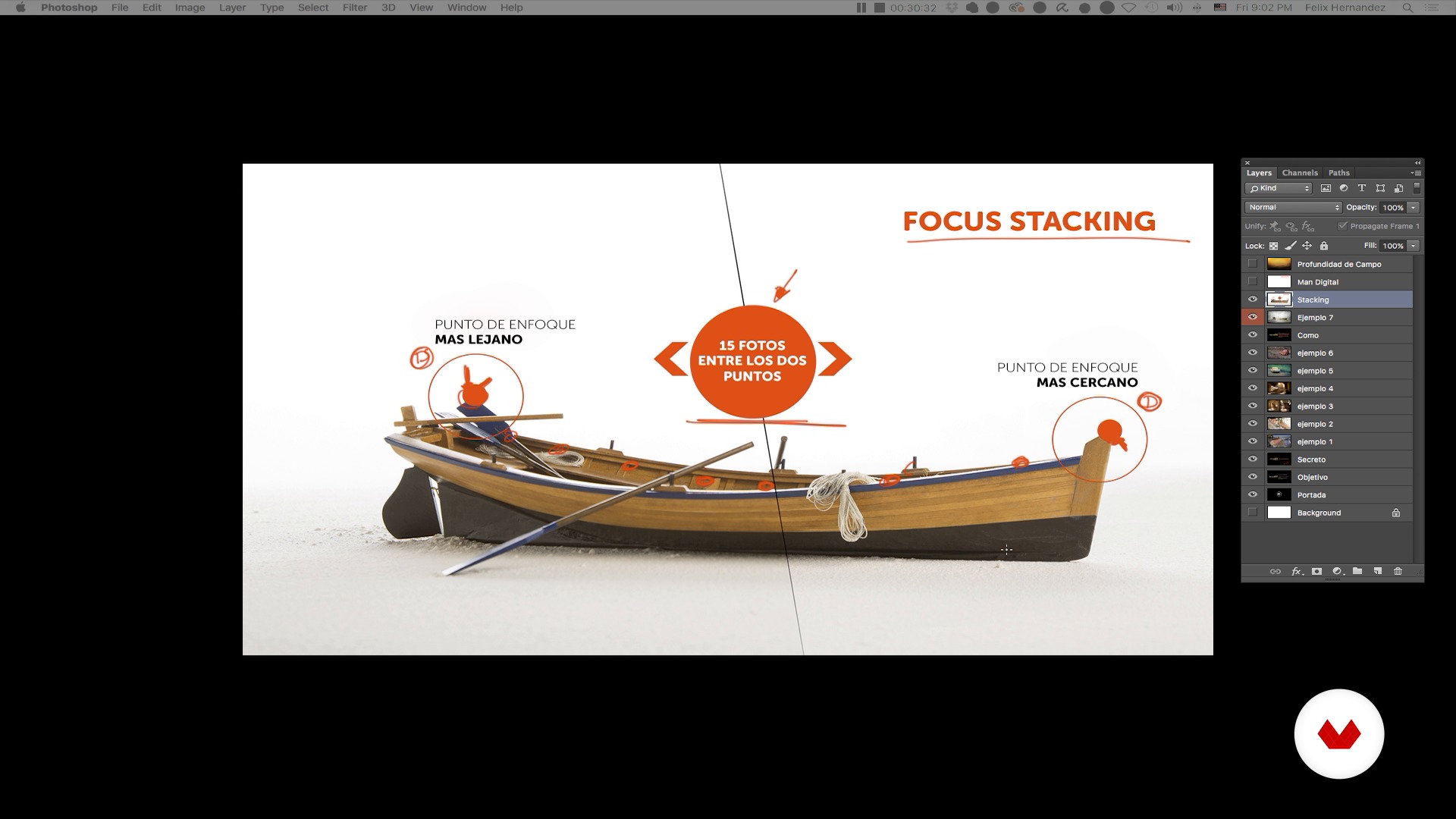
Toy Photography: a brief introduction - Part II
18 minuten, 0 seconden
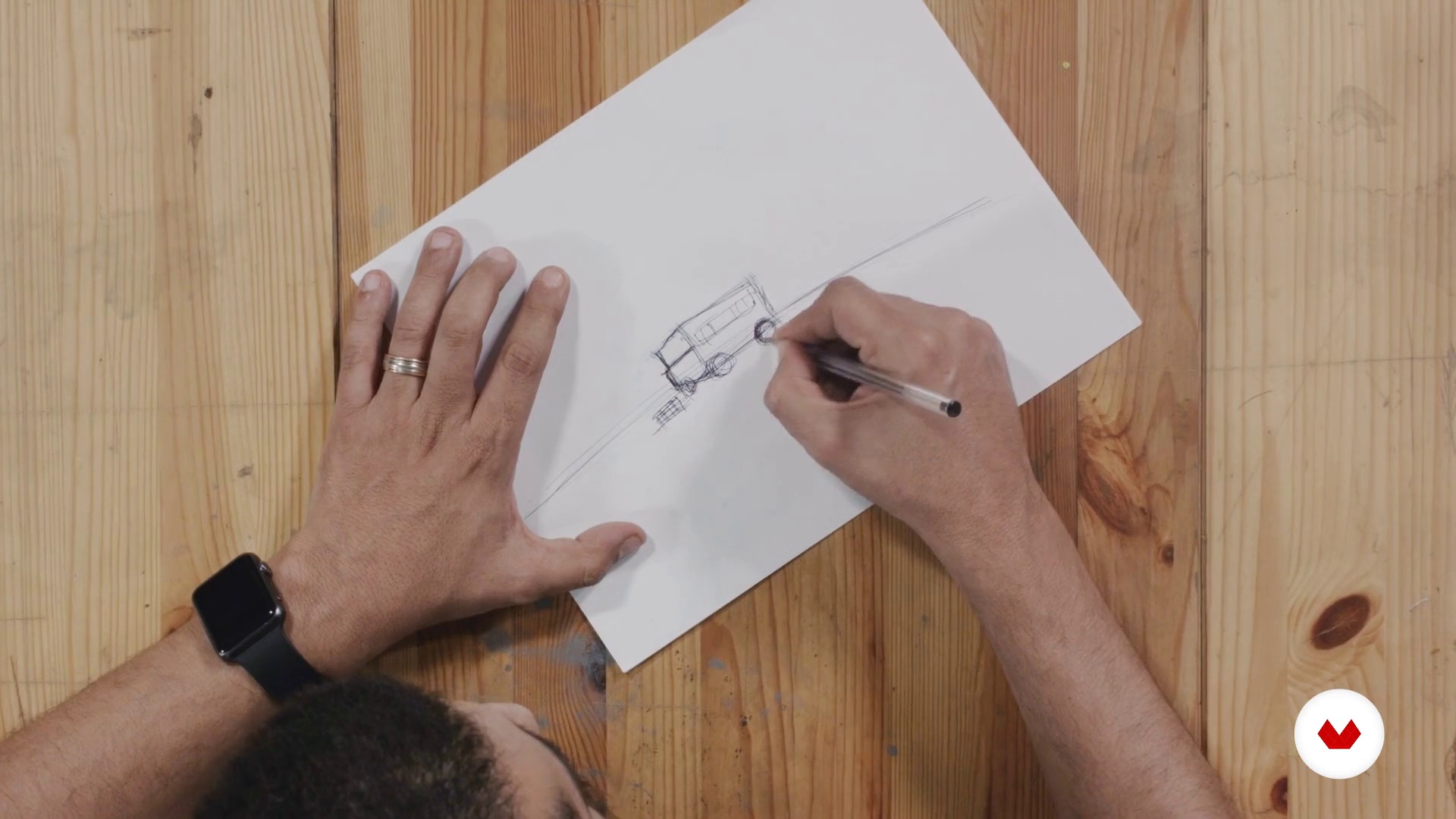
Creation of the concept
13 minuten, 29 seconden
Our model
14 minuten, 16 seconden
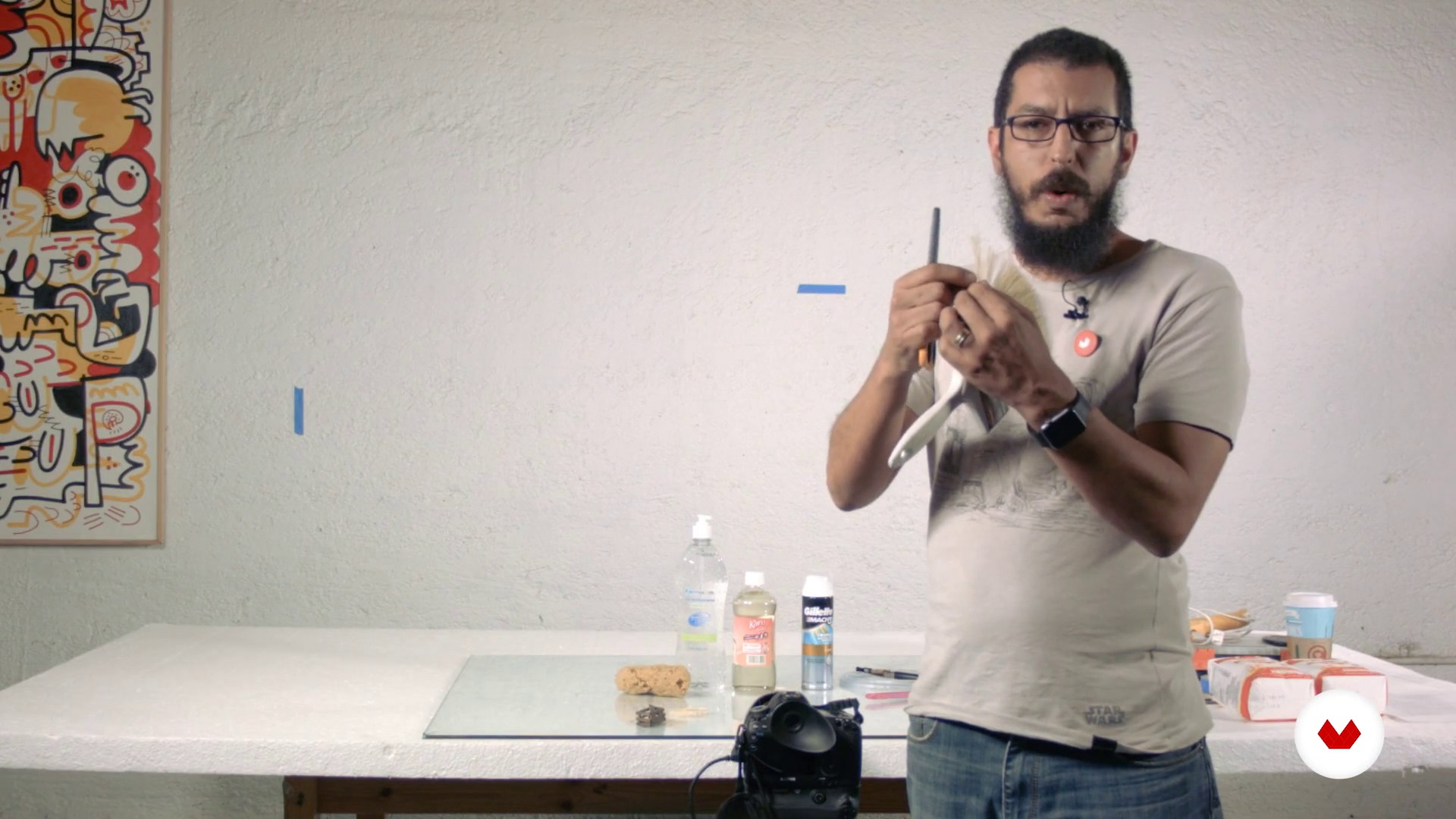
Materials and Equipment
17 minuten, 23 seconden
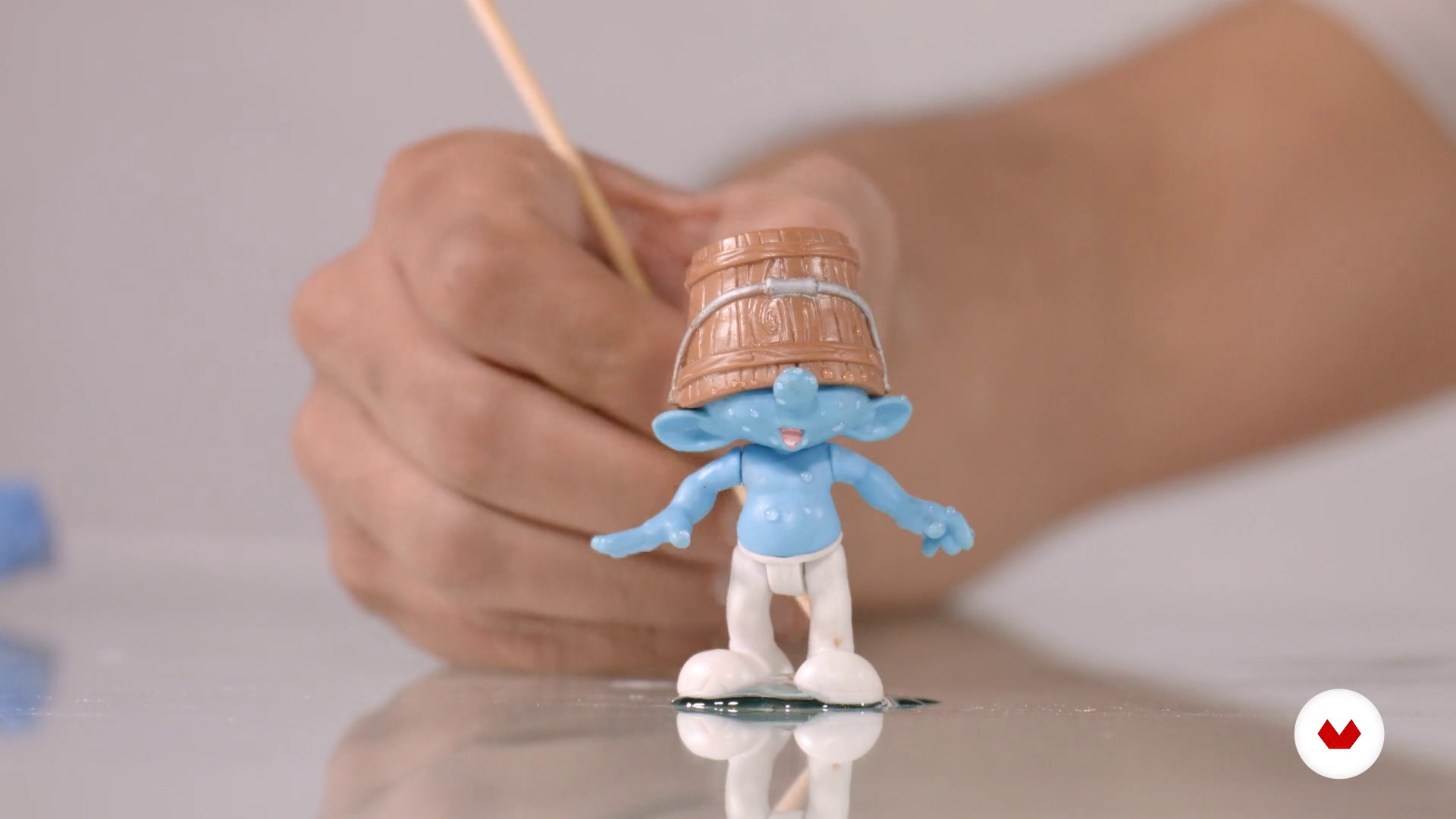
Material tips
10 minuten, 4 seconden
Wat is inbegrepen in deze cursus?
Begin by learning more about the work of Félix Hernández and his influences, as well as an introduction to the world of toy and scale model photography.
Devise a story from an image and define the style, composition, and lighting from a sketch.
Félix explains some aspects of working with scale models, their advantages and disadvantages, as well as some useful poses. Discover the materials and equipment needed to portray a scene, then learn to design your own lighting with the light painting technique using a simple LED flashlight.
Once the scene is defined, Félix tells you about the optimal lenses, diaphragms, and focal lengths for the type of lighting that will help you take several shots of your scene.
Finally, learn to manipulate the image in digital post-production by inserting backgrounds, adding extra elements to give it a higher degree of realism, then do the final color grading for your composition.
Recommended software & tools for this course
What is this course's project?
Create a realistic image using scale models, items that can mostly be found at home, with the aim of tricking the viewer's eye into believing that what they see is a life-size image.
Projecten van studenten van de cursus


Who is this online course for?
Photographers, designers, editors, and any creative who wants to give their craft a unique twist and create with imagination.
Requirements and materials
Basic notions of photography and digital post-production with Photoshop are required.
As for materials, you need a professional or semi-professional digital camera that allows you to take pictures manually (bulb) and in RAW format, a small LED flashlight, a tripod, a scale model (preferably a 1/24 or 1/18 scale model car), and a computer with Photoshop.

Beoordelingen
- 7 maanden geleden
Excelente professor. Curso com técnicas bem explicadas em que nada fica de fora. Infelizmente, o plugin Nik Colletion, utilizado para acabamento, não é mais disponível gratuitamente.
- 10 maanden geleden
I've followed Felix's work for several years. We're both of a similar age, and we share the same icon, such as Joel Grimes. The course is great. It takes you through his process; however, the one thing it cannot replace or offer is your creativity and imagination. You must bring those with you. Great course; my only gripe is the dubbing. As it's AI, it slows down or speeds up at the wrong time; it's not a hindrance. I'd go on and buy the other courses he offers on Domestika.
- 1 jaar geleden
Vraiment un très bon prof, qui prend le temps de bien expliquer les choses et aussi donne pleins d'astuces. Top du top
- 1 jaar geleden
Estupendo curso, muy bien explicado y muy práctico para maquetistas y coleccionistas de miniaturas.
- 1 jaar geleden
I have learned a lot of new creative ways. Thank you very much.

Daarnaast geeft hij leiding aan het creatieve bureau 'Proyecto Matatema' en de fotostudio 'Hernandez Dreamphography', van waaruit hij creatieve projecten uitvoert voor nationale en internationale merken zoals Audi Duitsland, Audi Middle East, Volkswagen, Nickelodeon, Wilson Mexico, Jungle Eiland Miami, enz. .
Hij nam ook deel als jurylid bij de 'Handam International Photography Awards' in Dubai en bij de 'Art Directors Club' in New York; activiteiten die hij combineert met conferenties en workshops die hij in verschillende delen van de wereld geeft.
Inhoud
- U1
Introduction
- Presentation
- Influences
- Toy Photography: a brief introduction - Part I
- Toy Photography: a brief introduction - Part II
- U2
Preproduction
- Creation of the concept
- Our model
- Materials and Equipment
- Material tips
- U3
Production
- Lighting: Light painting
- The scene
- Shooting test - Part I
- Shooting test - Part II
- Final shooting
- U4
Postproduction
- Prepared digital file
- Digital negative
- Composite - Part I
- Composite - Part II
- Composite - Part III
- Composite - Part IV
- Composite - Part V
- Composite - Part VI
- Color grading - Part I
- Color grading - Part II
- Final output
- EP
Eindproject
- Creative photography in studio with scale models
Wat kan je verwachten van een cursus van Domestika
Leer in je eigen tempo
Geniet van thuis leren, zonder lesroosters en in je eigen tempo. Jij beslist wanneer je verder gaat met het volgende onderdeel.
Leer met de beste professionals
Leer de meest bruikbare methoden en technieken van de beste professionals in de creatieve industrie.
Ontmoet deskundige docenten
Iedere docent brengt kennis met passie over, biedt duidelijke uitleg en een professioneel perspectief bij elke les.
Certificates
PLUSIf you're a Plus member, get a persoonlijk certificaat signed by your teacher for every course. Share it on your portfolio, social media, or wherever you like.
Zorg dat je op de voorste rij zit
Dankzij de hoge kwaliteit van de video's mis je geen enkel detail. Dankzij de onbeperkte toegang kun je de lessen zo vaak bekijken als nodig is om je vaardigheden te perfectioneren.
Deel kennis en ideeën
Stel vragen, krijg feedback en bied oplossingen aan. Deel je leerervaringen met andere studenten in de community die net als jij een passie hebben voor creativiteit.
Maak contact met een wereldwijde creatieve community
Deze community heeft miljoenen gebruikers van over de hele wereld, nieuwsgierig en enthousiast om hun creativiteit te verkennen en te uiten.
Geef cursussen op een professionele manier
Domestika selecteert zorgvuldig haar docenten en produceert iedere cursus in eigen huis om een uitstekende online leerervaring te garanderen.
Veelgestelde vragen
You’ll learn how to organize, select, and edit digital images using Adobe Bridge, Camera Raw, and Photoshop, streamlining your workflow from file import to creating complex composites and managing color grading.
Yes, this course is designed for those with basic knowledge who want to deepen their skills in digital photo post-production and composition using Bridge and Photoshop.
It’s not required, but having basic digital editing skills is recommended. The course starts by covering essential functions of Bridge and Camera Raw to bring beginners up to speed.
You’ll need Adobe Bridge, Photoshop, and Camera Raw installed on your computer, plus a digital camera to practice downloading and managing images.
In Adobe Bridge, you can view, rate, and tag images using sorting tools and color labels, making it easy to efficiently pick the best photos for your project.
Working with RAW files in Camera Raw lets you make non-destructive adjustments to exposure, white balance, and lens correction, ensuring the highest quality before advanced editing in Photoshop.
You can load multiple images as layers in Photoshop and use auto-align features, layer masks, and selection tools to precisely blend and combine elements.