Rotoscopie: teken frame voor frame een animatie
Een cursus van Gonzalo Cordero de CiriaSchilder, illustrator, animator, motion grapher en storyboarder
Een cursus van Gonzalo Cordero de Ciria, Schilder, illustrator, animator, motion grapher en storyboarder

Leer tekenen op een echte afbeelding met Photoshop, Art Rage en After Effects
Gonzalo Cordero—illustrator, animator, and motion designer— teaches you to create a rotoscope. This animation technique consists of redrawing or tracing a video clip, which serves as a reference, frame by frame. The process allows the illustrator to transmit a greater level of naturalness and more realistic movement sequences, expressions, lighting and shadow, and proportions in their drawings.
In this online course, learn how to use a video clip as a foundation to generate your own artistic video creation, in your own style and with a moving paint-and-draw look.
Wat leer je tijdens deze online cursus?
50 lessen & 14 aanvullende bronnen
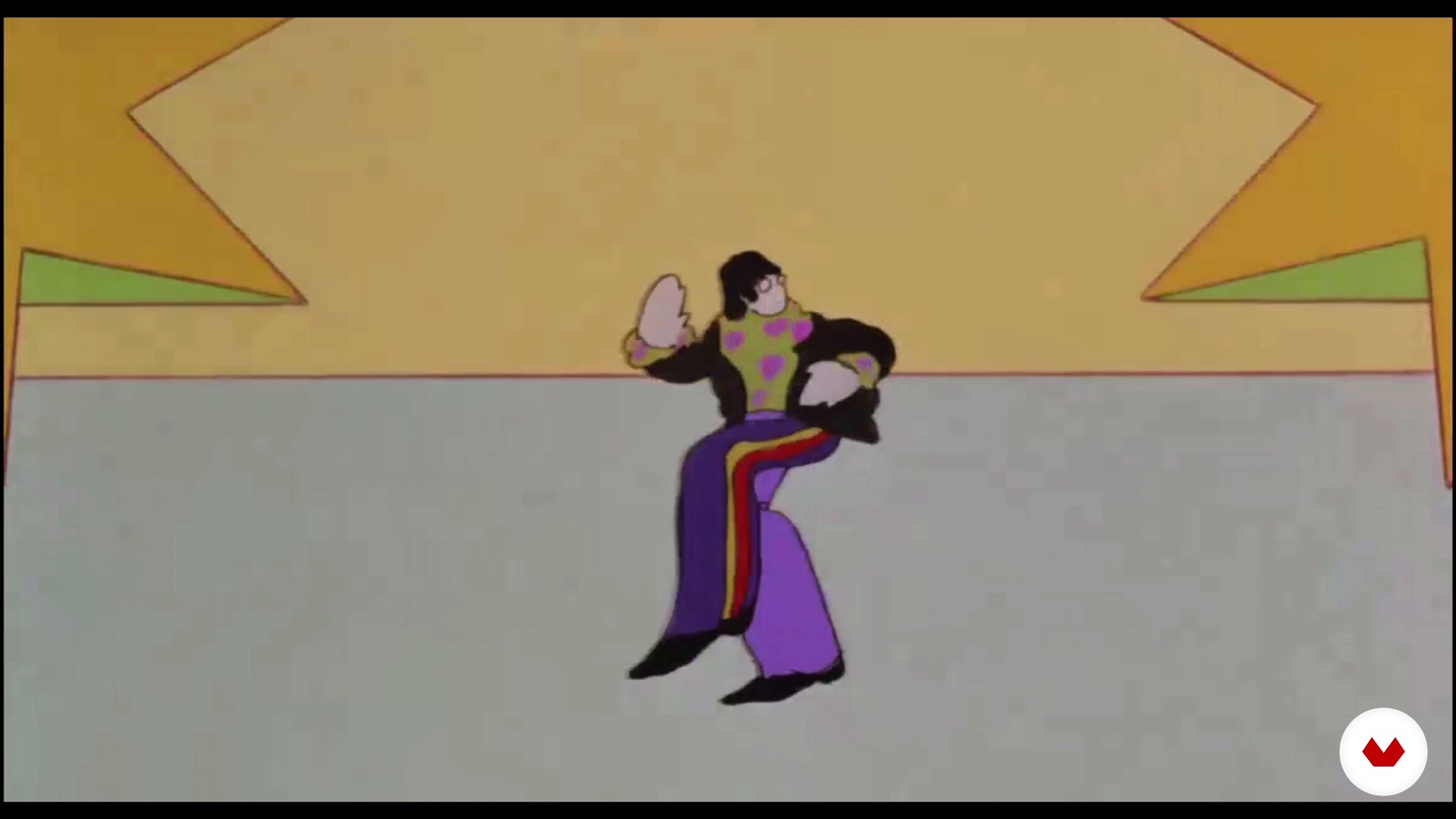
History of Rotoscopia
11 minuten, 48 seconden
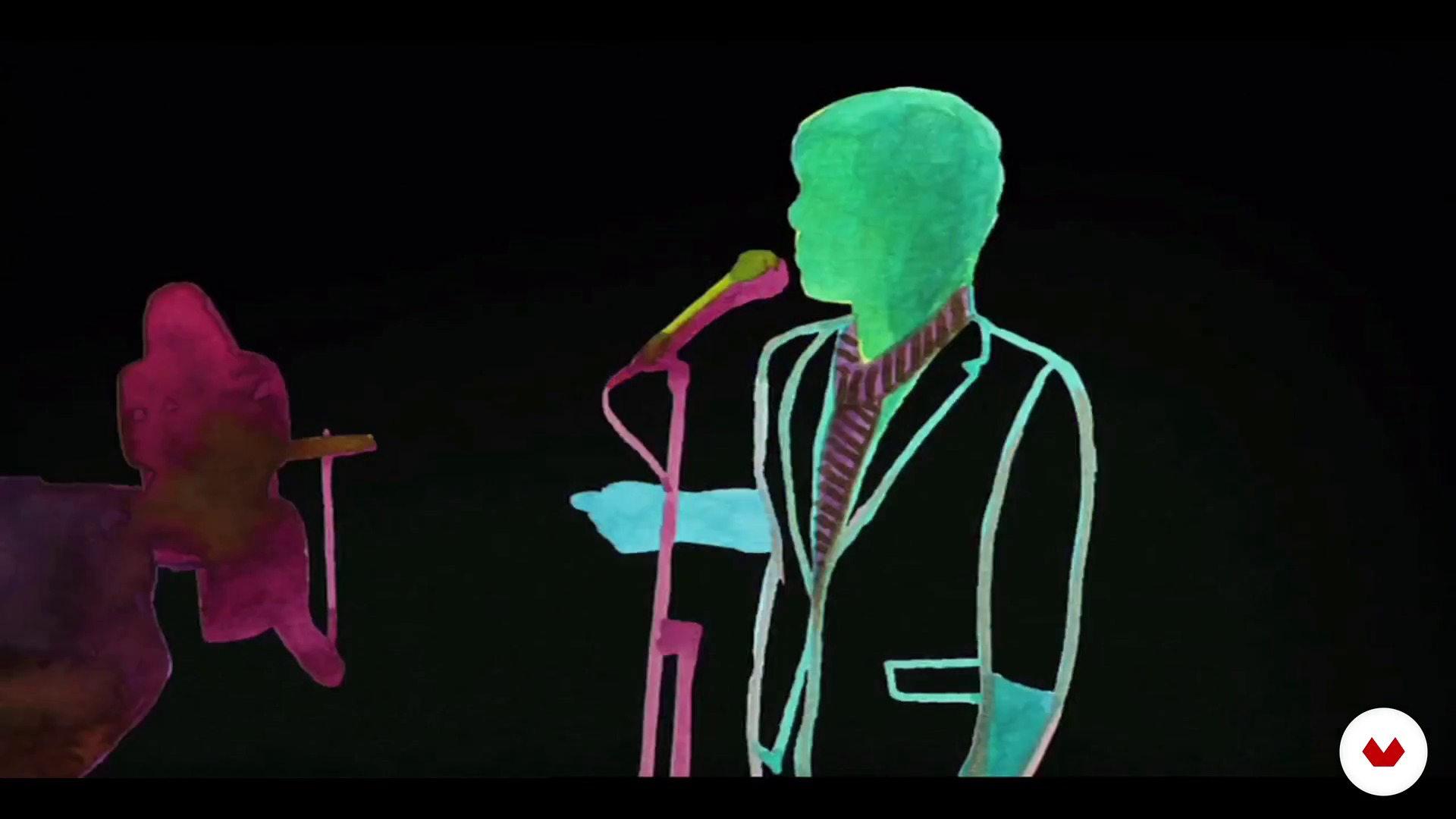
The creative Rotoscopia
22 minuten, 5 seconden
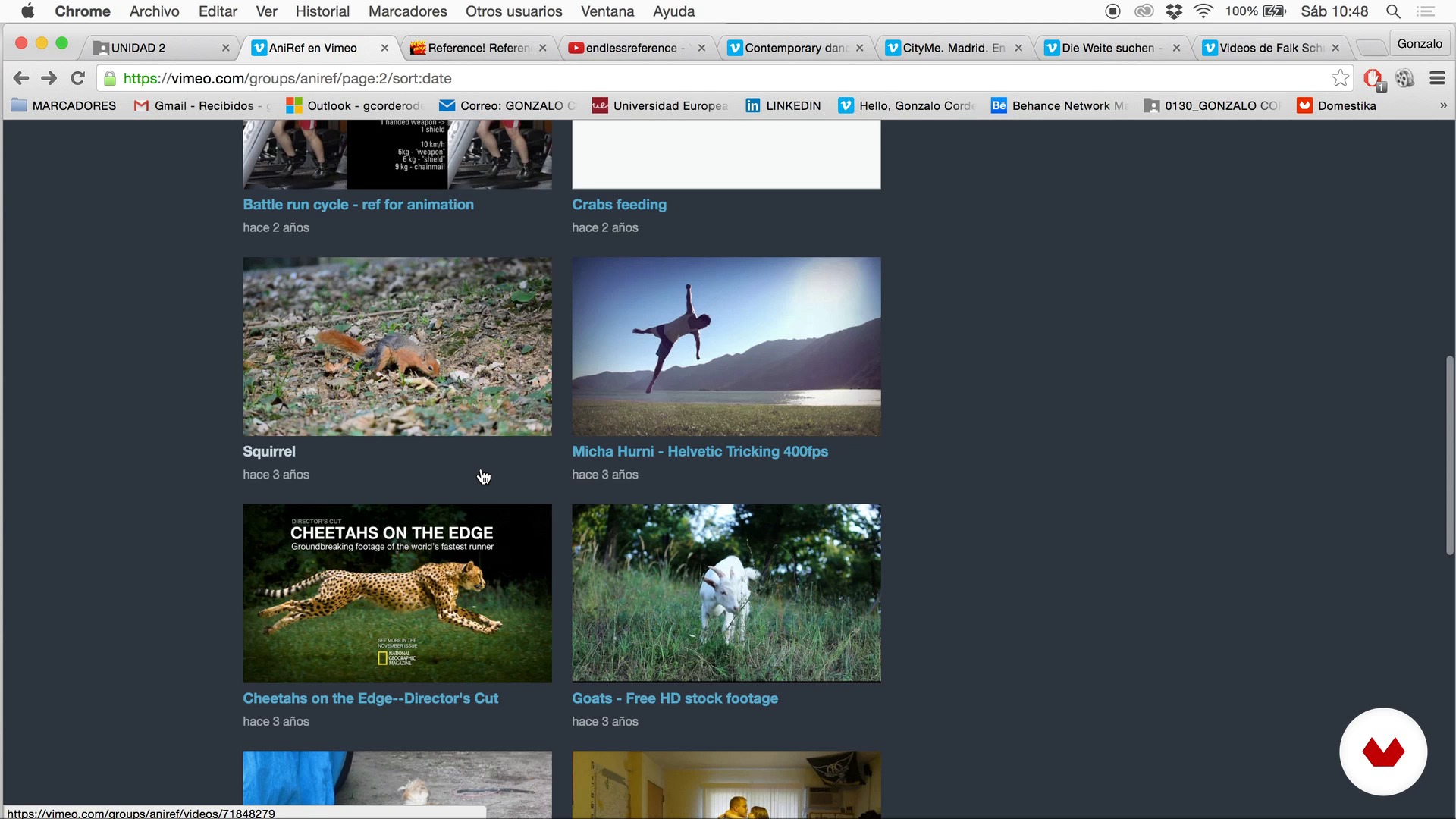
Created or downloaded?
17 minuten, 24 seconden
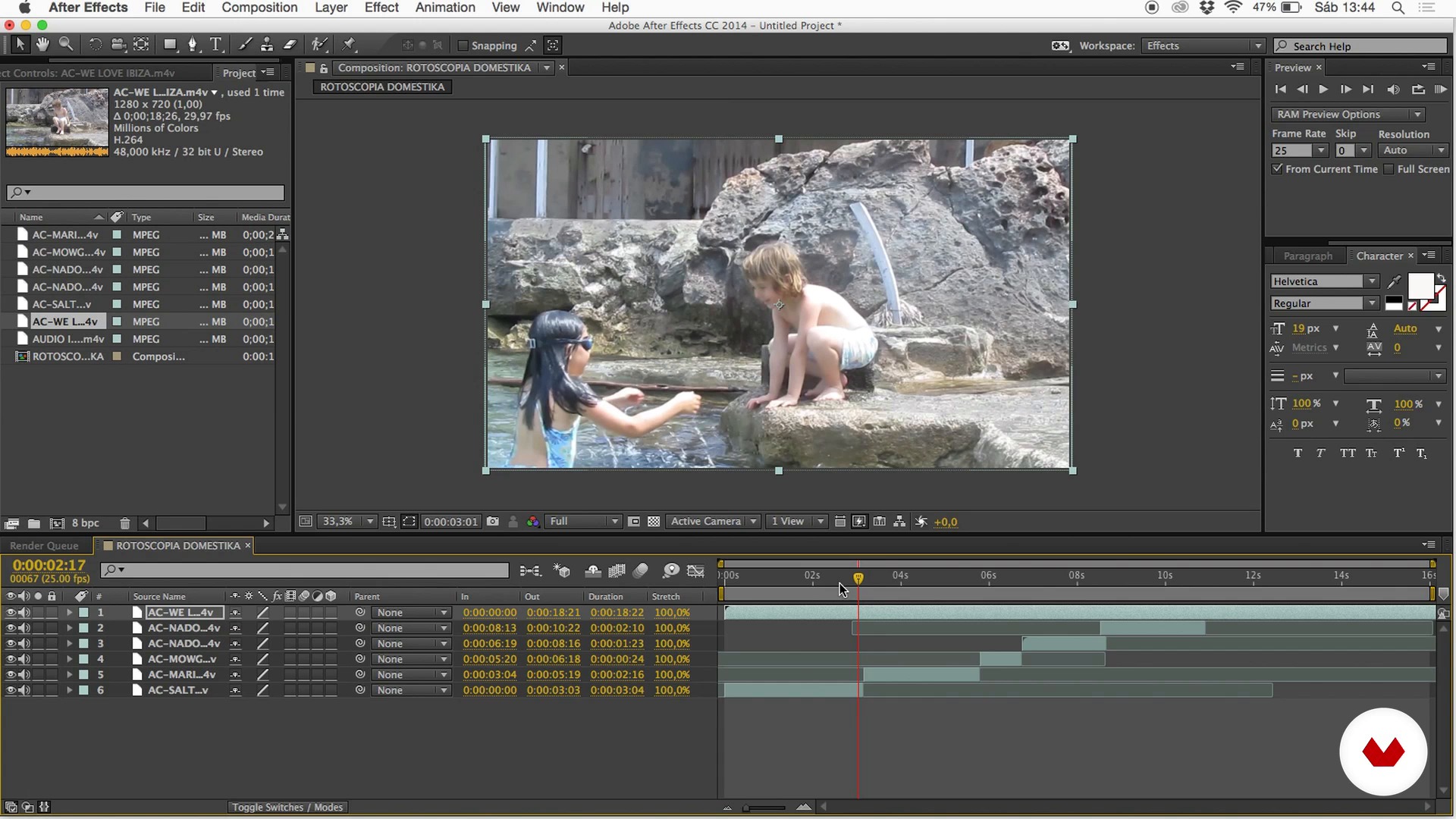
Editing the clip and things to keep in mind
17 minuten, 1 seconde
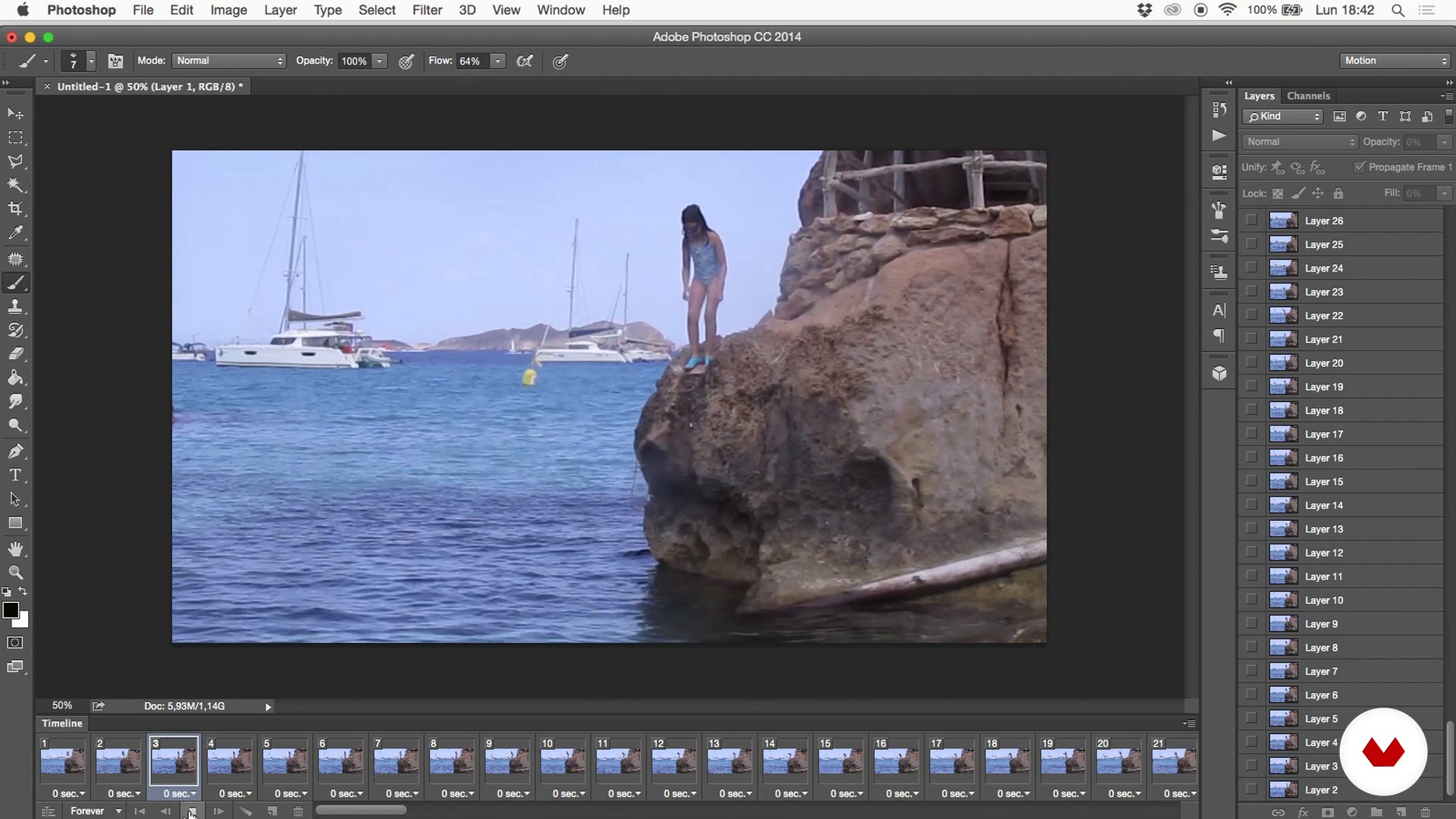
Preparation of material for Rotoscopia
9 minuten, 16 seconden
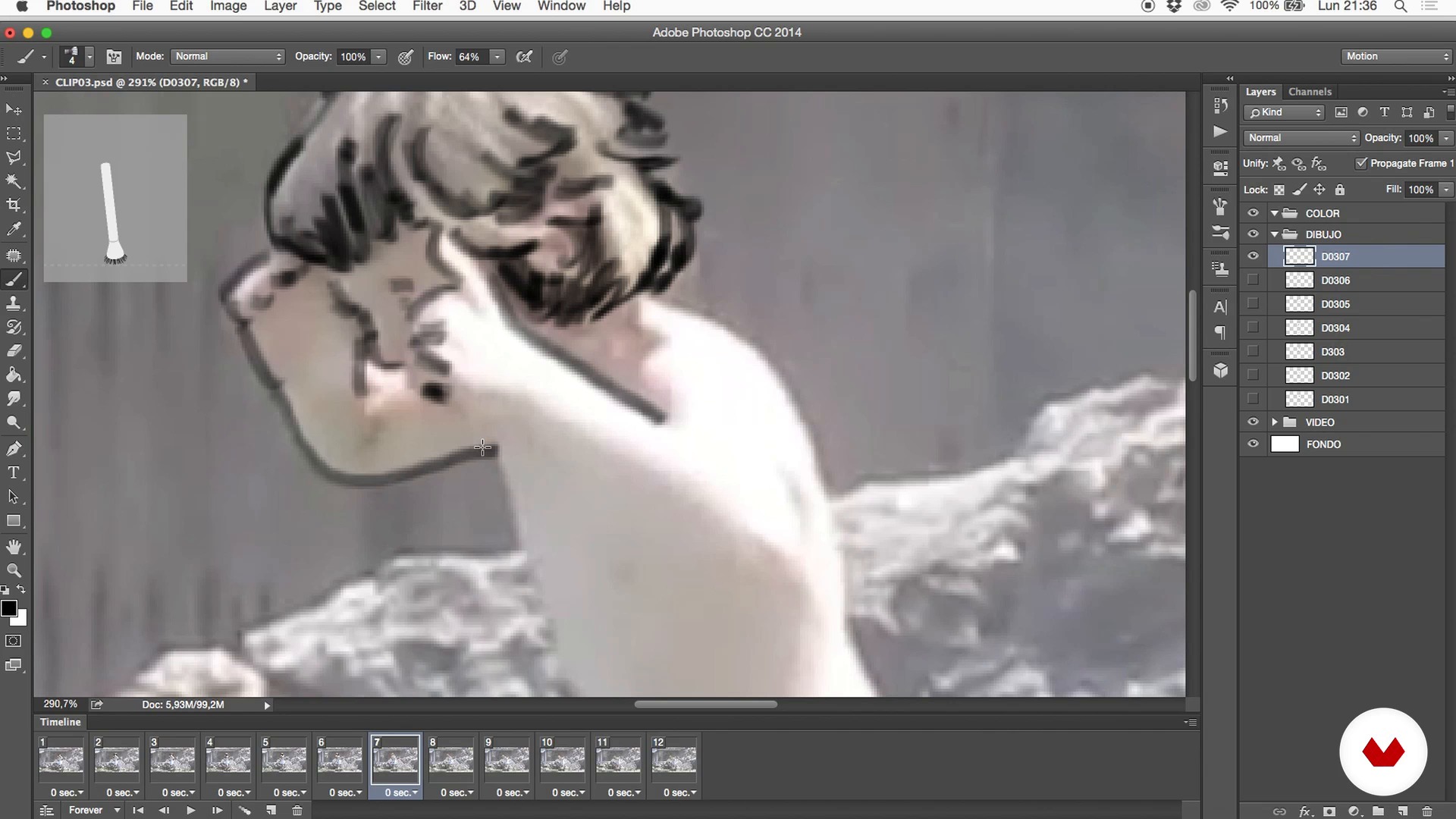
Rotoscopy technique in Photoshop
21 minuten, 36 seconden
Wat is inbegrepen in deze cursus?
Begin by learning about the work and artistic influences of Gonzalo Cordero, as well as get a brief history of rotoscoping, its function, and its traditional use.
Then take a look at the possibilities it offers today in different mediums such as documentaries, music videos, headlines, opening credits, advertising, and more.
Explore how to choose a video clip to work with, its characteristics, how to enhance the drawing effect, how to select and edit to get the best material, and to prepare it in a comfortable and orderly way.
Gonzalo then teaches you the basic rotoscoping technique with Photoshop. See how to use the video strip in Photoshop, working image by image with brushes and color proofs. Next, discover how to identify what's important and remove superfluous elements to promote movement through drawing.
Once you know the basic procedure, add more detail using Art Rage, a very intuitive drawing program to experiment with materials, colors, textures, and degrees of definition, etc.
To wrap things up, use After Effects to edit all your footage quickly and easily, transfer it, post it, and promote it.

Aanbevolen software en tools voor deze cursus
Wat is het cursusproject?
Carry out two projects. First, a personal one, based on a video clip of your choice or created by you, in which you use rotoscoping methods, and, secondly, a collaborative rotoscoping piece created over time between all the course students of an "exquisite corpse," starting from a common clip.
Projecten van studenten van de cursus


Voor wie is deze online cursus bedoeld?
Animators, illustrators, designers, and all those interested in the world of animation who like to draw and are curious about moving images. Also, any artists wanting to do something personalized and who are not afraid to dedicate time and patience.
Vereisten en materialen
No advanced knowledge of any software is required, as the course consists of very manual techniques. However, you do need a basic working knowledge of Photoshop and Art Rage, a very simple drawing and painting program, and know how to edit in After Effects, even if just to a basic level.
Regarding the materials, a graphics tablet highly recommended.

Beoordelingen
- 2 maanden geleden
El profesor es super atento y entendedor. Es un placer realizar este curso.
- cloudshakePLUS5 maanden geleden
super interesante! lo recomiendo para iniciarte en la tecnica de la rotoscopia
- 9 maanden geleden
un curso muy interesante y recomendable
- 11 maanden geleden
Corso molto interessante e creativo!
- 1 jaar geleden
Excelente curso! Muy bien explicado y la técnica es preciosa. Puedes trasladar lo aprendido al estilo que manejes. Lo súper recomiendo.

Inhoud
- U1
About me and the Rotoscopia
- Presentation
- Influences and contemporary drawing
- History of Rotoscopia
- The creative Rotoscopia
- U2
Create your video clip for a Rotoscopy
- Created or downloaded?
- Editing the clip and things to keep in mind
- Preparation of material for Rotoscopia
- U3
Draw the movement
- Rotoscopy technique in Photoshop
- Basic operation of the Art Rage
- Rotoscoping in drawing in Art Rage - Part 1
- Rotoscoping in drawing in Art Rage - Annex 1
- Rotoscoping in drawing in Art Rage - Part 2
- Rotoscoping in drawing in Art Rage - Annex 2
- Rotoscoping in drawing in Art Rage - Part 3
- Rotoscoping in drawing in Art Rage - Annex 3
- Rotoscoping in drawing in Art Rage - Part 4
- Rotoscoping in drawing in Art Rage - Annex 4
- Rotoscoping in drawing in Art Rage - Part 5
- Rotoscoping in drawing in Art Rage - Annex 5
- Rotoscoping in drawing in Art Rage - Part 6
- Rotoscoping in drawing in Art Rage - Part 7
- Rotoscoping in drawing in Art Rage - Annex 7
- Rotoscoping in drawing in Art Rage - Part 8
- Rotoscoping in drawing in Art Rage - Annex 8
- Rotoscoping in drawing in Art Rage - Part 9
- Color and paint in a rotoscoping with Art Rage - Part 1
- Color and paint in a rotoscoping with Art Rage - Annex 1
- Color and paint in a rotoscoping with Art Rage - Part 2
- Color and paint in a rotoscoping with Art Rage - Annex 2
- Color and paint in a rotoscoping with Art Rage - Part 3
- Color and paint in a rotoscoping with Art Rage - Annex 3
- Color and paint in a rotoscoping with Art Rage - Part 4
- Color and paint in a rotoscoping with Art Rage - Annex 4.1
- Color and paint in a rotoscoping with Art Rage - Annex 4.2
- Color and paint in a rotoscoping with Art Rage - Part 5
- Color and paint in a rotoscoping with Art Rage - Annex 5
- Color and paint in a rotoscoping with Art Rage - Part 6
- Color and paint in a rotoscoping with Art Rage - Annex 6
- Color and paint in a rotoscoping with Art Rage - Part 7
- Color and paint in a rotoscoping with Art Rage - Annex 7
- Color and paint in a rotoscoping with Art Rage - Part 8
- Color and paint in a rotoscoping with Art Rage - Annex 8
- Color and paint in a rotoscoping with Art Rage. Part 9
- Color and paint in a rotoscoping with Art Rage - Annex 9
- Color and paint in a rotoscoping with Art Rage - Part 10
- Color and paint in a rotoscoping with Art Rage - Annex 10
- Color and paint in a rotoscoping with Art Rage - Part 11
- U4
Reorder and edit the final clip
- Retrieving the material and editing it in After Effects
- Delivery of work to the client (if any) and promotion of work
- Other ways, collaborative rotoscopy
- EP
Eindproject
- Rotoscopia: draw an animation frame by frame
Wat kan je verwachten van een cursus van Domestika
Leer in je eigen tempo
Geniet van thuis leren, zonder lesroosters en in je eigen tempo. Jij beslist wanneer je verder gaat met het volgende onderdeel.
Leer met de beste professionals
Leer de meest bruikbare methoden en technieken van de beste professionals in de creatieve industrie.
Ontmoet deskundige docenten
Iedere docent brengt kennis met passie over, biedt duidelijke uitleg en een professioneel perspectief bij elke les.
Certificaten
PLUSAls Plus-lid krijg je voor elke cursus een persoonlijk certificaat, ondertekend door je docent. Deel het in je portfolio, op social media of waar je maar wilt.
Zorg dat je op de voorste rij zit
Dankzij de hoge kwaliteit van de video's mis je geen enkel detail. Dankzij de onbeperkte toegang kun je de lessen zo vaak bekijken als nodig is om je vaardigheden te perfectioneren.
Deel kennis en ideeën
Stel vragen, krijg feedback en bied oplossingen aan. Deel je leerervaringen met andere studenten in de community die net als jij een passie hebben voor creativiteit.
Maak contact met een wereldwijde creatieve community
Deze community heeft miljoenen gebruikers van over de hele wereld, nieuwsgierig en enthousiast om hun creativiteit te verkennen en te uiten.
Geef cursussen op een professionele manier
Domestika selecteert zorgvuldig haar docenten en produceert iedere cursus in eigen huis om een uitstekende online leerervaring te garanderen.
Veelgestelde vragen
Rotoscopie is een animatietechniek waarbij je frame voor frame tekent over echte beelden om vloeiende en realistische beweging te creëren. Het wordt gebruikt voor visuele effecten, het combineren van schilderstijlen en het experimenteren met de integratie van traditionele en digitale media.
De cursus is bedoeld voor mensen met basiskennis van tekenen en digitale bewerking, ideaal voor een gemiddeld niveau. Je hoeft geen expert te zijn, maar enige vertrouwdheid met illustratie- of digitale animatietechnieken is aan te raden.
Je leert rotoscopietechnieken, schilderachtige animatie, digitale collage, lip-sync, mediacombinatie, videobewerking en hoe je optische effecten toepast om expressieve animaties en innovatieve audiovisuele projecten te maken.
Je hebt een computer nodig, toegang tot Photoshop en After Effects, ArtRage (of andere digitale schildersoftware), een tekentablet wordt aanbevolen en referentievideo’s. Het is ook handig om rechtenvrije beelden of clips te hebben om mee te oefenen.
De cursus leert je digitale tools zoals ArtRage te gebruiken om olieverftechnieken te simuleren op rotoscopische video, waarbij je lagen, kleuren en aangepaste penselen mengt voor een schilderachtig resultaat in animatie.
Schilderachtige animatie gebruikt technieken en stijlen uit de schilderkunst, zoals texturen en vlekken, in plaats van lijnen en egale kleuren, om een artistiekere en expressievere uitstraling te bereiken.
Je leert scènes visueel te plannen, de verhaallijn, het tempo en de overgangen te structureren met een reeks sleutelbeelden, wat helpt bij het organiseren en samenhangend maken van je animatieproject.