Bumpers animeren met bewegende beelden
Een cursus van Fabio MedranoDirecteur bewegingsgraphics
Een cursus van Fabio Medrano, Directeur bewegingsgraphics

Animeer uitzendingen met Cinema 4D, After Effects, Arnold Render en Photoshop
Fabio Medrano, animation and motion graphics specialist, teaches you to create a corporate bumper or television ID with Cinema 4D, Arnold Render, and Photoshop.
Learn the principles of animation, as well as audiovisual production tricks, shot-by-shot composition, lighting, and post-production, to improve your pieces exponentially.
Wat leer je tijdens deze online cursus?
23 lessen & 29 aanvullende bronnen
Timing, Spacing and types of curves
8 minuten, 58 seconden
Deforming the mass
4 minuten, 1 seconde
Anticipation, action and reaction
3 minuten, 46 seconden
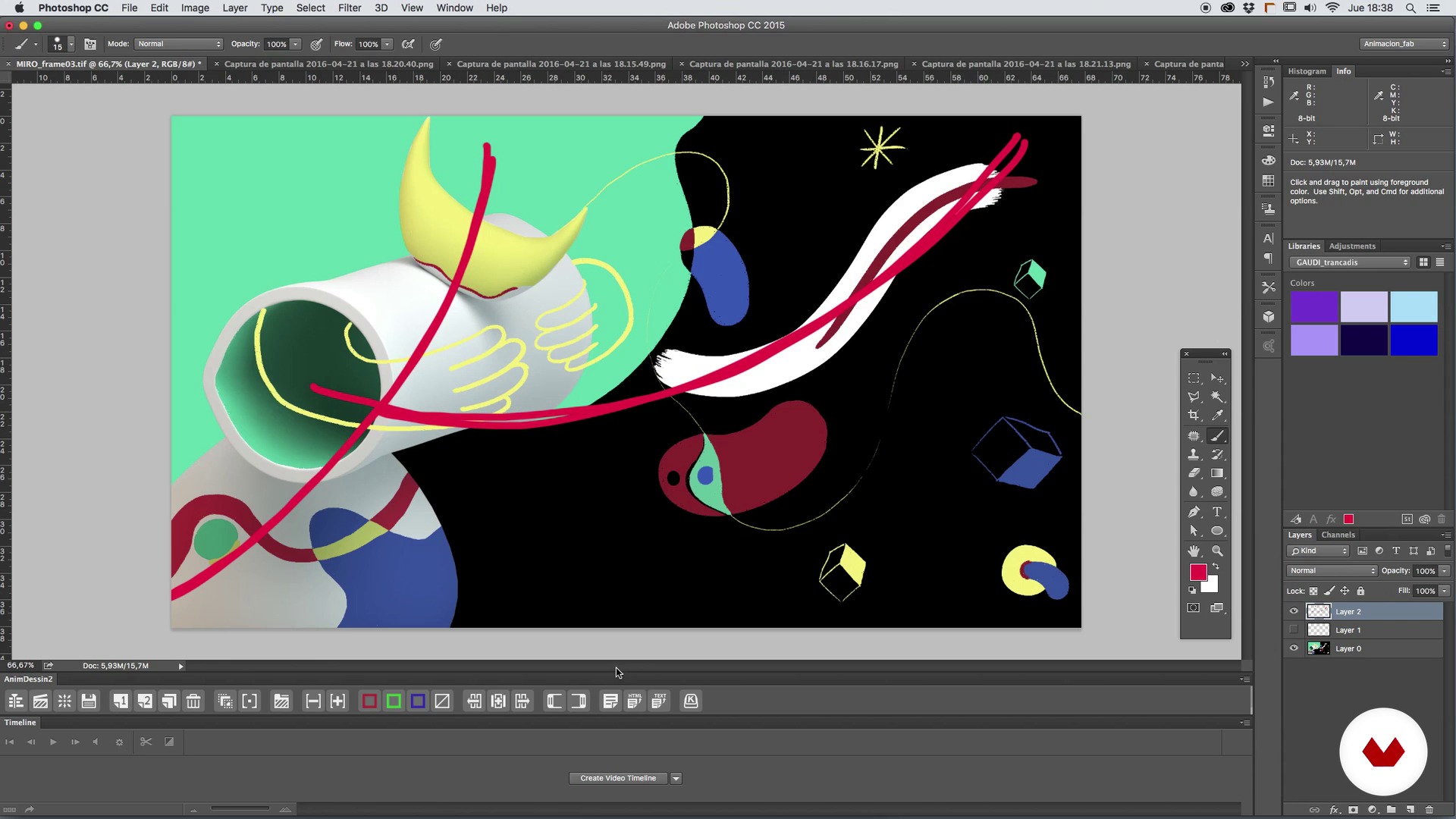
The plane composition
9 minuten, 28 seconden
Camera, angle and optics
7 minuten, 16 seconden
Search for references
9 minuten, 58 seconden
Wat is inbegrepen in deze cursus?
Start by familiarizing yourself with Fabio Medrano's work and influences.
Next, review basic animation concepts like timing and spacing, types of curves, basic deformations, anticipation, action, and reaction, among other things. Fabio also tells you about the secrets of composing shots, framing, optics, and camera angles.
Once you've established the foundations, it's time to look for references for your animation project and the creation of a mood board to serve as a base concept. From here, create the sketch, the storyboard, the first animatic, and polish it shot by shot, before learning to texturize with the Arnold Render and make the last composition adjustments with After Effects.
To round out the course, correct the color and light levels, learn professional post-production tricks to improve the final piece, and see the most optimal codecs and formats to upload your animation to different platforms.

Aanbevolen software en tools voor deze cursus
Wat is het cursusproject?
Create your own TV bumper with motion graphics.
Projecten van studenten van de cursus


Voor wie is deze online cursus bedoeld?
Animators, designers, illustrators with a base in 3D, and anyone who wants to immerse themself in the world of motion design and discover animation, lighting, and rendering techniques with Cinema 4D and Arnold Render.
Vereisten en materialen
To take this course, you need a working knowledge of both Cinema 4D and Photoshop.
Regarding materials, you need a computer installed with Cinema 4D, Arnold Render, Photoshop and After Effects, with a mouse or graphics tablet, paper, and a pencil.

Beoordelingen
- 9 maanden geleden
100% recomendable
- 1 jaar geleden
buen curso básico pero se centra mucho en cinema 4d esperaba mas de after pero para iniciar en 4d es muy bueno
- 2 jaar geleden
(y)
- 3 jaar geleden
I wish there was more on the modelling of the scene. Otherwise ok with the motion graphics part.
- 3 jaar geleden
I liked it so much

Inhoud
- U1
Introduction
- Presentation
- Influences
- U2
Basic concepts of animation
- Timing, Spacing and types of curves
- Deforming the mass
- Anticipation, action and reaction
- U3
Composition of the plane, framing and optics
- The plane composition
- Camera, angle and optics
- U4
Setting the foundations of our piece
- Search for references
- Creation of a Mood Board and base concept
- U5
The time to create
- The sketch and the storyboard
- The first animatic
- We begin to polish plane to plane I
- We begin to polish plane to plane II
- We begin to polish plane to plane III
- Time to light I
- Time to light II
- Materials and textures I
- Materials and textures II
- Render and pass settings for the compo in After Effects
- U6
Giving the last touch
- We adjust color and light levels
- Post production tricks
- Final details of the final design
- Codecs and formats
- EP
Eindproject
- Animation of television widgets with Motion Graphics
Wat kan je verwachten van een cursus van Domestika
Leer in je eigen tempo
Geniet van thuis leren, zonder lesroosters en in je eigen tempo. Jij beslist wanneer je verder gaat met het volgende onderdeel.
Leer met de beste professionals
Leer de meest bruikbare methoden en technieken van de beste professionals in de creatieve industrie.
Ontmoet deskundige docenten
Iedere docent brengt kennis met passie over, biedt duidelijke uitleg en een professioneel perspectief bij elke les.
Certificaten
PLUSAls Plus-lid krijg je voor elke cursus een persoonlijk certificaat, ondertekend door je docent. Deel het in je portfolio, op social media of waar je maar wilt.
Zorg dat je op de voorste rij zit
Dankzij de hoge kwaliteit van de video's mis je geen enkel detail. Dankzij de onbeperkte toegang kun je de lessen zo vaak bekijken als nodig is om je vaardigheden te perfectioneren.
Deel kennis en ideeën
Stel vragen, krijg feedback en bied oplossingen aan. Deel je leerervaringen met andere studenten in de community die net als jij een passie hebben voor creativiteit.
Maak contact met een wereldwijde creatieve community
Deze community heeft miljoenen gebruikers van over de hele wereld, nieuwsgierig en enthousiast om hun creativiteit te verkennen en te uiten.
Geef cursussen op een professionele manier
Domestika selecteert zorgvuldig haar docenten en produceert iedere cursus in eigen huis om een uitstekende online leerervaring te garanderen.
Veelgestelde vragen
Je leert 3D-animaties maken, composities in Motion Graphics, ontwerpen van decors en personages, werken met keyframes, verlichtingstechnieken, renderen en postproductie met programma's zoals Cinema 4D, Maya en After Effects.
De cursus is van gemiddeld niveau en wordt aanbevolen voor wie al basiskennis heeft van animatie, grafisch ontwerp of ervaring met software zoals After Effects of Cinema 4D.
Het is aan te raden om basiskennis te hebben van After Effects en een 3D-programma zoals Cinema 4D of Maya om het meeste uit de cursus te halen.
Je hebt een computer nodig die geschikt is om 3D-animatiesoftware (Cinema 4D, Maya), After Effects en Photoshop te draaien, plus internettoegang om materialen en referenties te downloaden.
Je kunt 3D-animaties maken, tv-intro's, Motion Graphics-composities, geanimeerde personages, Disney-achtige achtergronden en scènes met cartoon- of vintage-effecten, waarbij je professionele technieken toepast.
Ja, de cursus gaat diep in op animatieprincipes zoals timing, spacing, squash, stretch, anticipatie en actie-reactie om expressieve en dynamische bewegingen te creëren.
Ja, je leert 3D-animatie te combineren met traditionele technieken en Stop Motion om je visuele projecten te verrijken en hybride stijlen te verkennen.