Ontwerp een interactieve publicatie met InDesign en Bütton
Een cursus van Sergio OrtizGrafisch ontwerper
Een cursus van Sergio Ortiz, Grafisch ontwerper

Maak een digitaal magazine, een portfolio of een catalogus voor iPad en iPhone
An interactive nature invites the public to explore, participate in the storytelling process, and go on a journey of personal interpretation. In this course, designer and creator Sergio Ortiz shows you all about the tools necessary for creating any interactive digital publication you can imagine.
Learn to add videos, music, links, buttons, sound, and a variety of other effects to create a completely new and unconventional learning experience. All this ease and intuitiveness without having to program or generate any code!
Wat leer je tijdens deze online cursus?
22 lessen & 10 aanvullende bronnen
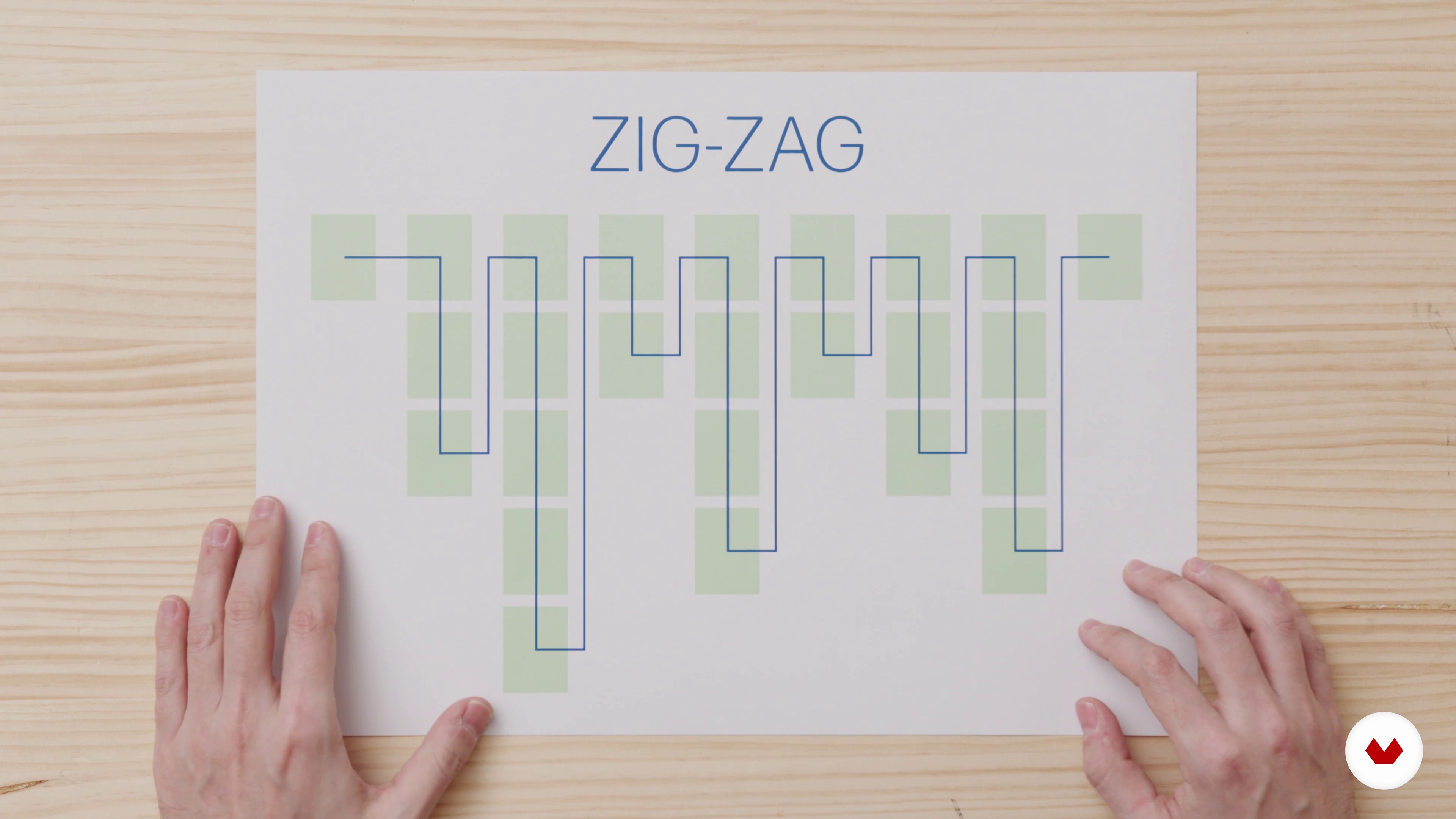
A new way of reading
2 minuten, 58 seconden
Pros and cons of a digital publication
13 minuten, 8 seconden
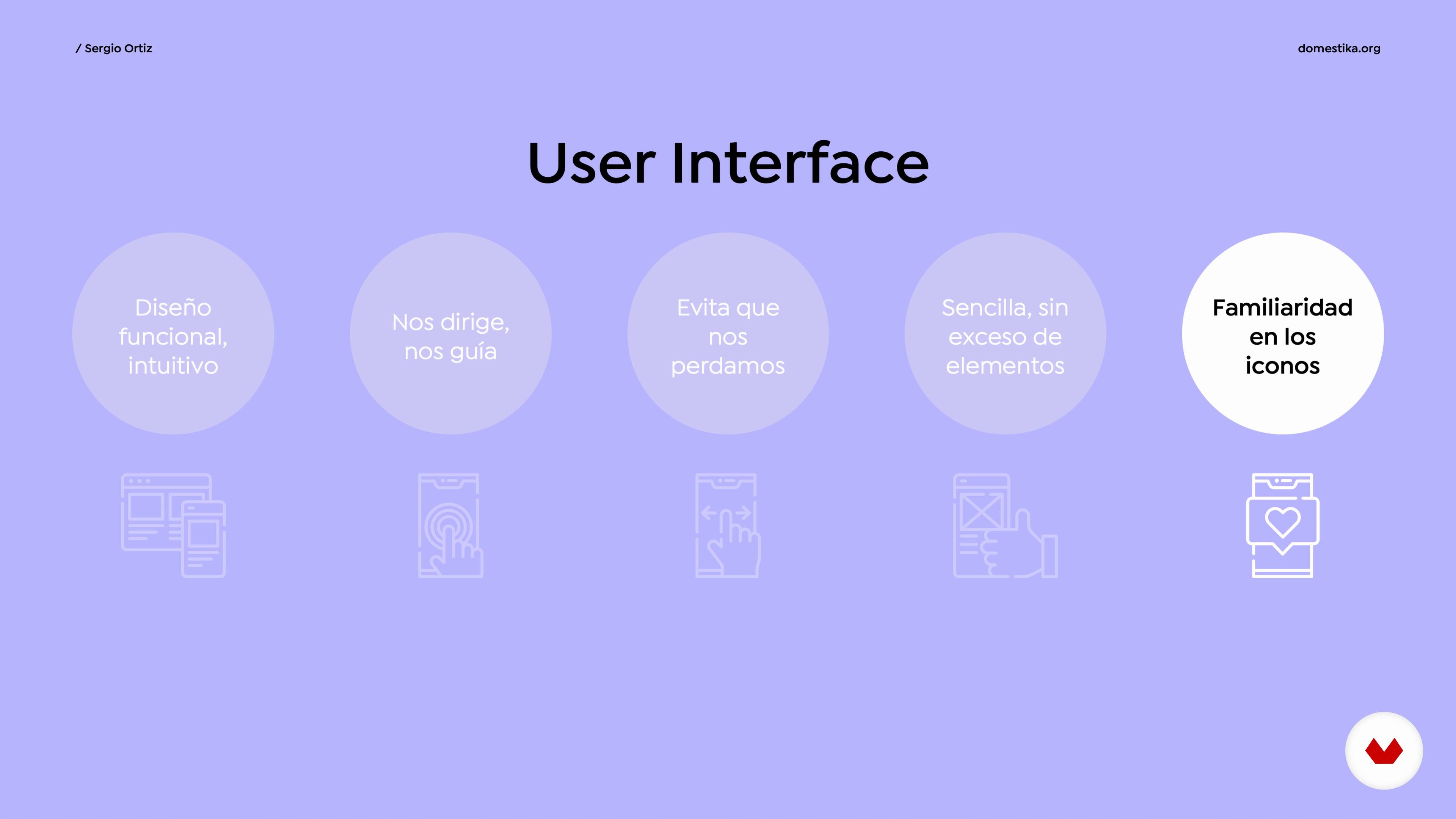
UI and UX
10 minuten, 17 seconden
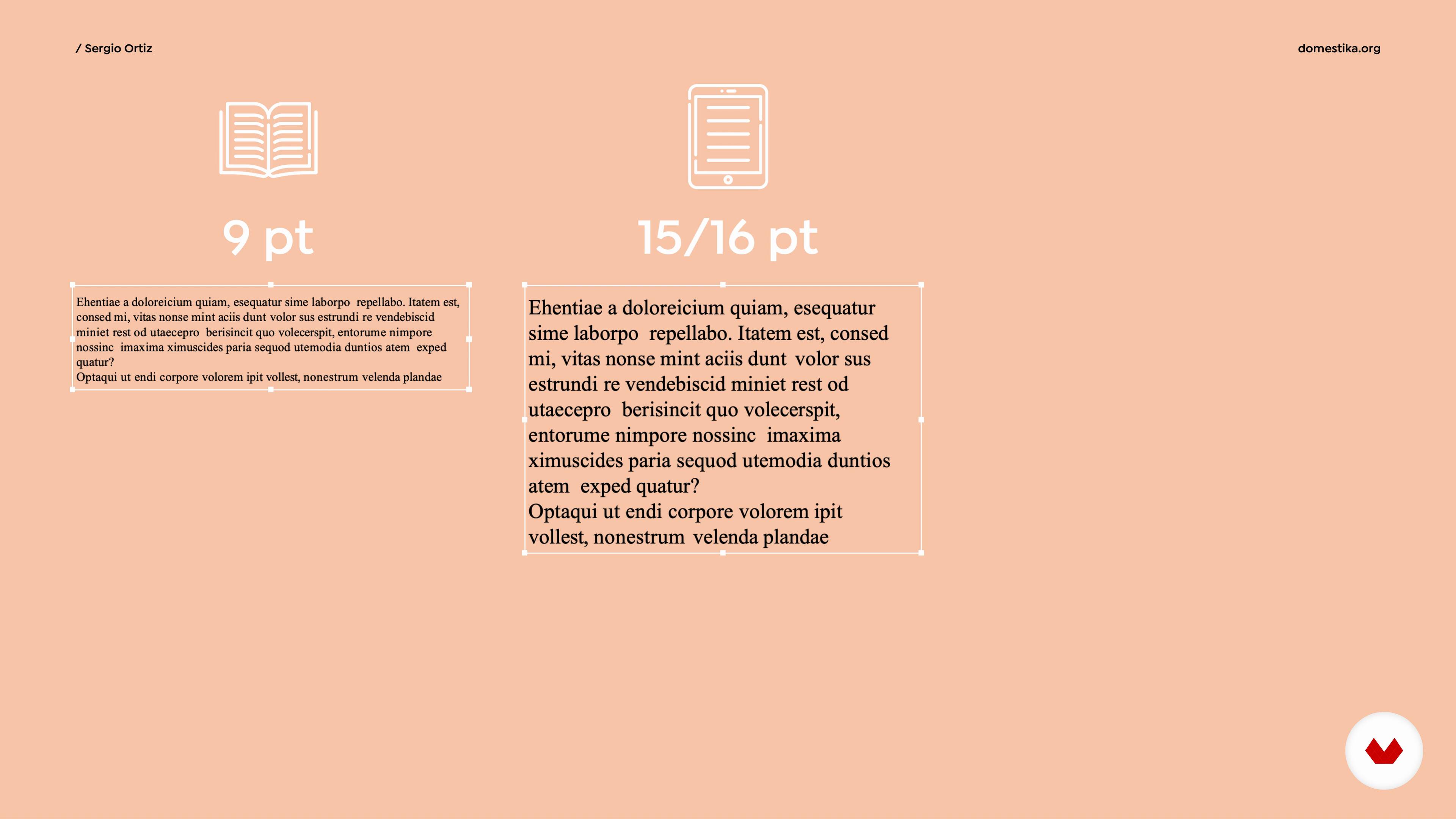
Typography for devices
5 minuten, 52 seconden
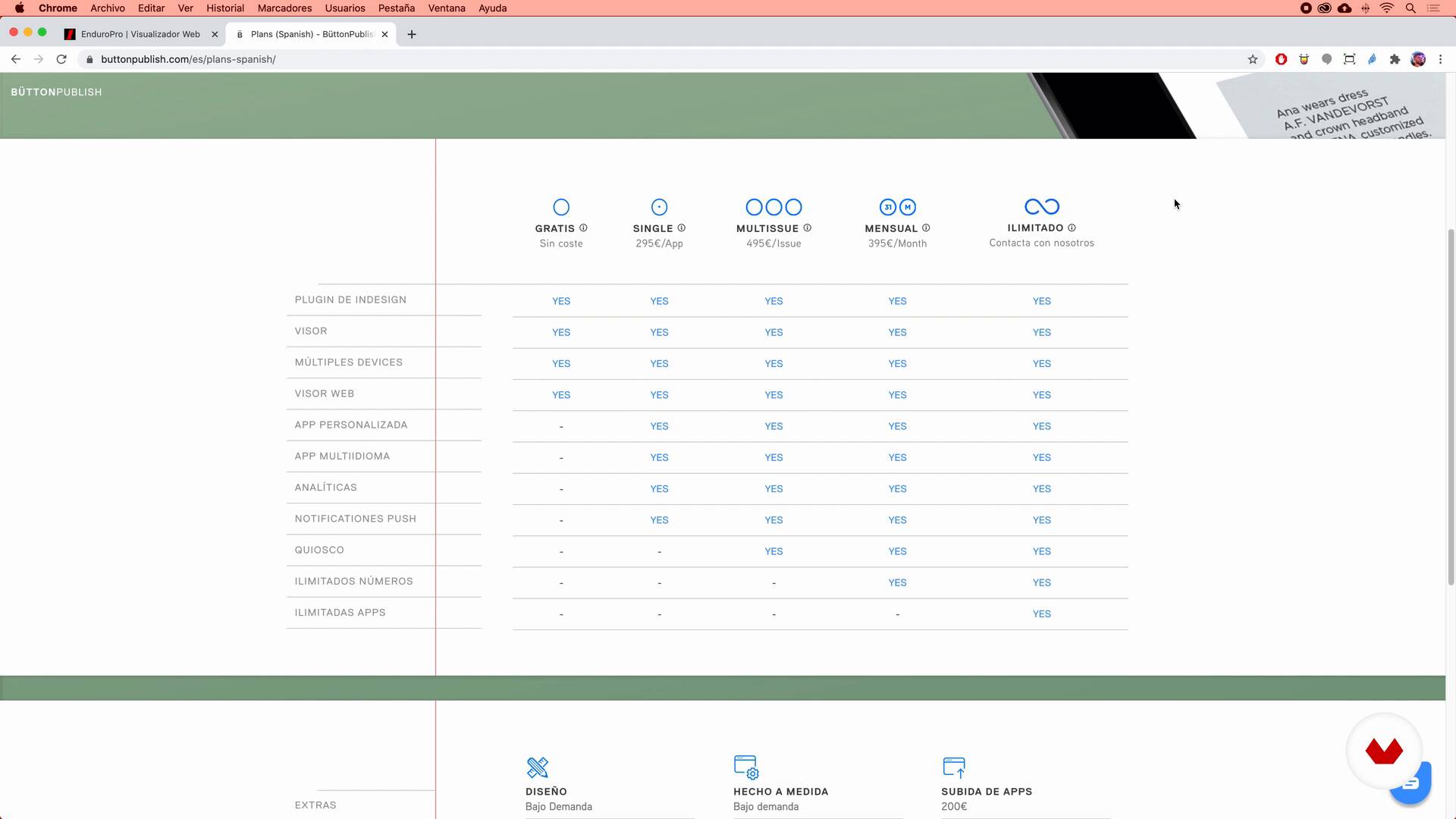
What tools are we going to use and why?
16 minuten, 49 seconden
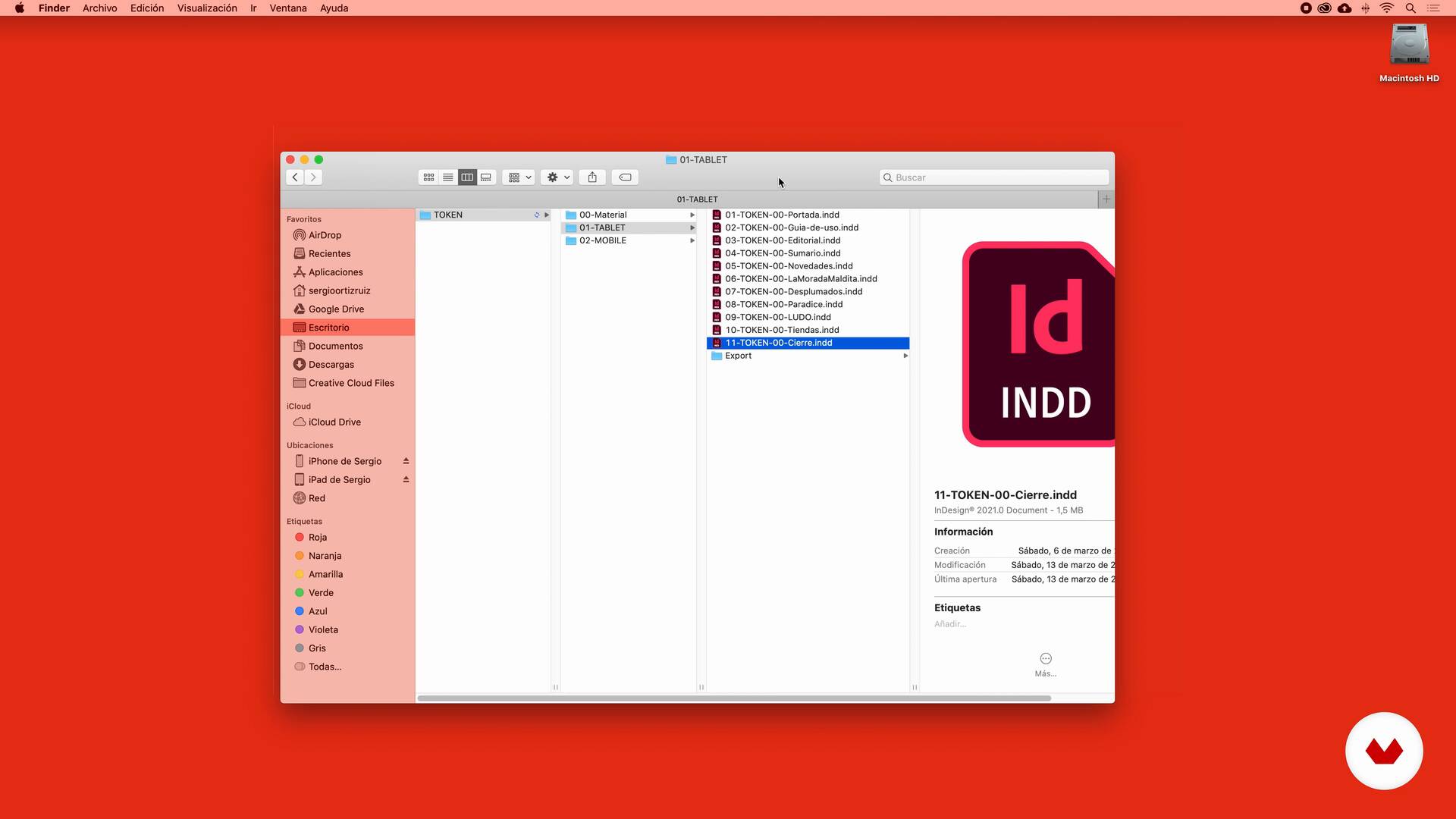
The workflow
5 minuten, 34 seconden
Wat is inbegrepen in deze cursus?
Start by familiarizing yourself with the work of Sergio Ortiz as he talks about what kinds of projects he usually takes on and what his areas of expertise are. He also talks about his influences and what inspires him from day to day.
Leave conventional hard-copy editorial standards at the door and immerse yourself in the world of interactive publications. Get to know the characteristics of digital browsing, the key aspects of UI and UX, and the use of typography for different devices.
Then get ready to try out InDesign and the free plugin Bütton. Begin with its installation and discover how to arrange workflows and different files in order to facilitate the export of your project.
Now it's time to get stuck in! Sergio introduces you to action and navigation icons, teaches you to personalize your workspace, and explains how to animate images, illustrations, and texts.
Delve yet deeper into everything this plugin has to offer by taking a look at special actions or Touch, the two options for image positioning, ways to add sound, and a handful of other tools for taking your publication to the next level.
Finish up by exporting your project, and let Sergio explain the differences between Single App and Kiosk, what each is used for, and some examples to help you decide which is best for your project.
Aanbevolen software en tools voor deze cursus
Wat is het cursusproject?
Create your own publication in which interactivity reigns, whether a magazine, a catalog, or any other format you might have in mind.
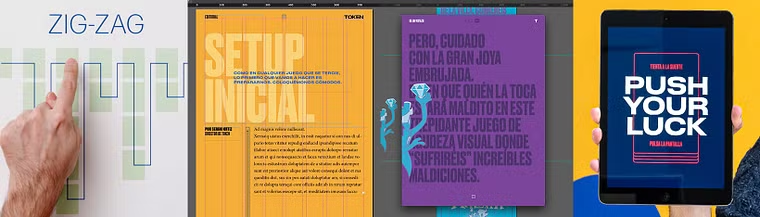
Projecten van studenten van de cursus


Voor wie is deze online cursus bedoeld?
Designers, illustrators, and creators in general who want to dive head first into the world of interactive publications, as well as editorial design afficionados who tend to opt for more quirky content.
Vereisten en materialen
Basic knowledge of InDesign CS6 or later is necessary for this course. You also need the ability to download the plugin, an essential free tool for the creation of interactive publications that Sergio teaches you how to use along the way.
In terms of materials, you need a tablet, a smartphone, and a computer. Bear in mind that in order to preview the content correctly, all the devices need to have the same operating system, either iOS or Android.
Beoordelingen
- 10 maanden geleden
Para mí es un excelente curso porque independiente a la cuestión de Button, se aprende a pensar de forma interactiva.
- 11 maanden geleden
Increible como una herramiente ya muy buena, aun se puede extraer mas de ella, como lo es el plugin Button
- 11 maanden geleden
The course if very informative and well paced. However I am stuck on adding articles . please help, when I add a page or an article it simple adds it at the bottom as if it's a additional page in the main article. I am not able to add new articles which would be activated by swiping right. Thank you Daniel
- 11 maanden geleden
Buenisimo!!
- 2 jaar geleden
Excelente curso, lo recomiendo.

Inhoud
- U1
Introduction
- Presentation
- Influences
- U2
Stop thinking on paper and think digital
- A new way of reading
- Pros and cons of a digital publication
- UI and UX
- Typography for devices
- U3
Let's do it!
- What tools are we going to use and why?
- The workflow
- U4
Tools
- What are we going to do?
- Action and interaction icons
- New document and first tools 1
- New document and first tools 2
- Animations 1
- Animations 2
- U5
More tools to advance
- Special or "touch" actions 1
- Special or "touch" actions 2
- Image slideshow
- Time to add sound 1
- Time to add sound 2
- Extras
- U6
More tools to advance
- Export your project
- Single App or kiosk?
- EP
Eindproject
- Design of an interactive publication with InDesign and Bütton
Wat kan je verwachten van een cursus van Domestika
Leer in je eigen tempo
Geniet van thuis leren, zonder lesroosters en in je eigen tempo. Jij beslist wanneer je verder gaat met het volgende onderdeel.
Leer met de beste professionals
Leer de meest bruikbare methoden en technieken van de beste professionals in de creatieve industrie.
Ontmoet deskundige docenten
Iedere docent brengt kennis met passie over, biedt duidelijke uitleg en een professioneel perspectief bij elke les.
Certificaten
PLUSAls Plus-lid krijg je voor elke cursus een persoonlijk certificaat, ondertekend door je docent. Deel het in je portfolio, op social media of waar je maar wilt.
Zorg dat je op de voorste rij zit
Dankzij de hoge kwaliteit van de video's mis je geen enkel detail. Dankzij de onbeperkte toegang kun je de lessen zo vaak bekijken als nodig is om je vaardigheden te perfectioneren.
Deel kennis en ideeën
Stel vragen, krijg feedback en bied oplossingen aan. Deel je leerervaringen met andere studenten in de community die net als jij een passie hebben voor creativiteit.
Maak contact met een wereldwijde creatieve community
Deze community heeft miljoenen gebruikers van over de hele wereld, nieuwsgierig en enthousiast om hun creativiteit te verkennen en te uiten.
Geef cursussen op een professionele manier
Domestika selecteert zorgvuldig haar docenten en produceert iedere cursus in eigen huis om een uitstekende online leerervaring te garanderen.
Veelgestelde vragen
Je leert interactieve digitale tijdschriften maken, opmaken en optimaliseren voor iPad en andere apparaten, met InDesign en plugins zoals Button. Je beheerst navigatie, interactiviteit, digitale typografie, animaties, multimedia-integratie en professionele exportstrategieën.
De cursus is niet voor absolute beginners; basiskennis van grafisch of redactioneel ontwerp wordt aanbevolen. Het is een cursus op gemiddeld niveau die dieper ingaat op tools en concepten van interactieve digitale publicaties.
Je moet basiskennis hebben van grafisch ontwerp en ervaring met InDesign. Toegang tot een computer met InDesign en bekendheid met opmaak- en visuele ontwerpprincipes wordt aanbevolen.
Je gebruikt vooral Adobe InDesign en de plugin Button (ButtonView) om interactieve digitale publicaties te maken en te bekijken, plus online bronnen zoals Behance voor inspiratie en iconenbanken.
Een interactief digitaal tijdschrift biedt niet-lineaire navigatie, multimedia-integratie, links, animaties en interactieve effecten, wat zorgt voor een rijkere gebruikerservaring dan een traditioneel gedrukt tijdschrift.
Ja, de cursus behandelt het maken van interactieve effecten zoals pagina-flip, hotspots, slideshows en aangepaste animaties om de gebruikerservaring in digitale publicaties te verbeteren.
Je leert geschikte lettergroottes kiezen, afbeeldingen optimaliseren om bestandsgrootte te verminderen zonder kwaliteitsverlies, en toegankelijkheidsprincipes toepassen om vermoeidheid van de ogen op mobiele apparaten en tablets te voorkomen.