


40 Basic Keyboard Shortcuts for Pro Tools

Discover the basic keyboard shortcuts for one of the most popular audio editing programs
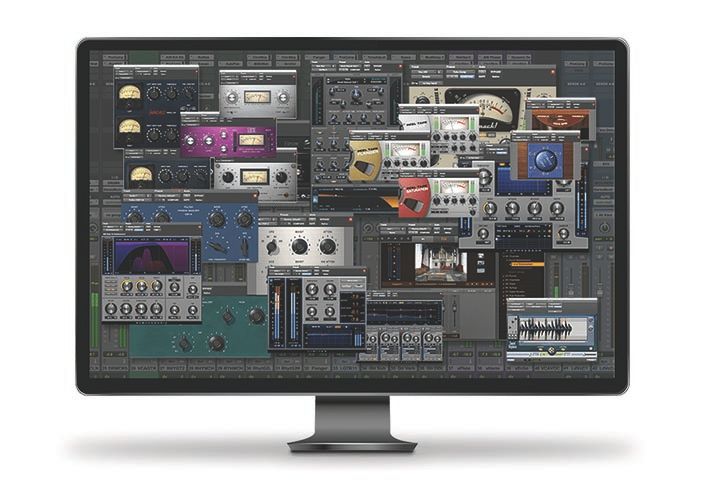
Pro Tools is one of the most popular DAWs (Digital Audio Workstations) among the creative community involved in audiovisual projects. Due to its friendly interface and the wide variety of plugins it offers for recording, editing, and mixing audio, it has been one of the most recommended software packages of the last three decades for sound professionals.
One of the most valued features is that it works both in MacOS and Windows, so it offers flexibility for all kinds of users. Get to know the basic shortcuts —compatible with both platforms— that will optimize your workflow. Download a PDF filw with these shortcuts at the end of this post.
Sessions and track control
New session → Cmd + N / Ctrl + N
Open existing session → Cmd + O / Ctrl + O
Open recent session → Cmd + Shift + O / Ctrl + Shift + O
Select all → Cmd + A / Ctrl + A
Play / stop track → Space bar
Duplicate track → Cmd + Shift + D / Ctrl + Shift + D
Save → Cmd + S / Ctrl + S
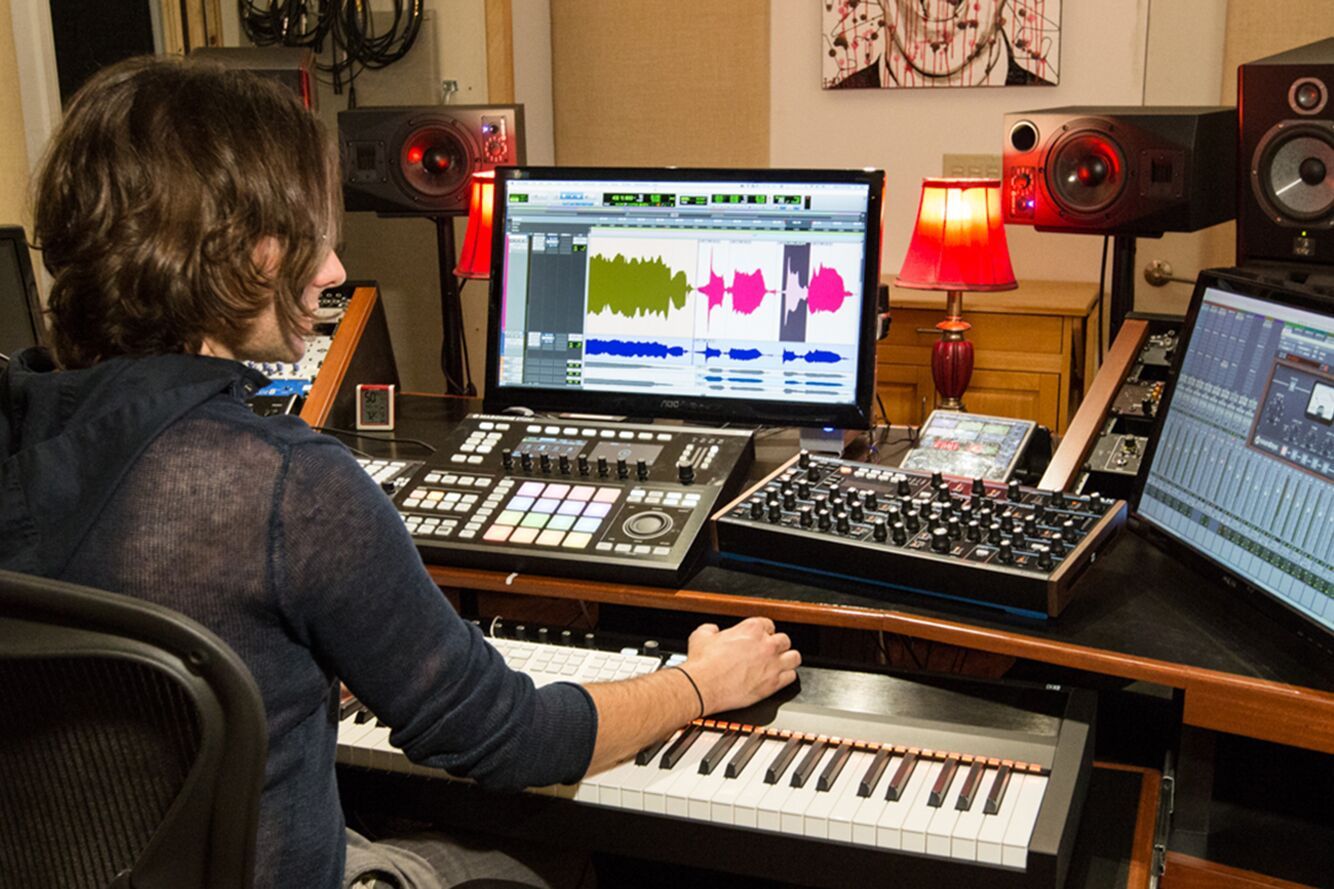
Recording and clip editing
Record → Cmd + space bar (F12) / Ctrl + space bar (F12)
Stop recording → Space bar
Stop recording and delete clip → Cmd + period (.) / Ctrl + period (.)
Import audio → Cmd + Shift + I / Ctrl + Shift + I
Create group → Cmd + G / Ctrl + G
Generic Zoom Tool → F5
Generic Selection Tool → F8
Pencil tool (wave modifier) → F10
Horizontal zoom → Cmd + [o] / Ctrl + [o]
Amplitude zoom → Cmd + Option + or / Ctrl + Option + or
Go to the beginning of the track → ^ + Enter
Open fades window to create / modify fades → Cmd + F / Ctrl + F
Create fade in (at the beginning of the track) → Alt + D
Create fade out (at the end of the track) → Alt + G
Find Clip → Cmd + Shift + F / Ctrl + Shift + F
Show or hide clip → Cmd + Shift + 1 / Ctrl + Shift + 1
Mute or activate clip → Cmd + M / Ctrl + M
Group clips → Cmd + Alt + G / Ctrl + Alt + G
Ungroup clips → Cmd + Alt + U / Ctrl + Alt + U
Loop Clips → Cmd + Alt + L / Ctrl + Alt + L
Select unused clips → Cmd + Shift + U / Ctrl + Shift + U
Delete selected clips → Cmd + Shift + B / Ctrl + Shift + B
Clear all clip flags → Alt + C
Cut selected clip effects → Cmd + Alt + ^ + X / Ctrl + Alt + ^ + X
Copy selected clip effects → Cmd + Alt + ^ + C / Ctrl + Alt + ^ + C
Delete selected clip effects → Cmd + Alt + ^ + B / Ctrl + Alt + ^ + B
Consolidate clip → Option + Shift + 3 / Alt + Shift + 3

Ending the work session
Export clips as files → Cmd + Shift + K / Ctrl + Shift + K
Import session data → Shift + Option + I / Shift + Alt + I
Fit full track to screen → Option + A / Alt + A
Print mix (bounce) → Cmd + Option + Shift + B / Ctrl + Alt + Shift + B
Print mix (bounce) to disk → Cmd + Option + B / Ctrl + Alt + B
Logout → Cmd + Shift + W / Ctrl + Shift + W
If you want these Pro Tools shortcuts always by your side, download a free PDF with the 40 shortcuts that we have listed here. To do so, click on the option below (the PDF file will be saved in your device's download folder).
Word gratis lid en download
40 Basic Shortcuts for Pro Tools.pdf


0 opmerkingen