

From Pencil Drawing to Digital Illustration
Kursus oleh Dani BlázquezIlustrator
Kursus oleh Dani Blázquez, Ilustrator

Create a radical illustration by combining analogue drawing with Photoshop effects
Dani Blázquez will teach you how to create a high-impact illustration from a previous drawing in pencil.
You will learn to color and adjust your original with a few layers and effects of Photoshop. In addition, you will create a hand-made typography absolutely groundbreaking with a few simple steps.
Apa yang akan Anda pelajari dalam kursus daring ini?
1 pelajaran & 1 unduhan
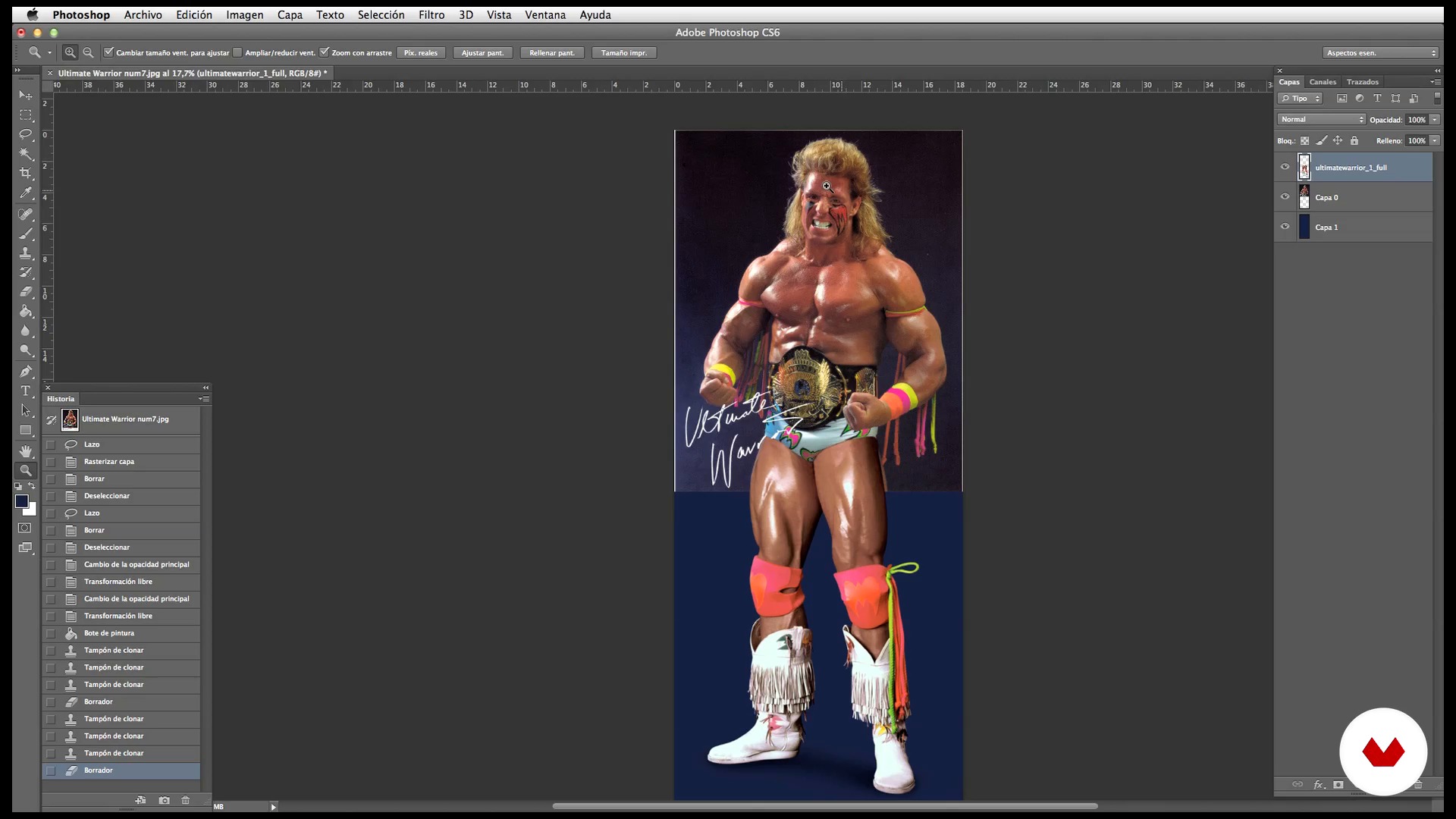
Idea, search of references and creation of our "ideal" reference photo
1 menit, 1 detik
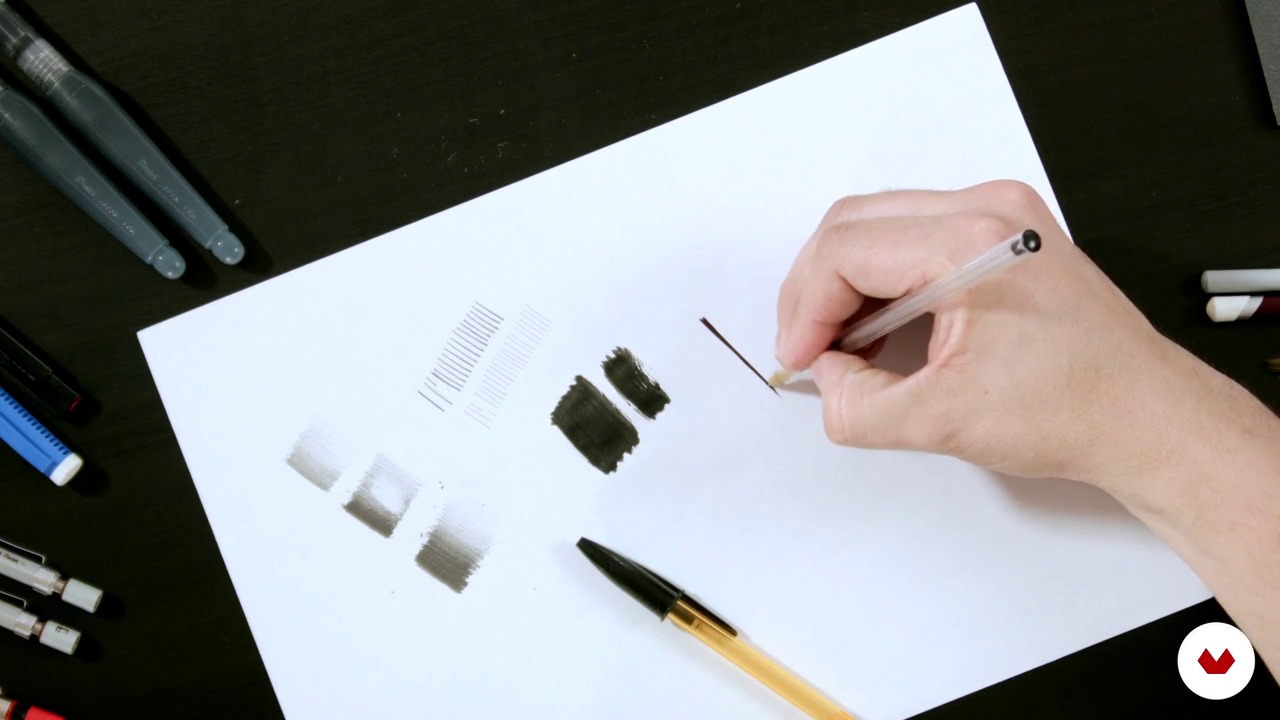
Materials and techniques
1 menit, 1 detik
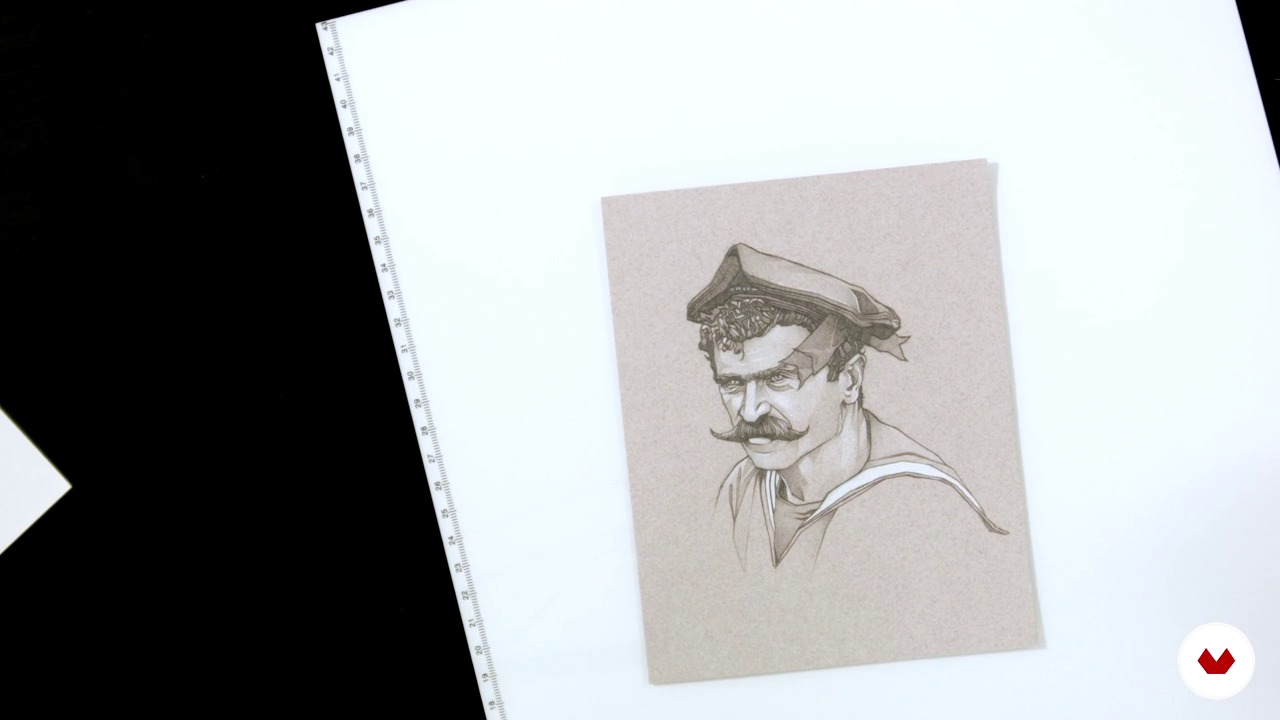
We begin to draw
1 menit, 1 detik
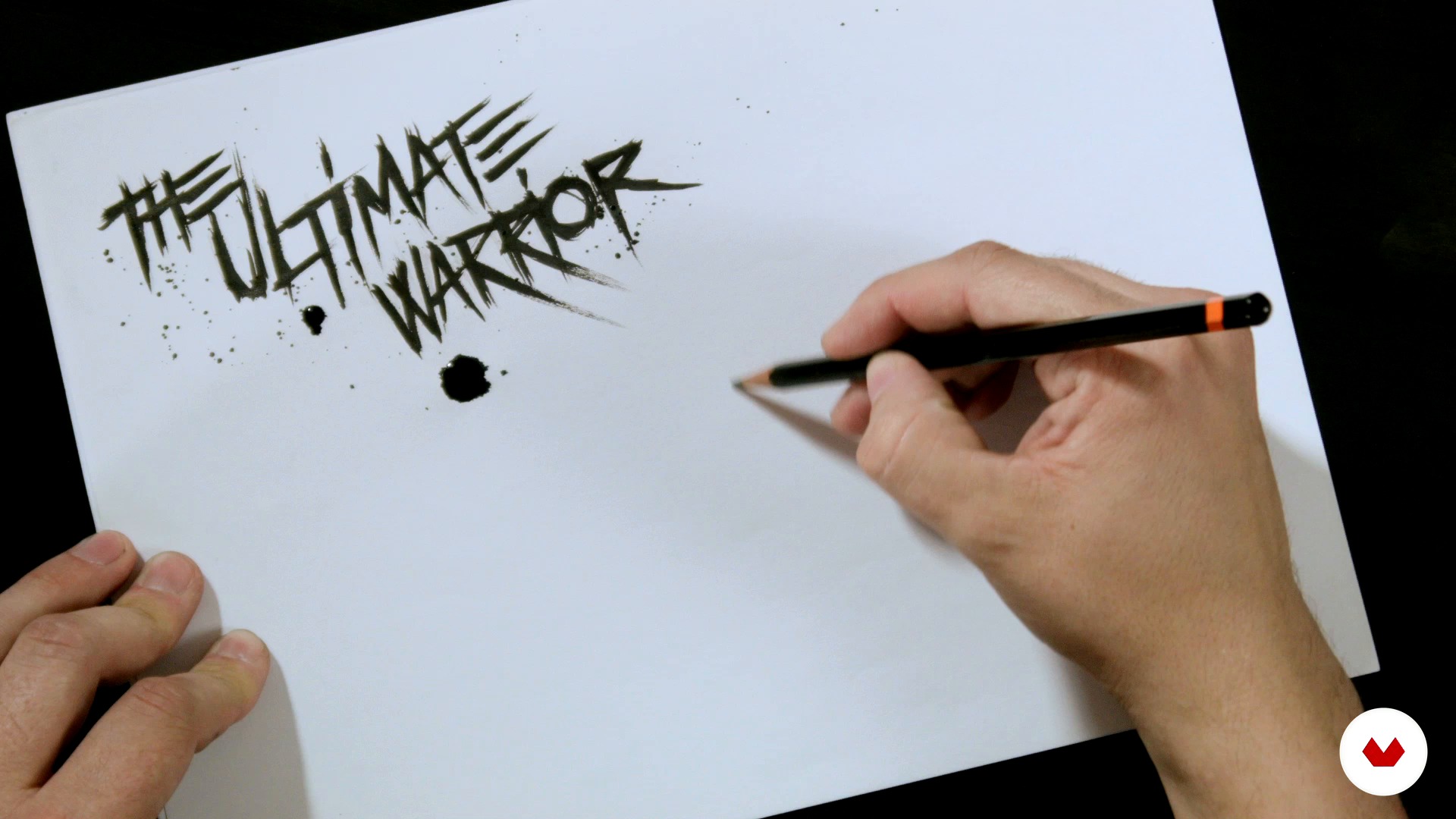
Creating our own typography by hand
1 menit, 1 detik
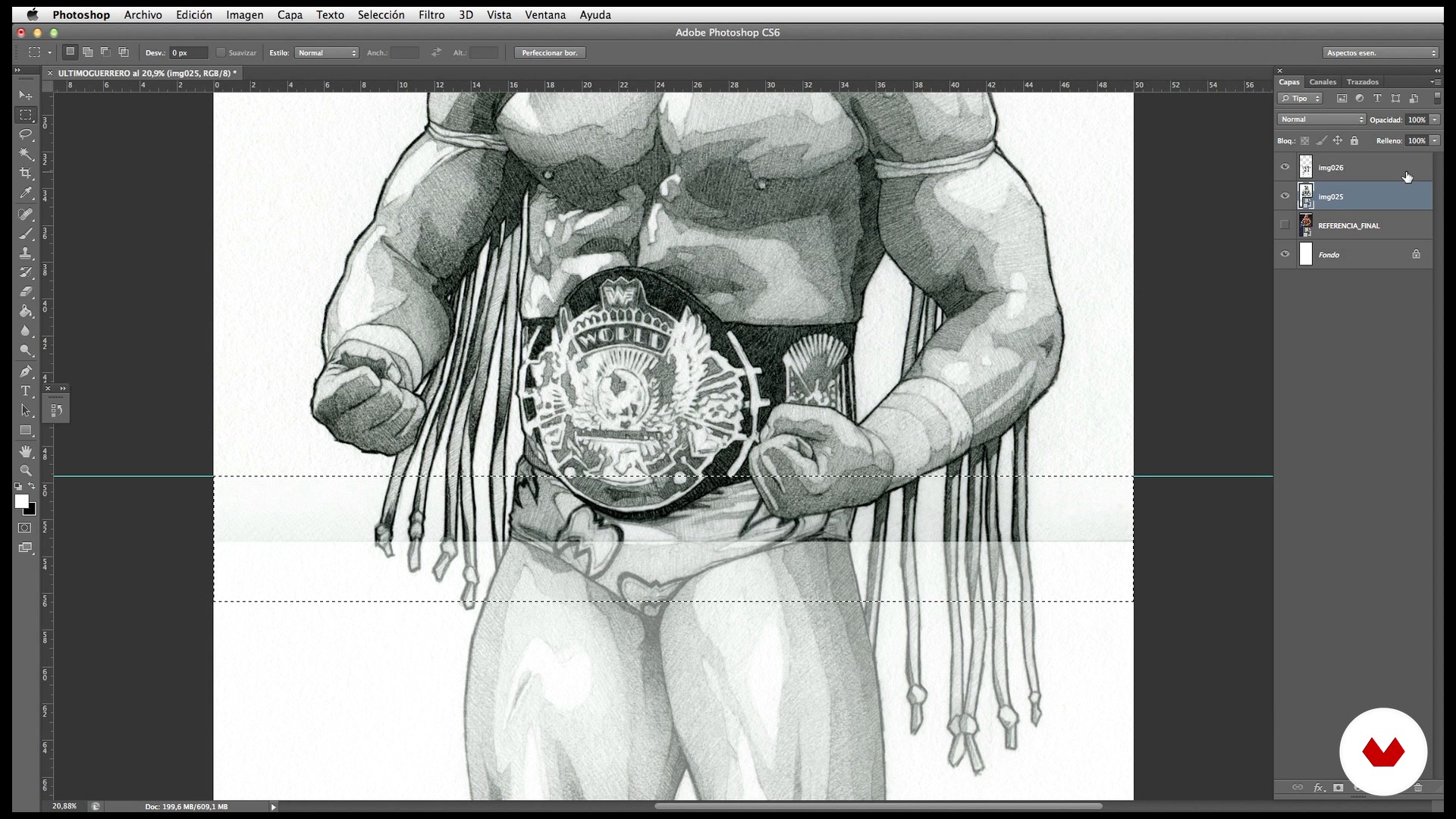
Scanning and various settings
1 menit, 1 detik
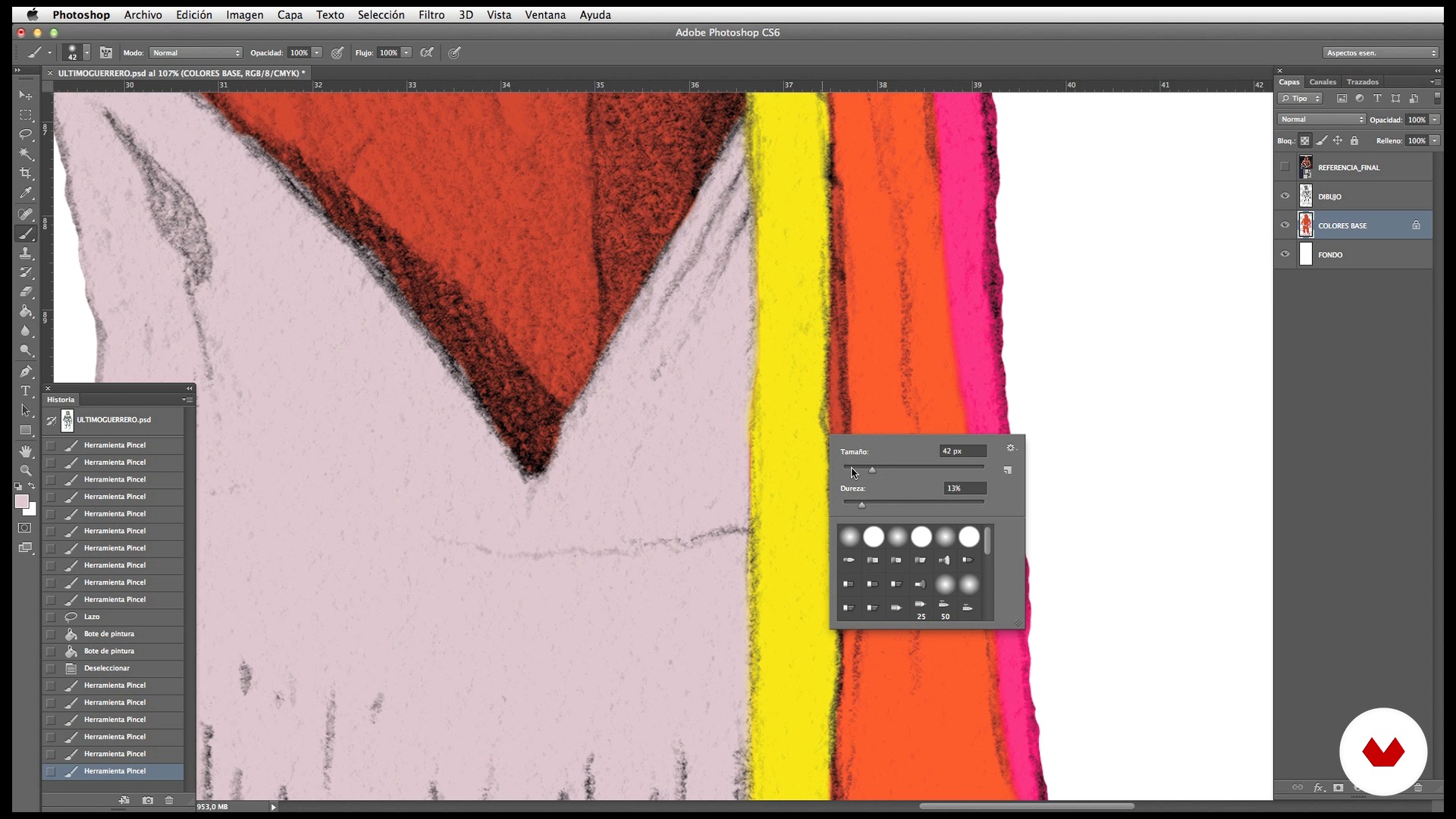
Base colors
1 menit, 1 detik
Apa yang termasuk dalam kursus ini?
You will start watching a review of the most outstanding works of Dani Blázquez and his influences.
You will learn to generate a previous drawing by hand and use it as a basis for your final illustration. To do this, you will know the materials that Dani uses regularly and you will prepare a referential or "ideal" image from a few photographs.
Then you will convert that previous drawing into a visually stunning illustration with a few layers of Photoshop and some effects.
You will also create an original typeface in an analogical way and incorporate them into art digitally.
Finally, you will check how your final illustration works on different media.
Perangkat lunak & alat yang direkomendasikan untuk kursus ini
Apa proyek kursus ini?
You will create a powerful and groundbreaking illustration on the theme that you like most by mixing the pencil drawing with digital techniques.

Proyek oleh mahasiswa kursus


Untuk siapa kursus daring ini?
To anyone who wants to start drawing (or who already does) and want, with some basic knowledge of Photoshop, give a plus of quality to their pencils. It is also aimed at restless illustrators who want to learn a different technique.
Persyaratan dan bahan
To do this course you will need a certain level of drawing although it is not essential, you can use some of the original Dani Blázquez drawings if you wish.
You will also need paper, pencil or any drawing tool with which you feel comfortable, a computer, a scanner, a graphic tablet, a light table or a well-lit window and basic knowledge of Photoshop.

Ulasan
- 2 tahun yang lalu
interesante
- 3 tahun yang lalu
Lo tengo a medias, pero lo que he visto hasta ahora me gusta bastante, práctico y sencillo y con técnicas muy resultonas para acabados que pueden llegar a ser espectaculares. Lo recomiendo!
- 4 tahun yang lalu
Have a look on the projects of the follower and you will know what you get, fantastic !
- 4 tahun yang lalu
Very very like this style, thank you so mush.
- 4 tahun yang lalu
Buenas! Este curso me parece excelente, muy bien explicado, súper práctico paso a paso abierto a distintos artistas gráficos que quieran emprender técnicas analógicas y digitales.

Isi
- U 1
Introduction
- Presentation of my work and project of the course
- Influences
- U 2
Preparing the original. Materials and techniques
- Idea, search of references and creation of our "ideal" reference photo
- Materials and techniques
- We begin to draw
- Creating our own typography by hand
- U 3
Digital Process
- Scanning and various settings
- Base colors
- Shadows and lights
- Shadows and extra lights 1
- Shadows and extra lights 2
- U 4
Final adjustments
- Background and details
- Fonts typography and final adjustments
- Possible applications
- FP
Proyek akhir
- From pencil drawing to digital illustration
Apa yang diharapkan dari kursus Domestika
Belajar dengan kecepatan Anda sendiri
Nikmati belajar dari rumah tanpa jadwal tetap dan dengan metode yang mudah diikuti. Anda bisa mengatur kecepatan belajar Anda sendiri.
Belajar dari para profesional terbaik
Pelajari metode dan teknik berharga yang dijelaskan oleh para ahli terkemuka di sektor kreatif.
Bertemu dengan guru ahli
Setiap pakar mengajarkan apa yang paling mereka kuasai, dengan pedoman yang jelas, semangat yang membara, dan wawasan profesional dalam setiap pelajaran.
Sertifikat
PLUSJika Anda anggota Plus, dapatkan sertifikat khusus yang ditandatangani oleh pengajar Anda untuk setiap kursus. Bagikan di portofolio, media sosial, atau di mana pun Anda suka.
Dapatkan kursi baris depan
Video berkualitas tinggi, jadi Anda tidak akan melewatkan satu detail pun. Dengan akses tak terbatas, Anda dapat menontonnya sesering yang Anda butuhkan untuk menyempurnakan teknik Anda.
Berbagi pengetahuan dan ide
Ajukan pertanyaan, minta masukan, atau tawarkan solusi. Bagikan pengalaman belajar Anda dengan siswa lain di komunitas yang sama bersemangatnya dengan Anda dalam hal kreativitas.
Terhubung dengan komunitas kreatif global
Komunitas ini merupakan rumah bagi jutaan orang dari seluruh dunia yang ingin tahu dan bersemangat untuk mengeksplorasi dan mengekspresikan kreativitas mereka.
Tonton kursus yang diproduksi secara profesional
Domestika menyusun daftar guru dan memproduksi setiap kursus secara internal untuk memastikan pengalaman belajar daring berkualitas tinggi.
Tanya Jawab Umum
Yes, this course is designed for those with some drawing or illustration experience who want to deepen their skills in mixed techniques and digital processes to create professional illustrated posters.
You'll need pencils of various hardness, suitable graphite paper, mechanical pencils, erasers, an A4 scanner, a computer with Photoshop, a lightbox, and refillable brushes. Access to a printer and basic drawing and digital editing materials is also recommended.
You'll learn how to blend analog and digital drawing techniques, create illustrated movie posters, design hand-drawn typography, digitize illustrations, make adjustments in Photoshop, and prepare your work for printing or screen printing.
Yes, the course covers the full process of manual typographic design, letter testing, Photoshop corrections, and creating advanced visual effects to integrate typography into illustrated compositions.
Basic drawing and Photoshop skills are recommended. If you've never combined techniques before, the course will guide you step-by-step through the integration and experimentation process.
The course explains how to digitize drawings in sections using an A4 scanner, stitch the pieces together in Photoshop, adjust resolution, remove backgrounds, and blend seams to achieve a clean final image.
Yes, you'll learn how to gather, combine, and edit photographic references in Photoshop to create original compositions and tailor images to your illustration needs.