
Learn to design an image or still life in 3D
With the help of Tavo - Art Director and Motion Grapher - you will enter the world of 3D in an easy way. You will learn the basic and necessary knowledge to be able to create a 3D image with good quality using Cinema 4D.
Apa yang akan Anda pelajari dalam kursus daring ini?
1 pelajaran & 1 unduhan
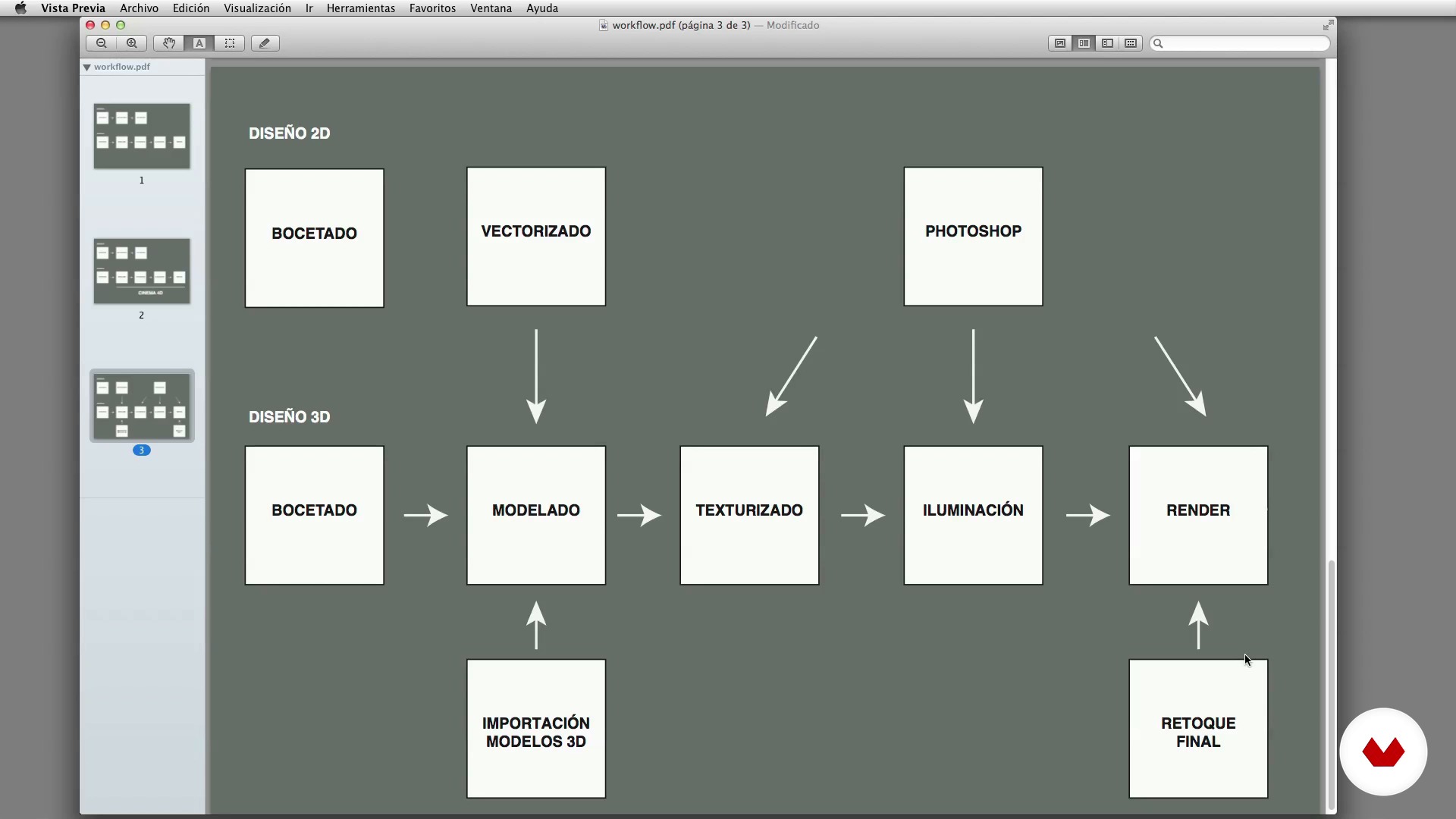
Workflow of 3D work
1 menit, 1 detik
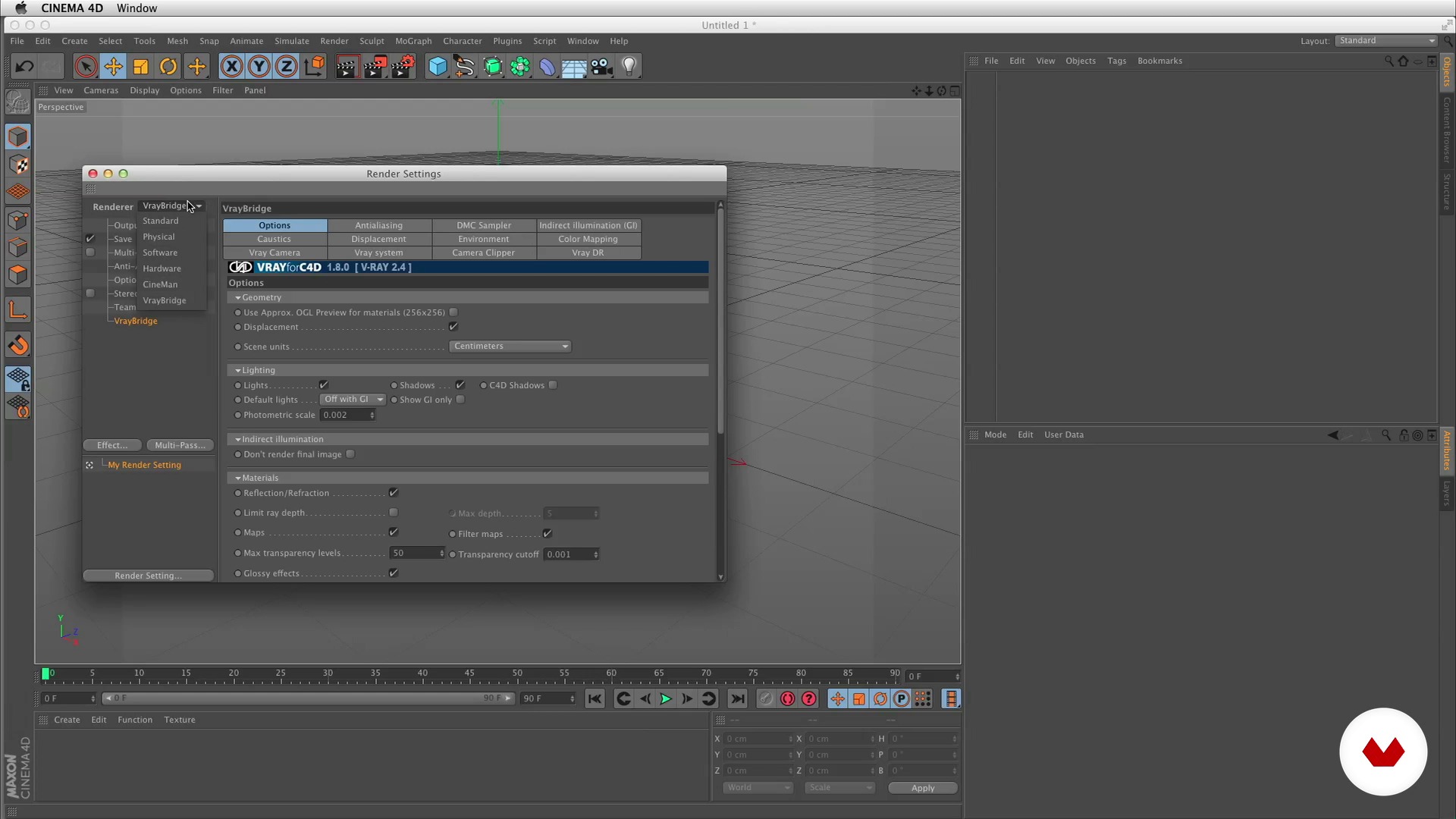
VRay and textures and lighting resources
1 menit, 1 detik
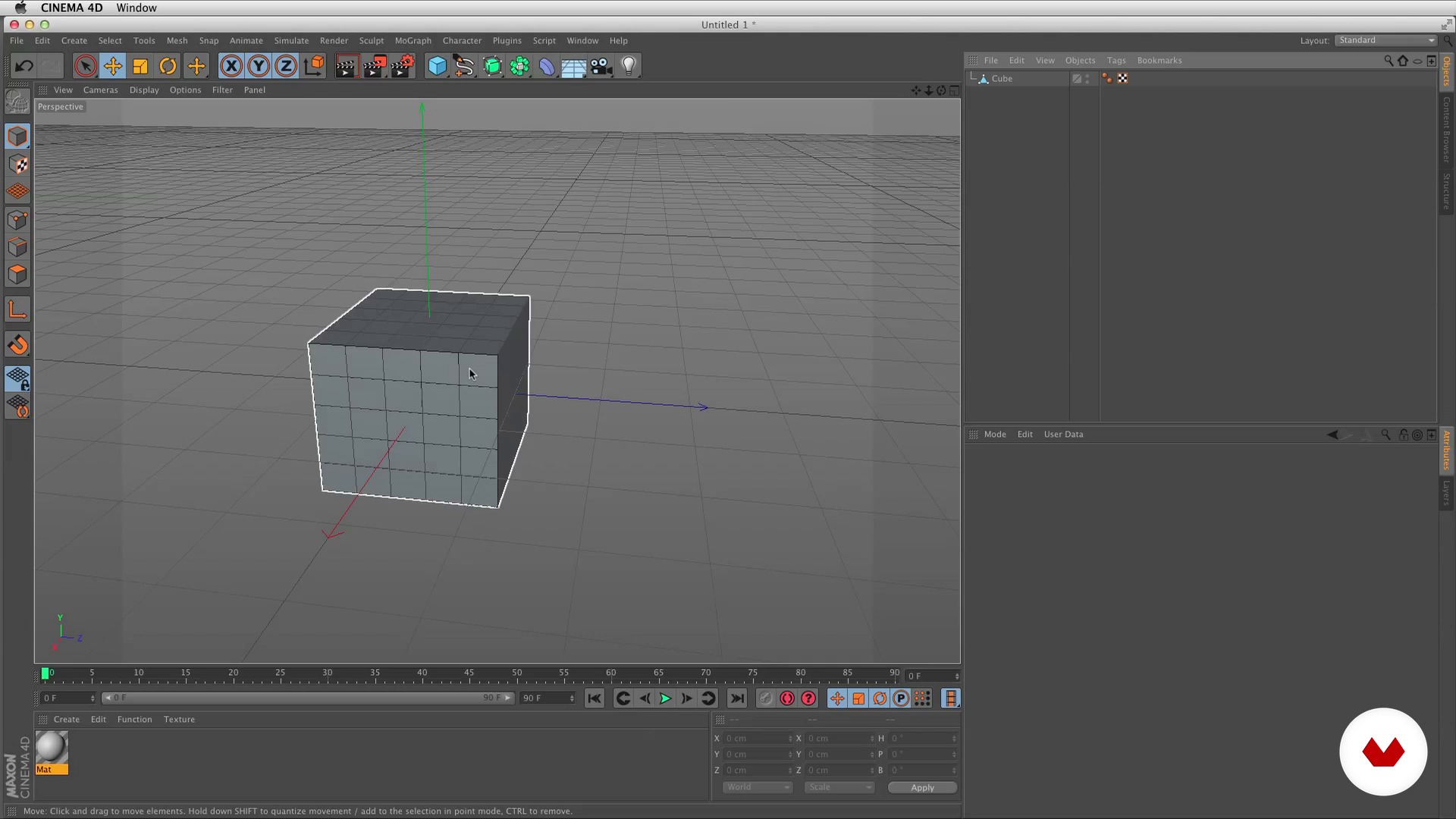
Basic knowledge of 3D
1 menit, 1 detik
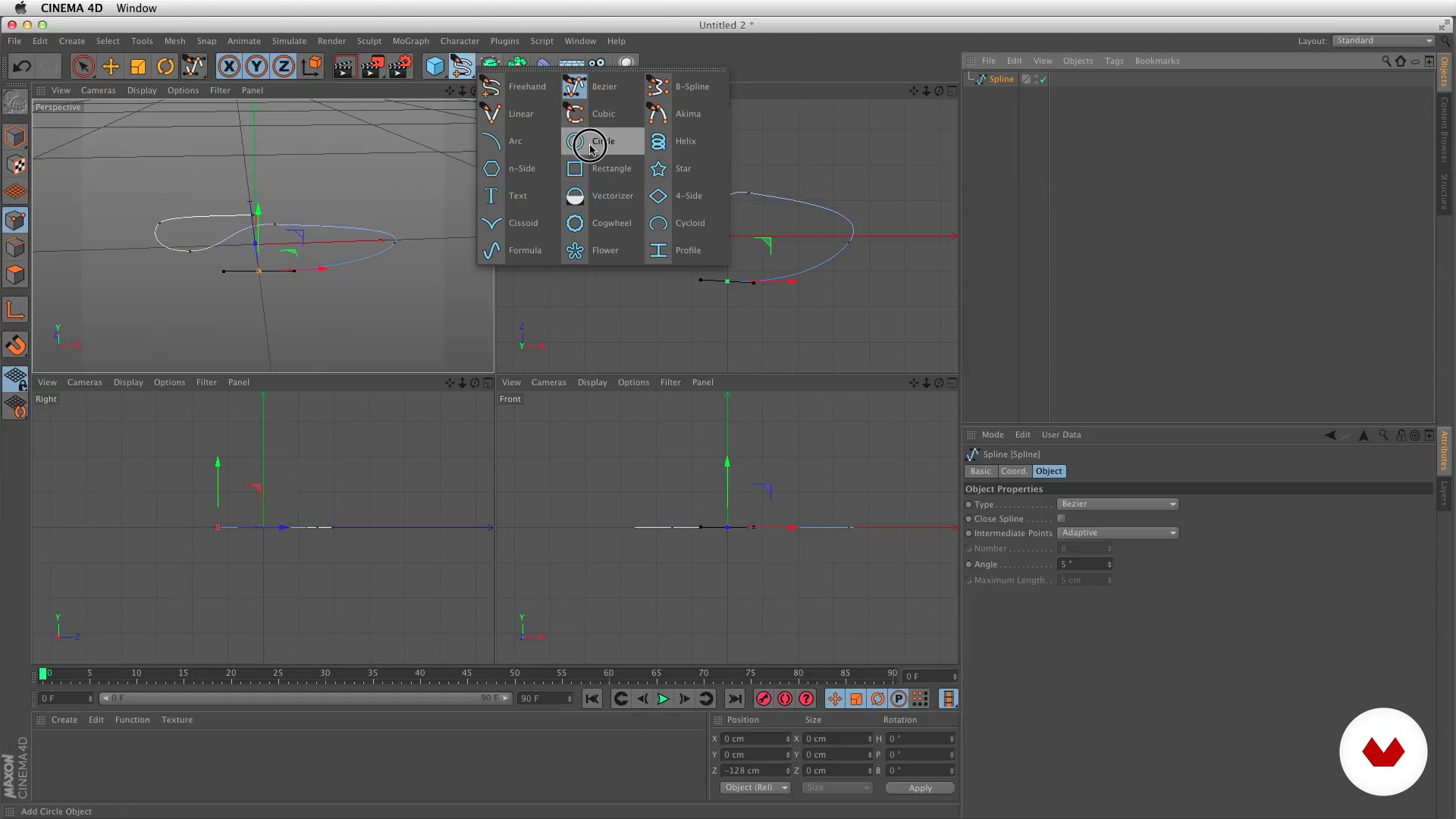
Basic Cinema 4D Tools I
1 menit, 1 detik
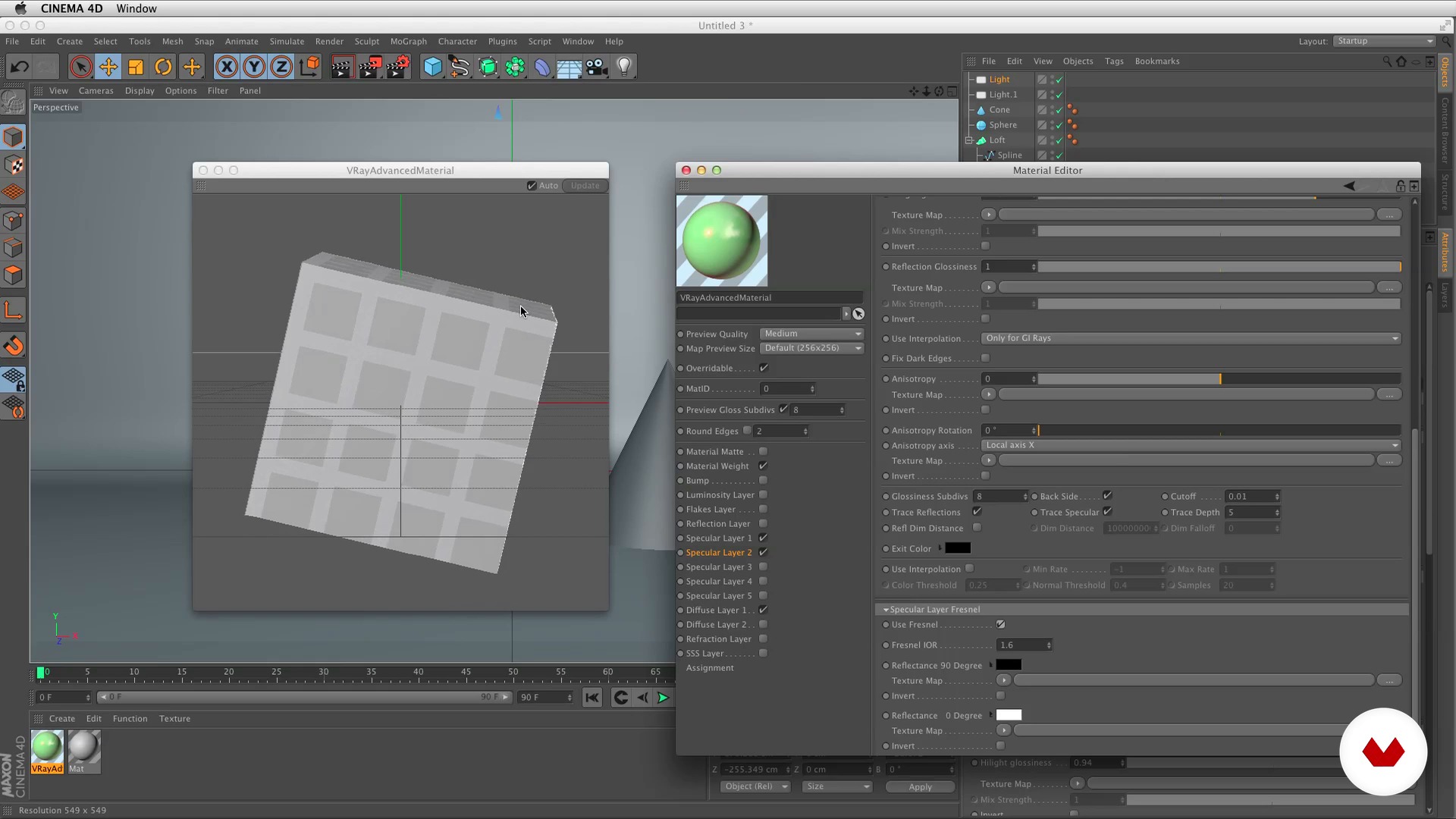
Basic tools of Cinema 4D II
1 menit, 1 detik
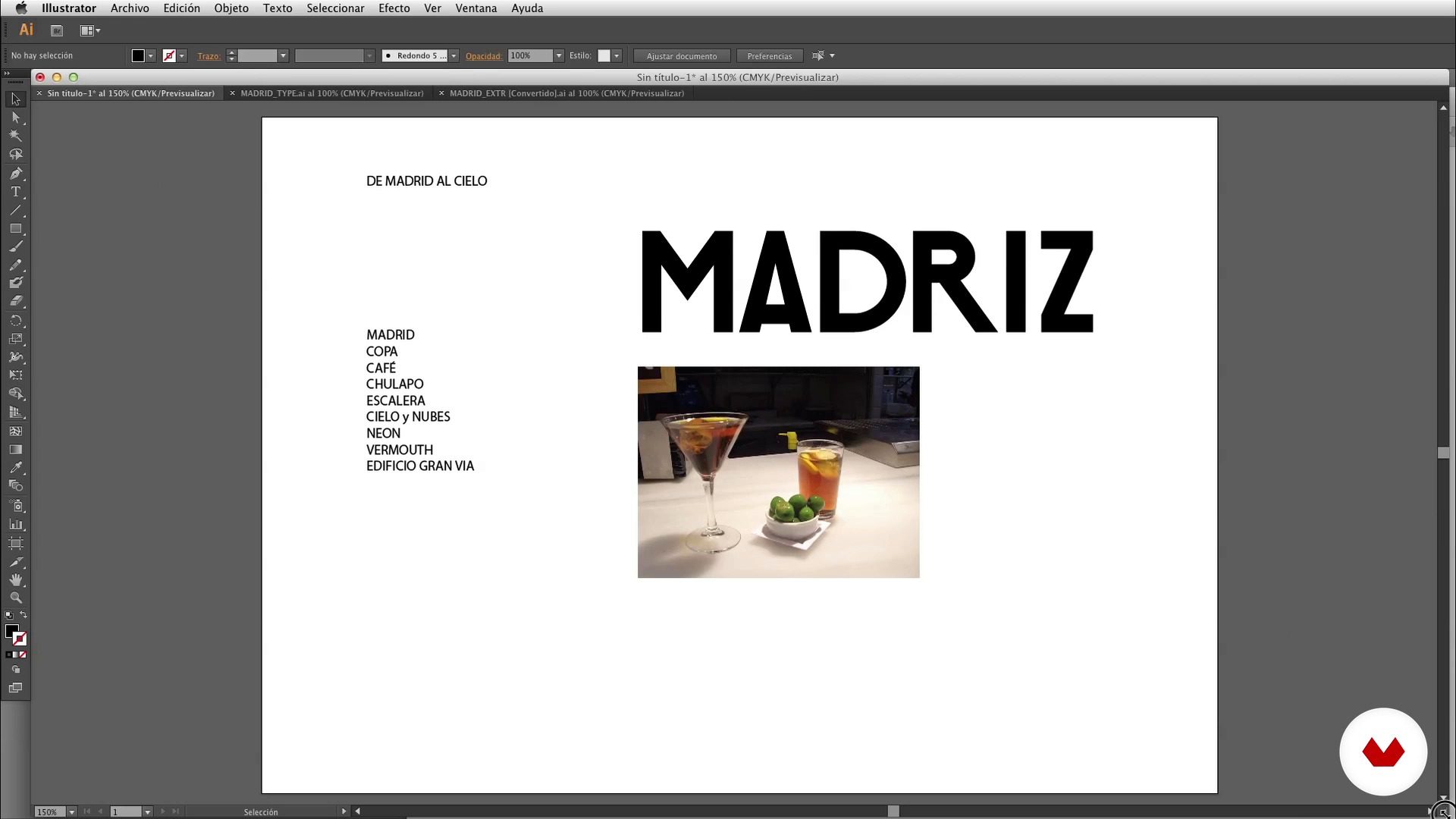
Sketch
1 menit, 1 detik
Apa yang termasuk dalam kursus ini?
First of all, you will learn a little more about Tavo's career -one of the best 3D professionals who has worked for brands such as Nike, NBC, Ford, MTV, Cacique or Telefónica, among others- and you will know the references and influences that are served as a source of inspiration.
Then, you will lose the fear of 3D. Tavo will explain what the 3D workflow consists of, how to install the VRay render engine for the processing of scenes with a high level of reality and some textural and lighting resources in Cinema 4D.
Before taking your first steps with Cinema 4D, you will review basic 3D concepts as well as the tools that make up the program, such as essential keys, modifiers, modeling, texturing and lighting.
At this point, you will make the first sketches of your idea and take them from paper to 3D in a simple way by using vector tools to import objects and model them.
Only you will have to provide some final details to get the final art of your project. Tavo will discover professional lighting and camera techniques as well as import the render and some Photoshop tricks for postproduction.

Recommended software & tools for this course
What is this course's project?
You will make an image or still life in 3D by retouching it with Photoshop, Illustrator, Cinema 4D and VRay.
Proyek oleh mahasiswa kursus


Who is this online course for?
It is a course specially designed for Graphic Designers and Art Directors who want to enter the world of 3D.
Requirements and materials
It is highly recommended to have basic knowledge of Photoshop and Illustrator and access to these programs, in addition to Cinema 4D and the VRay rendering engine.

Ulasan
- 3 tahun yang lalu
Inspiring
- 3 tahun yang lalu
EN GENERAL EXPLICANDO MUY POBRE, EL AUDIO ES BASTANTE MALO POR LO QUE HAY QUE ESTAR CONSTANTEMENTE RETROCEDIENDO PARA ENTENDER LO QQUE DICE, POR OTRO LADO LA VERSION QUE UTILIZA DE cINEMA ES BASTANTE ANTIGUA Y HA CAMBIADO BASTANTE LA INTERFASE Y LA LOCALIZACION DE LAS HERRAMIENTAS POR LO QUE SE HACE MAS DIFICIL. DE LOS CURSOS DE DOMESTIKA, EL PEOR QUE HE HECHO. SERÁ MUY BUENO COMO TECNICO, PERO LA DICENCIA ES OTRA COSA, Y DICHO ESTO CON PROPIEDAD YA QUE SOY PROFESOR.
- 3 tahun yang lalu
Muy bueno y muy claro todo.
- 4 tahun yang lalu
me encanto
- 4 tahun yang lalu
Está genial el curso! Muy completo, desde modelado renderizado y postproducción.

Isi
- U 1
Introduction
- Presentation
- Influences
- U 2
Losing the fear of 3D
- Workflow of 3D work
- VRay and textures and lighting resources
- Basic knowledge of 3D
- Basic Cinema 4D Tools I
- Basic tools of Cinema 4D II
- U 3
From paper to 3D
- Sketch
- Vector tools and vector import
- Modeling and importing objects I
- Modeling and importing objects II
- U 4
From 3D to final art
- Textured I
- Textured II
- Lighting and cameras
- Creation of final image and masks
- Import of render and masks in Photoshop
- FP
Proyek akhir
- Art Direction with Cinema 4D
Apa yang diharapkan dari kursus Domestika
Belajar dengan kecepatan Anda sendiri
Nikmati belajar dari rumah tanpa jadwal tetap dan dengan metode yang mudah diikuti. Anda bisa mengatur kecepatan belajar Anda sendiri.
Belajar dari para profesional terbaik
Pelajari metode dan teknik berharga yang dijelaskan oleh para ahli terkemuka di sektor kreatif.
Bertemu dengan guru ahli
Setiap pakar mengajarkan apa yang paling mereka kuasai, dengan pedoman yang jelas, semangat yang membara, dan wawasan profesional dalam setiap pelajaran.
Certificates
PLUSIf you're a Plus member, get a sertifikat khusus signed by your teacher for every course. Share it on your portfolio, social media, or wherever you like.
Dapatkan kursi baris depan
Video berkualitas tinggi, jadi Anda tidak akan melewatkan satu detail pun. Dengan akses tak terbatas, Anda dapat menontonnya sesering yang Anda butuhkan untuk menyempurnakan teknik Anda.
Berbagi pengetahuan dan ide
Ajukan pertanyaan, minta masukan, atau tawarkan solusi. Bagikan pengalaman belajar Anda dengan siswa lain di komunitas yang sama bersemangatnya dengan Anda dalam hal kreativitas.
Terhubung dengan komunitas kreatif global
Komunitas ini merupakan rumah bagi jutaan orang dari seluruh dunia yang ingin tahu dan bersemangat untuk mengeksplorasi dan mengekspresikan kreativitas mereka.
Tonton kursus yang diproduksi secara profesional
Domestika menyusun daftar guru dan memproduksi setiap kursus secara internal untuk memastikan pengalaman belajar daring berkualitas tinggi.
Tanya Jawab Umum
You’ll learn how to create 3D images and animations using Cinema 4D and V-Ray, covering everything from modeling, texturing, and lighting to composition and post-production for branding projects.
This is an intermediate-level course, so basic knowledge of graphic design or creative software is recommended, though essential workflows are explained.
You’ll need Cinema 4D, V-Ray for Cinema 4D, Adobe Illustrator, and Photoshop to follow all exercises and examples in the course.
Yes, the course covers creating both still images and 3D animations tailored to branding and visual communication projects.
You’ll learn how to define aesthetics, color palettes, and visual composition to convey brand messages through 3D elements.
Yes, the course teaches how to export and prepare Illustrator vectors properly for modeling in Cinema 4D.
You’ll learn to apply realistic materials and textures, set up studio lighting, and fine-tune settings in both Cinema 4D and V-Ray to achieve professional renders.