Digital Illustration with Illustrator and Photoshop
Kursus oleh Julian ArdilaIlustrator dan desainer
Kursus oleh Julian Ardila, Ilustrator dan desainer

Learn to communicate and create a graphic identity through illustration
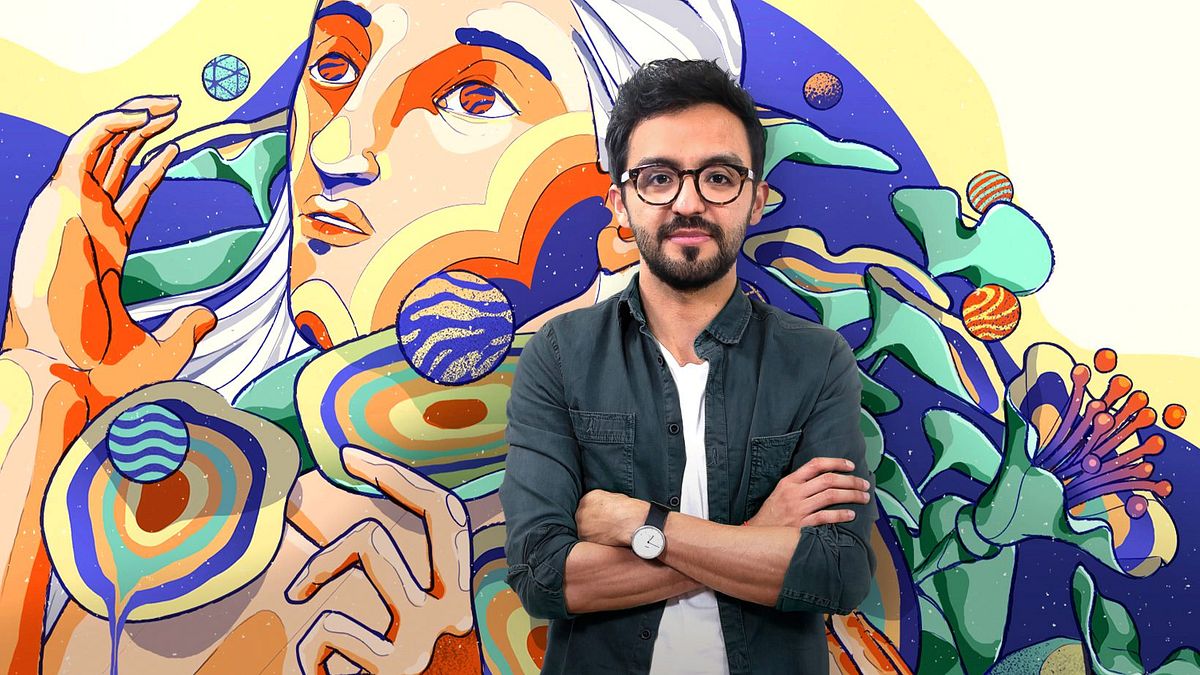
Julián Ardila-Colombian designer and illustrator-currently has his own studio: Franca, with which he seeks to work with entrepreneurs and brands that aim to generate a positive impact, but his beginnings in design go back to advertising agencies, such as Leo Burnet and Sancho BBDO Colombia, time in which he had the opportunity to be part of the project "Empresarios de Andén", helping small merchants and street vendors, who did not have the resources to promote themselves, to have their own graphic image.
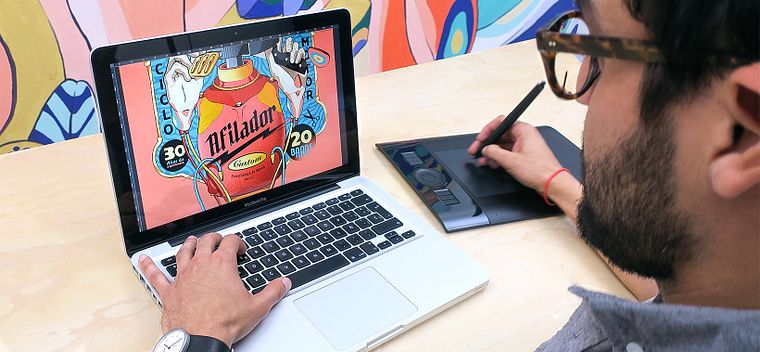
In this course, Julian will teach you how to make an illustrated poster using Illustrator and Photoshop, from the conception of the idea to the final art. In addition, it will teach you to convert that illustration into a simple animated gif so that the image gains even more strength.
Apa yang akan Anda pelajari dalam kursus daring ini?
1 pelajaran & 1 unduhan
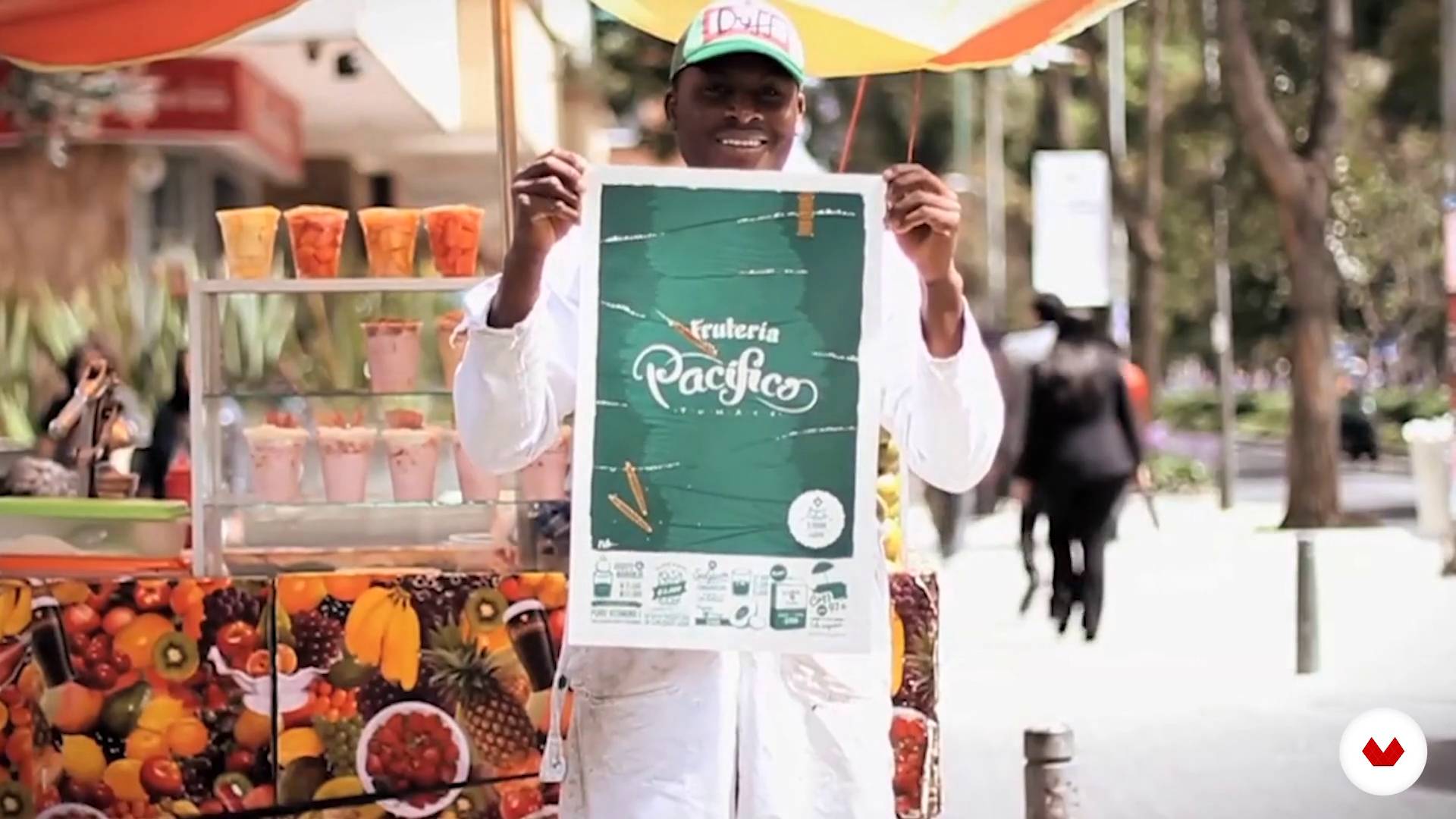
The idea
1 menit, 1 detik
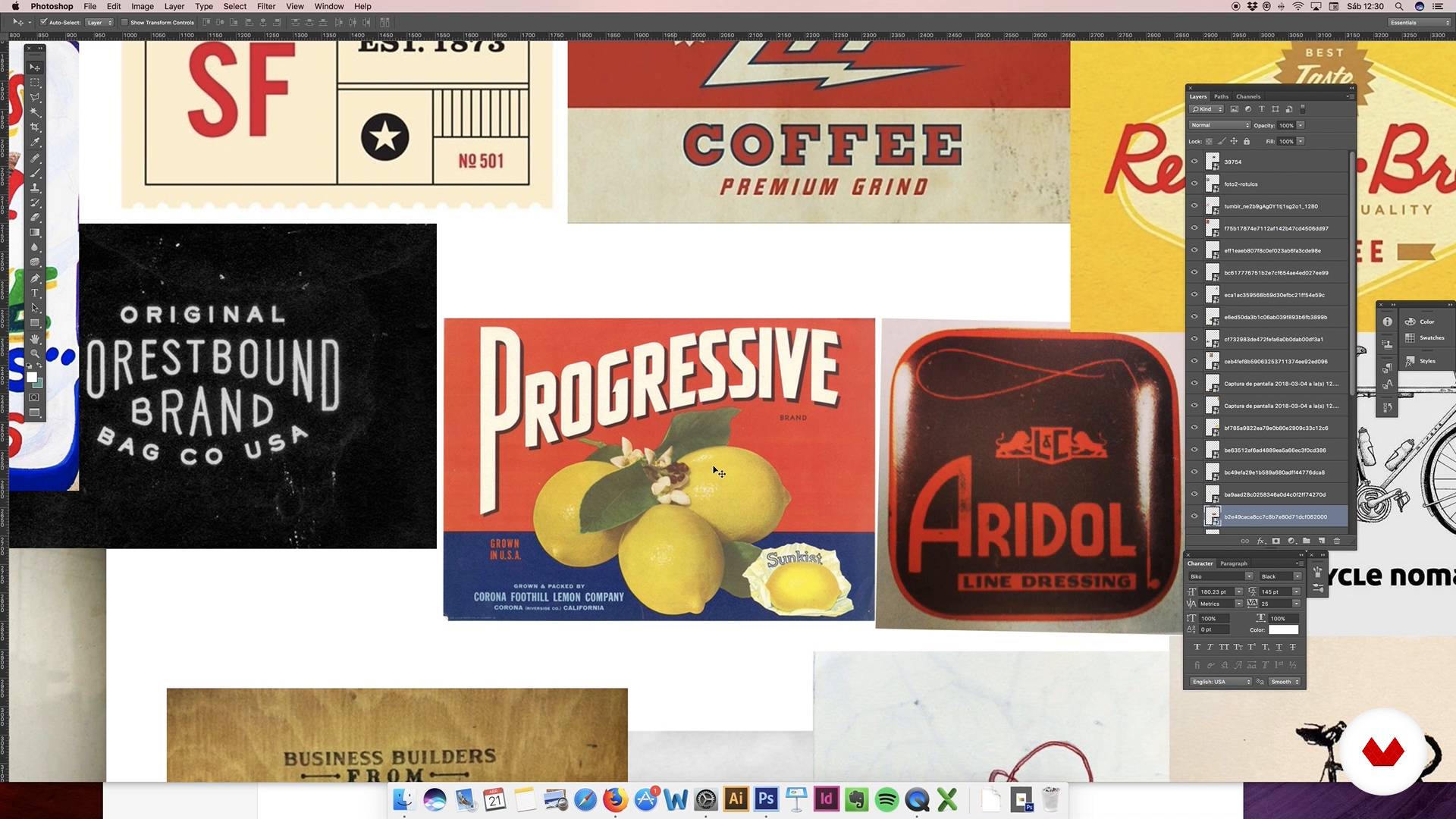
Conceptualization of the idea: moodboard
1 menit, 1 detik
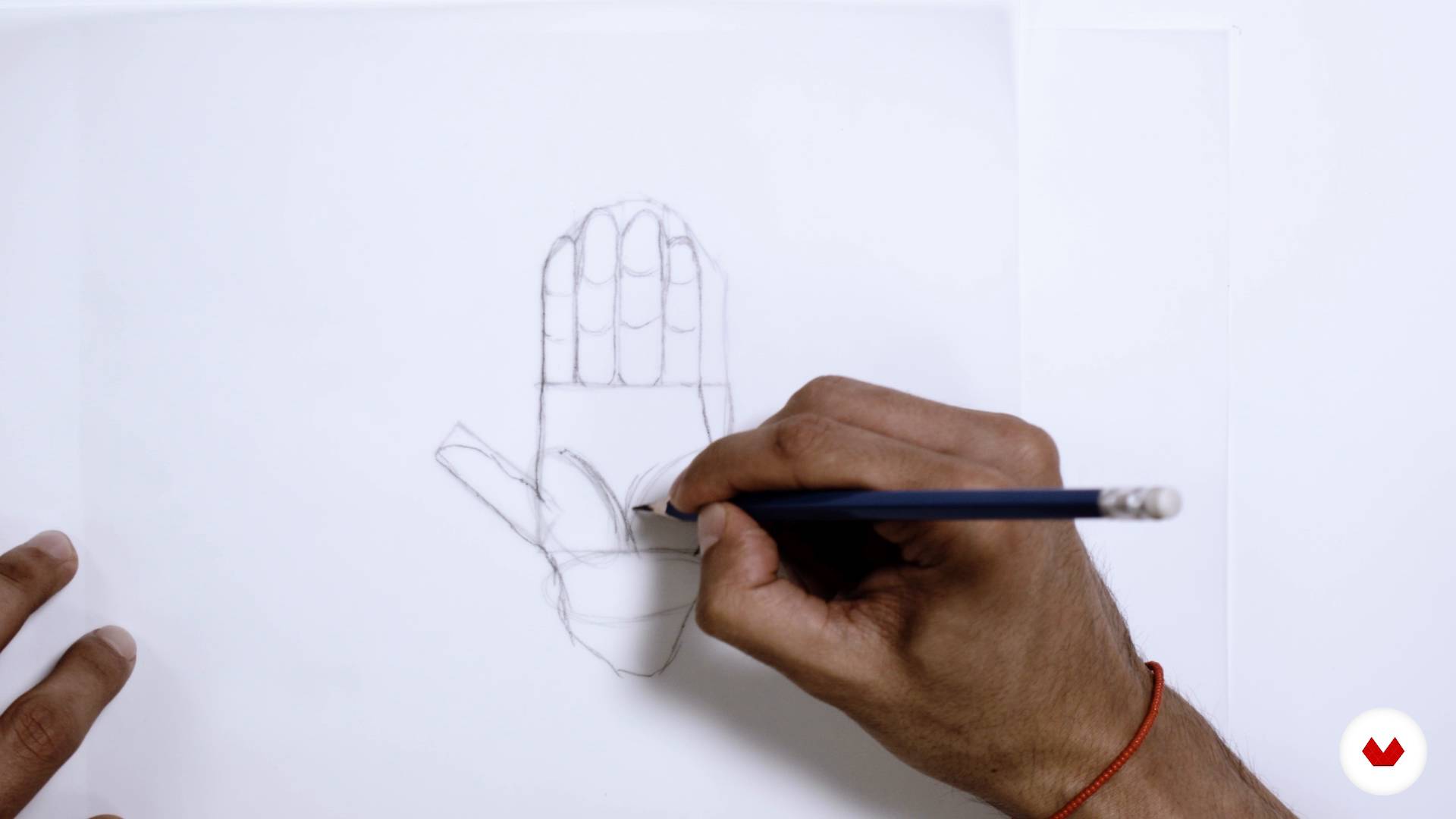
Sketch
1 menit, 1 detik
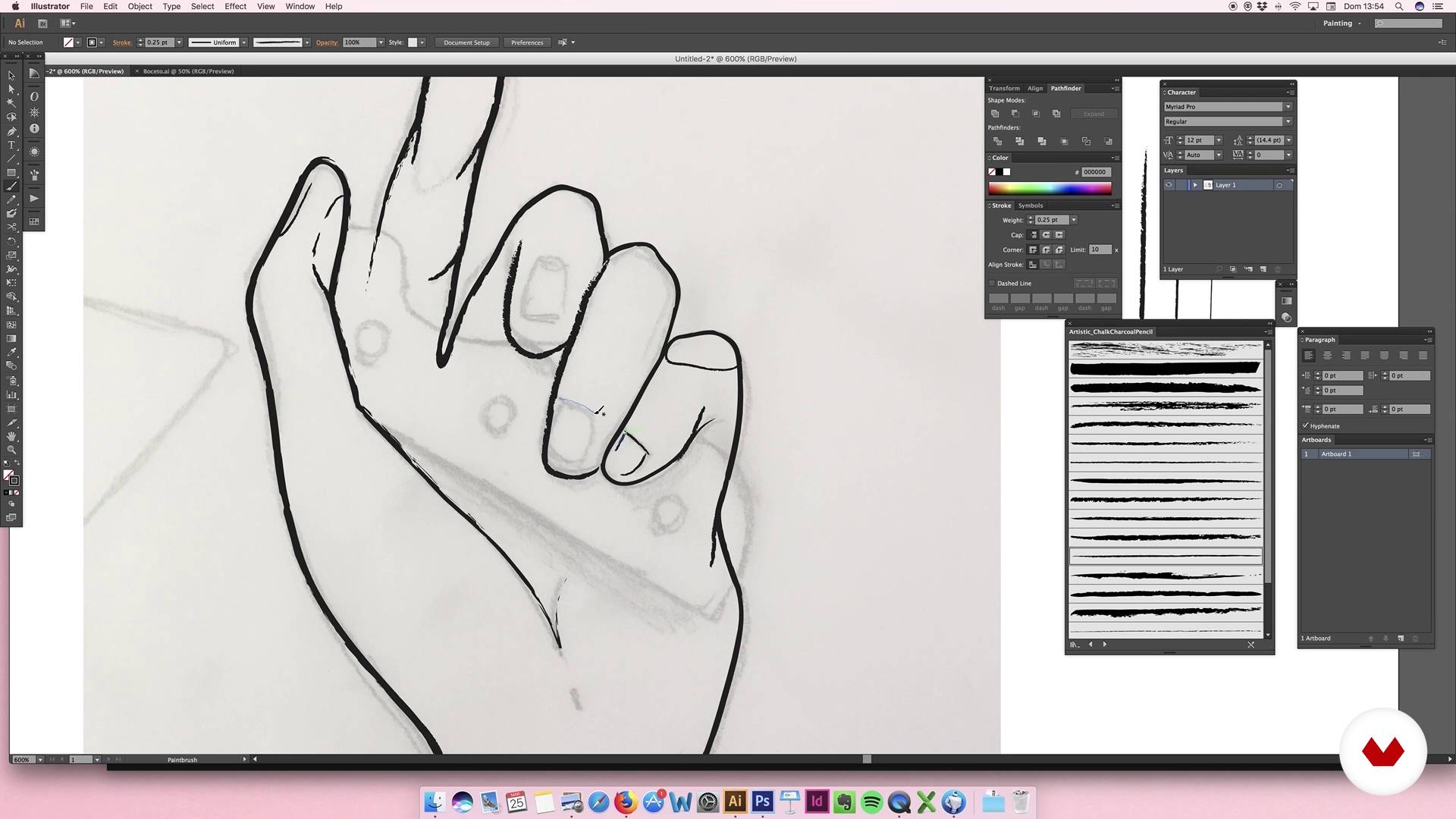
Digitization elements: hands
1 menit, 1 detik
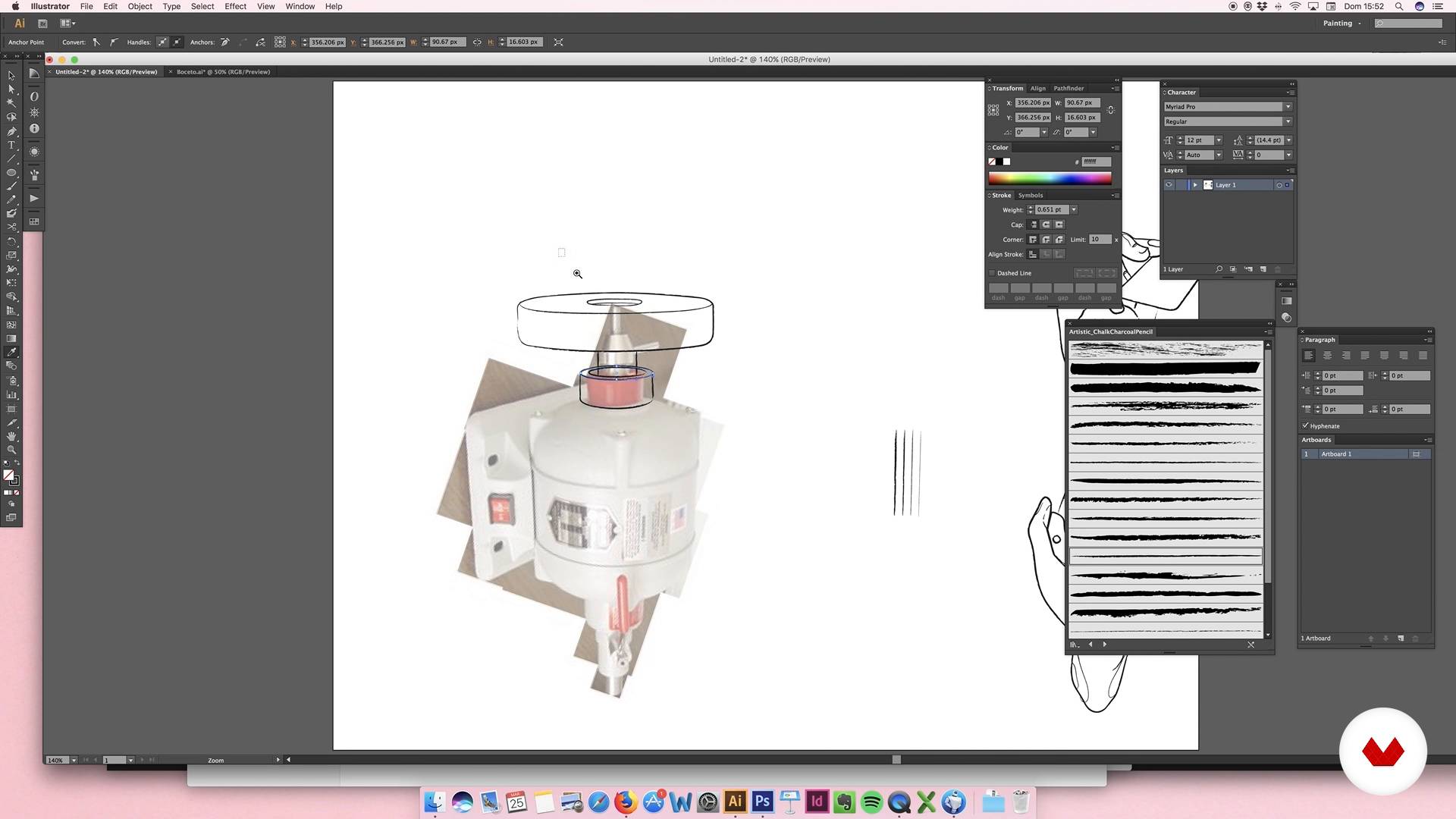
Digitization of elements: sharpener motor
1 menit, 1 detik
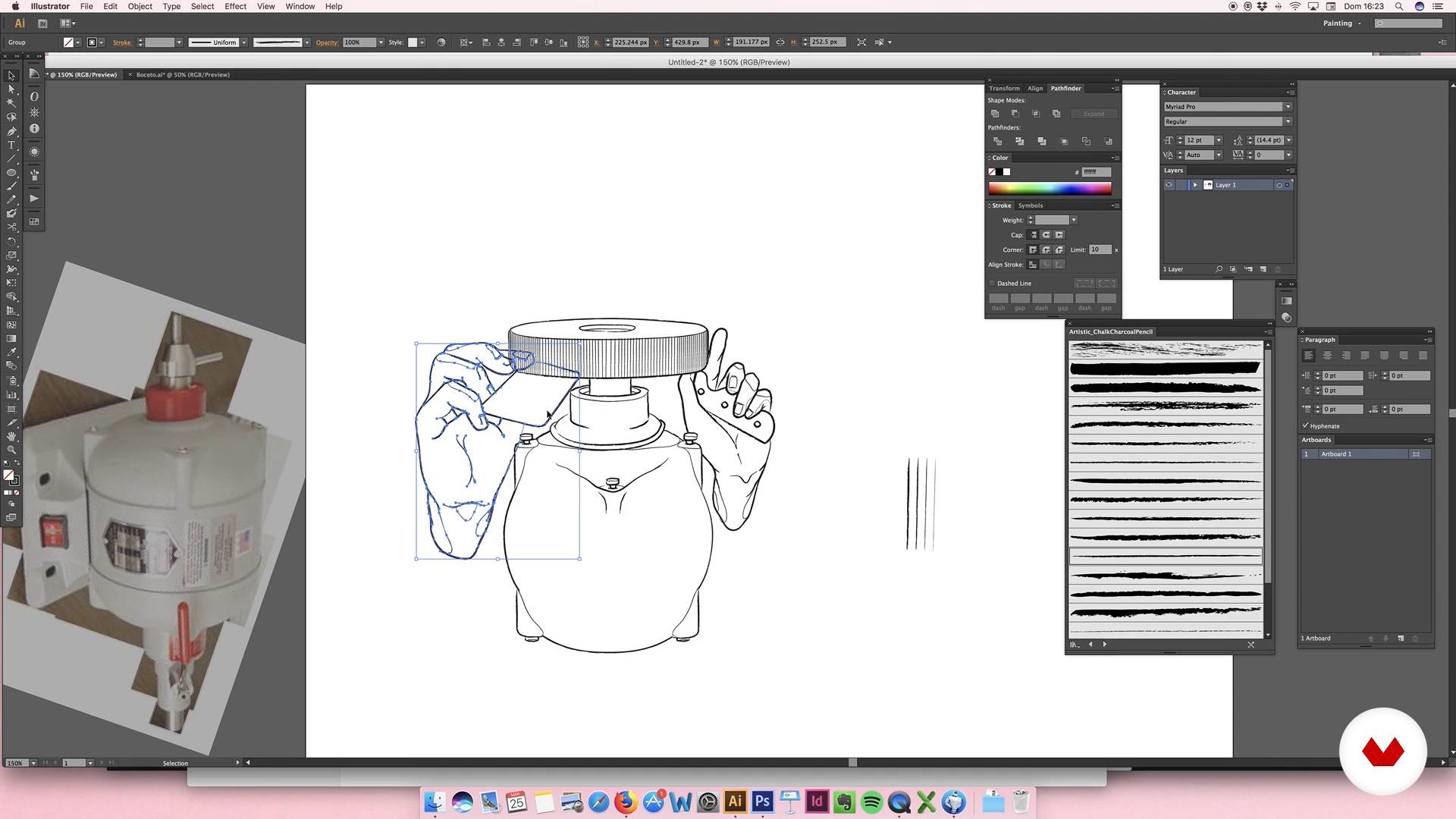
Digitization of elements: sharpener motor II
1 menit, 1 detik
Apa yang termasuk dalam kursus ini?
You will begin by getting to know more about Julian's work, who will also tell you about the artists who inspire him most and his influences.
Then you will define the graphic style and the color palette that you will use in your illustration. You will make the first sketches, which will help you to establish the composition of the design.
Once you are satisfied with the result, you will digitize the sketch and work with it in Illustrator. You will also include a logo, you will select the typefaces and you will work all the elements so that the composition is harmonious and attractive.
Next you will apply color, textures and shadows, refining the last details of the poster.
To finish, Julián will teach you how to make a simple animation that will turn your poster into a gif.
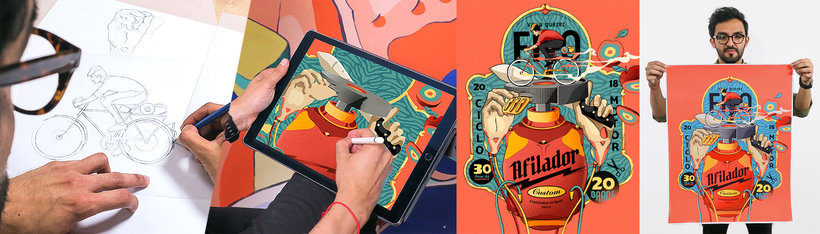
Perangkat lunak & alat yang direkomendasikan untuk kursus ini
Apa proyek kursus ini?
You will make an illustrated poster that will serve as a graphic image for a business.
Proyek oleh mahasiswa kursus


Untuk siapa kursus daring ini?
Illustrators, designers and anyone who is looking for new ways to express their ideas and develop their creativity.
Persyaratan dan bahan
You must have basic knowledge of illustration and design, and know how to handle Illustrator and Photoshop.
Ulasan
- 1 bulan yang lalu
So Grateful to join this course!!! Good tutorial basic and deep learning illustration with two application this Adobe Illustrator & Photoshop. We learn illustration for brand and create a simple animation frame per frame draw and we can make Simple Animation Illustration Art Poster Design. Thank you Sir Julian Ardila and everyone.
- 4 bulan yang lalu
Me parecio muy interesante, muy llamativo y educactivo, muchas gracias por compartirnos tu conocimiento
- 1 tahun yang lalu
Bon cours
- 2 tahun yang lalu
¡Un curso Maravilloso!! :)
- 2 tahun yang lalu
excelente curso

Isi
- U 1
Introduction
- Presentation
- Influences
- U 2
Conceptualization
- The idea
- Conceptualization of the idea: moodboard
- Sketch
- U 3
Illustration
- Digitization elements: hands
- Digitization of elements: sharpener motor
- Digitization of elements: sharpener motor II
- U 4
Logo, typography and consolidation
- Logo I
- Logo II
- Logo III
- Typographies
- Consolidation I
- Consolidation II
- U 5
Last details
- Color I
- Color II
- Color III
- Color IV
- Extra details
- FP
Proyek akhir
- Digital illustration
Apa yang diharapkan dari kursus Domestika
Belajar dengan kecepatan Anda sendiri
Nikmati belajar dari rumah tanpa jadwal tetap dan dengan metode yang mudah diikuti. Anda bisa mengatur kecepatan belajar Anda sendiri.
Belajar dari para profesional terbaik
Pelajari metode dan teknik berharga yang dijelaskan oleh para ahli terkemuka di sektor kreatif.
Bertemu dengan guru ahli
Setiap pakar mengajarkan apa yang paling mereka kuasai, dengan pedoman yang jelas, semangat yang membara, dan wawasan profesional dalam setiap pelajaran.
Sertifikat
PLUSJika Anda anggota Plus, dapatkan sertifikat khusus yang ditandatangani oleh pengajar Anda untuk setiap kursus. Bagikan di portofolio, media sosial, atau di mana pun Anda suka.
Dapatkan kursi baris depan
Video berkualitas tinggi, jadi Anda tidak akan melewatkan satu detail pun. Dengan akses tak terbatas, Anda dapat menontonnya sesering yang Anda butuhkan untuk menyempurnakan teknik Anda.
Berbagi pengetahuan dan ide
Ajukan pertanyaan, minta masukan, atau tawarkan solusi. Bagikan pengalaman belajar Anda dengan siswa lain di komunitas yang sama bersemangatnya dengan Anda dalam hal kreativitas.
Terhubung dengan komunitas kreatif global
Komunitas ini merupakan rumah bagi jutaan orang dari seluruh dunia yang ingin tahu dan bersemangat untuk mengeksplorasi dan mengekspresikan kreativitas mereka.
Tonton kursus yang diproduksi secara profesional
Domestika menyusun daftar guru dan memproduksi setiap kursus secara internal untuk memastikan pengalaman belajar daring berkualitas tinggi.
Tanya Jawab Umum
You’ll learn to create digital illustrations, develop graphic identities for businesses, apply vectorization techniques, choose color palettes, design logos, and compose visual pieces for commercial brands—from sketching to basic animation.
This is an intermediate-level course. It’s recommended that you have basic illustration skills and familiarity with programs like Illustrator and Photoshop to get the most out of it.
You’ll need a computer with Adobe Illustrator and Photoshop, an optional graphics tablet, and basic digital illustration knowledge to follow the practical exercises.
You’ll learn how to analyze needs, select visual references, build moodboards, and design custom logos and illustrations that strengthen the visual identity of emerging brands and informal businesses.
You’ll master sketch vectorization, use custom brushes, apply shadows and volume, integrate typography, compose with geometric shapes, and create basic animations in Photoshop.
The course covers everything from research, moodboard creation, sketching, color palette selection, digitization, to final composition and delivering pieces ready for web or print.
The main tools used are Adobe Illustrator and Photoshop for creating, vectorizing, editing, and animating digital illustrations and graphic pieces.