Professional Modeling of 3D Cartoon Characters
Kursus oleh Juan Solís GarcíaPemodel karakter
Kursus oleh Juan Solís García, Pemodel karakter

Learn to design characters for animation with ZBrush and 3ds Max
Character modeler Juan Solís has dedicated his career to creating countless 3D cartoon characters over the past two decades, working for top studios like Disney Animation, DreamWorks, Ilion Animation Studios, and Blur Studio on high-profile projects such as Frozen, Trollhunters, Spiderman, and Tadeo Jones.
If there's one thing he's learned through experience, it's that there are notable differences between modeling 3D characters for a personal project and doing so for a professional production. In this course, Juan teaches you how to model characters in collaboration with the art department and prepare them to star in an epic animated production.
Apa yang akan Anda pelajari dalam kursus daring ini?
1 pelajaran & 1 unduhan
Briefing
1 menit, 1 detik
Search for references and look and feel
1 menit, 1 detik
The lace
1 menit, 1 detik
Detailed and sculpted I
1 menit, 1 detik
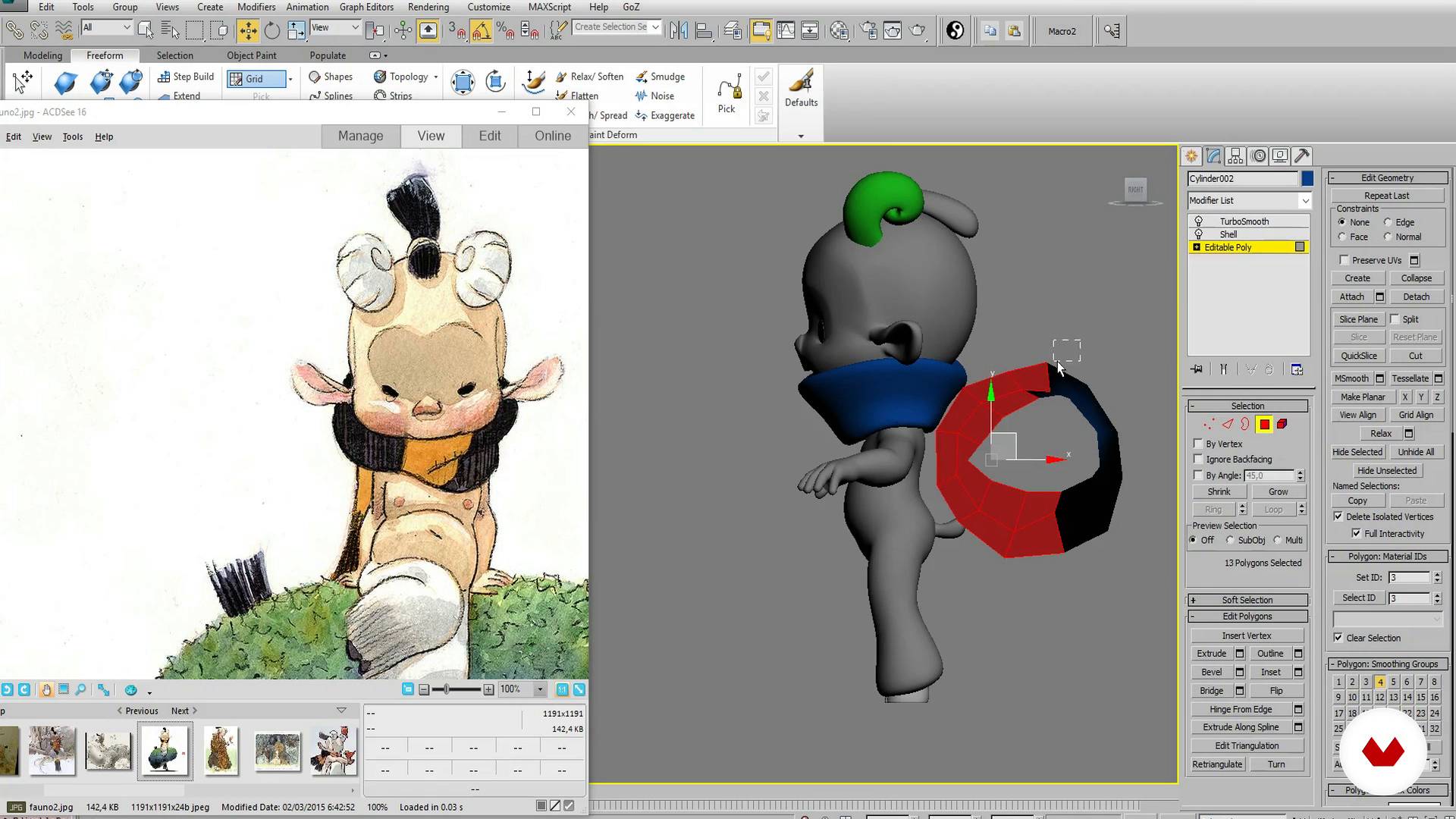
Detailed and sculpted II
1 menit, 1 detik
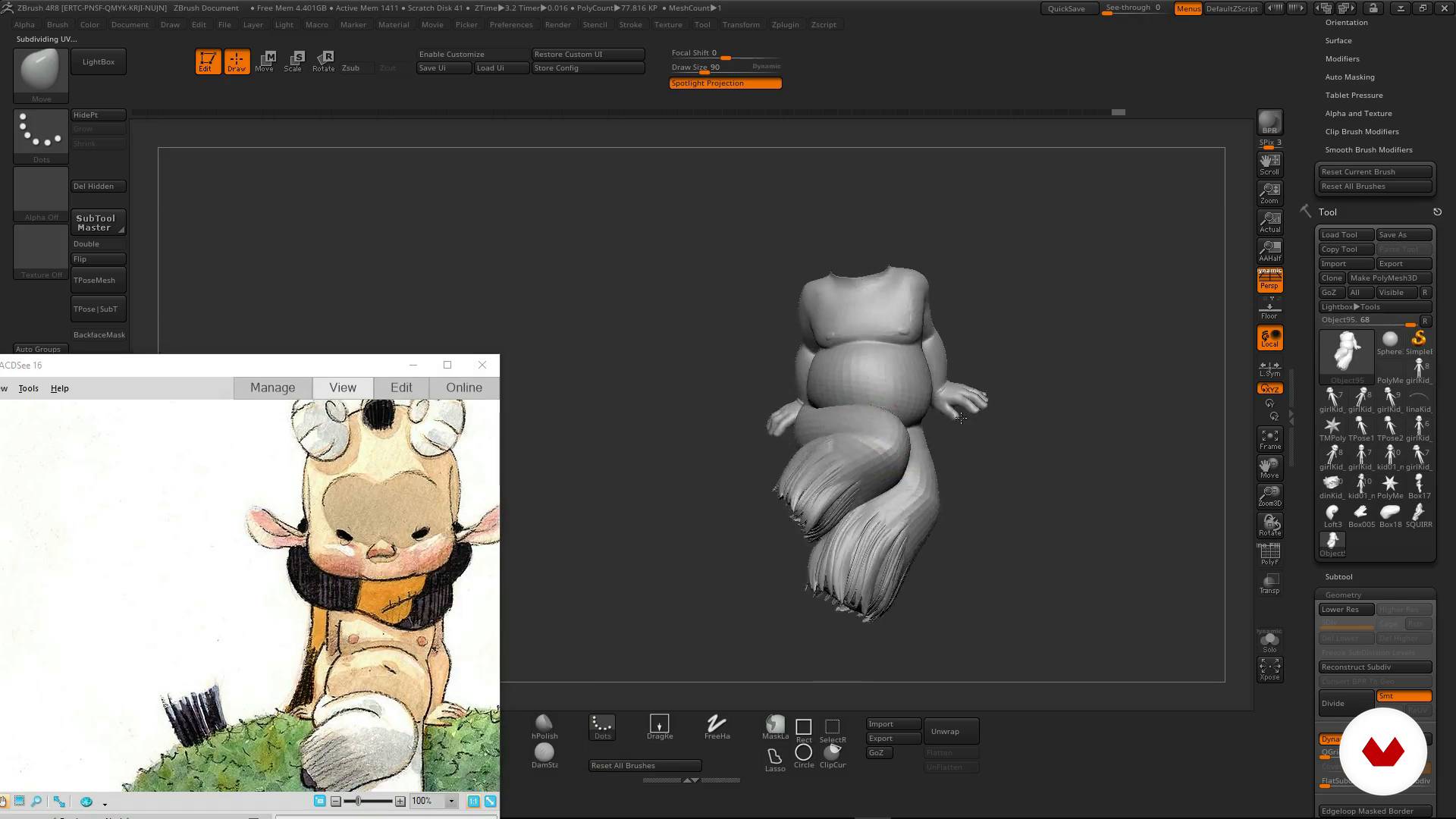
Landed
1 menit, 1 detik
Apa yang termasuk dalam kursus ini?
Get started by exploring Juan Solís's work and his influences as he gives you a tour of the projects and artists that have inspired him.
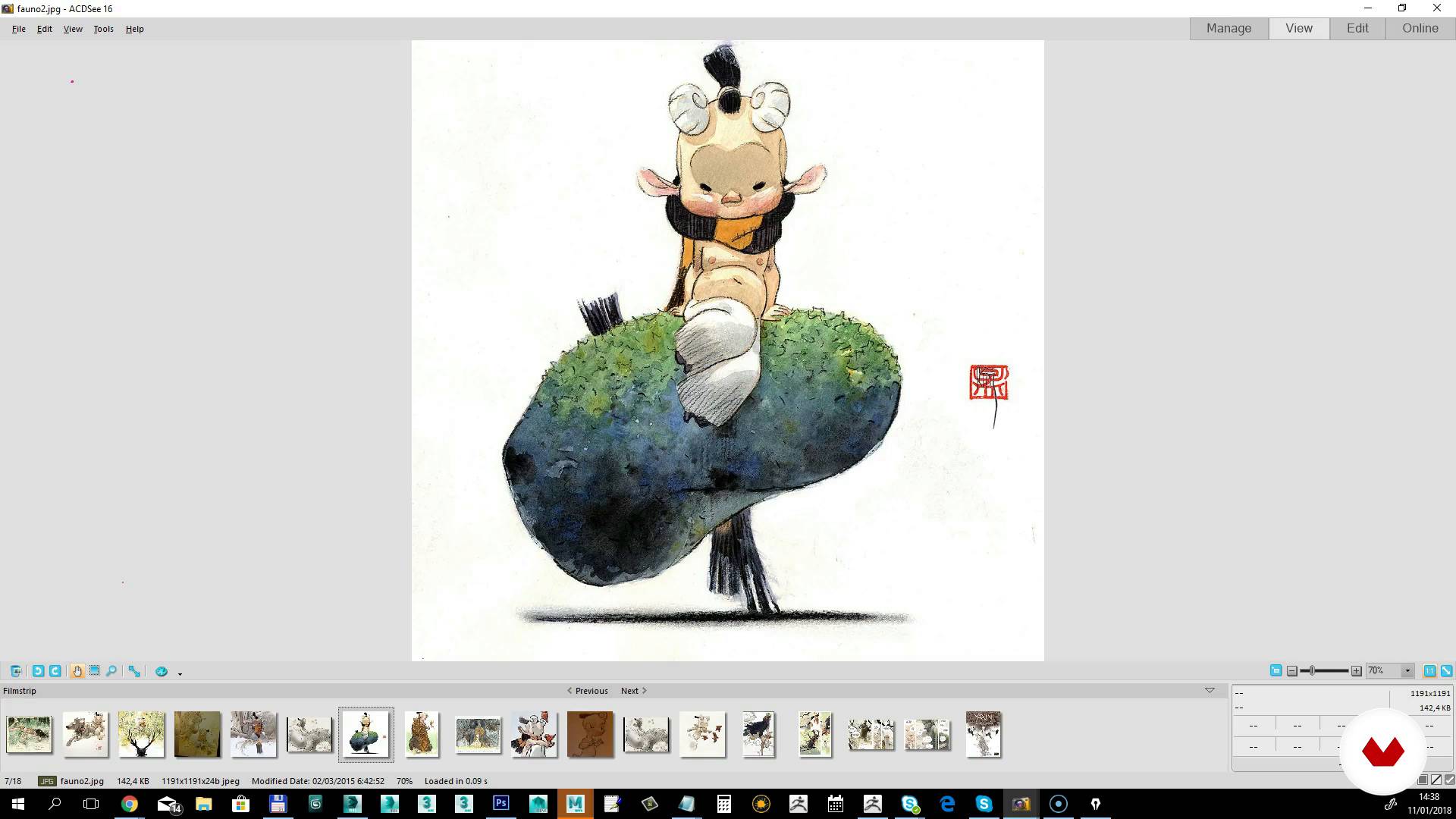
Learn to analyze a brief and search for references to define the look and feel of your project and sketch out a first draft of your character.
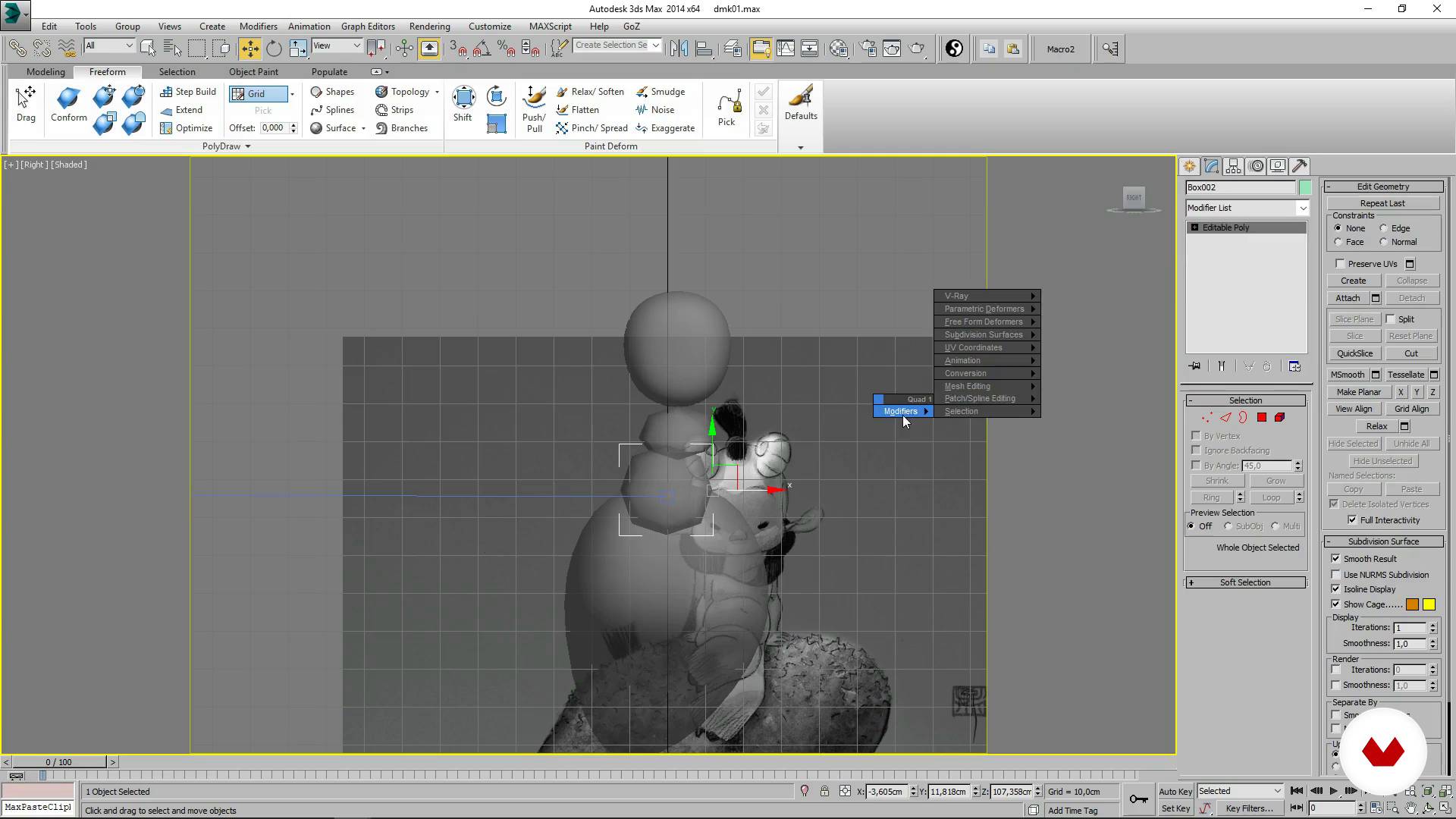
Next, start modeling by blocking in your character's basic shapes, ensuring its proportions are correct. Move on to the sculpting phase to add detail to your character and shape its pose.
Once you've finished this first stage, prepare a presentation for your client with a turnaround animation and various stills depicting the character from different angles.
Then take a deep dive into more technical aspects, making corrections to the character's topology and UVs to prepare it for painting.
To tie everything together, Juan Solís provides some tricks you can apply to model your 3D cartoon characters in a more professional way.
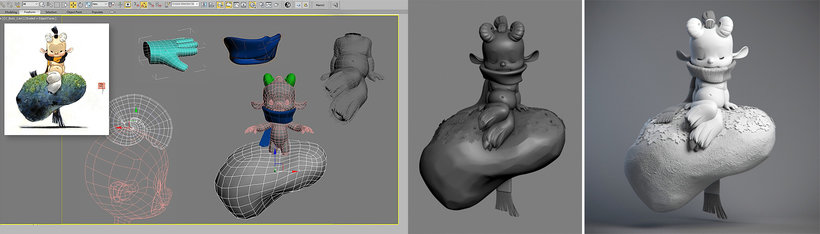
Perangkat lunak & alat yang direkomendasikan untuk kursus ini
Apa proyek kursus ini?
Model a 3D character, from the initial concept to its final pose, and prepare it for an animated production.
Proyek oleh mahasiswa kursus


Untuk siapa kursus daring ini?
Character designers and creators with prior modeling experience who want to master the workflow involved in creating 3D characters for any type of professional production.
Persyaratan dan bahan
You need a computer with 3D modeling software (such as 3ds Max, Maya, or Blender) and ZBrush, as well as a basic working knowledge of these programs. A graphics tablet is also recommended.

Ulasan
- 16 hari yang lalu
El curso fue bueno, el instructor proporcionó una guía detallada y los conocimientos adquiridos generales.
- graficstudio_90PLUS3 bulan yang lalu
escelente curso lo vi en plus gratis decidi comprarlo
- 3 bulan yang lalu
Great course.
- 5 bulan yang lalu
The course was good, the instructor provided detailed guidance, and the knowledge gained can be applied to Blender software.
- 1 tahun yang lalu
Genial directo a lo que necesites saber si tienes conocimiento previos.

Dia telah bekerja di studio ...
Isi
- U 1
Introduction
- Presentation
- Influences
- U 2
Charge
- Briefing
- Search for references and look and feel
- U 3
We start modeling!
- The lace
- Detailed and sculpted I
- Detailed and sculpted II
- Landed
- Render and presentation to the client
- U 4
Final modeling and delivery
- Final topology
- Uvs for production
- Analysis of the work done and advice
- FP
Proyek akhir
- Cartoon character modeling for production
Apa yang diharapkan dari kursus Domestika
Belajar dengan kecepatan Anda sendiri
Nikmati belajar dari rumah tanpa jadwal tetap dan dengan metode yang mudah diikuti. Anda bisa mengatur kecepatan belajar Anda sendiri.
Belajar dari para profesional terbaik
Pelajari metode dan teknik berharga yang dijelaskan oleh para ahli terkemuka di sektor kreatif.
Bertemu dengan guru ahli
Setiap pakar mengajarkan apa yang paling mereka kuasai, dengan pedoman yang jelas, semangat yang membara, dan wawasan profesional dalam setiap pelajaran.
Sertifikat
PLUSJika Anda anggota Plus, dapatkan sertifikat khusus yang ditandatangani oleh pengajar Anda untuk setiap kursus. Bagikan di portofolio, media sosial, atau di mana pun Anda suka.
Dapatkan kursi baris depan
Video berkualitas tinggi, jadi Anda tidak akan melewatkan satu detail pun. Dengan akses tak terbatas, Anda dapat menontonnya sesering yang Anda butuhkan untuk menyempurnakan teknik Anda.
Berbagi pengetahuan dan ide
Ajukan pertanyaan, minta masukan, atau tawarkan solusi. Bagikan pengalaman belajar Anda dengan siswa lain di komunitas yang sama bersemangatnya dengan Anda dalam hal kreativitas.
Terhubung dengan komunitas kreatif global
Komunitas ini merupakan rumah bagi jutaan orang dari seluruh dunia yang ingin tahu dan bersemangat untuk mengeksplorasi dan mengekspresikan kreativitas mereka.
Tonton kursus yang diproduksi secara profesional
Domestika menyusun daftar guru dan memproduksi setiap kursus secara internal untuk memastikan pengalaman belajar daring berkualitas tinggi.
Tanya Jawab Umum
This course is aimed at people with basic 3D modeling skills who want to refine their cartoon character abilities, making it ideal for intermediate learners.
You should have basic knowledge of 3D modeling and be comfortable using software like 3D Studio or ZBrush to follow the course smoothly.
You’ll need access to 3D Studio (3ds Max) and ZBrush, plus a computer capable of running these programs and an internet connection to download visual references.
You’ll learn how to design, model, texture, and render cartoon characters, optimize topology and UVs for professional production, integrate visual references, and apply cartoon stylization and anatomy techniques.
The course teaches you how to find and organize visual references on platforms like Pinterest, analyze styles, and gather inspiring images from concept artists and sculptures.
Cartoon modeling focuses on stylization, clear silhouettes, and expressive proportions, while realistic modeling aims to faithfully replicate natural anatomy and details.
You’ll learn to optimize topology, create clean UV layouts, and make adjustments that ease animation, texturing, and rigging within a professional pipeline.